Red Eye Remover for Flash Photos
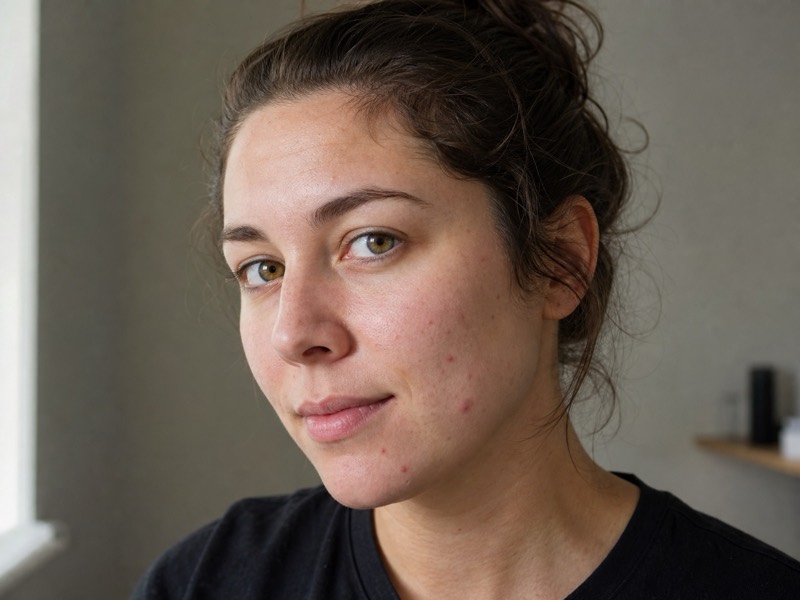
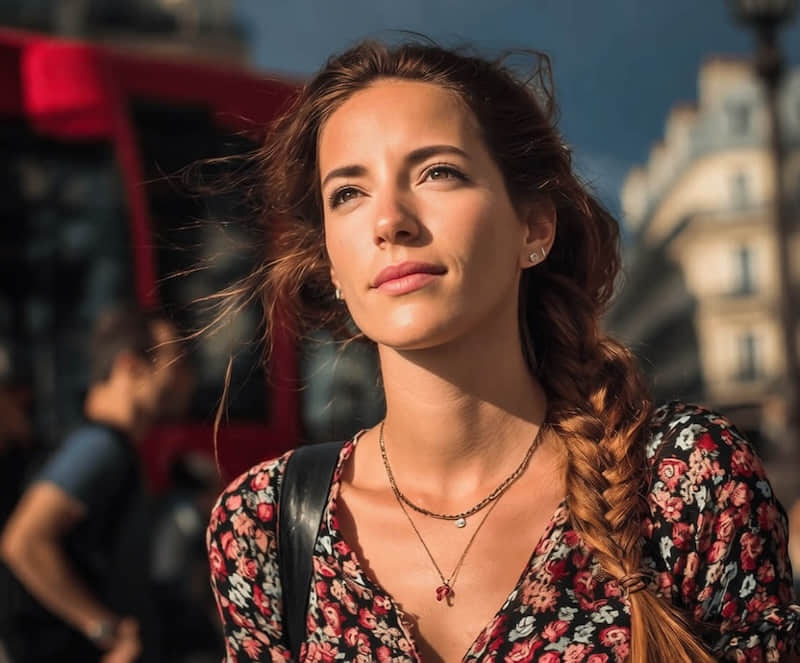
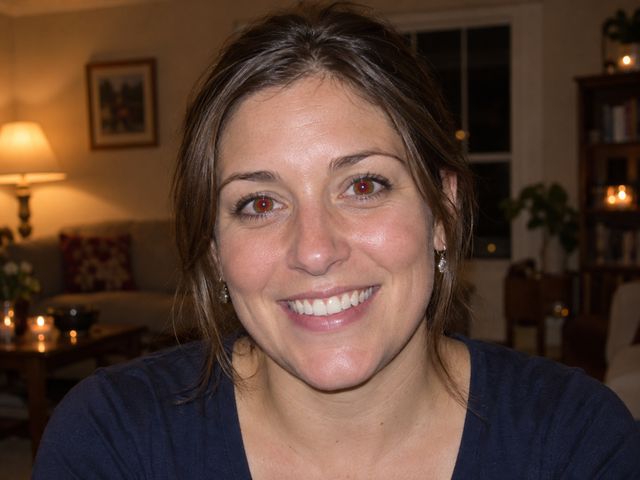
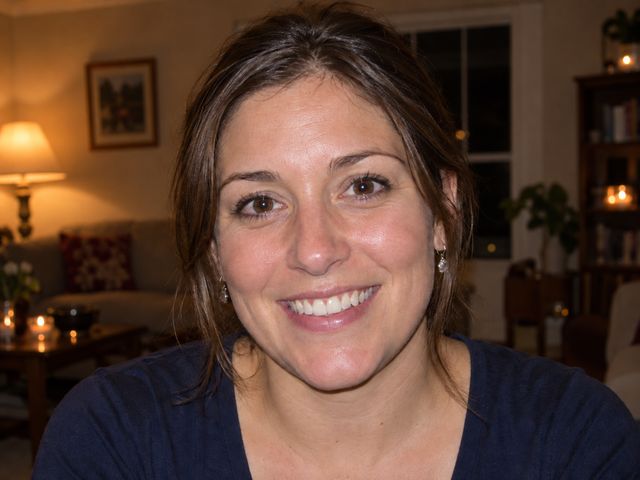
Correct red pupil reflections in a flash photo. Upload a clear portrait, review the correction in the editor, and compare both eyes with the original before saving your photo.
Open featureAll photo tools
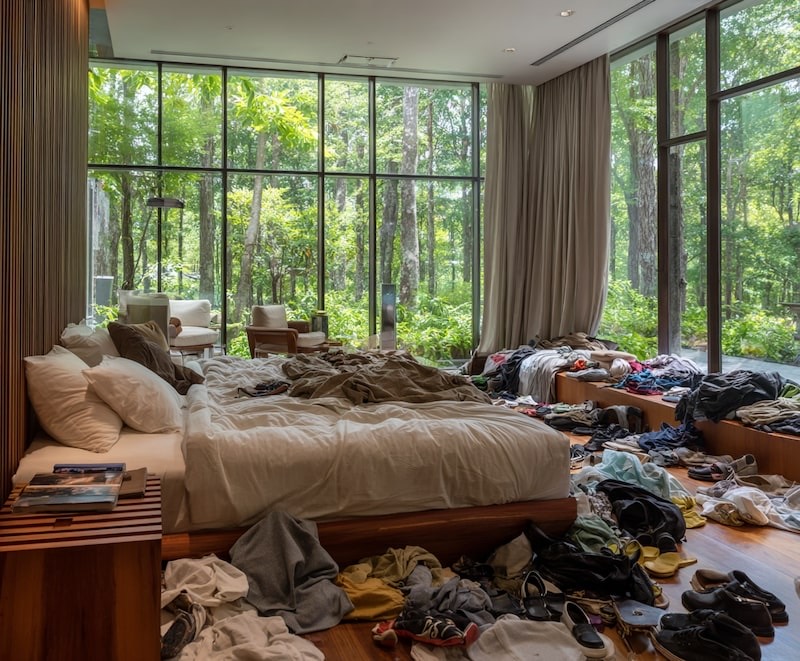
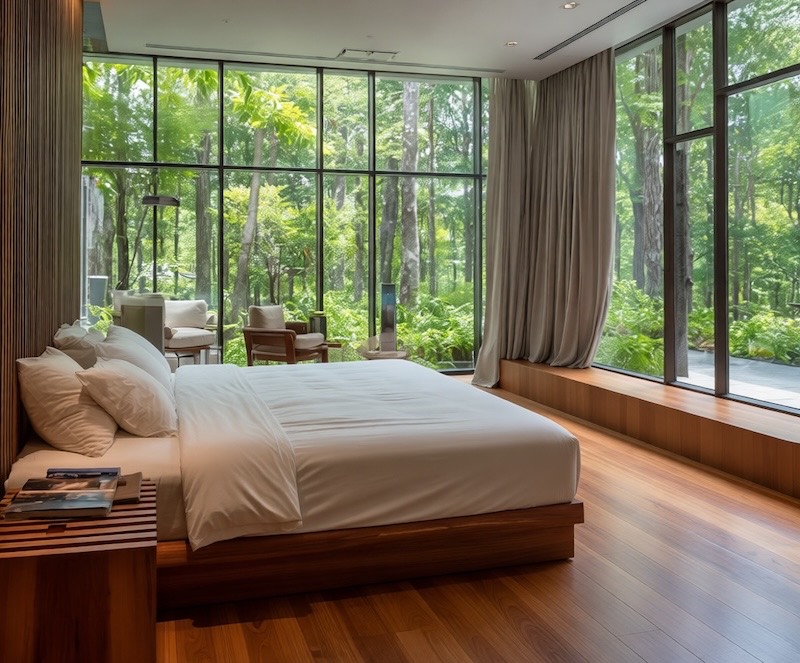
Start with the result you want. Compare real before-and-after examples, then open the focused tool made for that edit.
Recover detail, sharpen soft images, and refine portraits without rebuilding the photo.
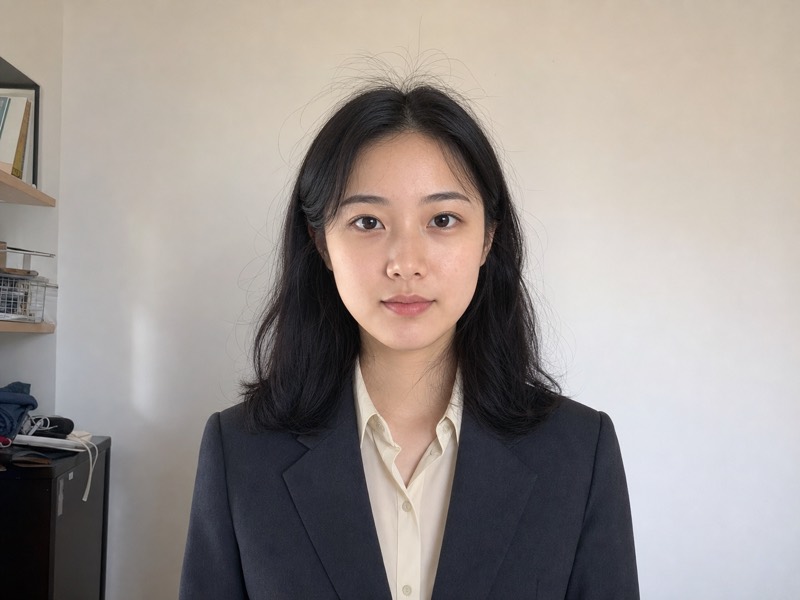
Correct red pupil reflections in a flash photo. Upload a clear portrait, review the correction in the editor, and compare both eyes with the original before saving your photo.
Open featureAdjust the difference between light and dark areas. Preview a stronger or softer contrast without changing the scene.
Open featureRecover cleaner edges and detail from a blocky image.
Open featureBring a soft photo back with clearer detail.
Open featureImprove existing letter edges without rewriting the words.
Open featureLift underexposed shadows while keeping the original scene natural.
Open featureLower photo brightness online and preview the change as you adjust it. Keep the same scene and choose how dark the result should be.
Open featureStraighten one photographed page and clean uneven light without rewriting its contents.
Open featureGive the full image one color mood while preserving texture and light.
Open featureReplace a sampled color while preserving transparent edges and shading.
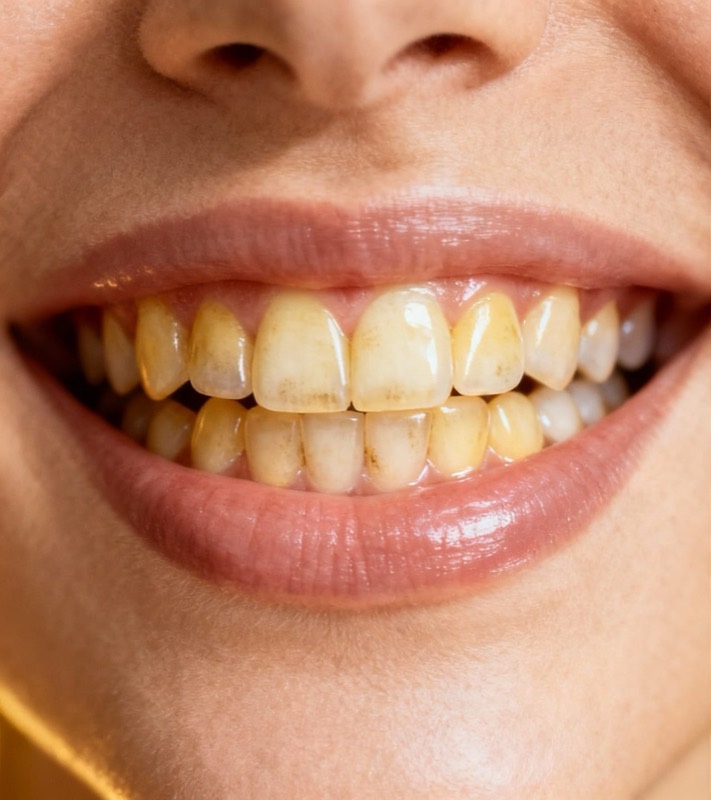
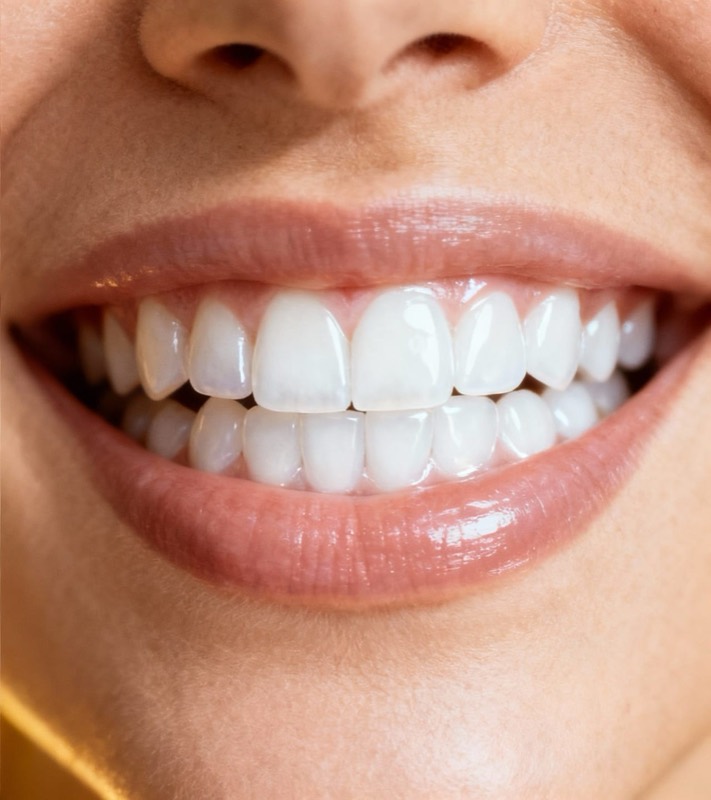
Open featureCorrect tooth color while keeping the smile natural.
Open featureTurn a clear portrait into a polished profile photo for work.
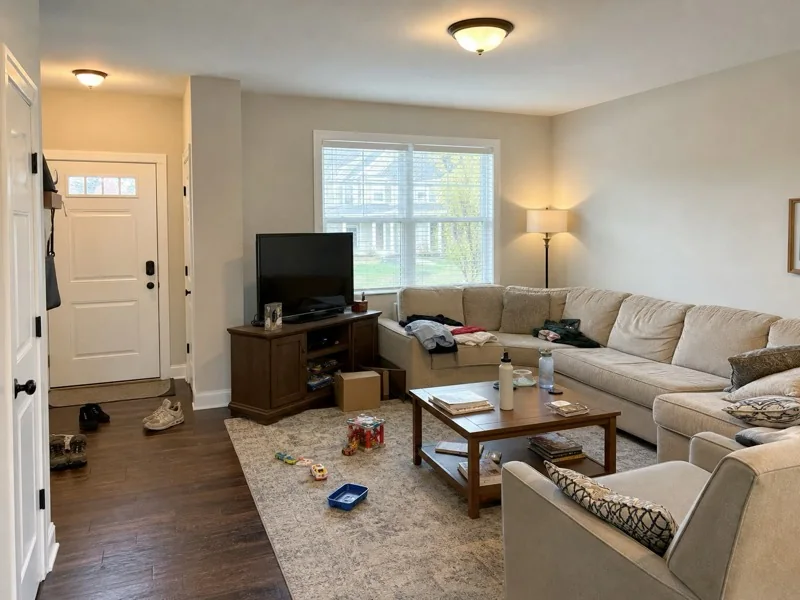
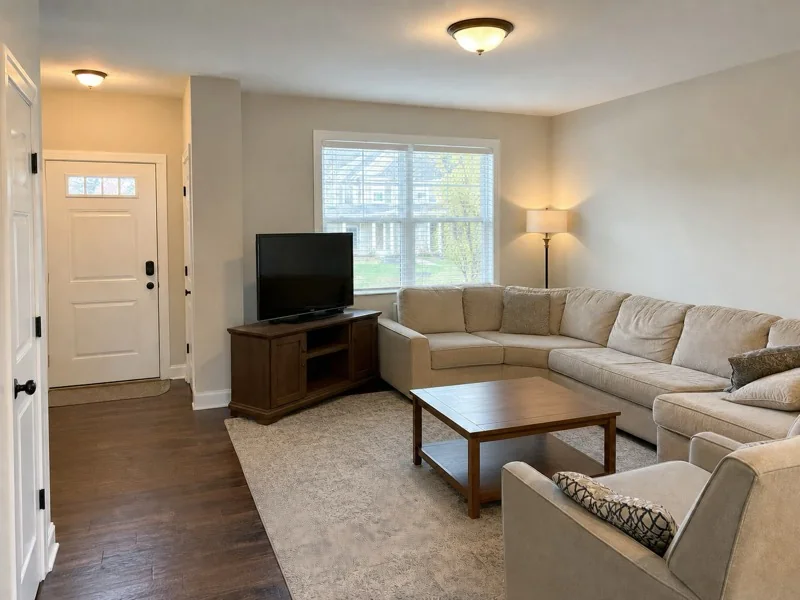
Open featureClean people, objects, text, shadows, and identifying details from the frame.
Pick one color and turn matching pixels transparent. Clean a flat background or isolate colored artwork without repainting the rest of your image.
Open featureClear unwanted people while keeping the place believable.
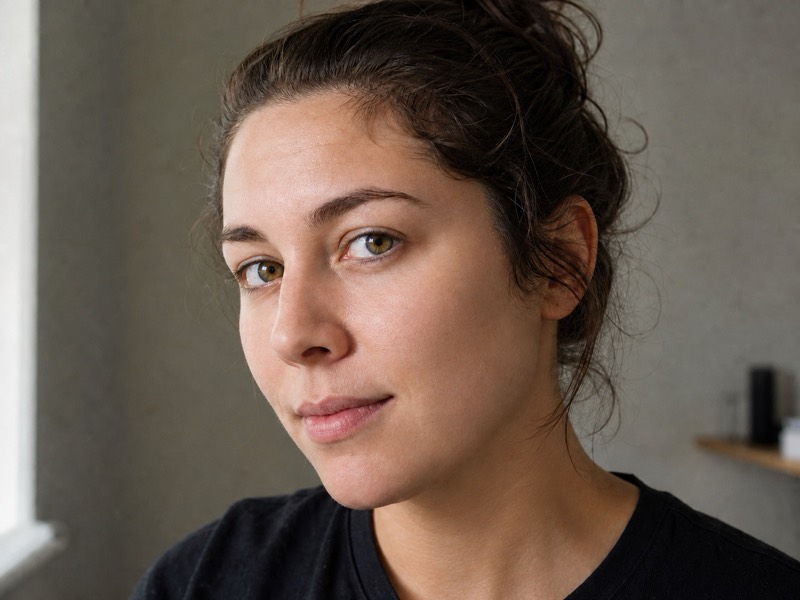
Open featureClean temporary spots while keeping natural skin texture.
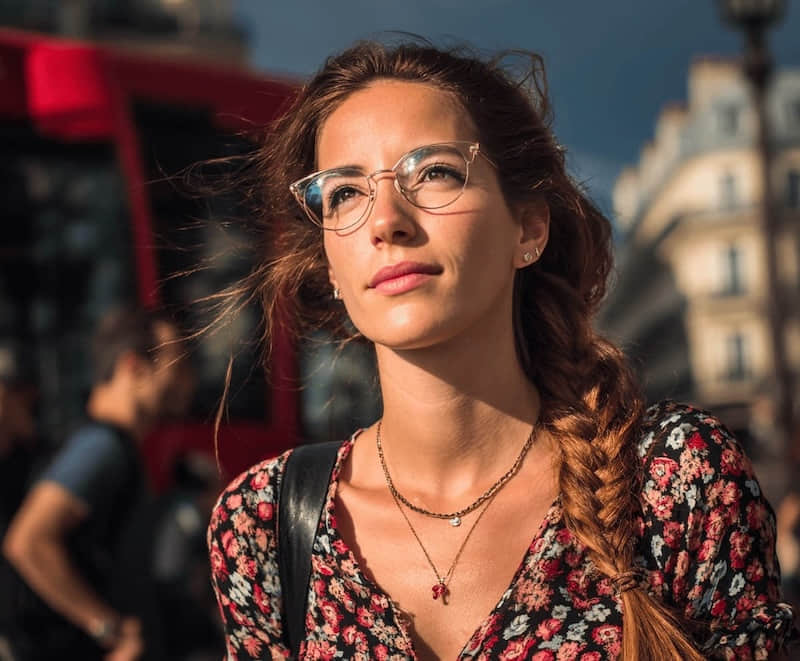
Open featureTake out glasses or sunglasses with a natural result.
Open featureKeep your subject. Clear the background. Upload a photo, review your cutout, and save a transparent PNG.
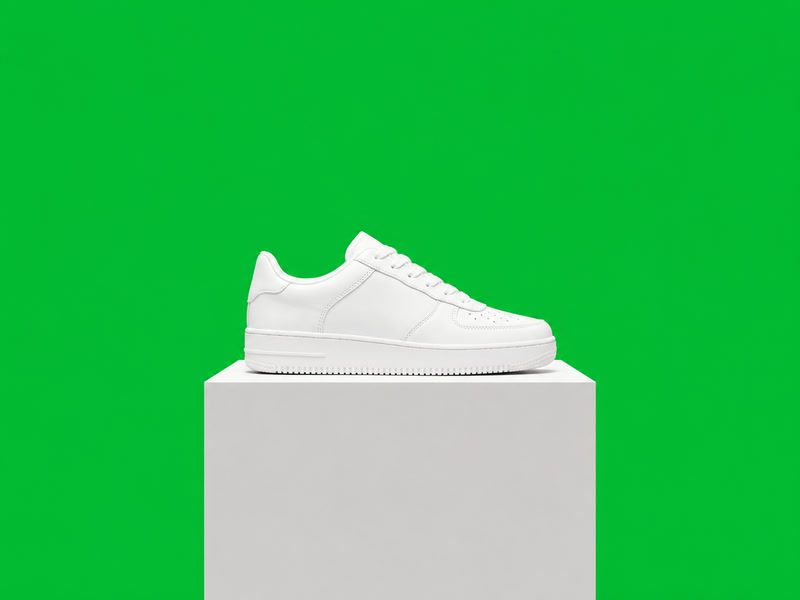
Open featureTurn a green-backdrop photo into a cutout. Compare white products, studio portraits and gaps between leaves before you upload your own.
Open featureLift distracting shadows while preserving natural light.
Open featureErase captions, labels, or words and rebuild the background.
Open featureClean a signature from an image you are allowed to edit.
Open featureHide visible identities while keeping the scene intact.
Open featureAdd crisp mosaic blocks to the full image or brush-painted areas.
Open featureFill an isolated person, pet, or object with one solid color.
Open featureRead the file, camera, capture, EXIF, and GPS information already stored in a photo.
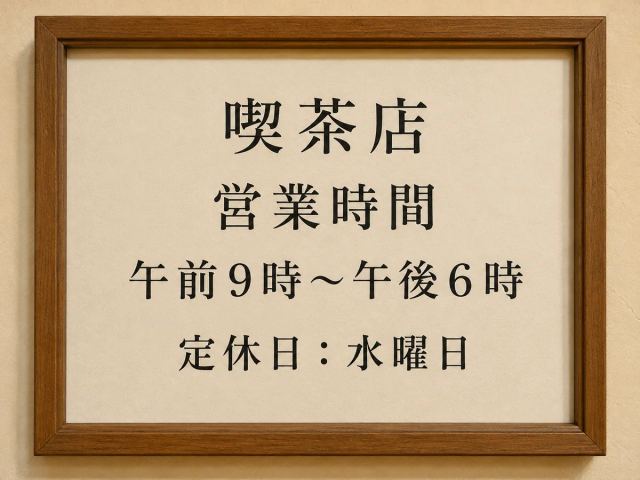
Select Japanese words in a photo and copy the recognized text. Move a menu, sign or screenshot into your notes without retyping every character.
Open feature
Inspect file, camera, capture, EXIF, and GPS details in a read-only panel.
Open feature
Strip EXIF and GPS locally before sharing a clean copy.
Open featureEdit screenshots, visible text, numbers, or dates, then add a date stamp or creative layer.
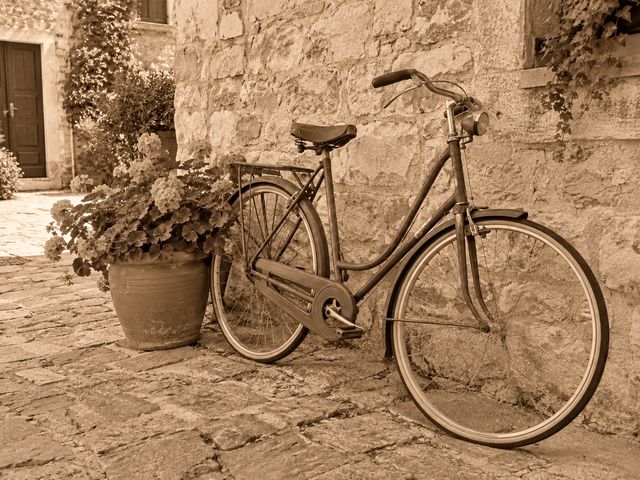
Give your photo warm brown tones with a sepia filter. Move the strength slider from a subtle tint to a stronger vintage look, compare the preview, and save the version you prefer.
Open featureGive your photo a curved, wide-angle look. Choose a gentle or stronger fisheye effect, then compare how it changes the scene. Centered subjects and clear background lines make the effect easier to see.
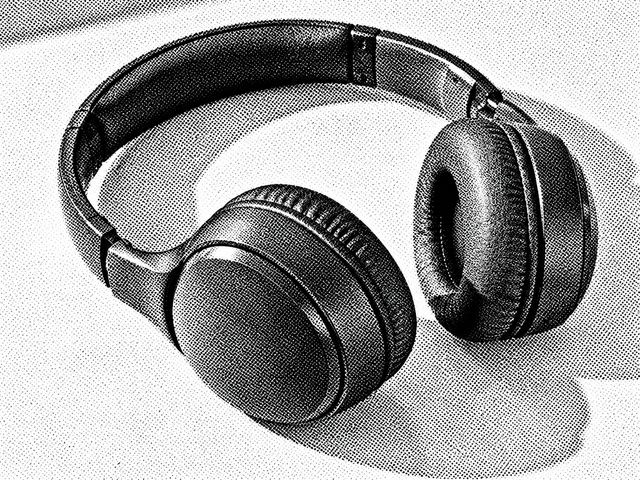
Open featureCreate a black-and-white dotted print effect from your photo. Choose fine, medium or coarse dots and review the result in the editor.
Open featureMake a person, pet or product stand out with a colored outline. Choose the stroke color and thickness in the editor, then review the result with your original background kept in place.
Open featureRemove color while keeping the light, texture and composition of your photo. Adjust the strength and save a PNG.
Open featureCrop your photo for a profile in the editor. Position the subject and choose a square or custom size.
Open featureMirror a photo left to right or turn it top to bottom. Preview the direction and download a PNG at the original dimensions.
Open featureOpen a JFIF photo and download a newly encoded JPG for sites that expect a .jpg file. PNG and WebP inputs work too.
Open feature
Turn photos of notes, receipts and printed pages into one document. Arrange the pages, check the preview and download a PDF.
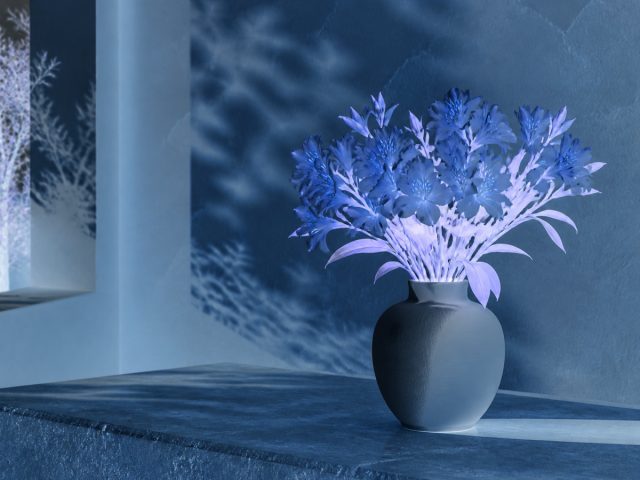
Open featureTurn a photo into its color negative with exact RGB inversion. Preview the result without changing the crop or transparency.
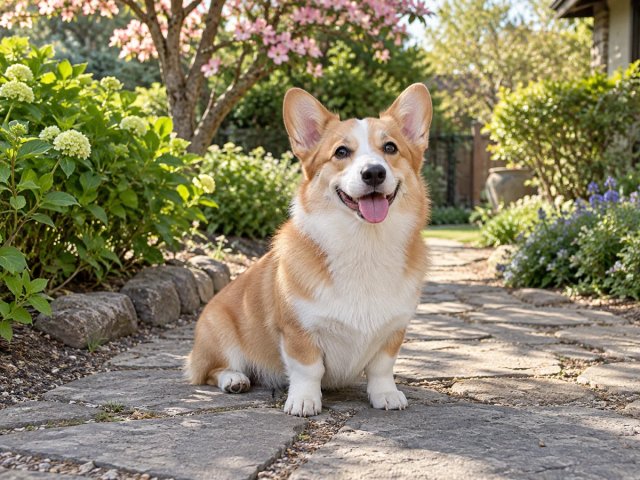
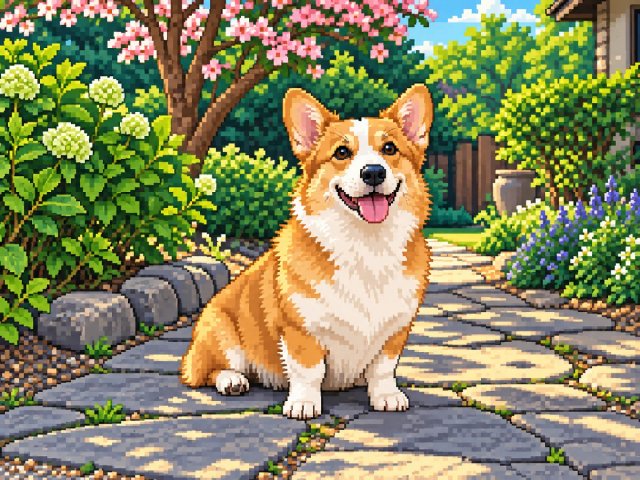
Open featureReimagine a portrait, object or landscape as retro pixel artwork. Upload your photo and review the AI interpretation before saving. Your source guides the composition, while small details may change.
Open featureMake an image wider or taller by setting its width and height separately. Turn on Keep proportions when you want a proportional resize. Preview the shape before saving your result.
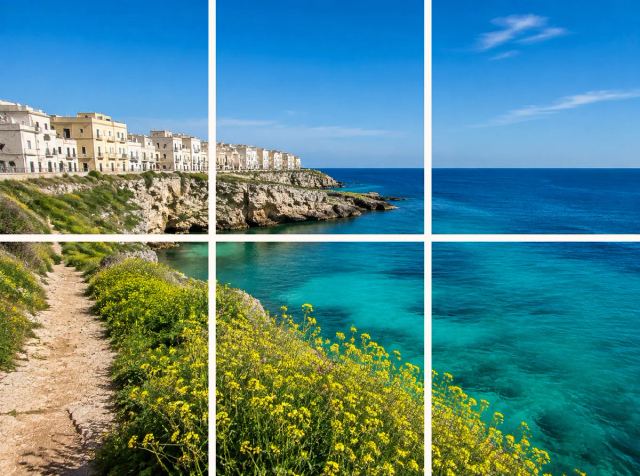
Open featureCut a photo into rows and columns, then edit each piece on the canvas. Download individual tiles for layouts, presentations or image sequences.
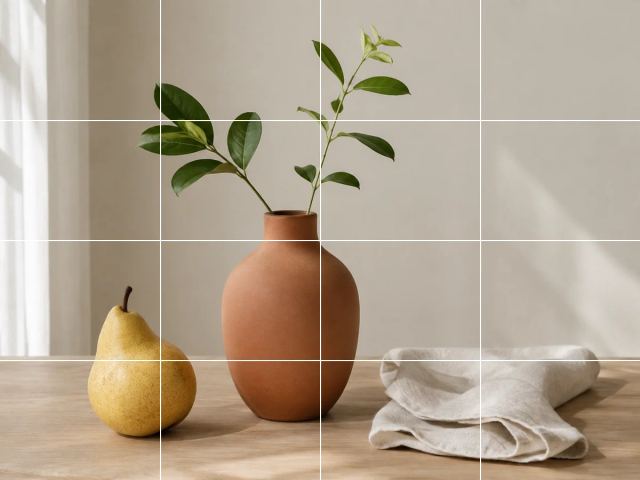
Open featureTurn a photo into a drawing reference with a visible grid. Choose rows, columns and line color, then compare proportions one cell at a time.
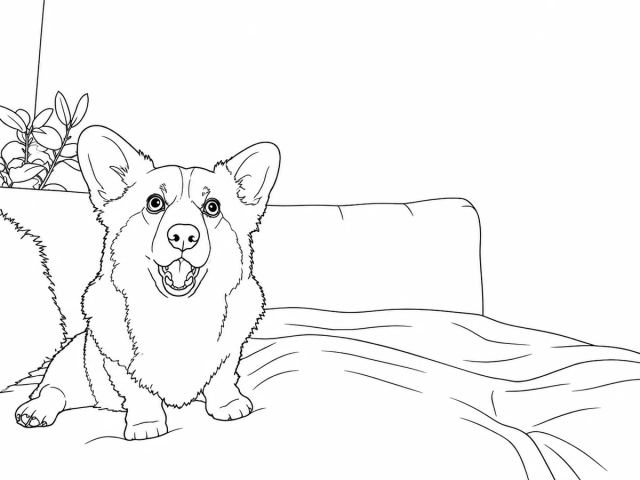
Open featureMake a printable coloring page from a pet, flower or familiar scene. Convert your photo into black outlines on white, then review the shapes before printing.
Open featureChange visible text, numbers, or dates without rebuilding the interface.
Open featureEdit existing text in screenshots, PNGs and graphics. Select the words you want to change, then adjust the font, size, weight and position on the canvas.
Open featureStart a meme with an editable bubble and separate text layer.
Open featureUpdate wording while preserving the original layout and style.
Open featureChange the background, crop to official sizes, and remove portrait distractions.
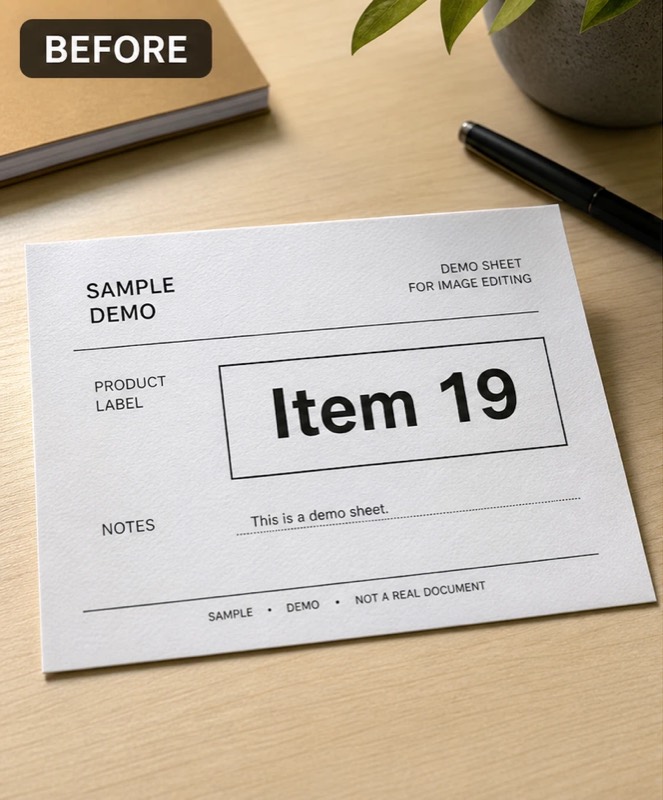
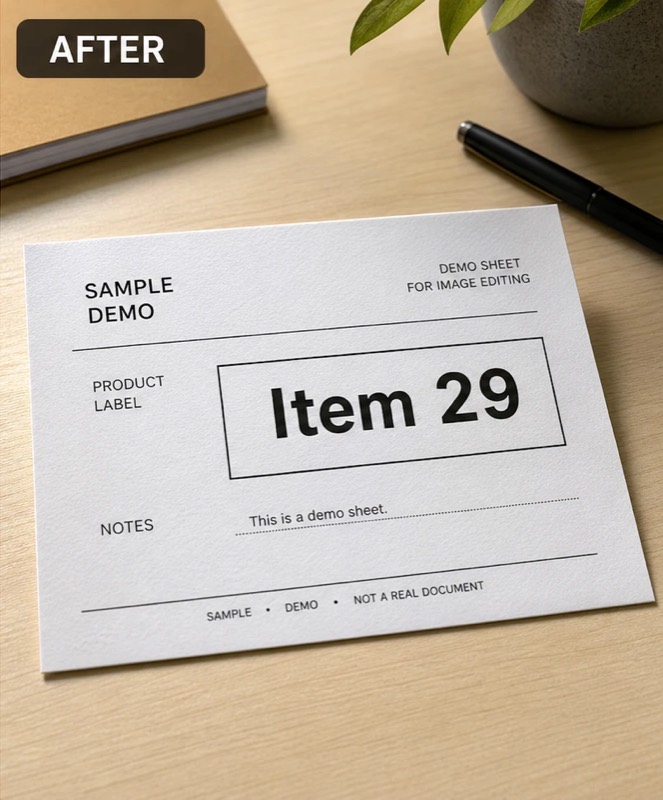
Open featureReplace a visible number without rebuilding the whole design.
Open featureReplace a visible date while preserving its original style and layout.
Open featurePlace a polished date and optional address on the image in your browser.
Open featureTurn a clean image into a playful, shareable design.
Open featureArrange 2–9 transparent PNG files as editable layers on one canvas.
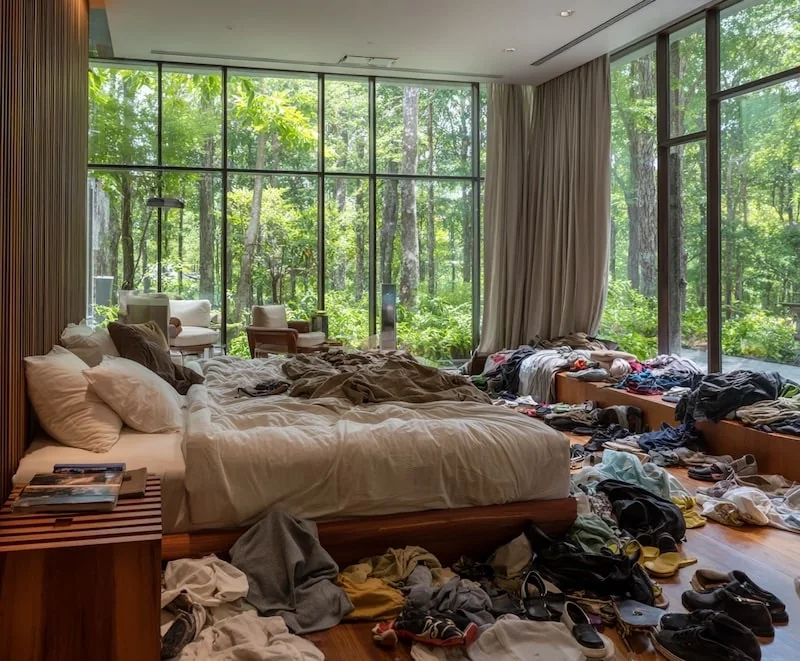
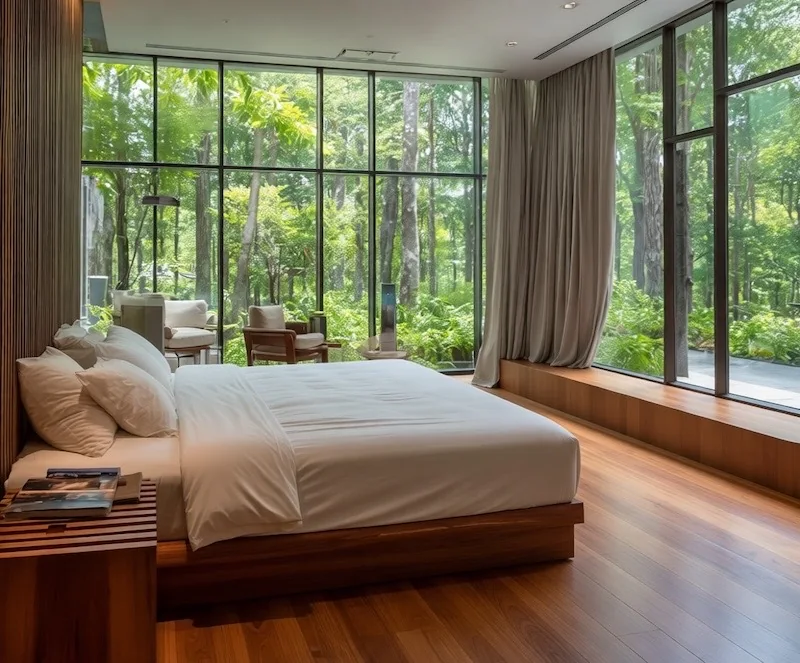
Open featurePrepare listing images with cleanup, lighting, staging, decluttering, and batch workflows.
Handle cleanup, staging, light, and listing polish together.
Open featureImprove light, clarity, and presentation without over-editing.
Open featureClear visual mess while preserving the property itself.
Open featureClean and review a full photo set in one workflow.
Open feature