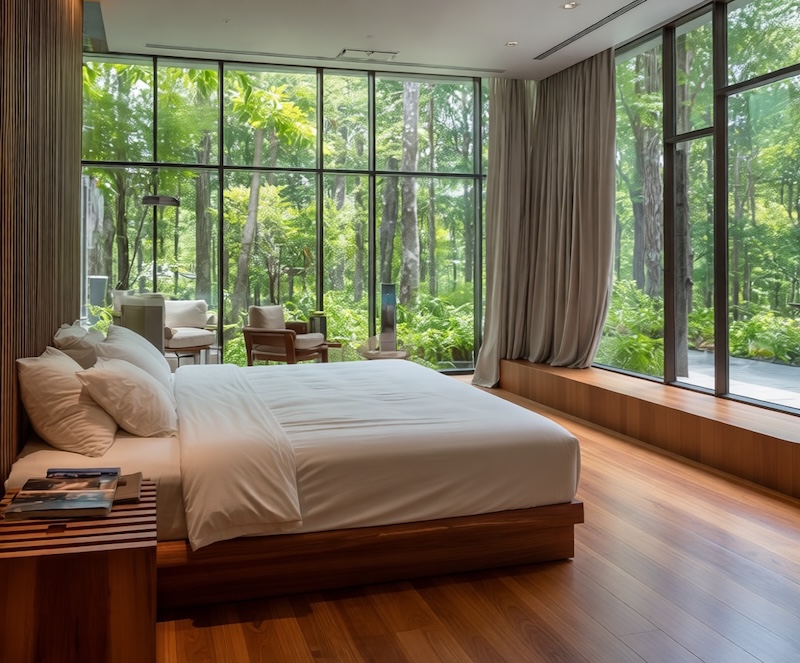
Declutter before the shoot
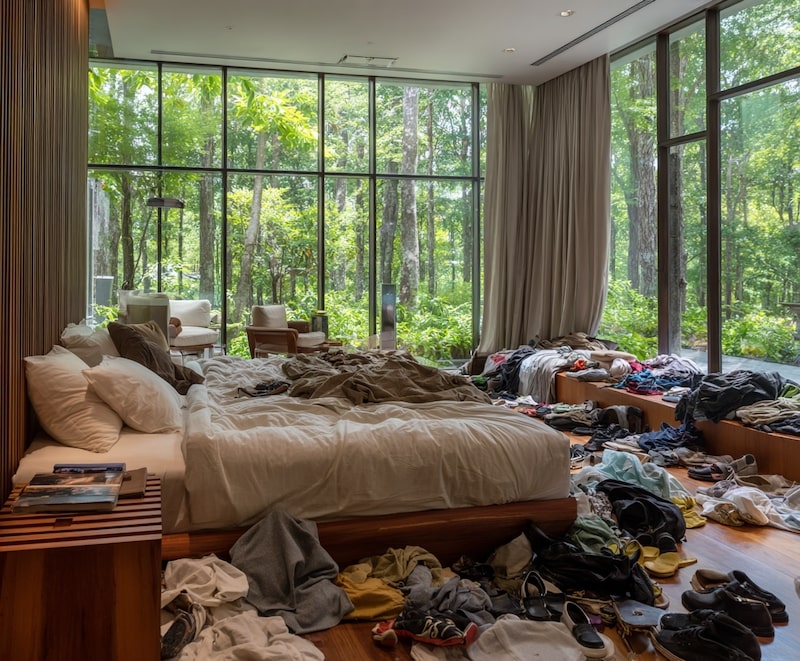
Move boxes, laundry, toiletries, loose cables and personal items when you can access the room. The camera then records the real space cleanly.
Remove temporary room clutter, moving boxes, cords, personal items and small listing distractions from property photos. ClearCrowds gives agents, owners and photographers a fast real estate photography declutter workflow when the source image is already usable.
Drag & drop or click to upload
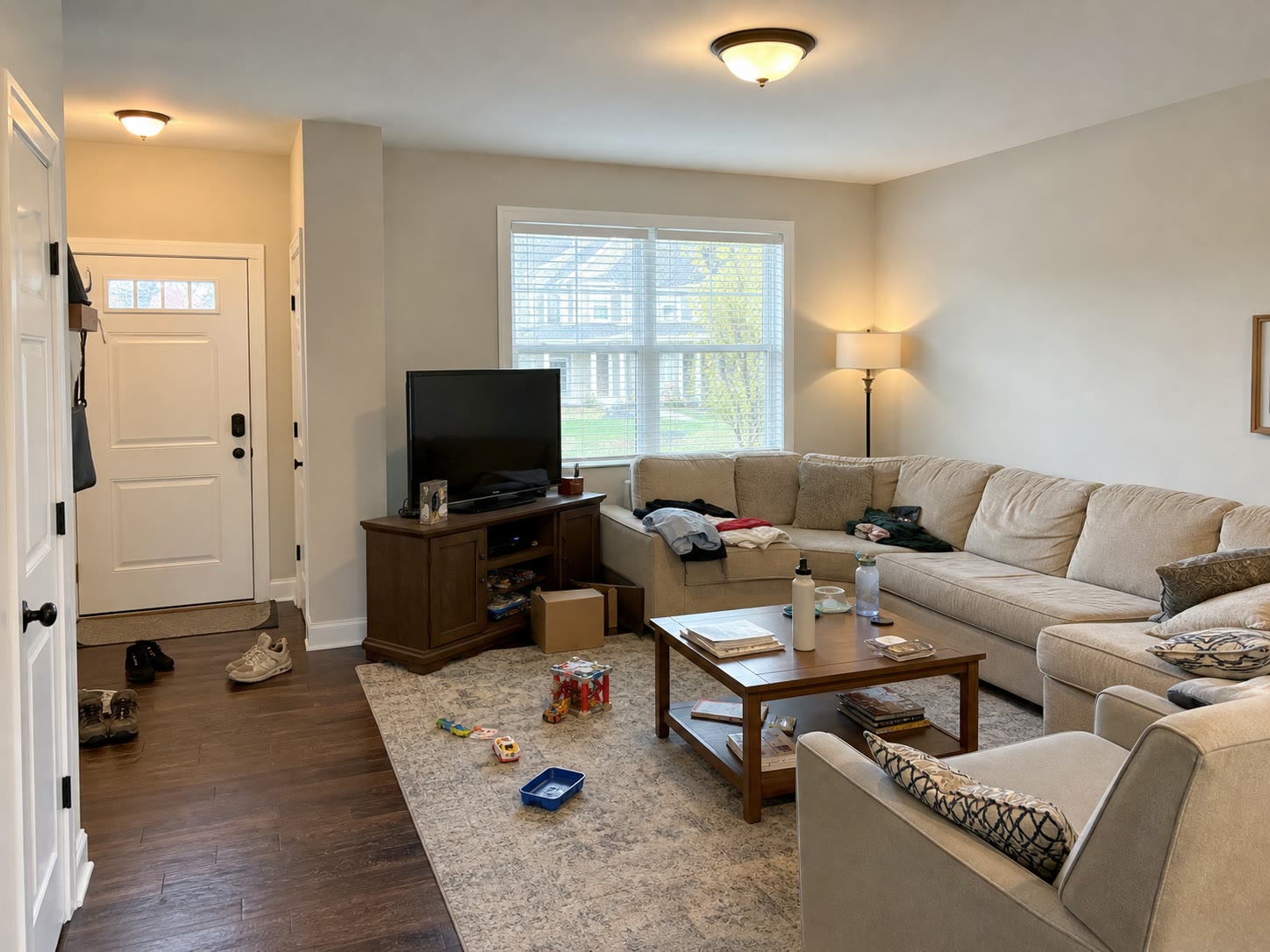
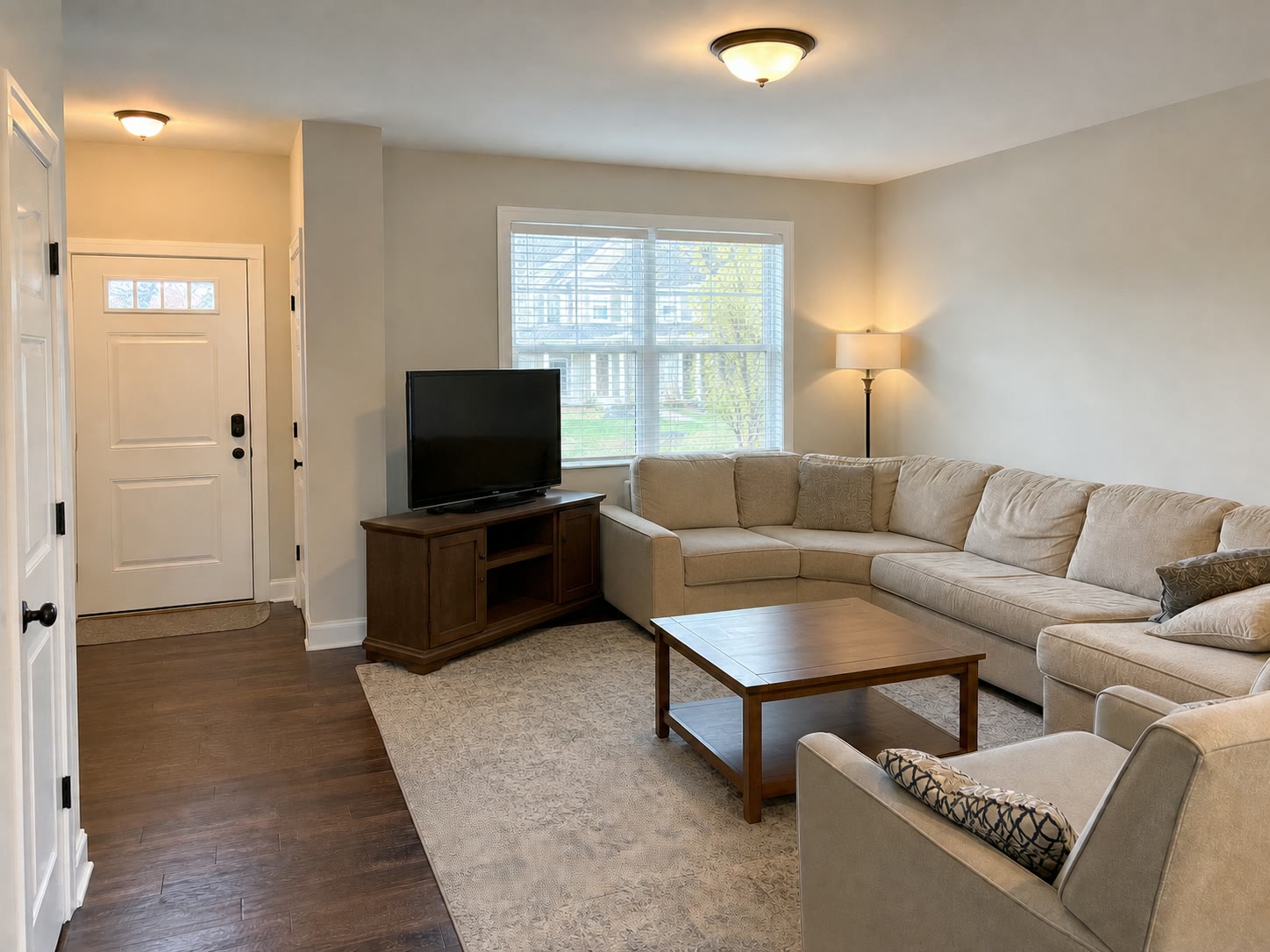
Real estate photo declutter before and after
Designed for real estate teams
Remove boxes, cords, toys, bathroom bottles, clothes, bags and small staging distractions while keeping lighting natural.
Use cleanup for temporary objects, not damage, structural issues, fixtures, room size, views or anything buyers need to see.
Use the same AI room declutter flow for Airbnb, vacation rentals, homeowner photos and short-term rental galleries.
Compare the before and after, fine-tune in the editor, then export clean photos for listing pages, MLS and marketing materials.
Start with physical decluttering whenever the property is accessible. Use AI after the shoot for small temporary distractions, and reshoot when cleanup would hide condition or require too much reconstruction.
Move boxes, laundry, toiletries, loose cables and personal items when you can access the room. The camera then records the real space cleanly.
Use AI for small temporary objects in an otherwise usable listing photo. Compare the before-and-after and keep fixtures, layout, views and defects visible.
Take a new photo when clutter covers damage, large areas, important edges or anything buyers need to judge.
From cluttered room to market-ready photo in three steps
Start from a living room, kitchen, bedroom, bathroom, rental or Airbnb image that already shows the real space.
ClearCrowds detects common listing distractions and rebuilds clean wall, floor and fabric textures around the selected area.
Review the original next to the edited image, keep property facts visible, then export for your listing workflow.
Built for every real estate workflow
Clean small listing distractions quickly when a seller, tenant or moving day left the room visually messy.
Remove temporary personal items before renting or selling, while keeping the actual room condition visible.
Use AI for first-pass clutter removal, then spend manual time only on hard edges, reflections and final QA.
Cost and service comparison
Some listing photos need a human editor. Many everyday cleanup jobs only need a fast AI preview, especially when the goal is to remove temporary clutter without changing the property.
Best when the photo is already well lit and the clutter is temporary, contained and not hiding property defects.
Best for premium listings, large batches and anything that requires careful manual judgment.
Use this when cleanup would change buyer expectations or rebuild too much of the room.
ClearCrowds is not a way to hide defects. Use it for temporary visual clutter, then review the original and edited image before publishing.
Cleaner room photos, faster review cycles and fewer tiny cleanup requests for common listing image problems.
Decluttered rooms help viewers focus on space, light, and layout instead of personal items.
Automate common cleanup tasks so editors can spend more time on composition, lighting, and final review.
Use the same upload and preview flow across agents, owners, rentals, and listing teams.
Quick answers for agents, photographers, owners and rental teams comparing AI cleanup with editing services.
Use these pages to match the searcher's exact job: cost comparison, broad room declutter, Airbnb expectations or the preset itself.
Compare AI cleanup, human editors and reshooting for different listing-photo problems.
A broader guide for listing-safe cleanup, with moving boxes treated as one example.
Open the preset for clean room photo, AI room declutter and before-and-after workflows.
Quick edits. Professional results.
Upload a cluttered room and compare the before-and-after result before you export a market-ready listing image.
Drag & drop or click to upload