
Make your JFIF photo a JPG
Open a JFIF photo and download a newly encoded JPG for sites that expect a .jpg file. PNG and WebP inputs work too.
JPG, PNG, WebP or JFIF · One photo, up to 20 MB and 24 megapixels
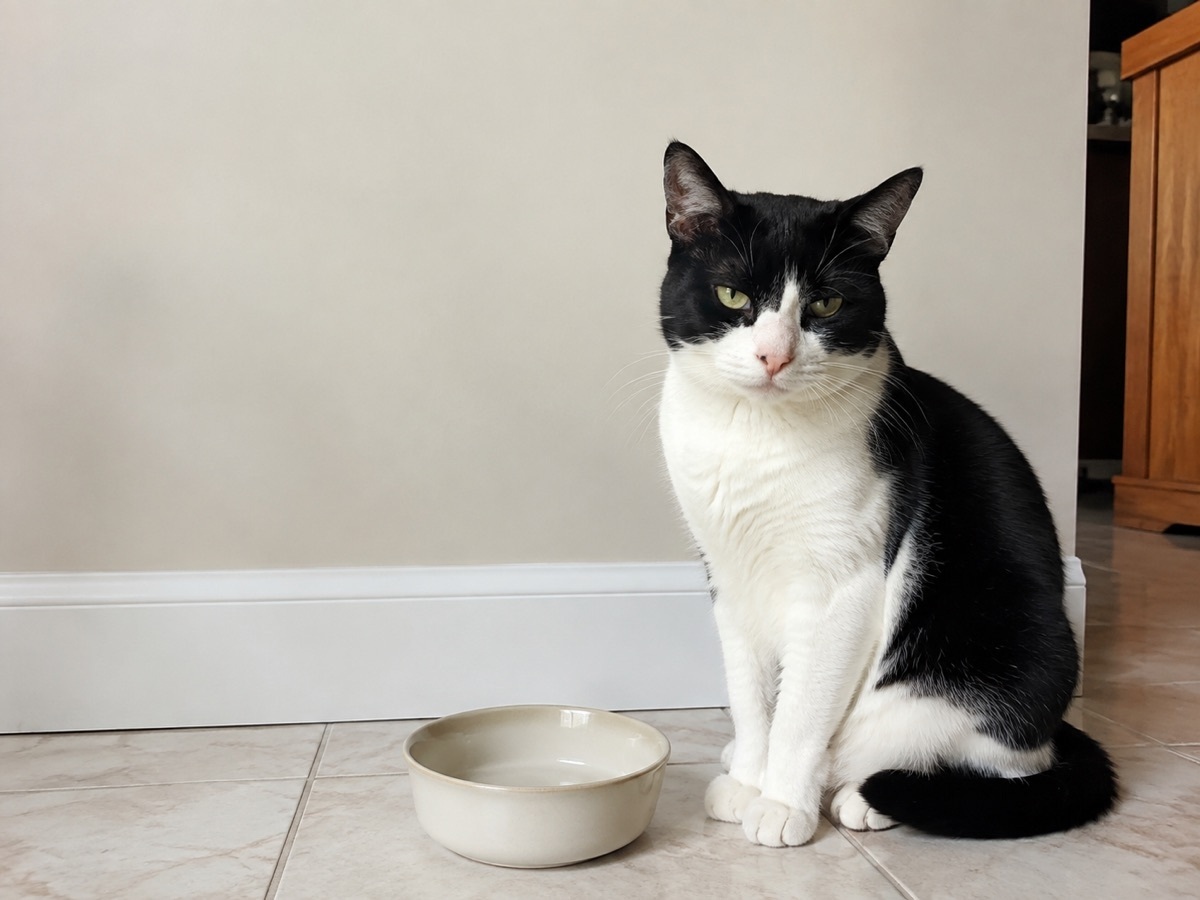
Preview the photo before converting
The output keeps the decoded image dimensions and uses JPEG quality 94%. Transparent areas become white. The photo itself stays in the same orientation.
- JFIF / JPG / PNG / WebP
- → JPG
- JPEG
- 94%
How to use this tool
Choose a photo
Choose a photo or try the sample. Check the preview before saving.
Preview the photo before converting
The output keeps the decoded image dimensions and uses JPEG quality 94%. Transparent areas become white. The photo itself stays in the same orientation.
Download
Check the result, then download the new file. Your original stays unchanged.
Your questions, answered
Is this just renaming the file?
No. The browser decodes the image and writes a JPEG file. Re-encoding may introduce small compression changes, and original metadata is not preserved. Check the result before sharing.
Does this upload my photo?
These edits run in your browser. The tool does not upload your photo for processing.