


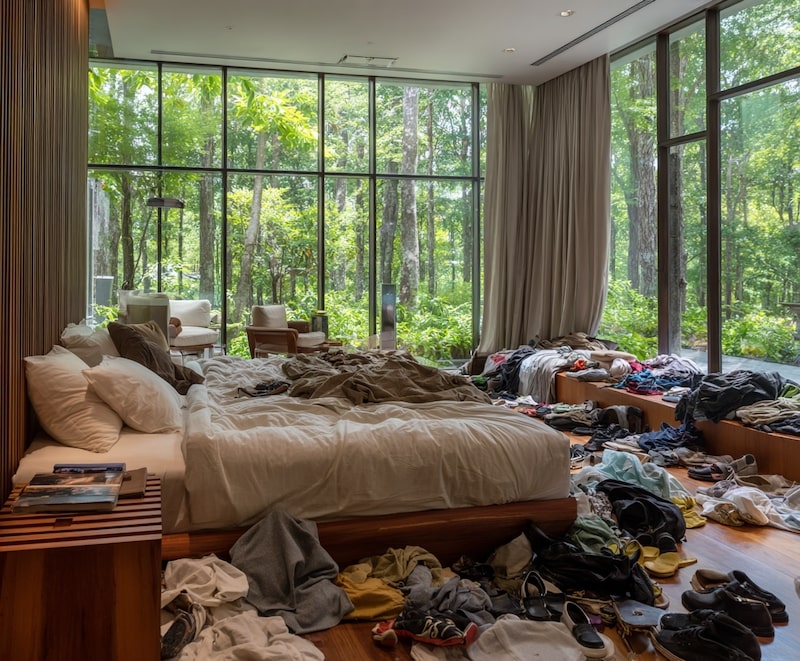
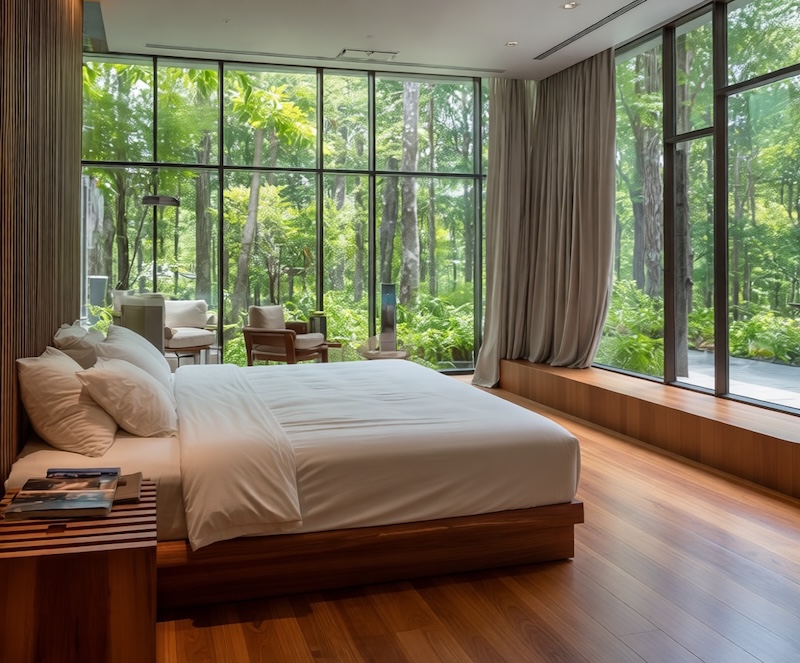
Declutter a room photoClear visual mess while preserving the property itself.
AI People RemoverRemove people from
Remove people from
your photos
Remove unwanted people from photos, from a single photobomber to a crowd of tourists. Keep the people you want and compare the result before you export.
- Remove background people, tourists and photobombers
- Keep the main subject and scene in view
Upload a photo
or drop a file here
Travel portraits


PreviewBefore export
How to remove people from photos
Remove unwanted people in 3 simple steps
1
Upload your photo
Drop any photo with crowds, tourists or background distractions.
Works with JPG, PNG & WebP
2
Choose what to remove
Start with crowd removal, then use a more targeted edit if the main subject or a difficult edge needs extra control.
Review the target
3
Download spotless result
ClearCrowds fills in the missing background with realistic detail. Ready to post.
High-resolution export
Use Cases
Remove background people from your favorite photos
Travel portraits
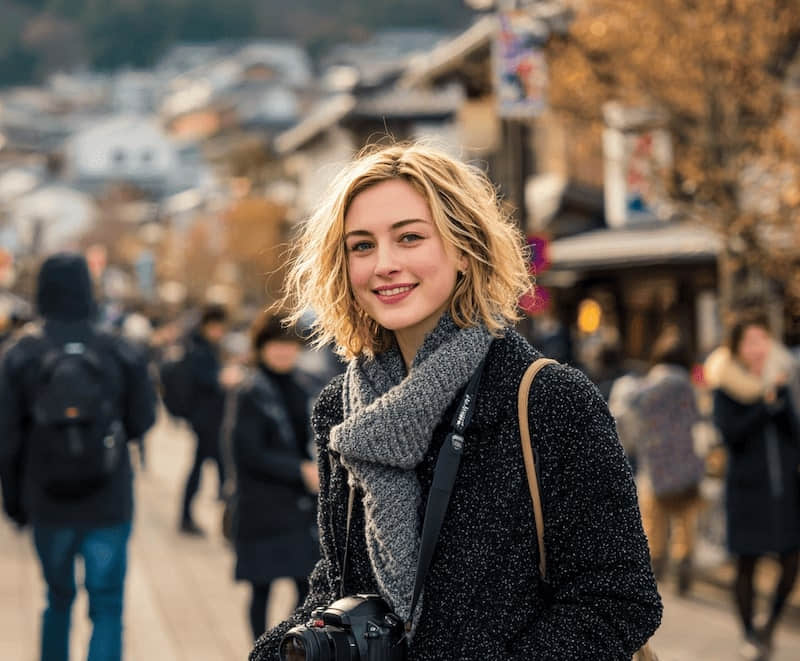
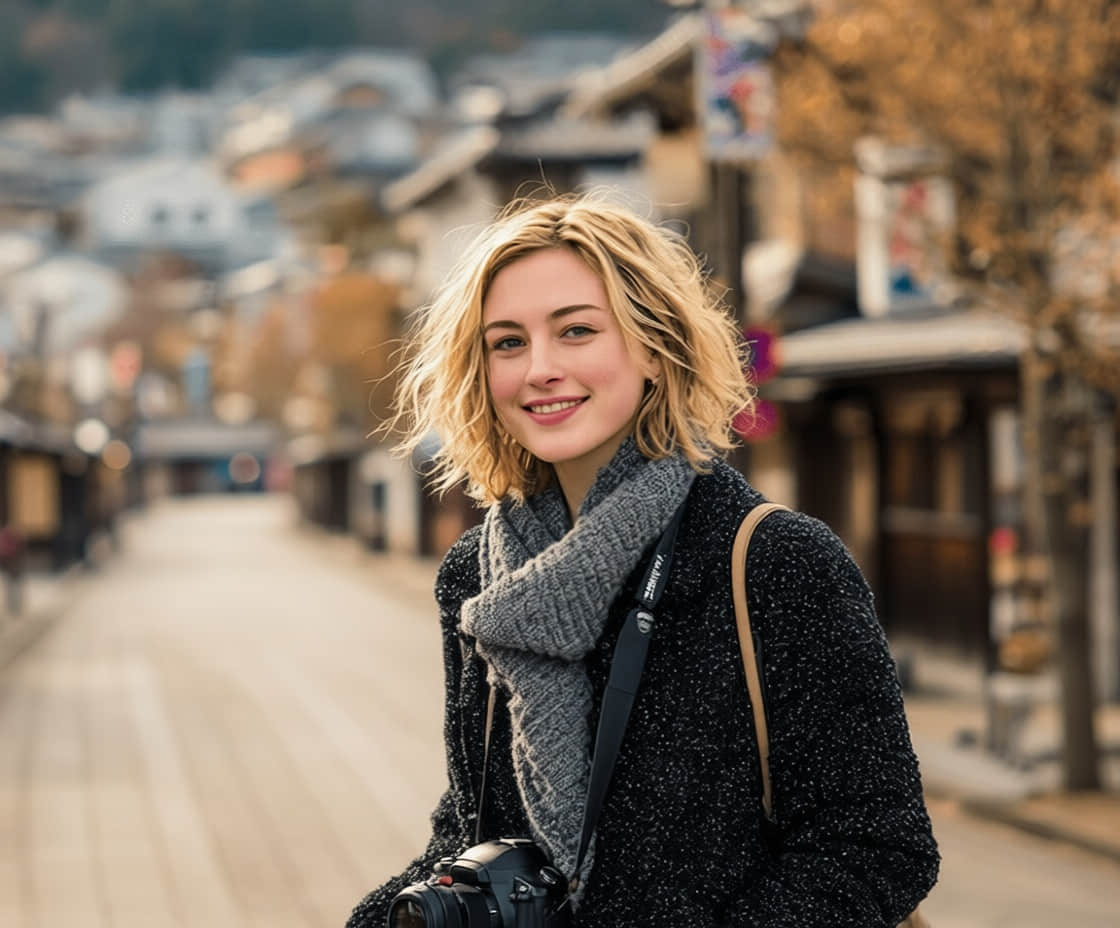
Remove tourists behind your subject while keeping the street, buildings, and foreground portrait in place.
City trips with friends
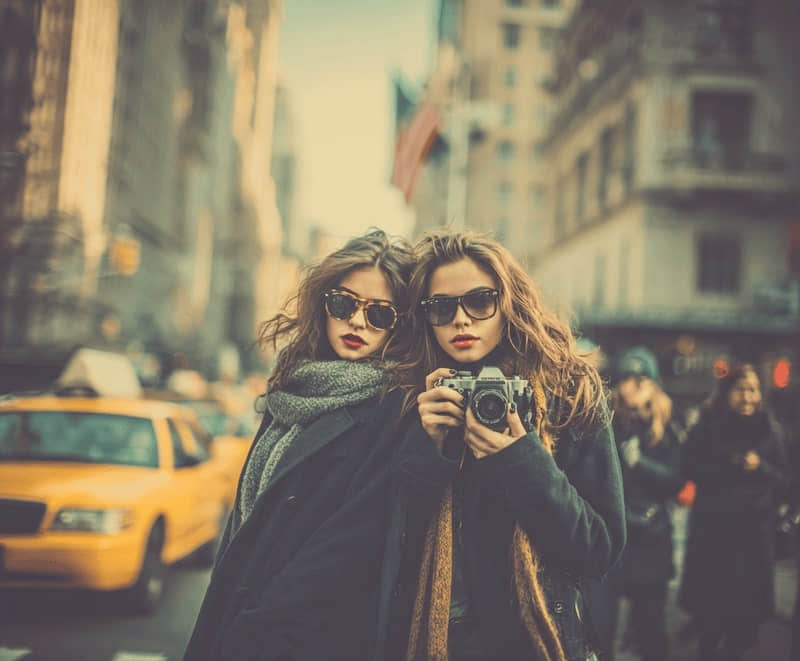
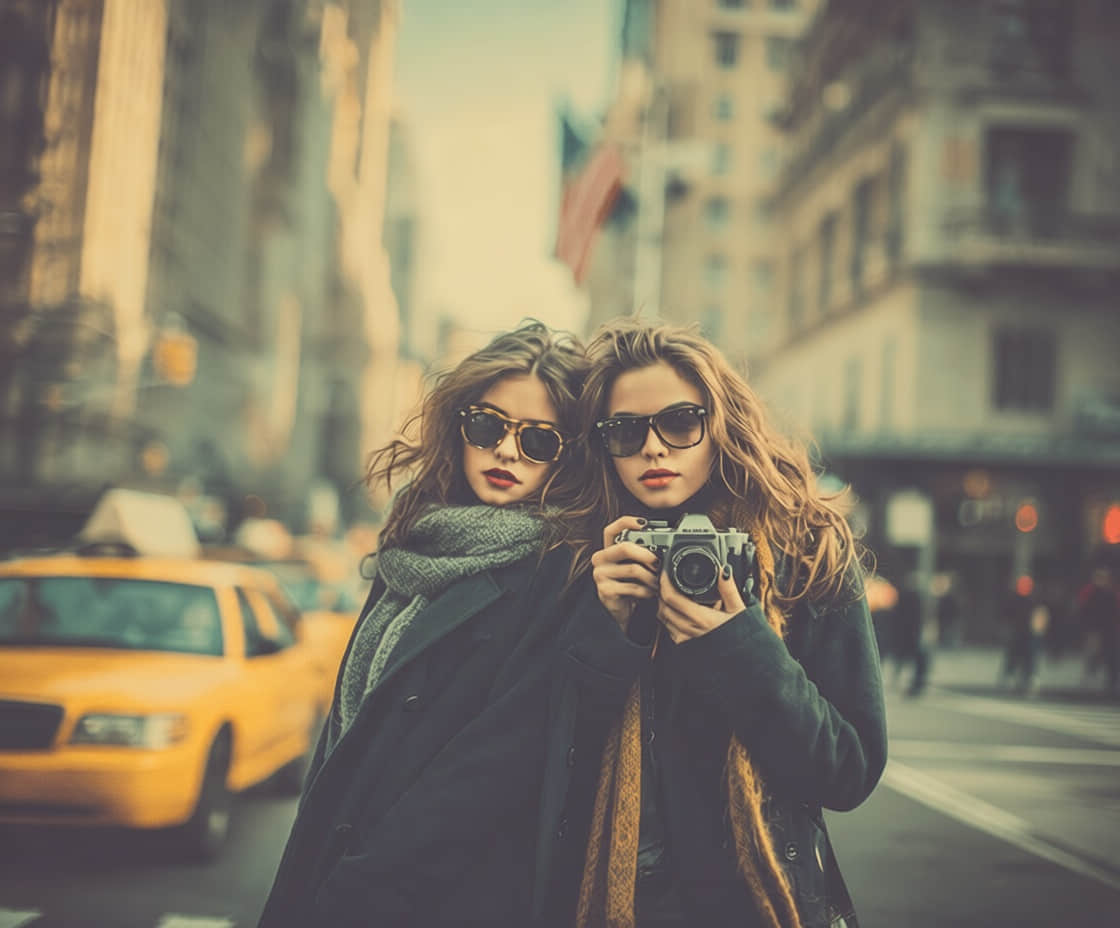
Keep both friends in the photo and remove passers-by behind them. Review hair and shoulder edges before sharing.
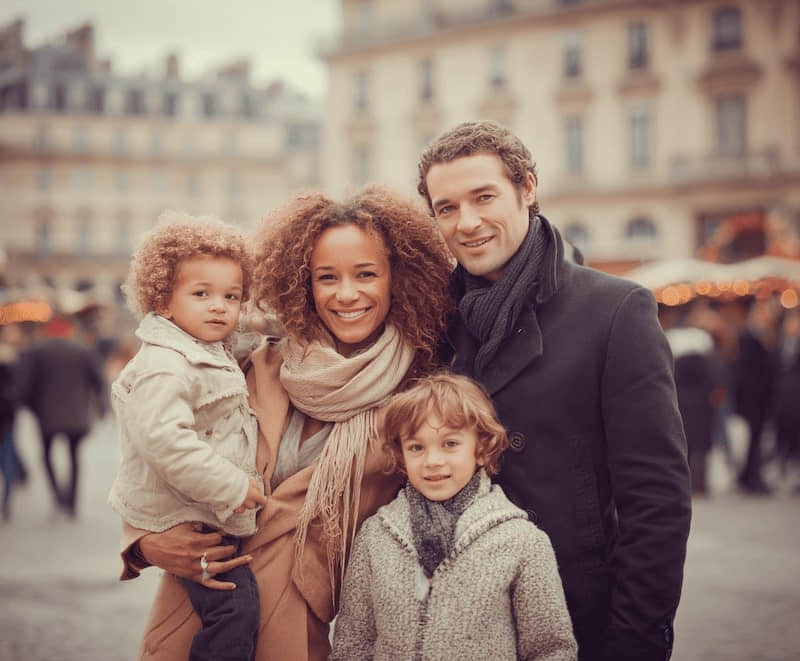
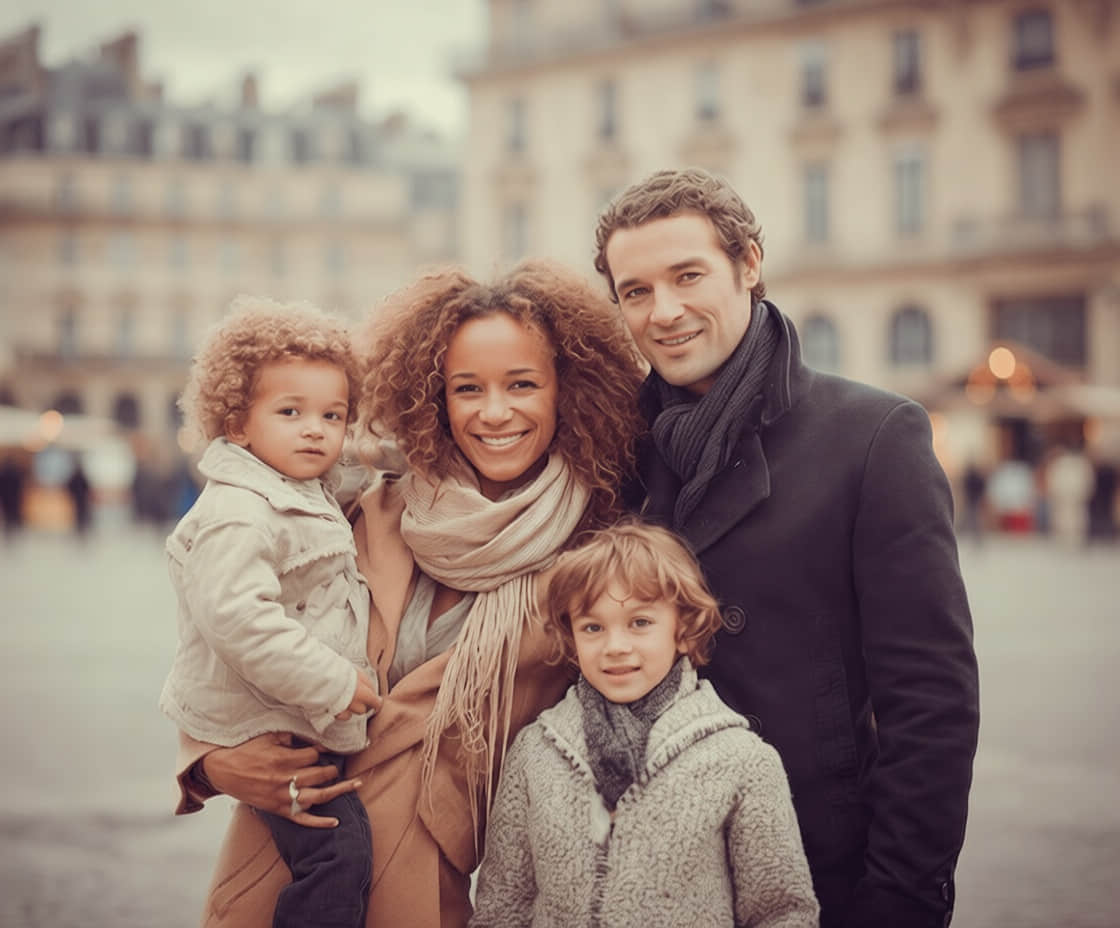
Family photos
Clear background strangers from a family photo without removing the people you want to keep.
Station portraits
Remove commuters behind a station portrait while keeping the subject and platform setting.
Generative AIContext-aware fill
Lighting match
Preserves shadows
Why the result looks so natural
Unlike simple clone stamps, our AI understands the 3D structure of your image to fill in the gaps intelligently.
Preserves Lighting & Perspective
Shadows, reflections, and depth of field are maintained so the edit blends seamlessly.
Recreates Textures
Generates missing details like brick walls, grass patterns, ripples in water, or sky gradients.
Clean Edges
Complex boundaries around hair, clothing, and foreground objects remain sharp.
Feature Highlights
Focused controls for removing unwanted people while keeping the result easy to compare with the original.
One-tap crowd removal
Smart detection of people, signs, wires and background clutter.
Keep what matters
Lock important subjects so our AI never removes you or your friends.
HD Export
Use the current app export options for online stores, portfolios and light printing.
Works anywhere
Use ClearCrowds in your browser on desktop, tablet or phone.
Fast by design
Many straightforward cleanup tasks can be previewed quickly in the browser.
Removing people from photos: FAQ
Yes. Open the photo in the editor and use a targeted edit to specify the person you want removed. For several unwanted background people, start with crowd removal. Compare the result and check that everyone you want to keep is still in the photo.
More ways to perfect your photo
Quick edits. Professional results.



Ready to remove unwanted people?
Upload a photo that's almost perfect, we'll take care of the people in the background. No account required to start.
Upload a photo
or drop a file here