
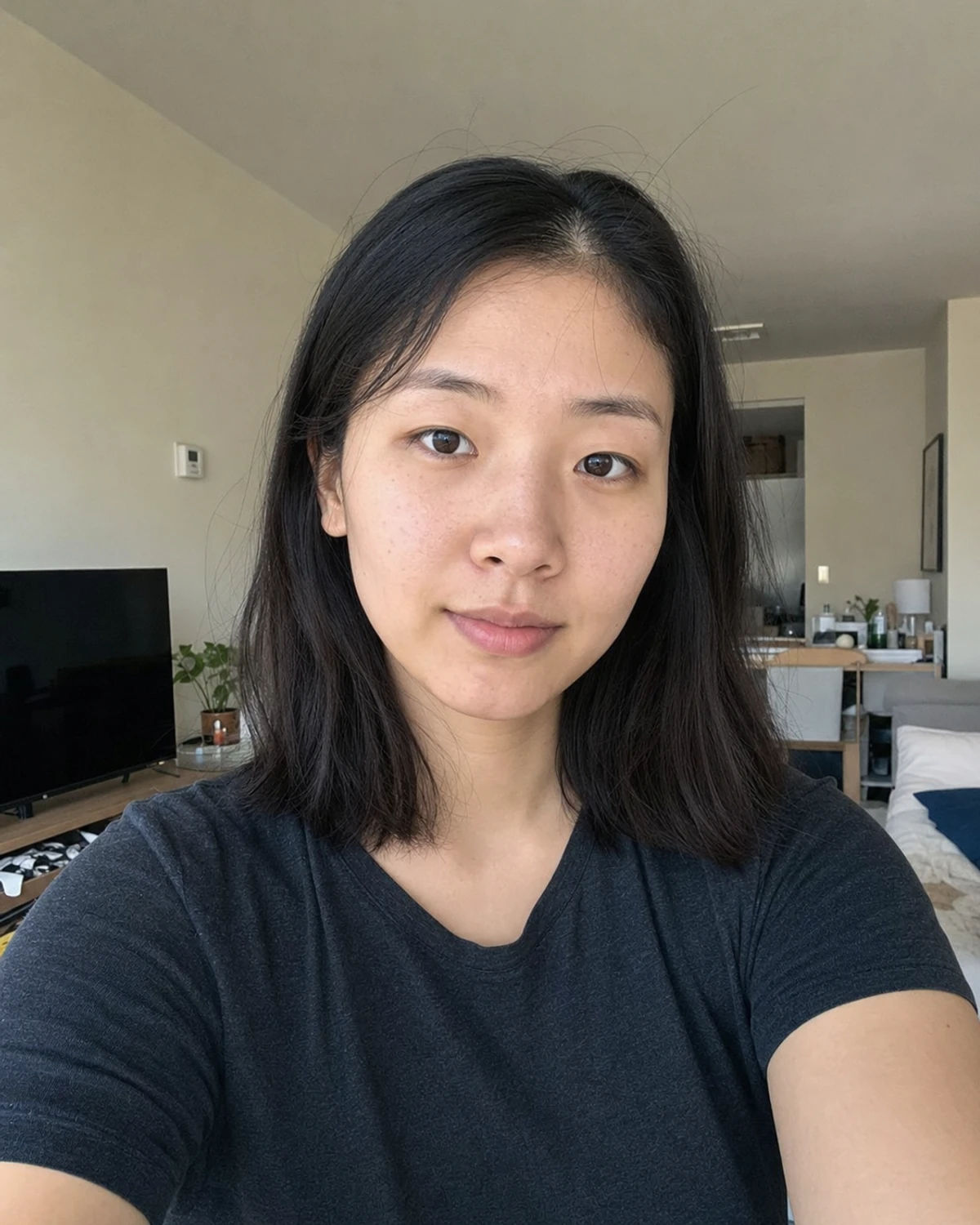
Use a clean square crop that reads well at profile size.
AI professional headshots
AI Professional Headshots That Still Look Like You
Turn one clear photo into a professional headshot for LinkedIn, resumes, employee badges, and company profiles. Choose a style, crop, and pose, then compare the result with your original before downloading.
Upload a clear portrait
JPG, PNG, or WebP. Front-facing photos work best.
Everyday photoProfessional
ExampleMarketing manager, LinkedIn profile
- One clear portrait
- LinkedIn-ready sizes
- Resume and badge crops
- Seven work-ready styles
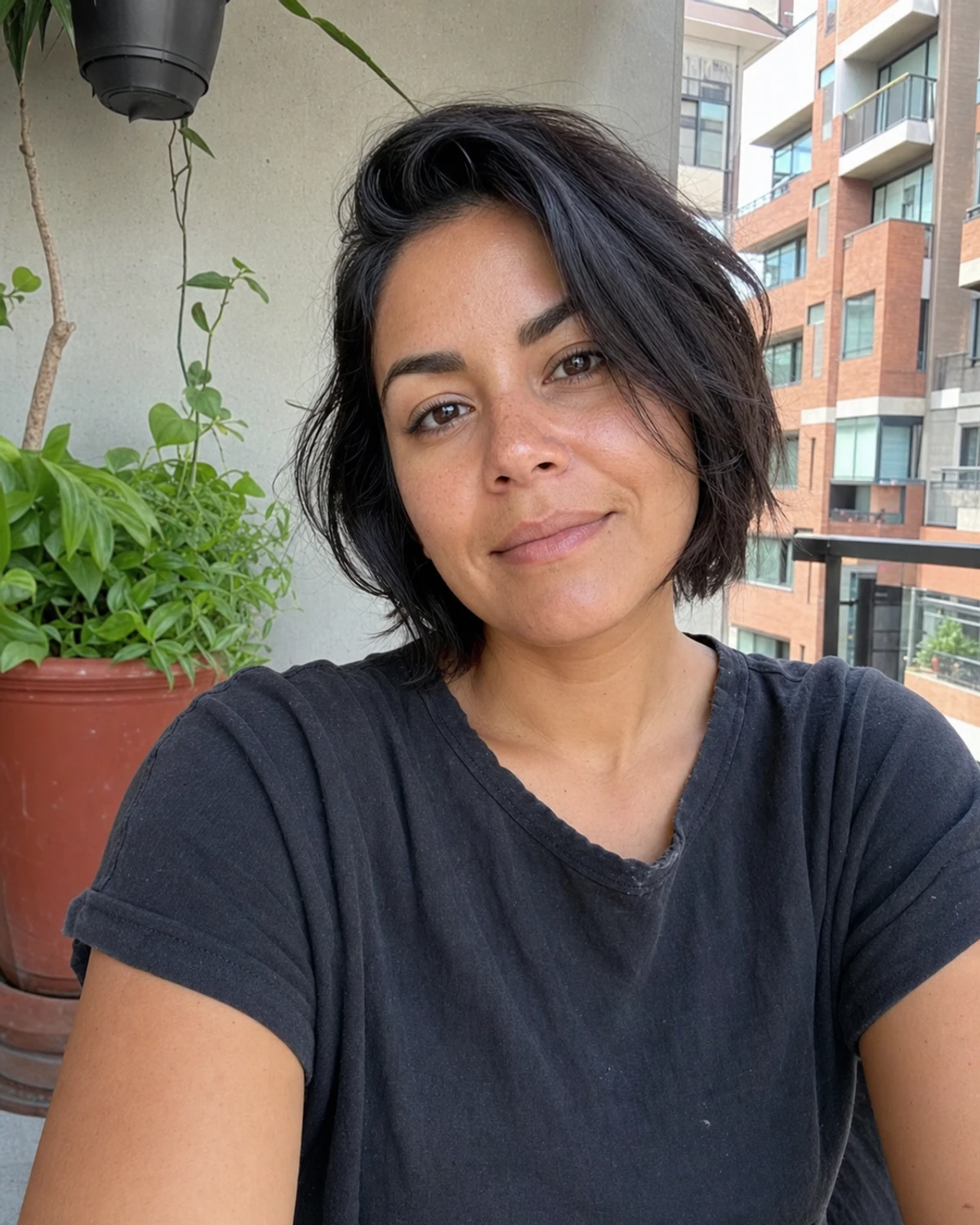
Professional headshot examples for real work profiles
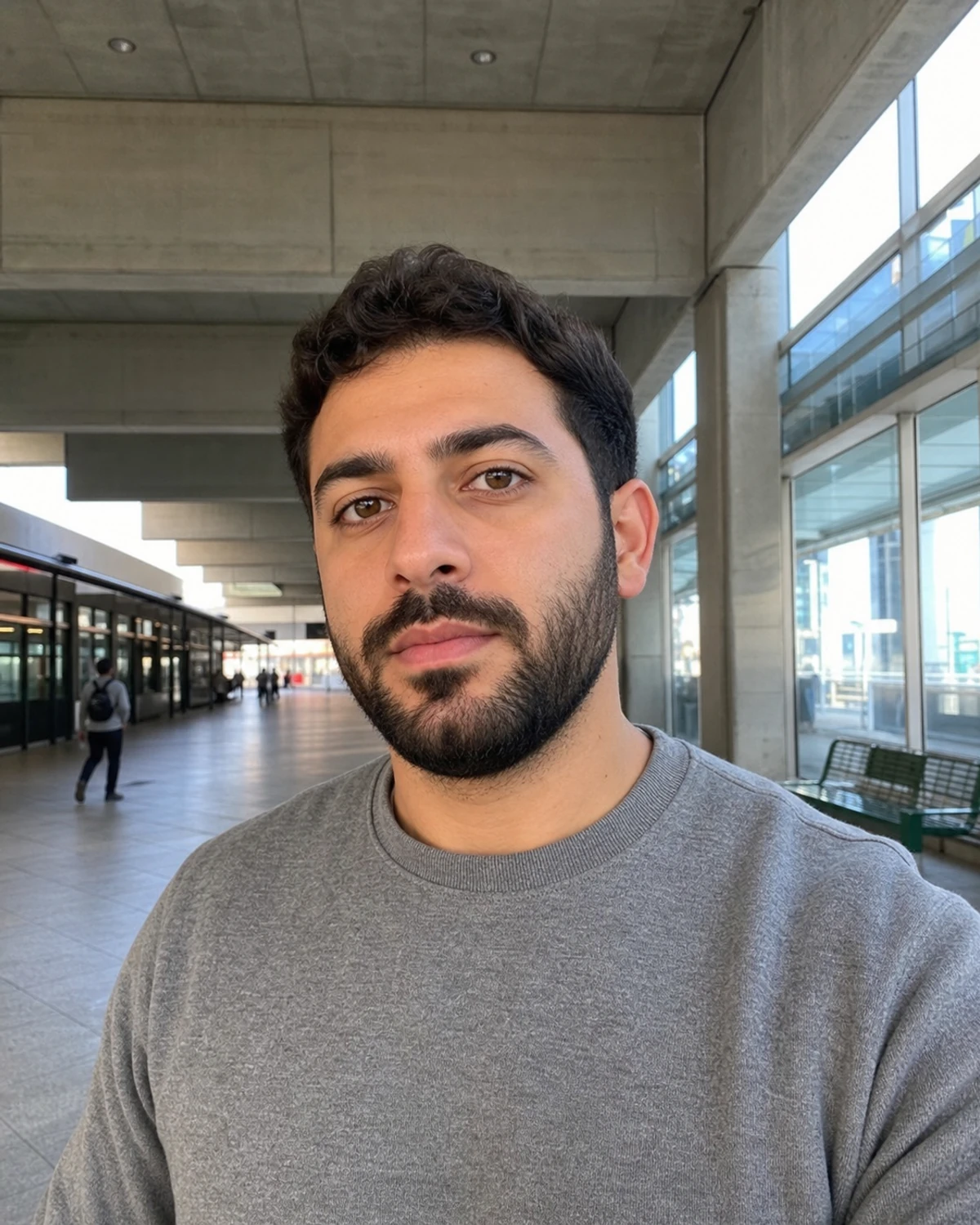
Compare everyday photos with professional headshot results for LinkedIn, company profiles, resumes, and employee badges.
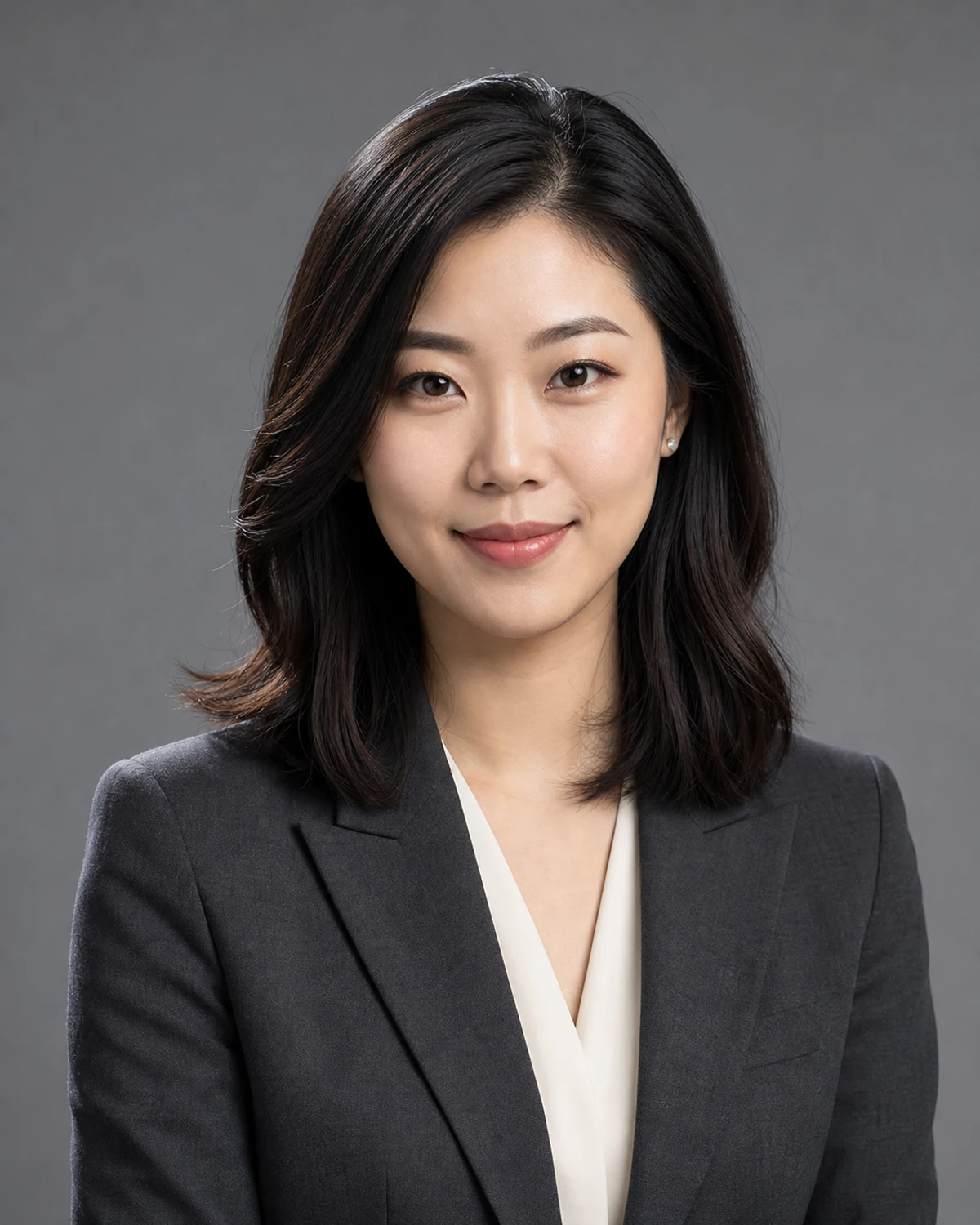
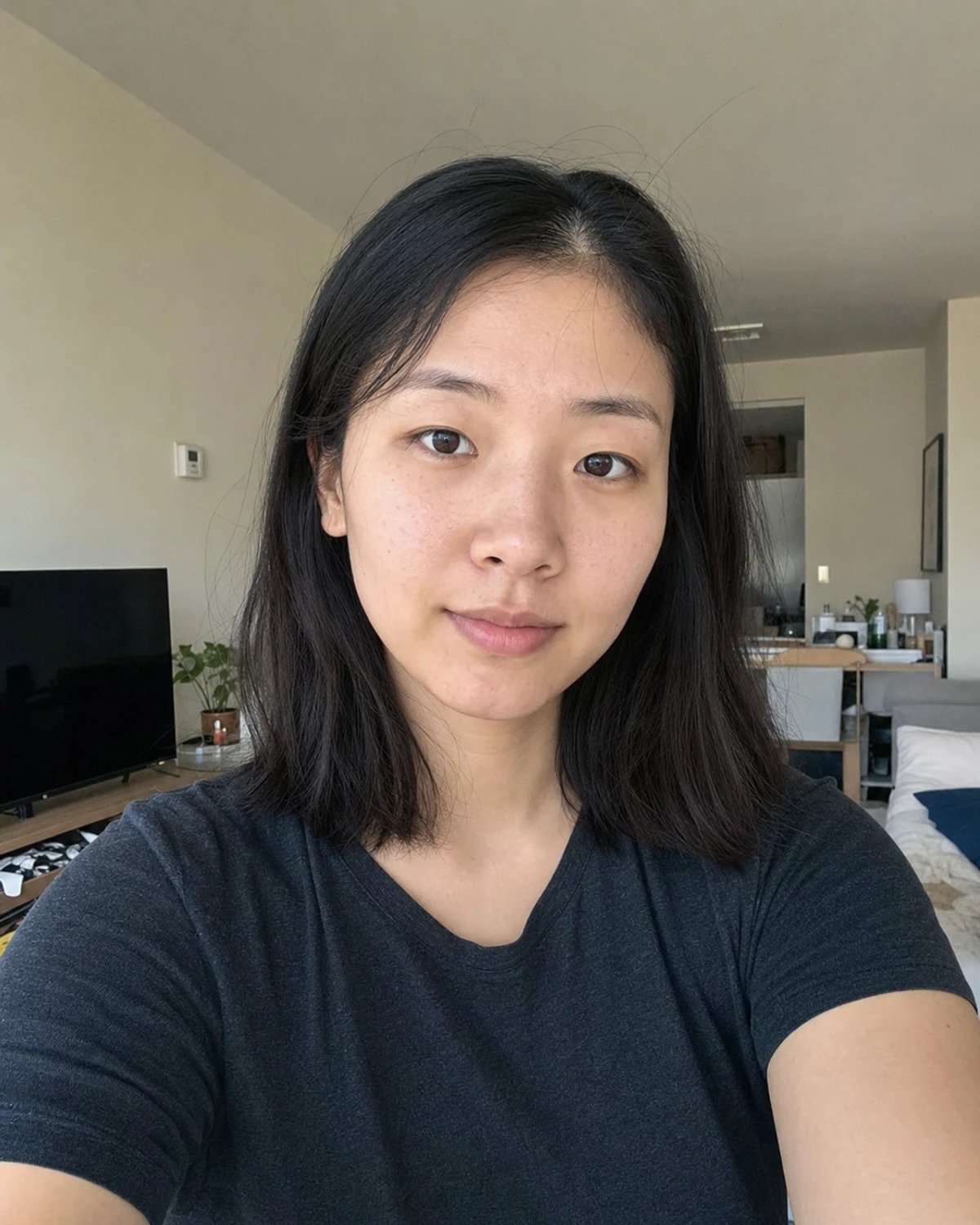 Everyday photo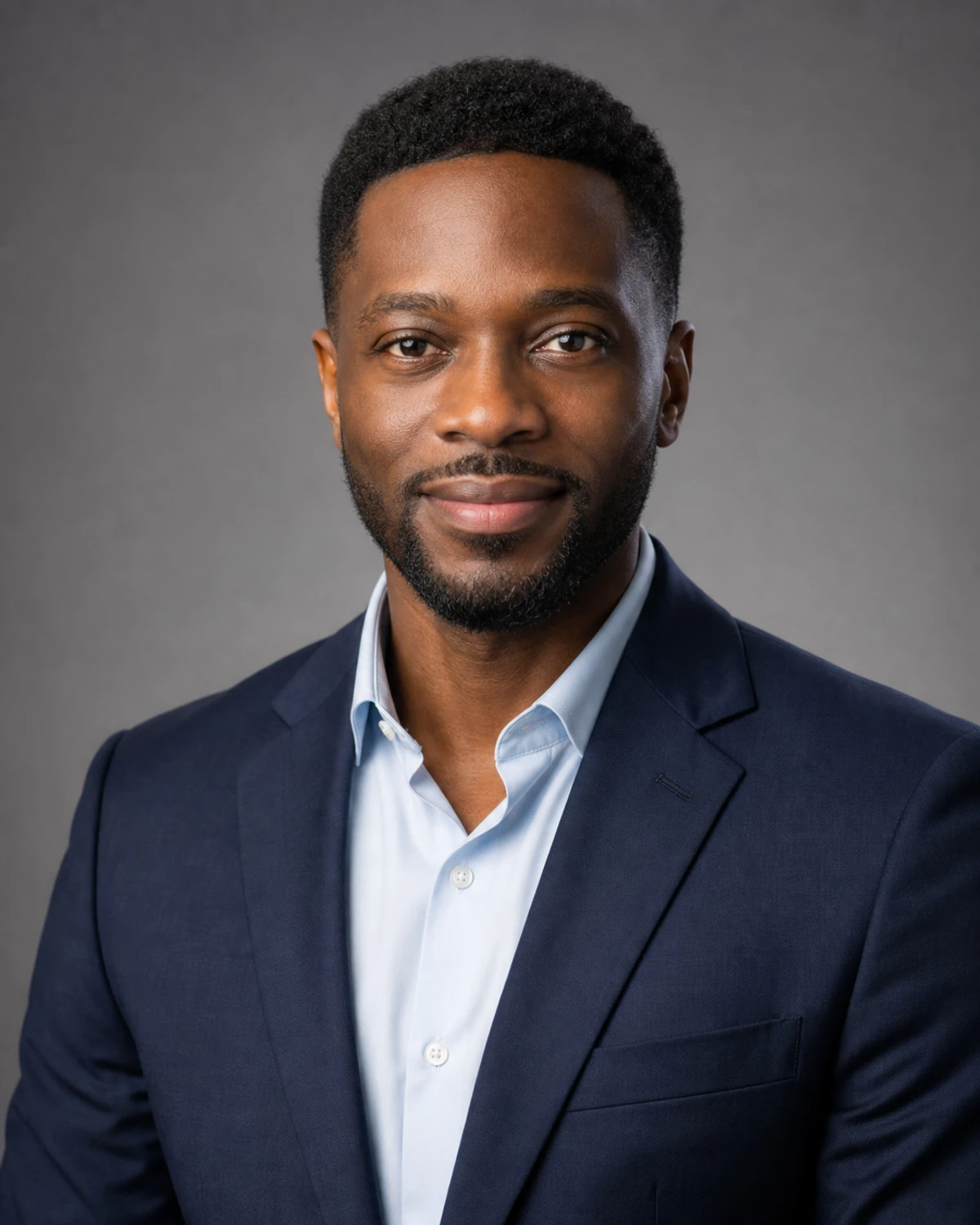
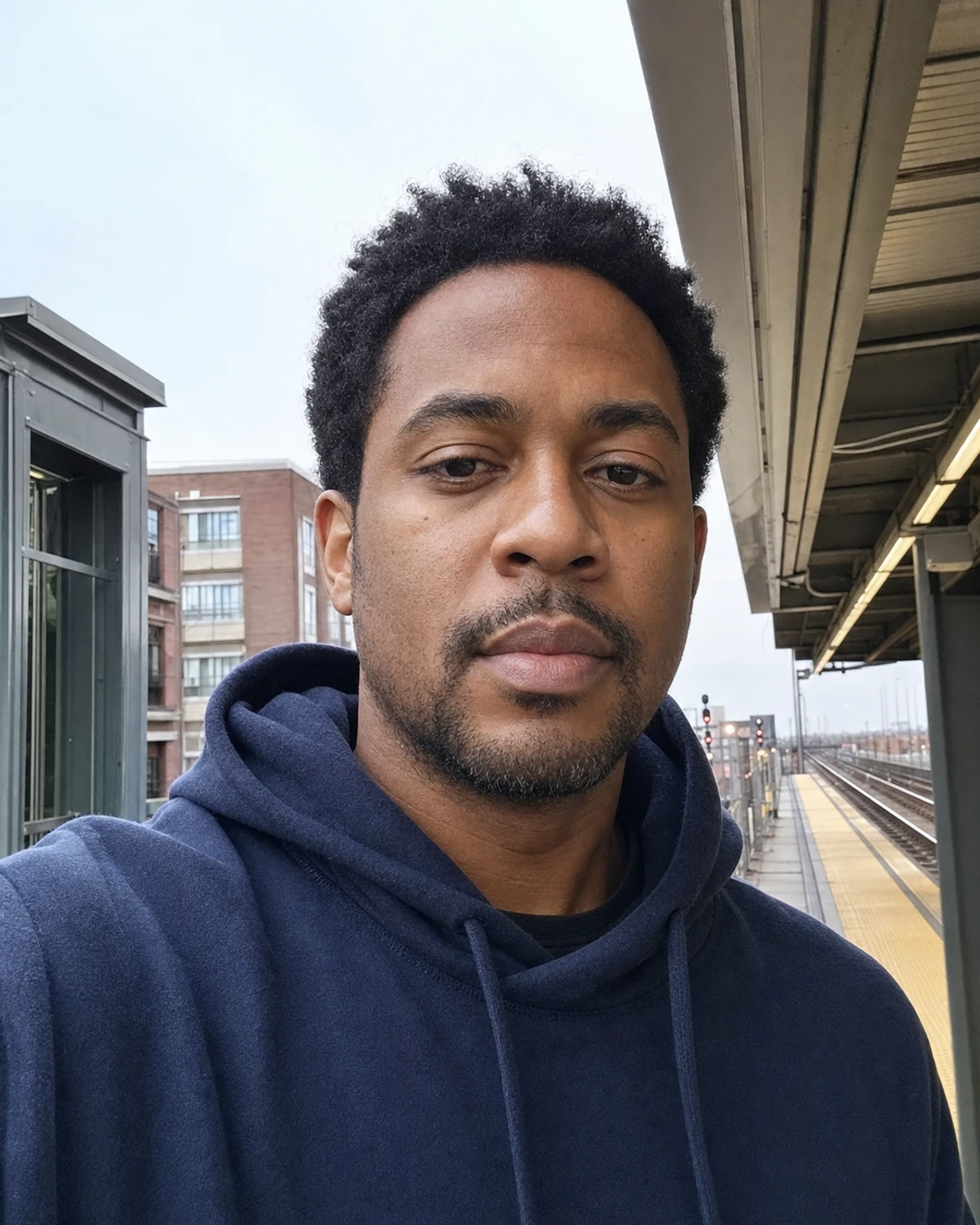 Everyday photo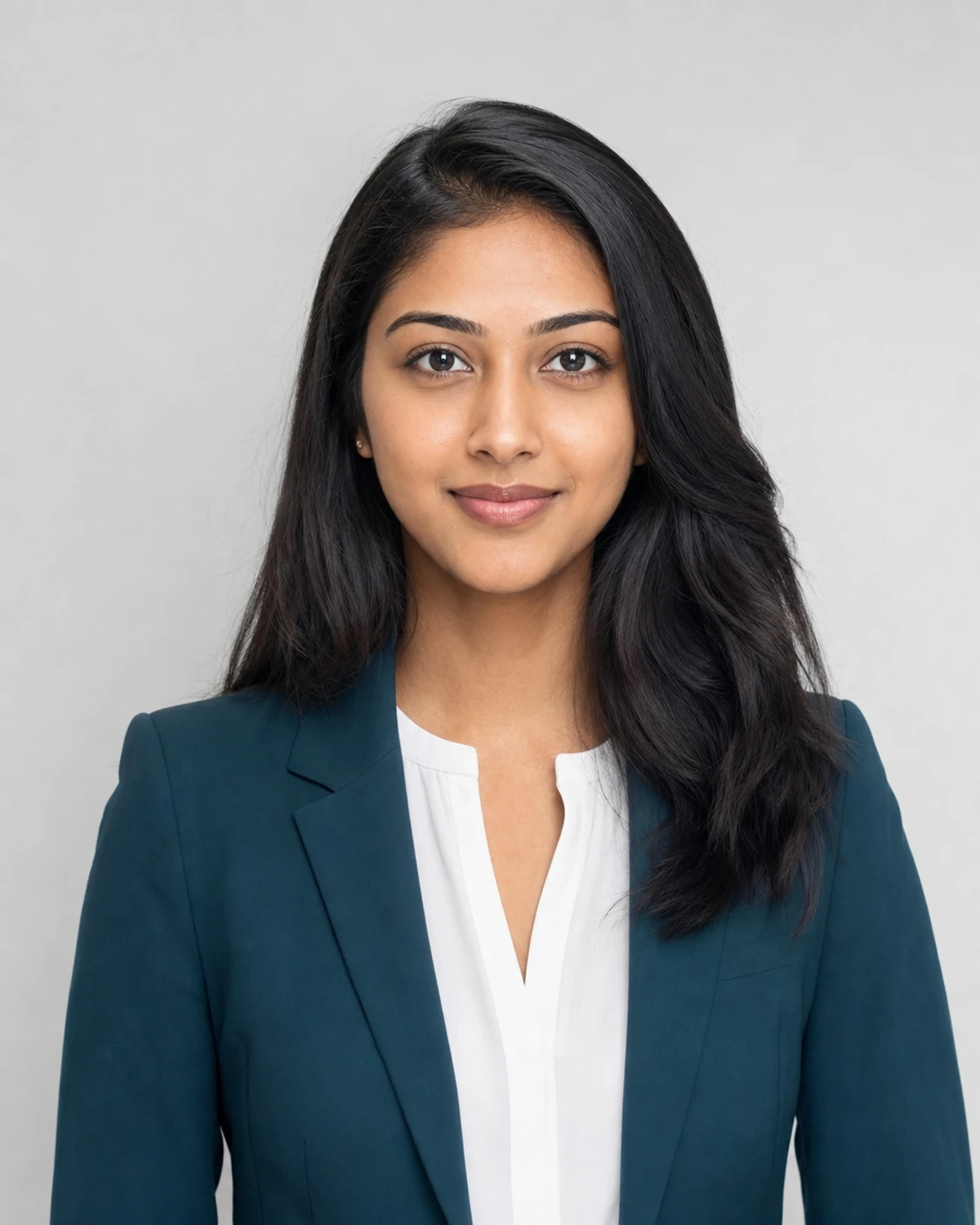
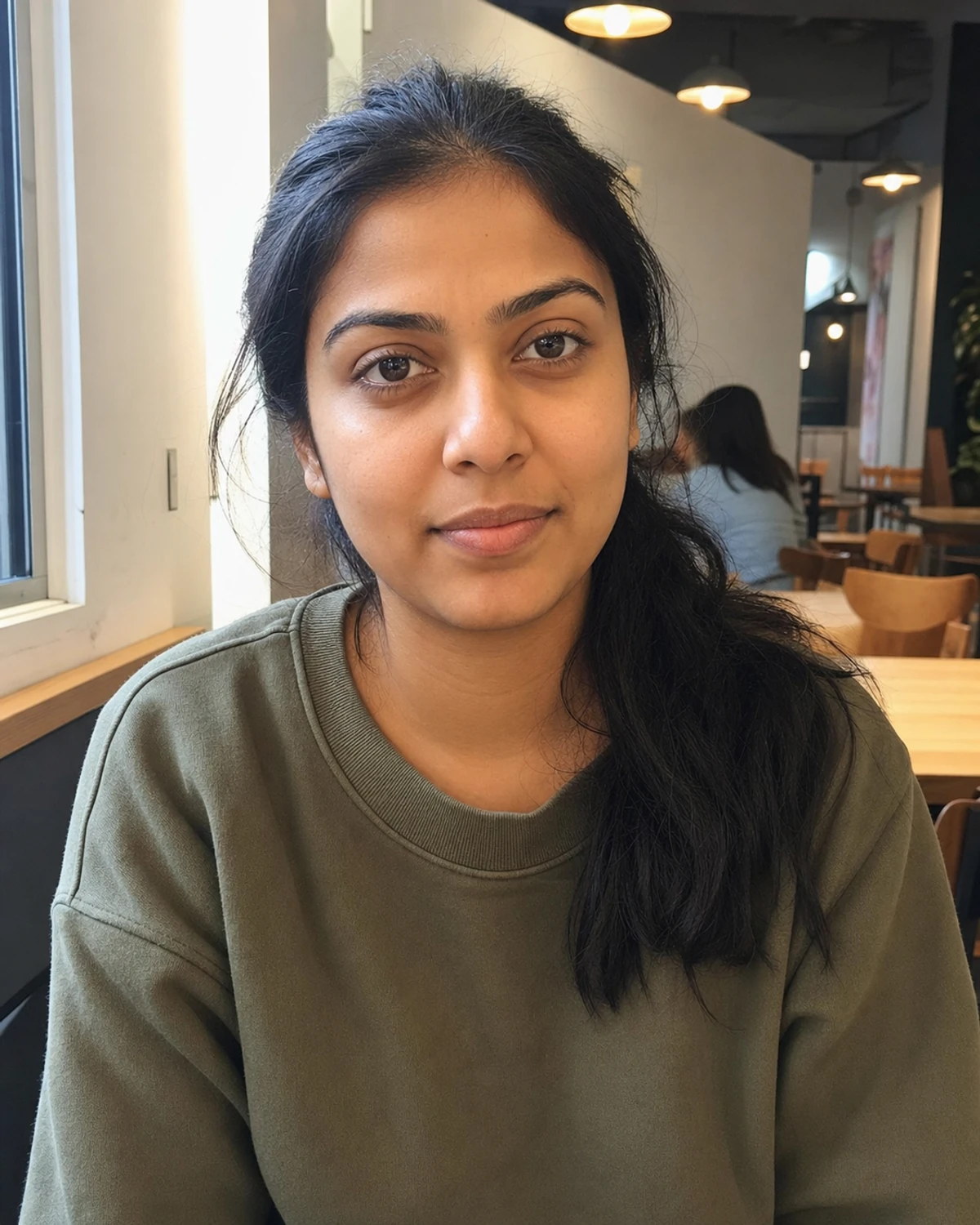 Everyday photo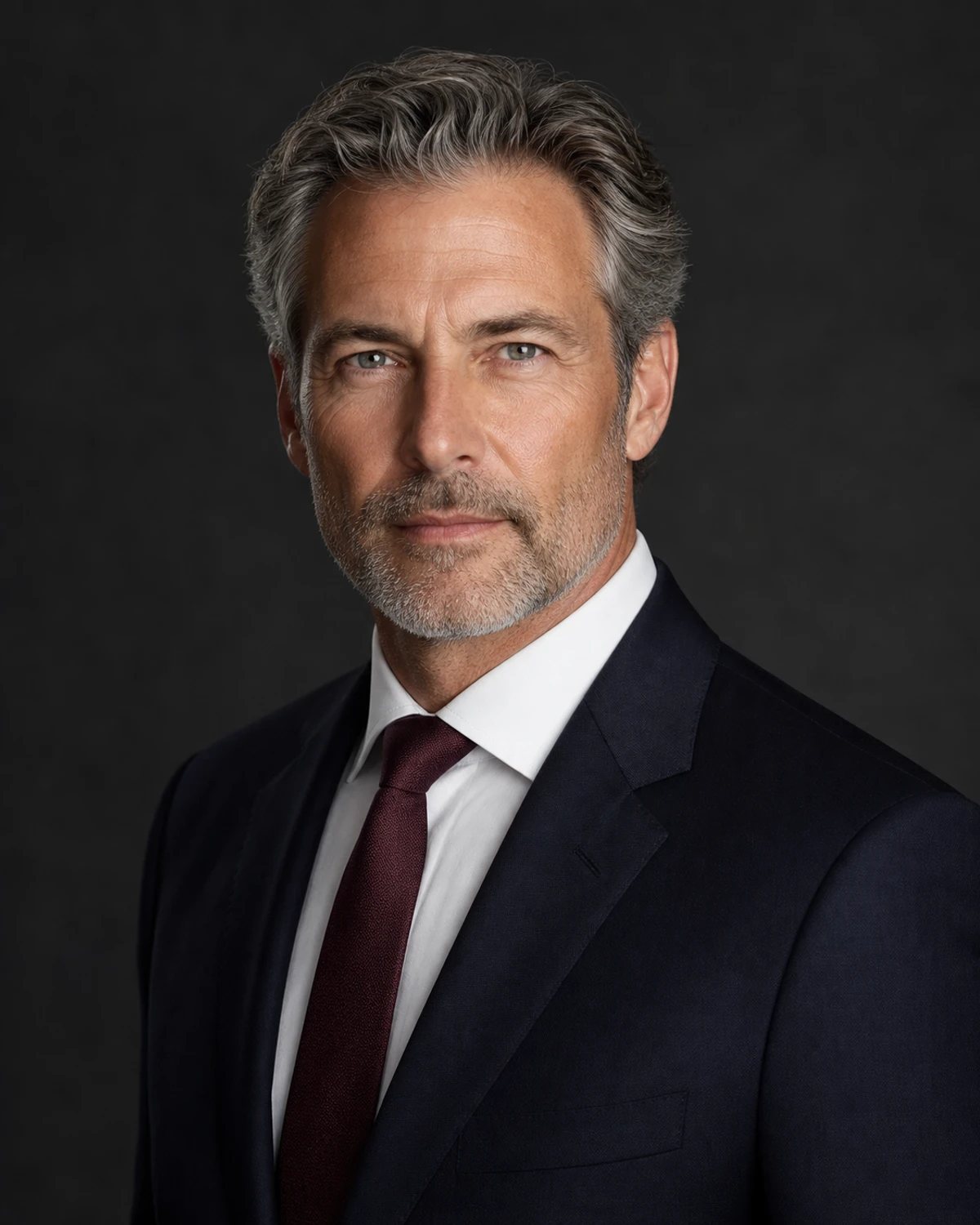
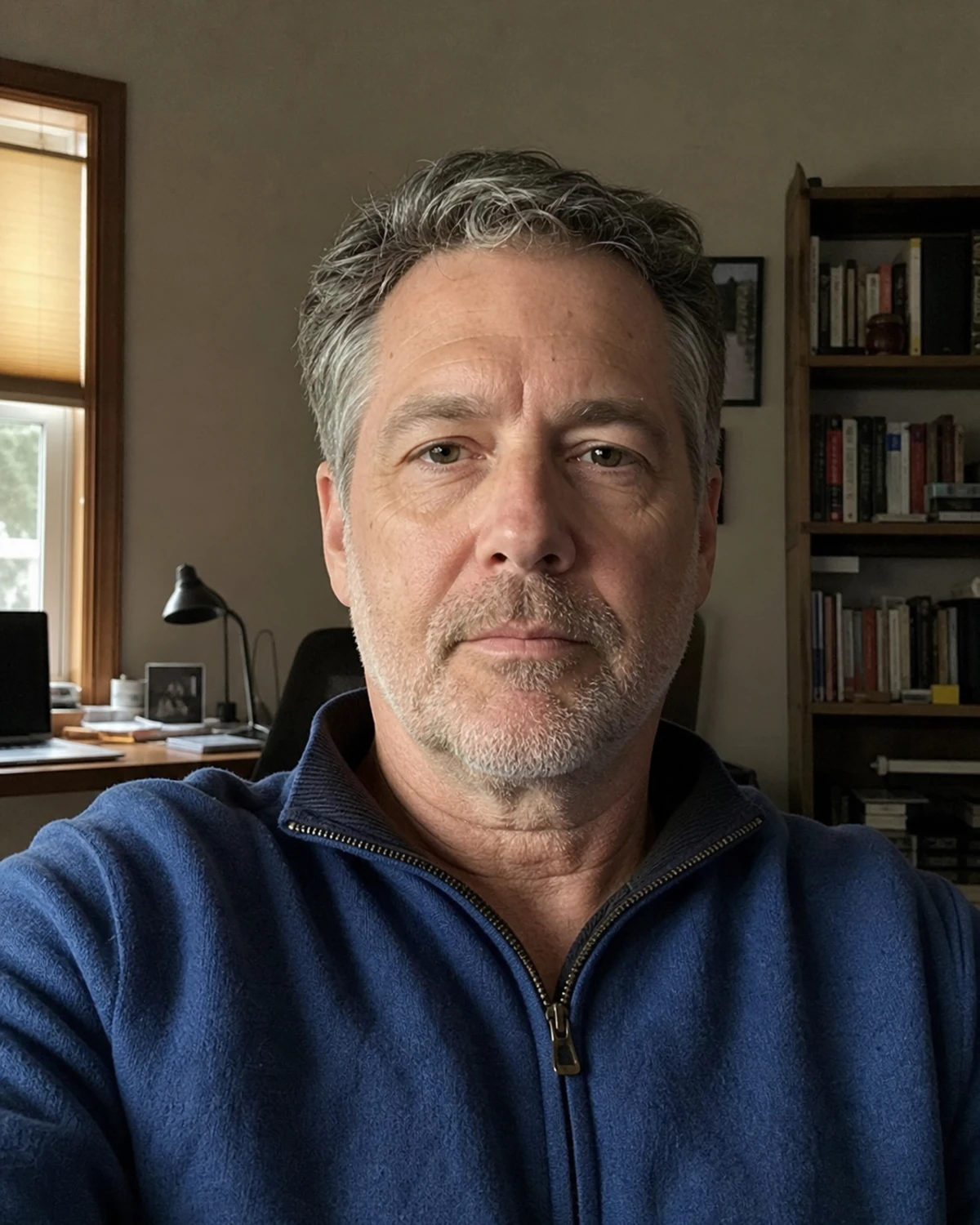 Everyday photo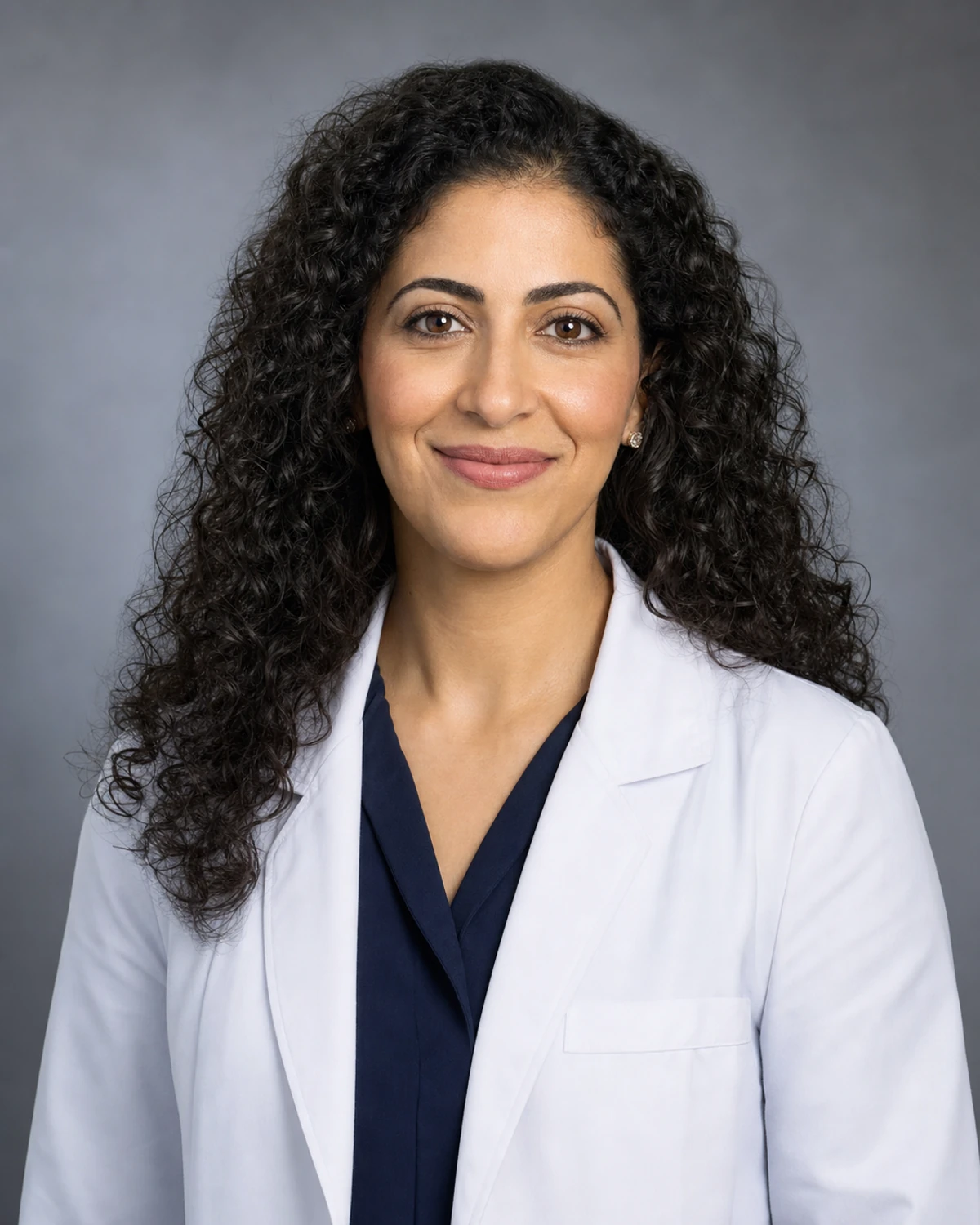
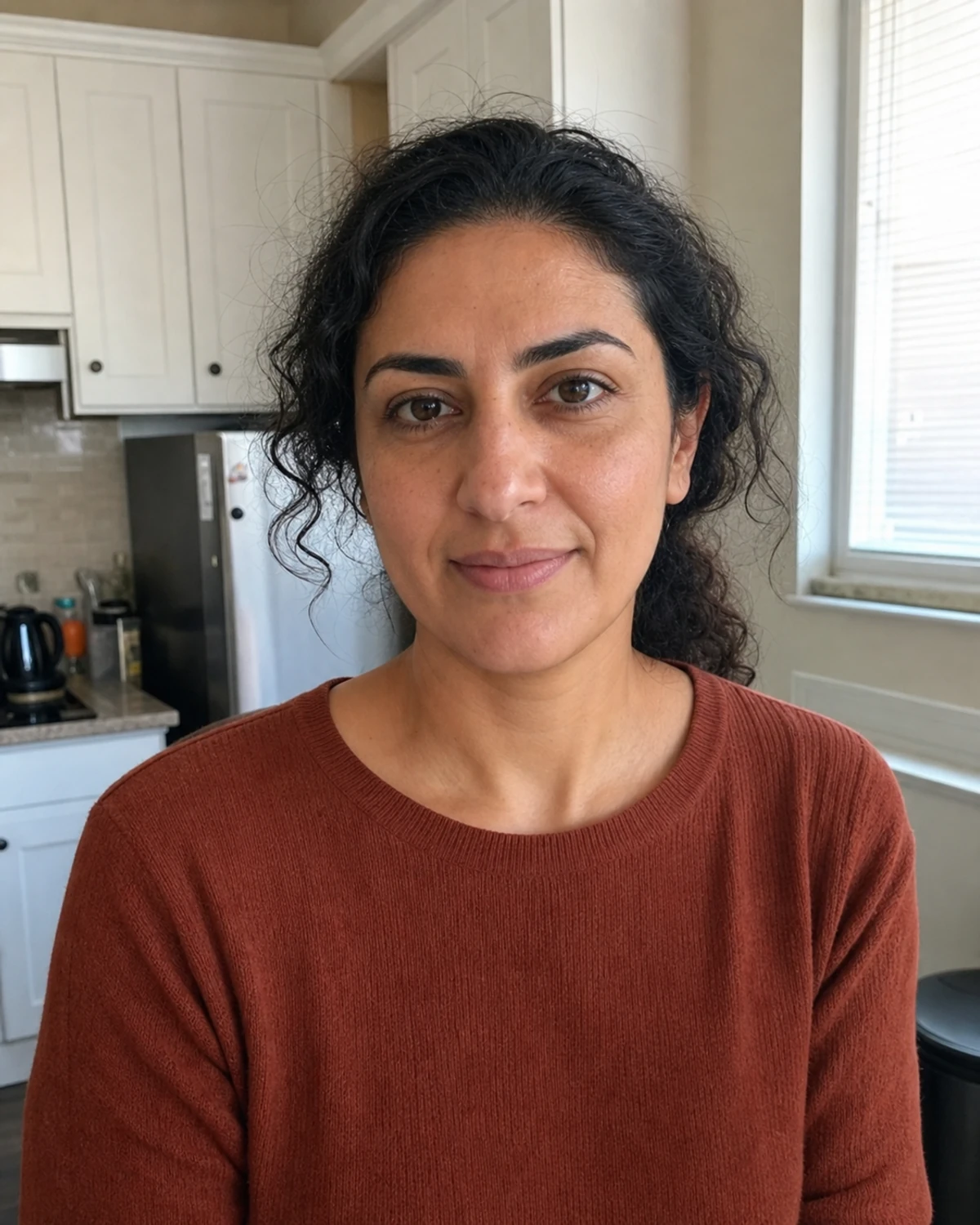 Everyday photo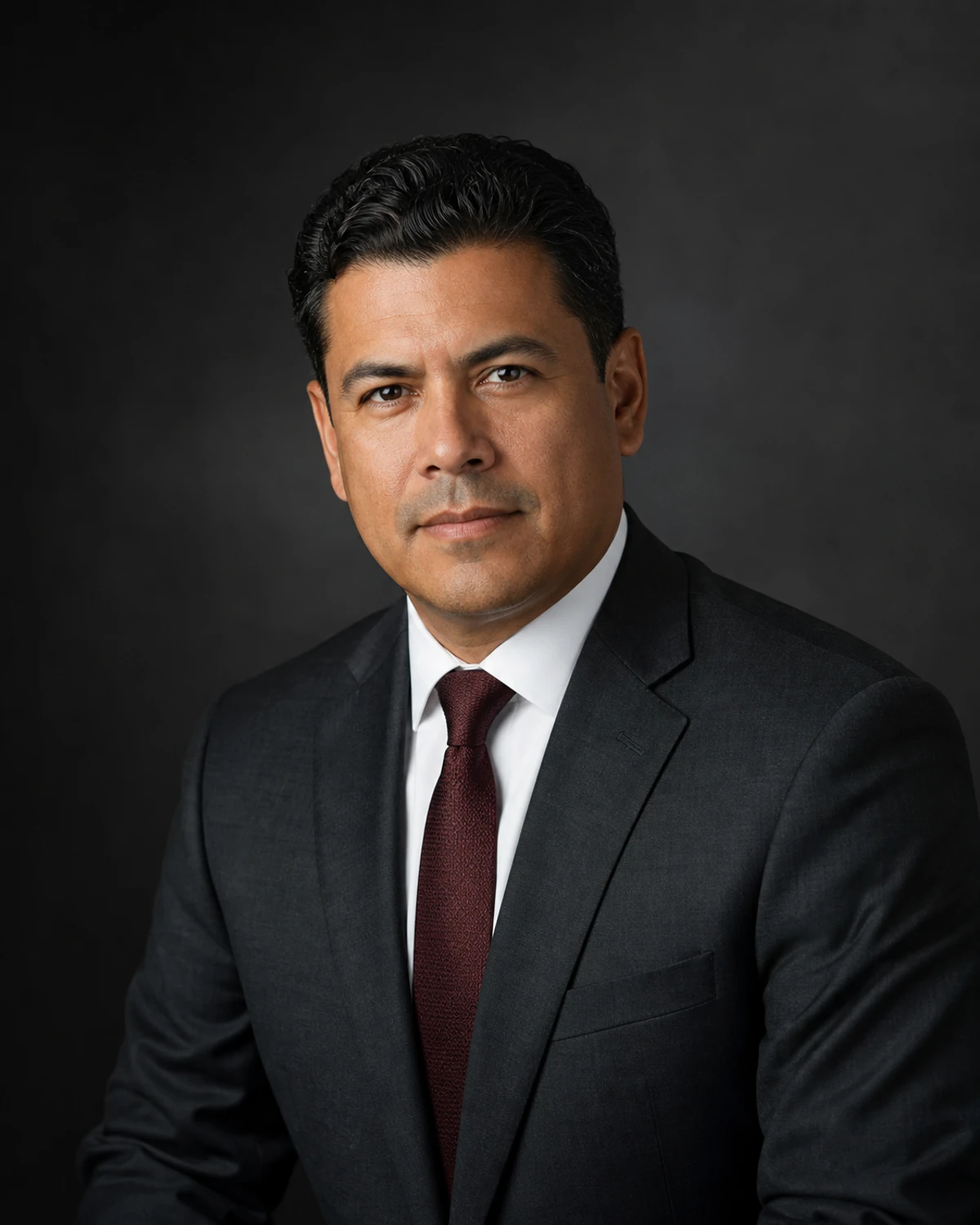
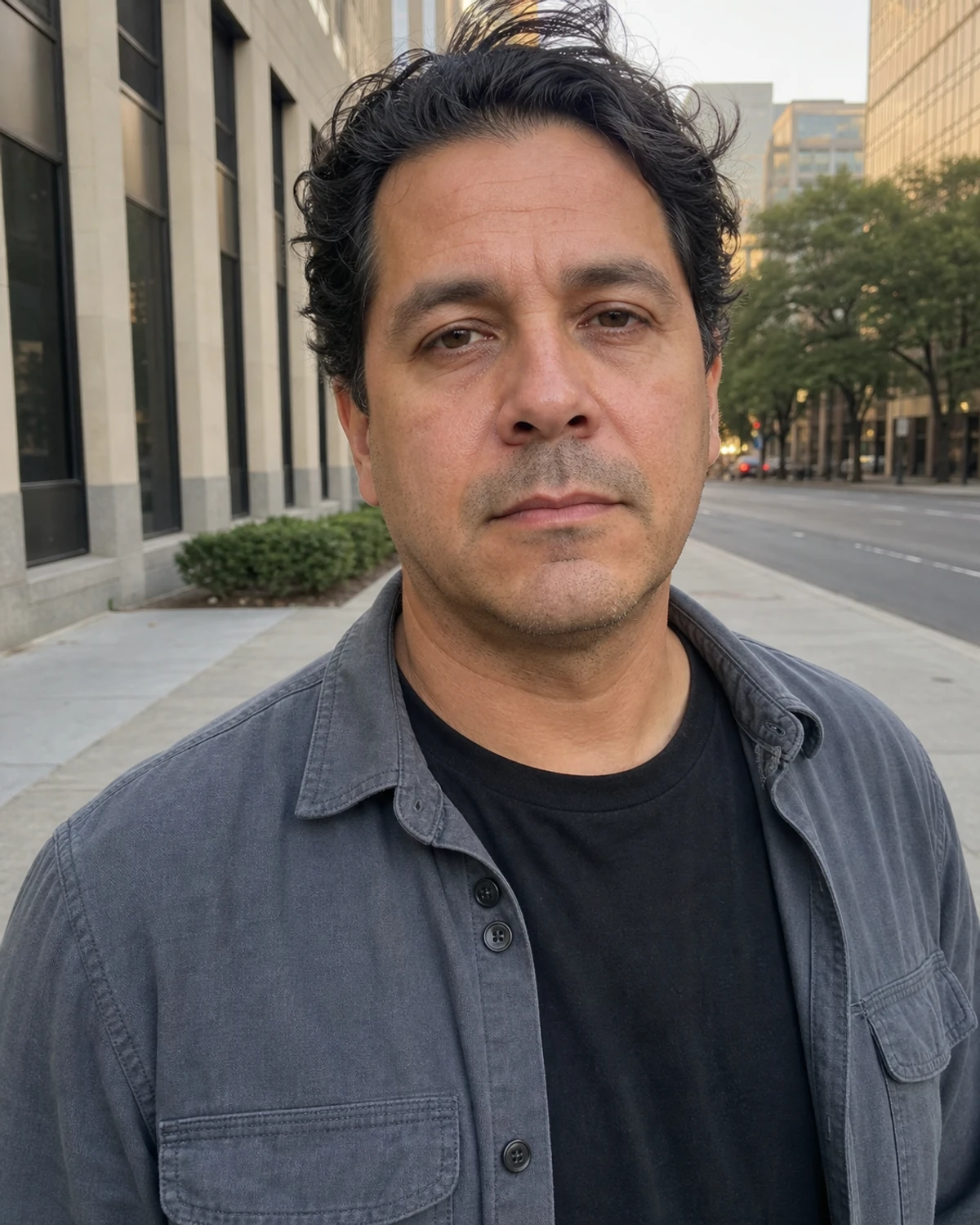 Everyday photo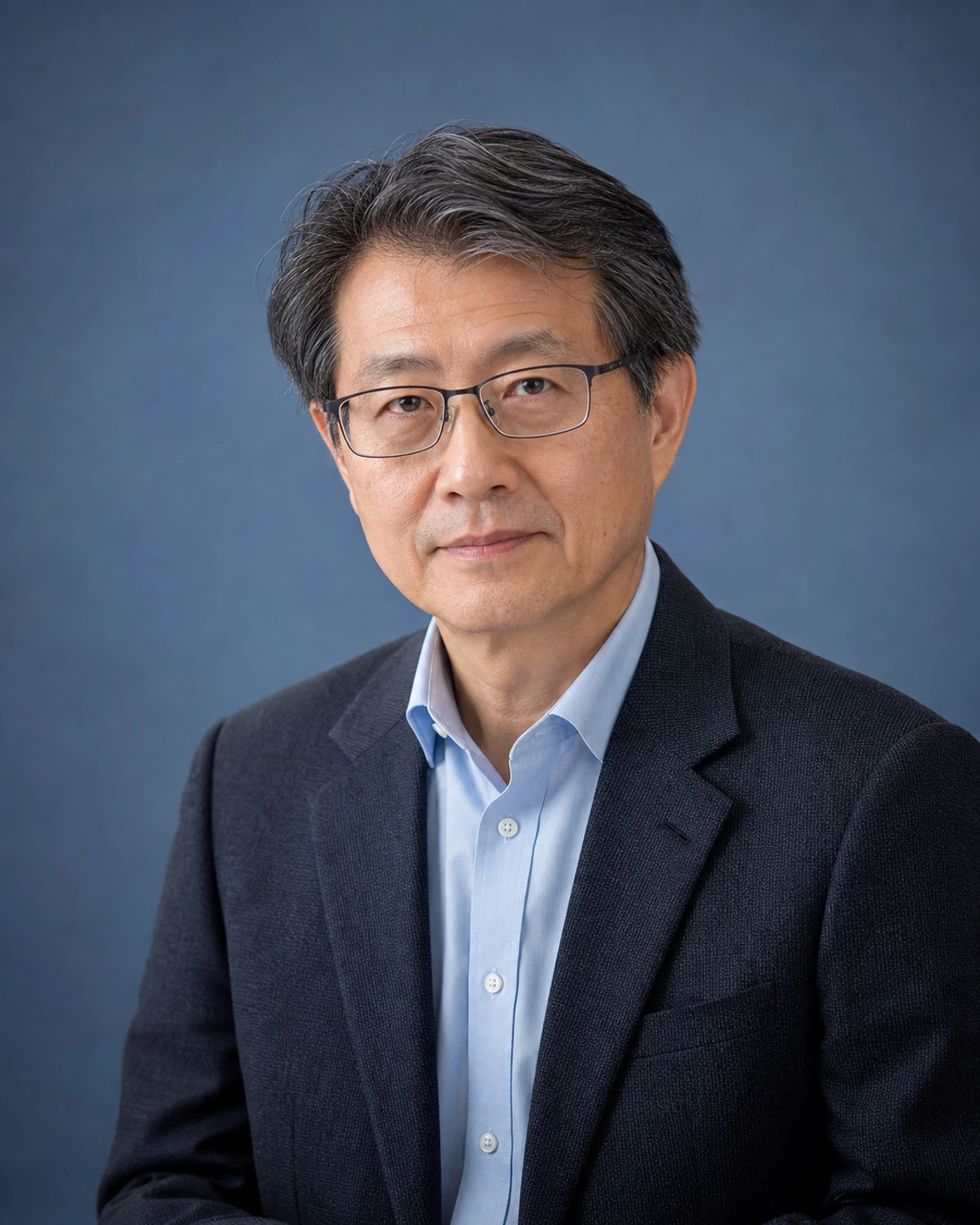
 Everyday photo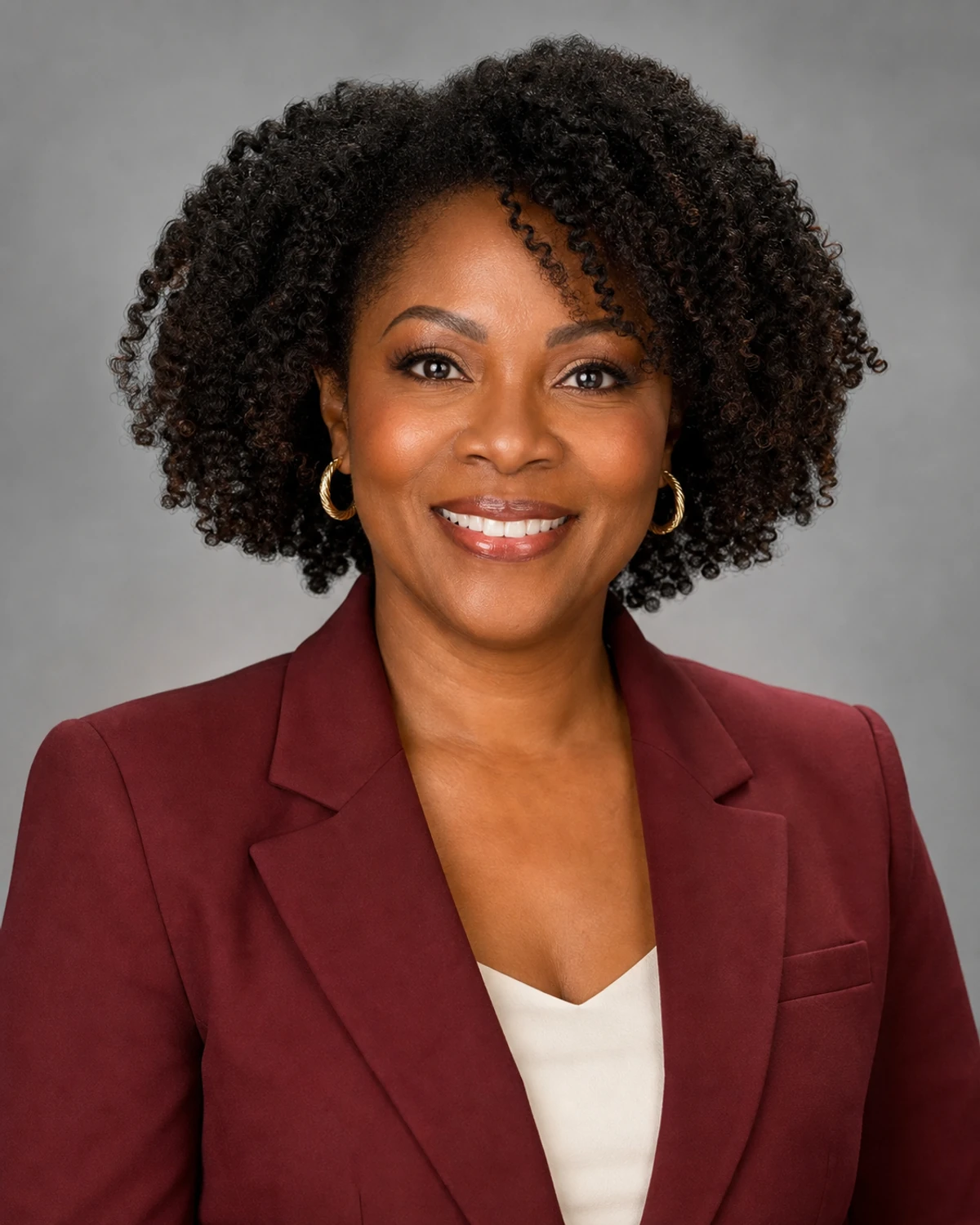
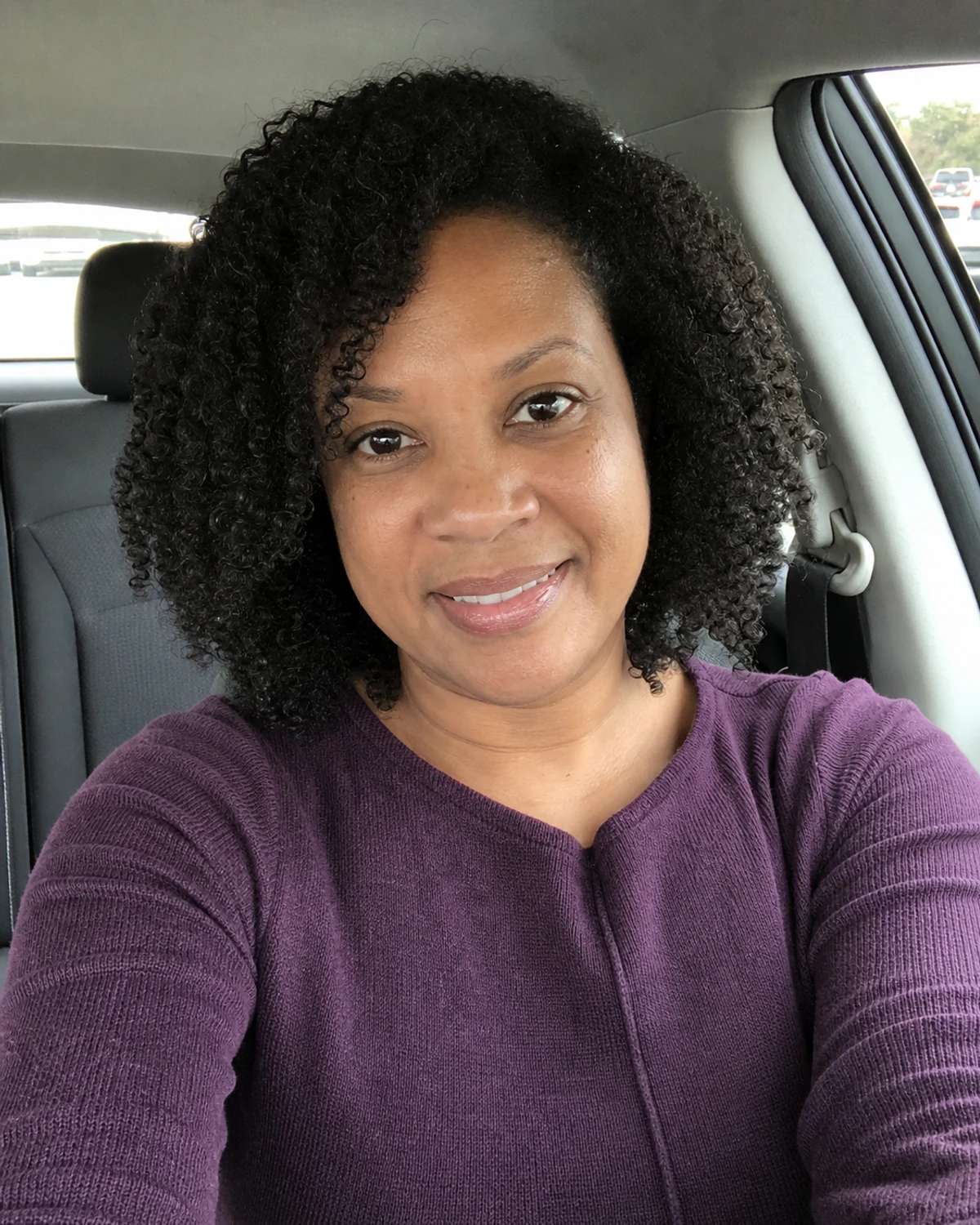 Everyday photo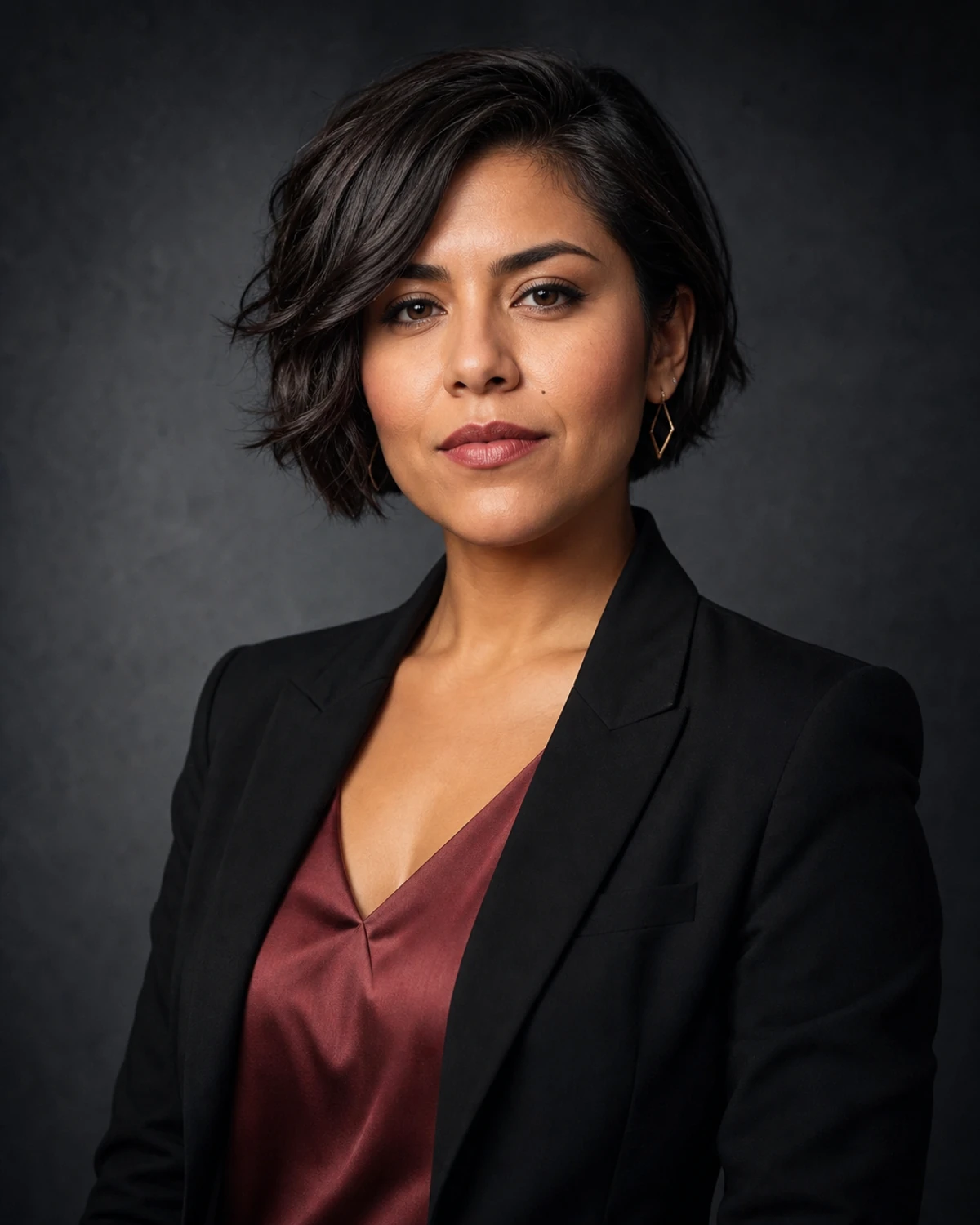
 Everyday photo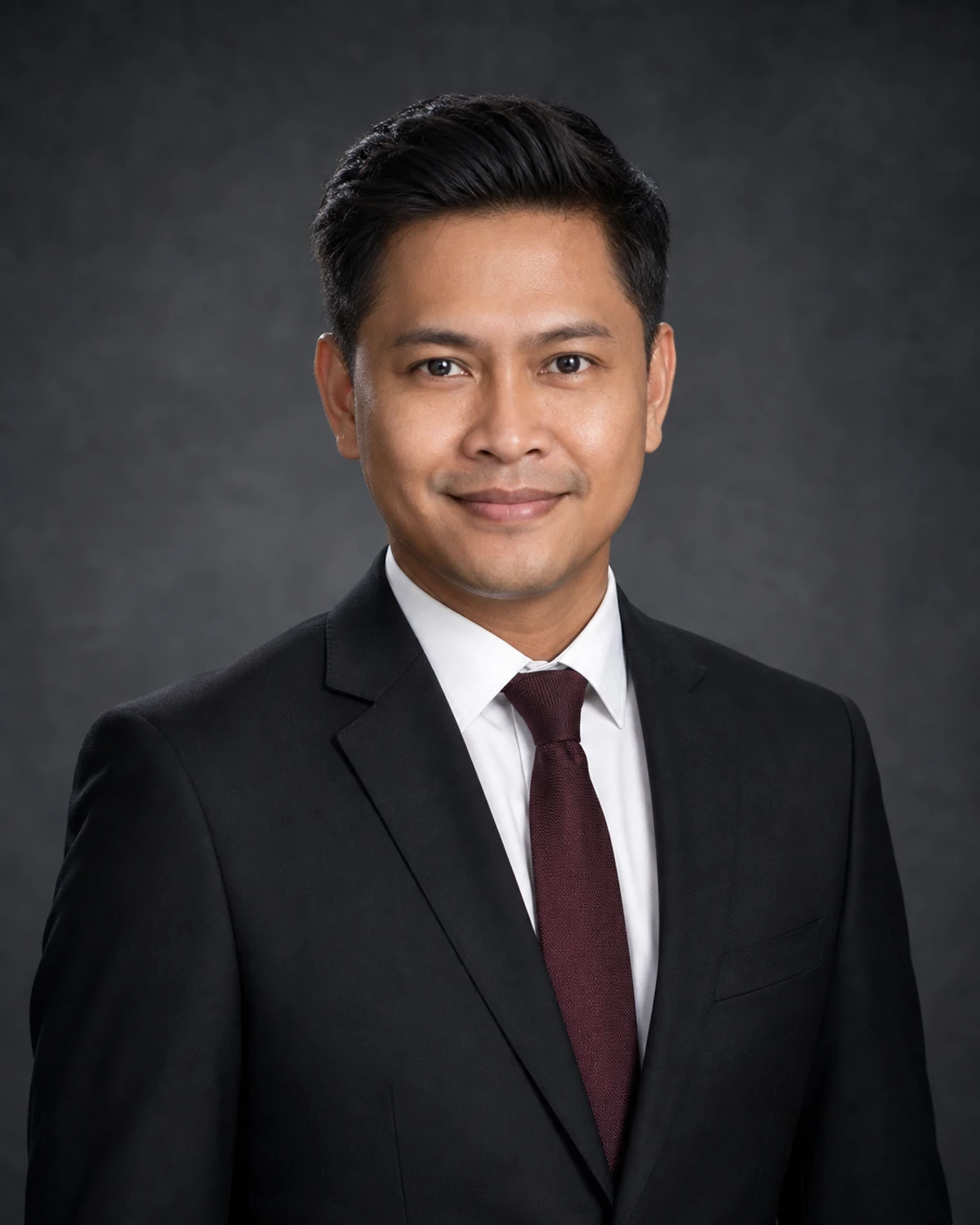
 Everyday photo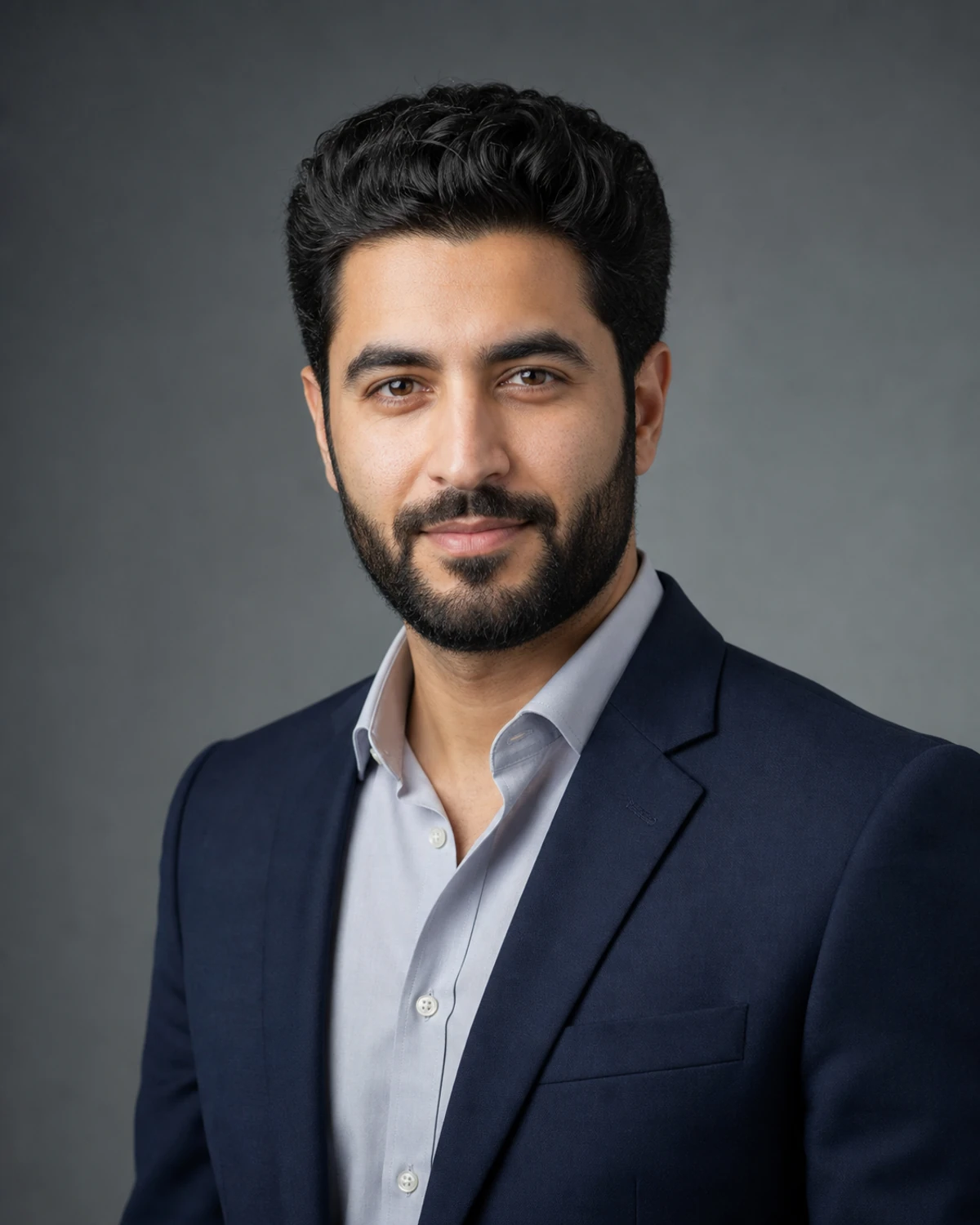
 Everyday photo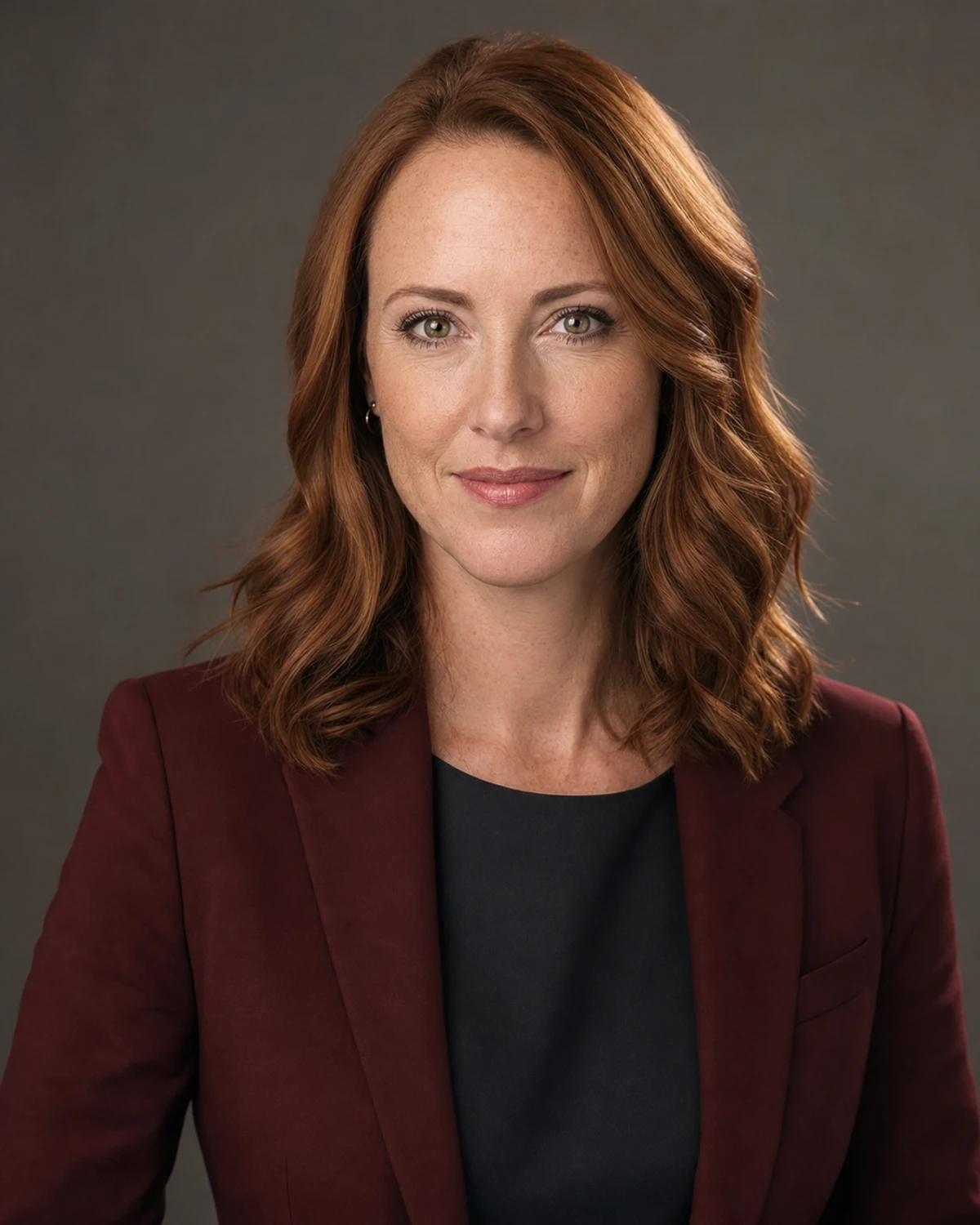
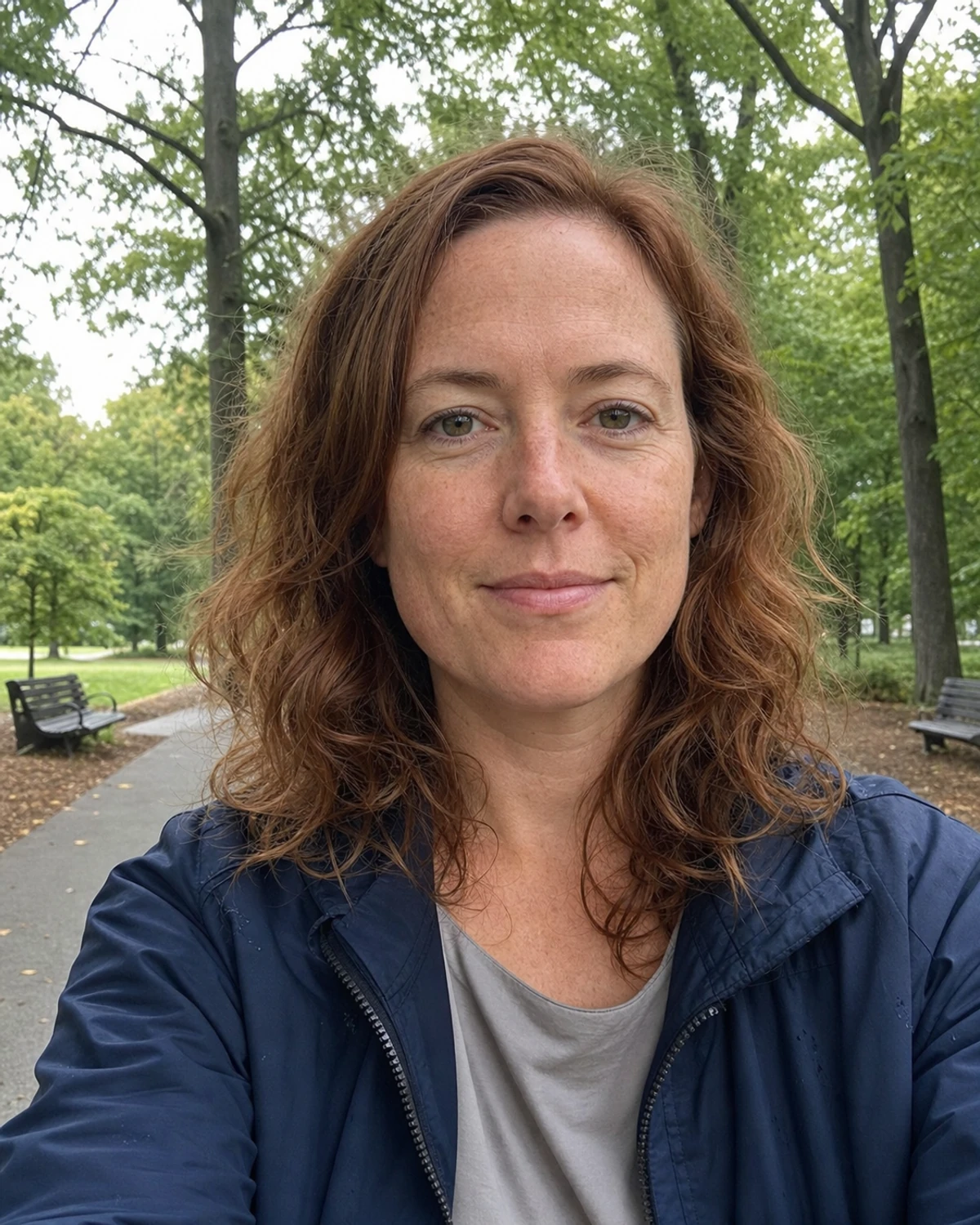 Everyday photo
AI professional headshots for LinkedIn, resumes, and work profiles
Resume
Choose a natural portrait with a calm, professional finish.
Employee badge
Export a centered crop for staff cards and internal directories.
Company profile
Keep team portraits visually consistent across a company page.
From one photo to a professional headshot
Start with one front-facing portrait, choose the work style and crop, then open the result in the editor for an original-to-result review.
- 01
Upload a clear photo
Use a front-facing portrait with the face fully visible and enough space around the head.
- 02
Choose style, size, and pose
Choose from seven work-ready directions, select a crop or keep the generated ratio, then set the pose.
- 03
Review the result
Compare facial details with the original, refine the image if needed, then download your chosen size.
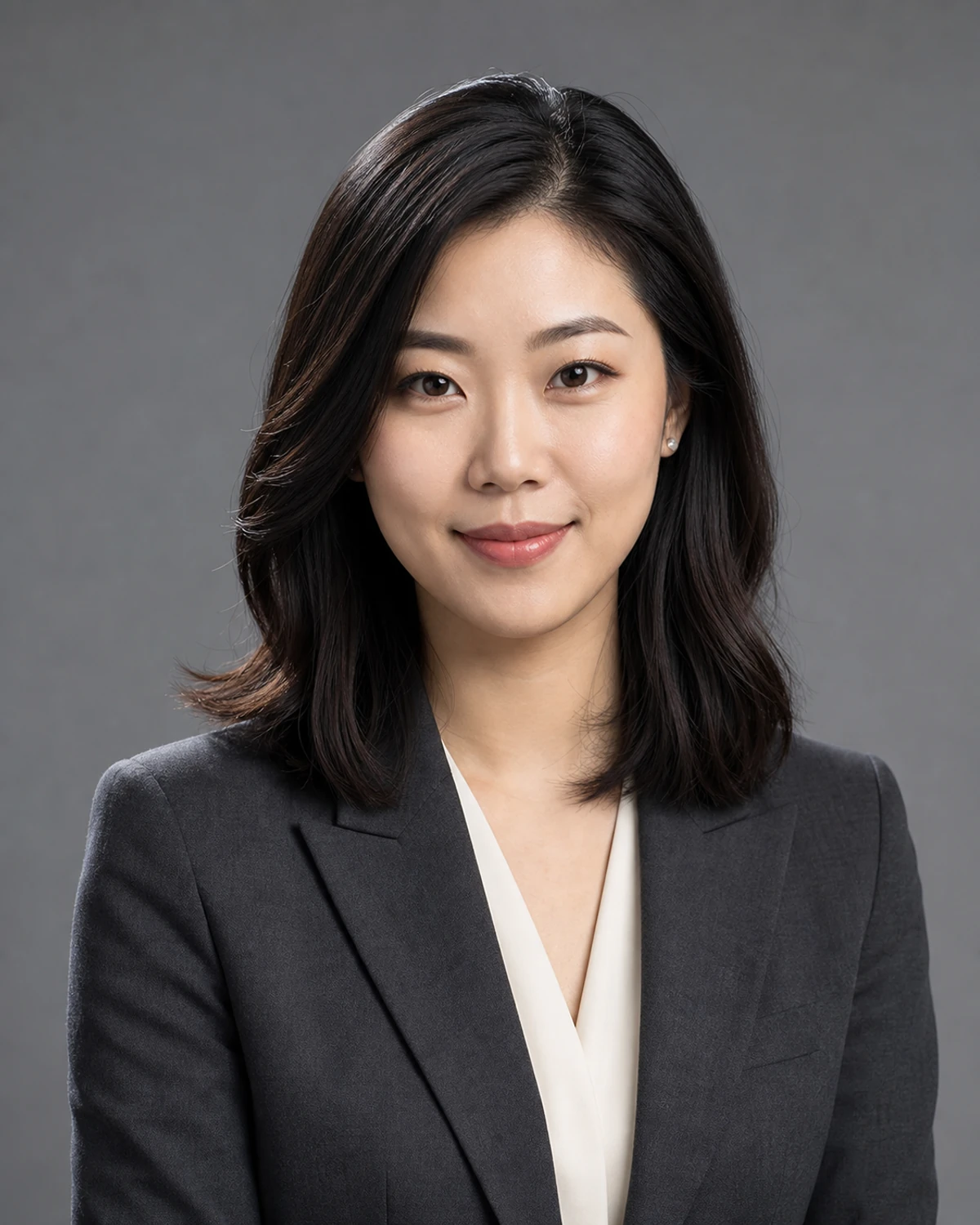
Corporate professional headshots from one photo
For company profiles and team directories, start with one clear portrait, choose a corporate style, and compare recognizable facial details with the original before export.
- Recognizable facial features
- Natural skin texture
- Work-appropriate lighting and clothing
- Crops for profiles and team pages
Prefer to take the photo yourself?
Use our practical home setup guide for lighting, camera height, clothing, backgrounds, and poses before you upload.
Once your headshot is ready, crop it for your profile picture with room around your head and shoulders.
AI professional headshot questions
Can I make an AI professional headshot from a selfie?
Yes. Start with one sharp, front-facing selfie or portrait with the full face visible. Use even light, a natural expression, and space around the head; avoid group photos, heavy filters, or a face hidden by accessories.
Which professional headshot styles are available?
The Professional workflow includes natural, corporate, executive, creative, healthcare, academic, and client-facing directions. You can also choose a pose and select a LinkedIn, resume, employee badge, team-page, or custom crop.
Will the result still look like me?
The workflow is instructed to preserve recognizable facial features, age cues, skin tone, and expression. AI results can vary, so compare the final image with your original before using it professionally.
Can I use the same result for LinkedIn and a badge?
Yes. Start from one professional result, then choose the crop and dimensions needed for each destination.
Can I make more edits after generation?
Yes. The result opens in the ClearCrowds editor, where you can continue with background color, portrait crop, glasses removal, and other available photo tools.
Create your AI professional headshot
Upload one clear photo, choose your direction, and compare the result with your original in the editor.
Choose a portrait to begin
JPG, PNG, or WebP. Front-facing photos work best.