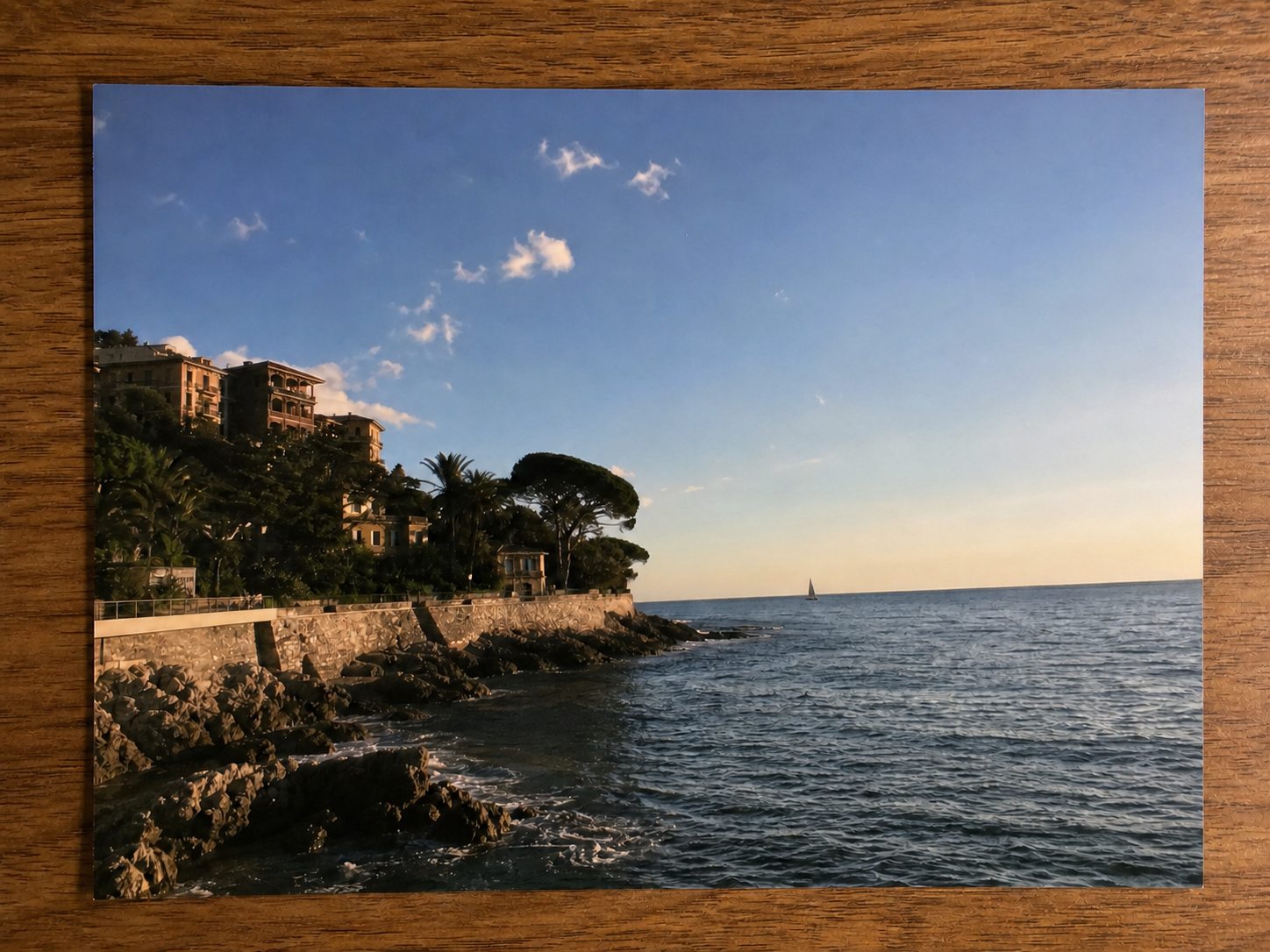
Personal photos only
Use it for a photo you own or are authorized to edit, where the handwritten mark is visually separate from the subject.
Personal photo cleanup
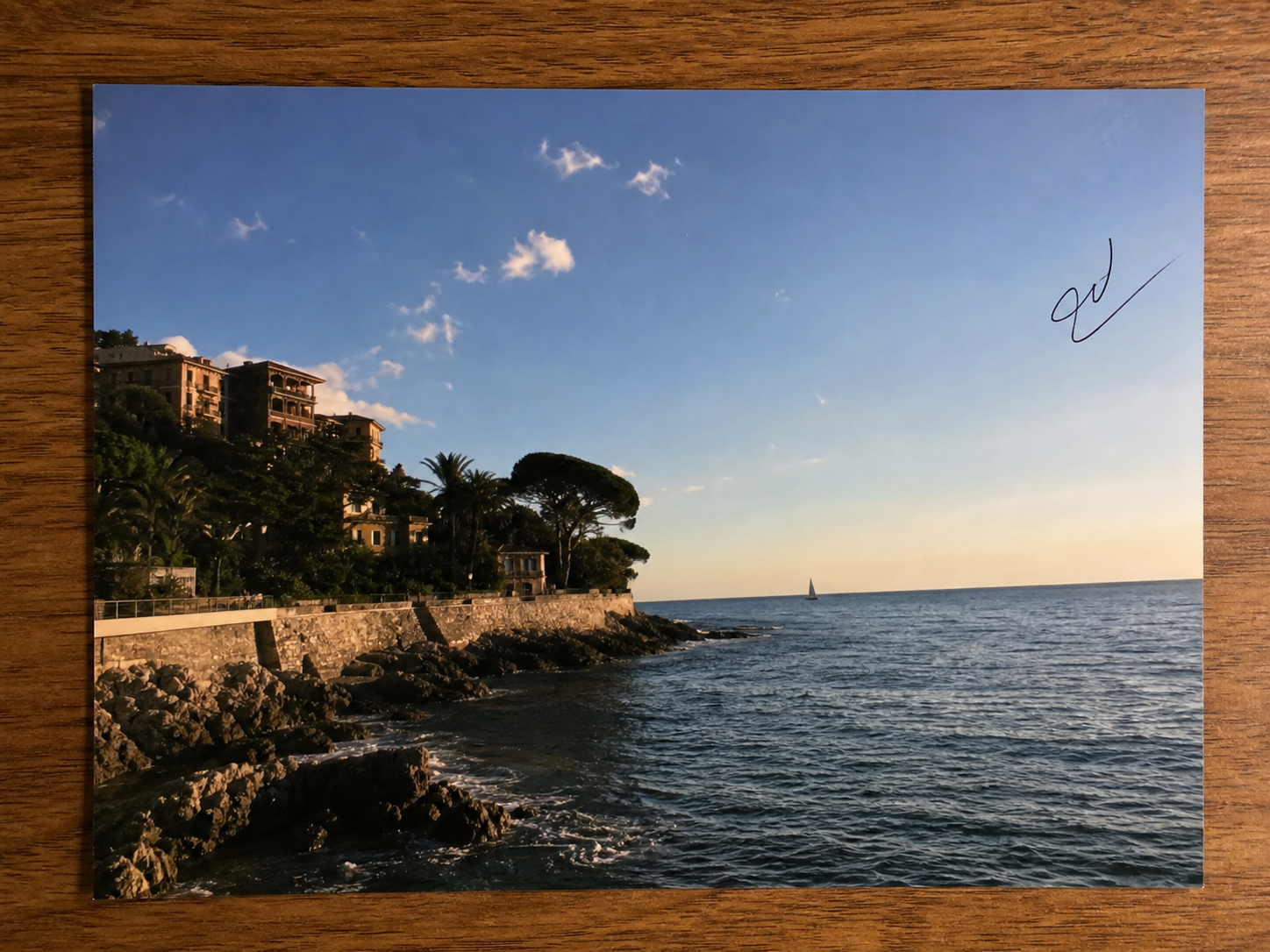
Clean a loose pen flourish or separate handwritten mark from an image you own, then inspect the repaired texture before you share it. This is photo cleanup, not document editing.
JPG, PNG, or WebP · Start with Signature Cleanup selected
Conservative reconstruction
A strong result replaces the separate pen stroke with nearby sky, wall, table, fabric, or photo texture. It should not redraw the scene or invent the hidden subject.
Where this stops
Signature Cleanup is for a small non-essential mark in a personal image. It is intentionally not a shortcut for changing what a record, document, or artwork says.
Use it for a photo you own or are authorized to edit, where the handwritten mark is visually separate from the subject.
Do not use it on contracts, agreements, checks, invoices, receipts, certificates, IDs, school records, medical records, or other record-like files.
Do not remove copyright watermarks, creator signatures, attribution, ownership marks, or protected autographs.
How it works
The right choice depends on what the mark is attached to and what it means in the image.
Confirm that the file is an owned personal photo, not a document, proof, or artwork attribution surface.
The editor opens with Signature Cleanup selected so the model focuses on a small, separate handwritten mark.
Zoom into the repair. Keep the original if the surface texture, edge, or hidden detail does not look natural.
Blur names, addresses, IDs, screens, and other sensitive information when the document or object should remain visibly authentic.
Remove a non-sensitive caption, date, label, or small word from an owned image when the task is text cleanup rather than one handwritten mark.
What this photo-only workflow can and cannot do.
Quick edits. Professional results.
Upload an owned personal photo and review a conservative cleanup in the ClearCrowds editor.
JPG, PNG, or WebP · Start with Signature Cleanup selected