



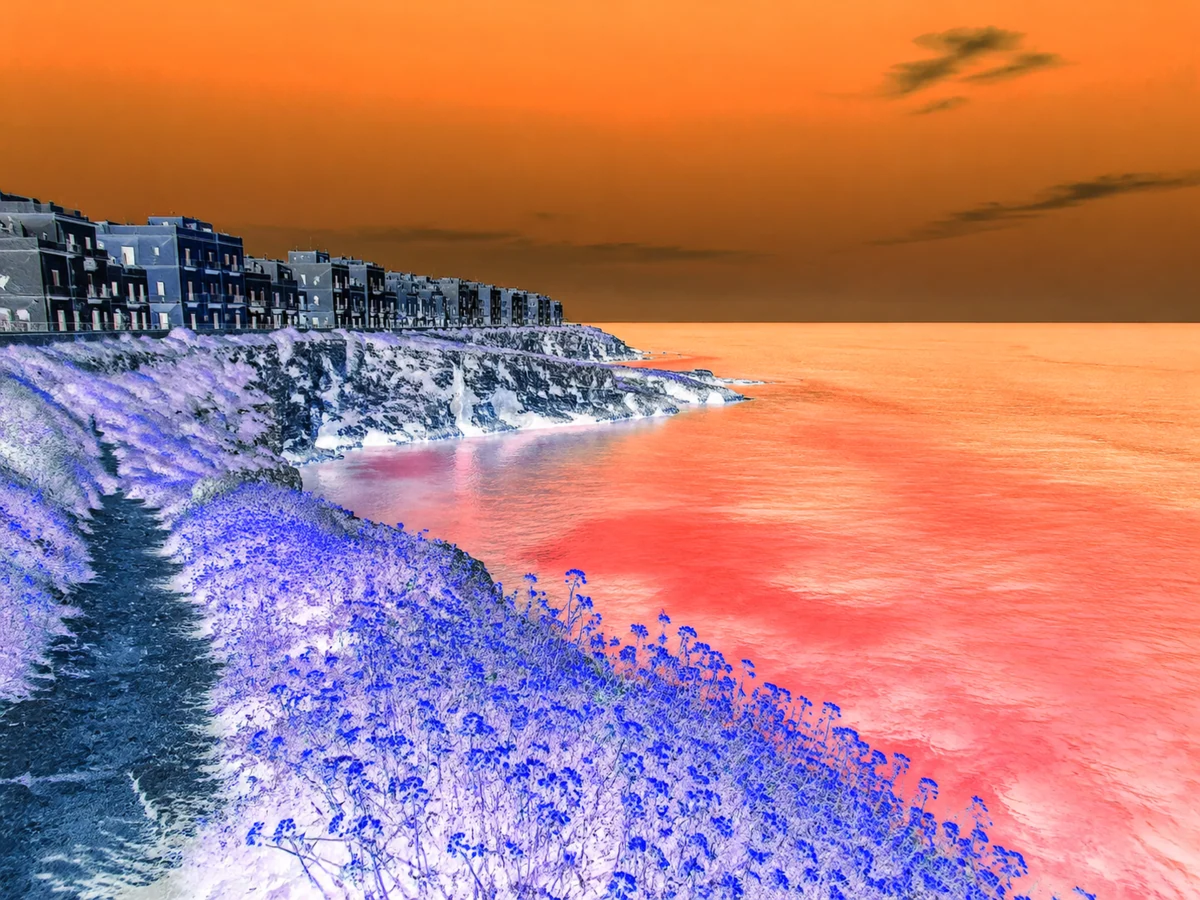
Tint or shift an image hueGive the full image one color mood while preserving texture and light.
Invert image colors online
Turn a photo into its color negative with exact RGB inversion. Preview the result without changing the crop or transparency.
Choose a photo
Start with the image you want to change.
OriginalResult
Preview the exact change
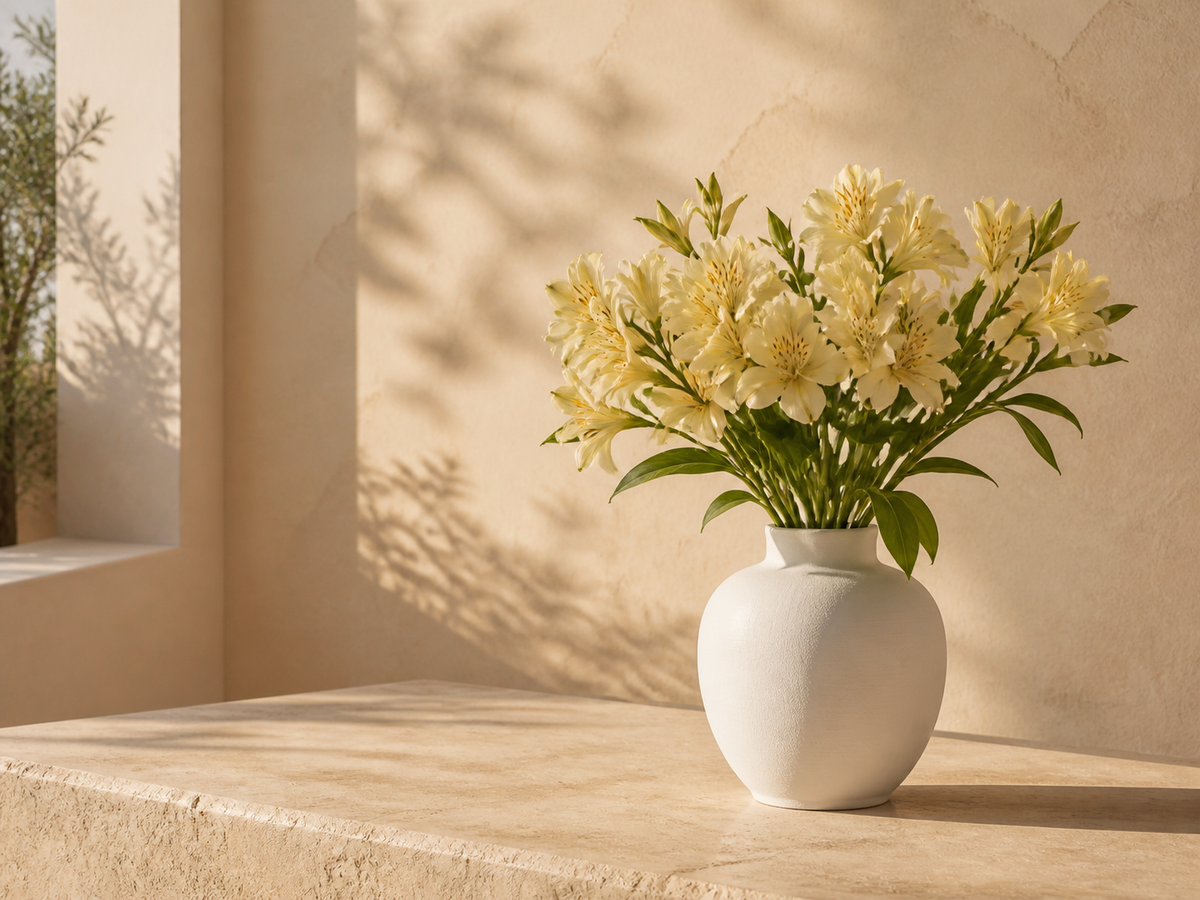
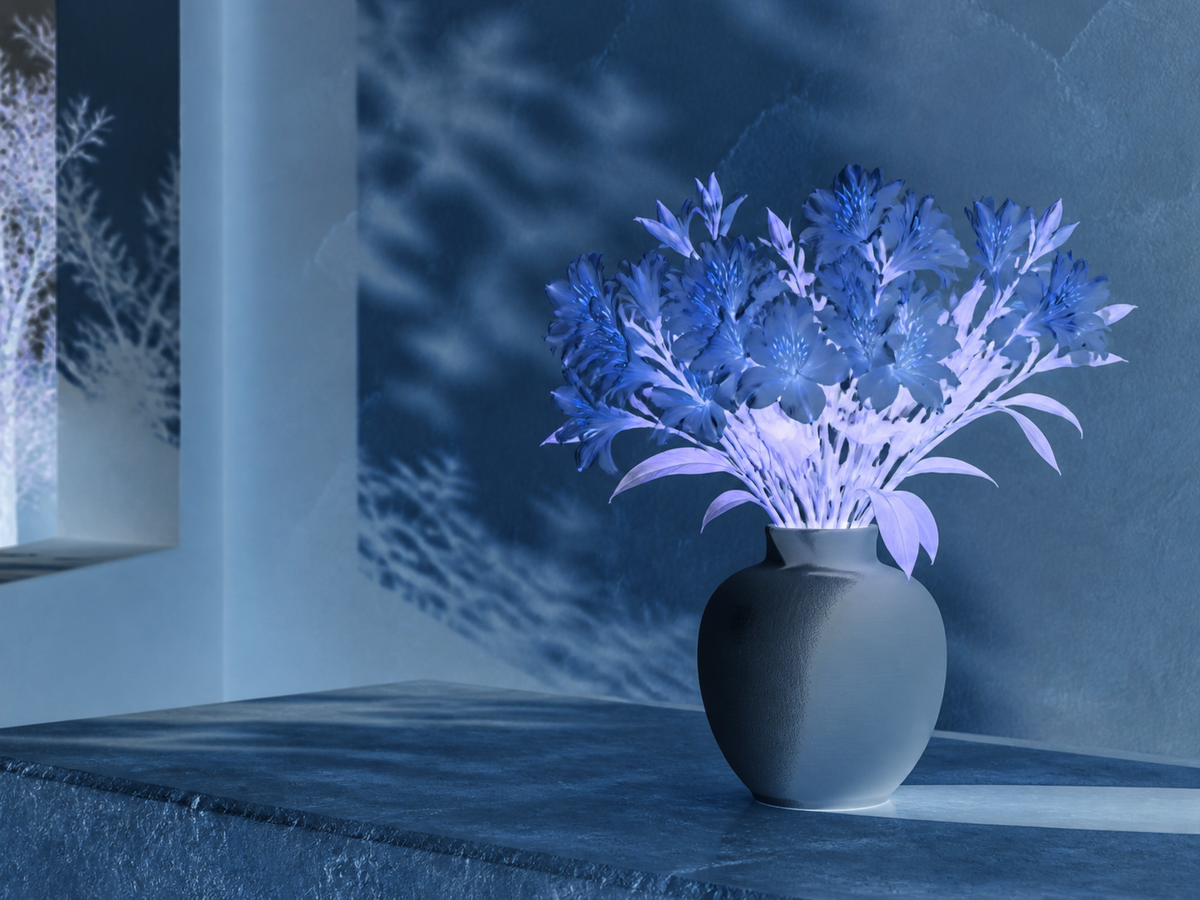
Open your photo, compare the inverted preview and confirm when it looks right. There is no model prompt or strength setting.
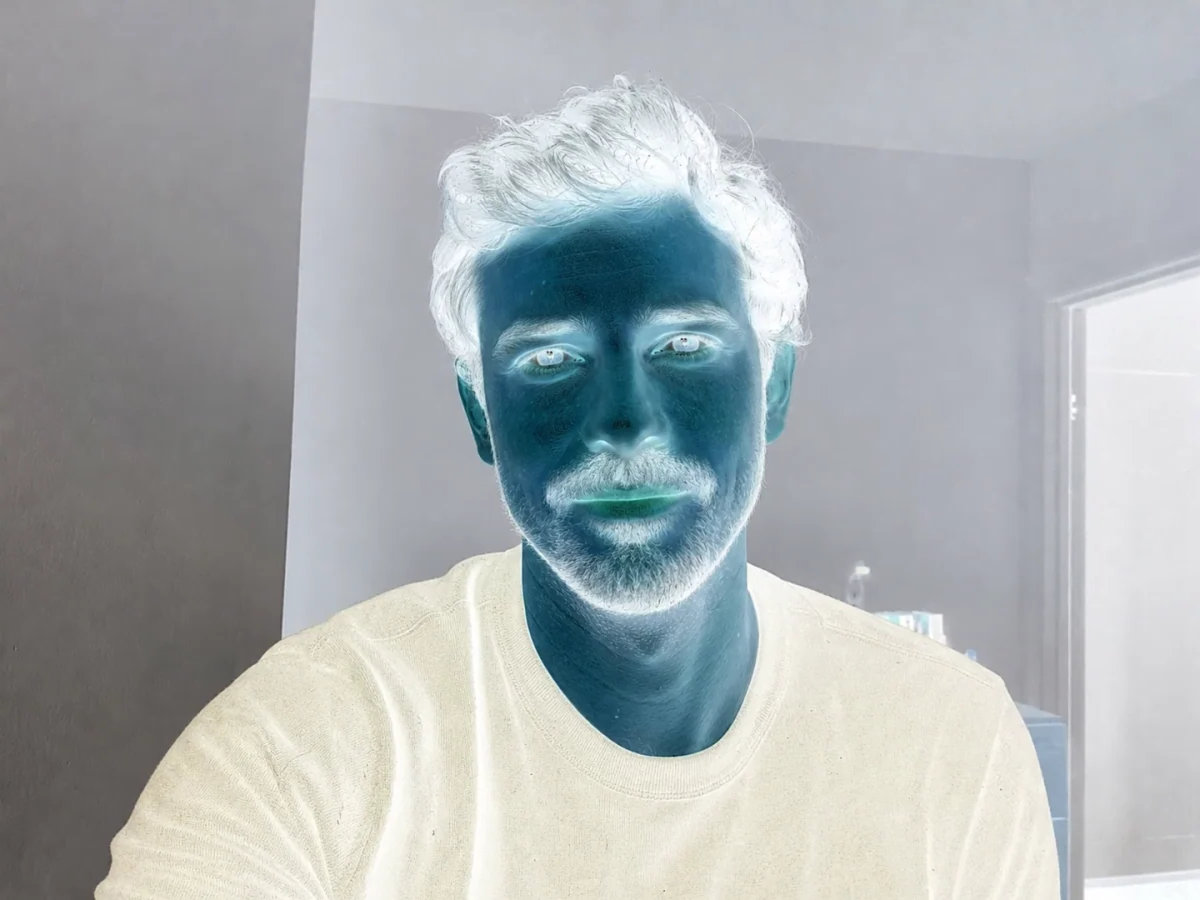
Give a portrait a negative look
- Requested change
- Open your photo, compare the inverted preview and confirm when it looks right. There is no model prompt or strength setting.
- Keep unchanged
- Pixel positions, dimensions and the alpha channel stay the same.
OriginalResult
Reverse a graphic’s light and dark
- Requested change
- Open your photo, compare the inverted preview and confirm when it looks right. There is no model prompt or strength setting.
- Keep unchanged
- Pixel positions, dimensions and the alpha channel stay the same.
OriginalResult
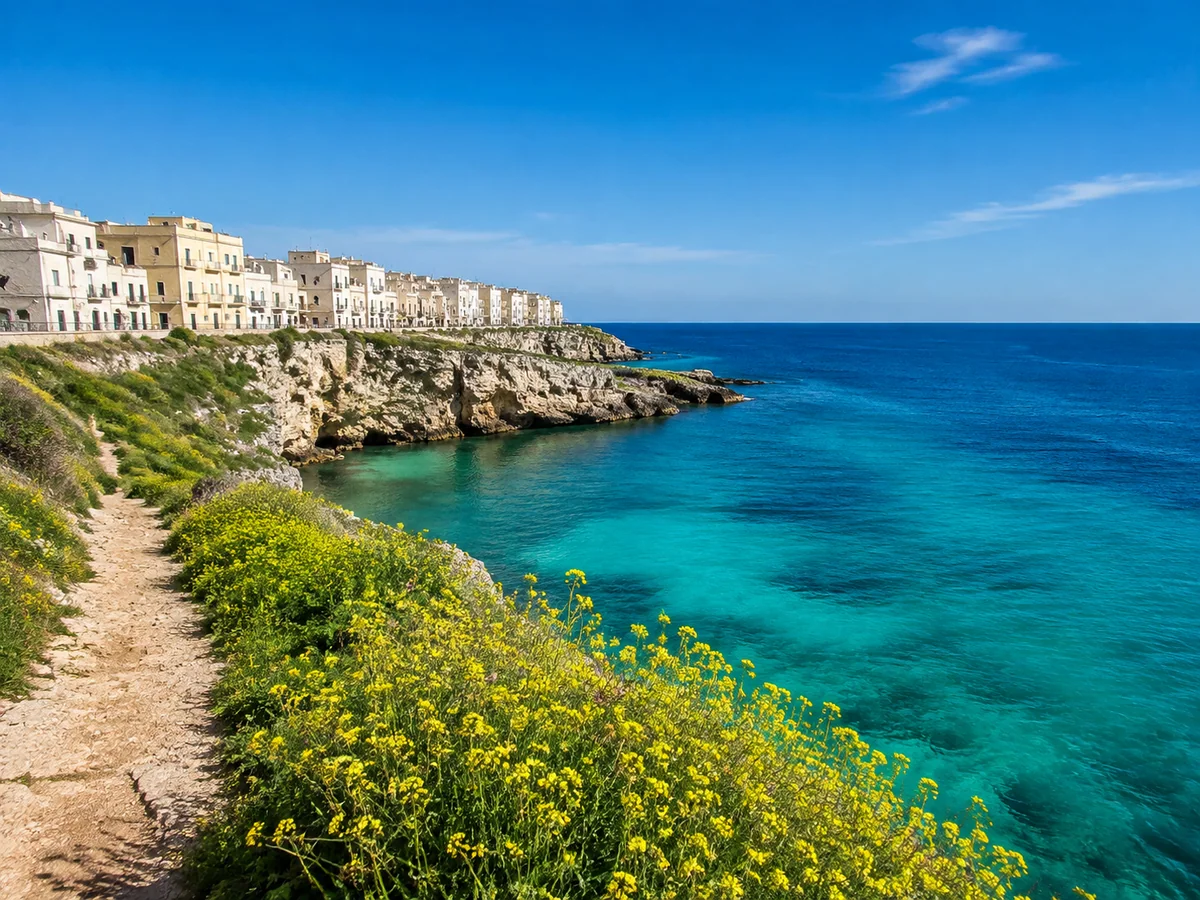
Explore inverted landscape colors
- Requested change
- Open your photo, compare the inverted preview and confirm when it looks right. There is no model prompt or strength setting.
- Keep unchanged
- Pixel positions, dimensions and the alpha channel stay the same.
OriginalResult
How to use this tool
- 1
Choose a photo
Start with the image you want to change.
- 2
Review the result
Compare the preview with the original before confirming.
- 3
Keep editing
Confirm the result, continue editing or use the existing download controls.
Choose the right method
Color inversion is not hue rotation or film-negative restoration. It does not remove a scanned film’s orange mask.
Questions and answers
What stays unchanged?
Pixel positions, dimensions and the alpha channel stay the same.
When should I choose another method?
Color inversion is not hue rotation or film-negative restoration. It does not remove a scanned film’s orange mask.
More ways to perfect your photo
Quick edits. Professional results.
Turn a photo into pixel artTurn your photo into retro pixel artwork with crisp silhouettes, coordinated colors and expressive shading.
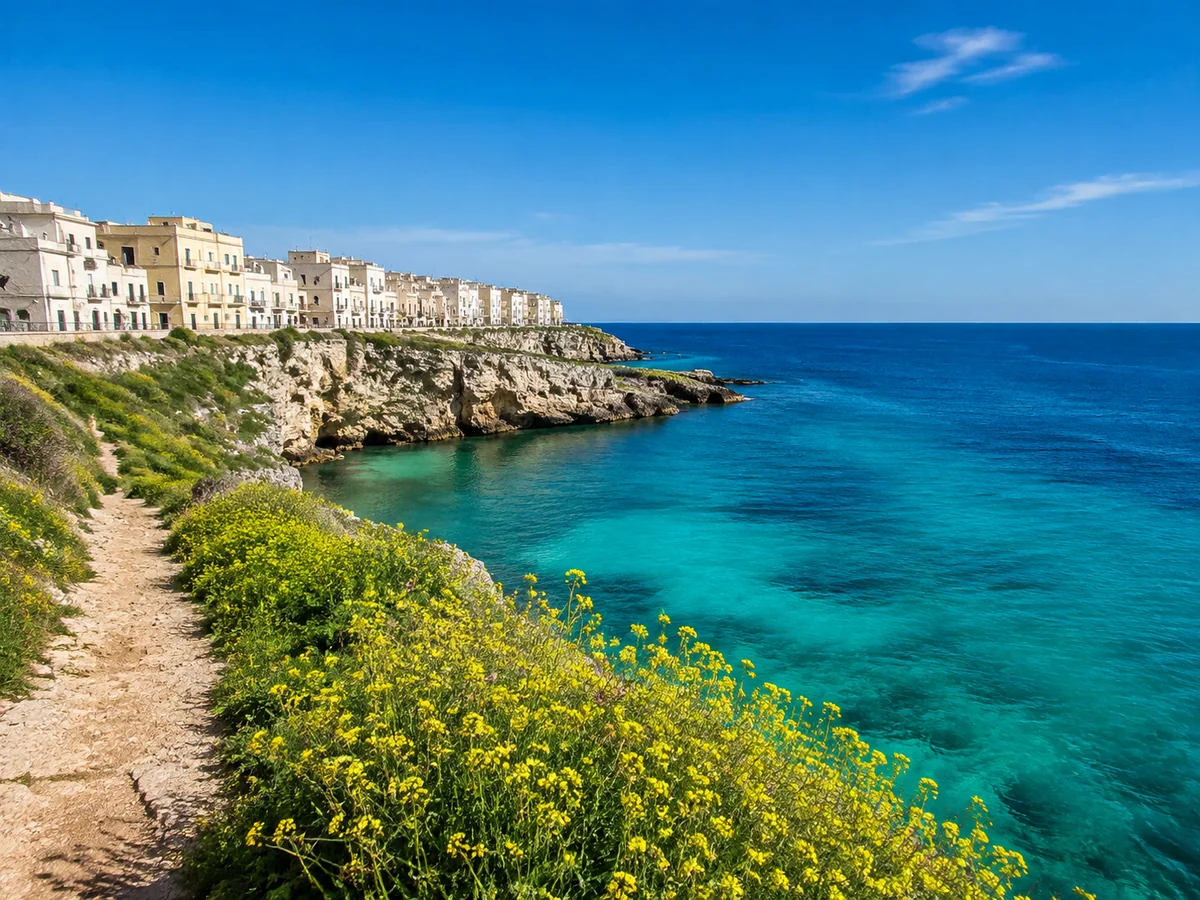
Darken an image with a brightness sliderLower photo brightness online and preview the change as you adjust it. Keep the same scene and choose how dark the result should be.
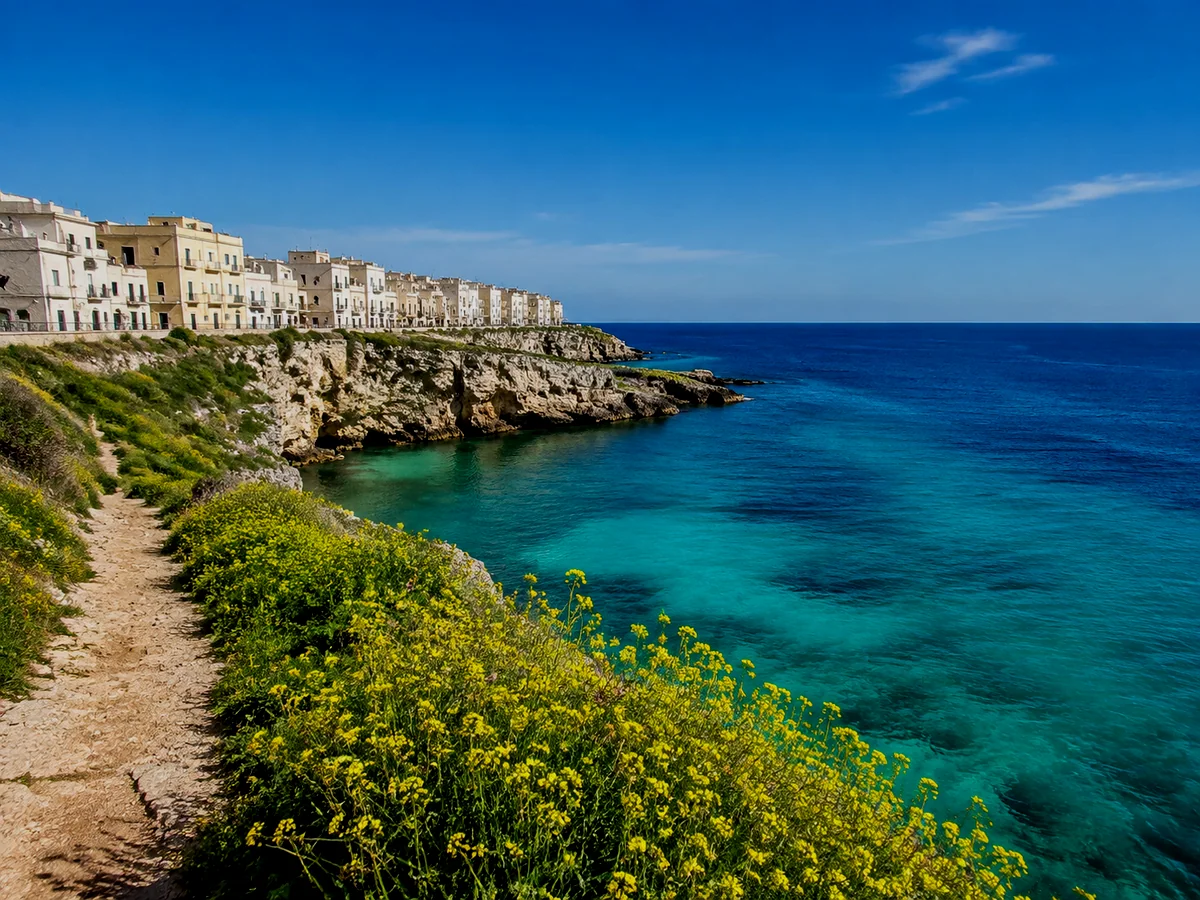
Invert image colors online
Choose a photo
Start with the image you want to change.