


Edit text in an imageUpdate wording while preserving the original layout and style.
Image text editor
Your image. Your words.
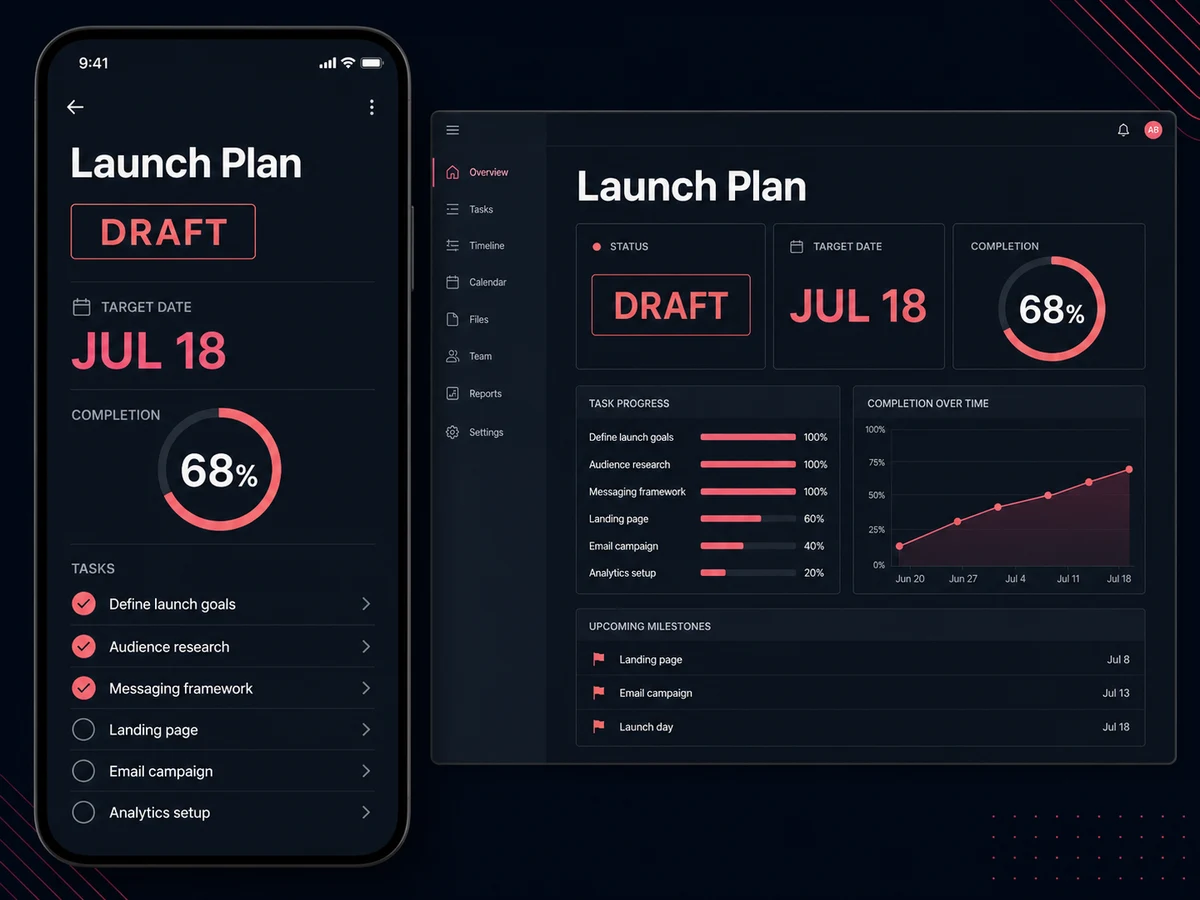
A finished image doesn't have to mean finished text. Upload a screenshot or graphic, click the words you want to change, and make them your own.
Upload image to edit text
JPG · PNG · WebP
BeforeAfter
- Edit only the words you select
- Choose fonts and fine-tune weight
- Move text directly on the canvas
Make your screenshot say the right thing
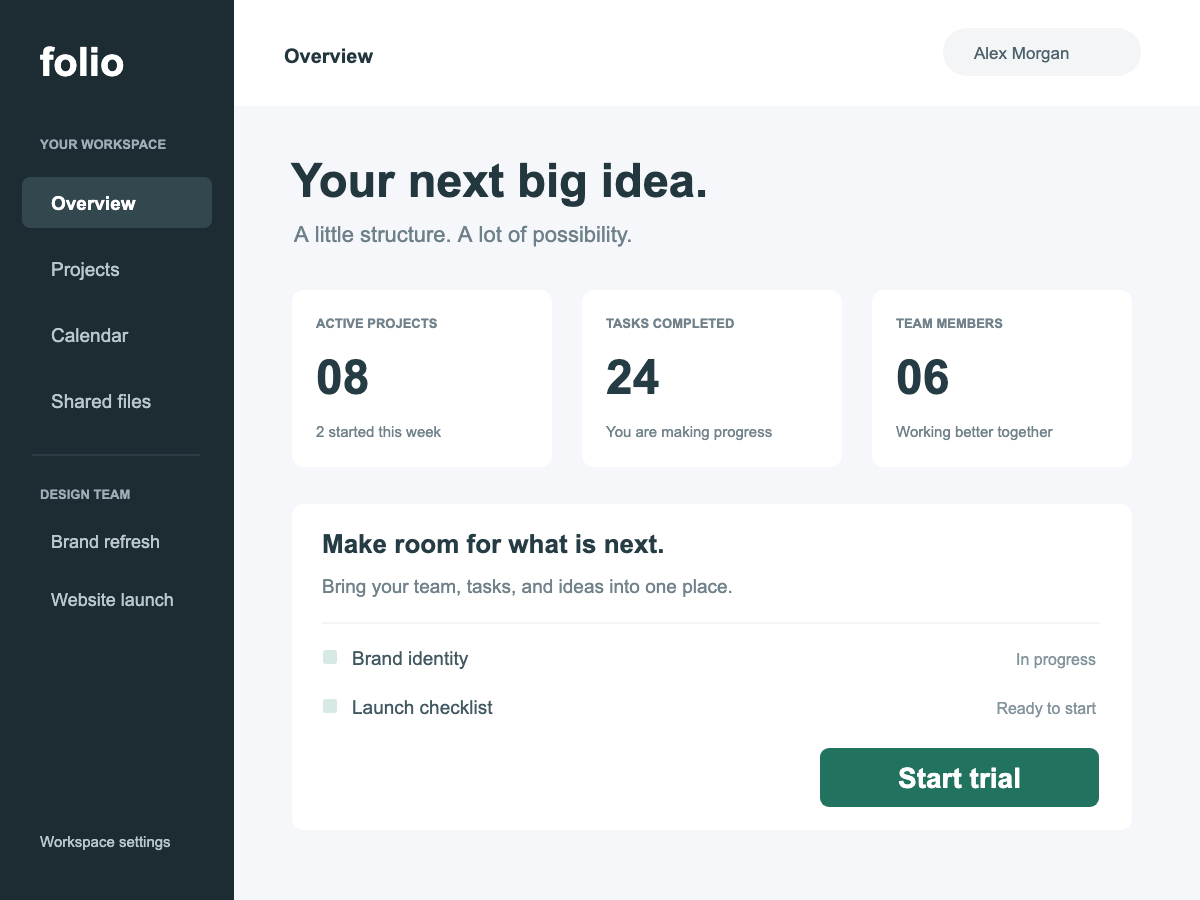
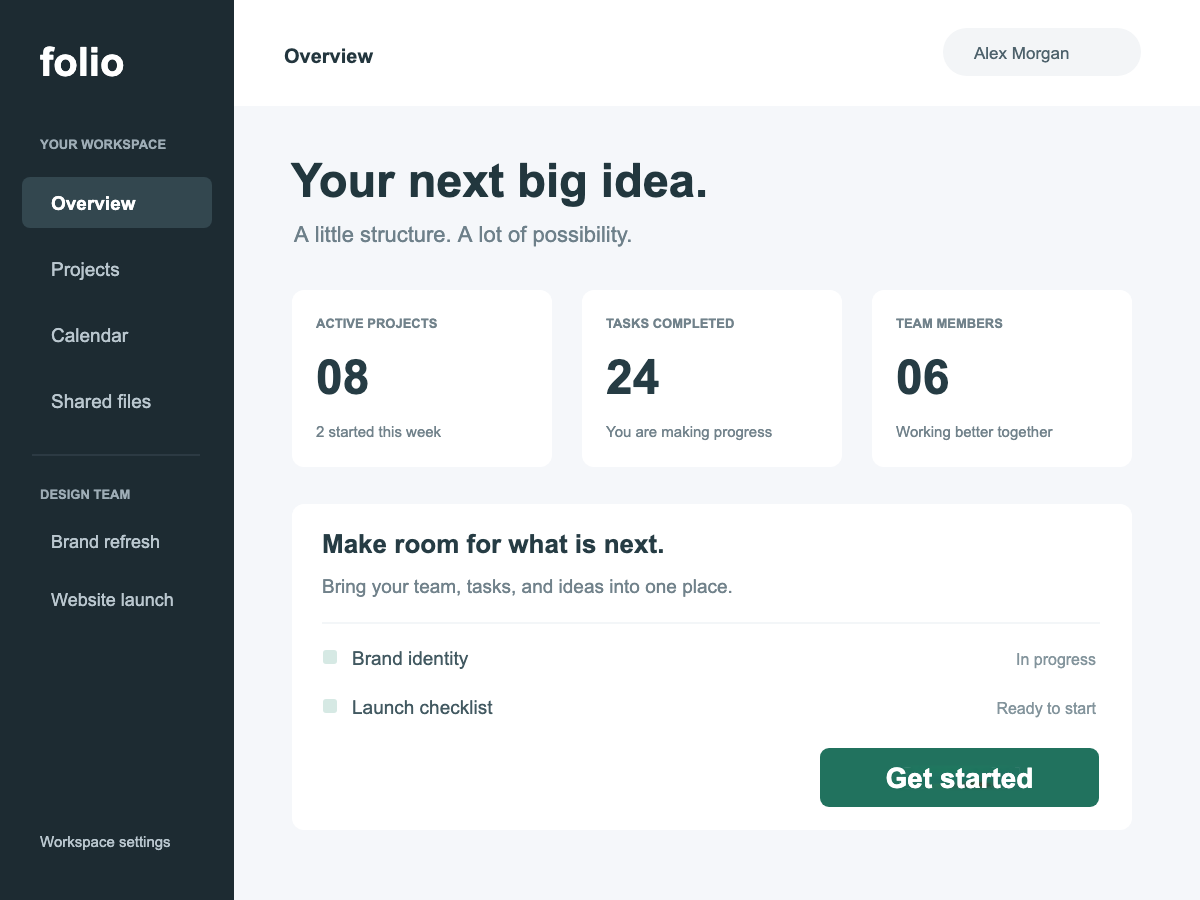
Preparing a help article or product walkthrough? Update a button label in your screenshot without rebuilding the interface.
- The edit
- Change one button from Start trial to Get started.
- Kept in place
- The surrounding navigation, content and other labels.
BeforeAfter
Update an event without remaking the poster
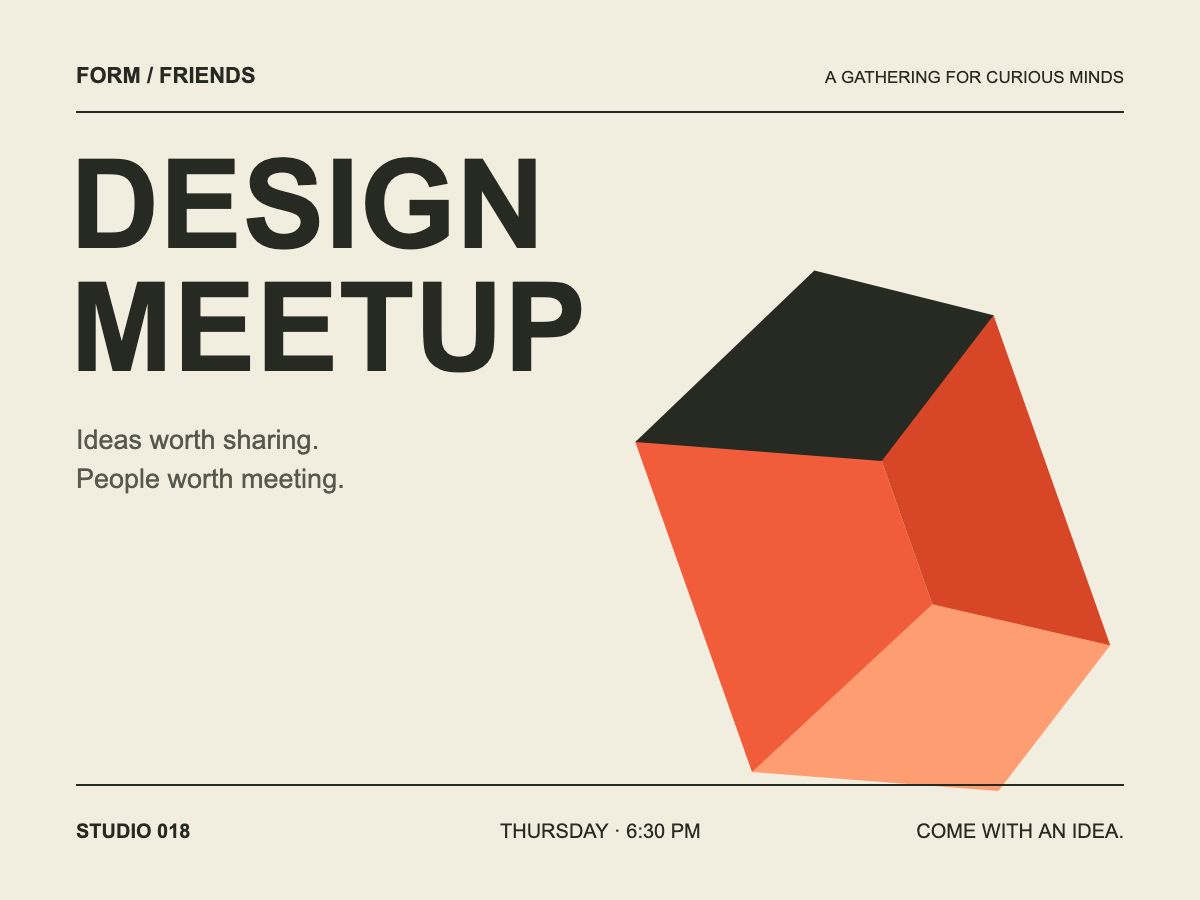
When the date changes, the whole layout doesn't need to. Select the date, type the update, and adjust its size or position to fit.
- The edit
- Move the event from October 24 to October 31.
- Kept in place
- The poster title, venue and graphic layout.
BeforeAfter
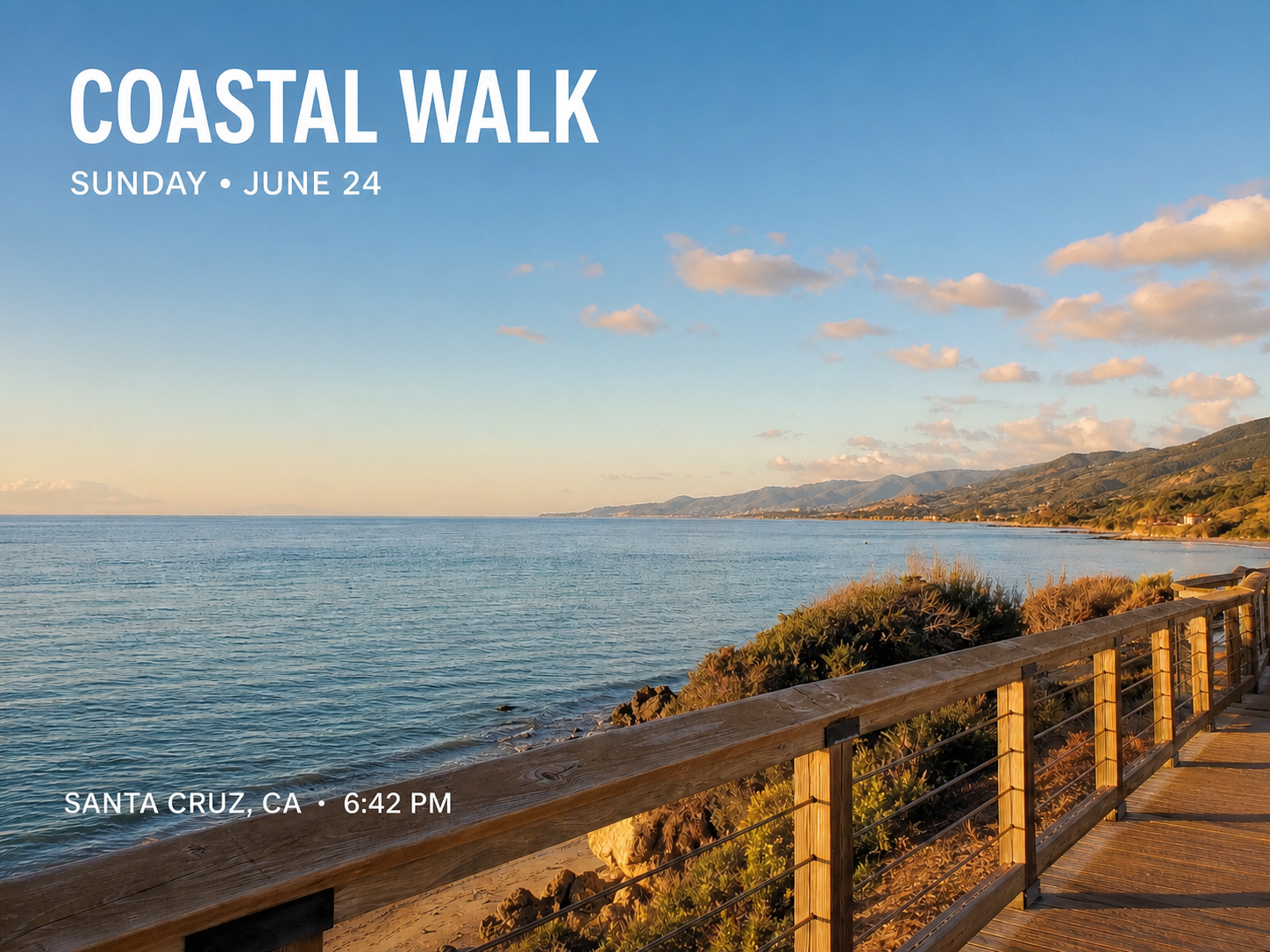
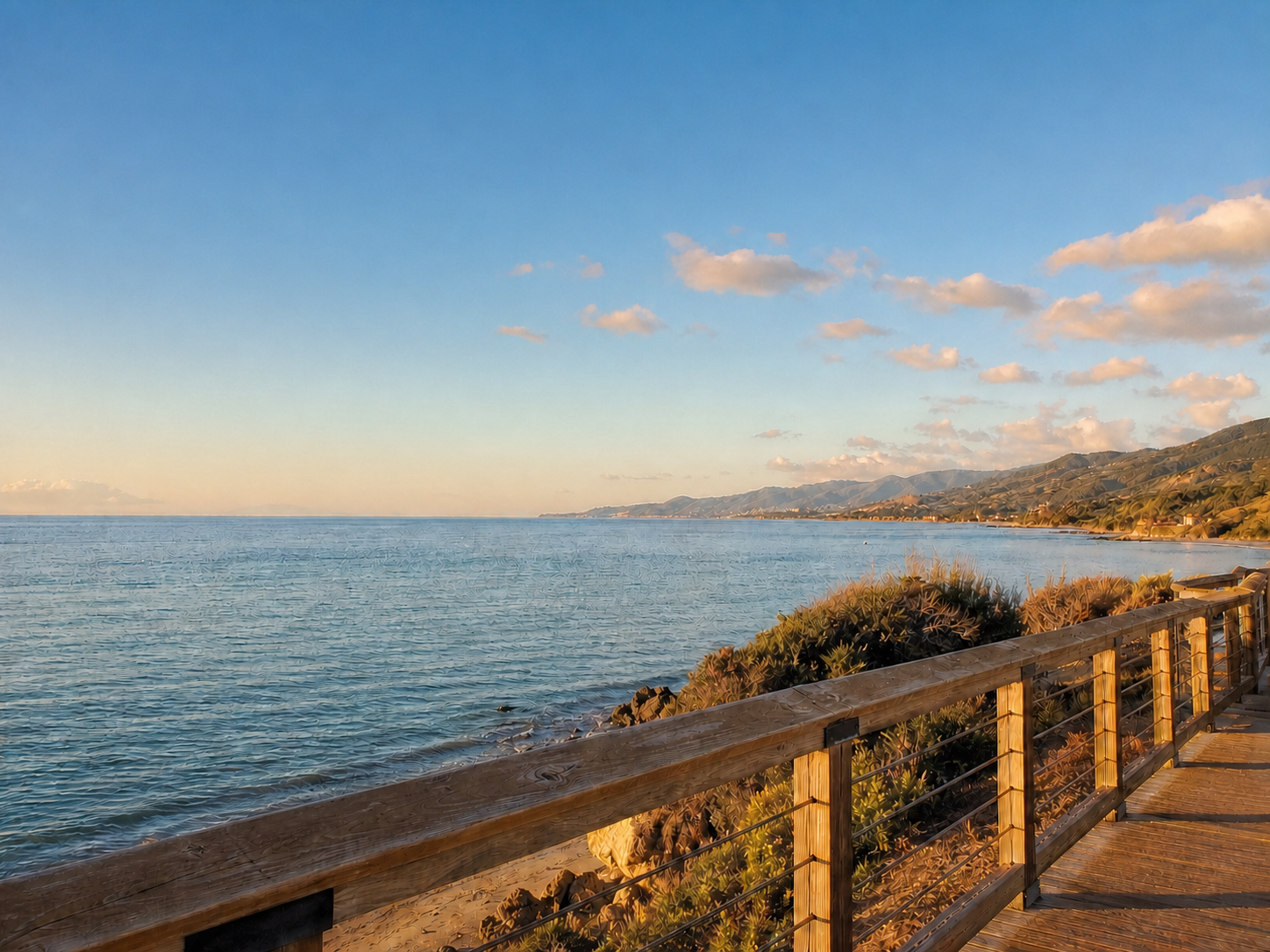
Refresh the copy in a product graphic
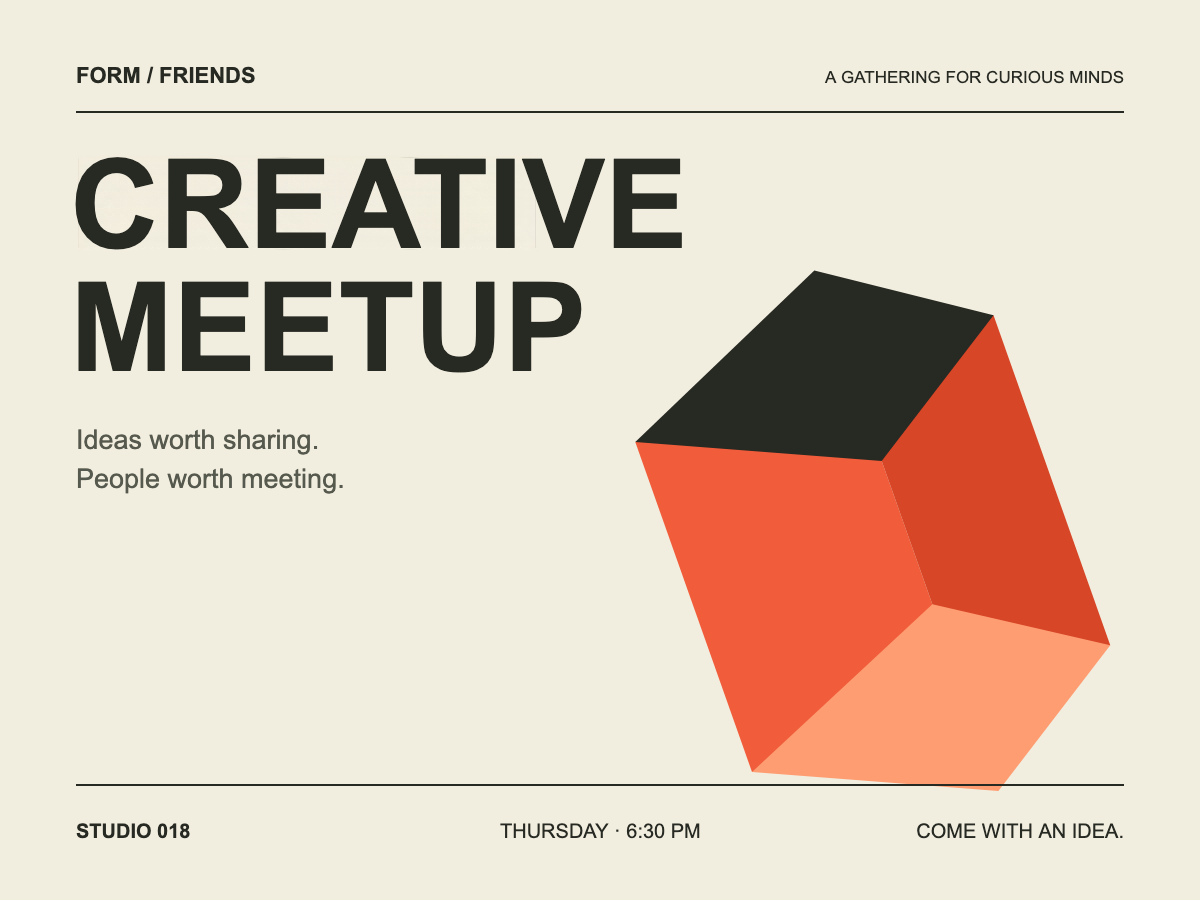
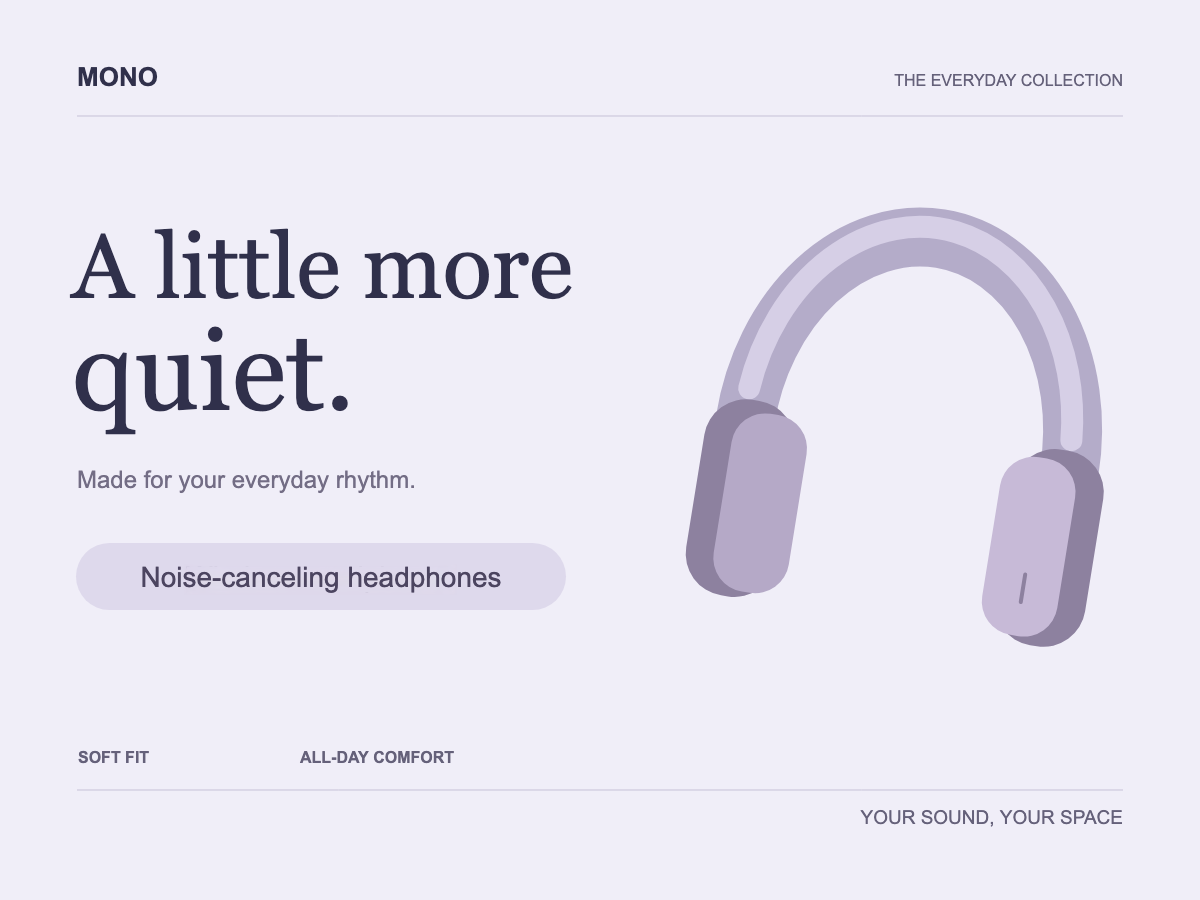
Turn an exported promotional image into a starting point for your next variation. Change a short description and choose a font that suits the design.
- The edit
- Update one product descriptor.
- Kept in place
- The product graphic, background and surrounding copy.
BeforeAfter
From flat image to editable words
- 1
Upload your screenshot or graphic
Choose a JPG, PNG or WebP. The screenshot editor opens with the detected text outlined.
- 2
Click just the words you need
The selected area is cleaned and becomes an editable text element. Other text stays in the image.
- 3
Type, style and position
Change the words, choose a font, slide the weight, or drag the text into place. Review and download your image.
Questions about editing image text
Can I edit the existing words in a PNG or JPG?
Yes. Select a detected word or line to turn that area into an editable text element. You do not need the original design file.
Does it turn every line into a text layer?
No. Only the text you select is converted. Click an already converted element to edit its content or style again.
Can I match the original font and thickness?
The editor estimates the style. You can search Google Fonts, adjust the pixel size and set a numeric weight with the slider. Variable fonts offer finer weight control than fonts with only regular and bold styles.
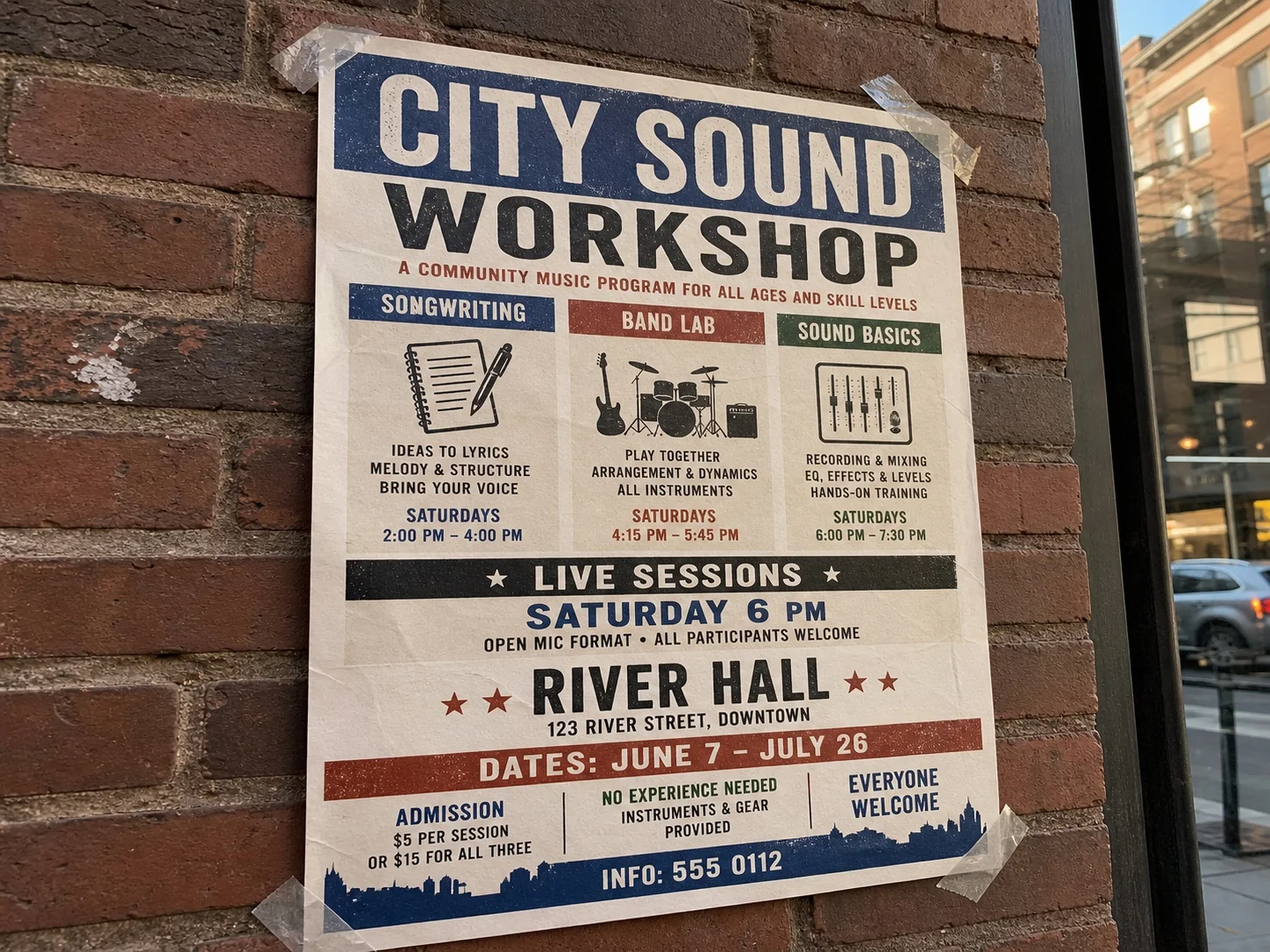
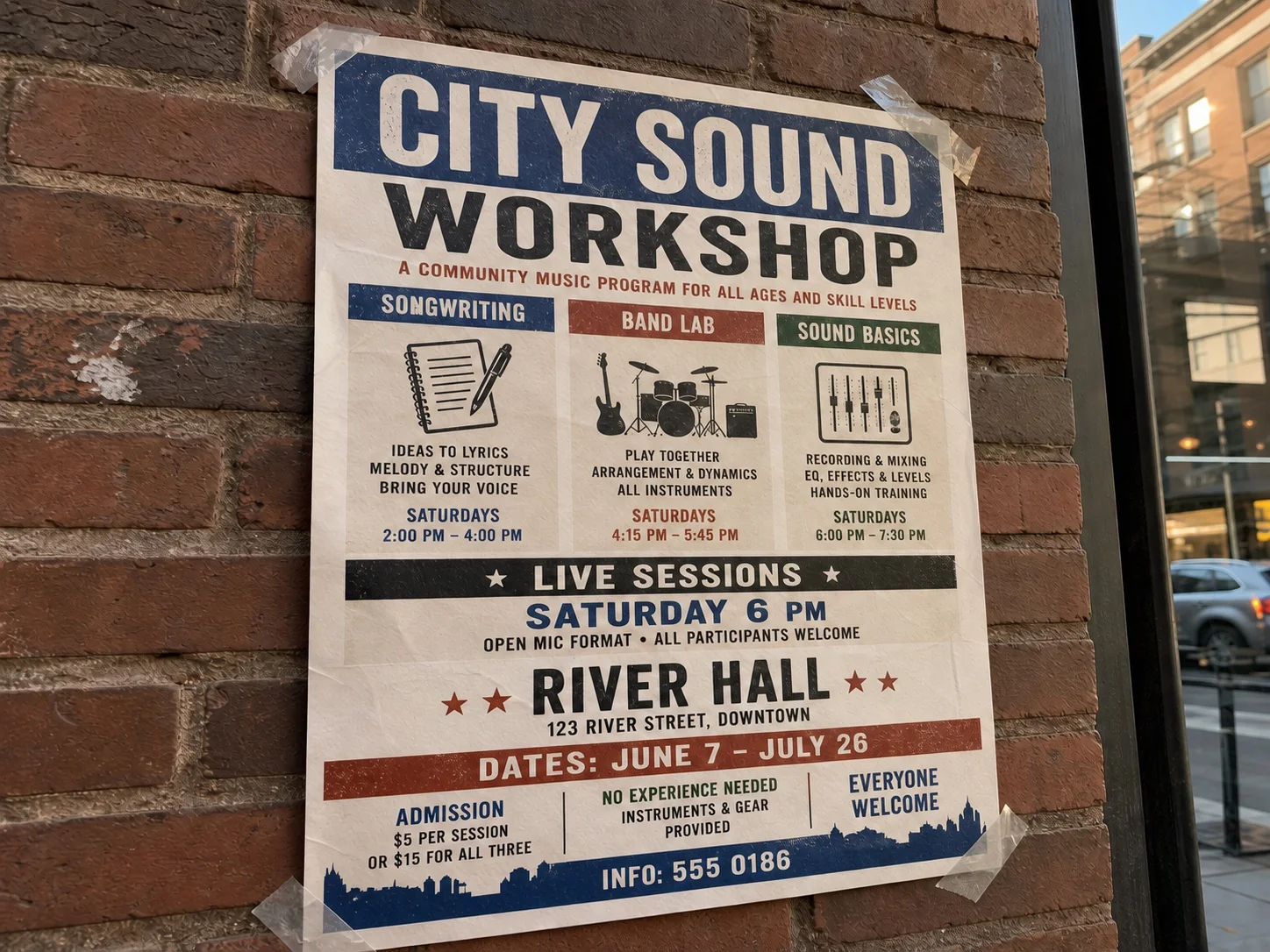
What if the text is on a photographed sign?
This editor is best for screenshots and flat graphics. For lettering that follows a photographed surface or perspective, try Edit text in an image from the related tools below.
Keep the image. Change the words.
Start with the image you already have. Select a line and make your first edit.
Upload image to edit text
JPG · PNG · WebP
More ways to perfect your photo
Quick edits. Professional results.