
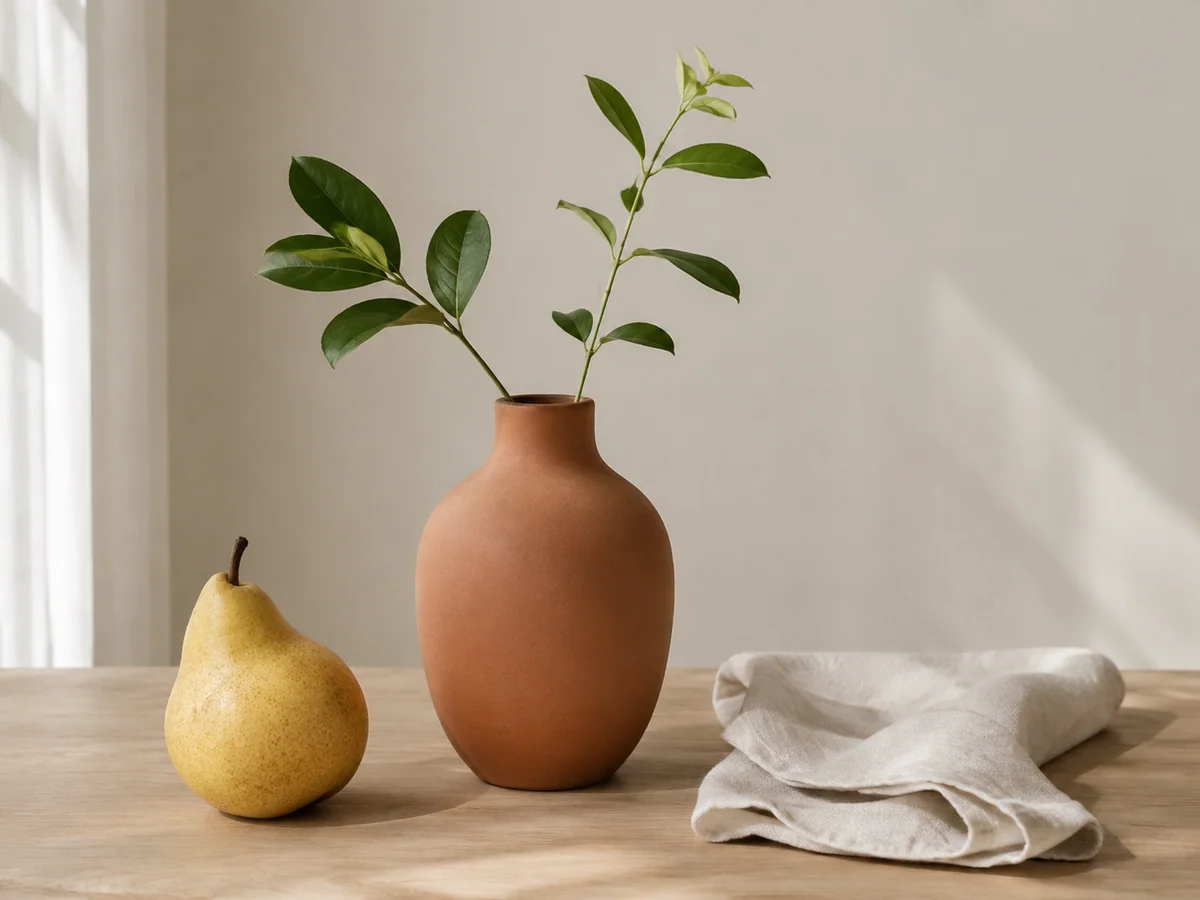
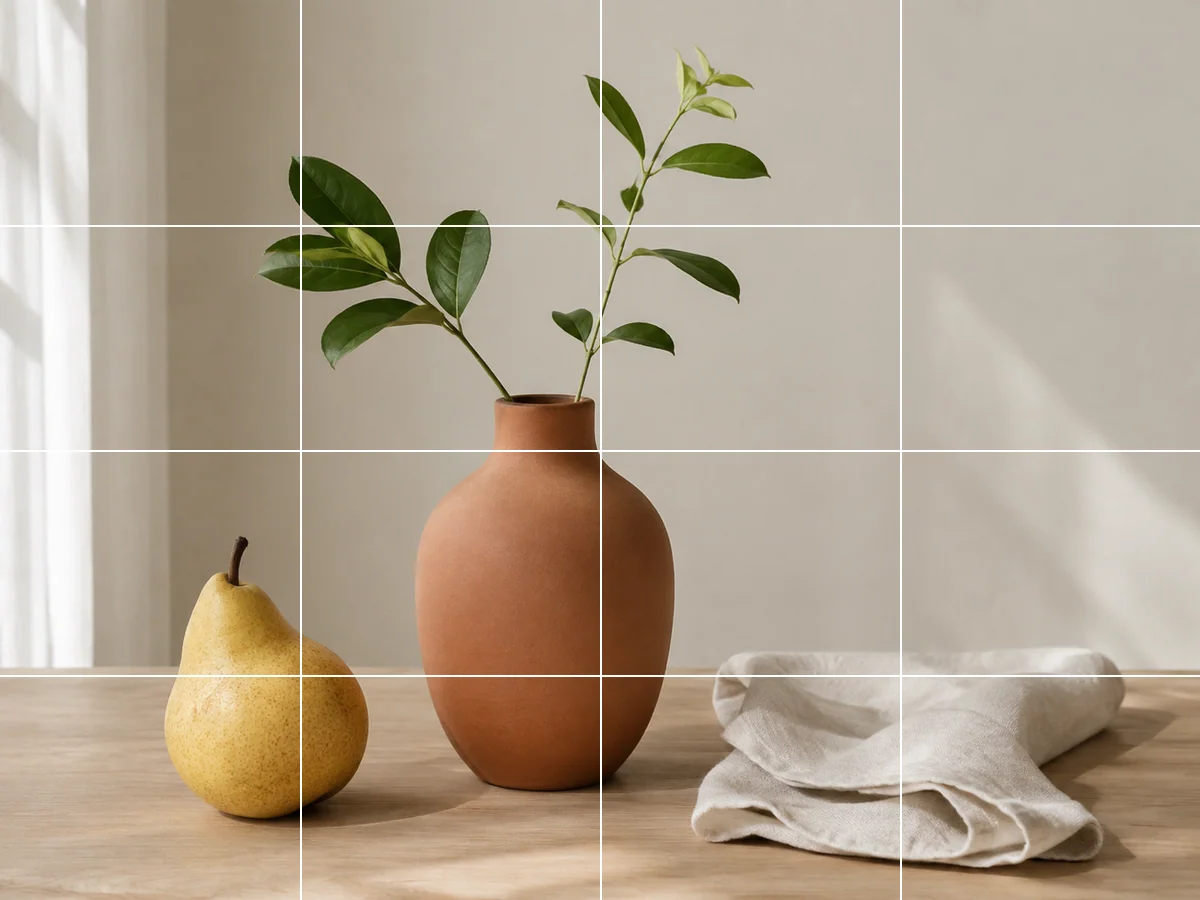
Add a grid to an image for drawing practiceTurn a photo into a drawing reference with a visible grid. Choose rows, columns and line color, then compare proportions one cell at a time.
Turn a photo into a coloring page
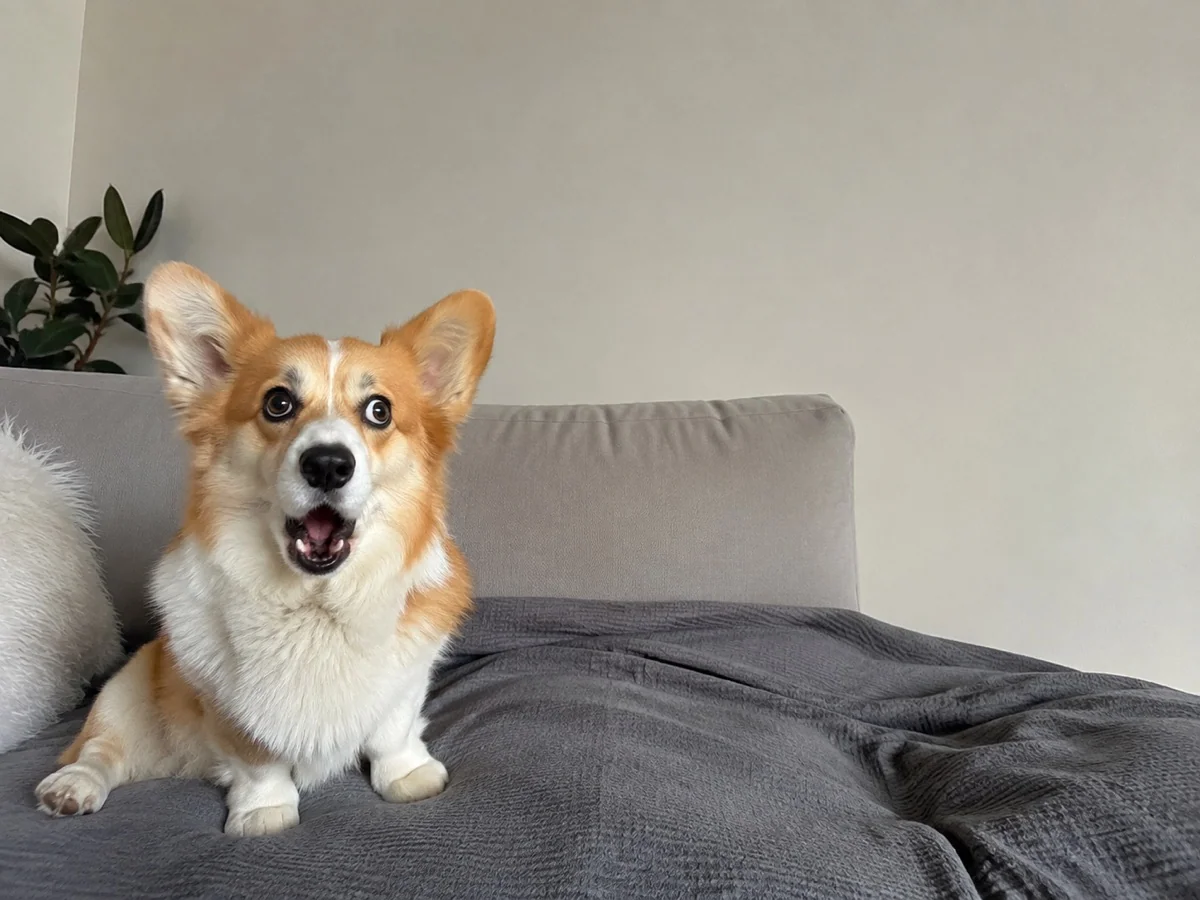
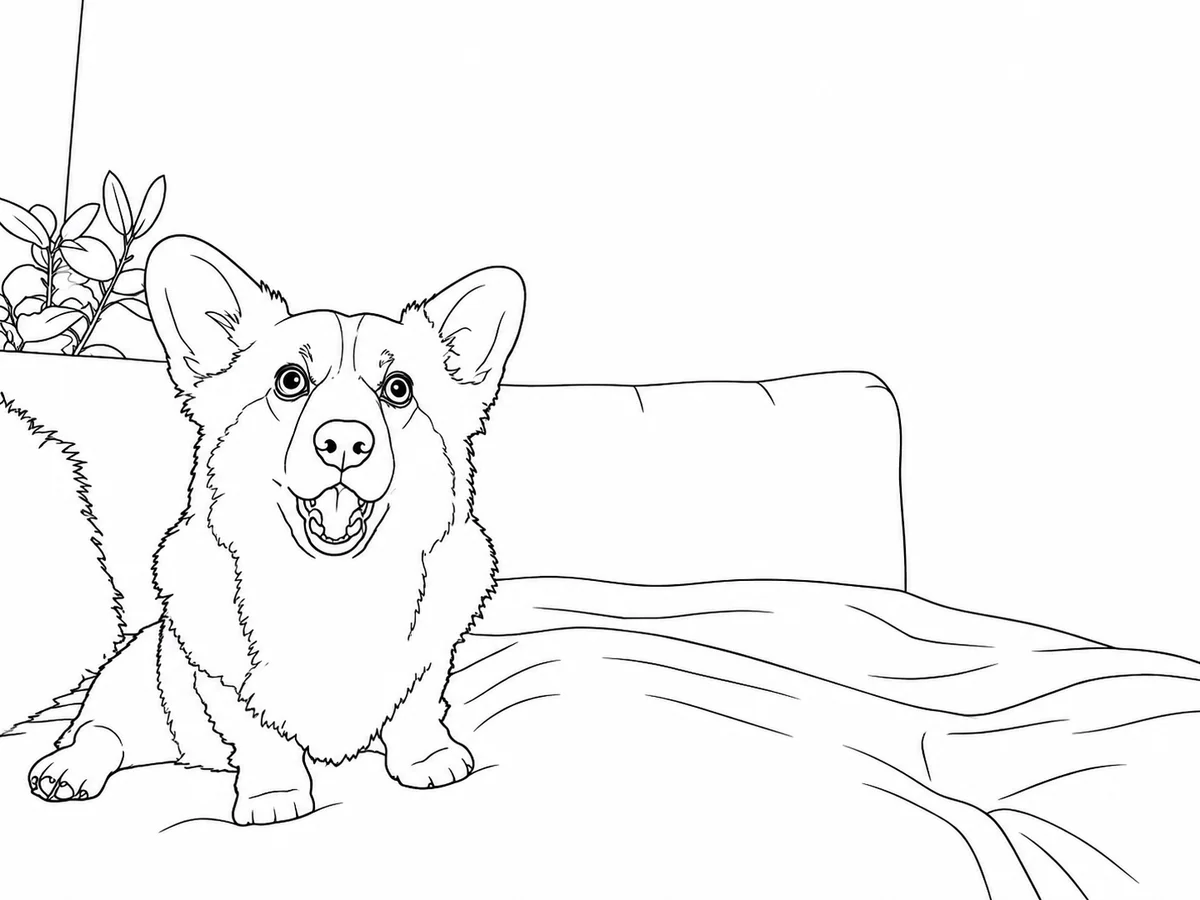
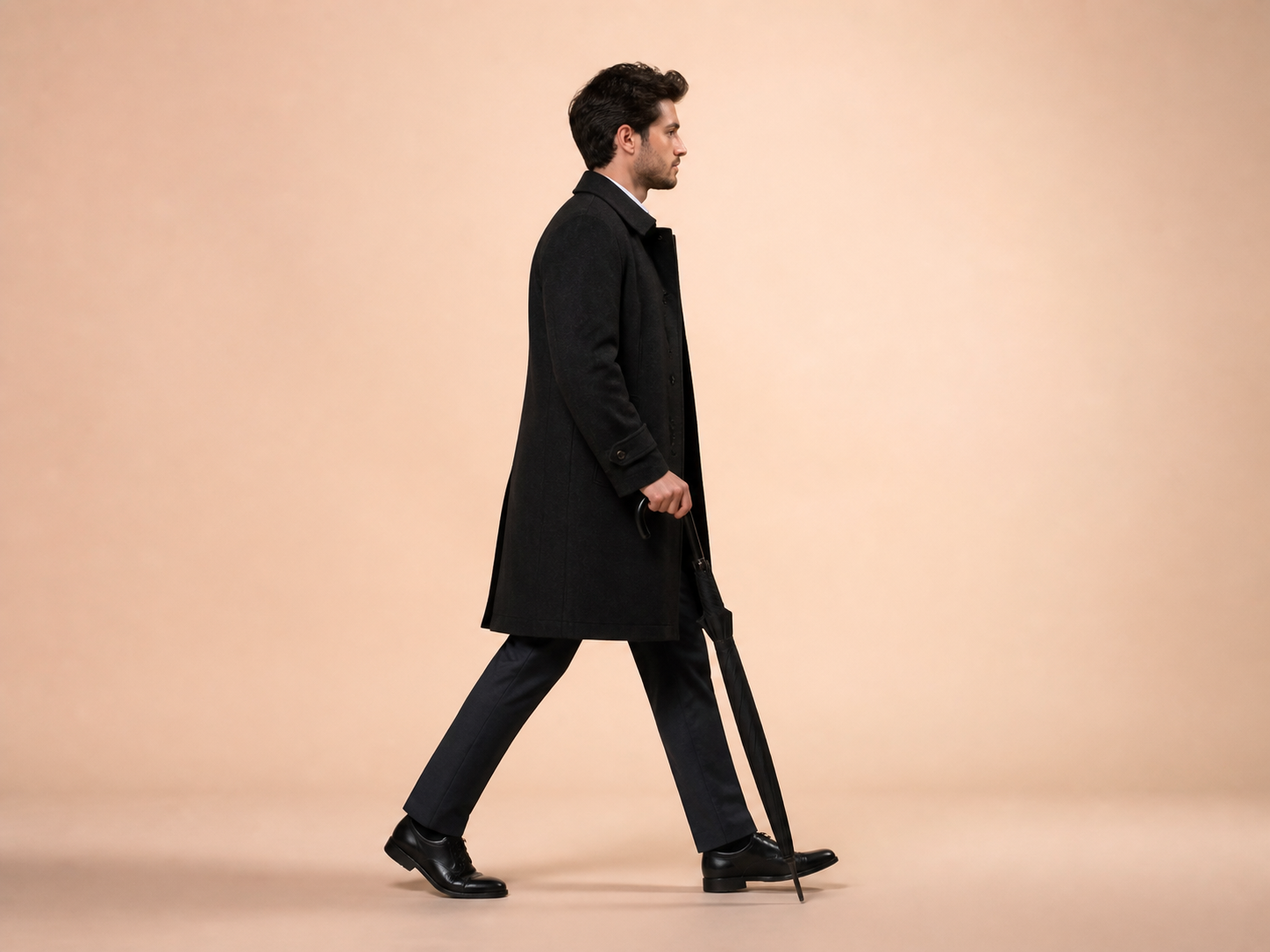
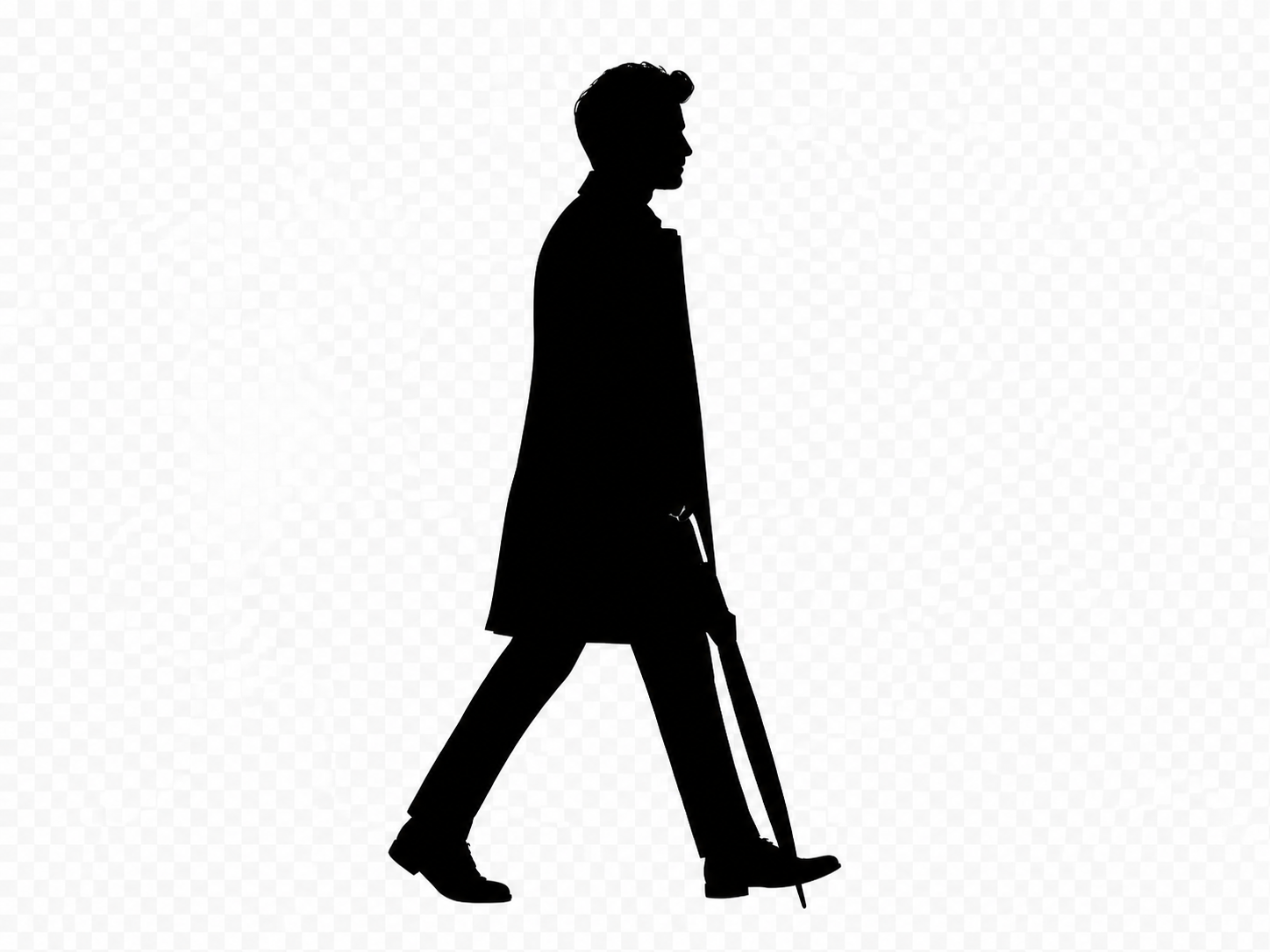
Make a printable coloring page from a pet, flower or familiar scene. Convert your photo into black outlines on white, then review the shapes before printing.
Choose a photo
Upload one photo to create an outline drawing. No extra settings are needed.
OriginalResult
How to use this tool
- 1
Choose a simple photo
Use a clear subject with visible edges and an uncluttered background.
- 2
Create the outlines
Upload the image and let the editor turn it into a black-and-white drawing.
- 3
Review and print
Inspect the shapes, download the image and fit it to paper in your print settings.
A familiar photo, ready for pencils
Start a coloring activity with a subject you already know. Clear outlines leave room to choose your own colors.
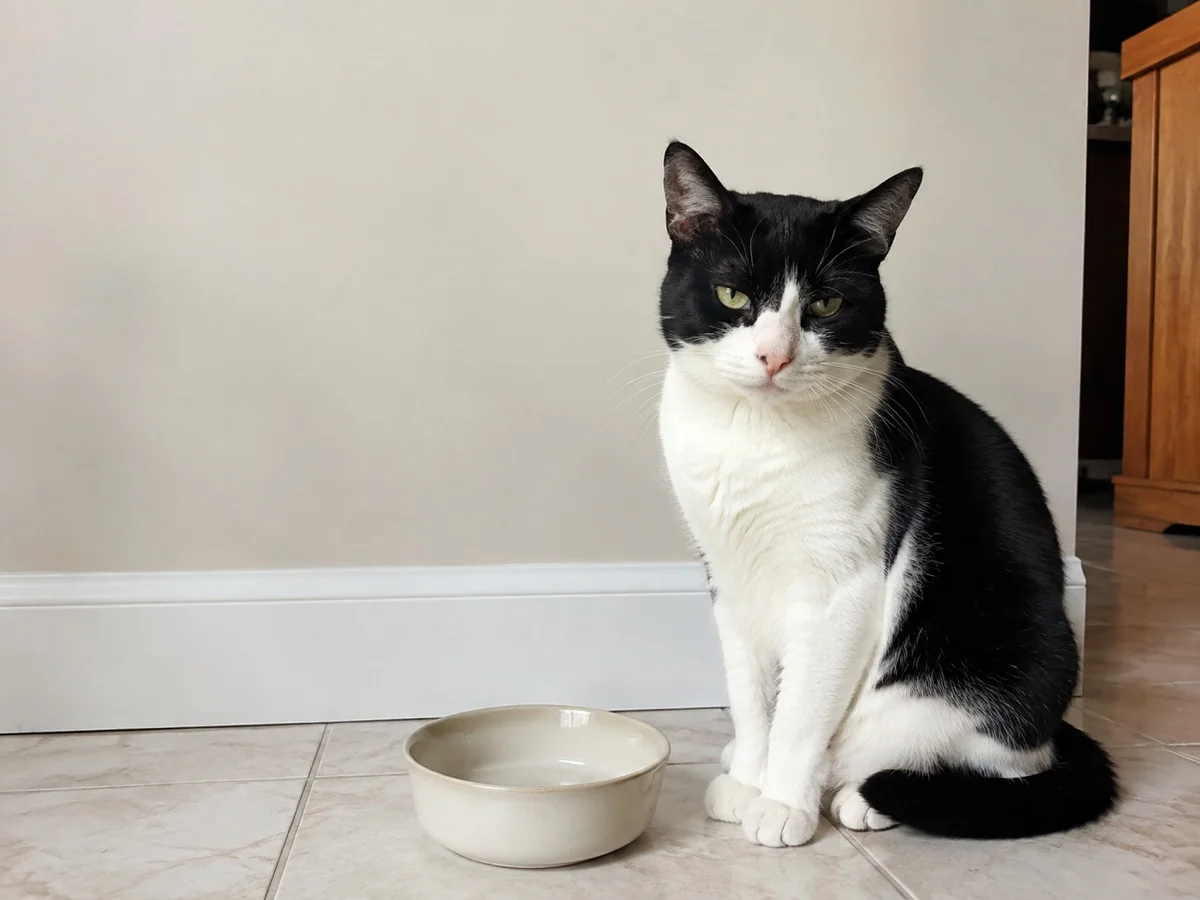
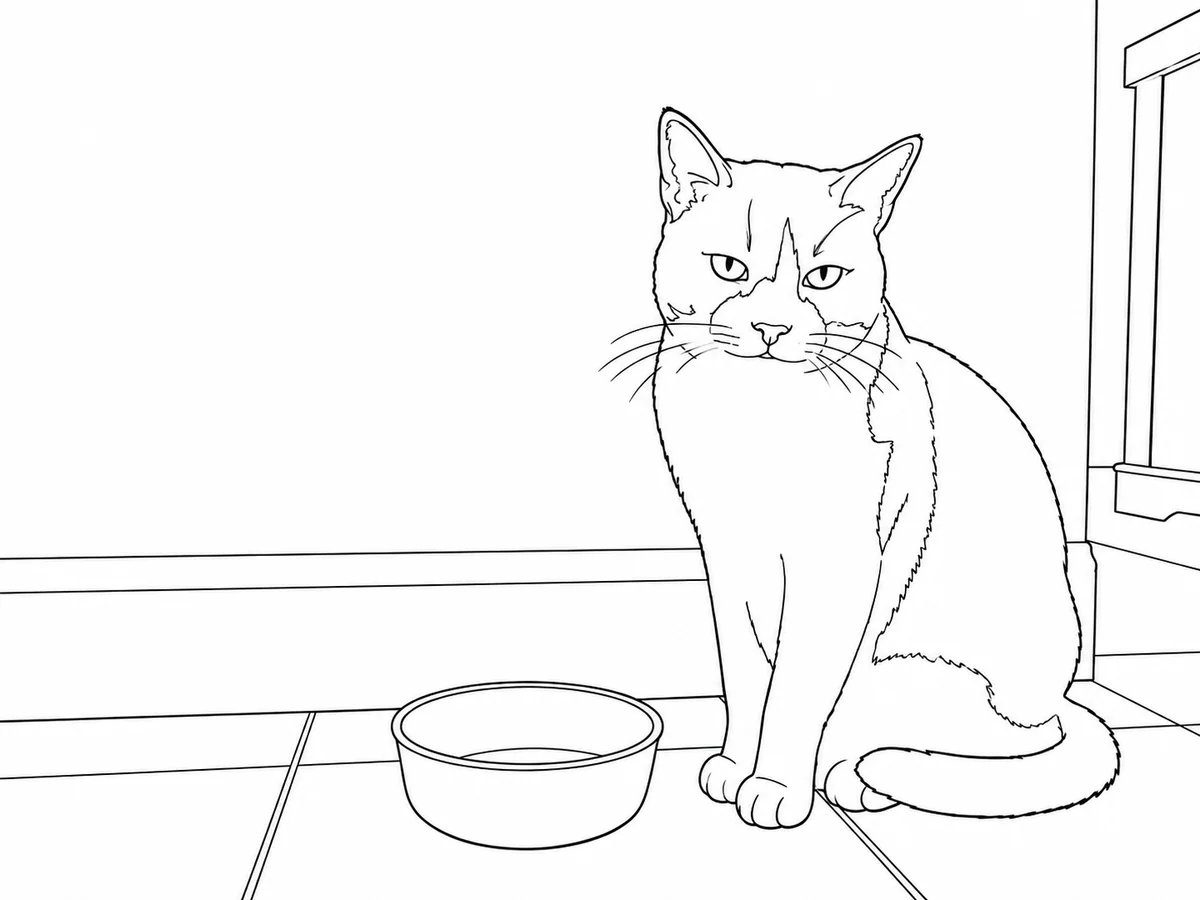
A pet portrait to color
- Requested change
- Turn fur texture and shading into clear cat outlines with open areas.
- Keep unchanged
- Keep the cat’s pose, face and main markings recognizable.
OriginalResult
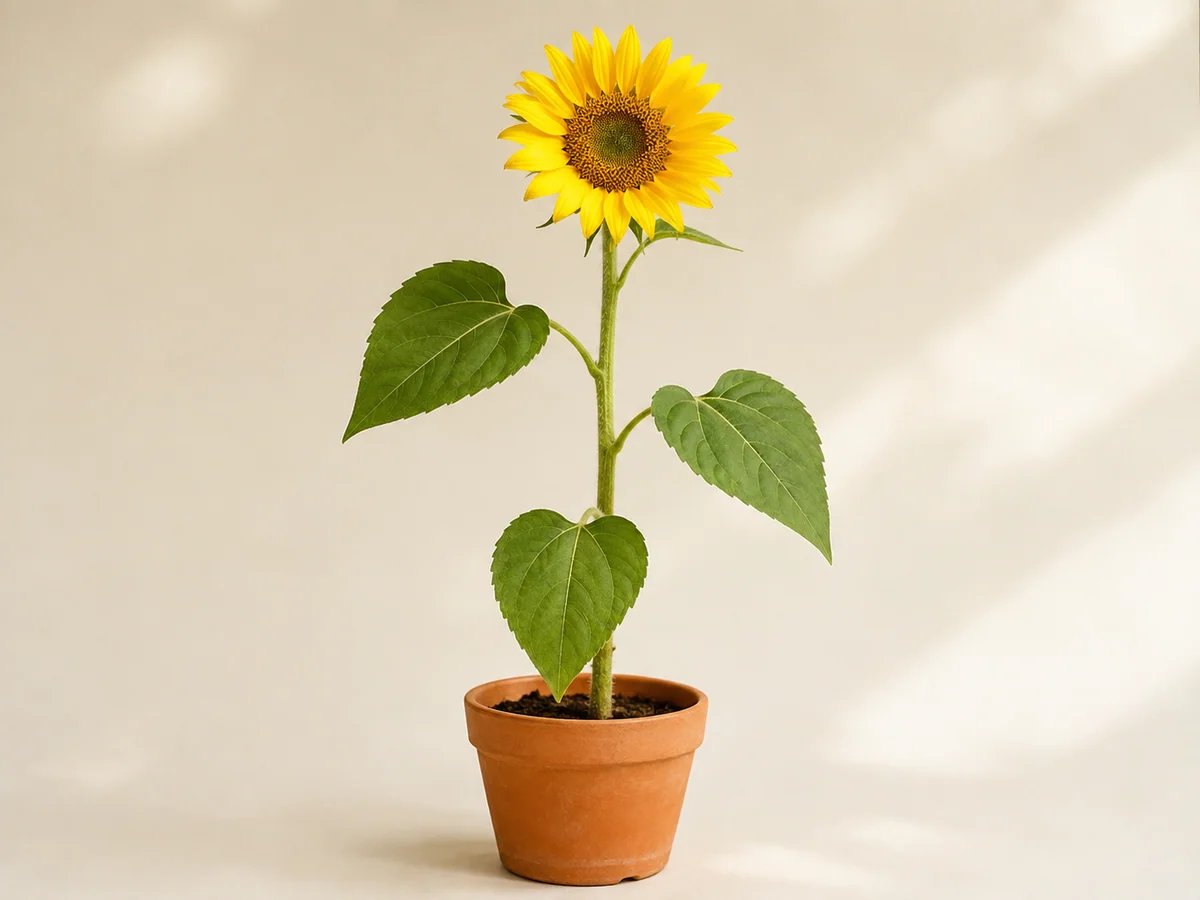
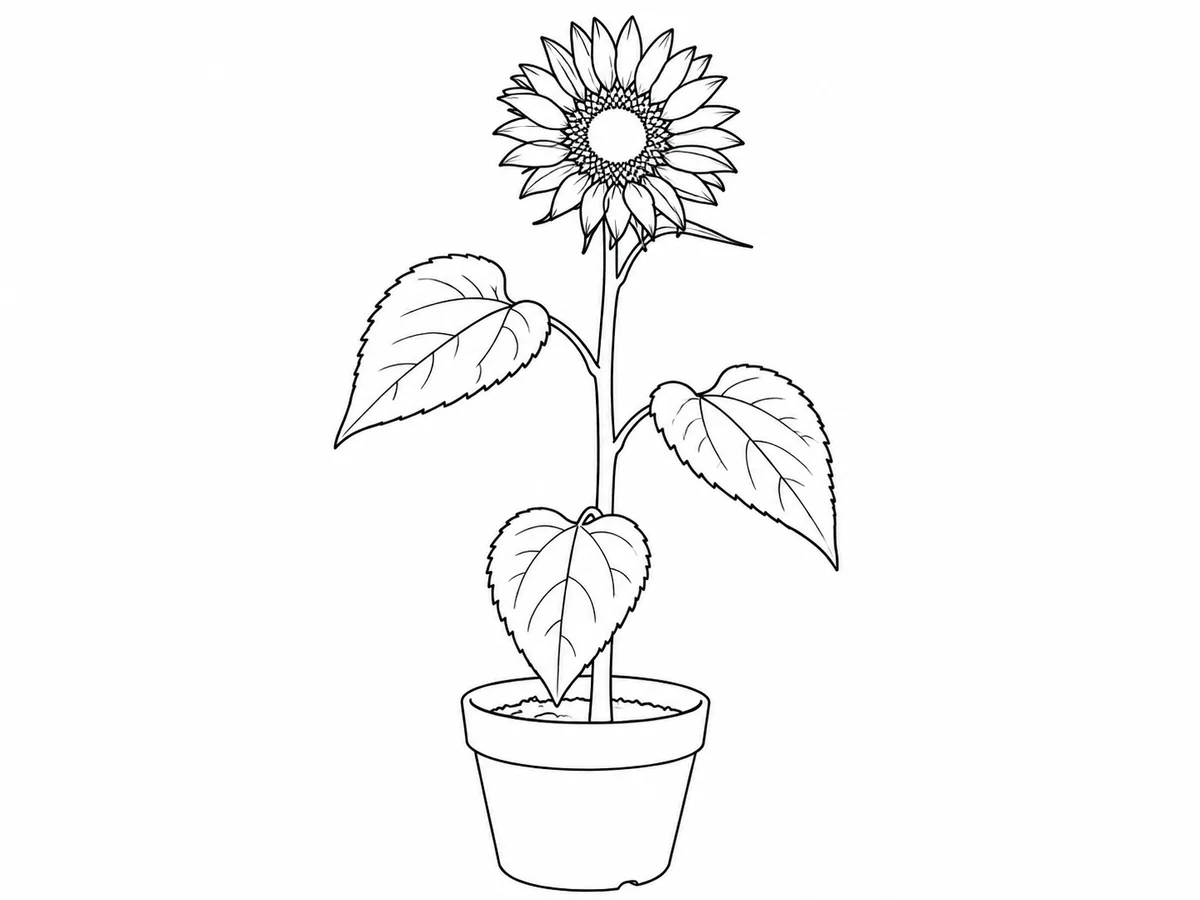
Flowers for a quiet afternoon
- Requested change
- Convert petals, stems and leaves into simple shapes for coloring.
- Keep unchanged
- Keep the flower arrangement and recognizable plant outline.
OriginalResult
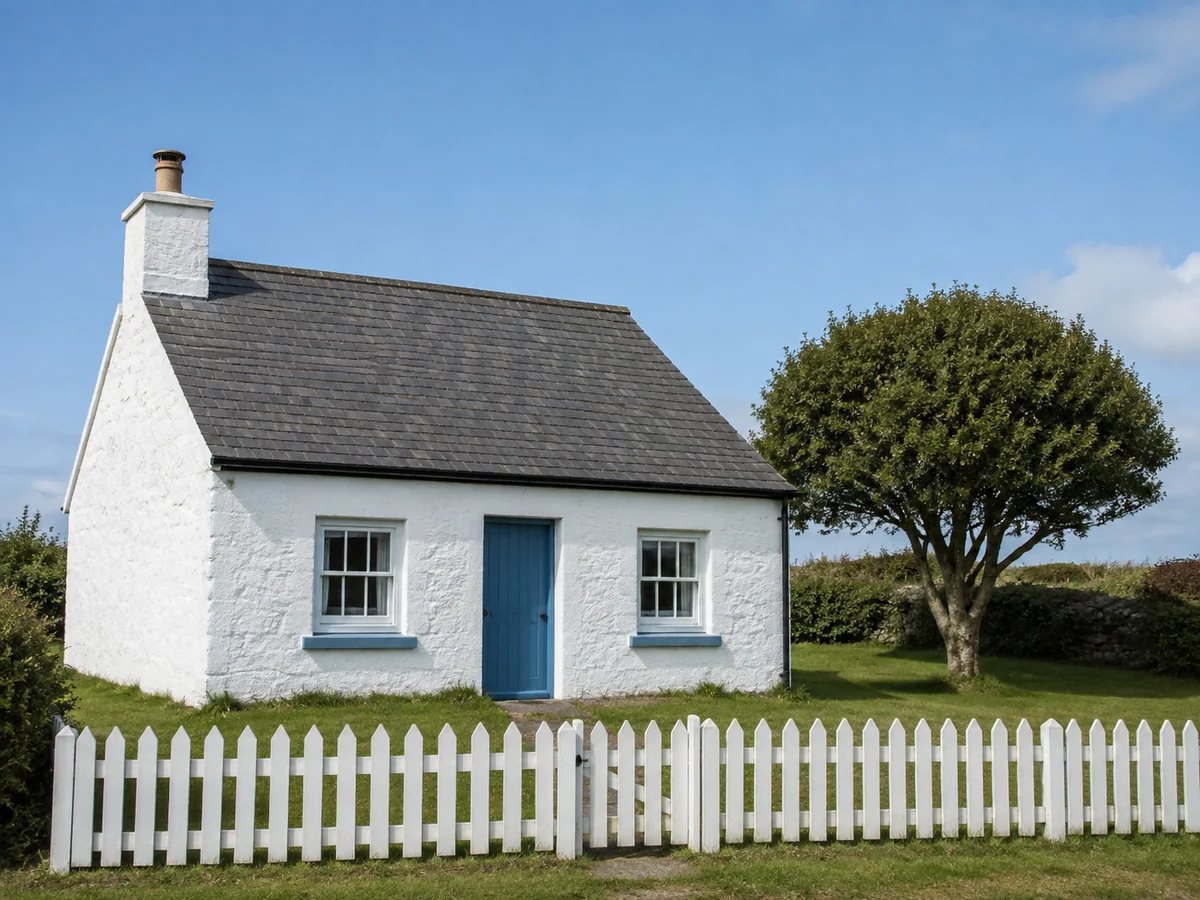
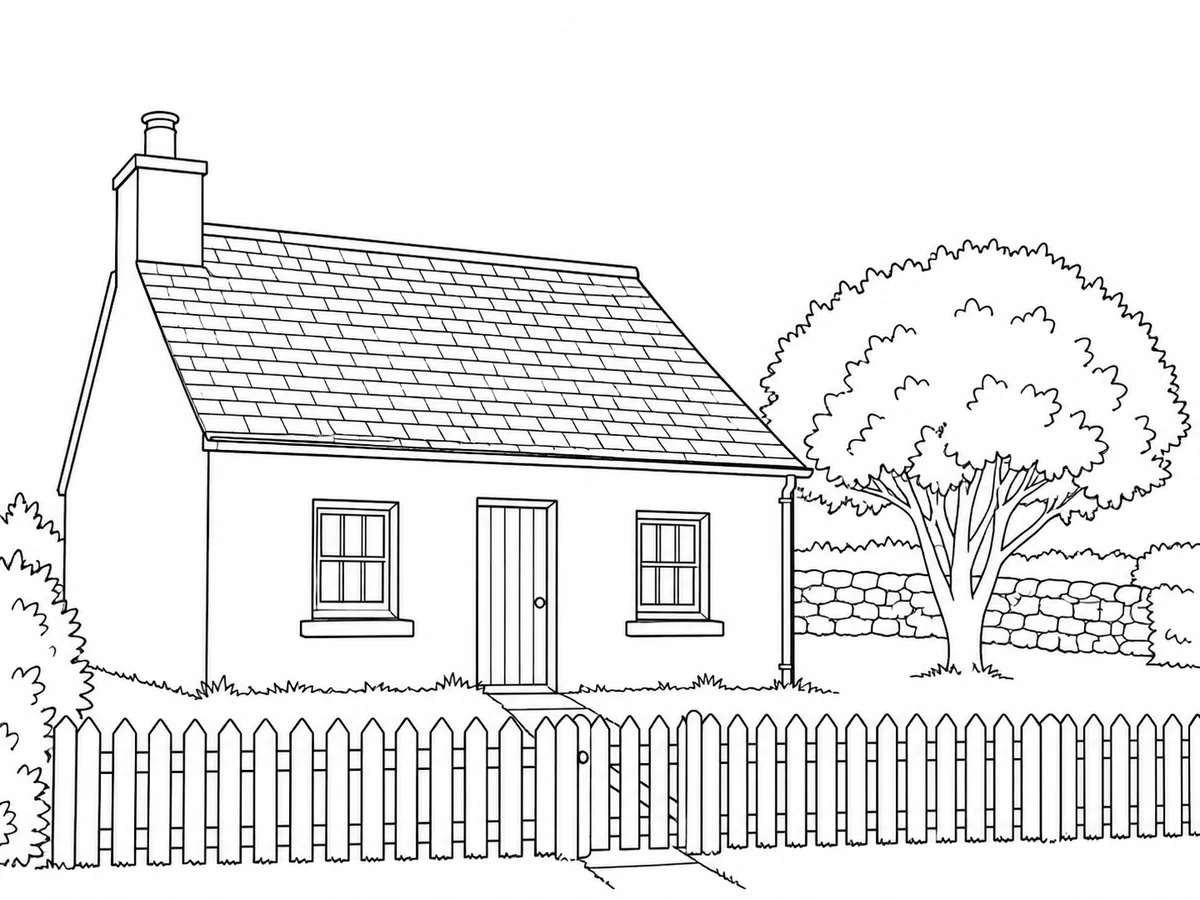
A house with room for color
- Requested change
- Replace walls, roof and window shading with clean contour lines.
- Keep unchanged
- Keep the house’s layout, viewpoint and main architectural shapes.
OriginalResult
Look closely before printing
AI may simplify or miss details. Check faces, paws, closed shapes and small spaces; choose a clearer source if the outlines look crowded.
Questions and answers
Is this just background removal?
No. It converts the subject and scene into outlines, replacing photographic colors and shading with white areas for coloring.
Can I print the result?
Download the reviewed image and print it with your device’s normal print settings. The result is an image, not editable vector artwork or a ready-made coloring book.
More ways to perfect your photo
Quick edits. Professional results.


Choose the photo you want to color
Choose a photo
Upload one photo to create an outline drawing. No extra settings are needed.