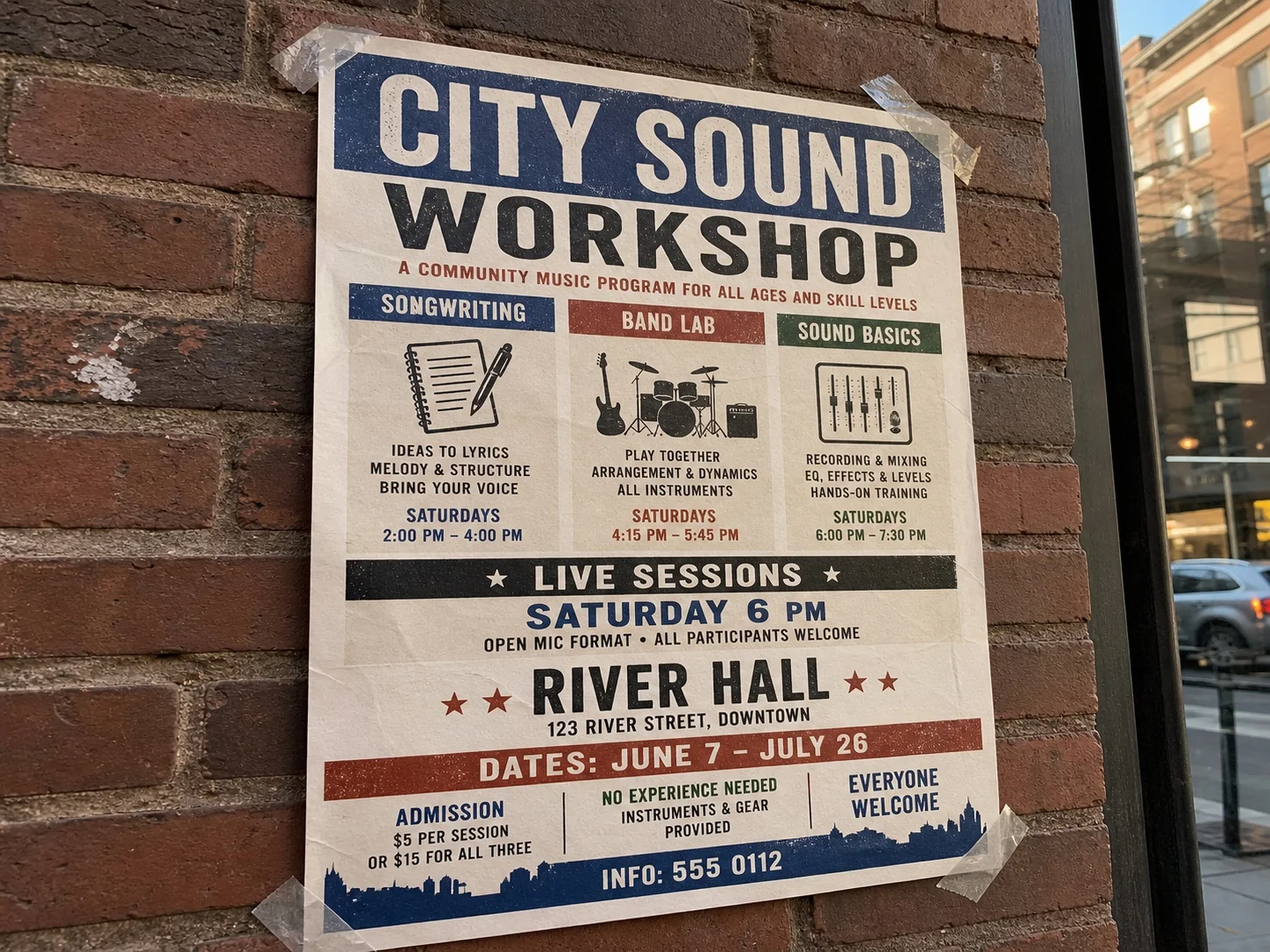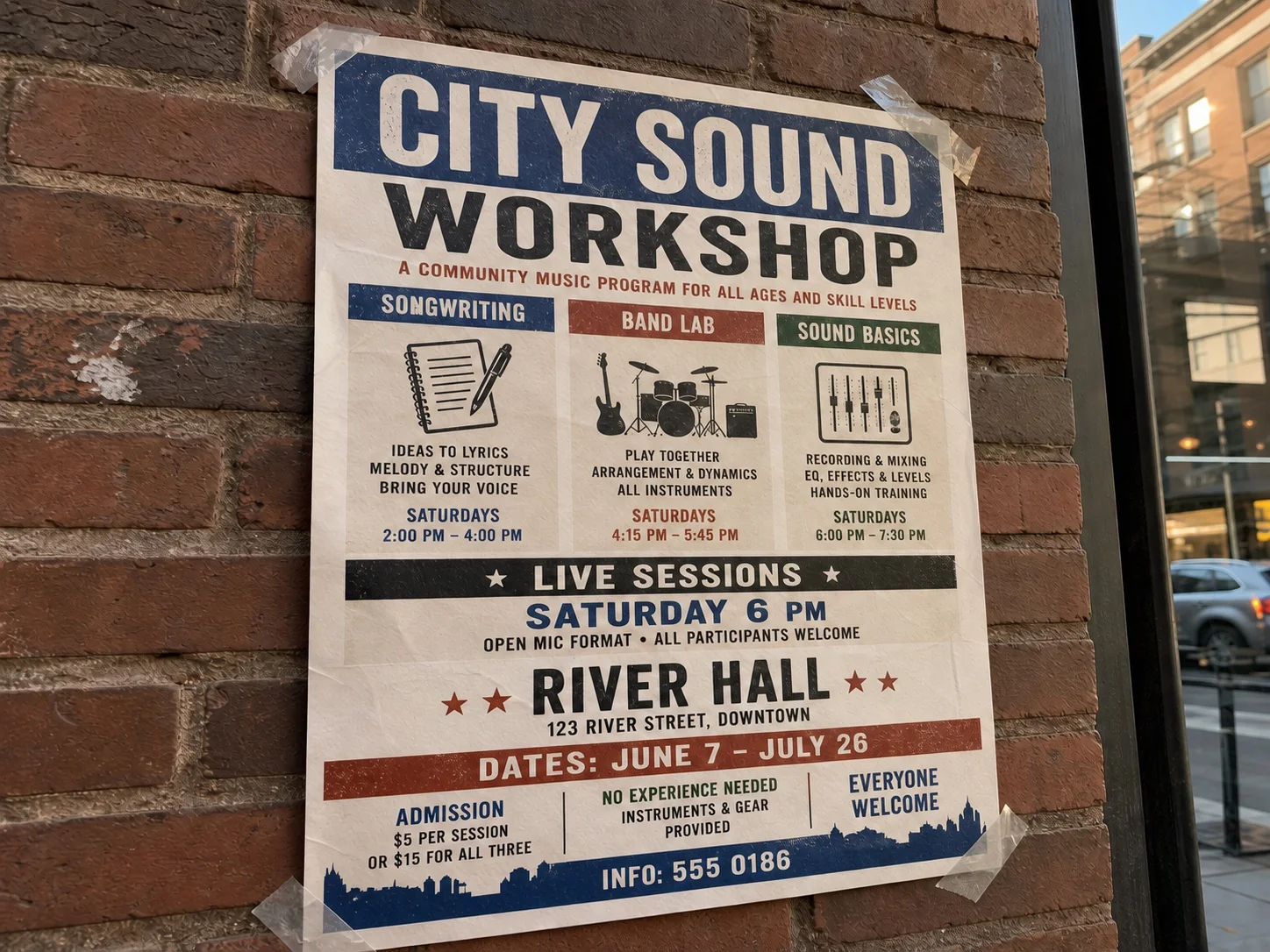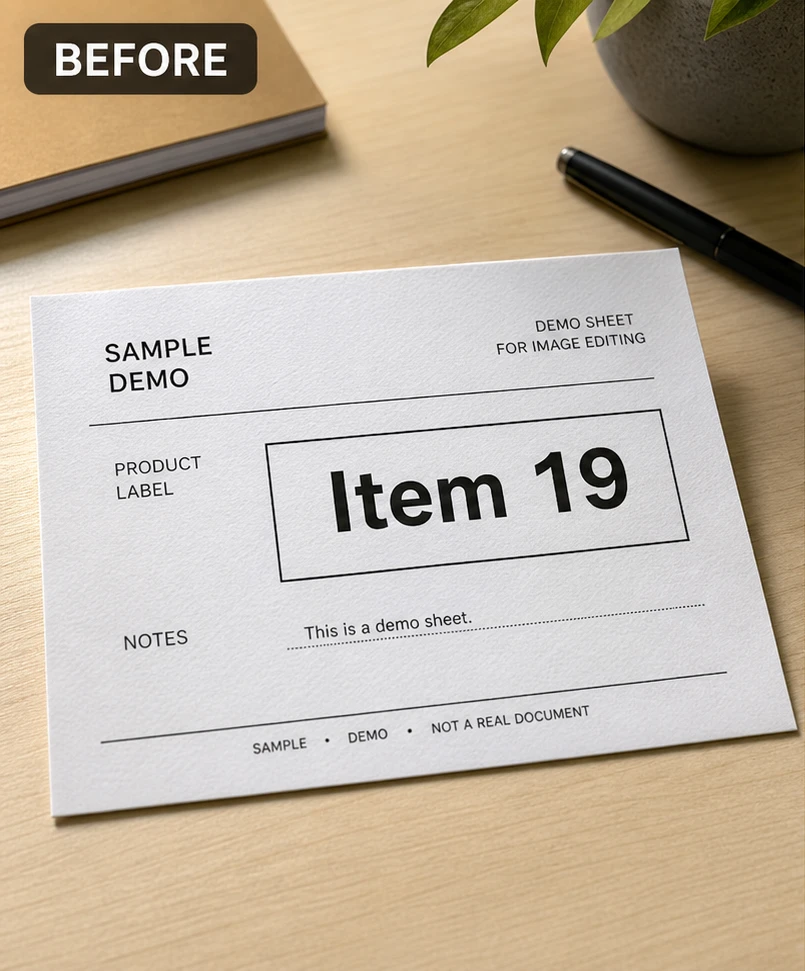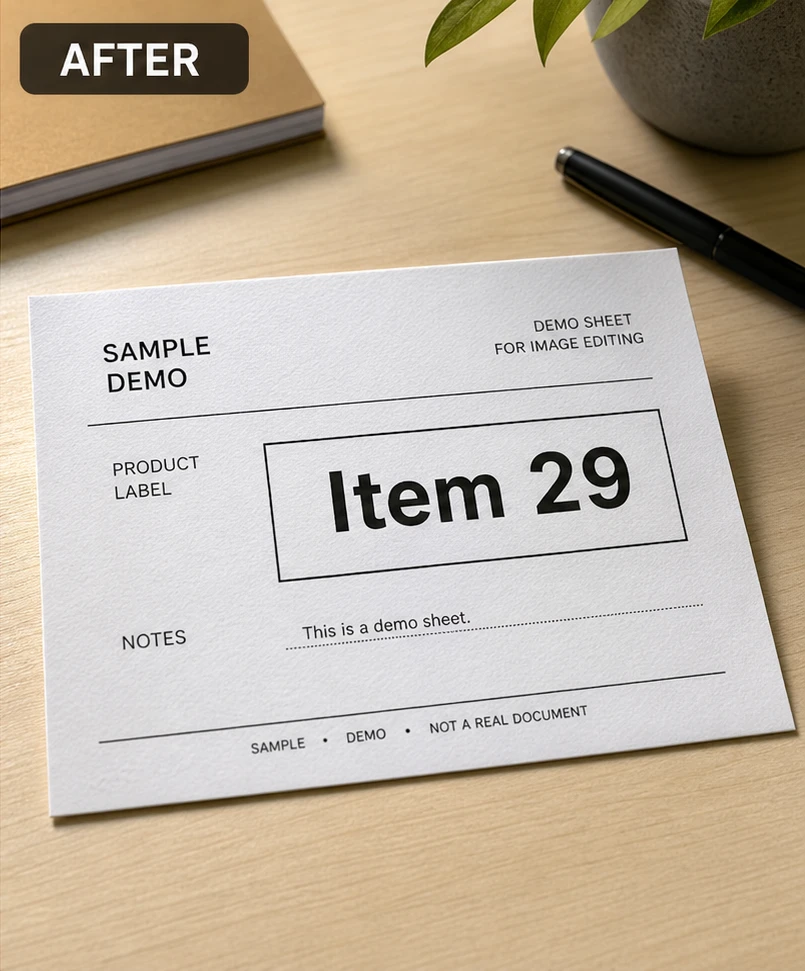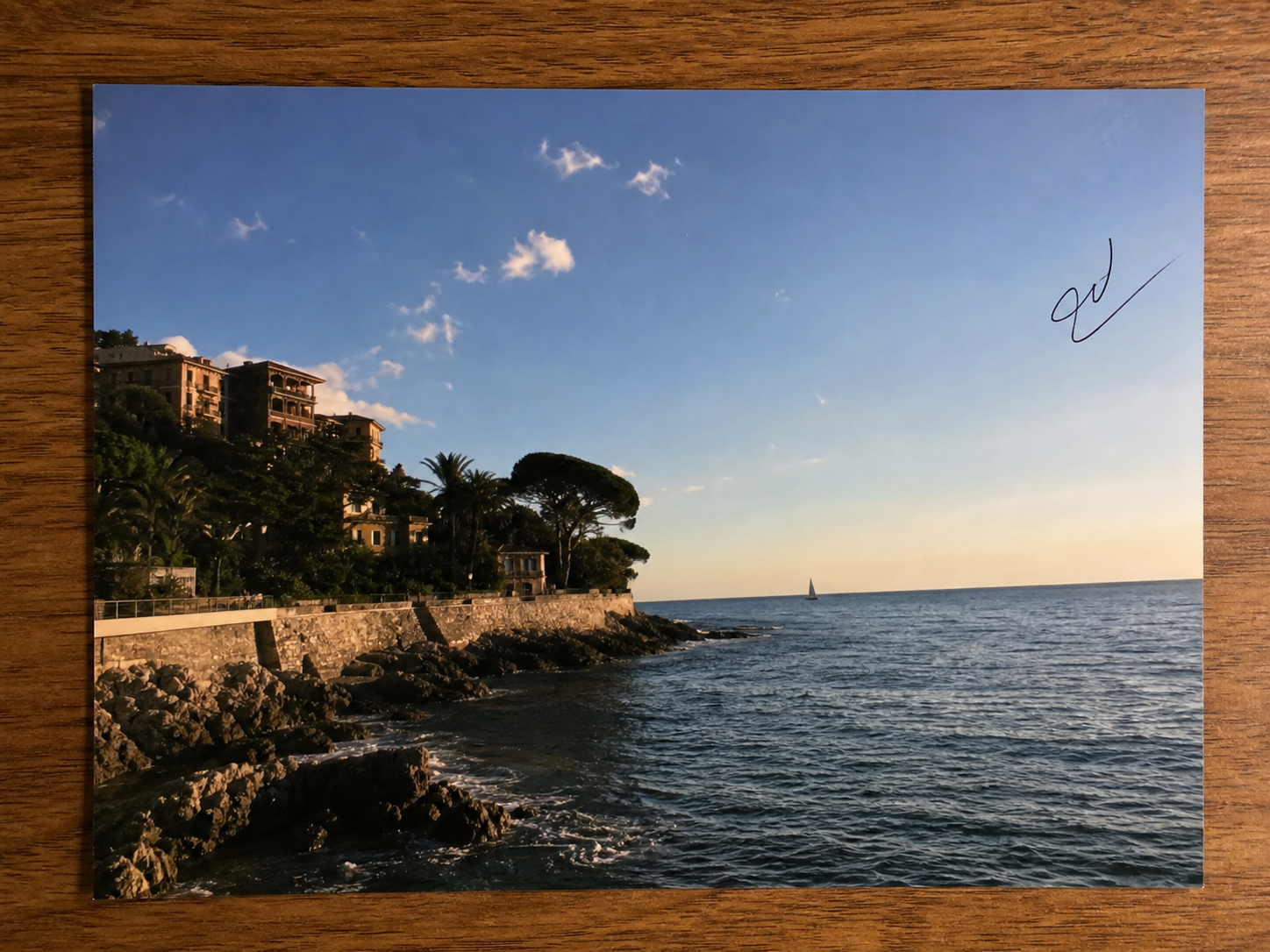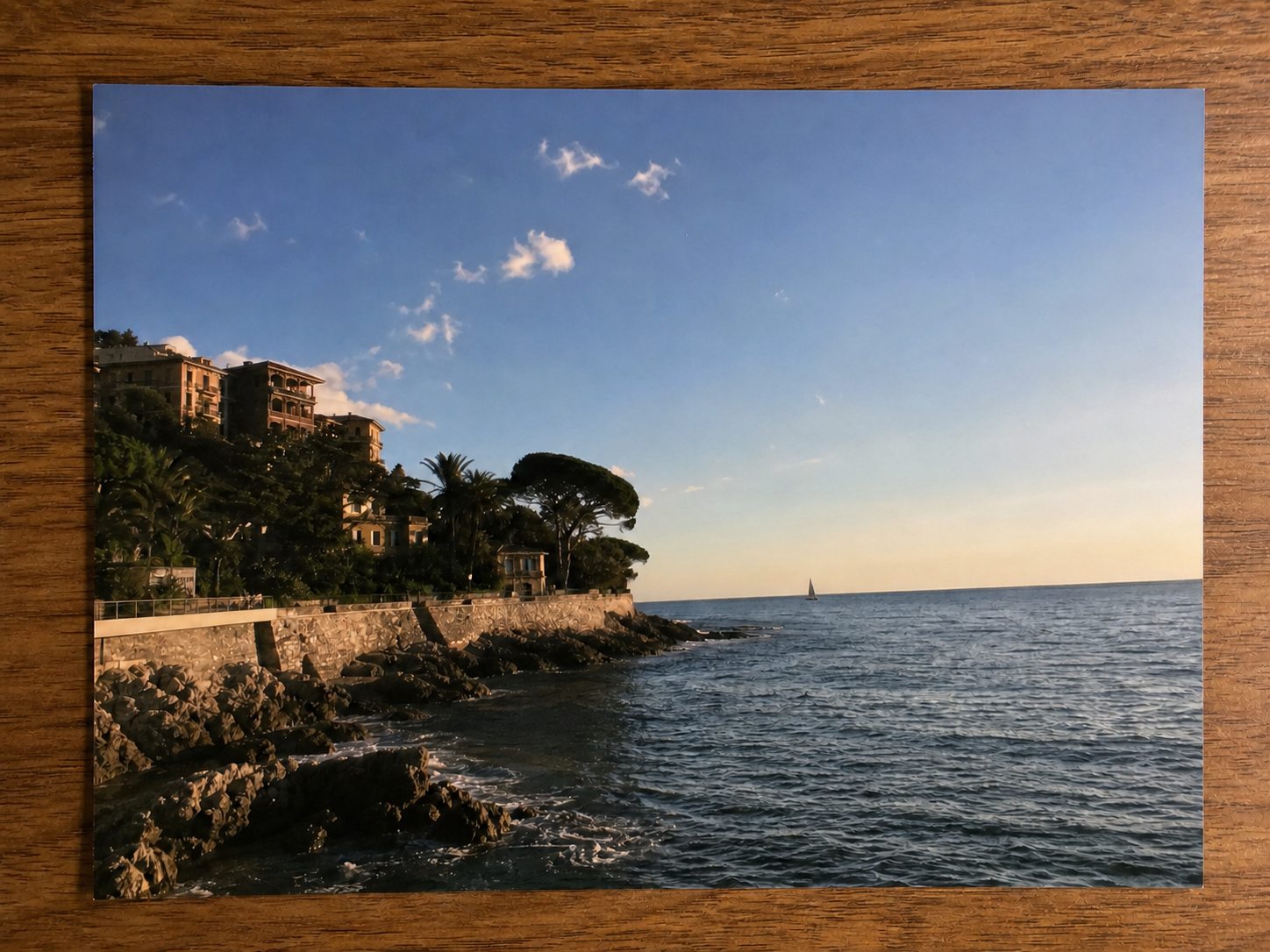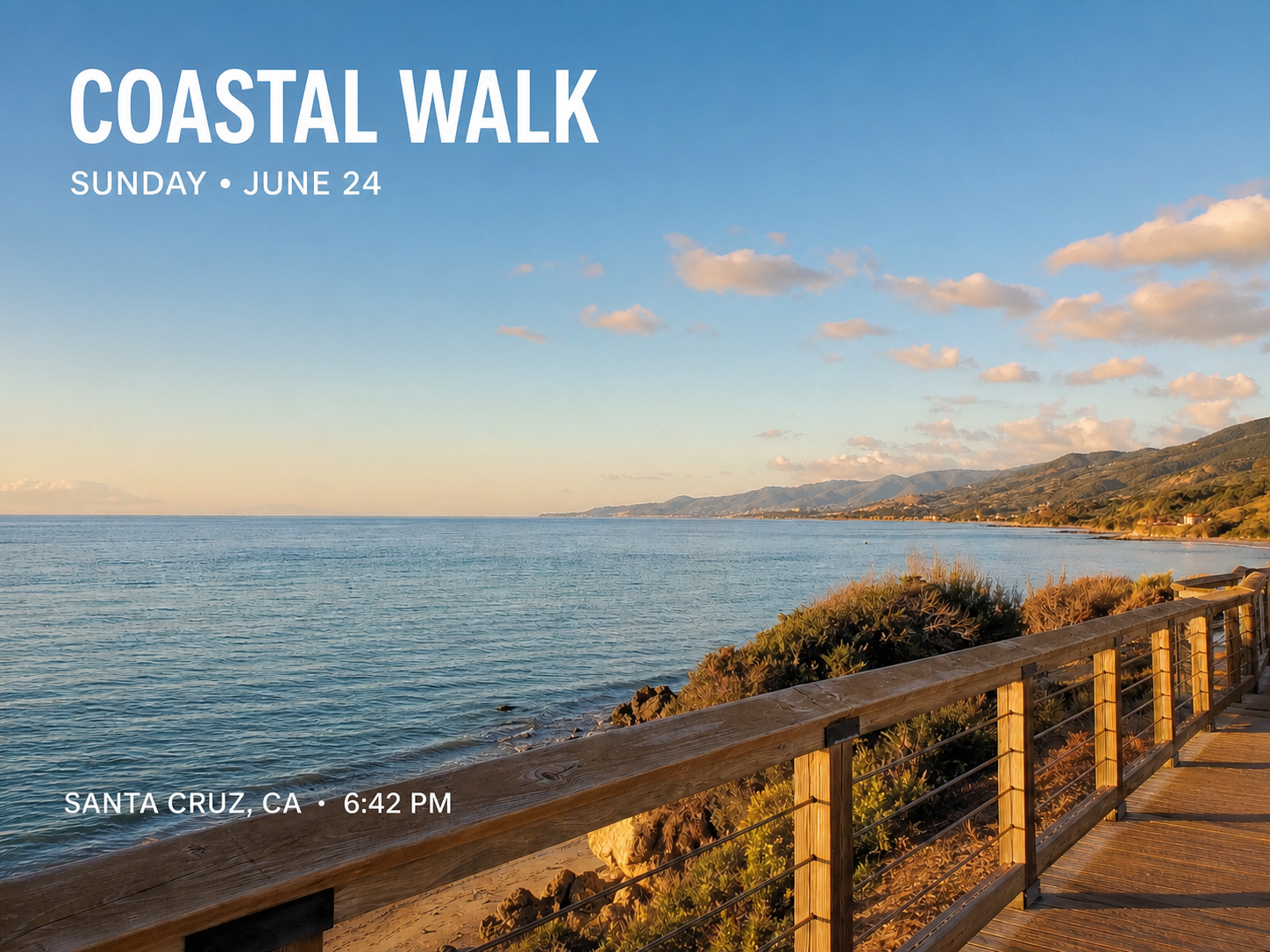

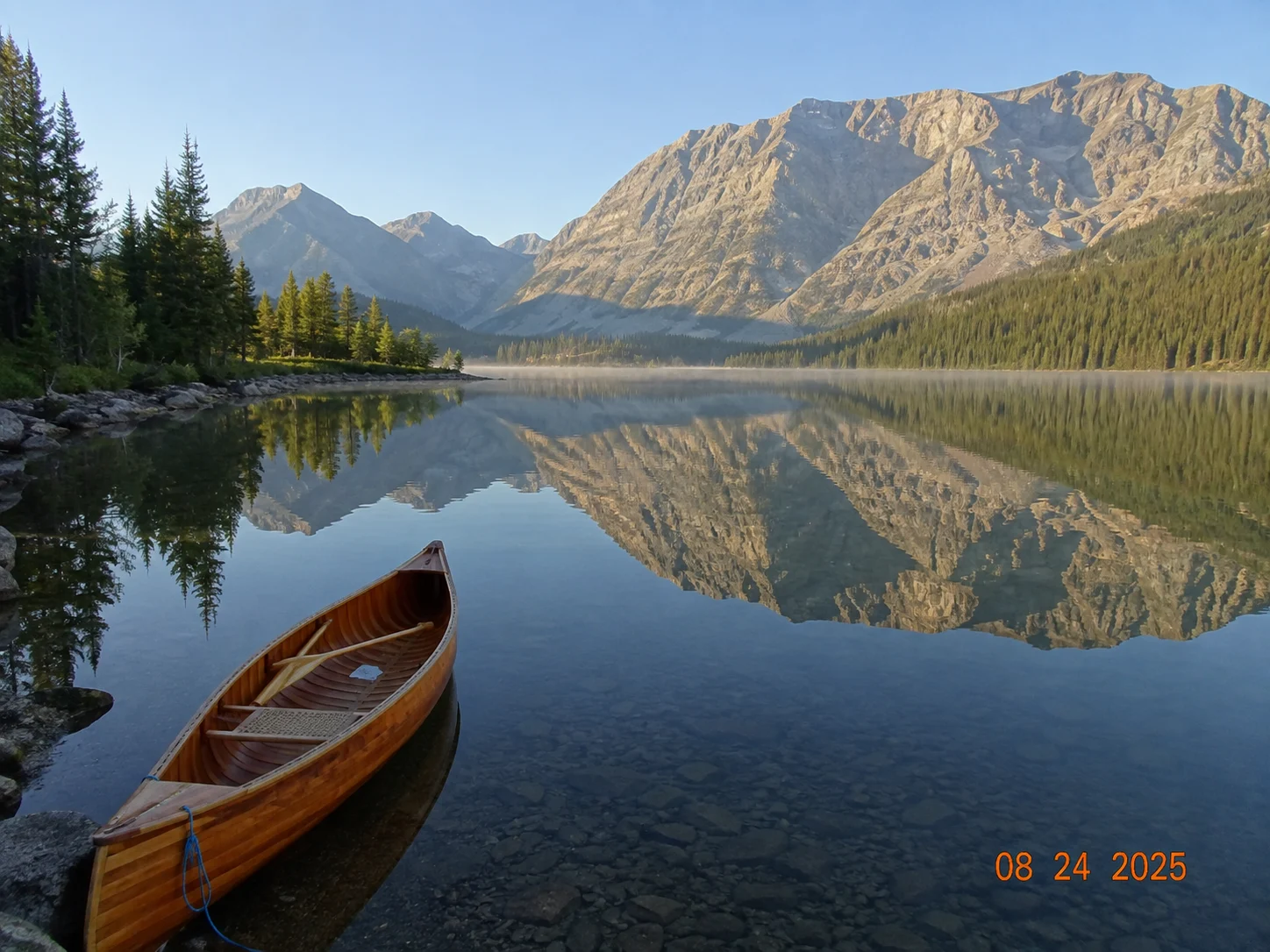



Good for ordinary overlays
Clean a casual caption, date stamp, temporary social overlay, small label, or non-essential word when the rest of the image should stay exactly as photographed.
AI PHOTO TEXT REMOVER
Erase an ordinary caption, timestamp, label, or small word from a photo you own, then review the reconstructed background before you export. The editor keeps the rest of the image in place.
JPG, PNG, or WebP · Start with Remove Text selected
LOCAL PHOTO CLEANUP
For a small overlay on a simple surface, ClearCrowds fills the removed letters with nearby sky, wall, fabric, screen, or photo texture instead of redrawing the whole scene.
USE IT IN THE RIGHT PLACE
Remove Text is for non-sensitive visual distractions in an image you own or are allowed to edit. It should not change information that makes a file, product, or record meaningful.
Clean a casual caption, date stamp, temporary social overlay, small label, or non-essential word when the rest of the image should stay exactly as photographed.
Do not use it on contracts, IDs, receipts, invoices, certificates, medical or financial records, school records, legal files, or evidence-like images.
Do not remove copyright watermarks, creator names, attribution, ownership marks, or other protected marks from work you do not own or cannot edit.
HOW TO REMOVE TEXT FROM AN IMAGE
Small, visually separate text gives the model the best nearby texture to work from.
Use this for an ordinary image overlay, not private, official, legal, financial, medical, or ownership information.
The editor opens with Remove Text selected, so the model focuses on readable letter and number strokes only.
Zoom in before exporting. Keep the original if an edge, texture, or hidden detail does not look natural.
Hide names, addresses, IDs, screens, plates, and other sensitive details while keeping the source image visibly authentic.
Clean one separate handwritten mark in an owned personal photo when the task is not ordinary text cleanup.
What this photo-only cleanup can and cannot do.
Quick edits. Professional results.
Upload an image you own and inspect a focused text cleanup in the ClearCrowds editor.
JPG, PNG, or WebP · Start with Remove Text selected