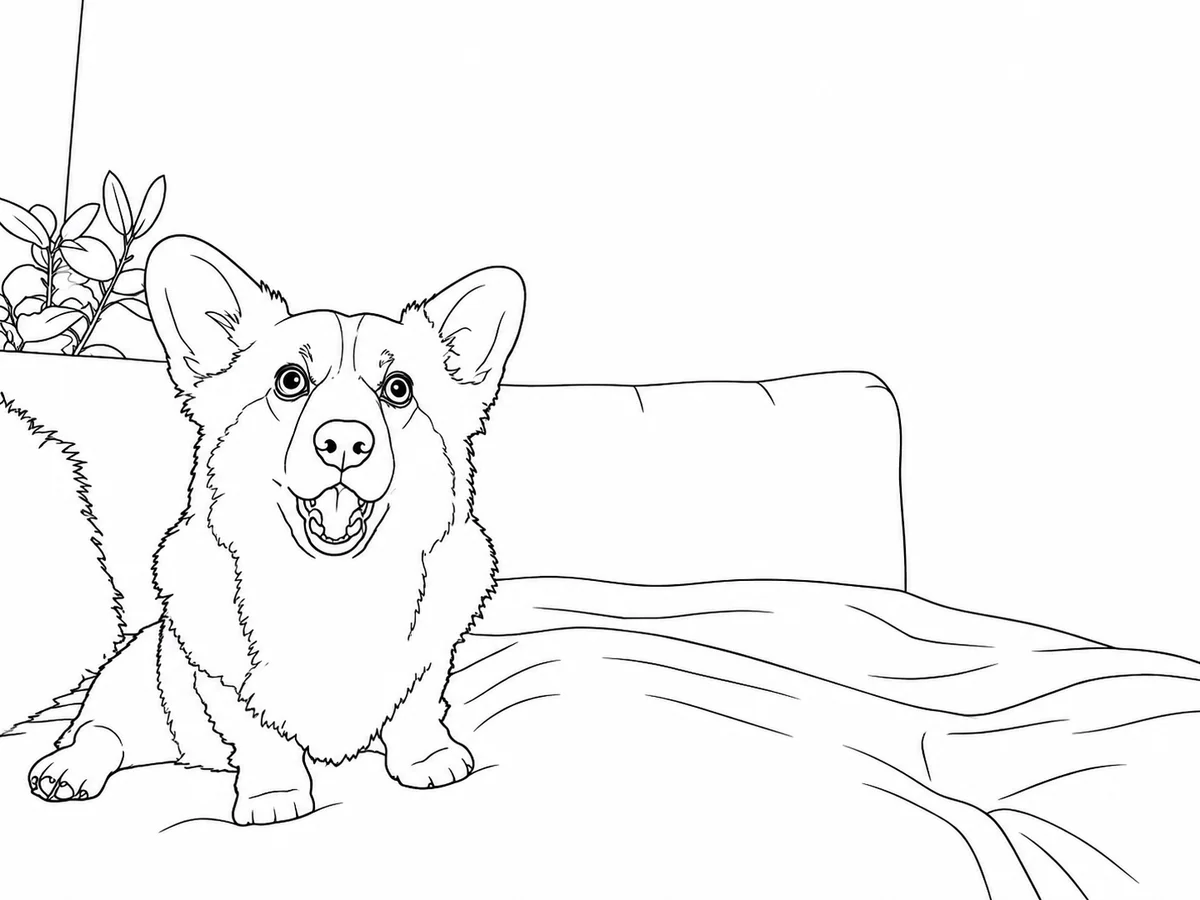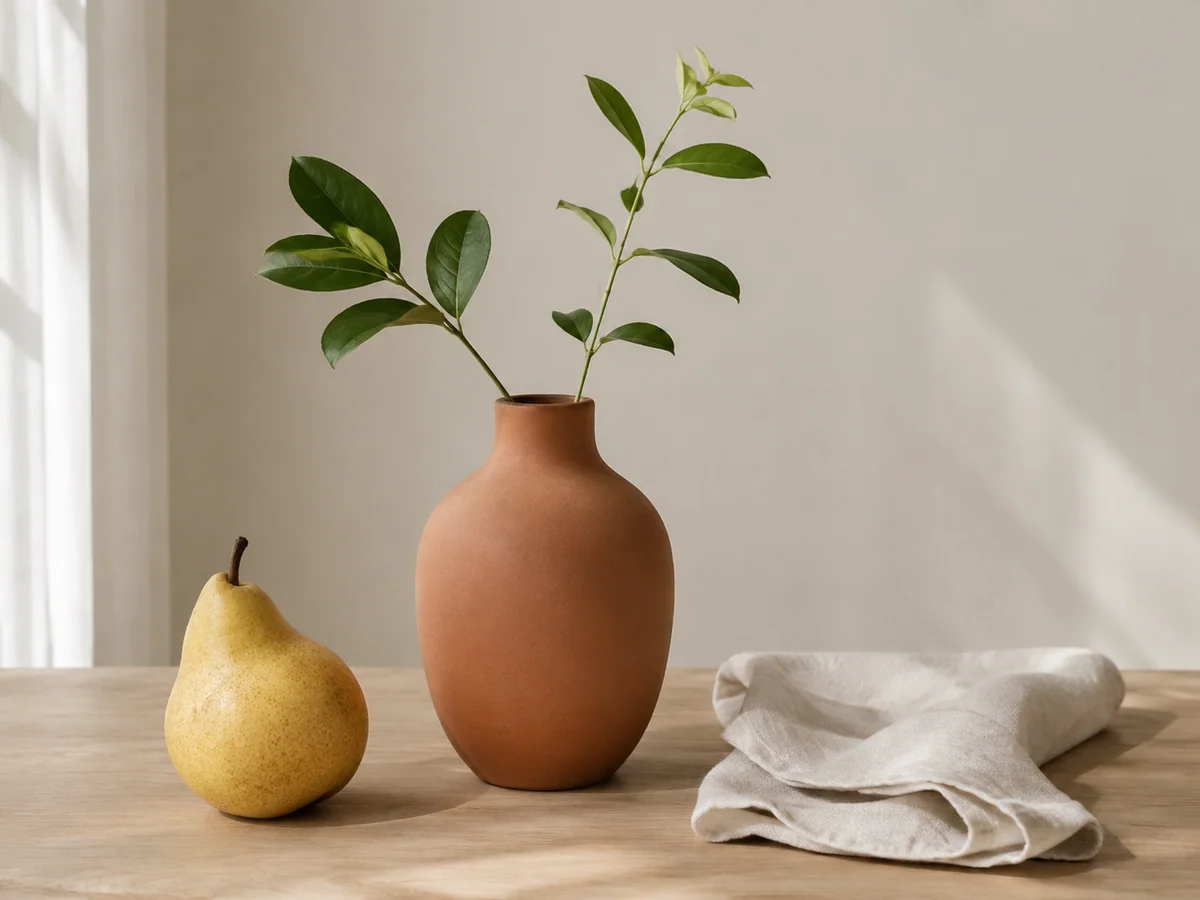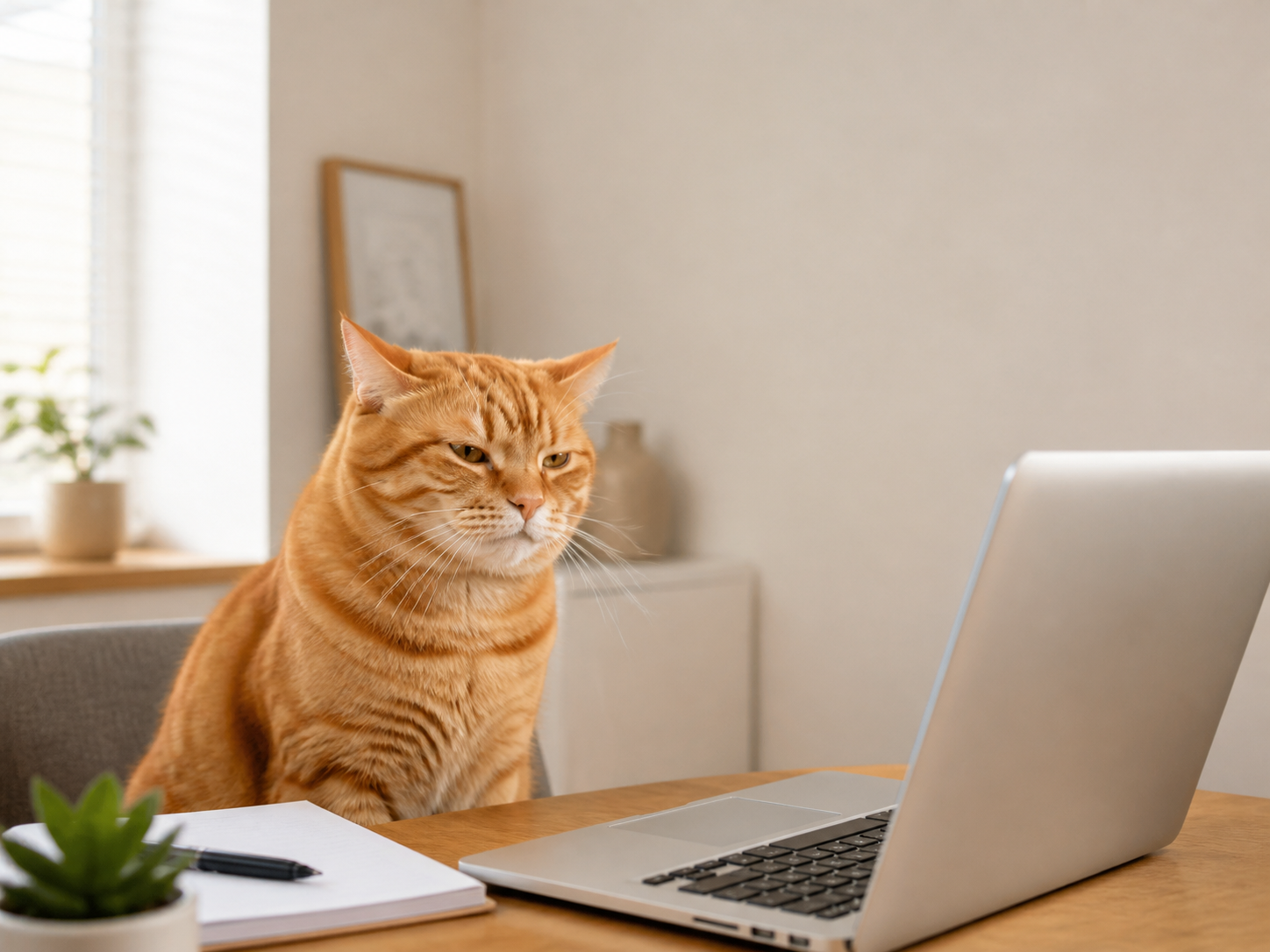
1980s style
Use 1980s style when you want a quick film filters edit without setting up the workflow by hand.
AI doodle photo styles
Choose a Doodle style, upload a photo, and ClearCrowds opens the editor with that look ready to apply.
Pick a Doodle style first.
Doodle style
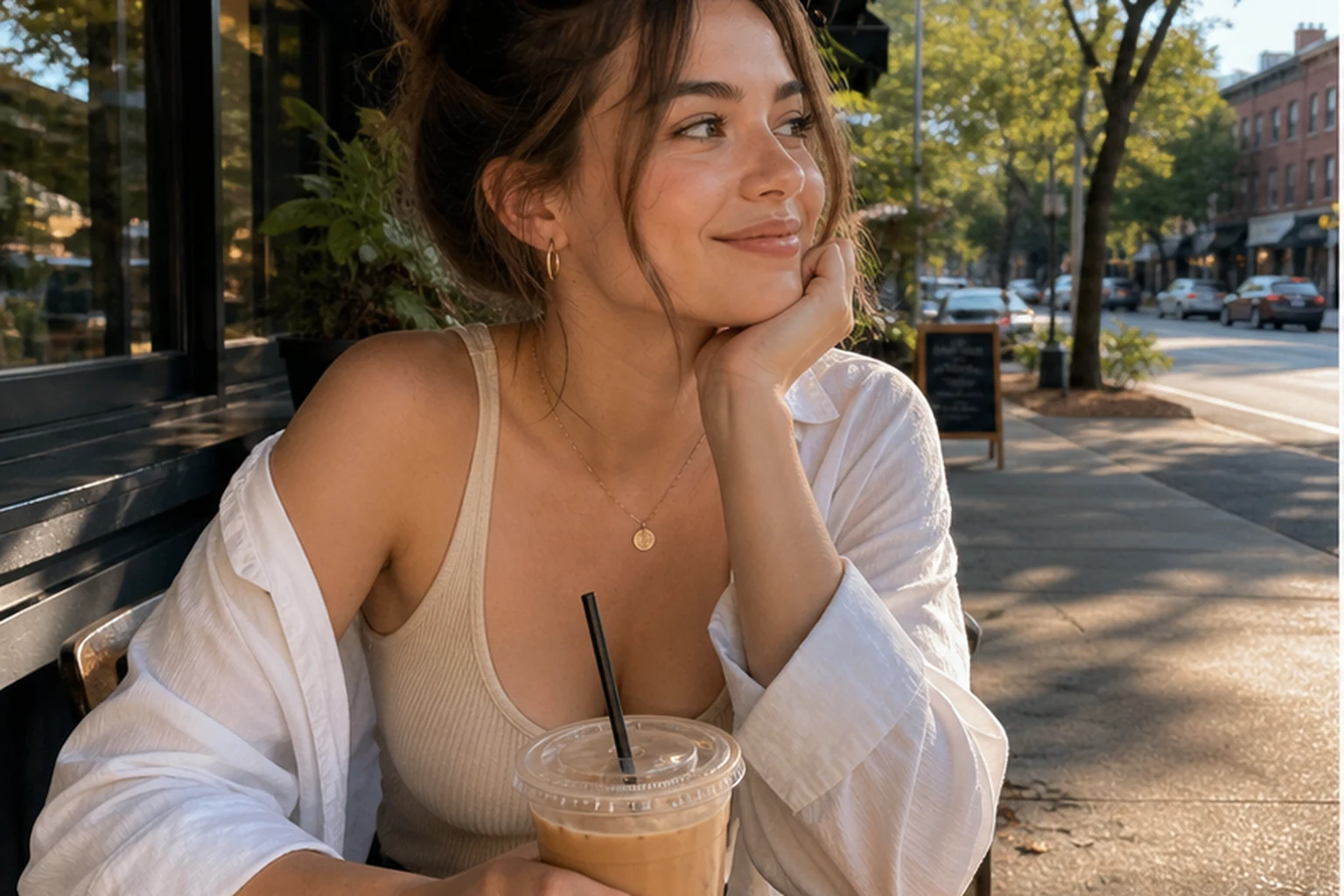
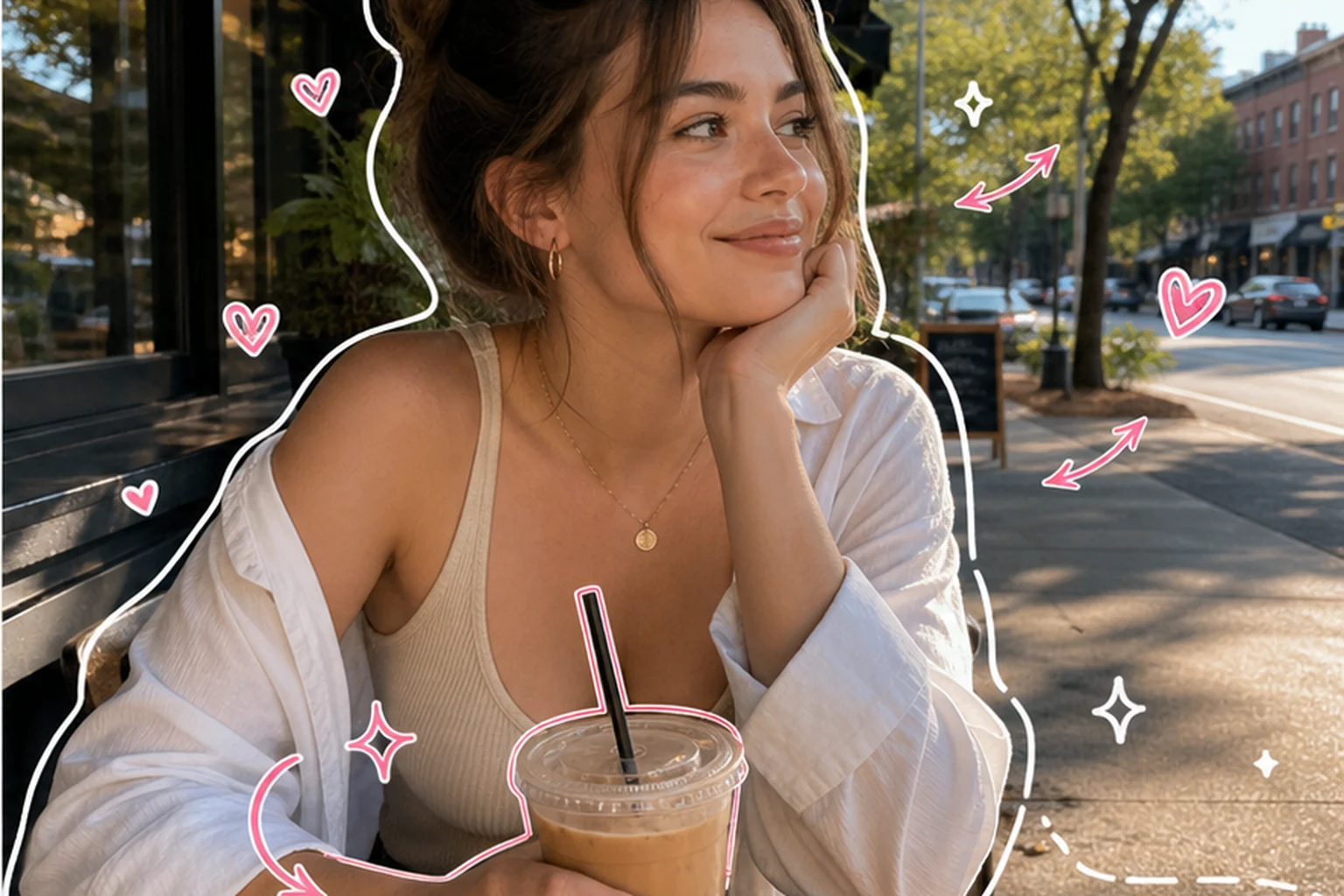
Café photo with playful outlines
Doodle styles
Doodles are grouped into hand-drawn marks, scrapbook layouts, sticker collages, and poster remixes.
Use 1980s style when you want a quick film filters edit without setting up the workflow by hand.
Use Urban Cute Poster for a bold social image that feels playful, designed, and ready to post.
Use Motion Scribble when a photo feels static and needs a more dynamic creator-style edit.
Use Travel Journal for vacation photos, day trips, city walks, and memory posts that need a designed journal feel.
Use Reaction Board when a photo should feel conversational, funny, or ready for a reaction-style social post.
AI photo effects
Add doodles to photos with hand-drawn outlines, scrapbook details, or a travel-journal layout. Compare the examples, pick a look, and check the generated result before sharing.
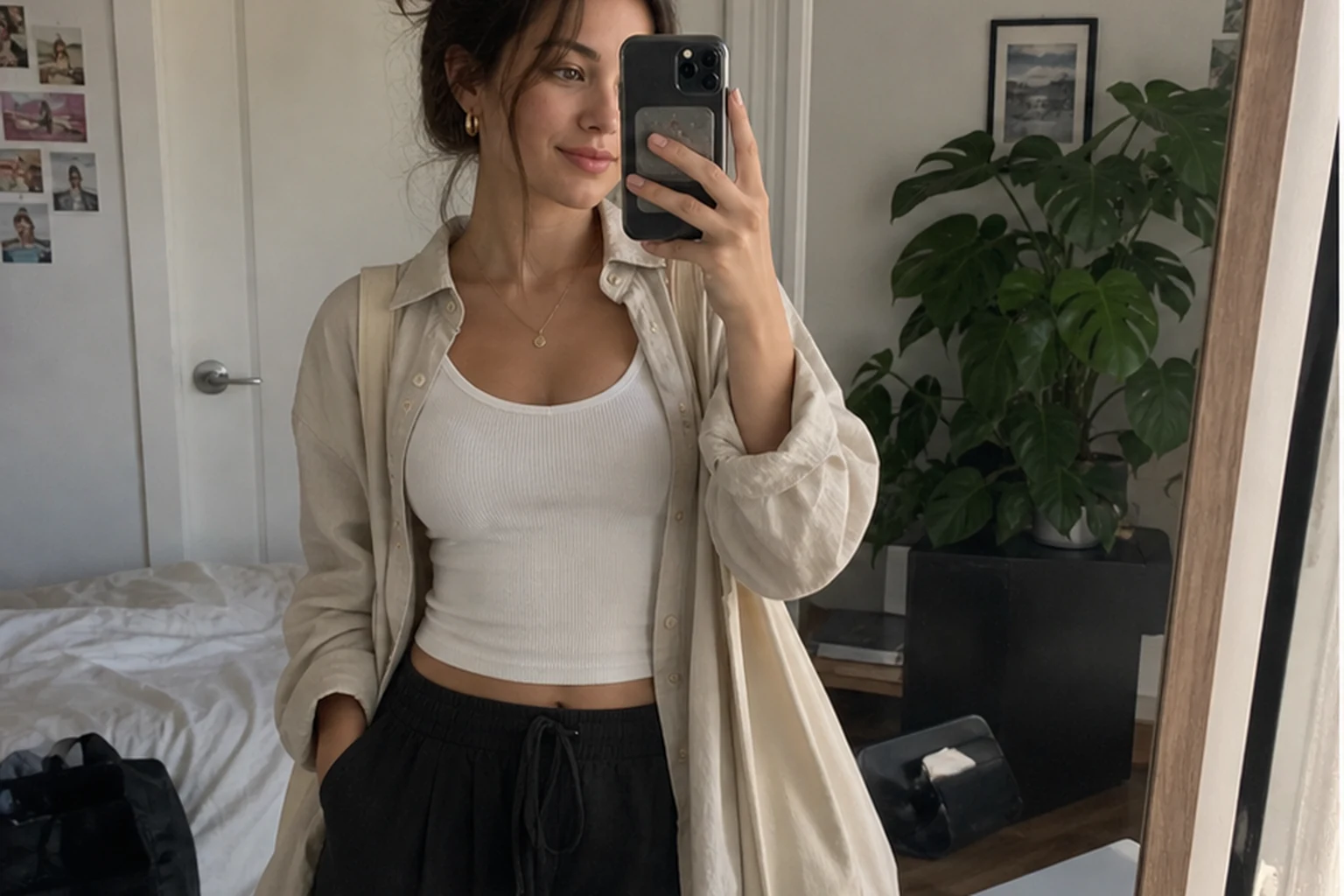
Frame the portrait with hand-drawn marks while keeping the face and café recognizable. This adds doodles to a photo; it does not turn the whole image into a line drawing.
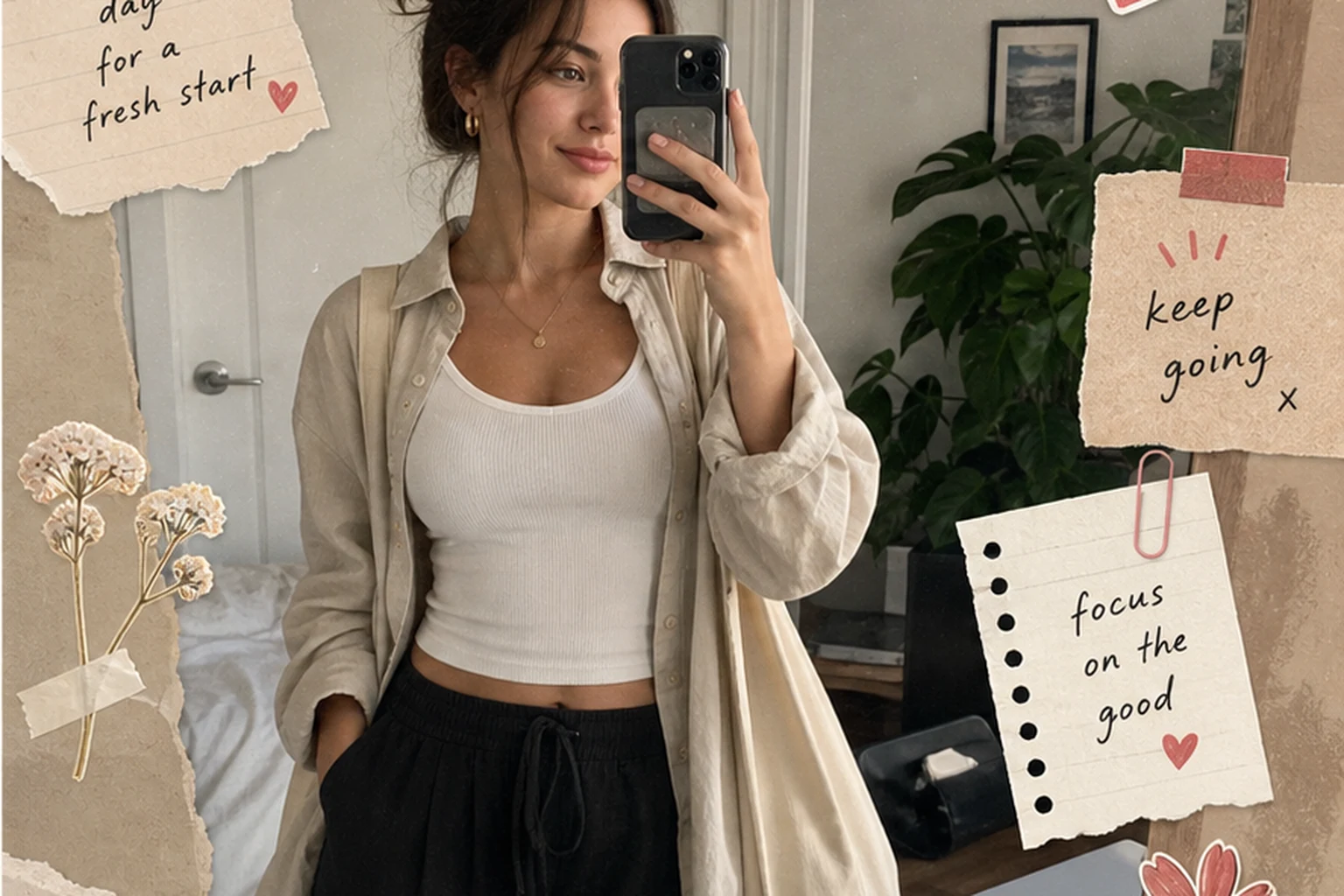
Add paper layers, tape, and diary-style details around the portrait. Check that the face and outfit remain recognizable.
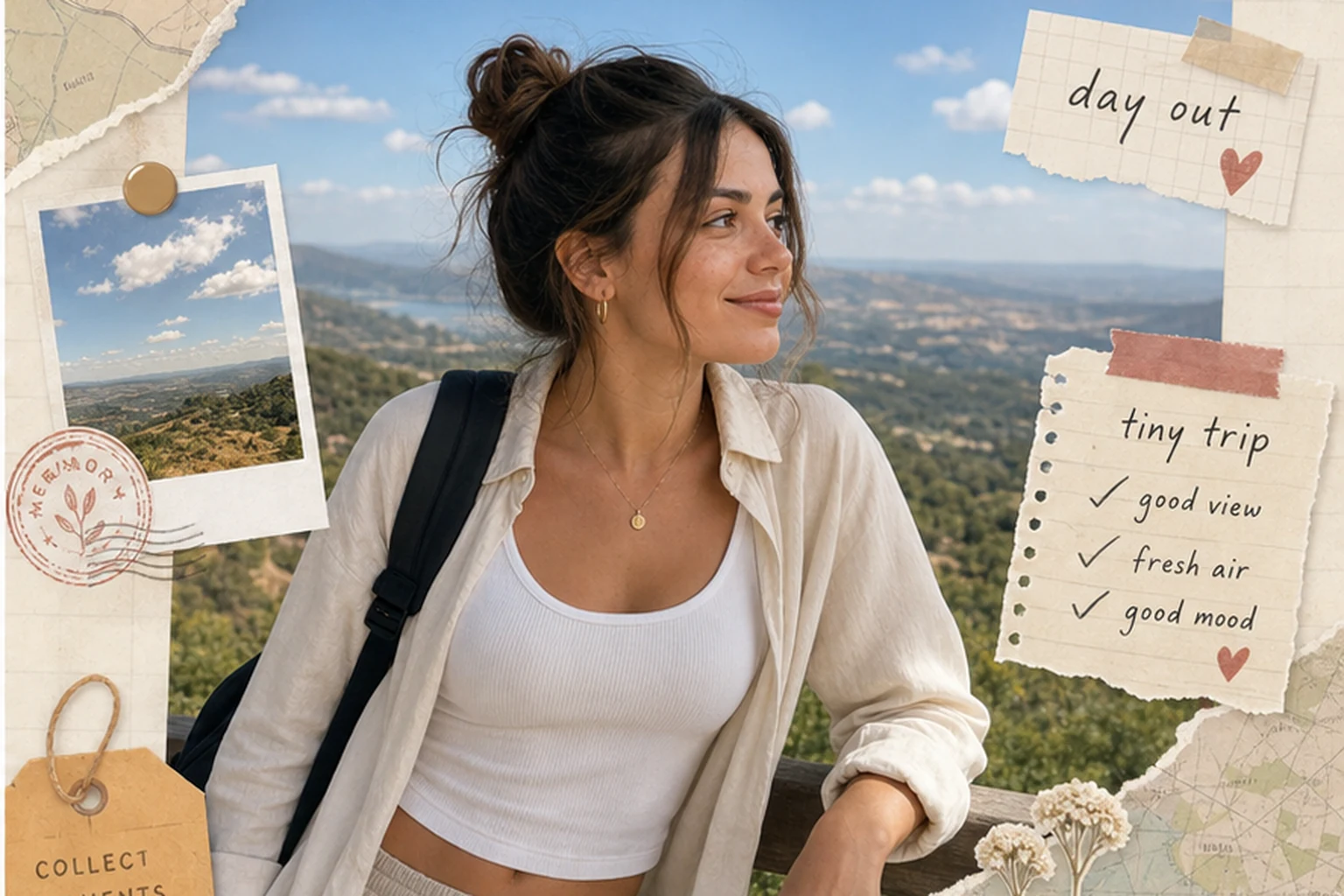
Turn the overlook photo into a travel-memory layout. Keep the traveler and setting visible among the notes and collage details.
Preset library
Browse the current looks before opening the complete style library.
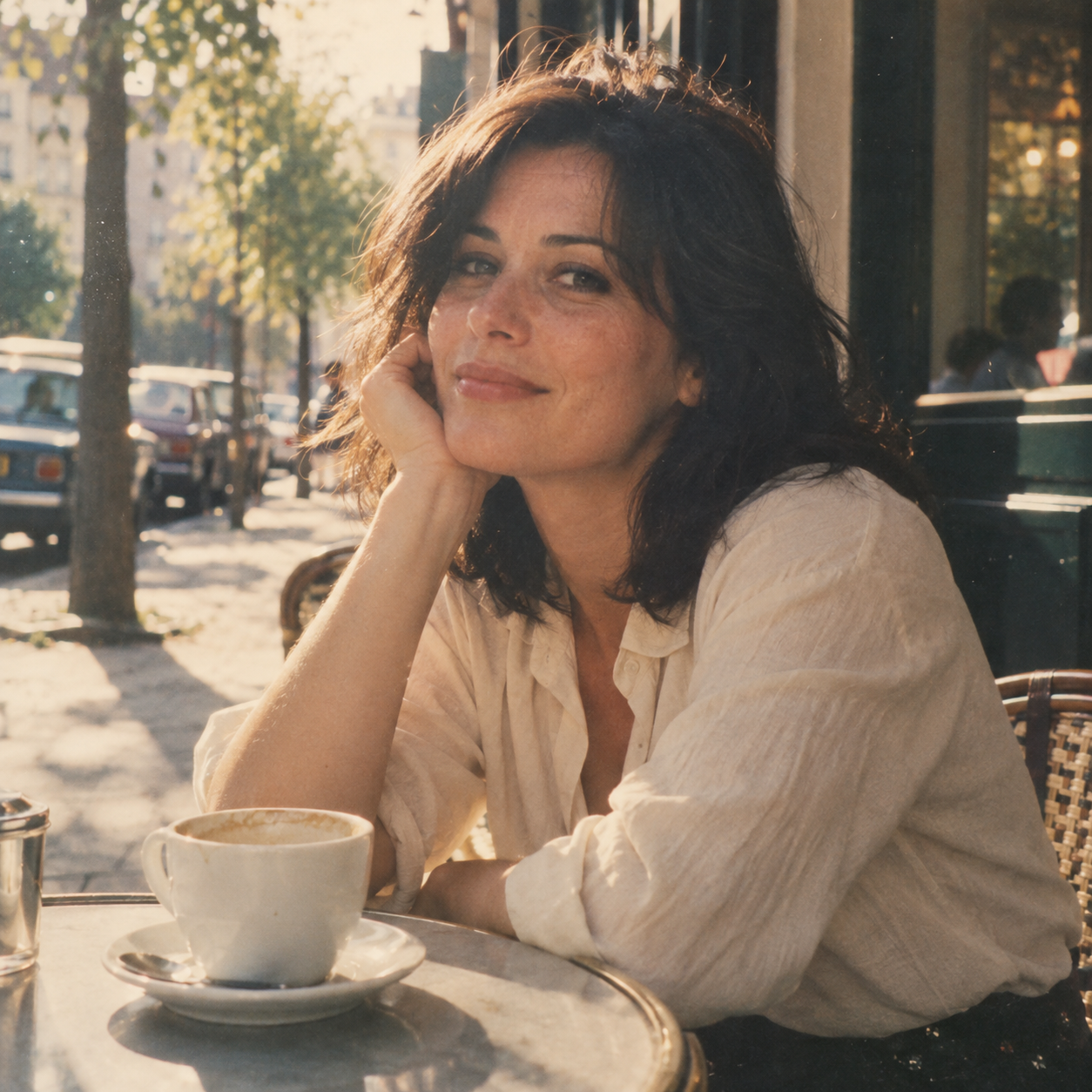 Film Filters1980s styleUse 1980s style when you want a quick film filters edit without setting up the workflow by hand.
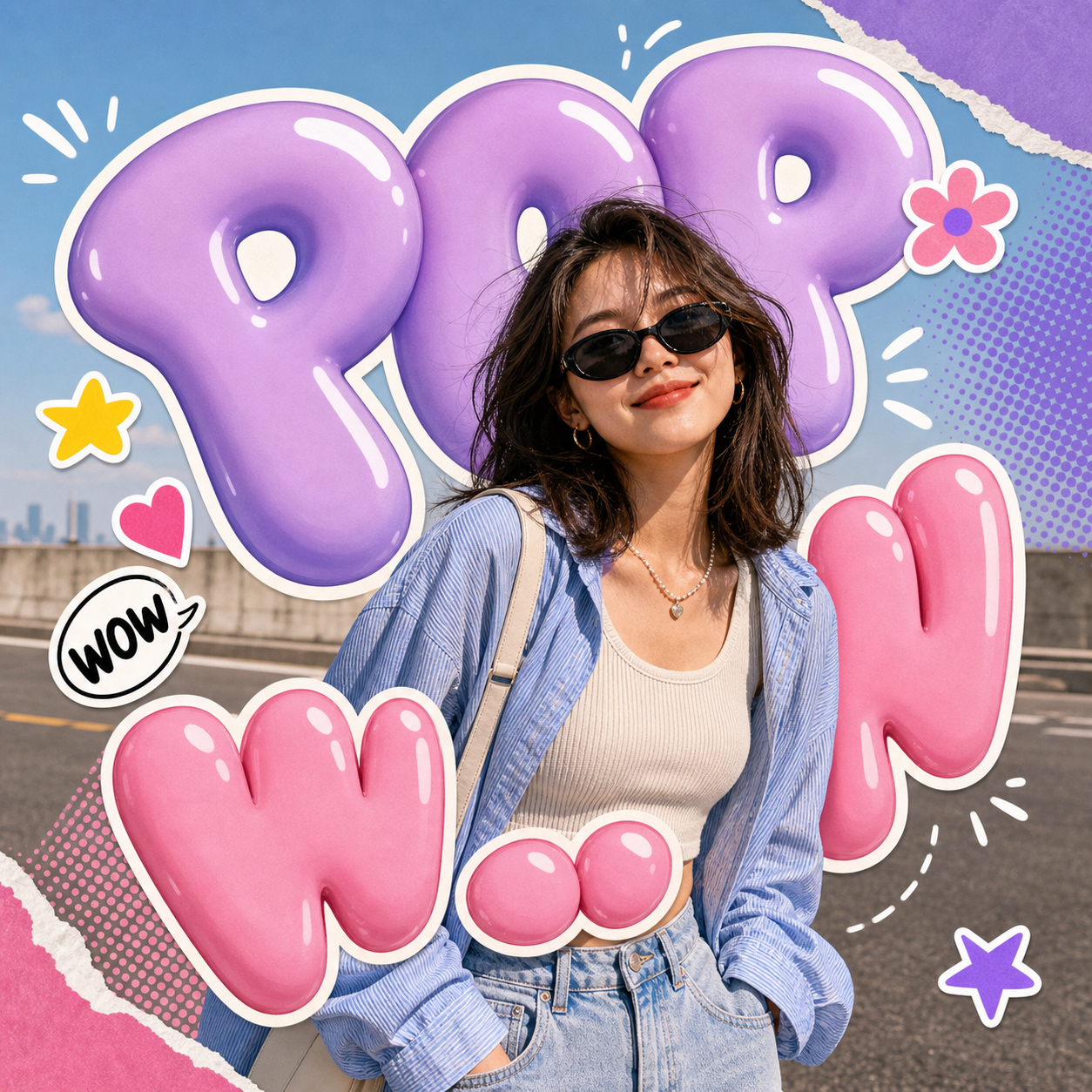 Poster RemixBubble PopUse Bubble Pop when you want a quick poster remix edit without setting up the workflow by hand.
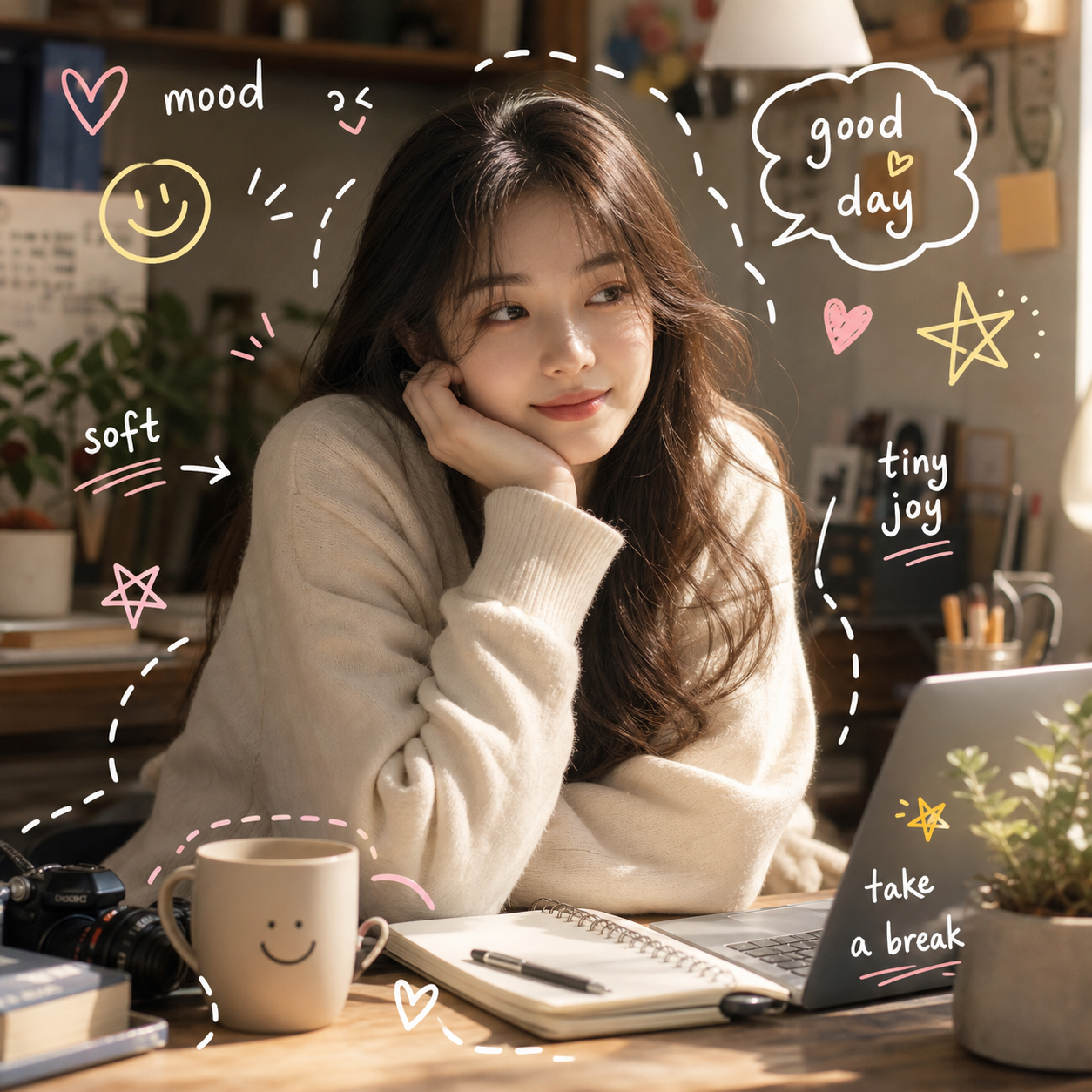 Hand-Drawn MarksEveryday NotesUse Everyday Notes when you want to doodle on photos automatically and make a social post, recap, outfit, desk, pet, or cafe image feel annotated.
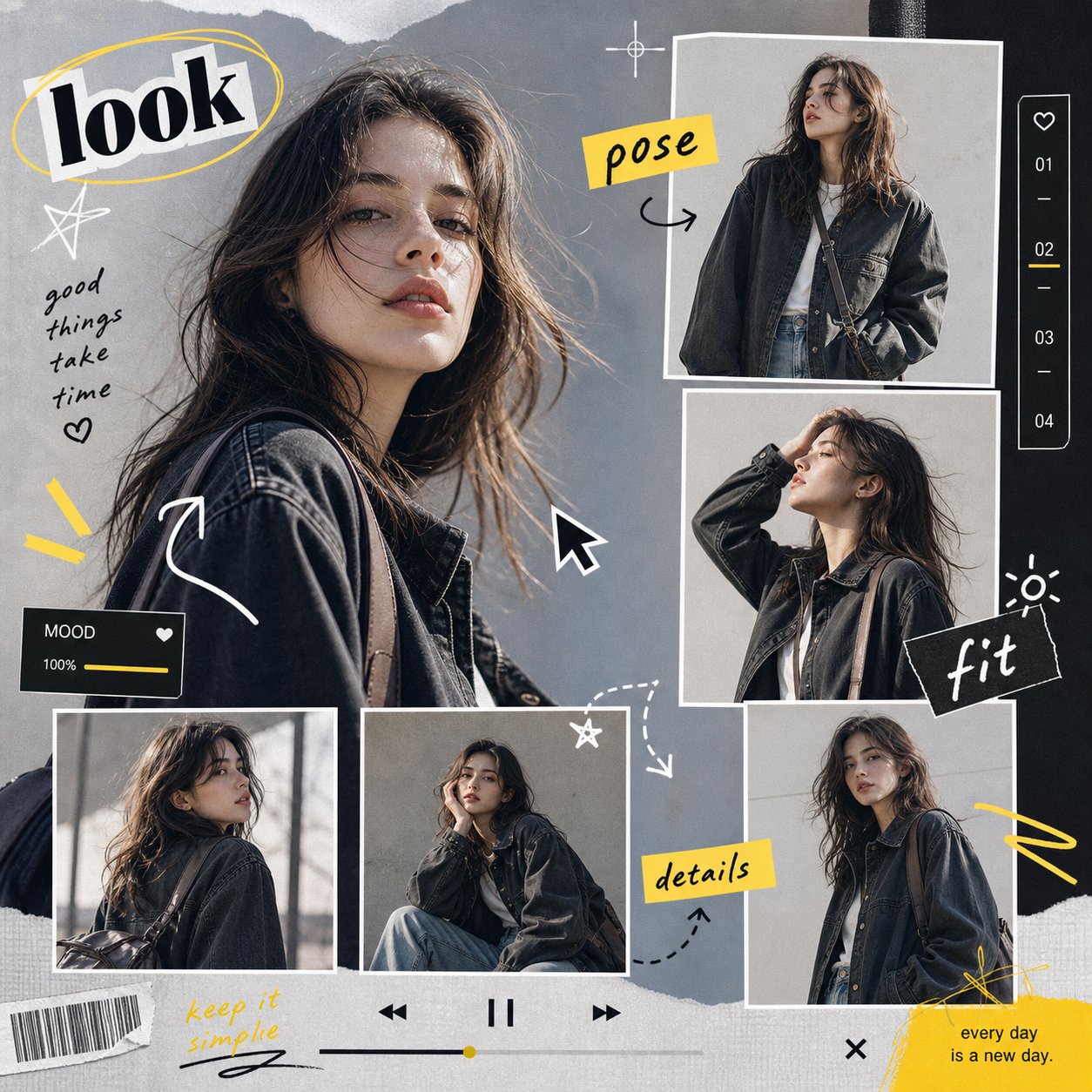 ScrapbookFashion ContactUse Fashion Contact when you want a quick scrapbook edit without setting up the workflow by hand.
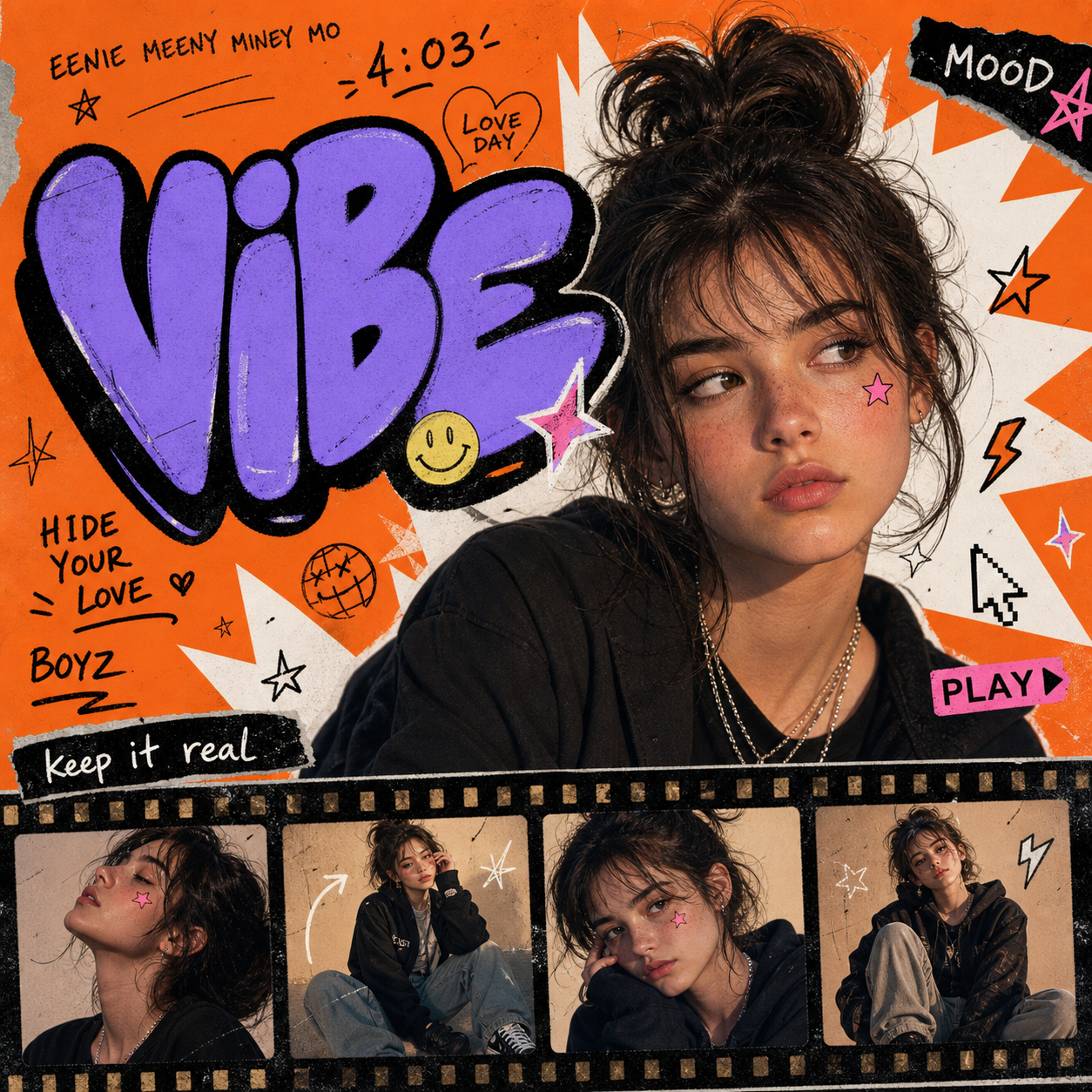 Poster RemixY2K Pop PosterGive your photo a colorful Y2K-inspired poster look. Upload a portrait or outfit photo, apply the effect and review the result.
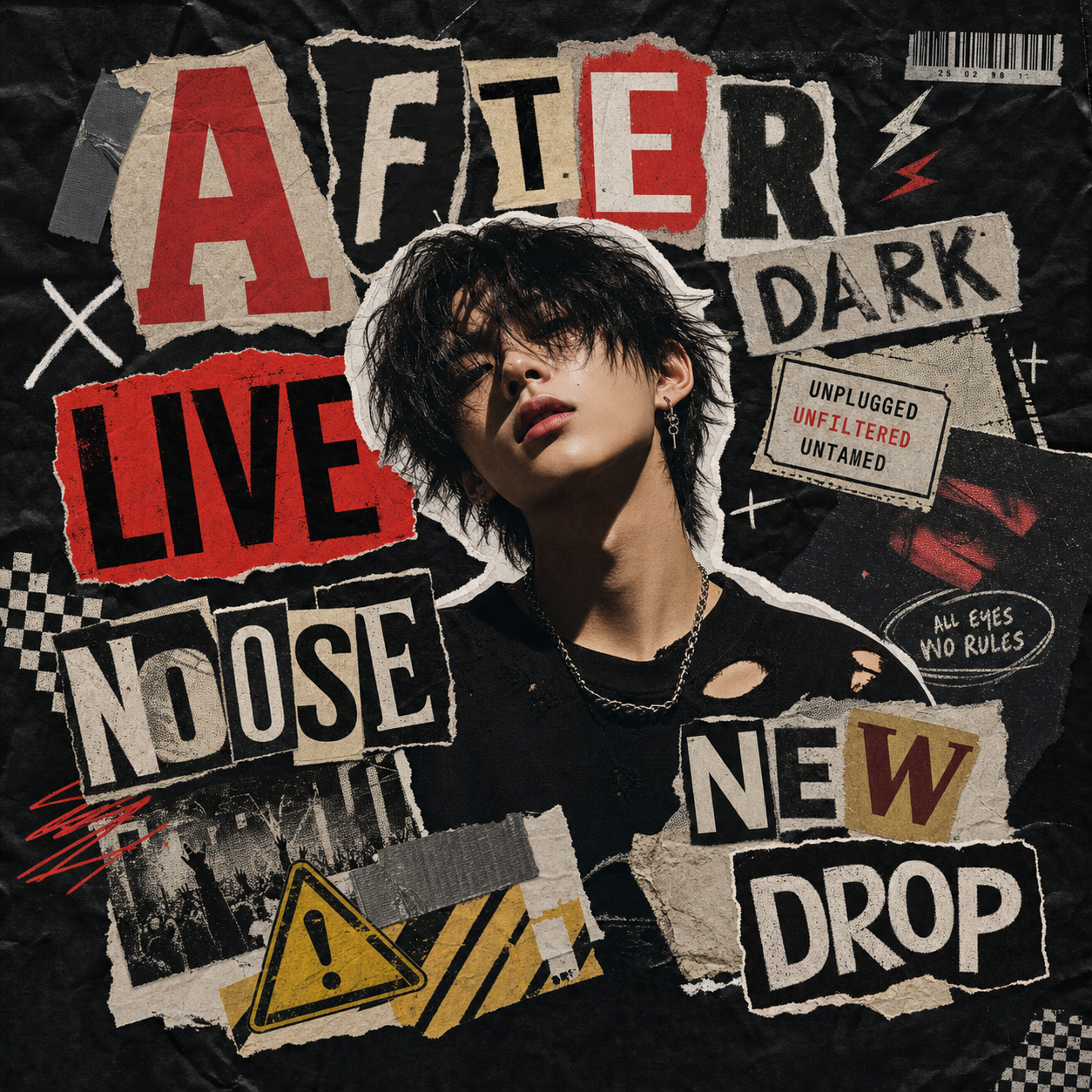 Poster RemixMidnight ZineUse Midnight Zine when you want a quick poster remix edit without setting up the workflow by hand.
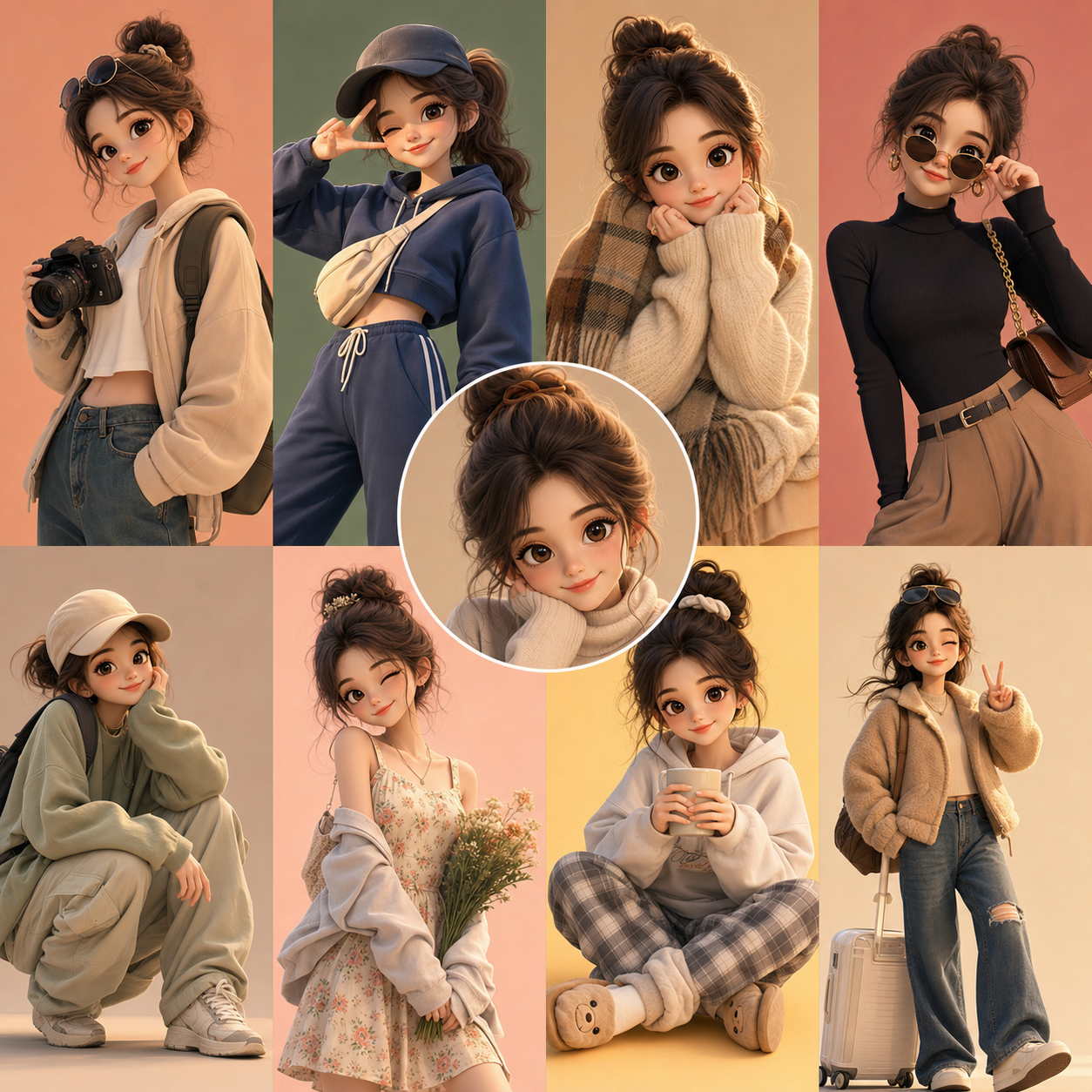 Sticker Collage3D Outfit DollUse 3D Outfit Doll when you want a quick sticker collage edit without setting up the workflow by hand.
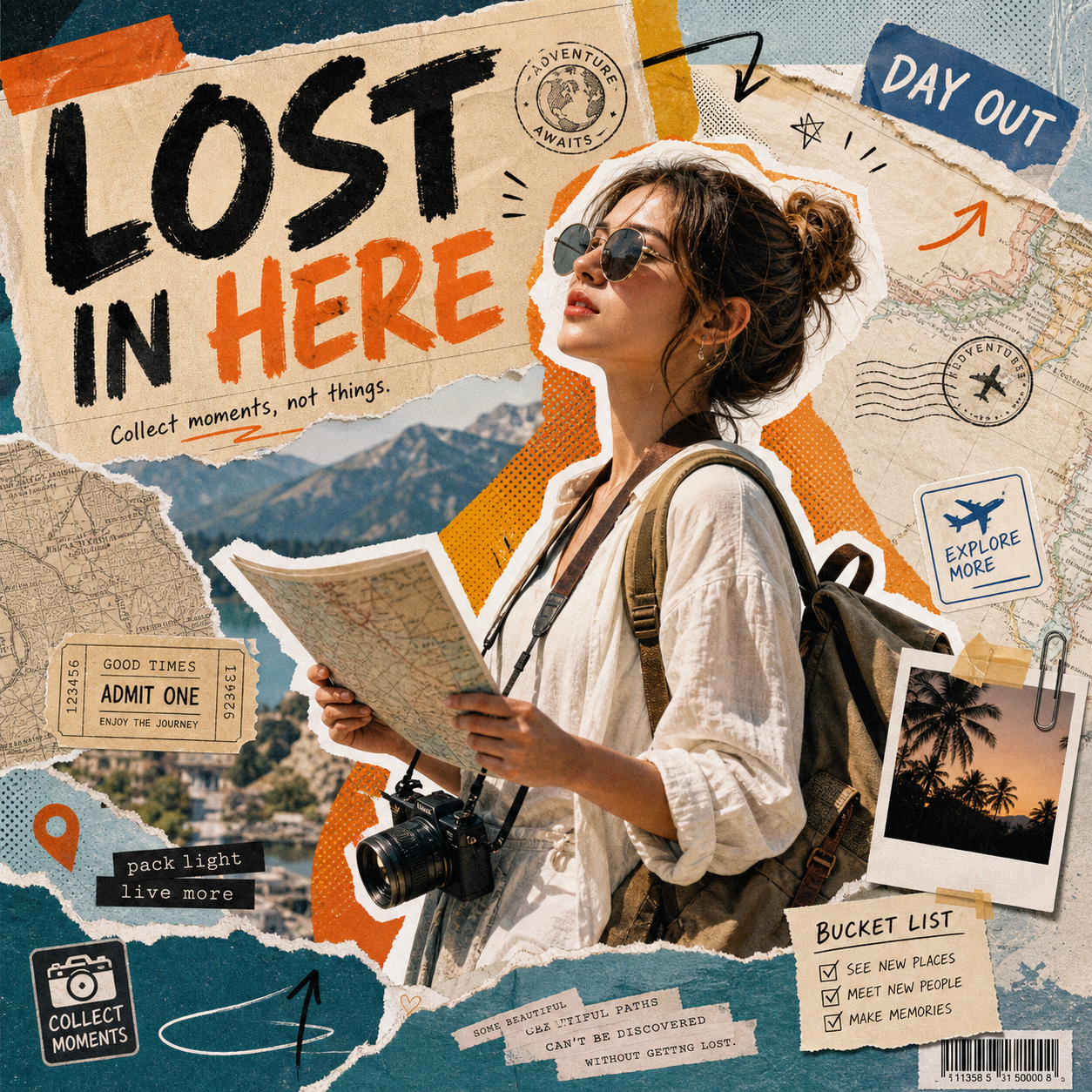 ScrapbookLost In CollageUse Lost In Collage when you want a quick scrapbook edit without setting up the workflow by hand.
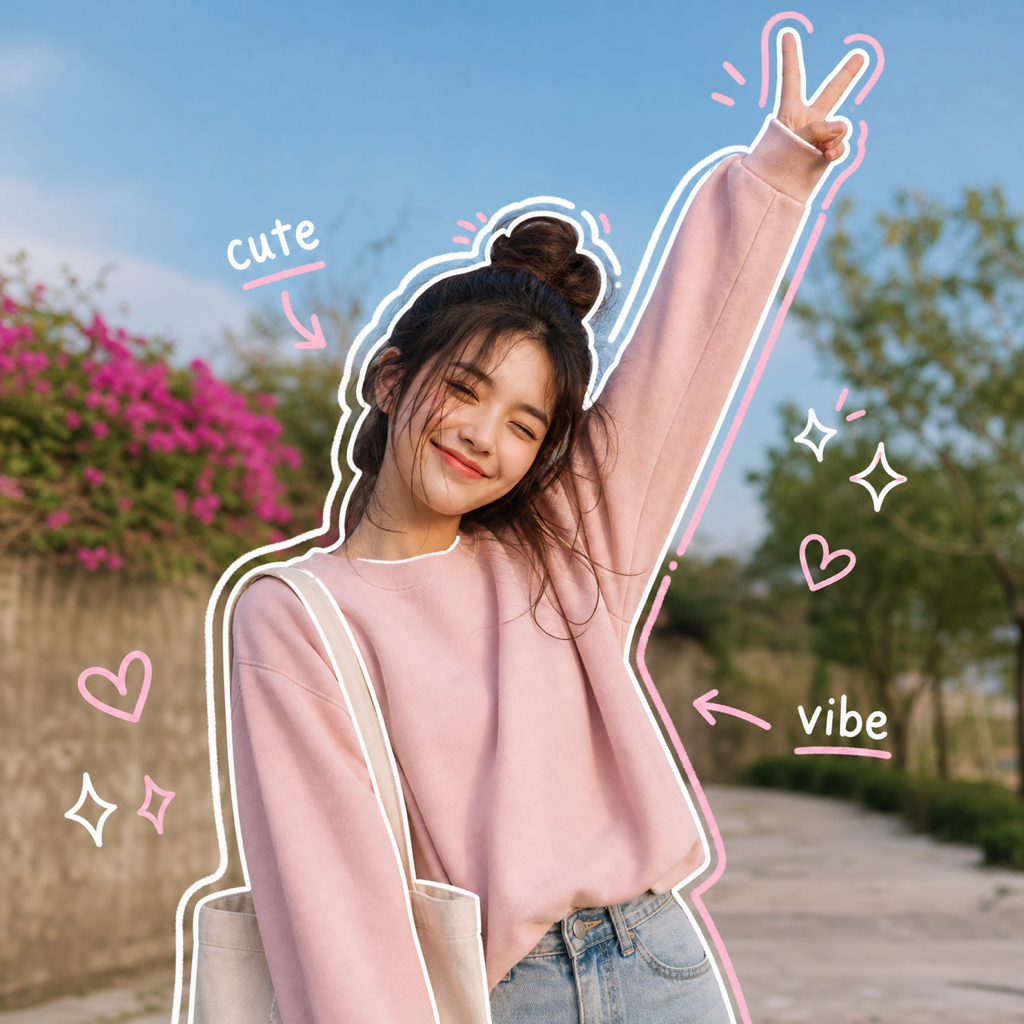 Hand-Drawn MarksPlayful OutlineUse Playful Outline when you want a regular photo to feel more expressive without turning it into a full illustration.
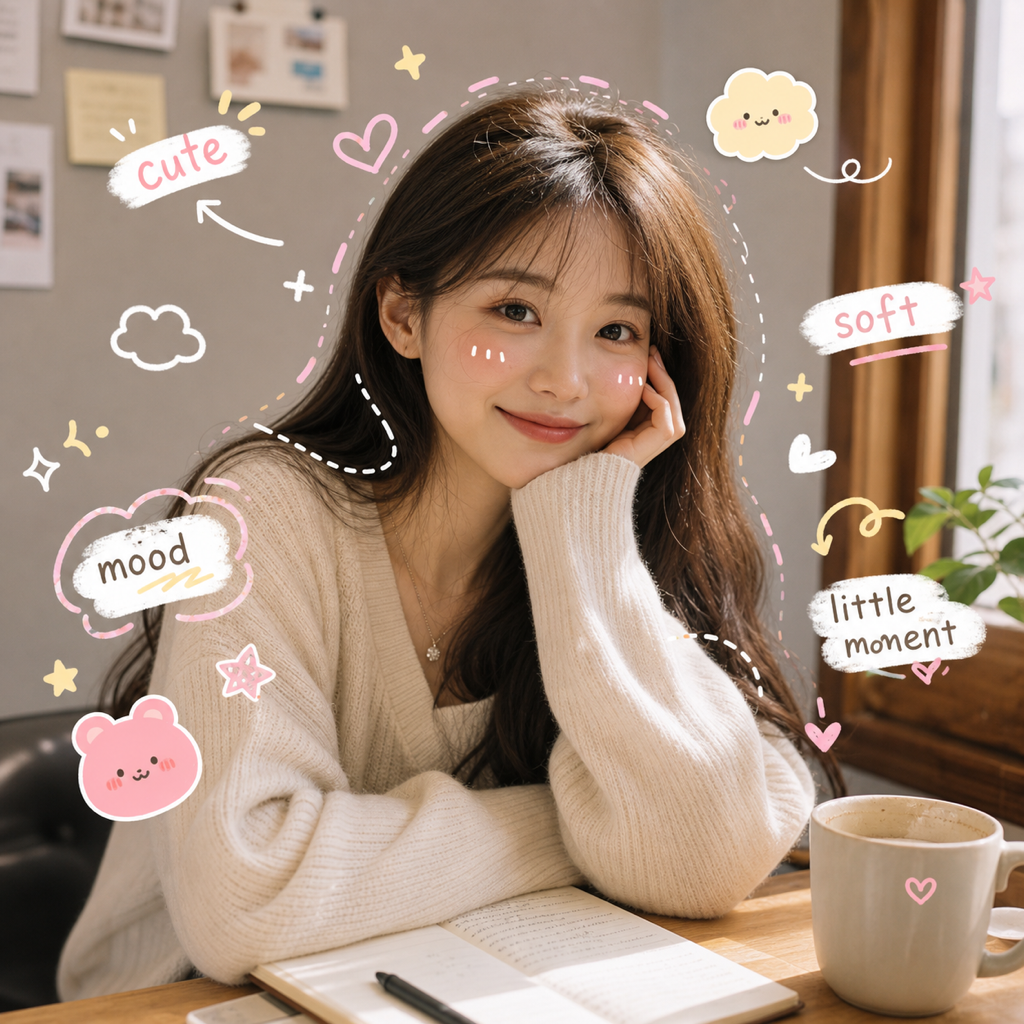 Hand-Drawn MarksKawaii NotesUse Kawaii Notes for cute social posts where the photo should still look like the original moment.
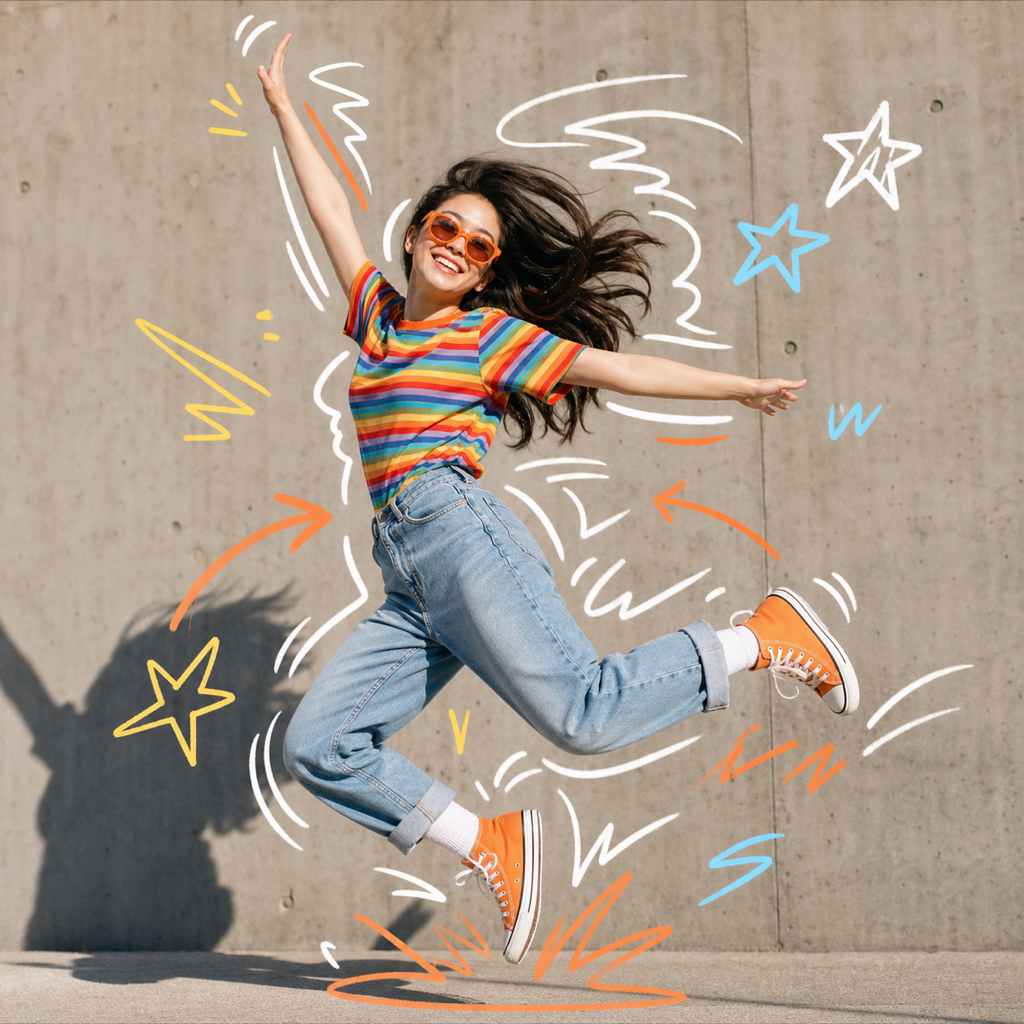 Hand-Drawn MarksMotion ScribbleUse Motion Scribble when a photo feels static and needs a more dynamic creator-style edit.
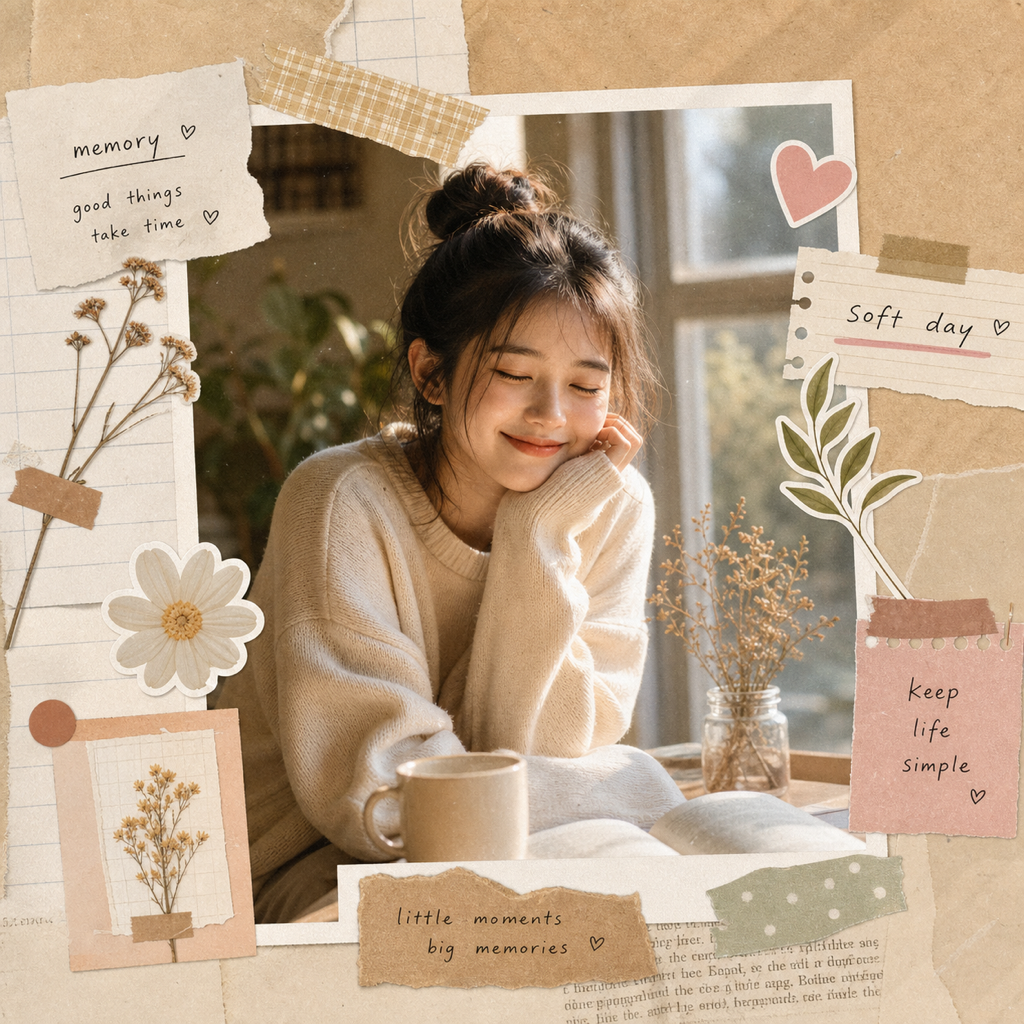 ScrapbookCozy ScrapbookUse Cozy Scrapbook when you want a memory, outfit, product, or travel photo to feel like a finished journal page.
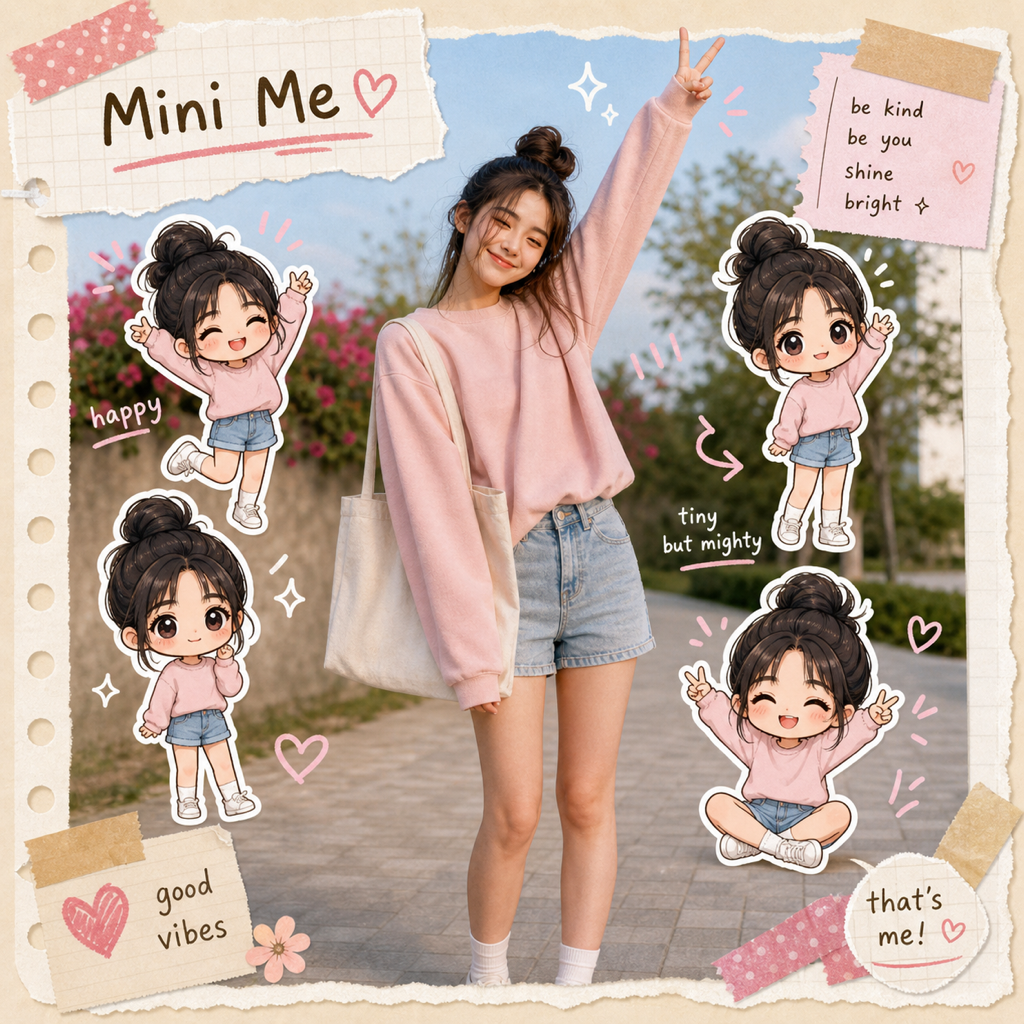 ScrapbookMini MeUse Mini Me when you want a playful personal edit that turns the subject into small sticker-like characters.
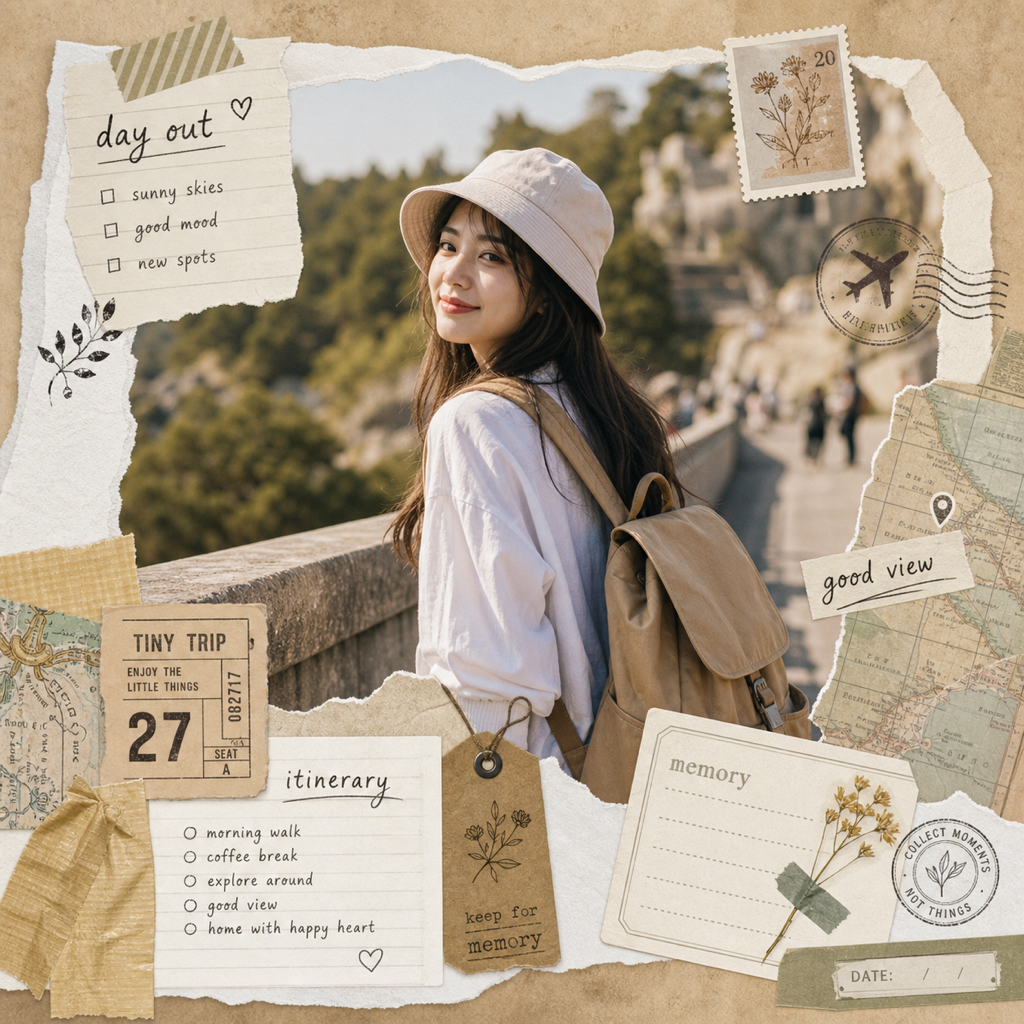 ScrapbookTravel JournalUse Travel Journal for vacation photos, day trips, city walks, and memory posts that need a designed journal feel.
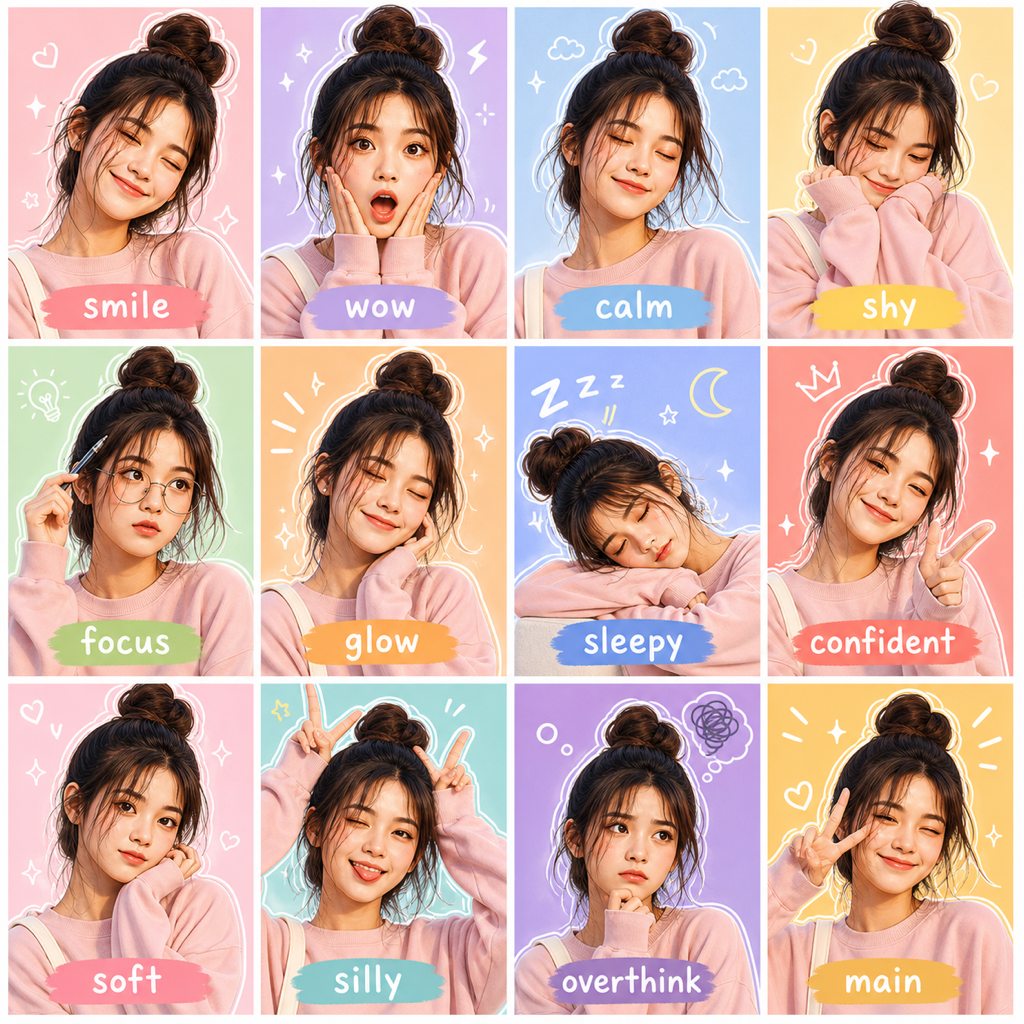 Sticker CollageMood GridUse Mood Grid when you want one upload to become a social sticker board or expressive mood sheet.
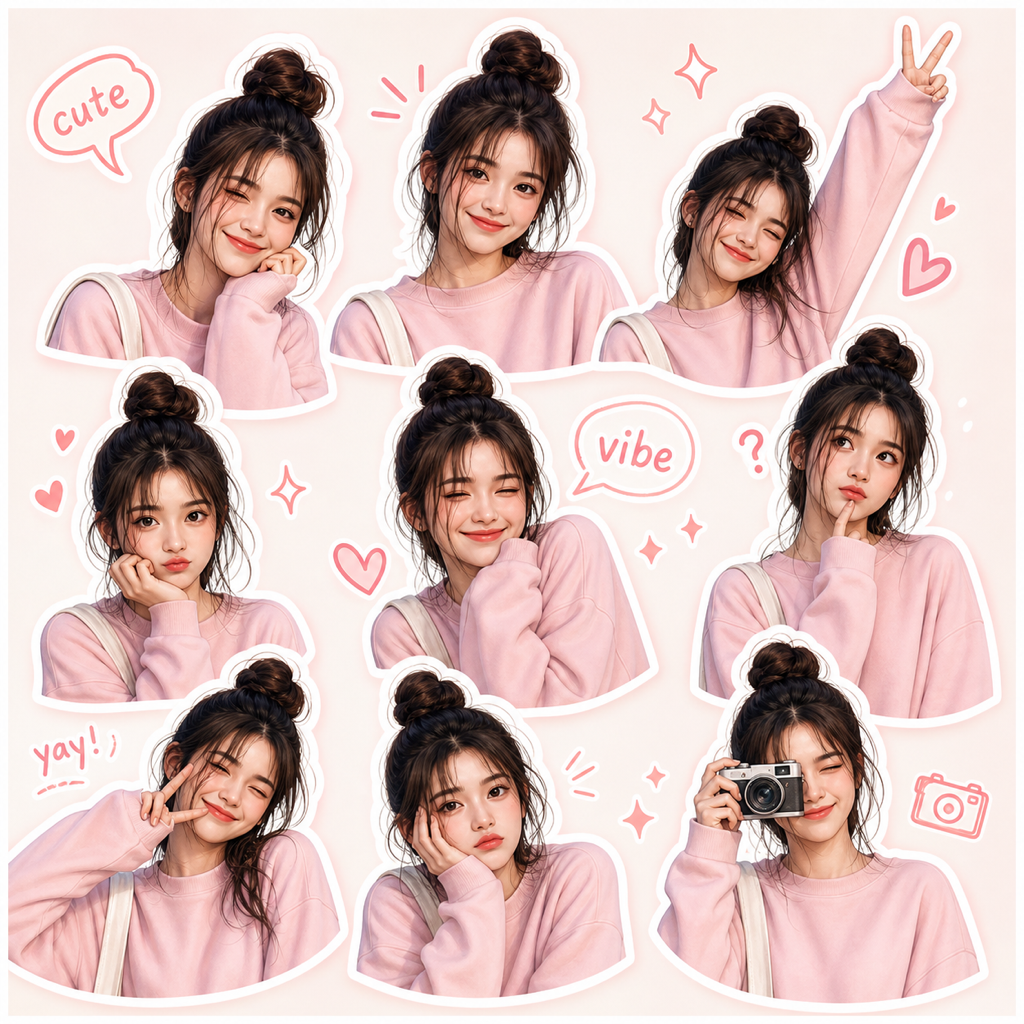 Sticker CollageSticker PackUse Sticker Pack to create a portrait-based sticker set from one clear subject photo.
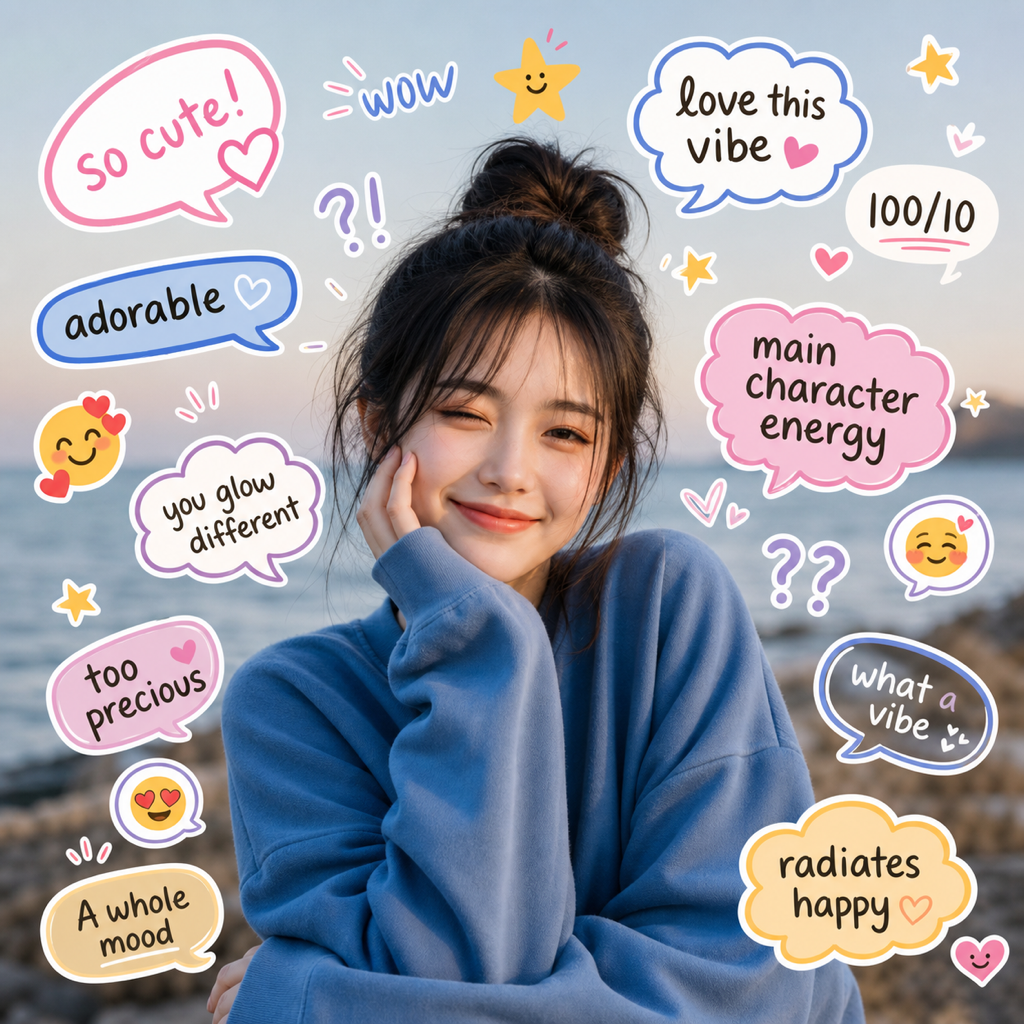 Sticker CollageReaction BoardUse Reaction Board when a photo should feel conversational, funny, or ready for a reaction-style social post.
 Poster RemixStreet GraffitiAdd graffiti-inspired strokes, paint splashes and urban accents to your photo. Keep your subject recognizable and compare the result.
 Poster RemixVintage PosterUse Vintage Poster for a tasteful editorial-style image that feels nostalgic without losing the subject.
 Poster RemixUrban Cute PosterUse Urban Cute Poster for a bold social image that feels playful, designed, and ready to post.
Workflow
Preview each Doodle look with a real example before you upload.
ClearCrowds sends the image to the editor with the chosen look already selected.
Run the result, compare the output, and continue editing if the photo needs another pass.
FAQ
Quick answers about how the Doodle styles treat your photo.
Quick edits. Professional results.