Single-page PDF
Create a clean, image-based PDF with the corrected page proportions for email, upload forms, and document folders.
Upload one photographed page to reduce shadows, crop the surroundings and correct perspective. Choose color, grayscale or black and white, then review every detail before downloading an image or single-page PDF.
JPG, PNG, or WebP.
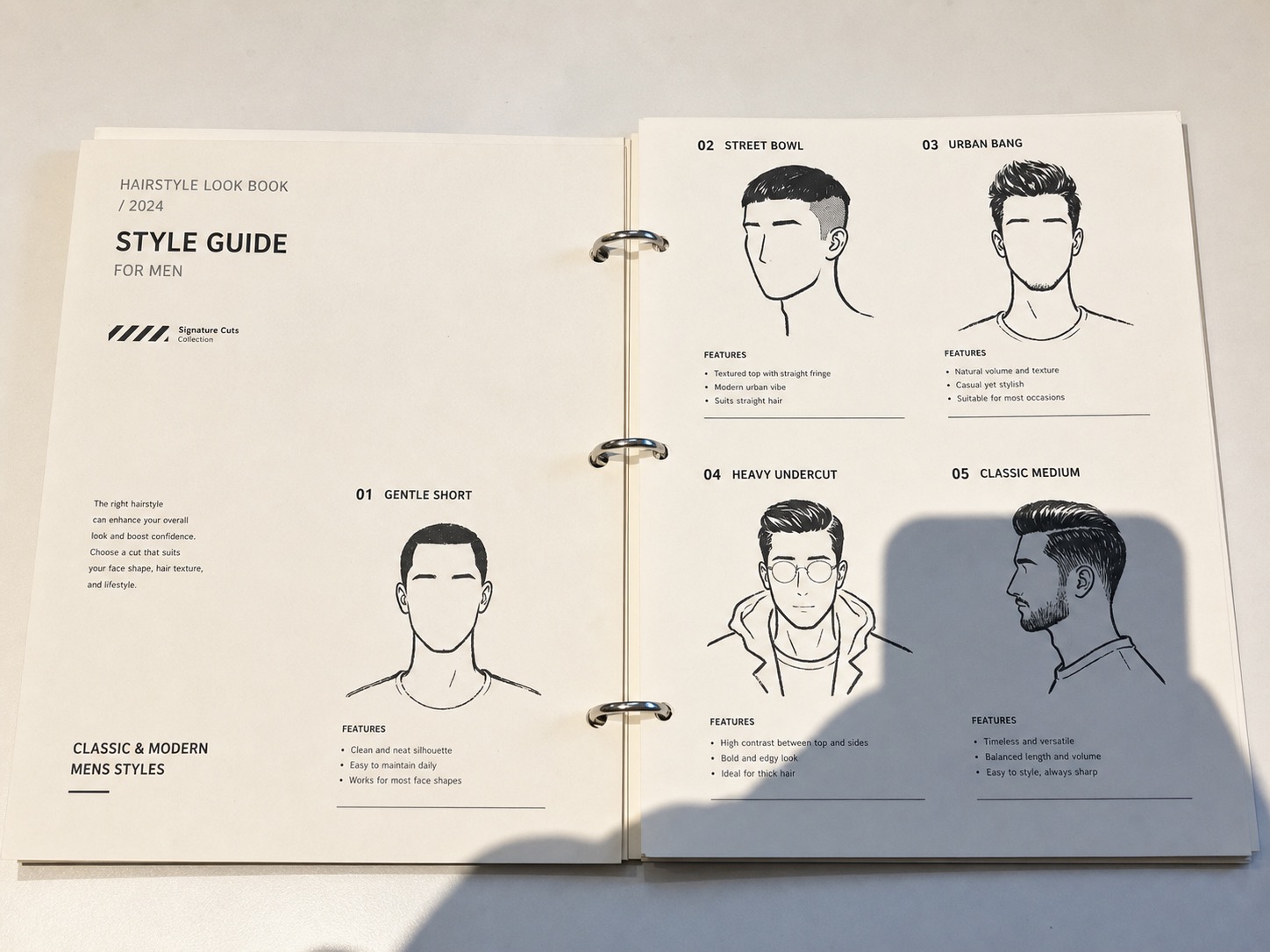
AI reduces uneven light before page cropping and perspective correction. AI may change document details, so compare names, numbers, signatures, and marks with the original.
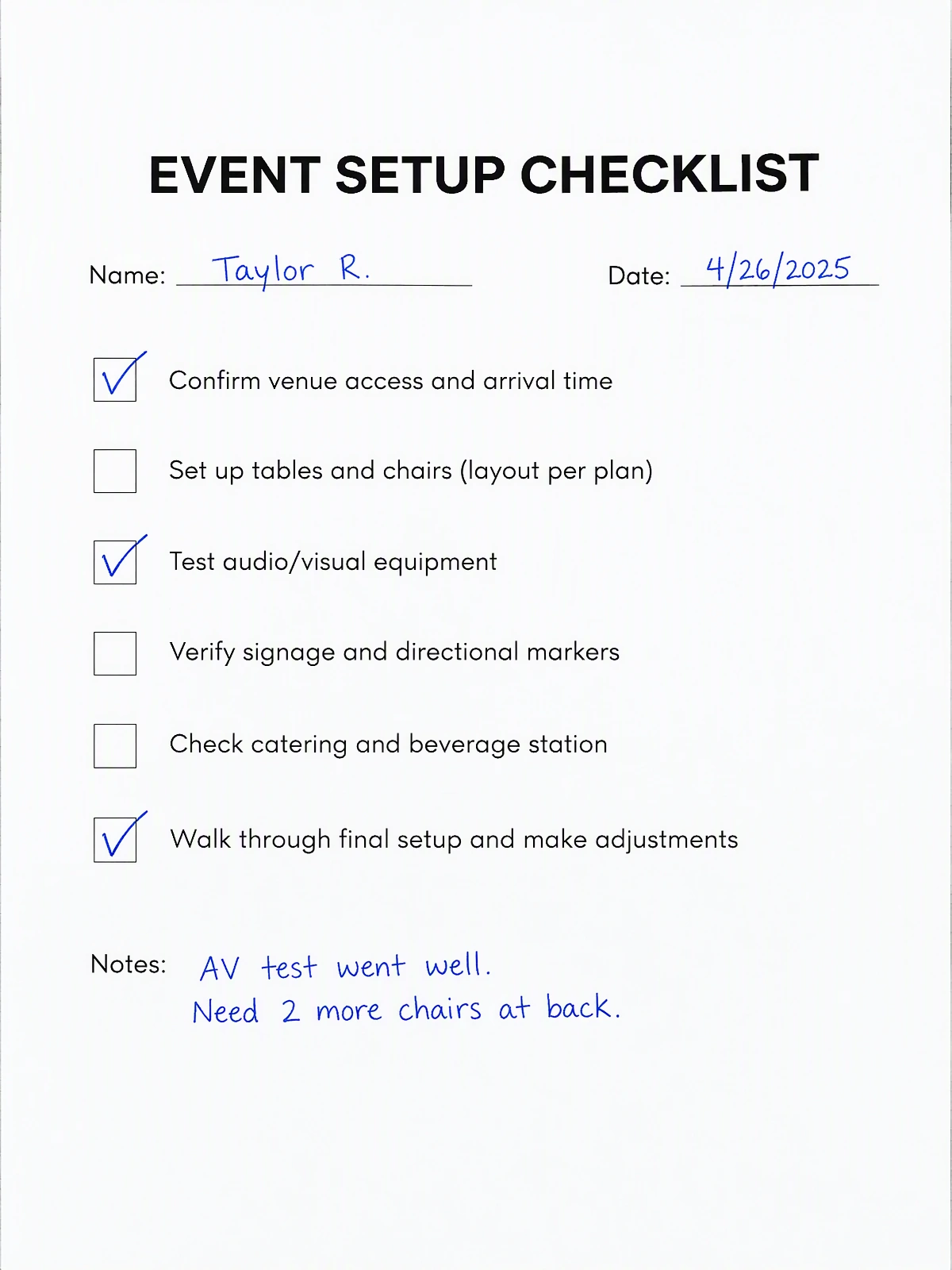
Illustrative example. Compare all text and marks with your original.
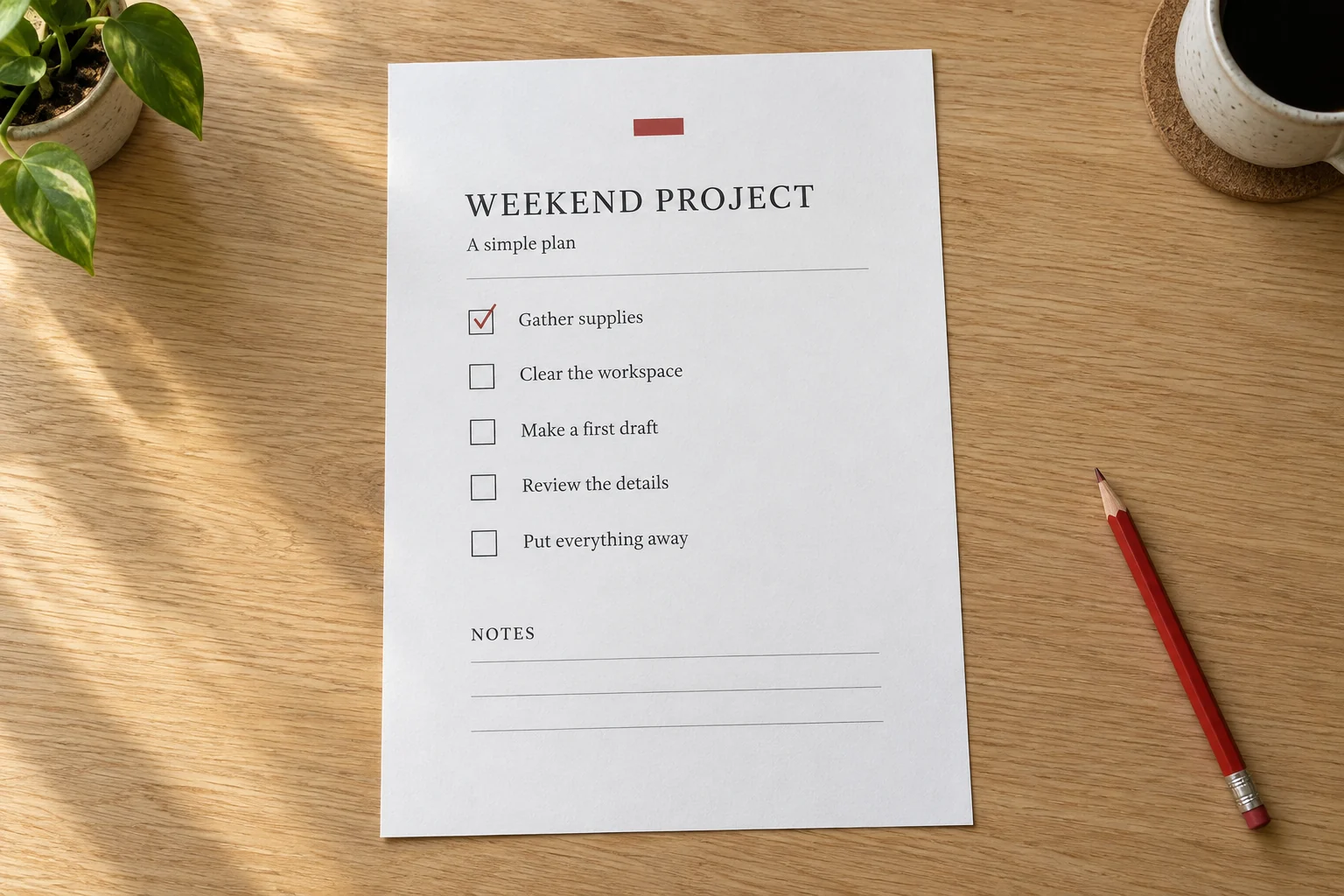
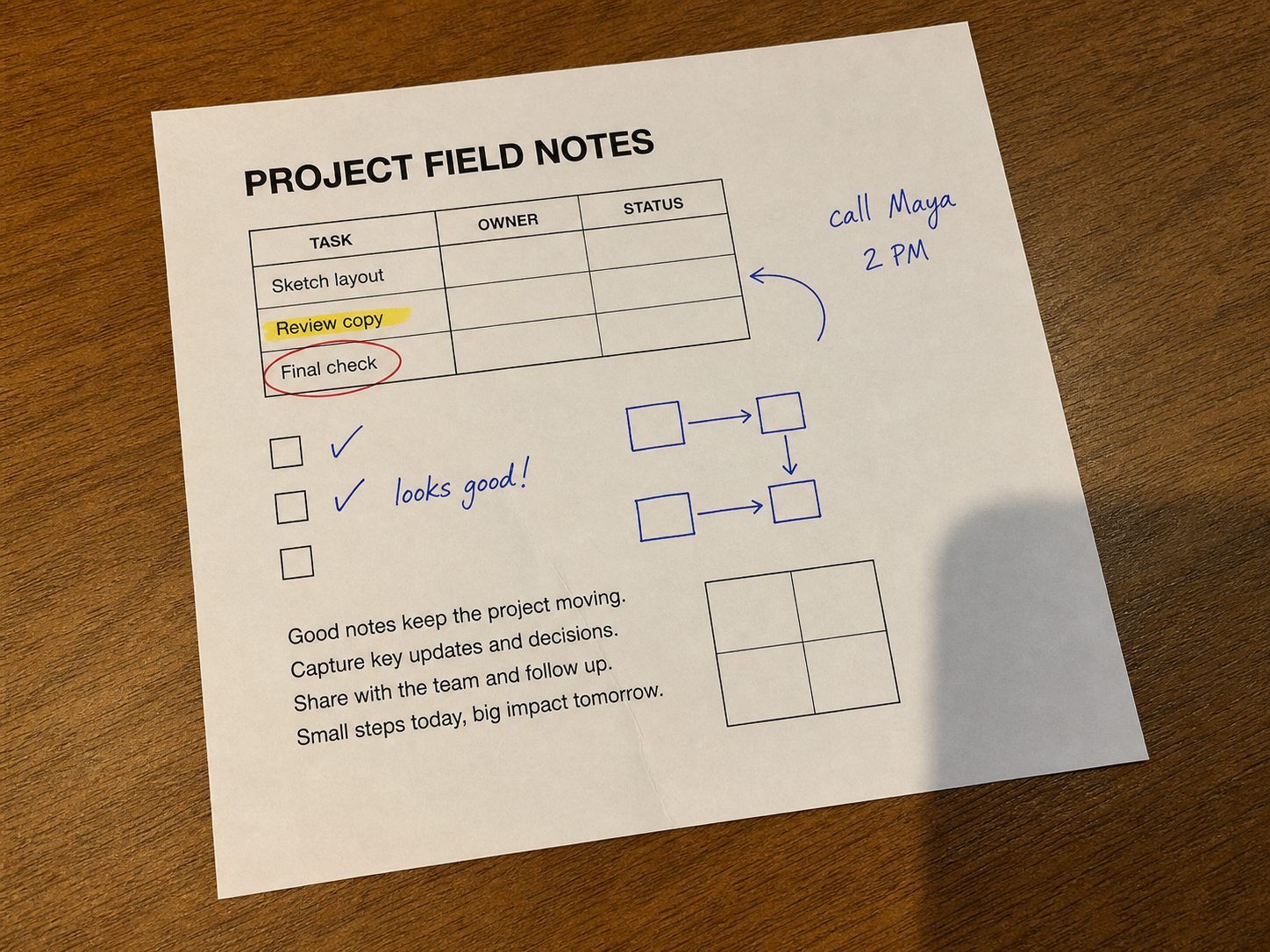
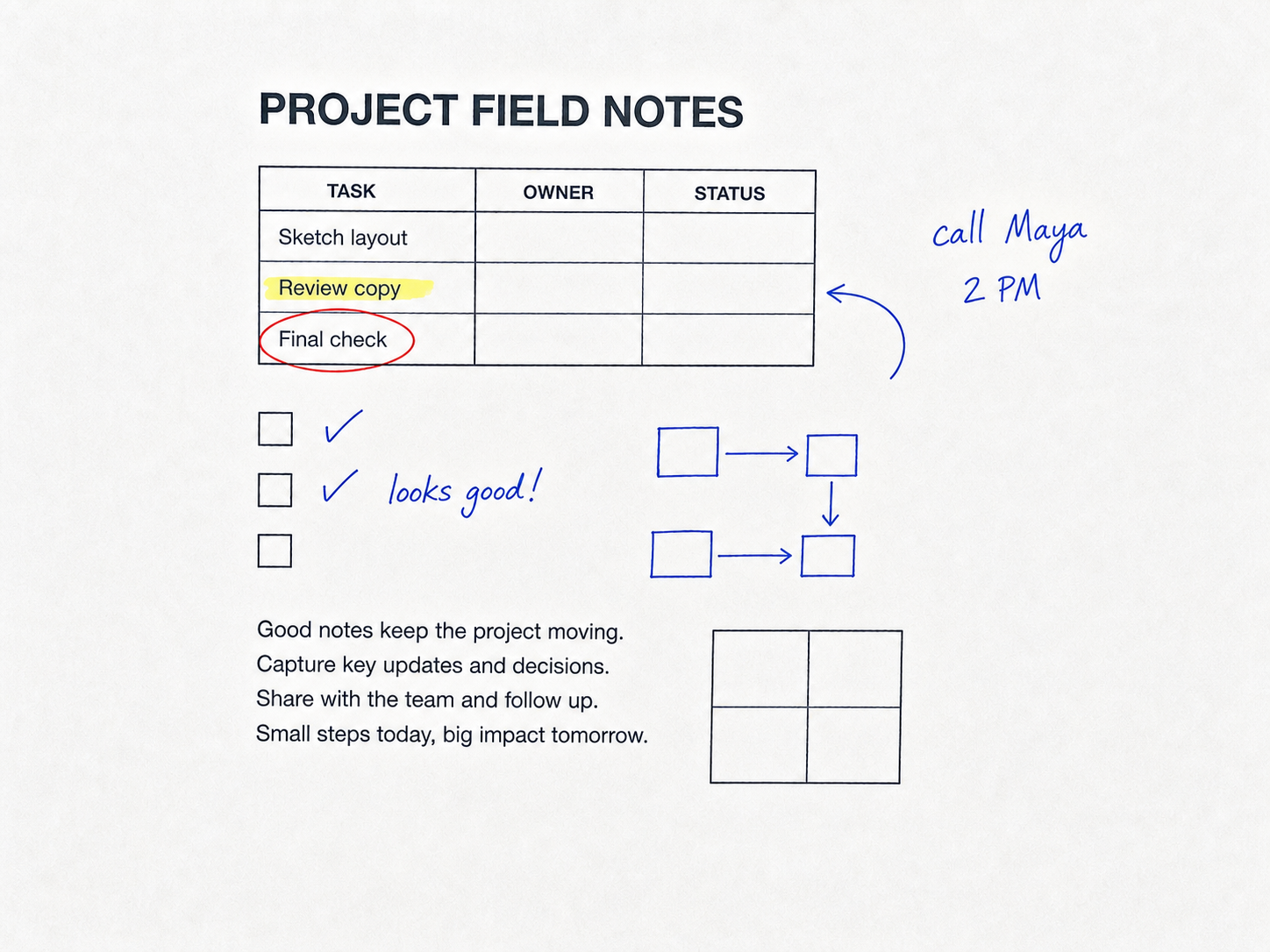
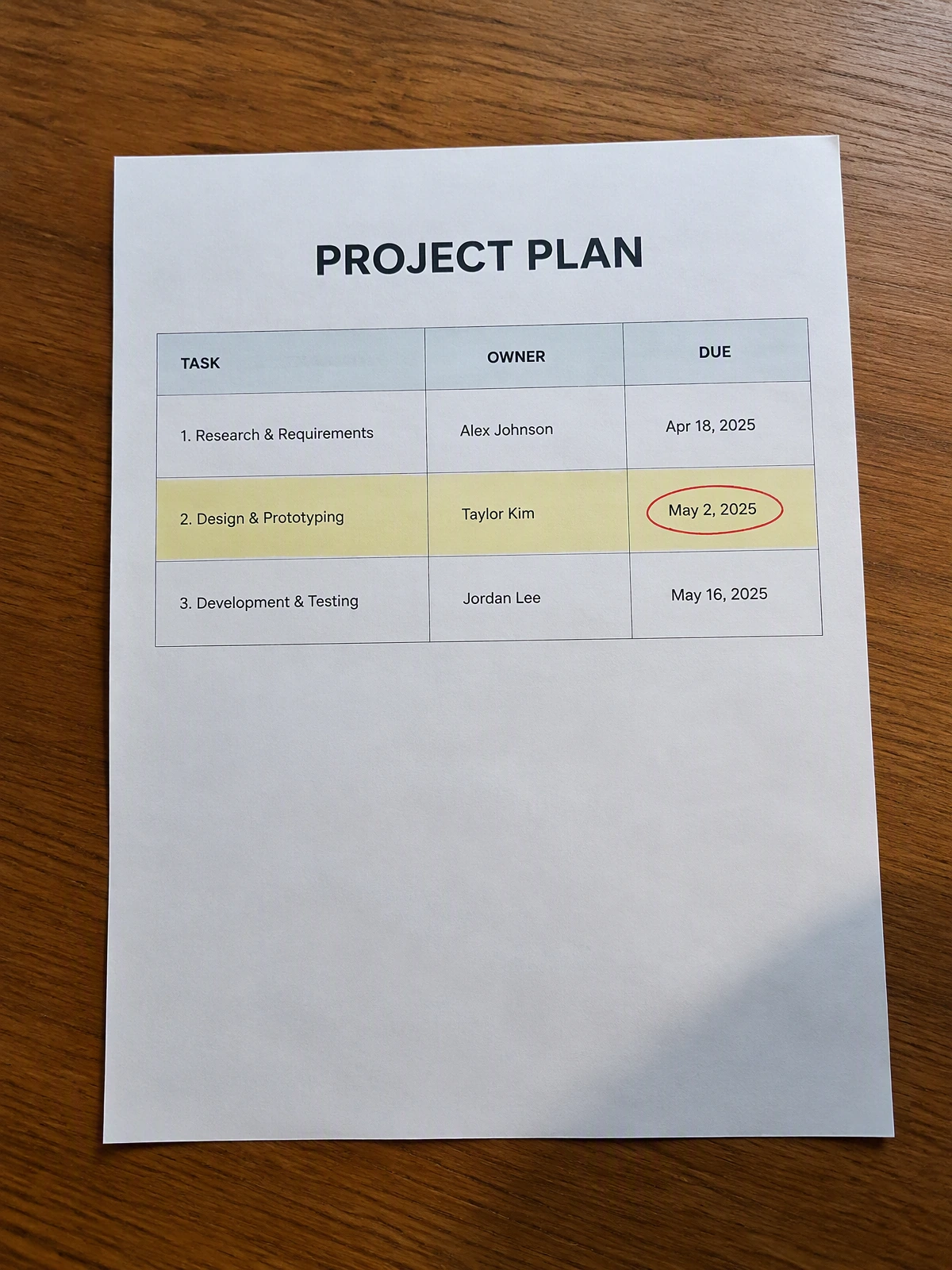
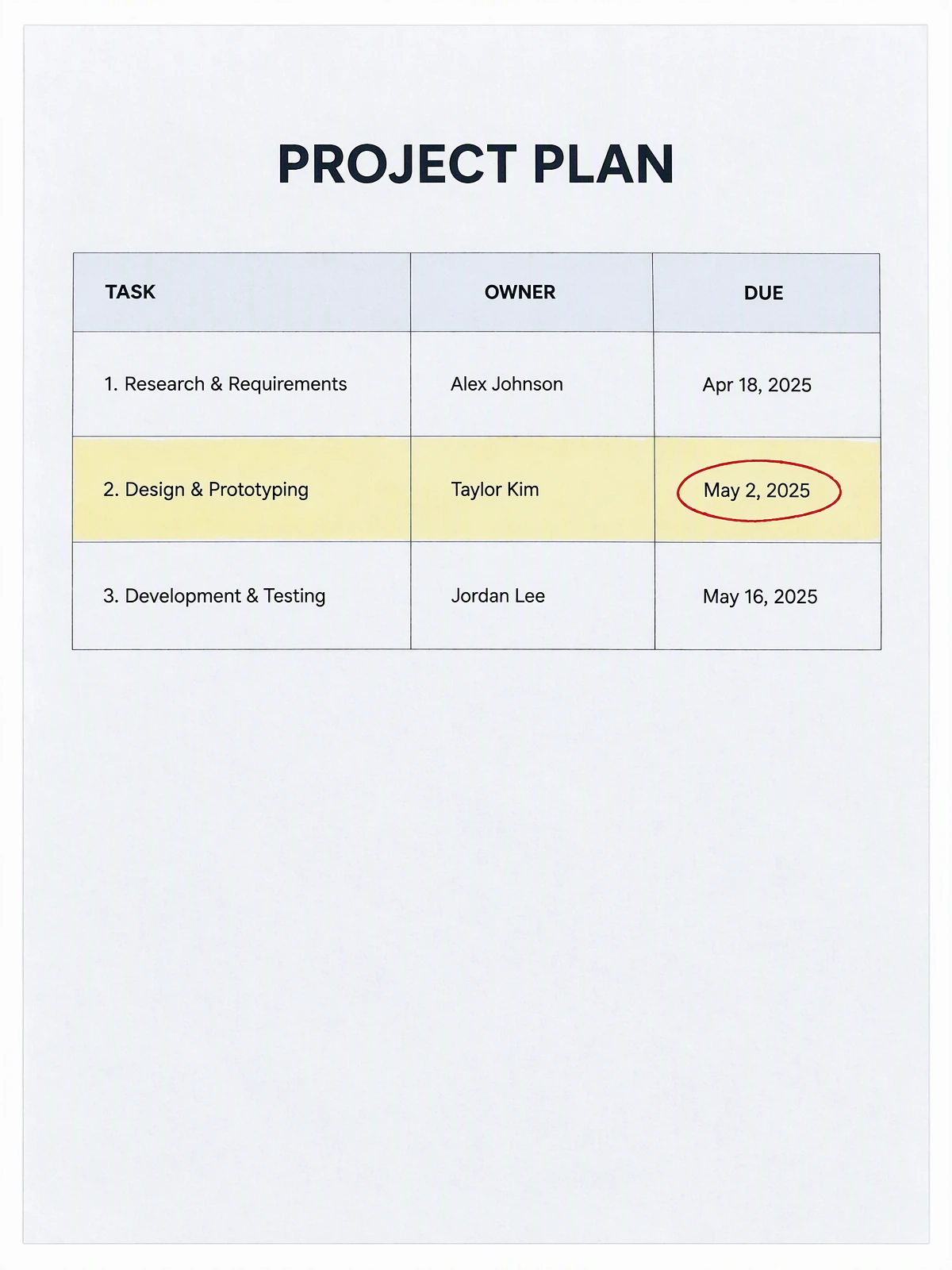
A quick phone photo of a project table can look skewed and warm. Photo to Scan flattens the page so rows and columns are easier to read and share.
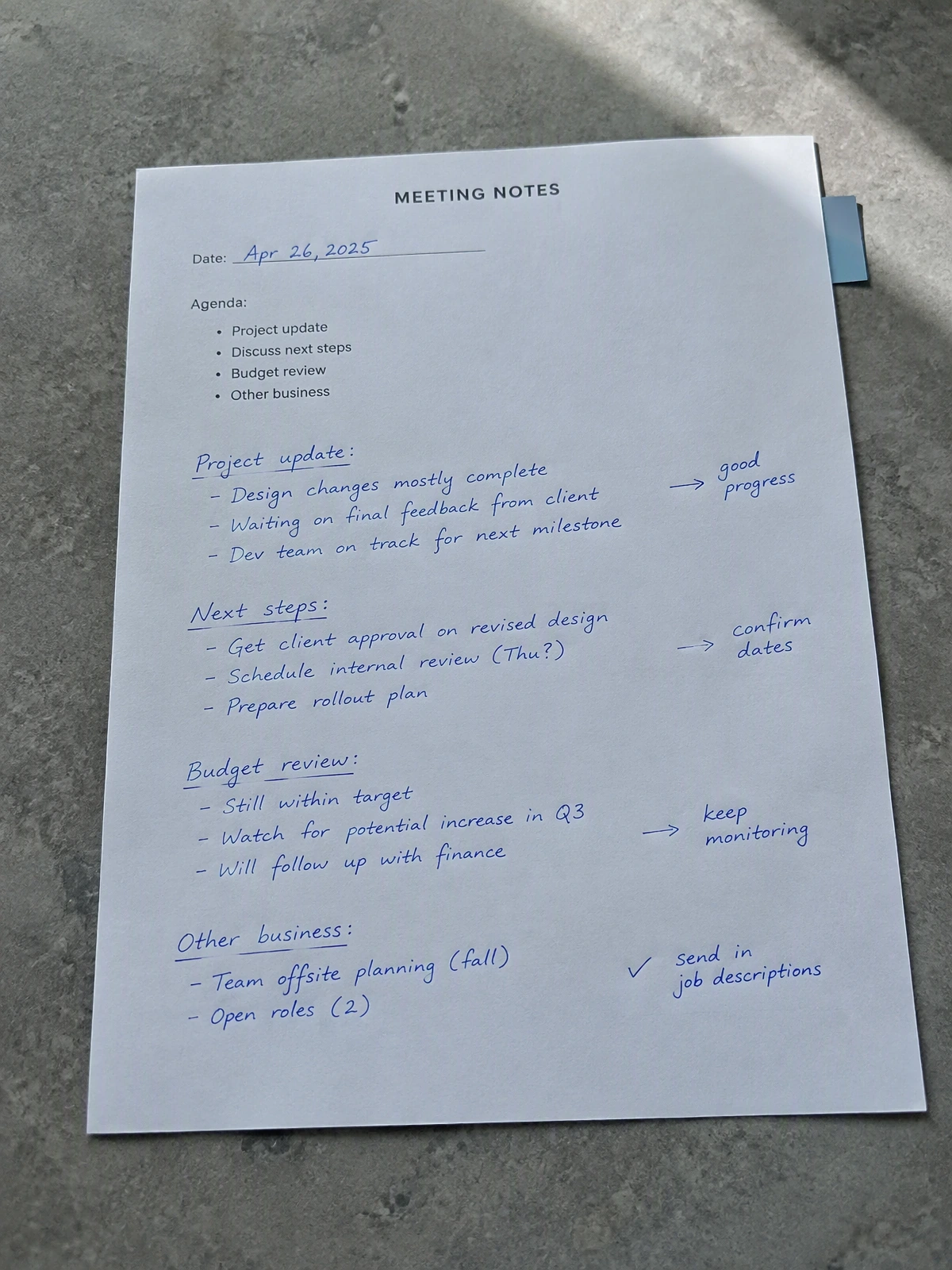
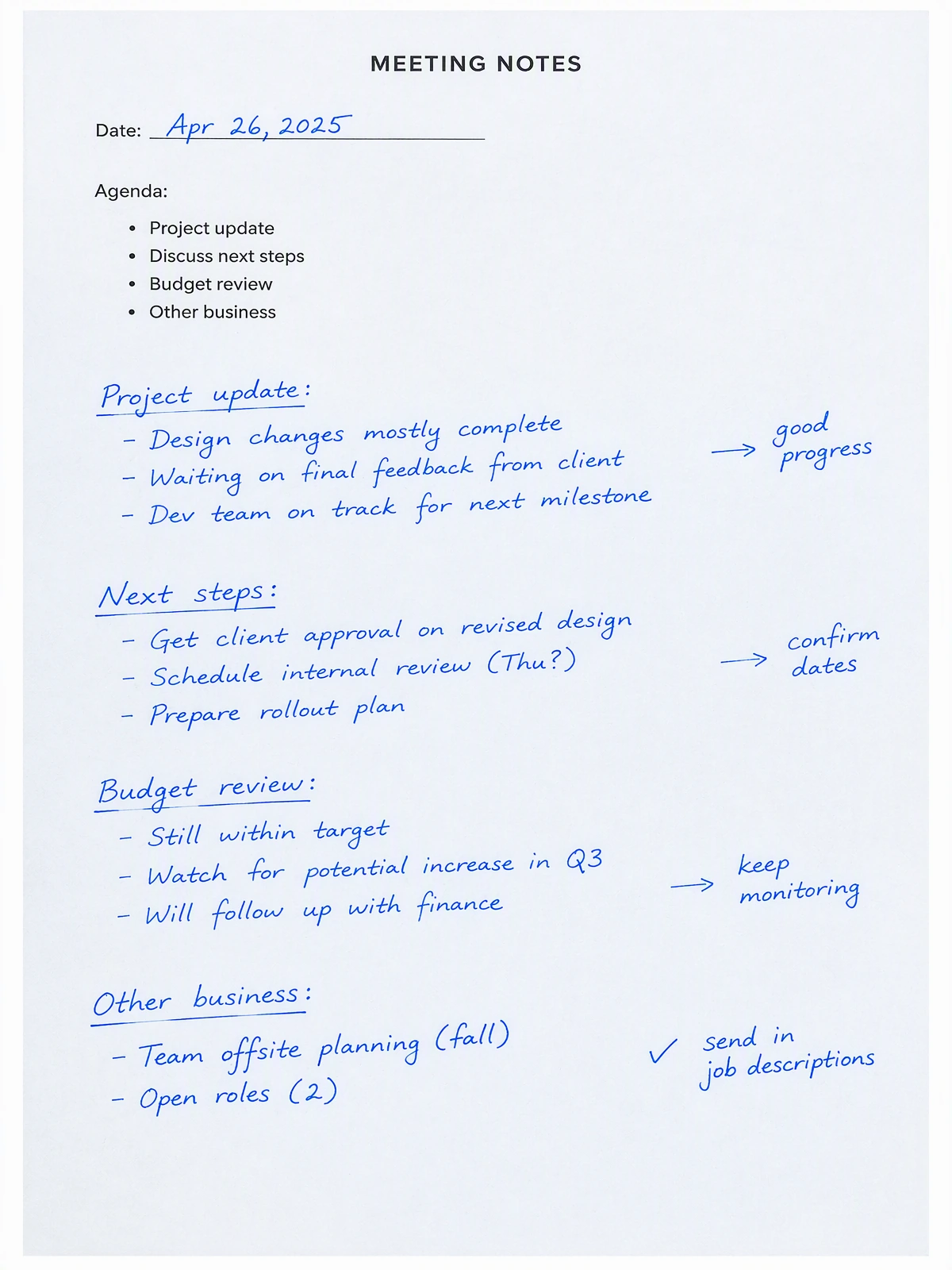
Keep the useful blue-ink notes and arrows from a working document while the processor removes the camera angle and uneven room light.
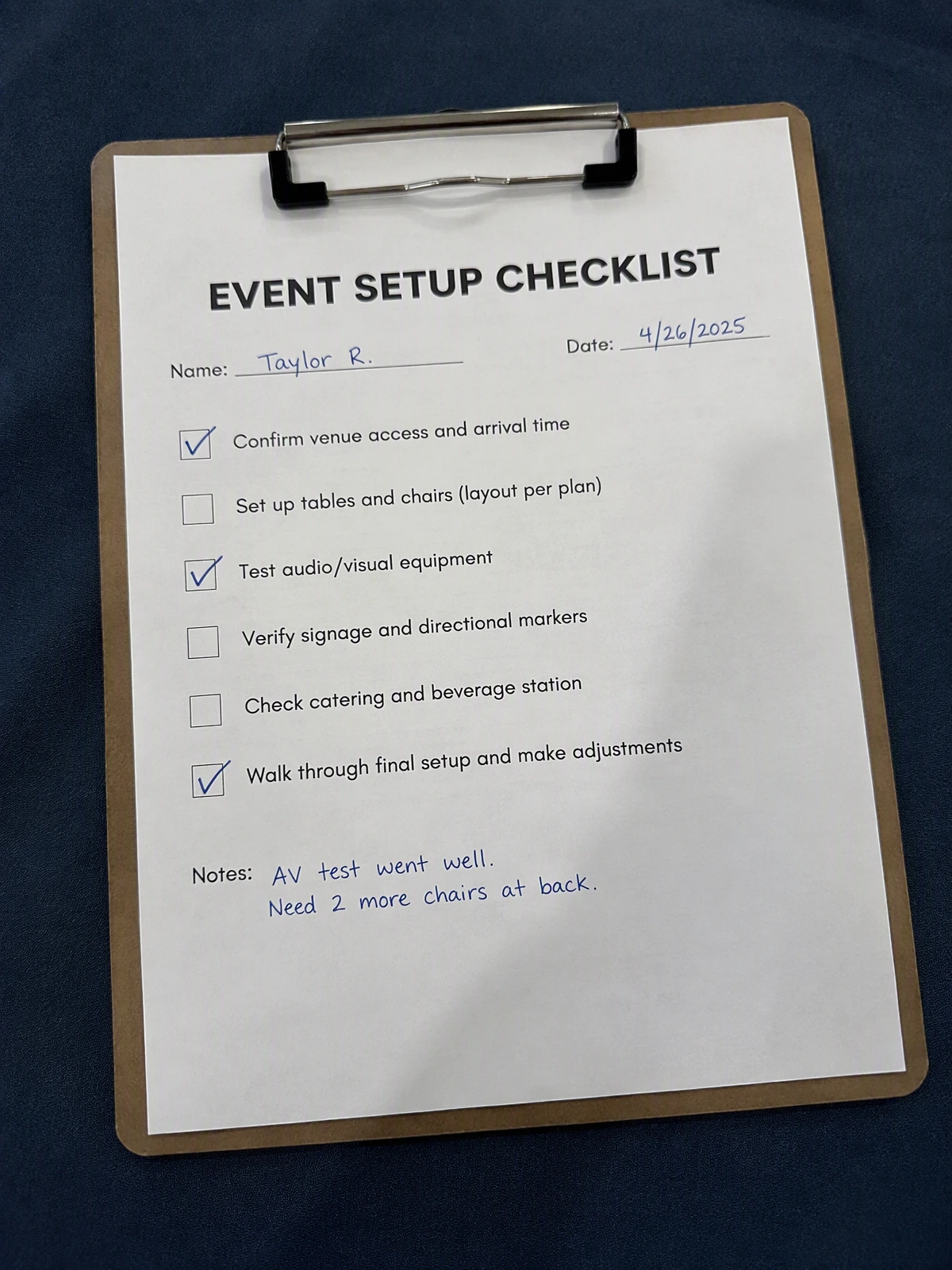
Turn a quick clipboard photo into a clean page image for a teammate, a project folder, or a follow-up message without recreating the page.
Use a sharp photo with one complete page and a contrasting surface around it.
Keep all four corners visible and avoid cutting off text, handwriting, stamps, or highlights.
Automatic crop and perspective correction are on by default. Choose color, grayscale, or black and white before processing.
Check names, numbers, handwriting, table lines, and colored marks before downloading the image.
Once you approve the result in the editor, keep the page as an image for quick sharing or wrap it in a single-page PDF for a document workflow.
Create a clean, image-based PDF with the corrected page proportions for email, upload forms, and document folders.
Save the scan-like result as a standard image when you need to send it in a chat, attach it to a listing, or keep it in your camera roll.
Compare the photo and result first, then download only after names, numbers, handwriting, and colored marks match the original.
Use it when you need a clean image of a page now and do not need a certified or archival scan.
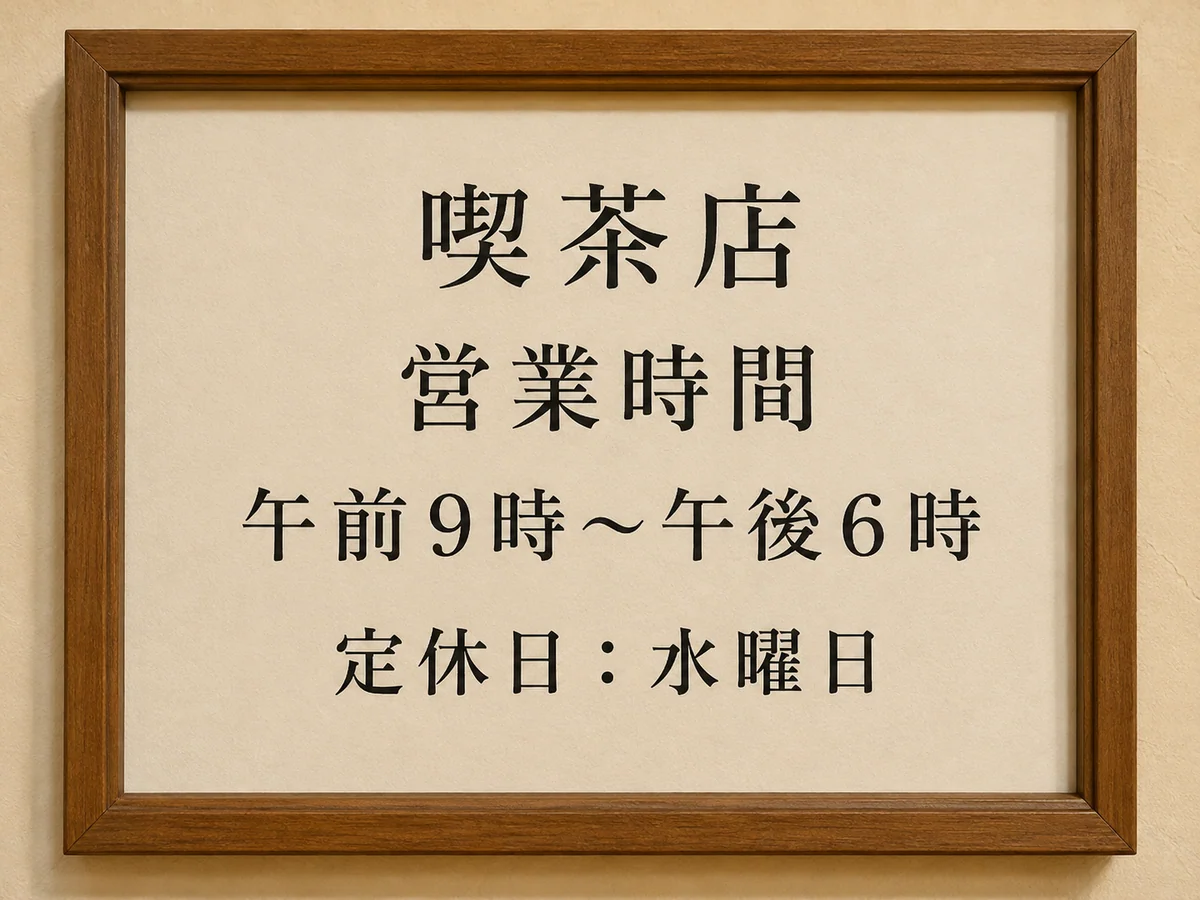
Clean up a photographed letter, handout, worksheet, menu, or reference page.
Keep blue or black handwriting, checkmarks, arrows, and diagrams visible in the result.
Straighten boxes, tables, labels, and completed fields for easier review or sharing.
Preserve colored highlights and annotations while removing the surrounding desk.
Use a professional or specialist workflow when chain of custody, archival color, legal acceptance, or fragile originals matter.
Cropping, shadows, PDF downloads, OCR, handwriting and how your files are handled.
Quick edits. Professional results.
Upload a single page, review the straightened result, and download only after every important detail matches the original.
JPG, PNG, or WebP.