
Good for owned visual material
Update a short headline on a poster you designed, a temporary store message, a social graphic, a packaging mockup, or a simple product label you control.
Change words in a photo
Page updated Sep 10, 2026
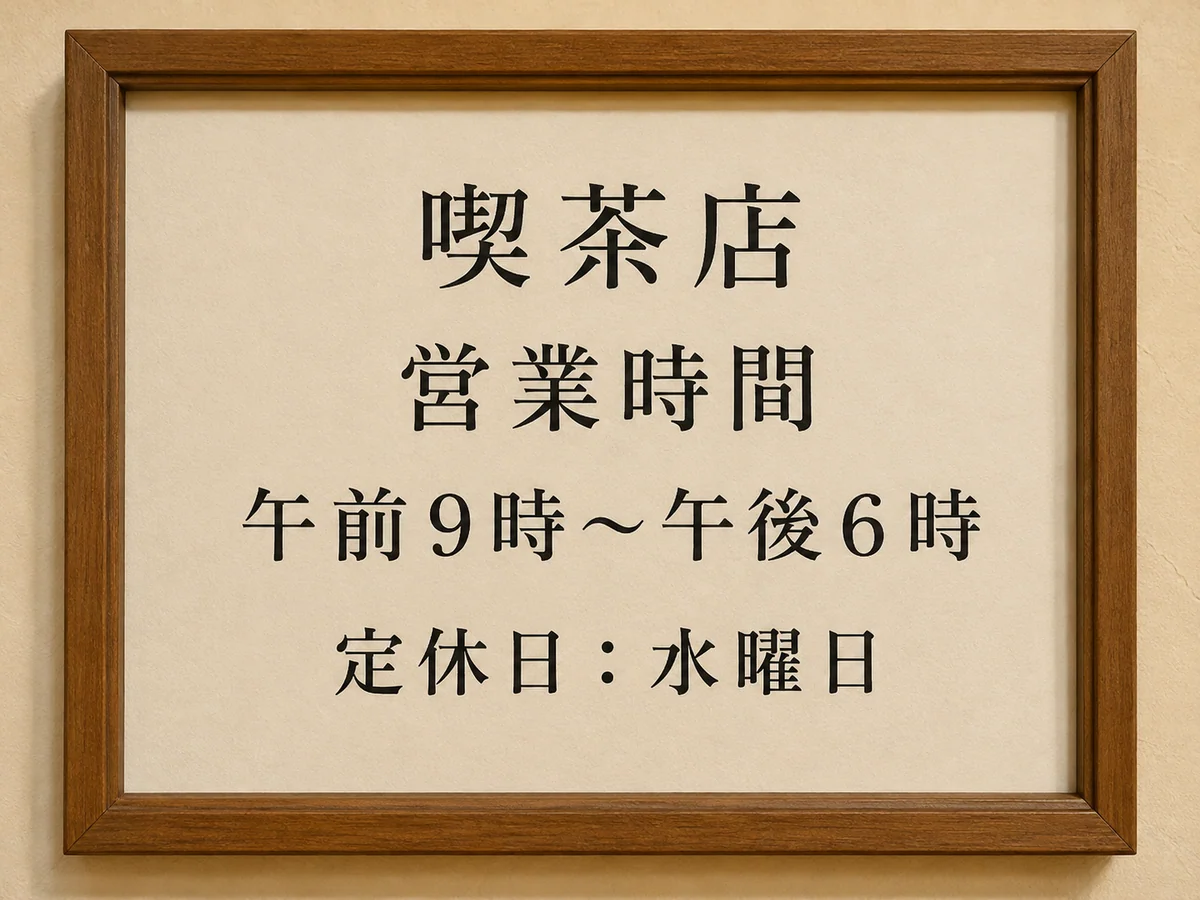
Change words on posters, signs, or menus. Upload your image, select the text, and type what it should say.
JPG, PNG, or WebP
YOU CHOOSE WHAT TO CHANGE
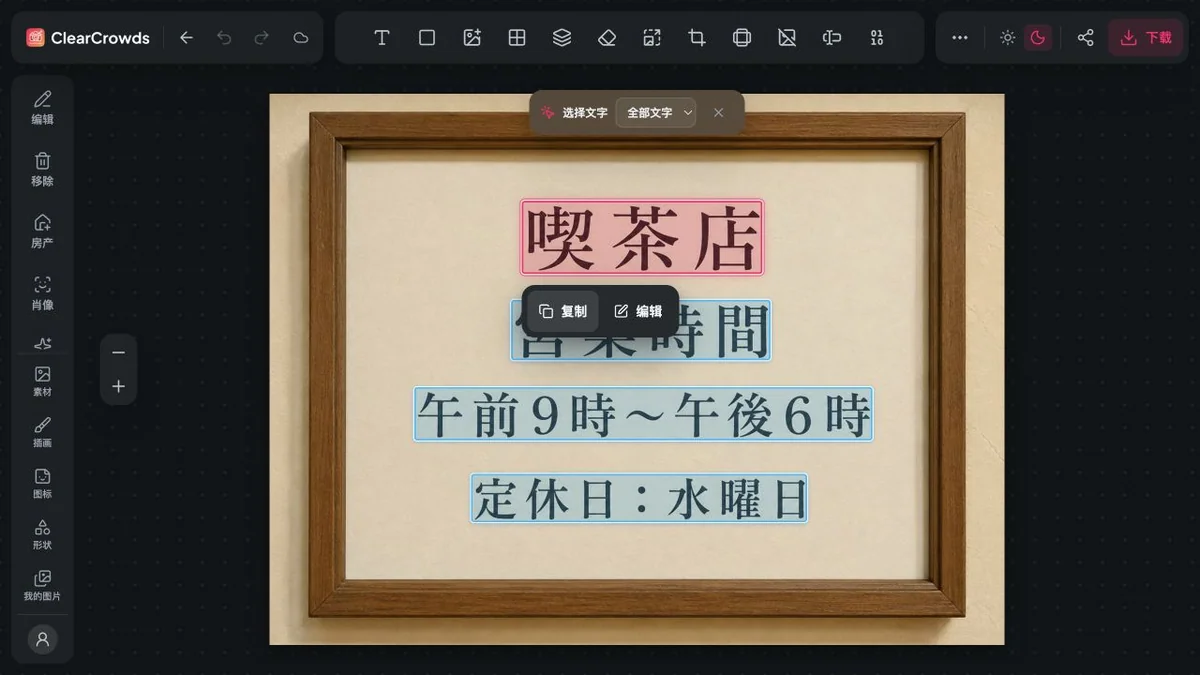
We highlight the text we find in your image. Choose a word or line, enter the new text, and check how it looks.
OBJECTIVE
Coordinate design, content, localization, quality review, and launch readiness across the full release plan.
DELIVERABLES
Final creative files · localized copy · production checks · channel plan · owner sign-off
NOTES
Keep approved artwork, spacing, legal copy, and every unrelated deadline unchanged.
Upload your image to see the text the editor can recognize.
Select the word, line, or number you want to update.
Type the replacement, apply the edit, and compare it with the original.
LOCAL TEXT REPLACEMENT
The strongest results start with a clear image, a short replacement, and enough visible space around the target. Edit Text is designed to preserve nearby layout, texture, shadows, and unrelated lettering.
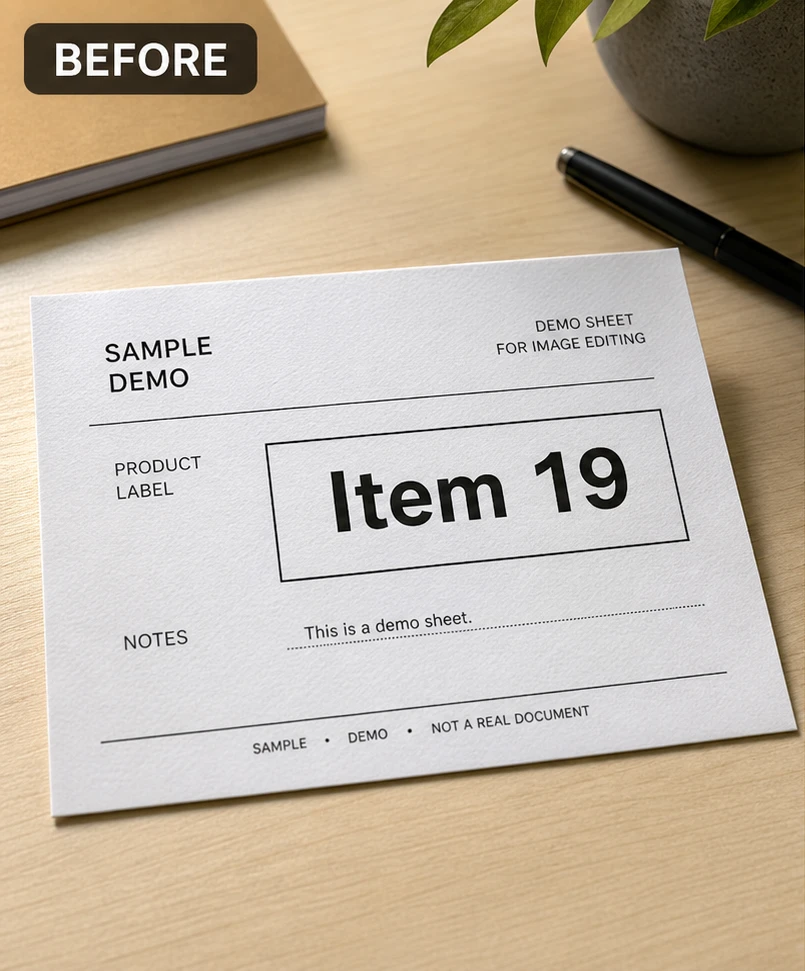
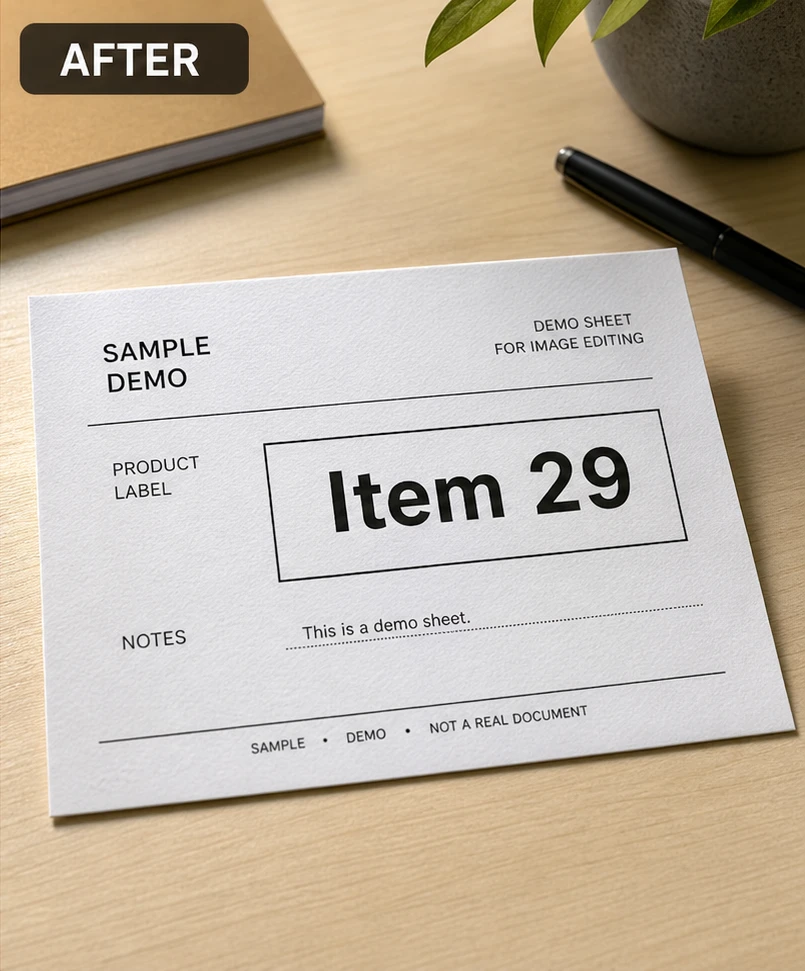
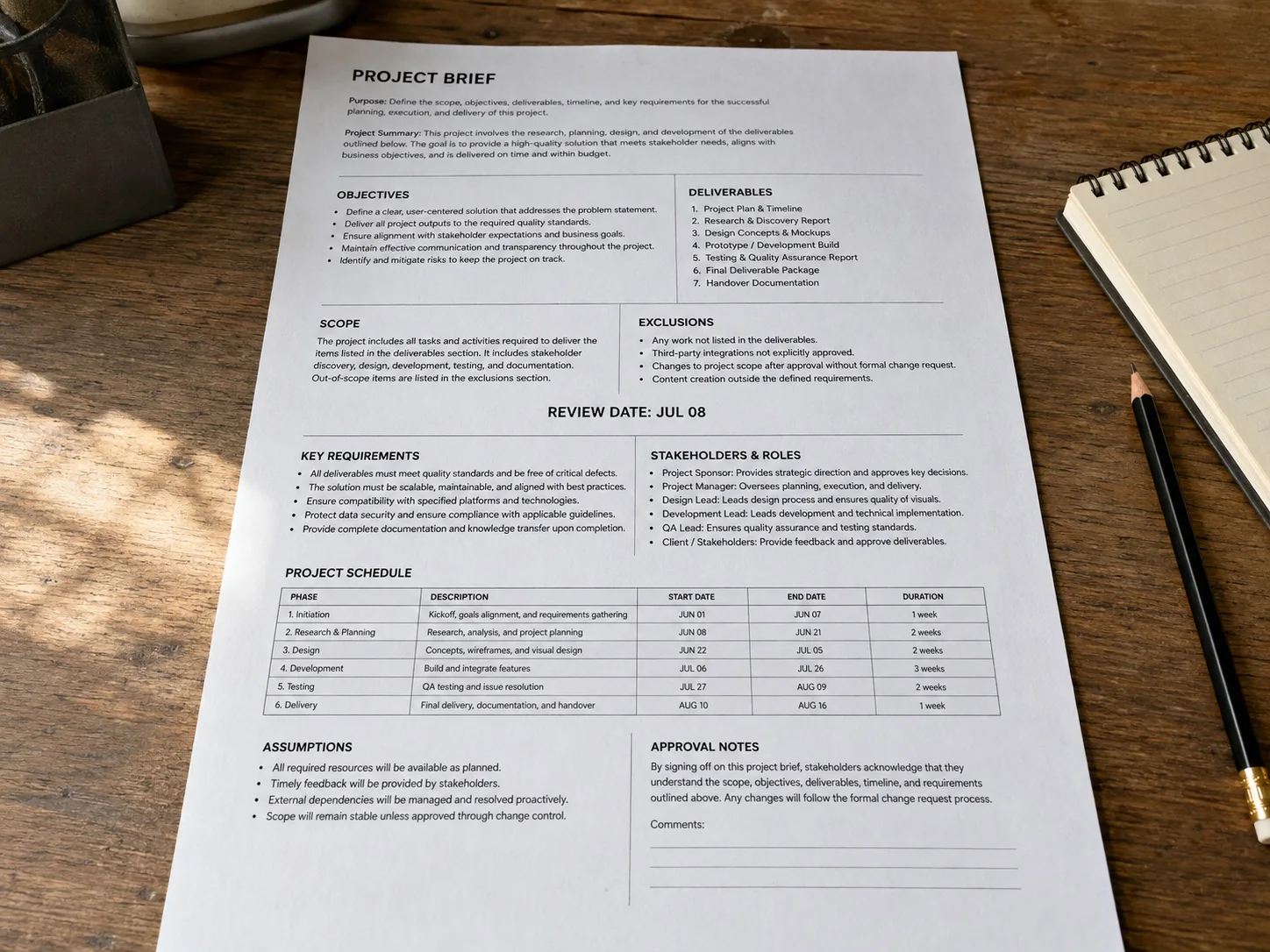
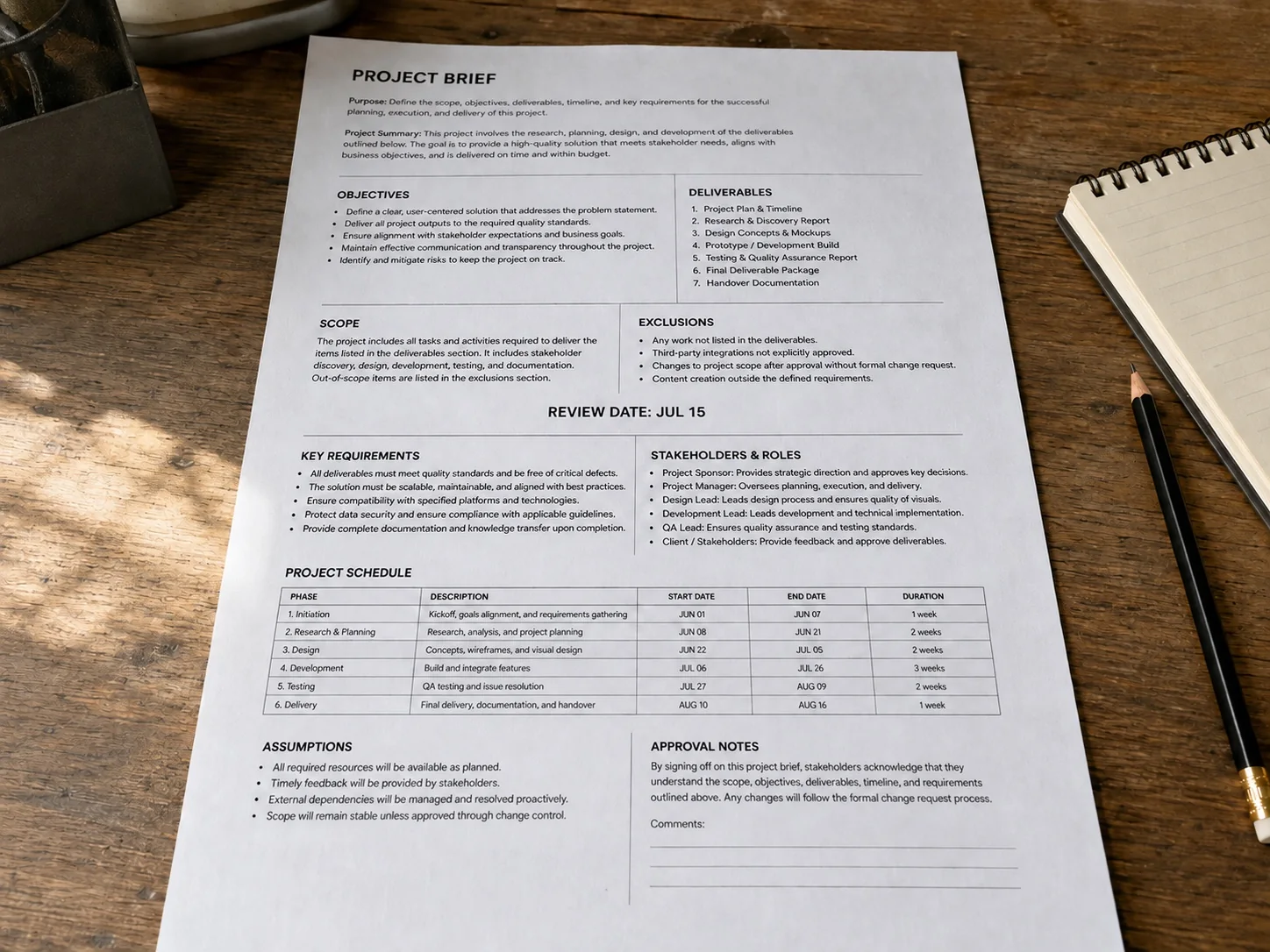
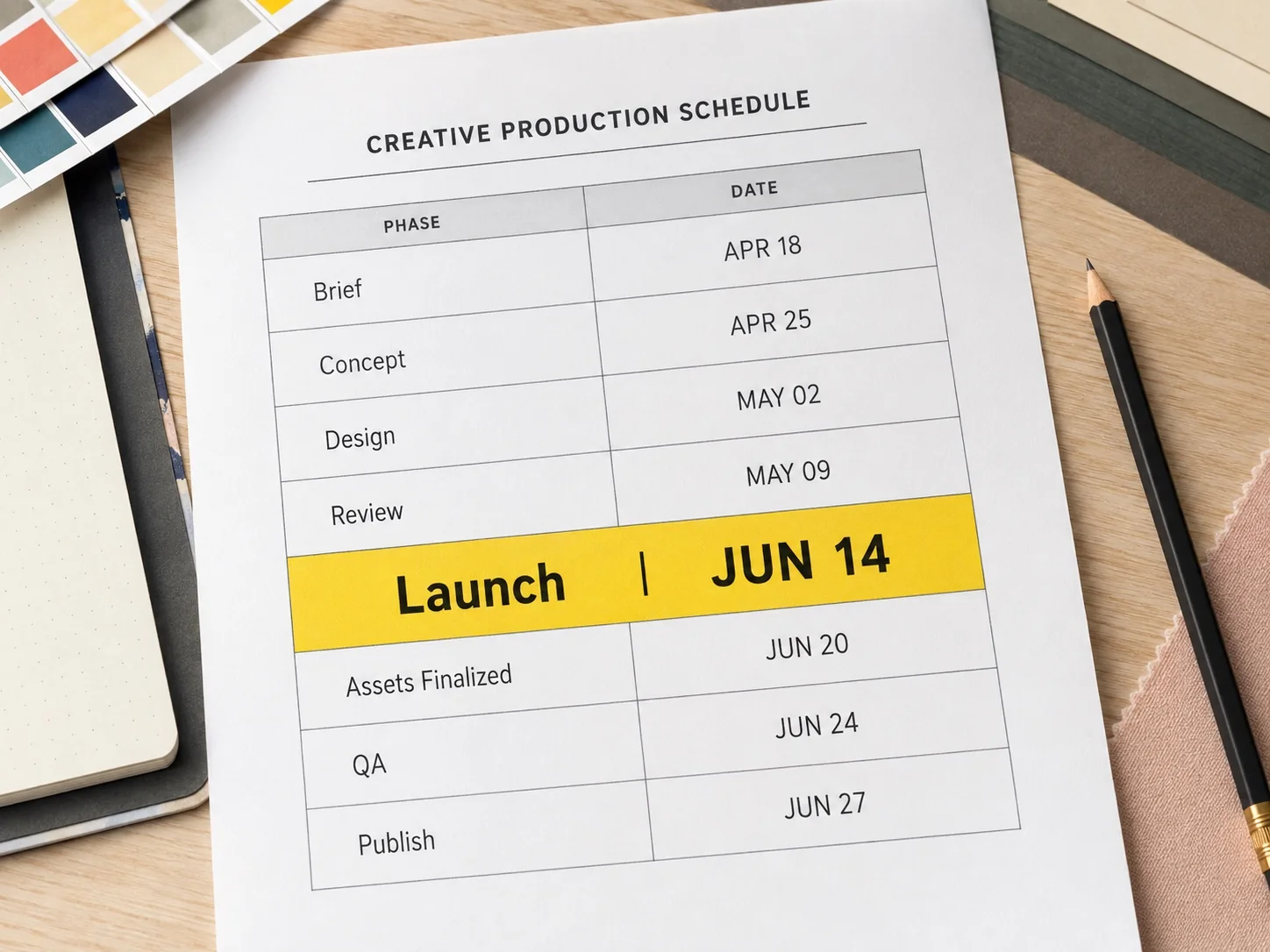
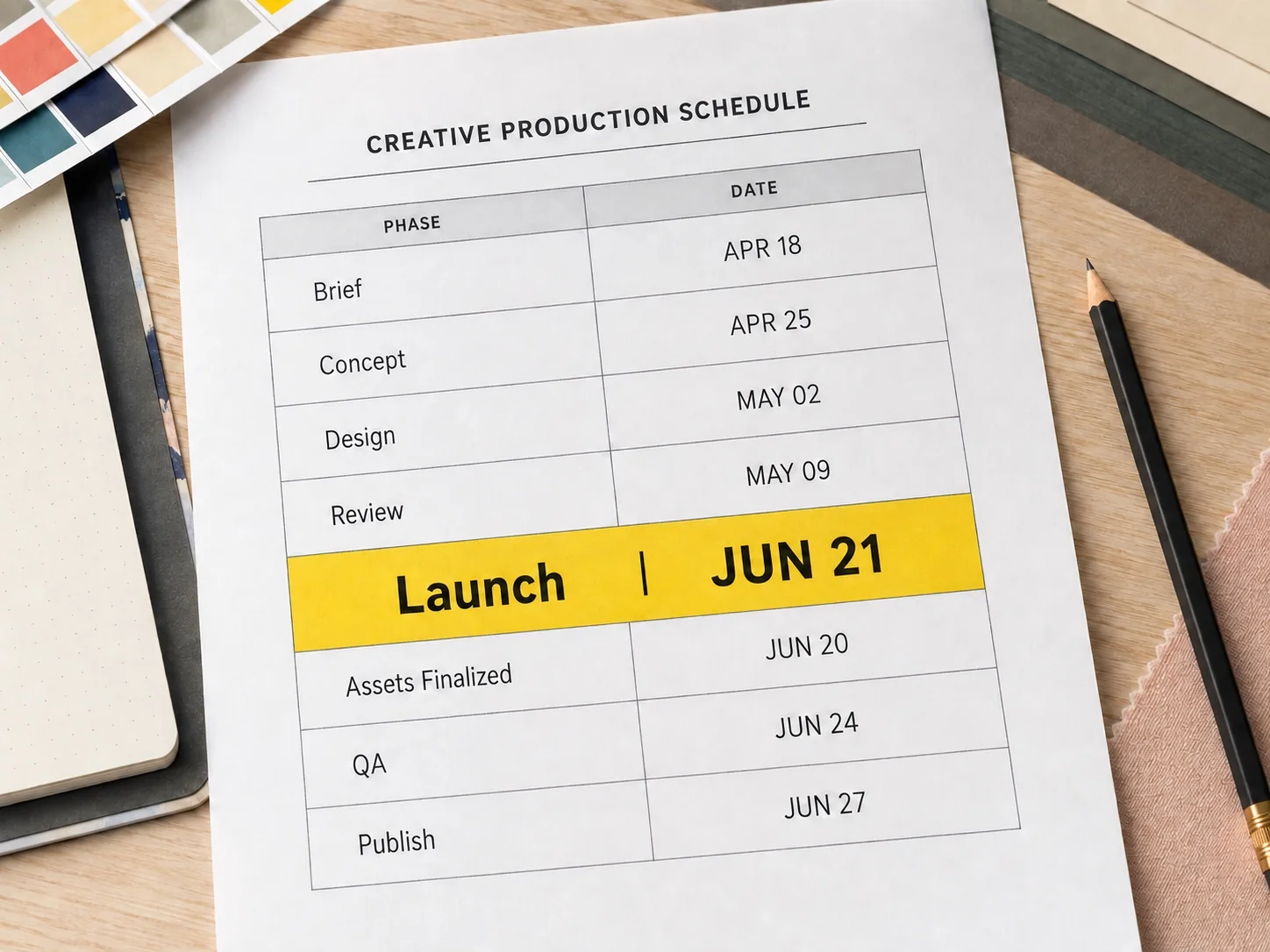
Update one review date inside a photographed page full of headings, notes, and deadlines.
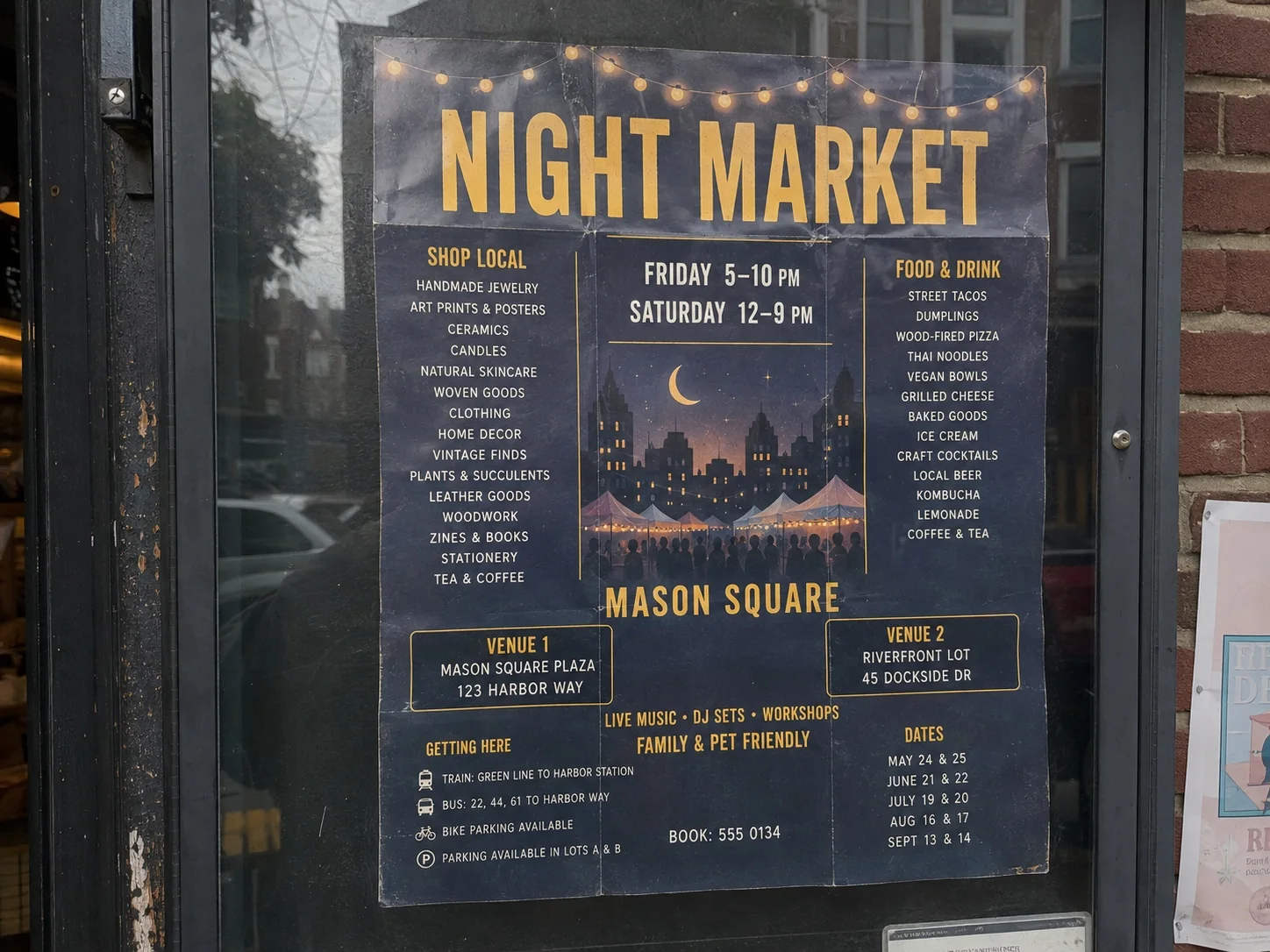
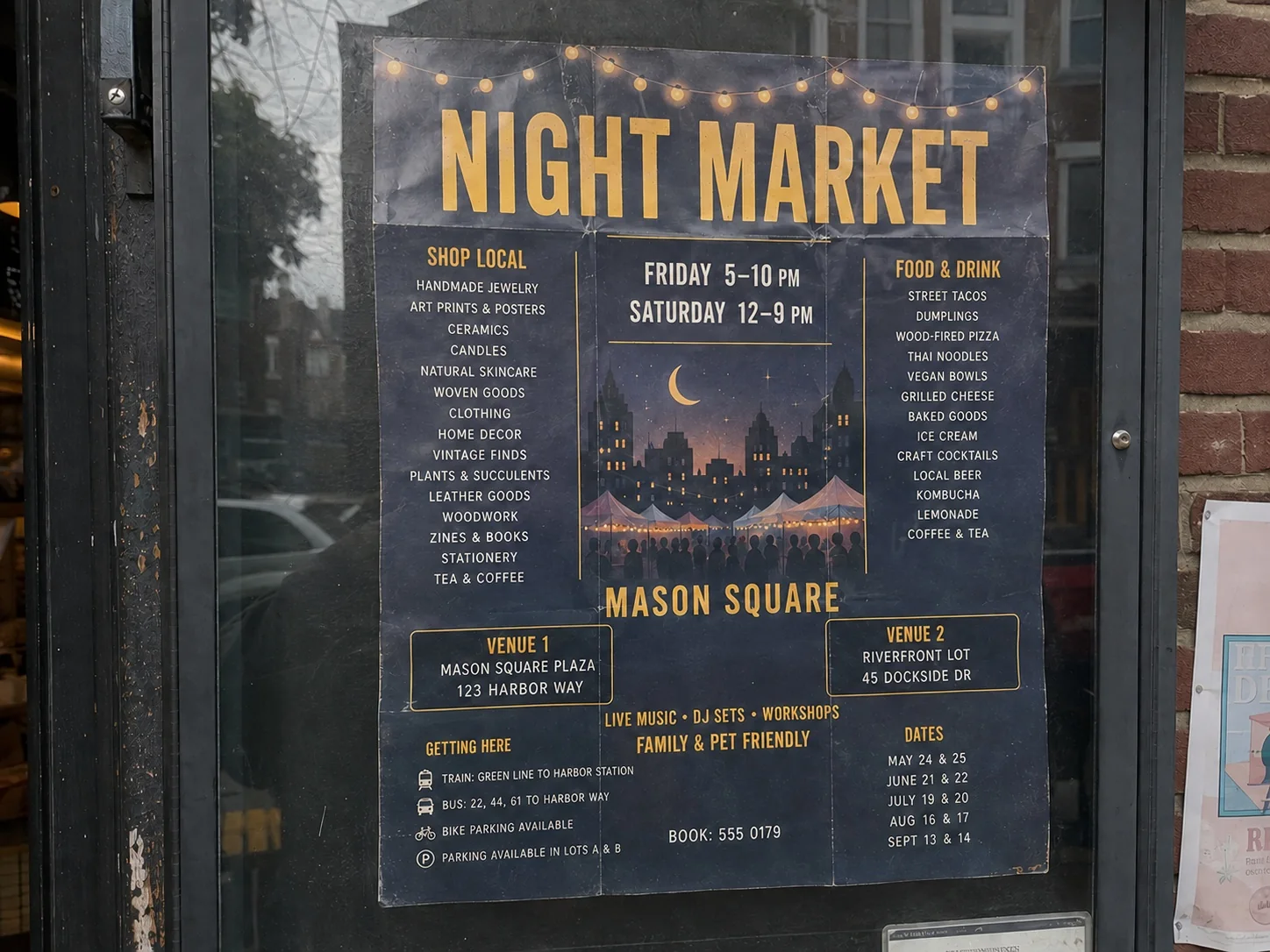
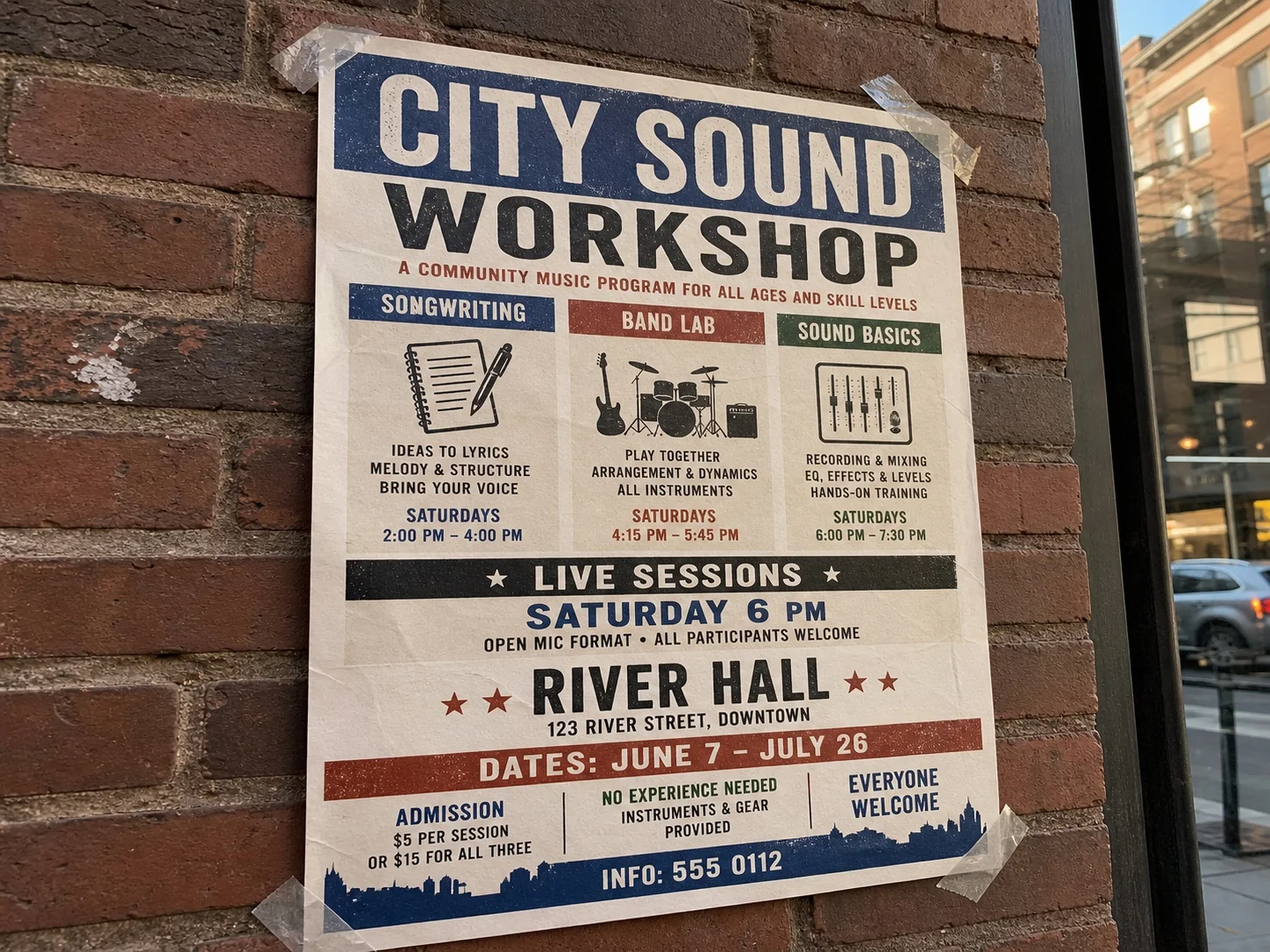
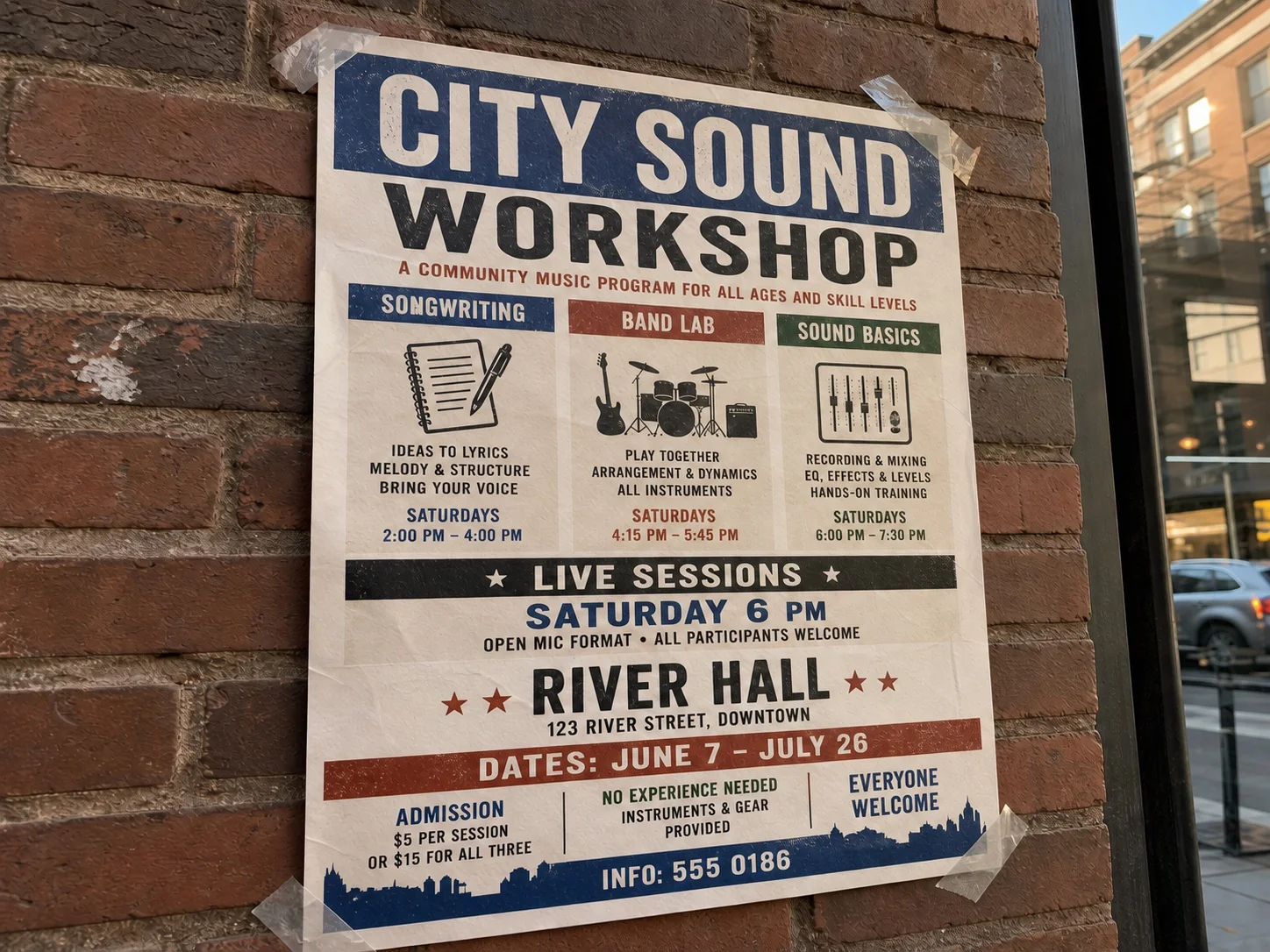
Replace a small contact line inside a text-heavy community poster photographed on a wall.
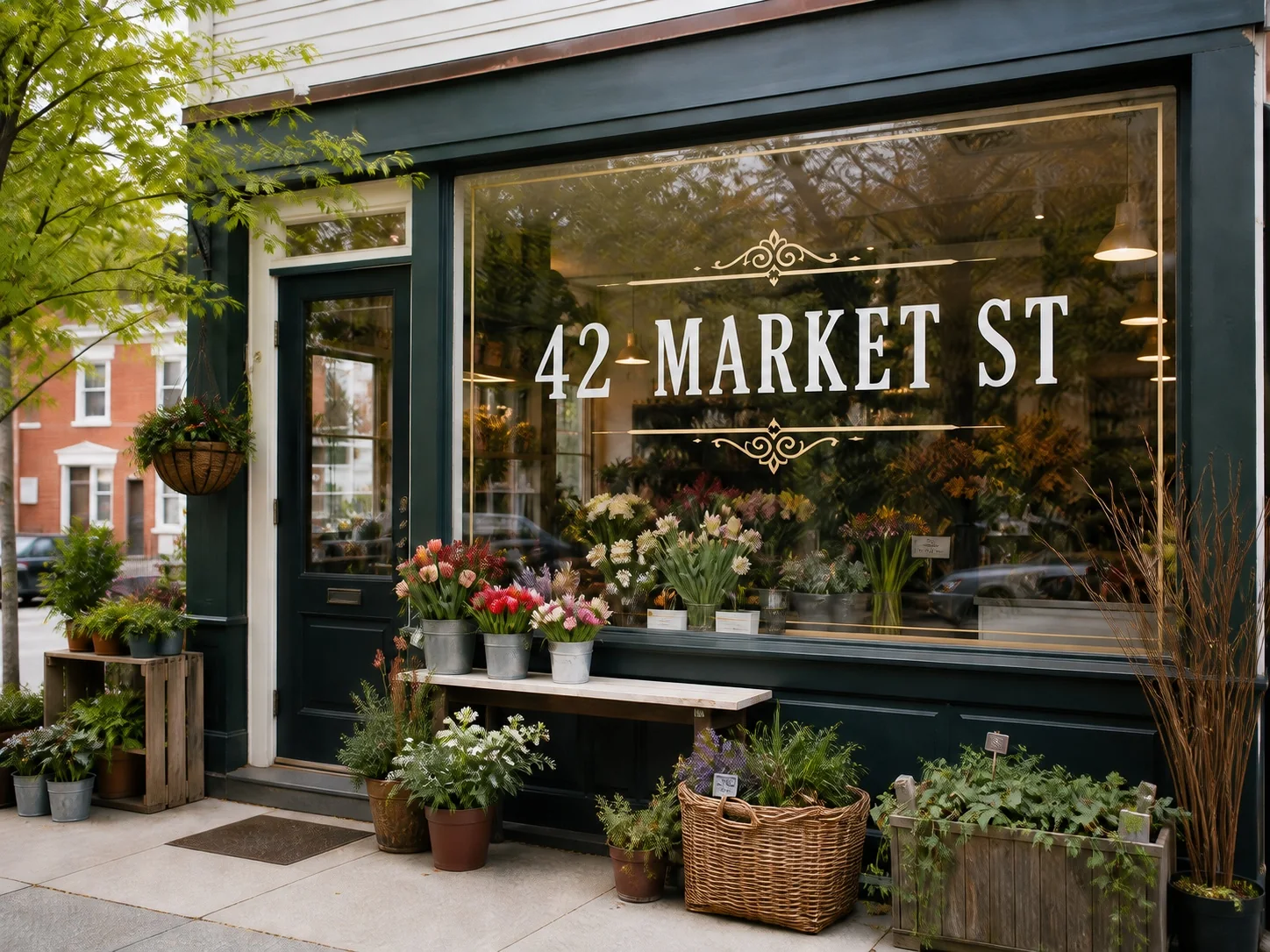
Fix the address on an owned storefront photo without rebuilding the sign or street scene.
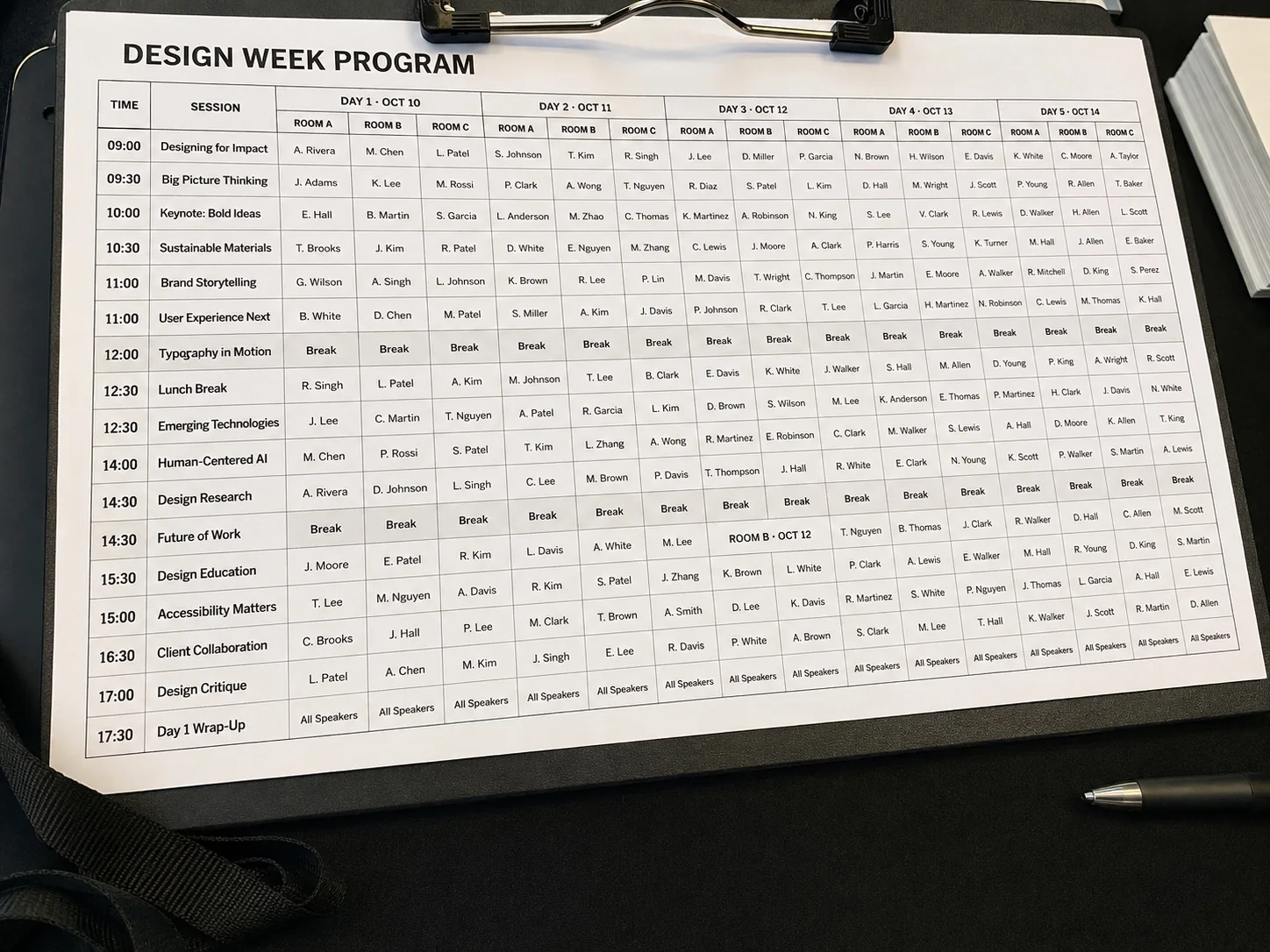
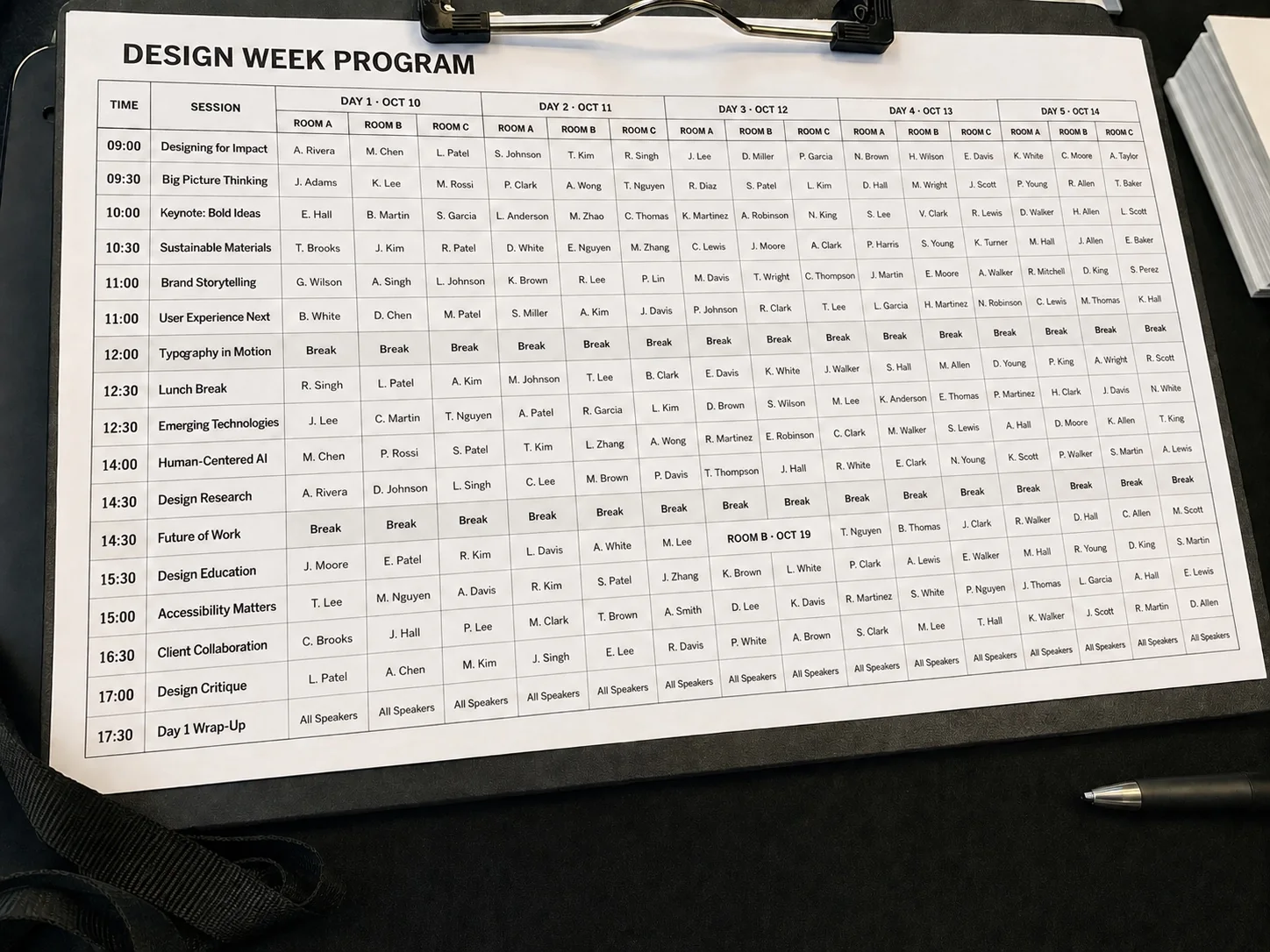
Correct a date inside a dense session grid without shifting any neighboring row or label.
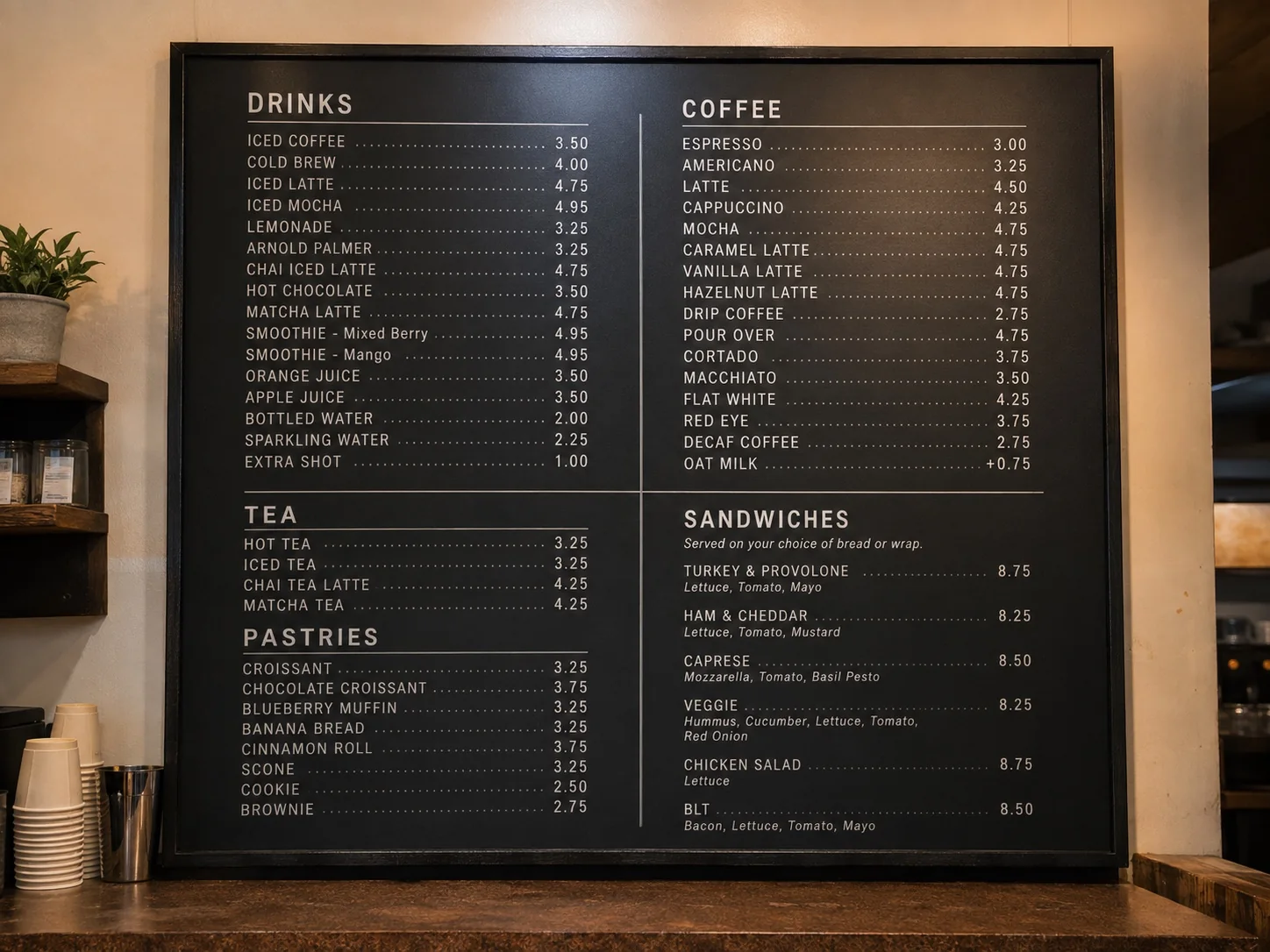
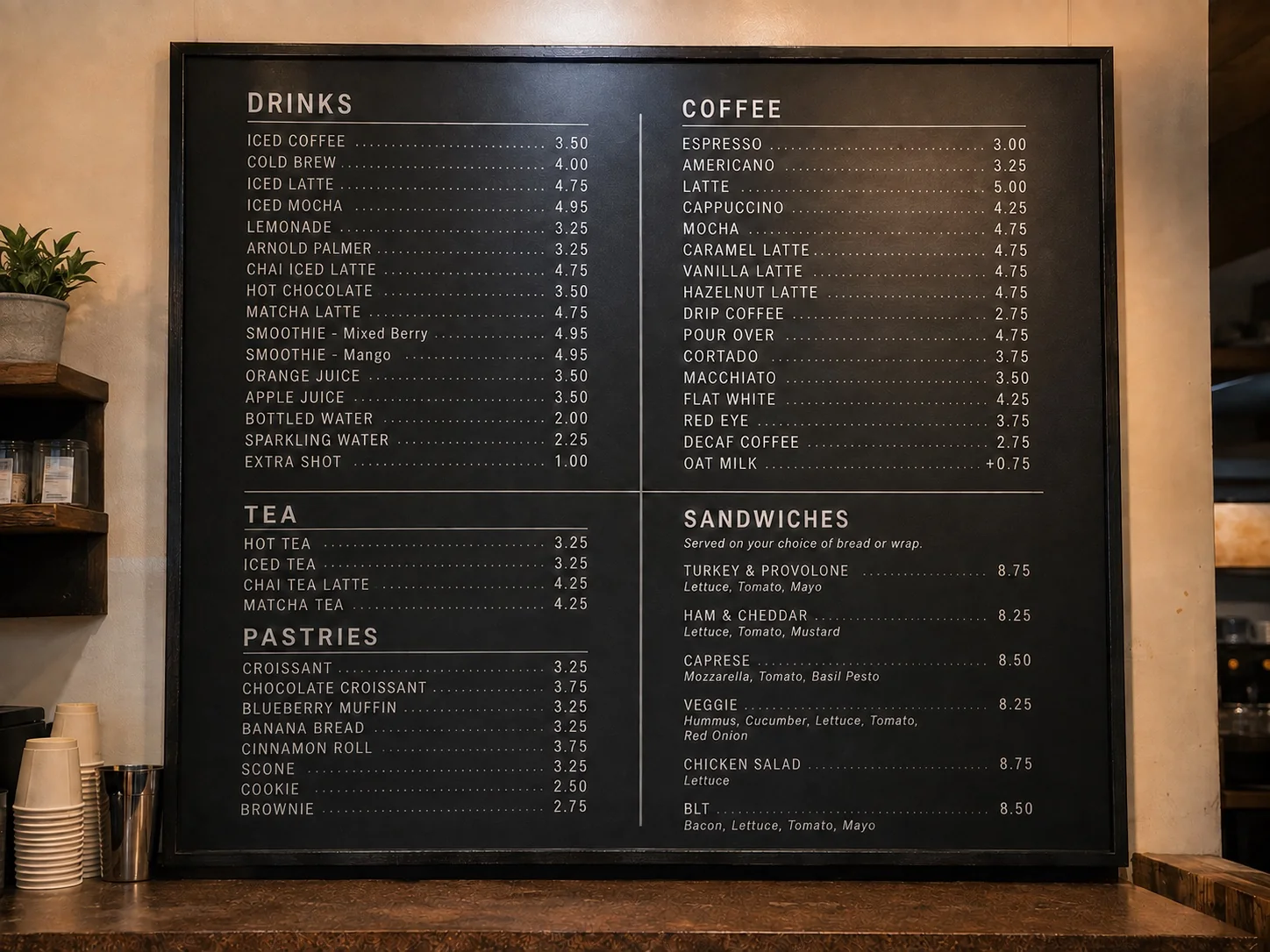
Update one price among dozens of items while keeping both columns aligned.
Select one date and leave the grid, headers, and every other row untouched.
HOW TO EDIT TEXT IN AN IMAGE
Start with a clear image and keep your new text short for a closer match.
Choose a photo of a poster, sign, menu, or other image you have permission to edit.
Select the word or line you want to change, type the new text, and apply the edit.
Compare the result with the original. Check the spelling and nearby details before saving.
USE IT IN THE RIGHT PLACE
Edit Text is for ordinary visual material you own or are allowed to update. It should not change information that makes a document, record, proof, or attribution meaningful.
Update a short headline on a poster you designed, a temporary store message, a social graphic, a packaging mockup, or a simple product label you control.
Do not edit contracts, IDs, receipts, invoices, certificates, grades, medical or financial files, official forms, or evidence-like images.
Do not remove or alter copyright notices, creator names, attribution, ownership marks, or watermarks without clear rights to do so.
Answers to common questions about changing words in a photo.
Quick edits. Professional results.
Upload your image, choose the text, and type what it should say.
JPG, PNG, or WebP