
Fix a reversed selfie or flip a photo
Mirror a photo left to right or turn it top to bottom. Preview the direction and download a PNG at the original dimensions.
Choose a photo
Choose a photo. It will upload and open the matching controls in the editor.

How to use this tool
Choose a photo
Choose a photo. It will upload and open the matching controls in the editor.
Choose a horizontal or vertical flip
Horizontal flip reverses left and right; vertical flip reverses top and bottom. Both together turn the photo 180 degrees. The entire image changes direction.
Download
Preview the edit, apply it, then download from the editor.
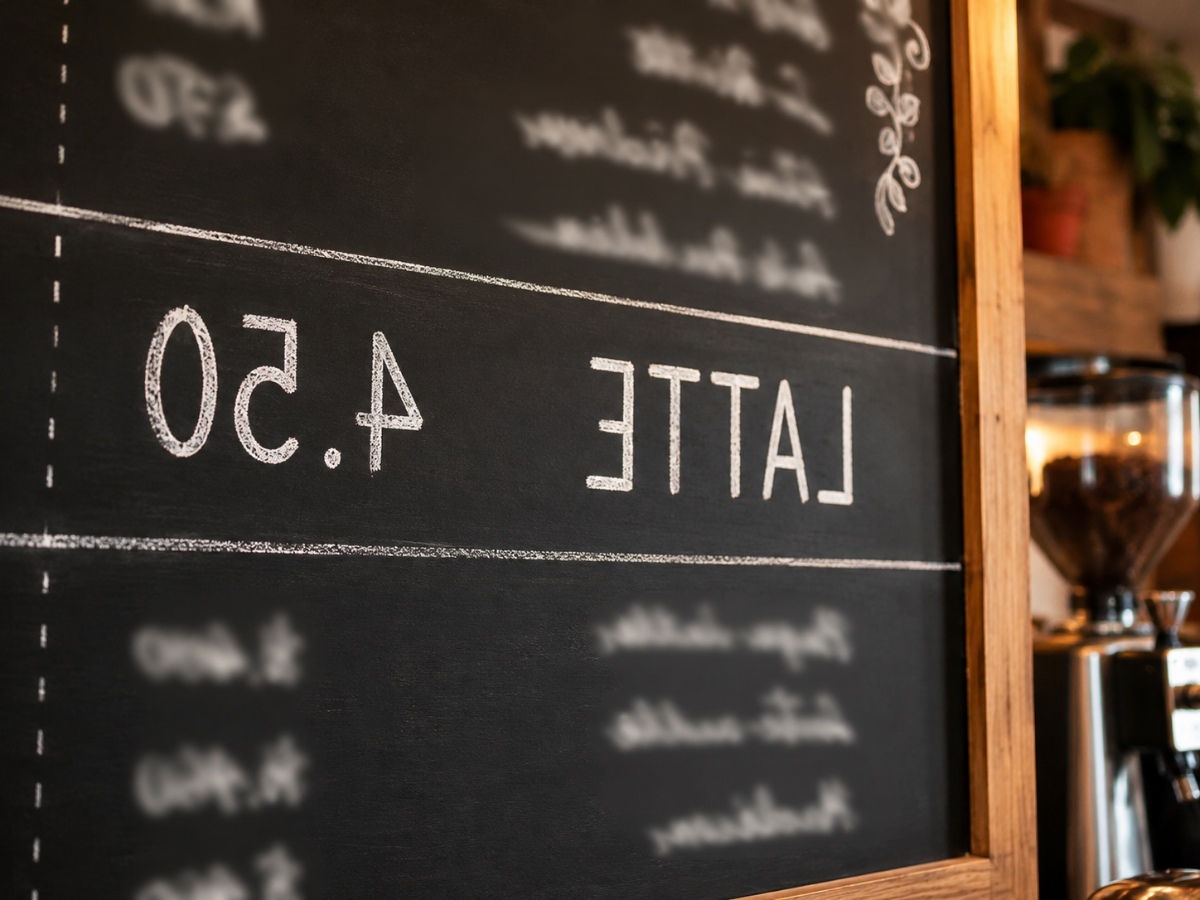
Correct reversed product lettering
If every letter on a package reads backward, a horizontal flip restores its reading direction. Inspect the whole label afterward. A label that was already readable will also be reversed by the same operation.
Choose a horizontal or vertical flip

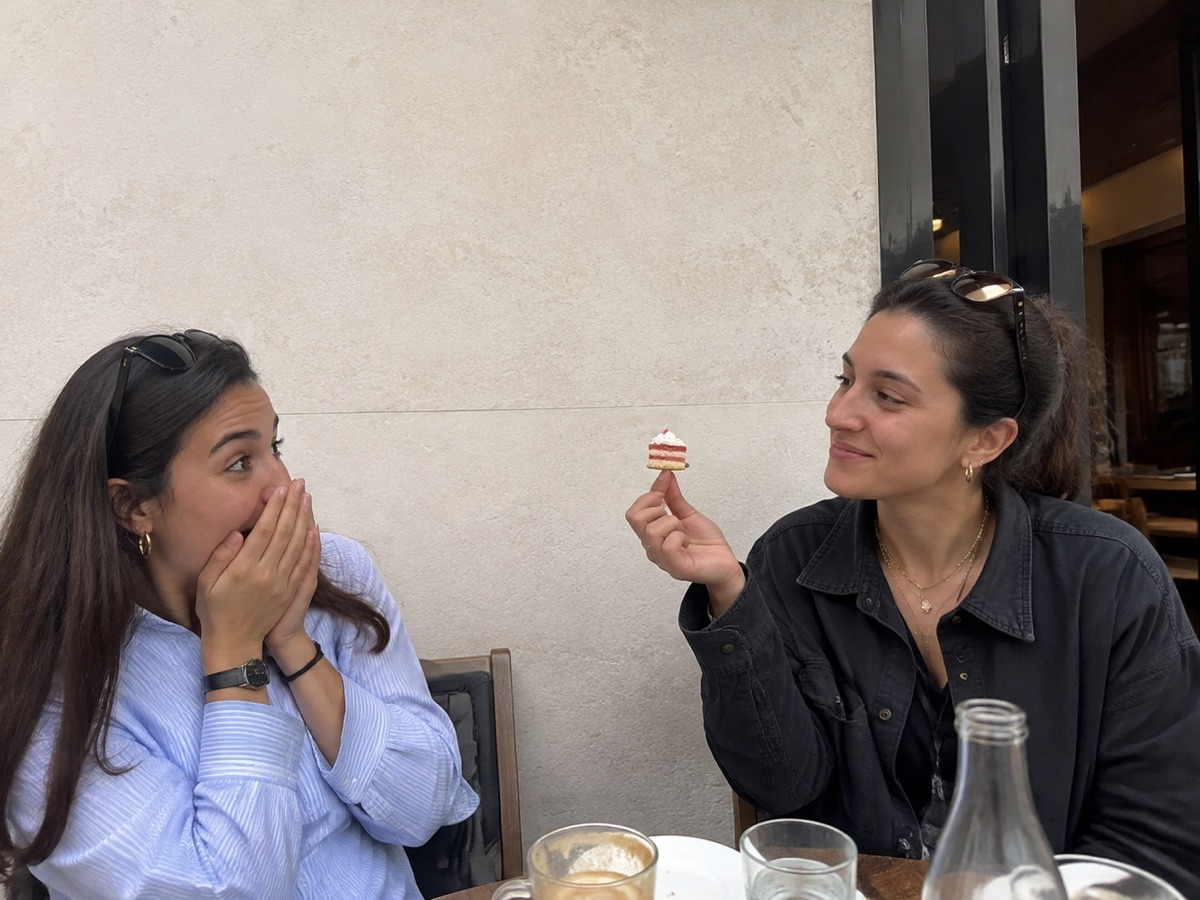
Change the direction of a portrait
Flip a portrait to change the direction people face within a layout. Both people and the café surroundings switch sides together. Clothing logos, signs and any other lettering will move and reverse as well.
Choose a horizontal or vertical flip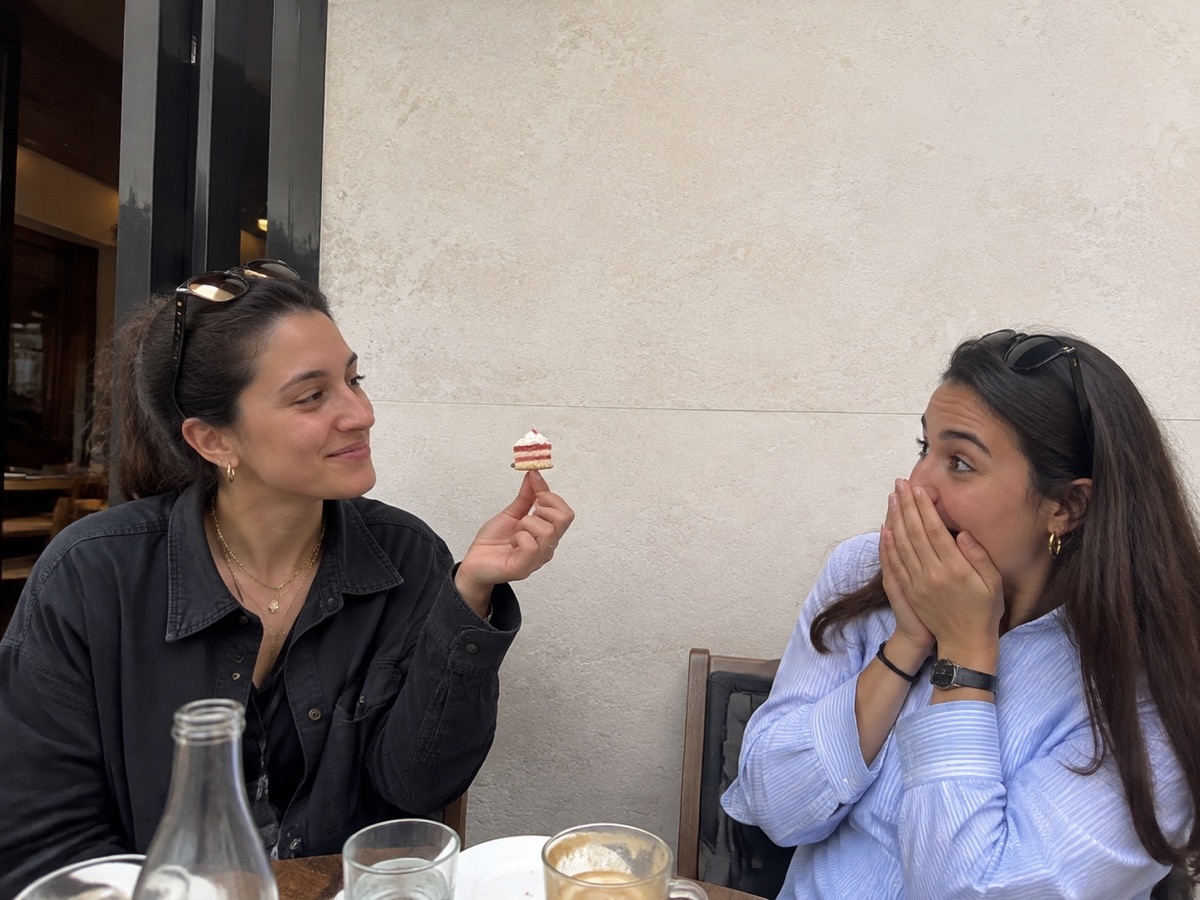
Reverse a still-life composition
A still life can face toward a headline after a horizontal flip. Its objects keep their relative arrangement while left and right swap. Use vertical flip only when an upside-down composition is intentional.
Choose a horizontal or vertical flip

Your questions, answered
Will flipping fix every piece of reversed text?
It fixes text when the whole photo is mirrored. It also reverses any text that was already correct. For a mixed image, this tool cannot flip just one selected area.