01
Choose several photos
Bring the shots that belong together into one workspace.
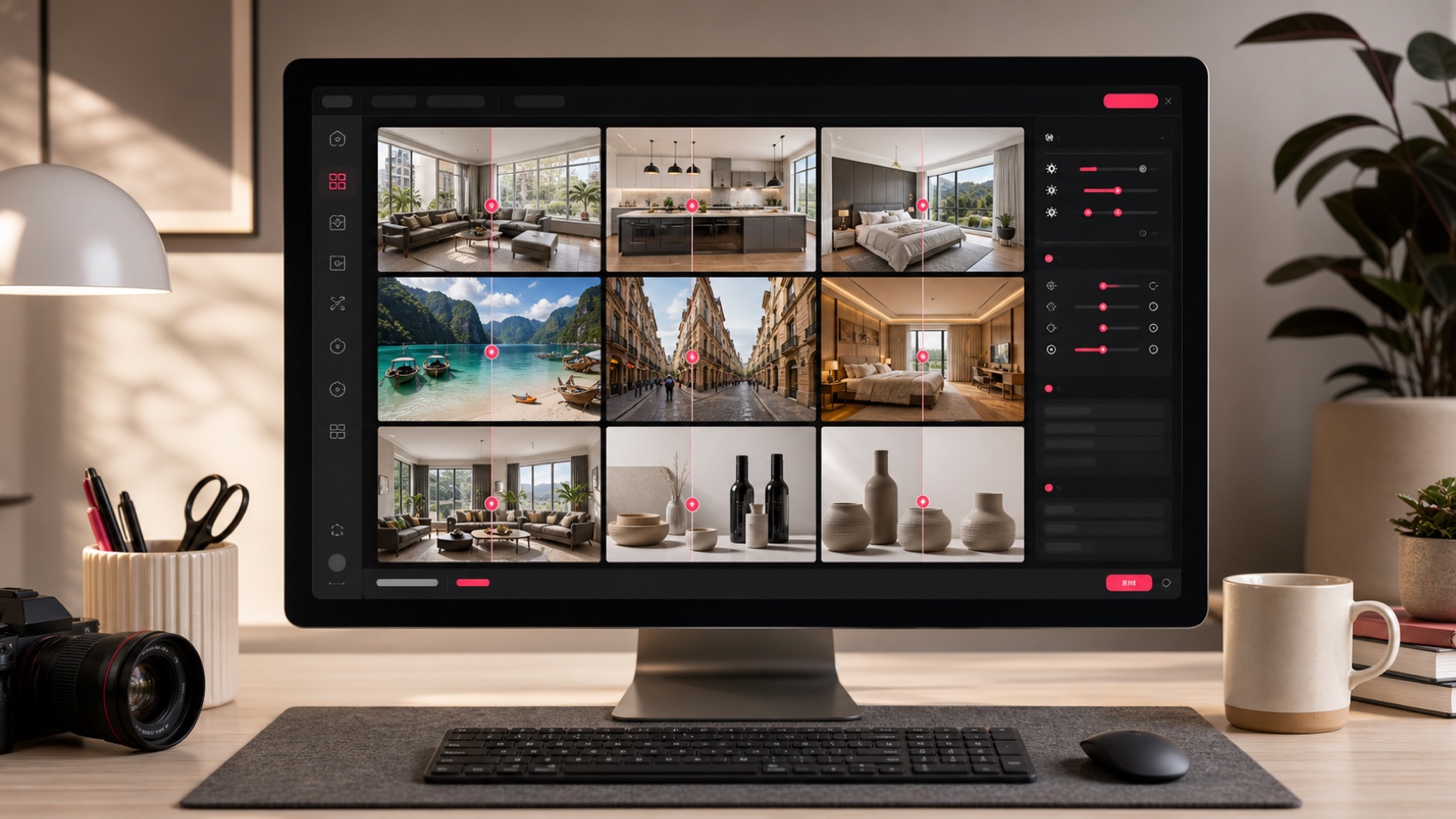
Batch photo editor for up to 9 images
Upload listing, travel, product, or creator photos together. Keep the set in one workspace, choose the edit, and review every result before export.
JPG, PNG, WebP
Batch workflow
Upload the set, choose its edit, and review each result.
Bring the shots that belong together into one workspace.
Pick the edit the set needs, or write a precise instruction for an edge case.
Check every result against its original before you download or share it.
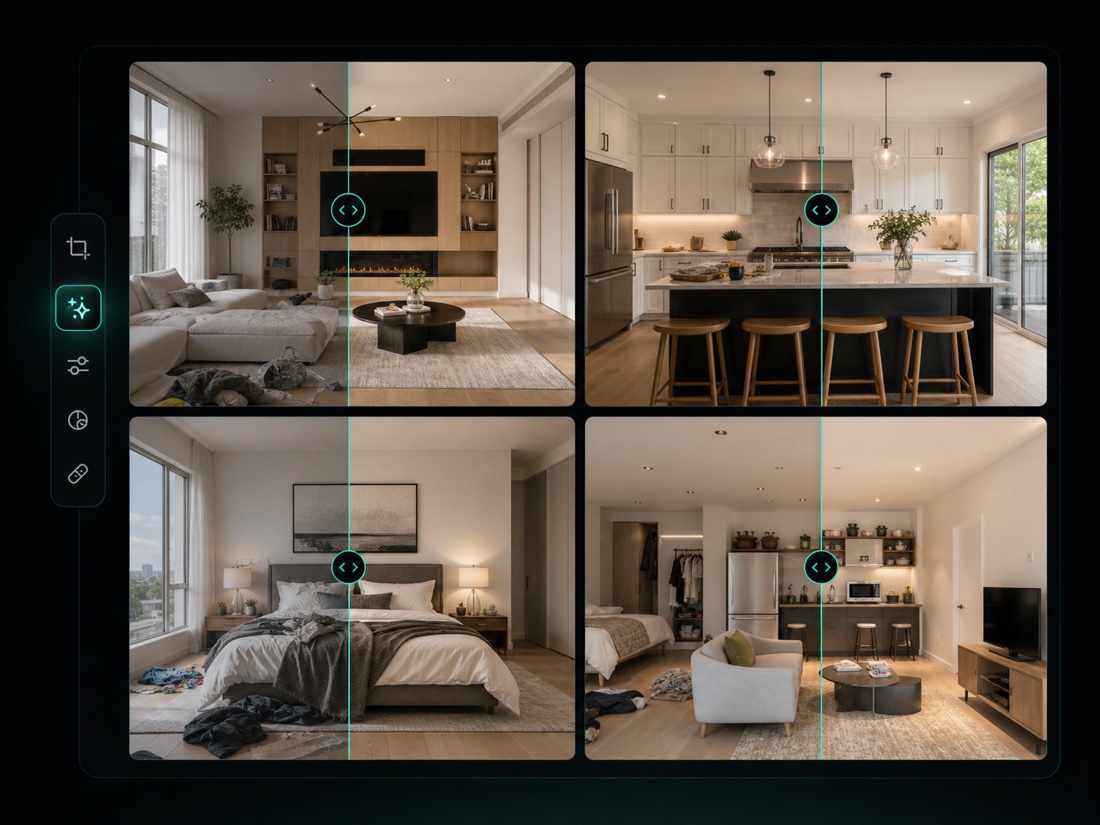
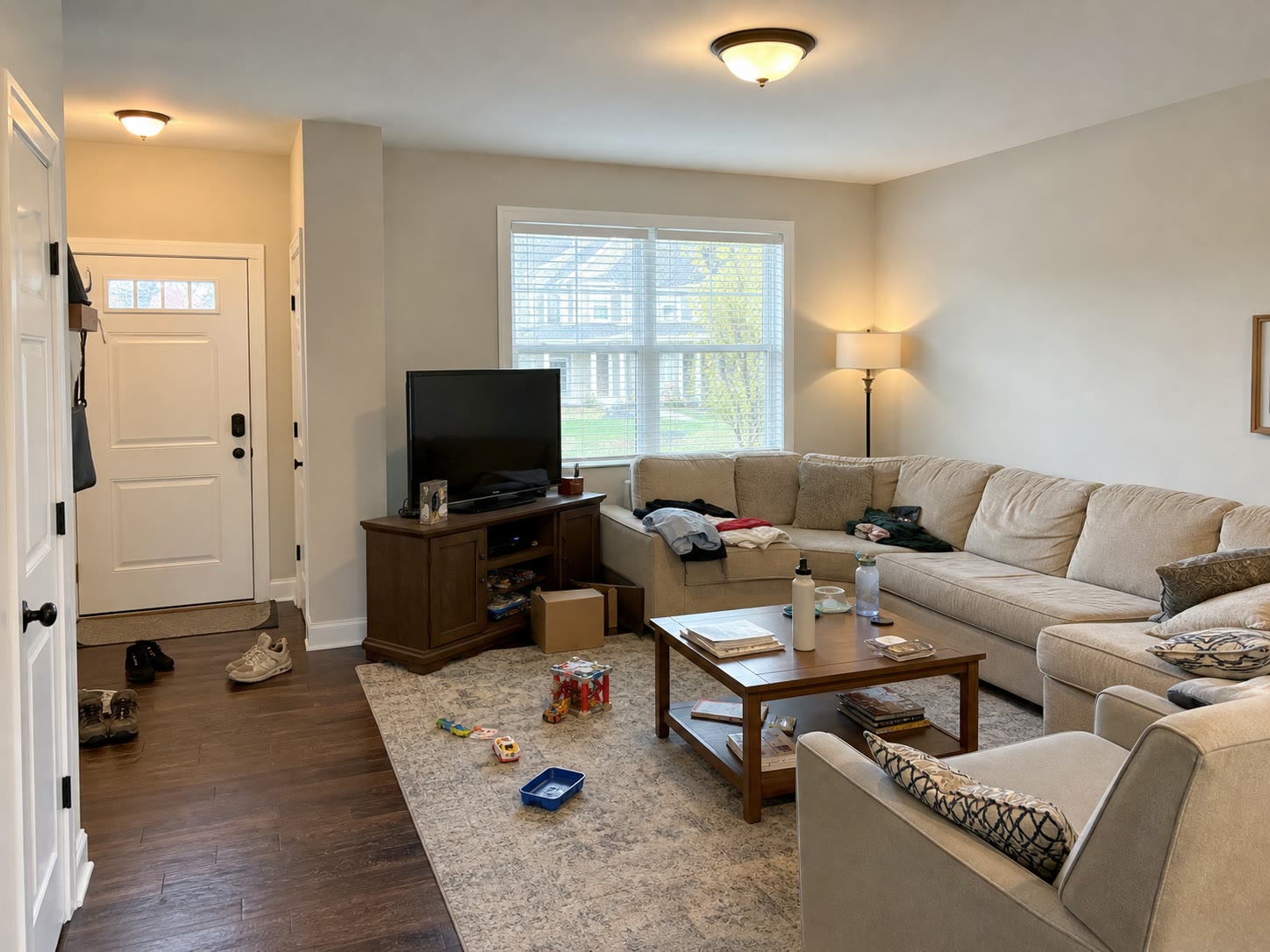
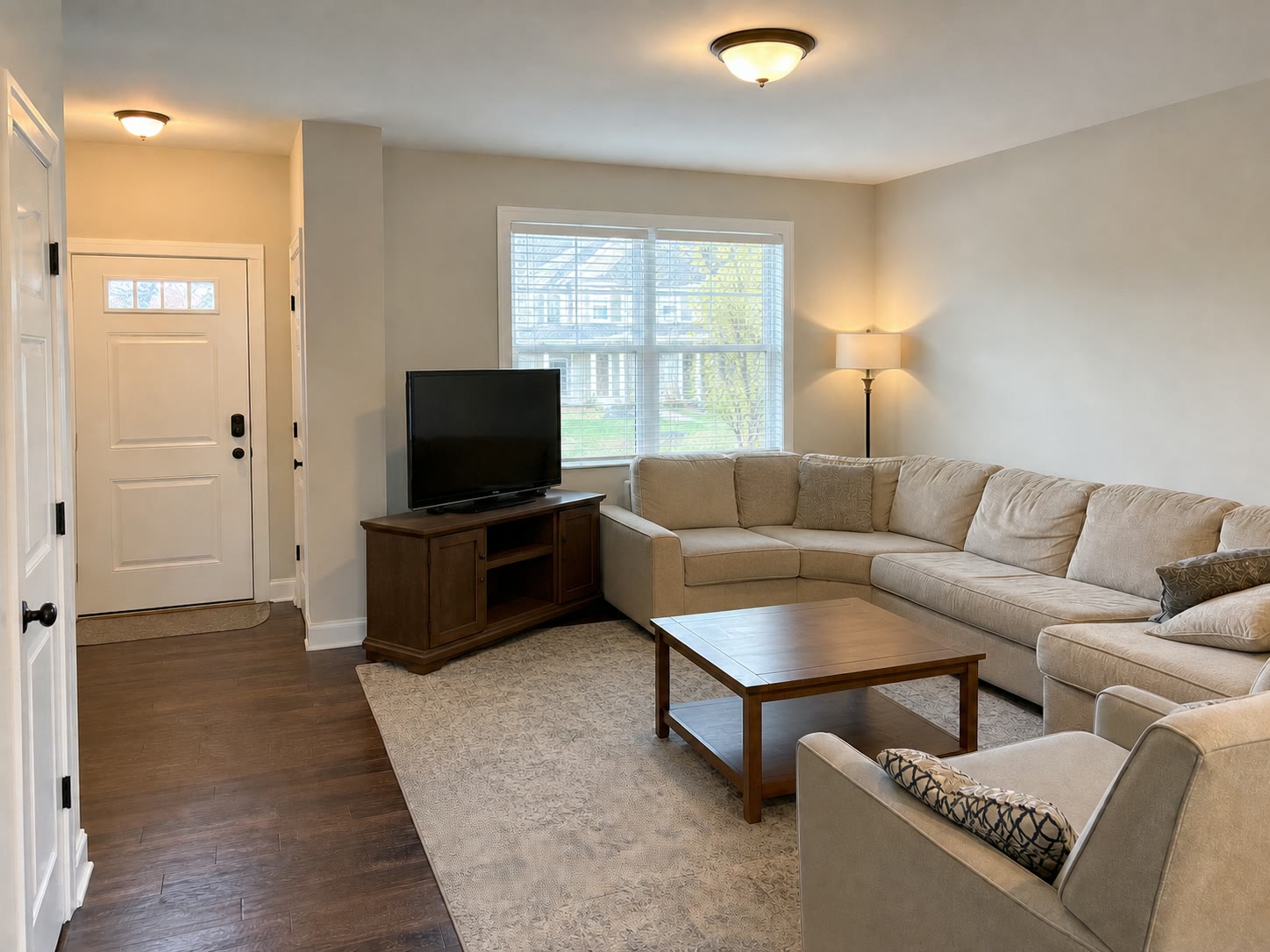
Clean rooms, rentals, and listing photos before publishing.
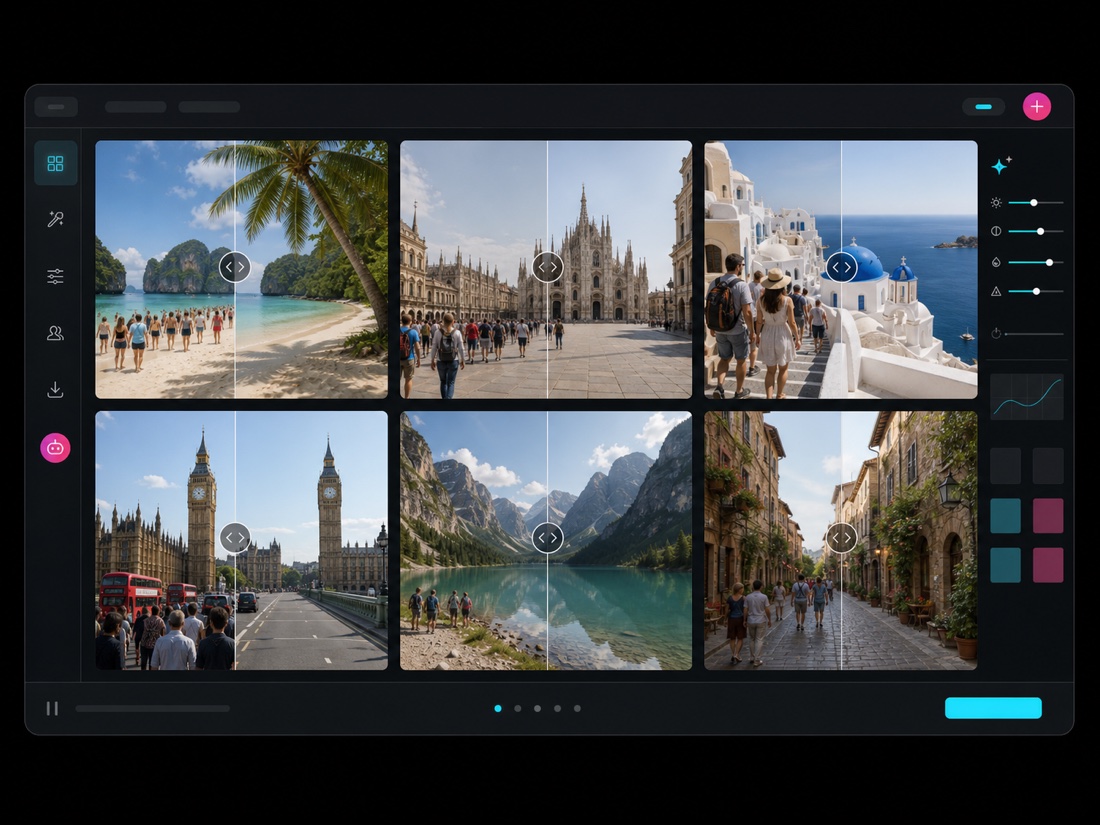
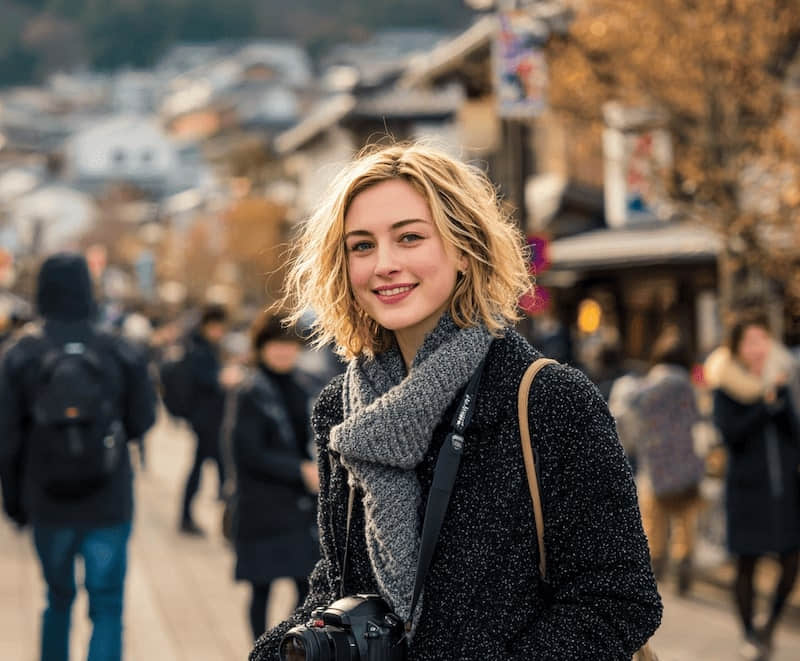
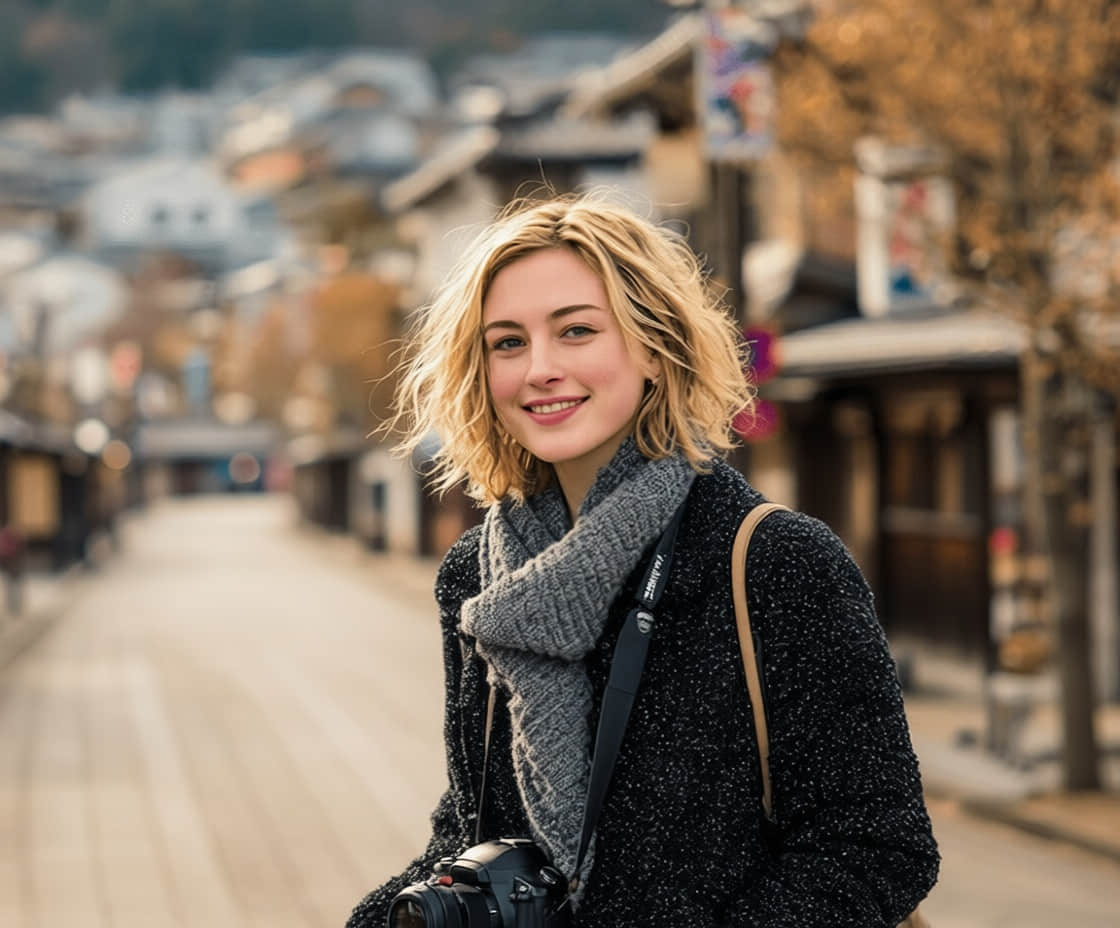
Remove background tourists and visual noise across the trip set.
Bulk image editing
A batch photo editor should reduce repeated setup without hiding the results. ClearCrowds keeps up to nine related photos together while each edit remains available for review.
Apply the same cleanup style without repeating the same action.
Prepare listing, rental, product, or creator images faster.
Keep related photos together while you compare each result with its original.
FAQ
Quick edits. Professional results.
Start with a listing, trip, or product set.
JPG, PNG, WebP