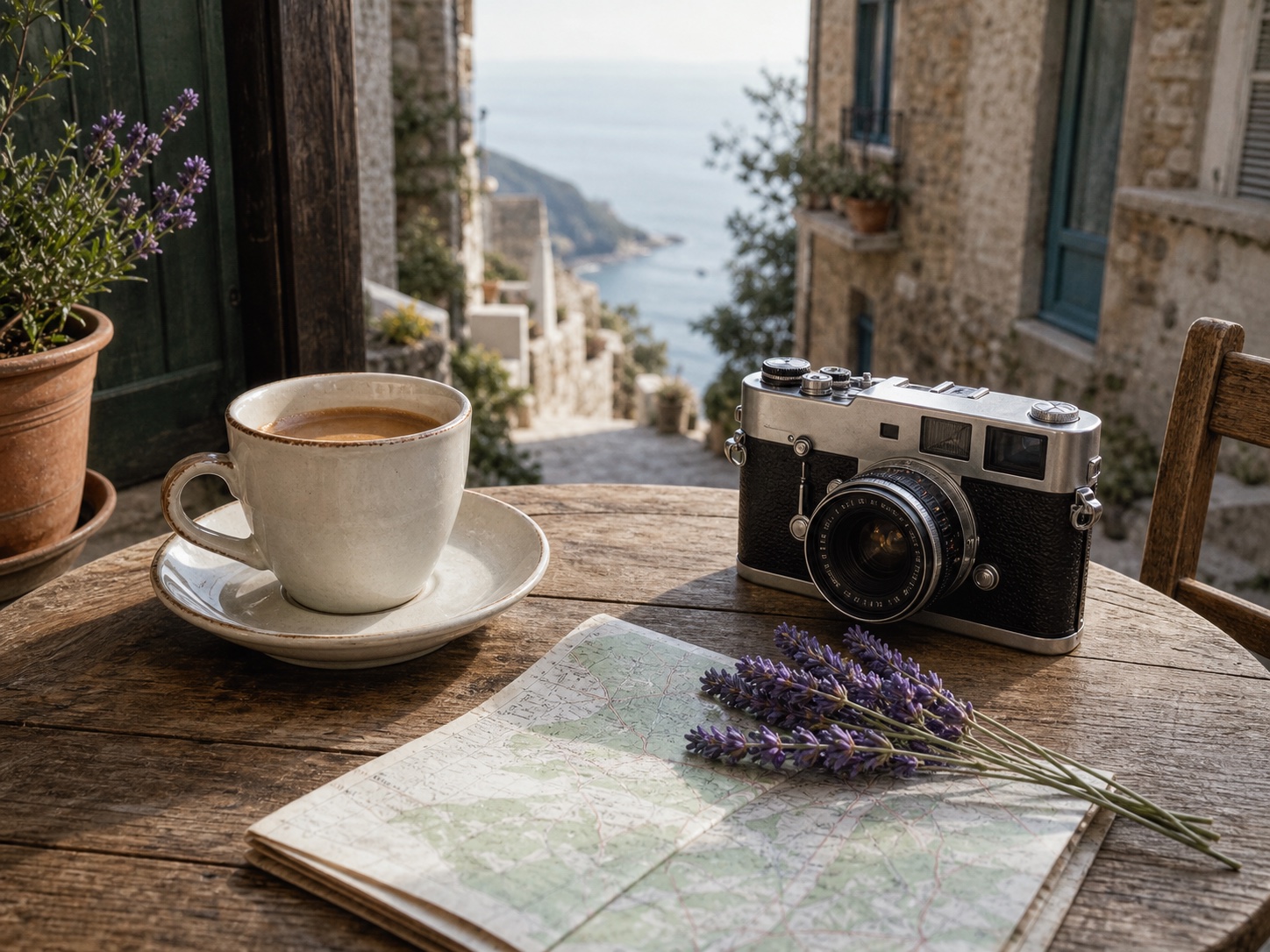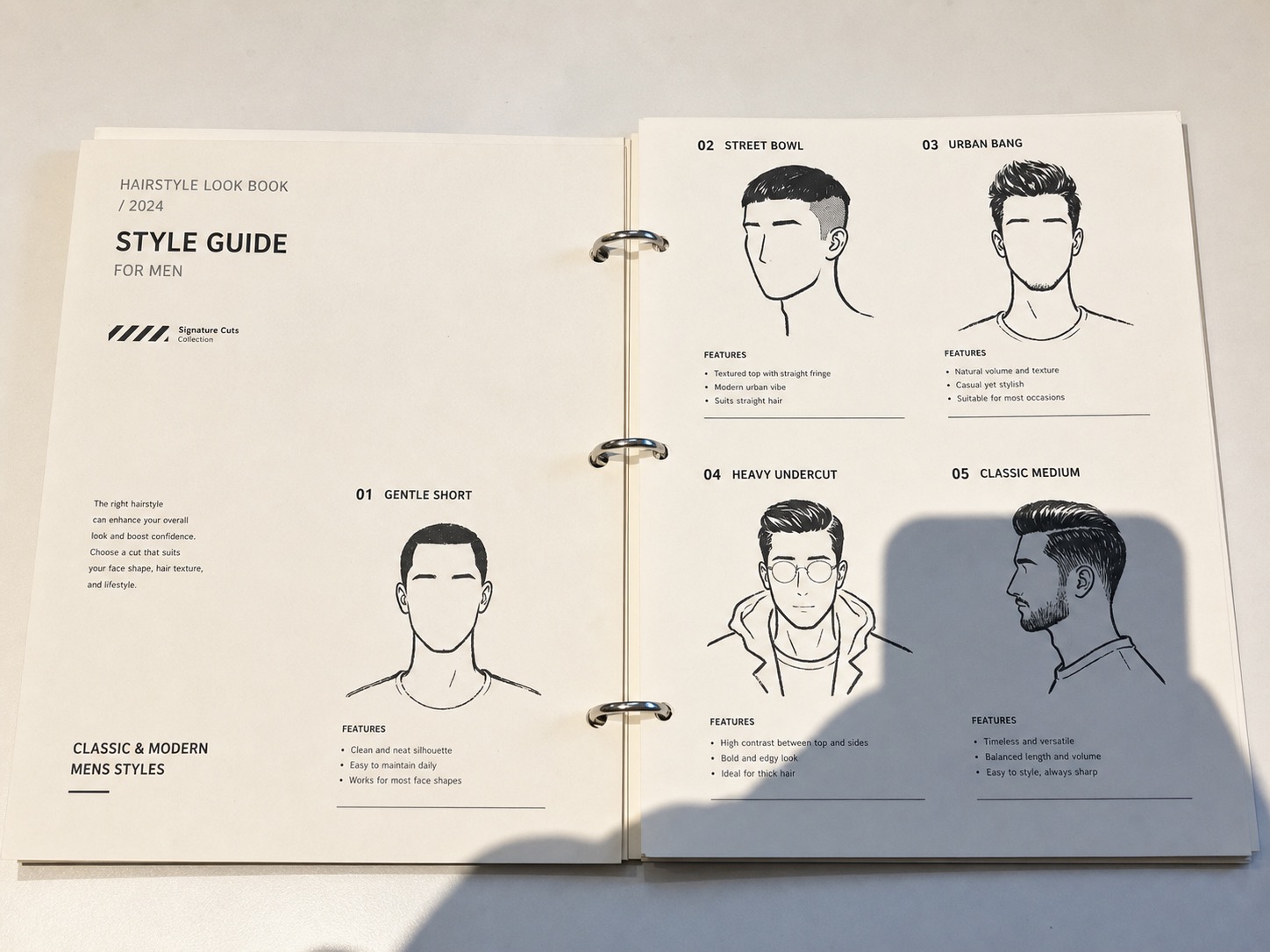
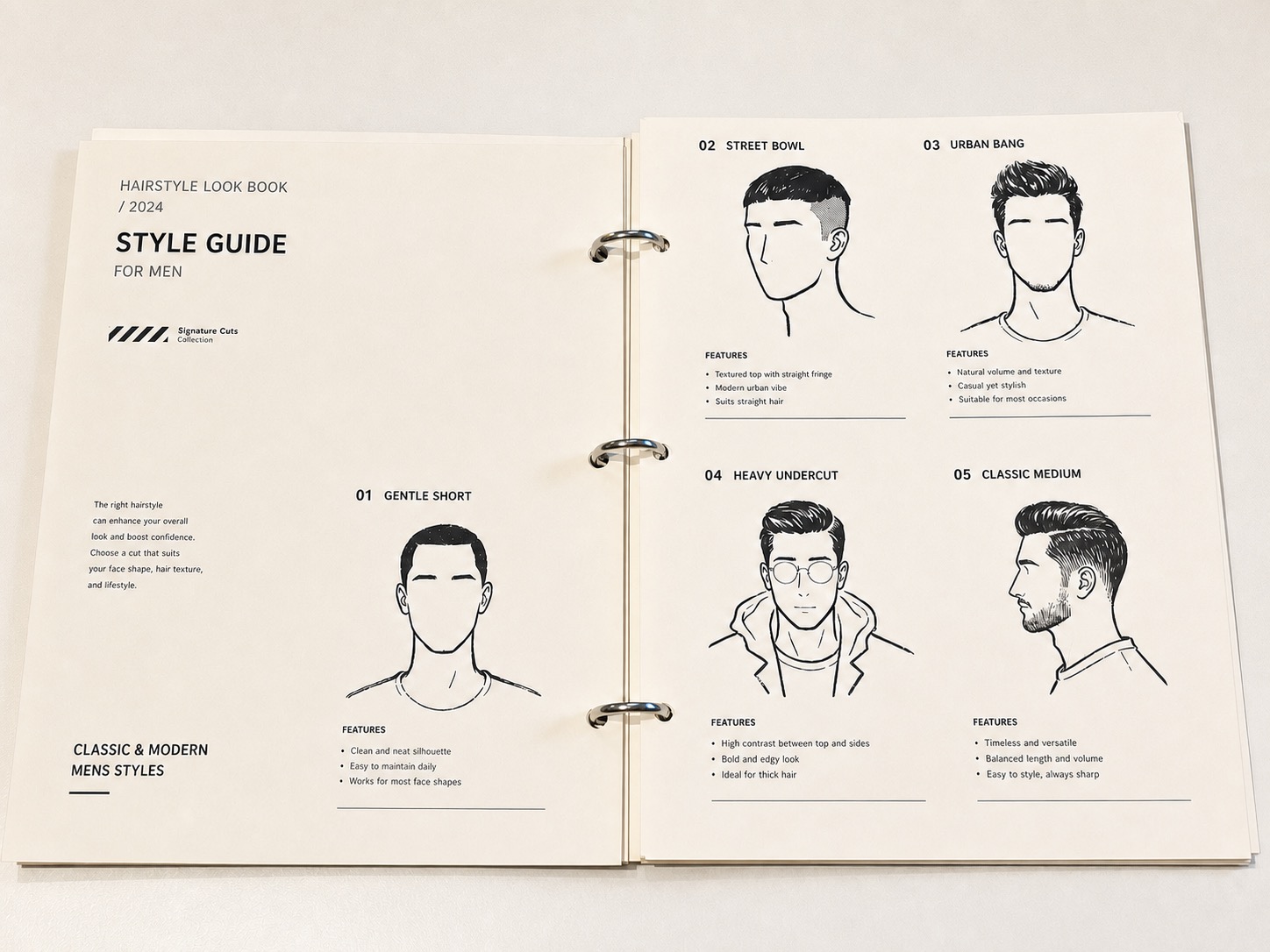


Phone or camera shadow
Clean the dark shape caused by holding a phone over paper, labels, receipts, or tabletop photos.
AI Shadow Remover
Upload a document or product photo to reduce unwanted phone, hand or window shadows. Compare text, texture and edges with the original before downloading.
Remove shadow with the preset selected
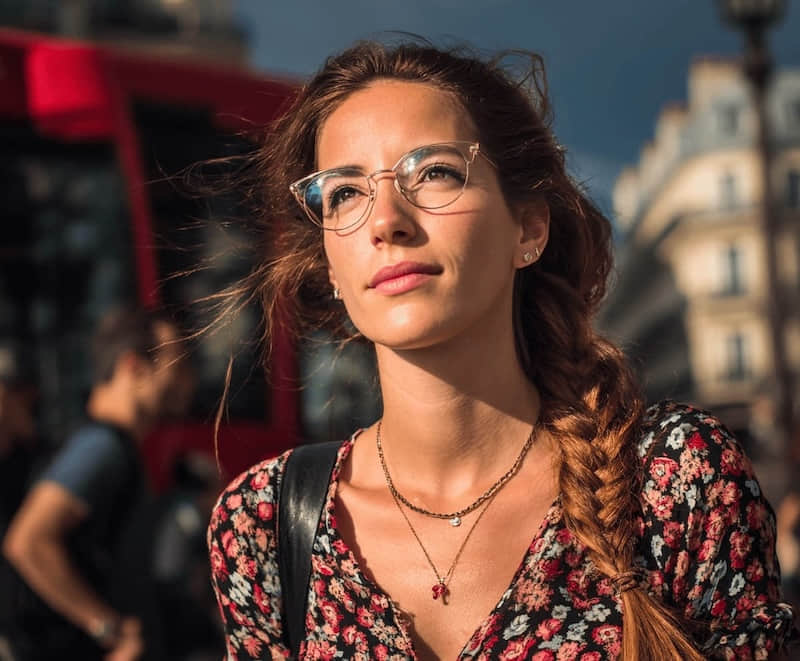
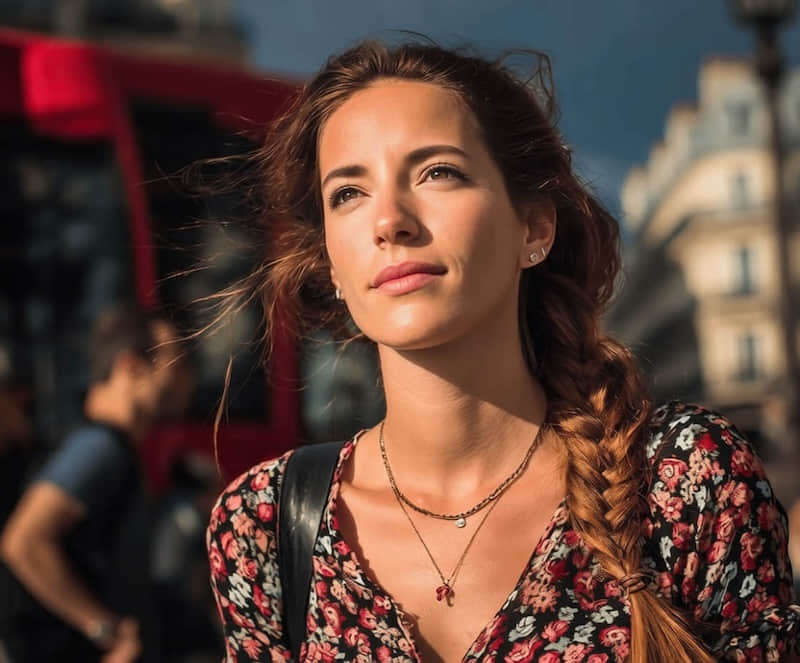
Before / After
The preset targets unwanted shadow areas while preserving the object, surface grain, realistic lighting direction, and natural contact shadows.
Shadow types
Use Remove Shadow when the photo is useful, but one cast shadow pulls attention away from the subject.
Clean the dark shape caused by holding a phone over paper, labels, receipts, or tabletop photos.
Reduce window grid shadows, hand shadows, and hard light bands from ecommerce and marketplace photos.
Remove the small cast shadow from a hand, camera, strap, or overhead setup while keeping surface texture.
Soften distracting sunlight patches on walls, floors, bedding, furniture, and real estate-style room photos.
Reduce dark background shadows while keeping the person, face texture, hair edge, and original lighting natural.
Clean shadows across paper photos, forms, workbook pages, and scanned documents without washing out text.
Very deep black areas may not contain enough visible detail for a perfect repair. In that case, use a smaller selection, run a second pass, or retake the photo with softer light.
Workflow
If you want to get rid of shadows in a picture, start with the specific cast shadow first instead of brightening the whole image.
Choose a product, paper, room, portrait, or flat lay photo with a distracting shadow.
The editor opens with the Remove Shadow preset selected under Lighting Cleanup.
Review whether the subject still feels grounded and whether paper grain, labels, edges, and texture stayed intact.
Compare the result, rerun with a smaller target if needed, then download or continue editing.
Online tool
Upload from this page to open the editor with shadow removal selected. Compare the result with the original before choosing an export format.
Use Cases
Shadow removal works best when the underlying subject is still visible under the dark area.
Clean window shadows, hand shadows, and harsh light bands from ecommerce shots.
Remove phone or camera shadows from paper, labels, forms, and flat lay images.
Soften harsh sunlight patches on walls, floors, bedding, and furniture.
Reduce distracting background shadows while keeping the person natural.
What to expect from AI shadow cleanup.
Related guides
Use a narrower workflow when the shadow crosses paper, form lines, stamps, or text.
Straighten a photographed page, crop the surroundings and reduce uneven light. Choose color, grayscale or black and white, then review the result before downloading an image or a single-page PDF.
Decide when to remove a shadow, when to reshoot, and how to keep product details believable.
Quick edits. Professional results.
Upload a photo and start in the editor with Remove Shadow already selected.
Remove shadow with the preset selected