
Añadir dibujos a fotosConvierte una imagen limpia en un diseño divertido y compartible.
Crea un meme con bocadillo a partir de cualquier foto
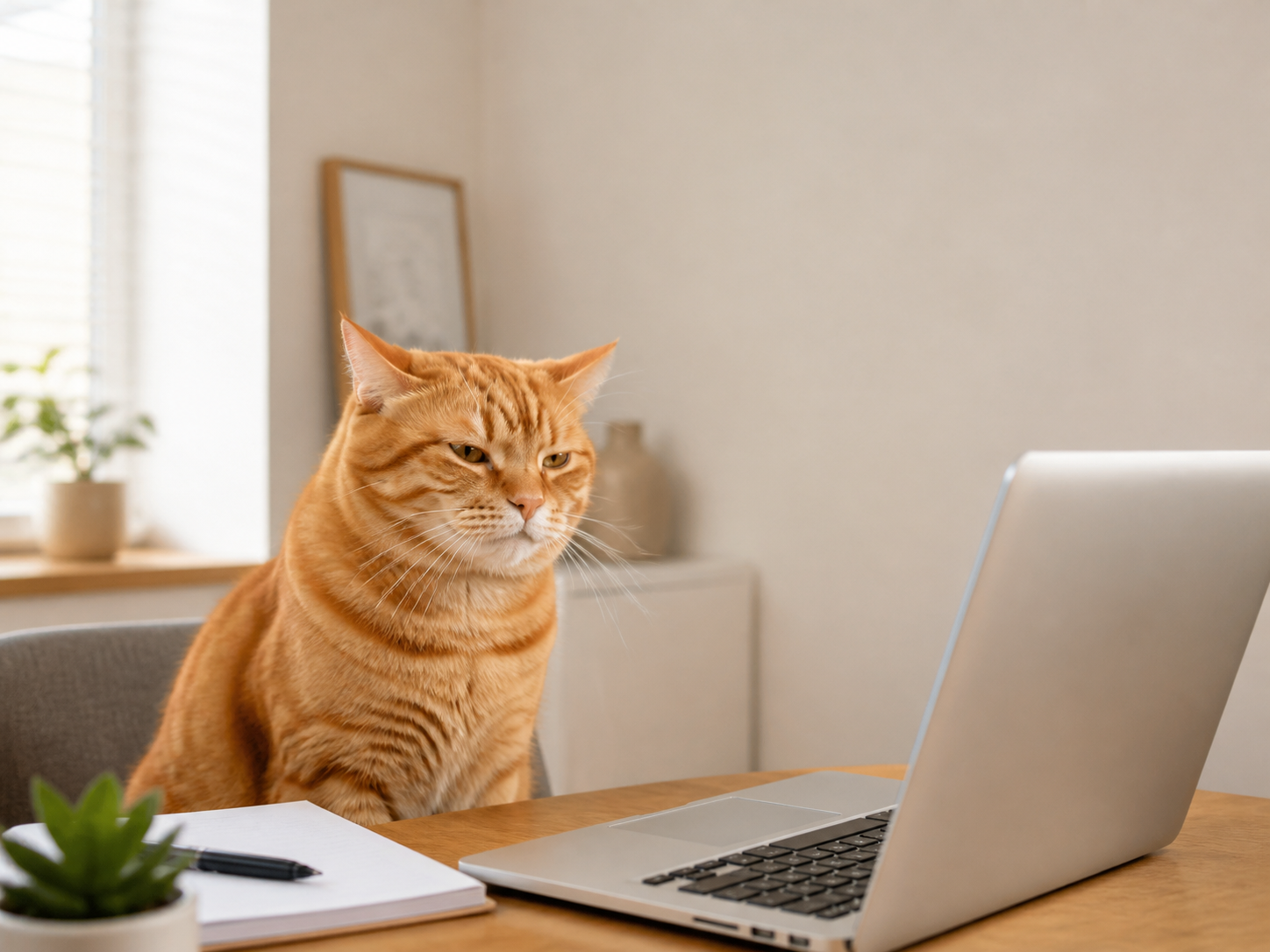
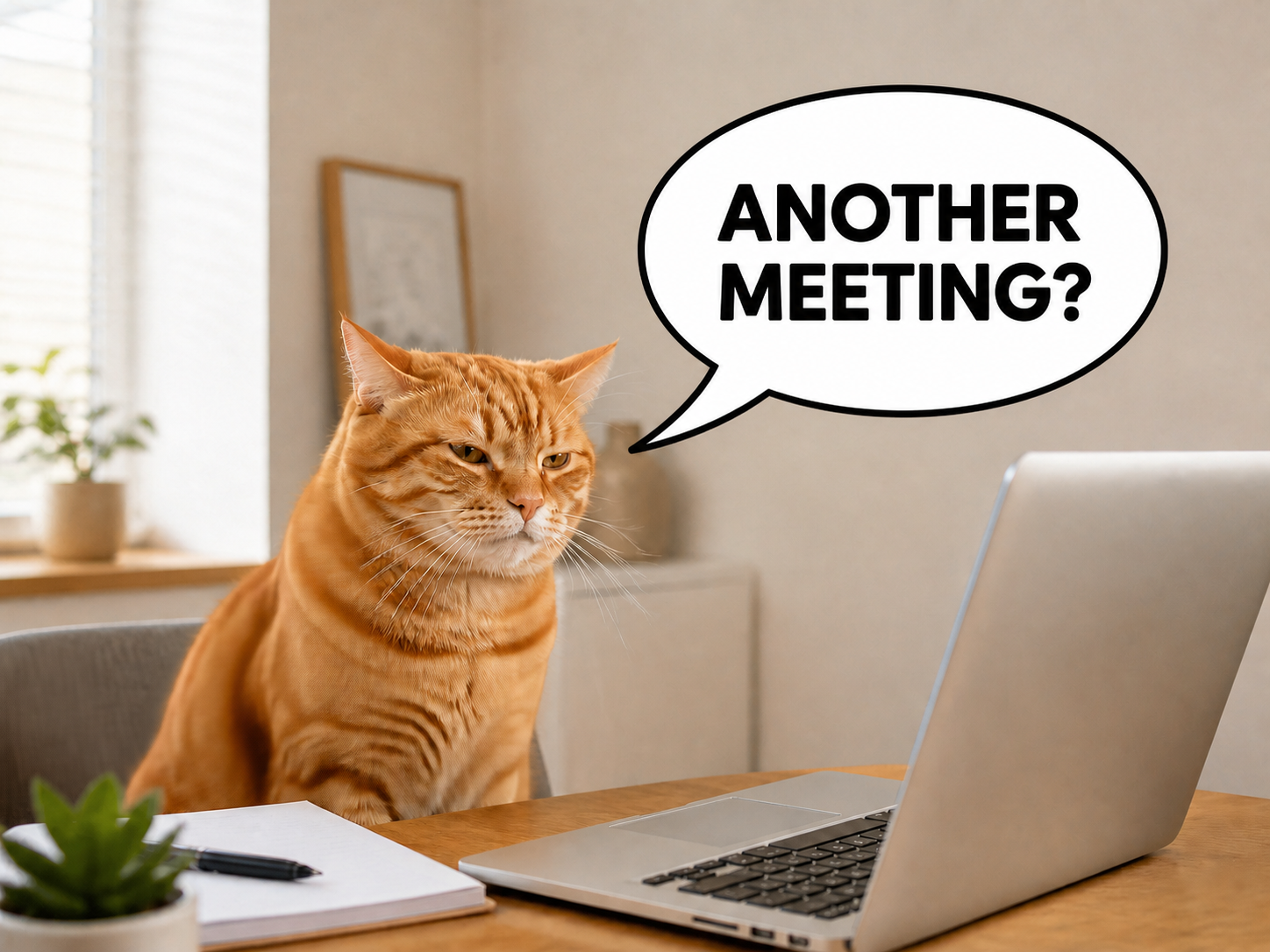
Sube una foto y abre un lienzo con un bocadillo y una capa de texto ya preparados. Muévelos, cambia su tamaño, estilo o palabras antes de exportar.
- Mueve y redimensiona el bocadillo
- Reescribe el texto
- Conserva la foto intacta
Sube una foto
PNG, JPG o WebP
Bocadillo editable
Empieza con capas realmente editables
La foto, el bocadillo y las palabras se mantienen separados para que puedas ajustarlos sin aplanar el diseño.
- Mueve y redimensiona el bocadillo
- Colócalo donde encaje con el sujeto y la composición.
- Reescribe el texto
- Selecciona la capa de texto y escribe tu propio mensaje.
- Conserva la foto intacta
- La imagen subida sigue siendo una capa independiente.
Crea un meme con bocadillo en tres pasos
Usa una foto clara con espacio cerca de quien habla.
- 1
Sube una foto
Elige la imagen base del meme.
- 2
Edita el bocadillo y el texto
Muévelos, cambia su tamaño, estilo y contenido en el lienzo.
- 3
Exporta un PNG
Revisa el encuadre y la legibilidad, y descarga el resultado.
Para pies visuales rápidos
Usa el mismo lienzo editable para reacciones, conversaciones y publicaciones tipo cómic.
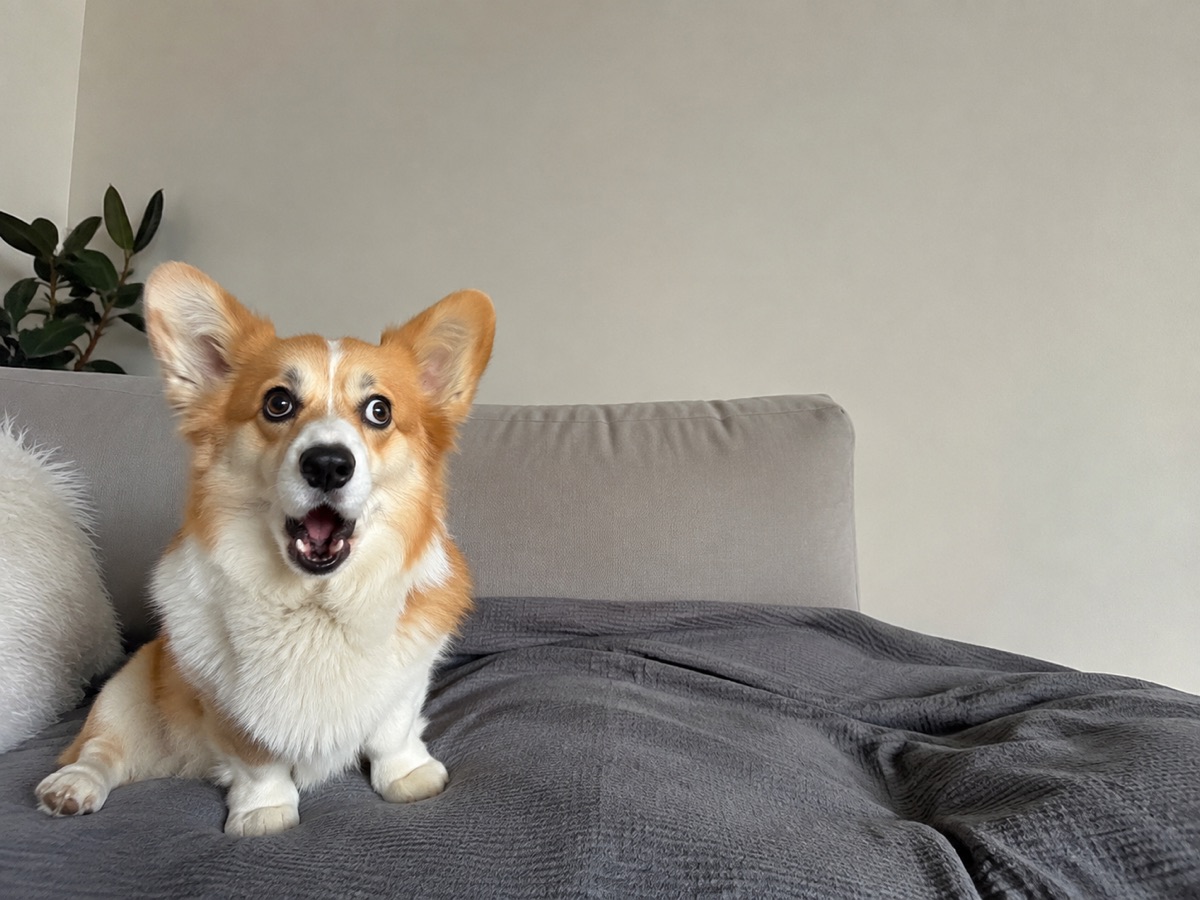
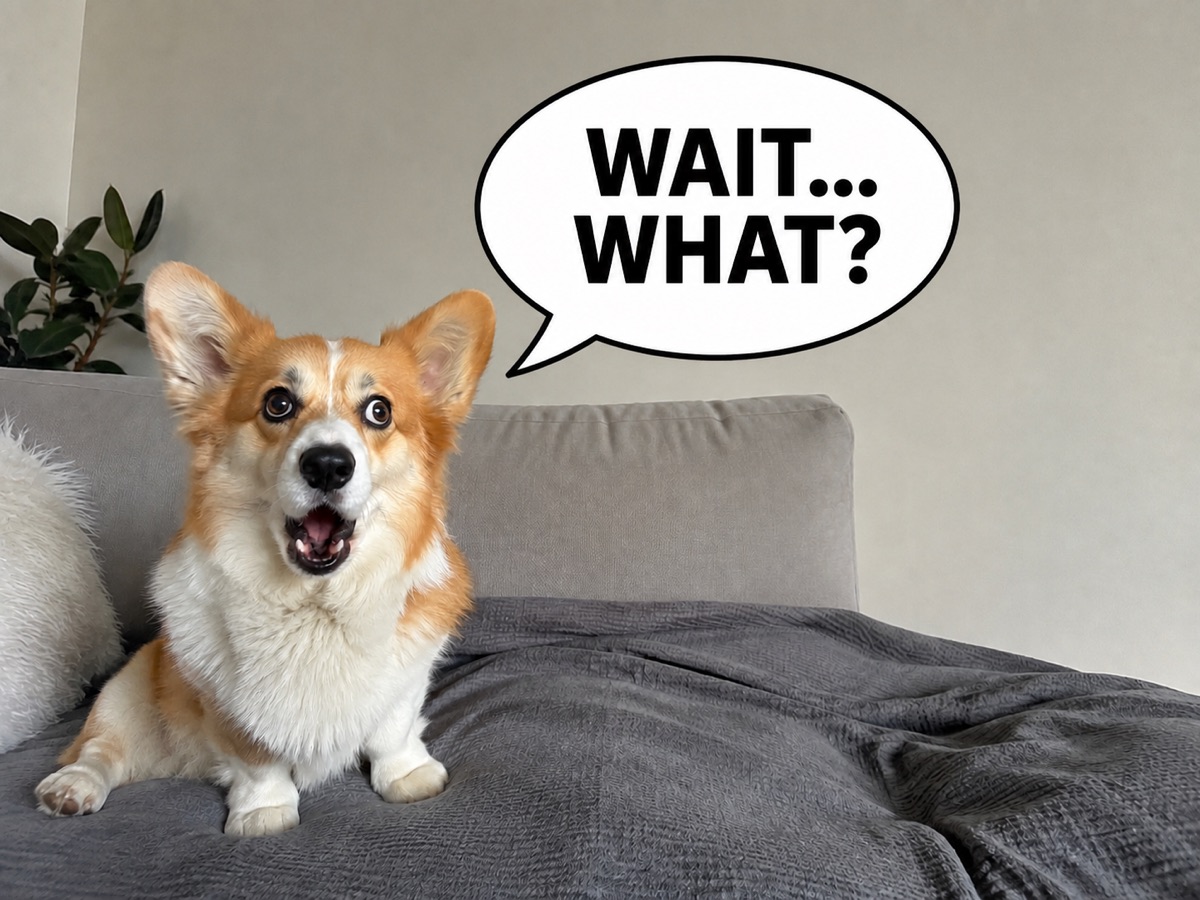
La reacción de un corgi
Añade una reacción breve sobre el perro y apunta el bocadillo hacia él sin tapar su expresión.
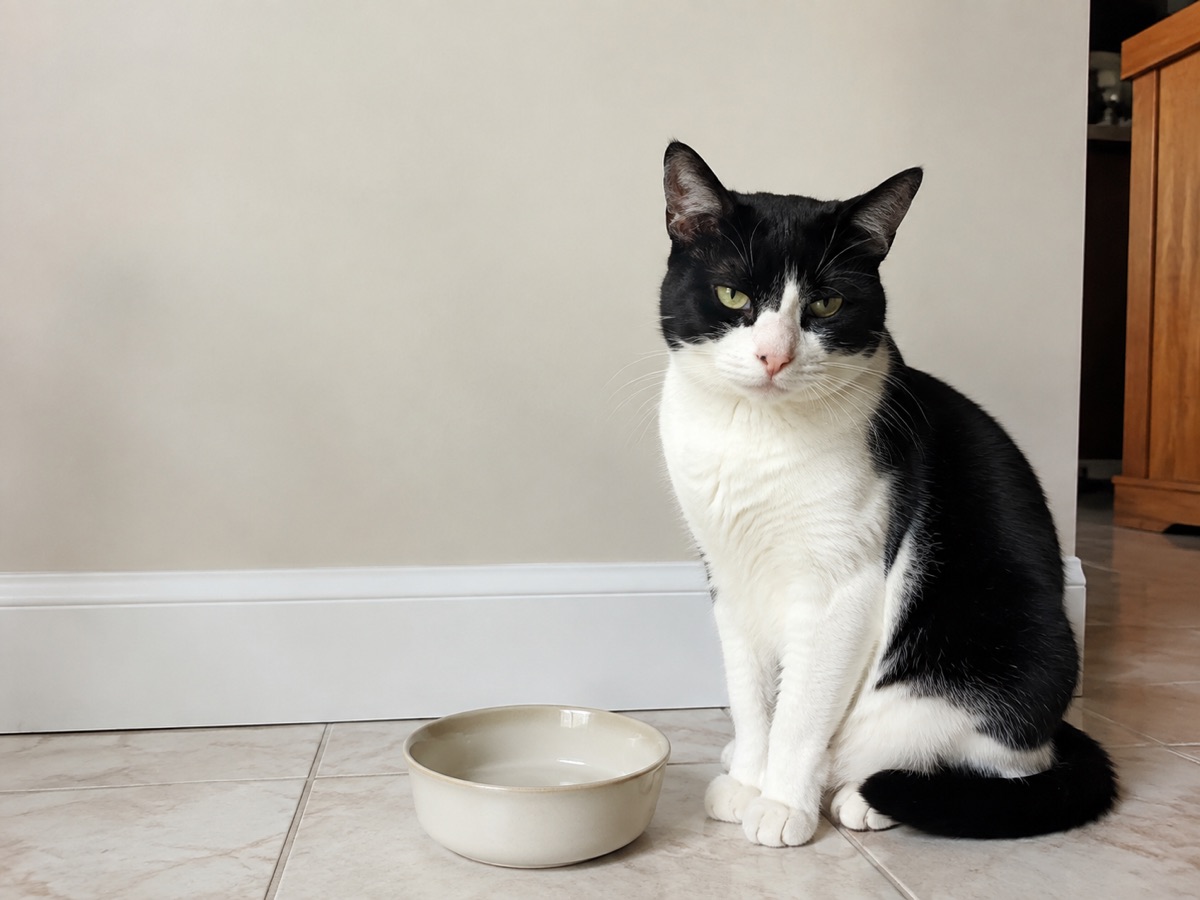
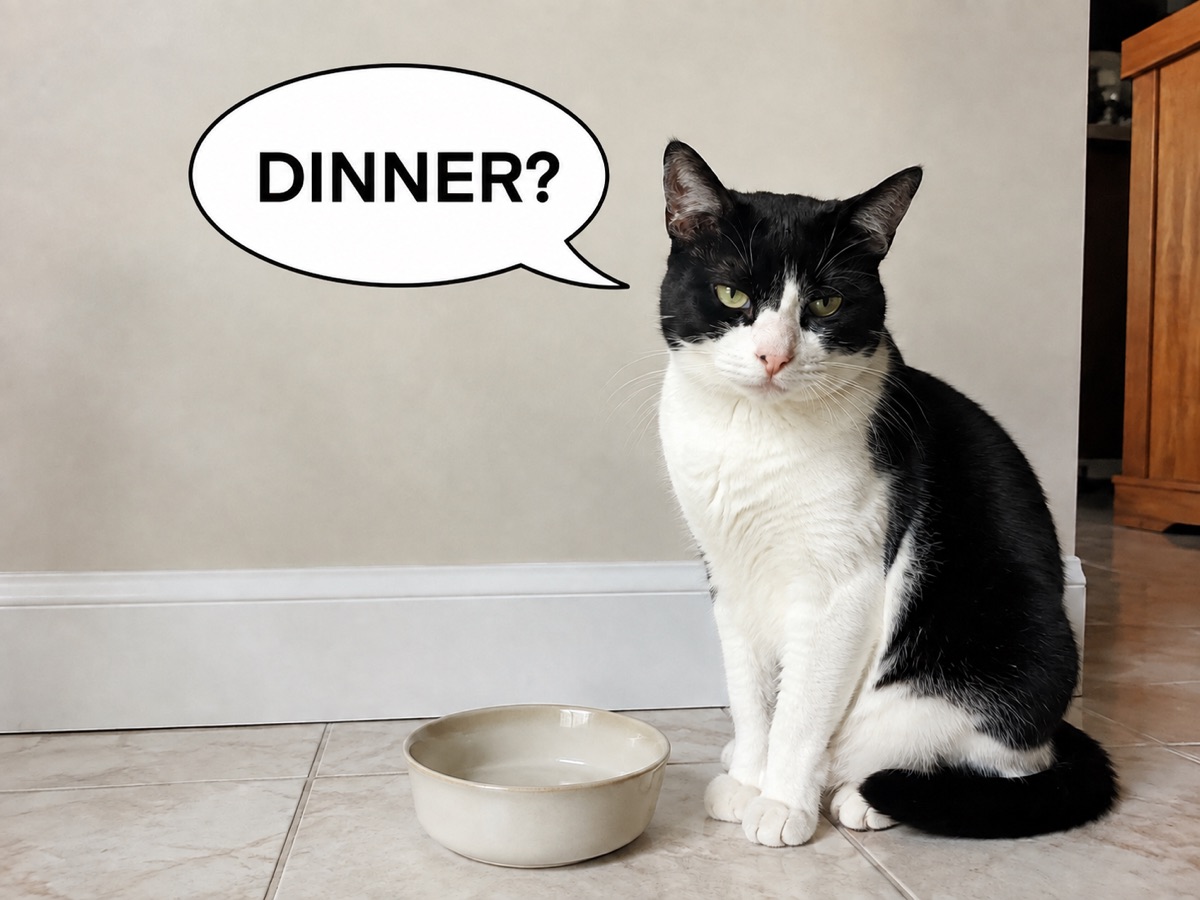
Un gato esperando la cena
Coloca el texto junto al gato sin tapar los ojos ni el cuenco vacío. Usa una frase breve que se lea bien en el móvil.
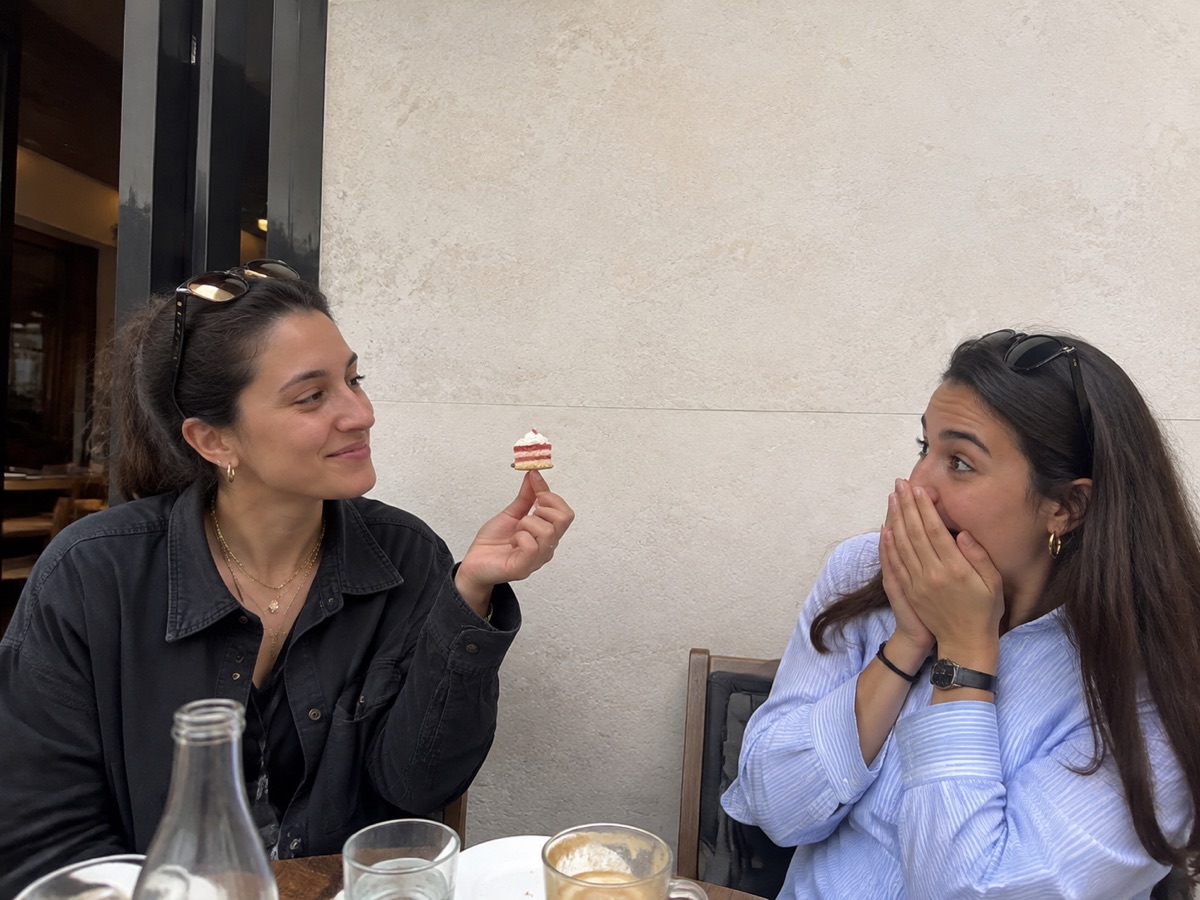
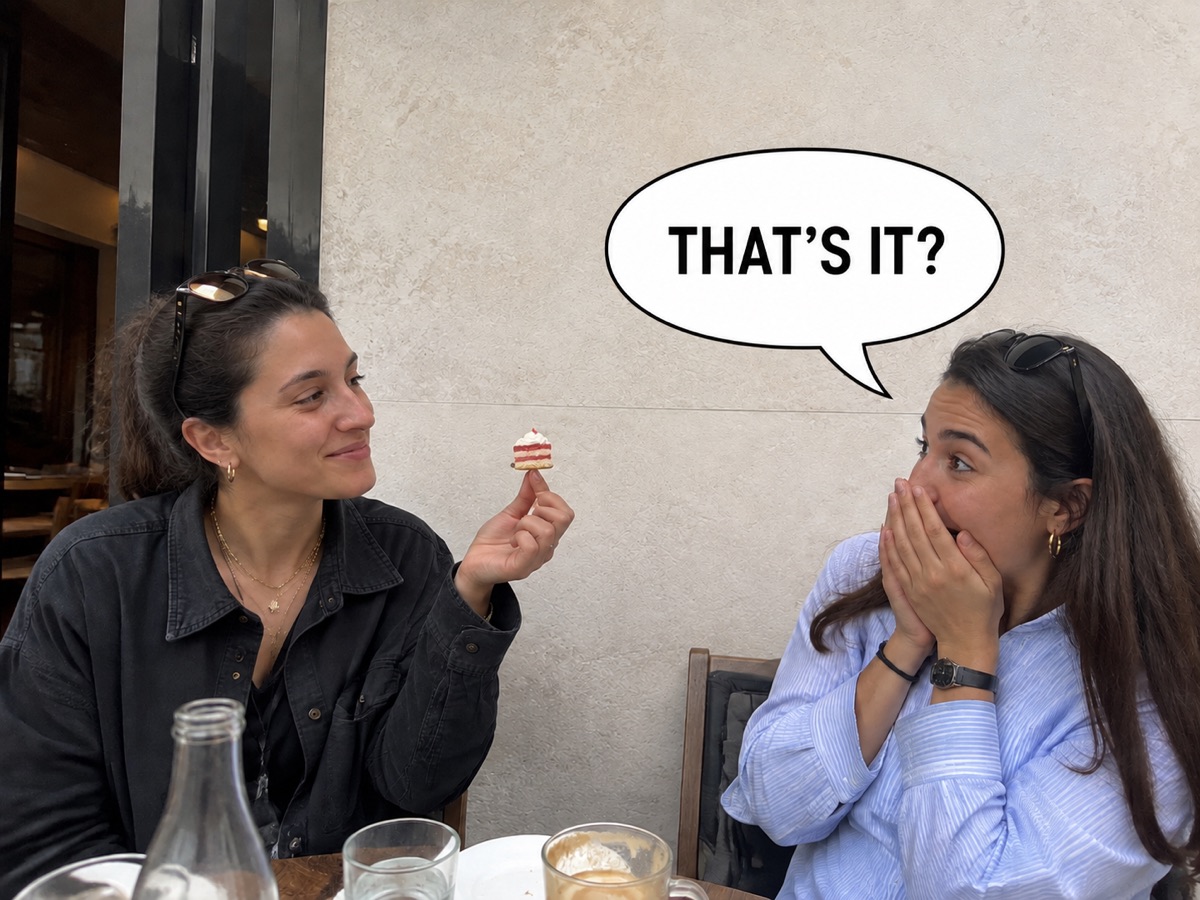
Una sorpresa en la cafetería
Ponle palabras a la reacción ante una tarta diminuta. Coloca el bocadillo en la pared vacía sin tapar a las personas ni la comida.
Un lienzo editable, no un escritor automático
ClearCrowds prepara los elementos visuales, pero no identifica al hablante ni escribe el chiste automáticamente.
- El lienzo inicial incluye un bocadillo editable y una capa de texto independiente.
- Cambia las palabras en el editor, no en la URL de la página.
- Revisa posición, contraste y ortografía antes de exportar el PNG.
Preguntas sobre el generador de memes con bocadillos
Cómo funciona el lienzo editable.
Sí. Sube un PNG, JPG o WebP y ClearCrowds abrirá un lienzo con el bocadillo y el texto listos para editar.
Más formas de perfeccionar tu foto
Retoques rápidos. Resultados profesionales.



Añade el bocadillo y escribe tu mensaje
Sube una foto para abrir el lienzo editable.
Sube una foto
PNG, JPG o WebP