
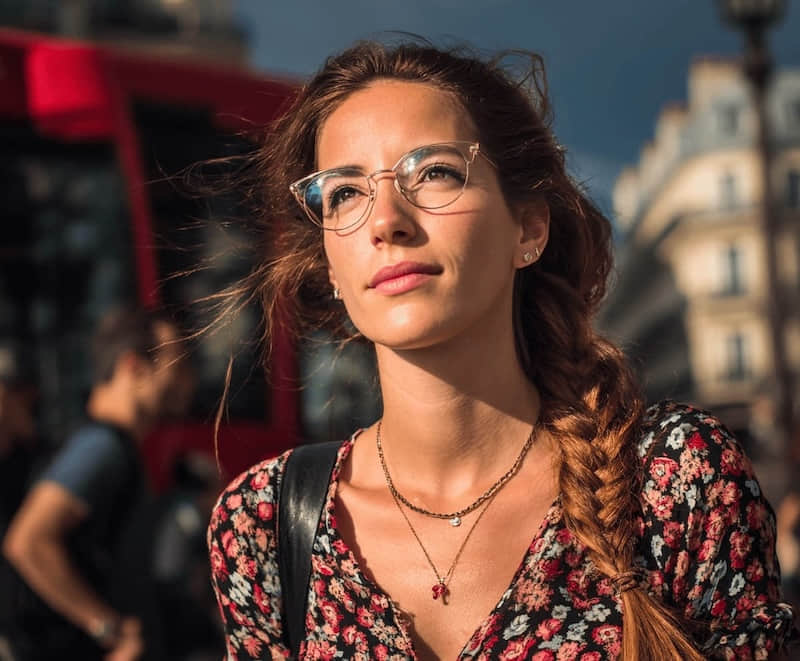
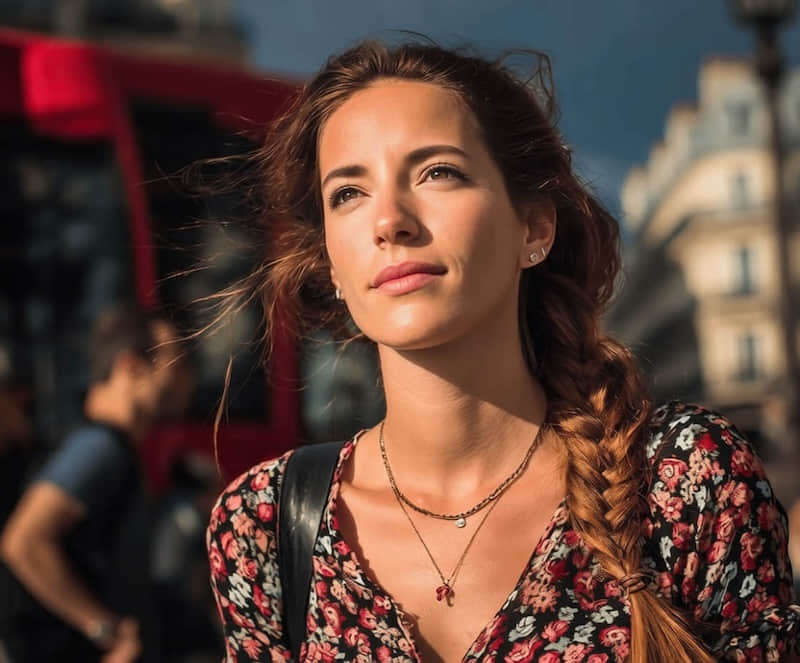
Create a professional headshotTurn a clear portrait into a polished profile photo for work.
Remove glasses in
one tap
Remove eyeglasses from portraits while preserving face shape, eye details, skin texture, expression, and the original lighting so profile photos and headshots still look like the same person.
- Remove glasses in one tap, no retouching skills needed
- Keep your face shape, skin texture and expression
Upload a photo
or drop a file here
Your photos are processed securely and deleted after editing.
Selfie to profile photo


100%Automatic & Free to Try
Direct answer
What is the best way to remove glasses from a photo?
The safest way to remove glasses from a photo is to use a portrait-aware AI editor that separates glasses removal from glare cleanup. ClearCrowds is built for this workflow: upload a portrait, choose Remove Glasses or Remove Reflections, preview the result, and review the eyes, skin texture, frame edges, and lighting before exporting.
Use the right edit
Choose Remove Glasses when the frames should disappear, and Remove Reflections when you only need lens glare reduced.
Keep portrait details
A natural result should preserve eye shape, eyebrows, skin texture, facial expression, and the original lighting direction.
Review before export
Zoom into the eyes and frame area, then run a smaller second pass if one reflection or edge still looks distracting.
How it works
Supports JPG, PNG, WebP
1
Upload your photo
Select any portrait or selfie with glasses.
2
AI removes glasses
Our AI automatically detects and erases frames and lenses.
3
Download result
Get your glasses-free photo with natural eye reconstruction.
Where a glasses-free photo helps

Social & dating profiles
Refresh your avatar for Instagram, TikTok or dating apps with a clean, glasses-free look without booking a new shoot.

Professional headshots
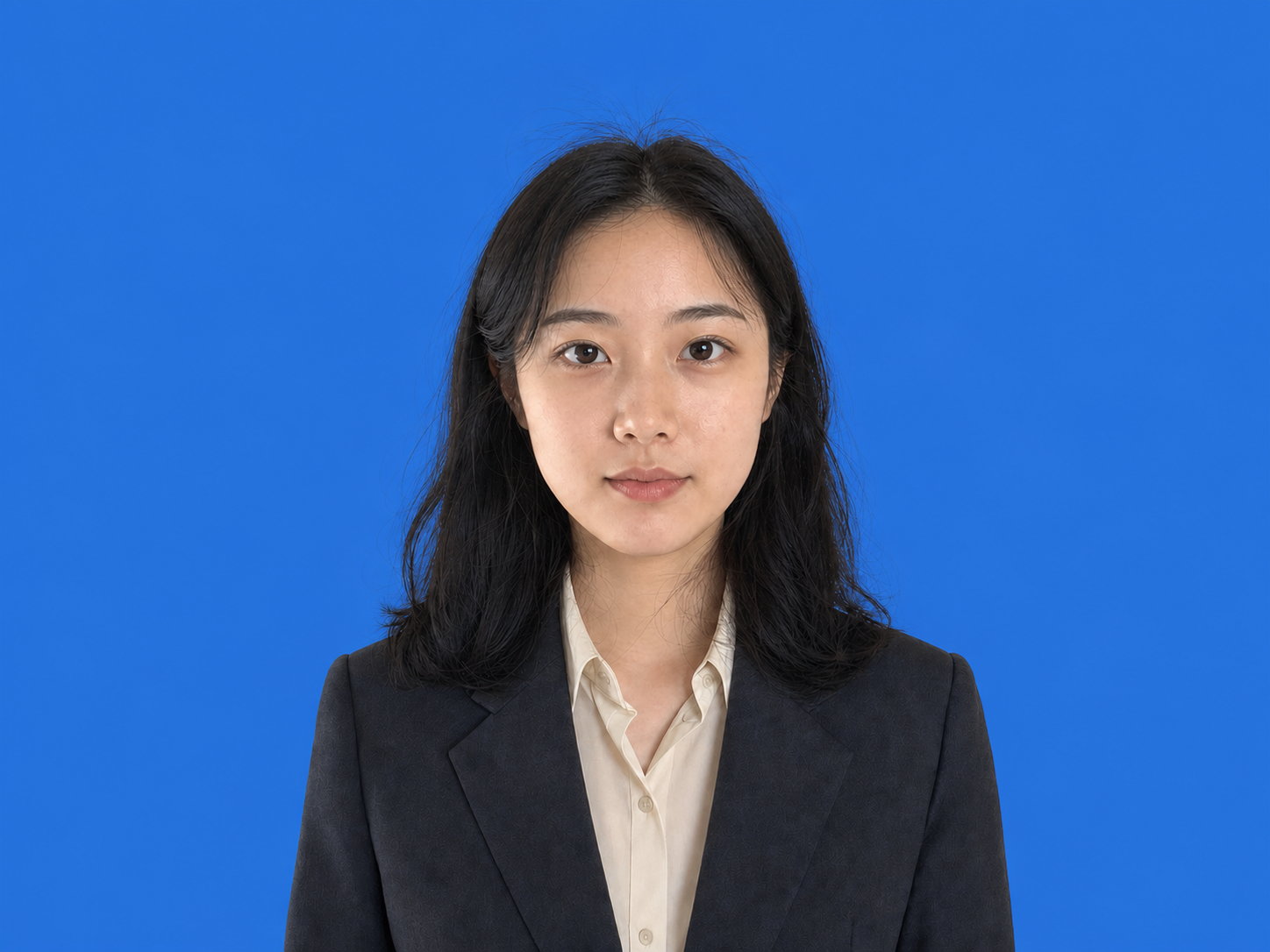
Create polished, glasses-free photos for LinkedIn, resumes and portfolio sites in minutes.
Makeup & hairstyle planning
See how eyeliner, eyeshadow or new bangs will look on your bare face before you commit in real life.

Creators & editors
Quickly generate alternate versions of portraits for thumbnails, banners and design layouts.
AI ReconstructionEye and skin aware
Why it looks natural
Reconstructs eyes, eyebrows and skin with natural texture and shading
Keeps your facial expression, lighting and angle consistent
Avoids “smudged” or overly airbrushed skin that looks fake
Avoids “smudged” or overly airbrushed skin that looks fake.
Before / After
See the difference
Selfie to profile photo
Feature highlights
Everything you need
One-tap glasses removal
Erase frames, lenses and most reflections automatically.
Eye-aware reconstruction
AI understands eye lines, lids and brows for natural symmetry.
Works on selfies & portraits
From phone snapshots to studio shots, just upload and go.
High-resolution export
Keep enough detail for social media, resumes and light printing.
Browser-based
No app installation, works on desktop and mobile.
Glasses removal FAQ
Simply upload your photo to our tool, and the AI will automatically remove the glasses. You can preview the result for free.
More ways to perfect your photo
Quick edits. Professional results.



Ready to remove glasses?
Upload a portrait and remove glasses, glare, or reflections while keeping natural eyes and skin. Free to try.
Upload a photo
or drop a file here