Sticker sheets
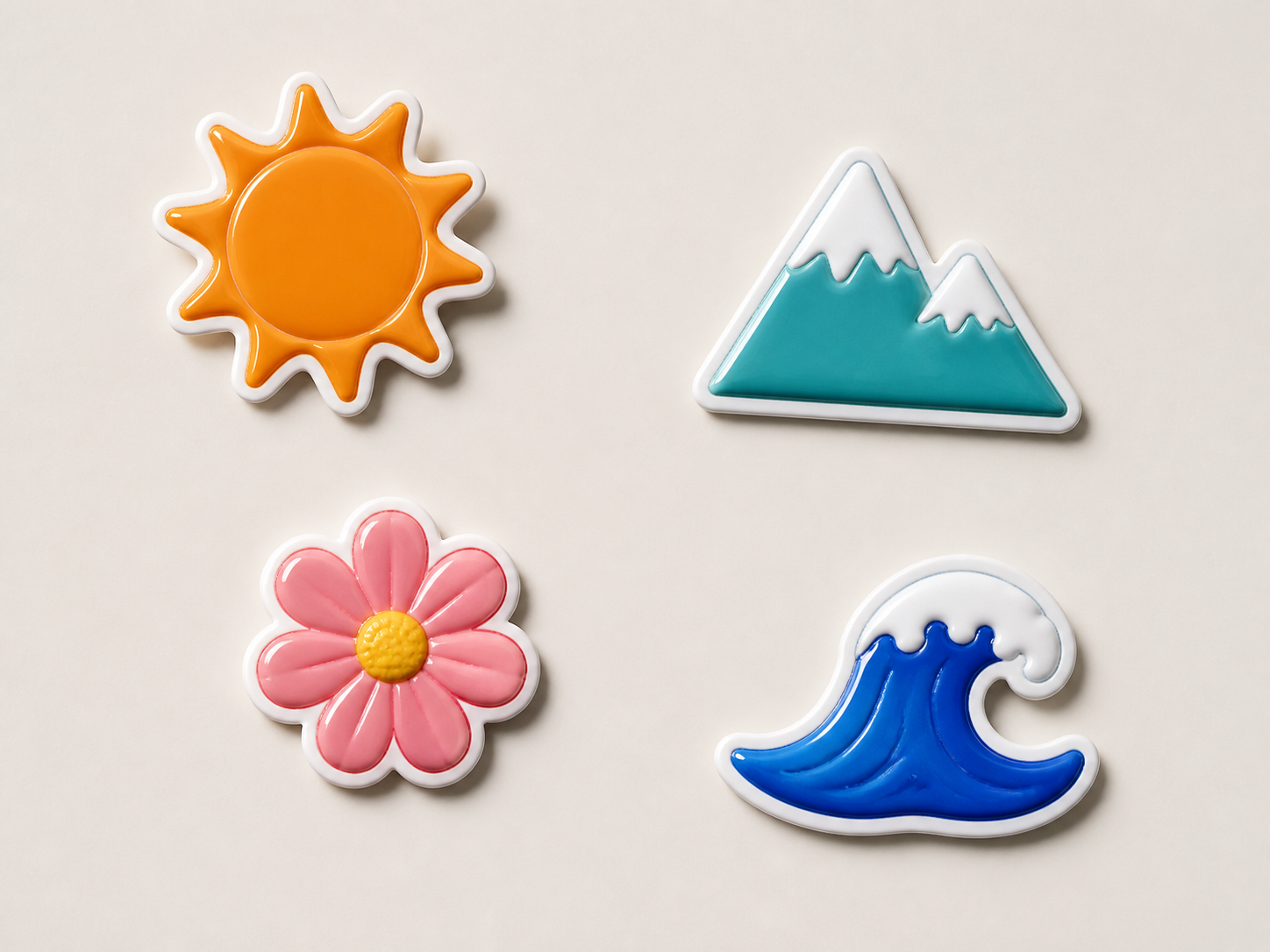
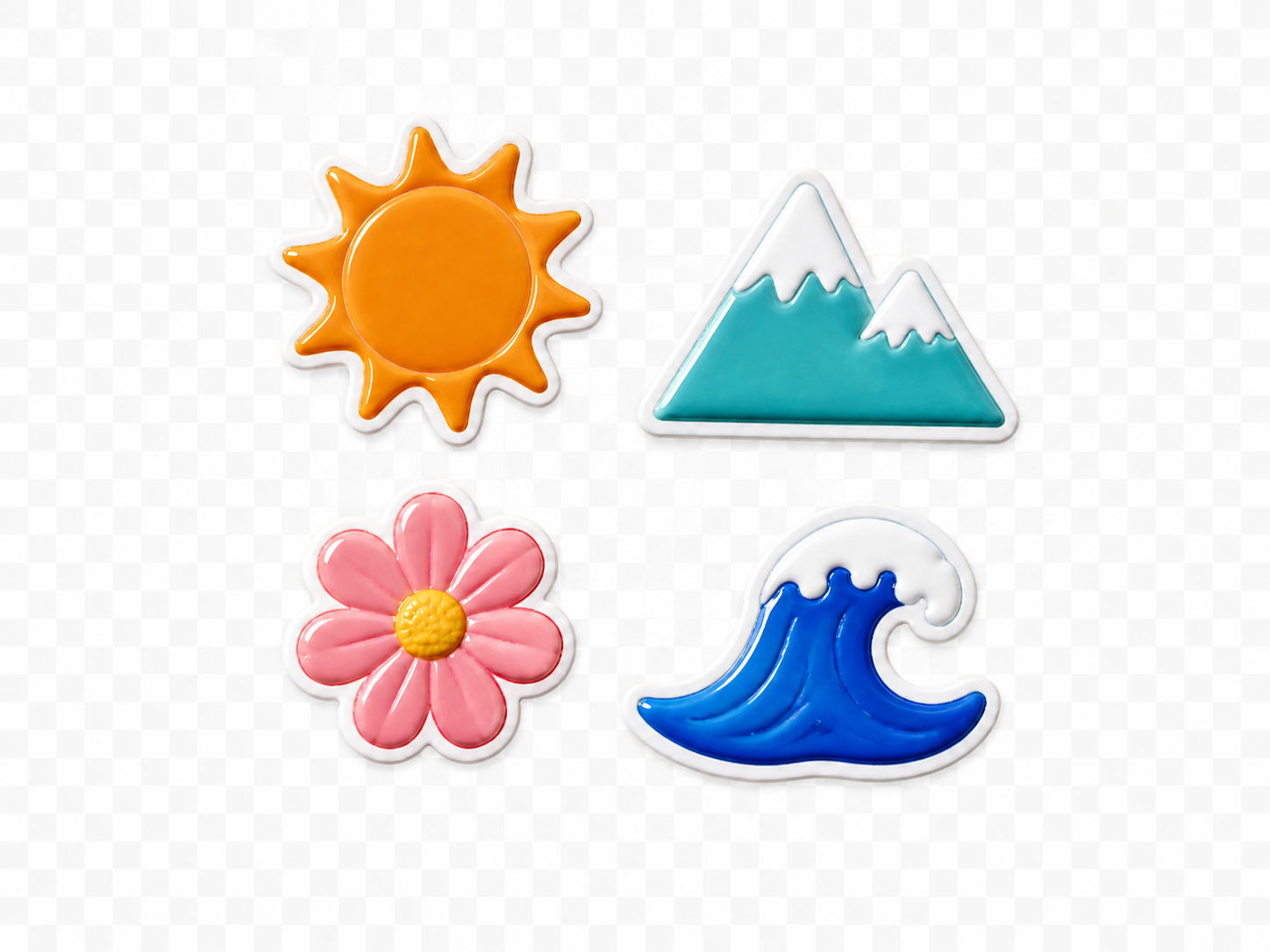
Arrange multiple transparent stickers on one clean canvas for sharing or printing.
Upload 1–9 PNG files, choose a canvas size, and edit every image as its own layer before exporting one PNG.
PNG only. Your upload order becomes the initial layer order.
Combined PNG
Every source PNG becomes an owned image layer. The initial layout is automatic, but position, size, stacking, spacing, and background remain editable.
Use source files with transparent backgrounds when the elements should overlap cleanly.
Choose one or more files in the order you want them added to the canvas.
Pick a common preset or enter a custom width and height before the layers are created.
Move, resize, or reorder the layers, then download the canvas as one PNG.
PNG Combiner is for one composed output. Use Batch Photo Editor when each upload should remain a separate result.
Arrange multiple transparent stickers on one clean canvas for sharing or printing.
Place several cutout products together without rebuilding their backgrounds.
Combine marks, partner logos, or badges while retaining each element as its own layer.
Build a transparent cluster of decorative PNGs for later use in a larger design.
The first release keeps the task narrow so layer ownership, transparency, layout, saving, and export stay predictable.
Answers about file count, transparency, layers, and export.
Quick edits. Professional results.
Select 1–9 PNG files, choose the canvas size, and start with editable layers.
PNG only. Your upload order becomes the initial layer order.