Product and app mockups
Update a label, onboarding line, or interface example in a mockup you control.
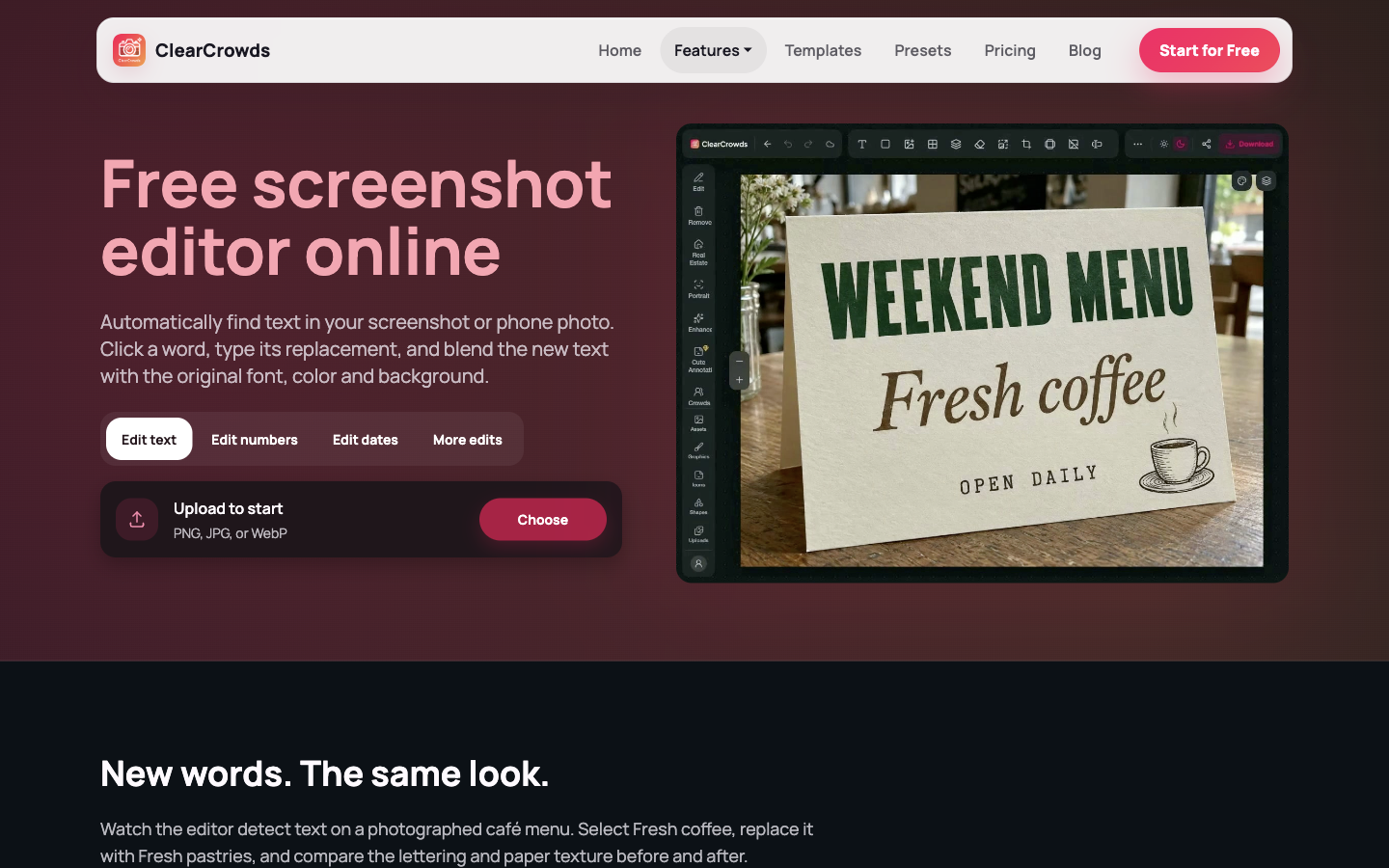
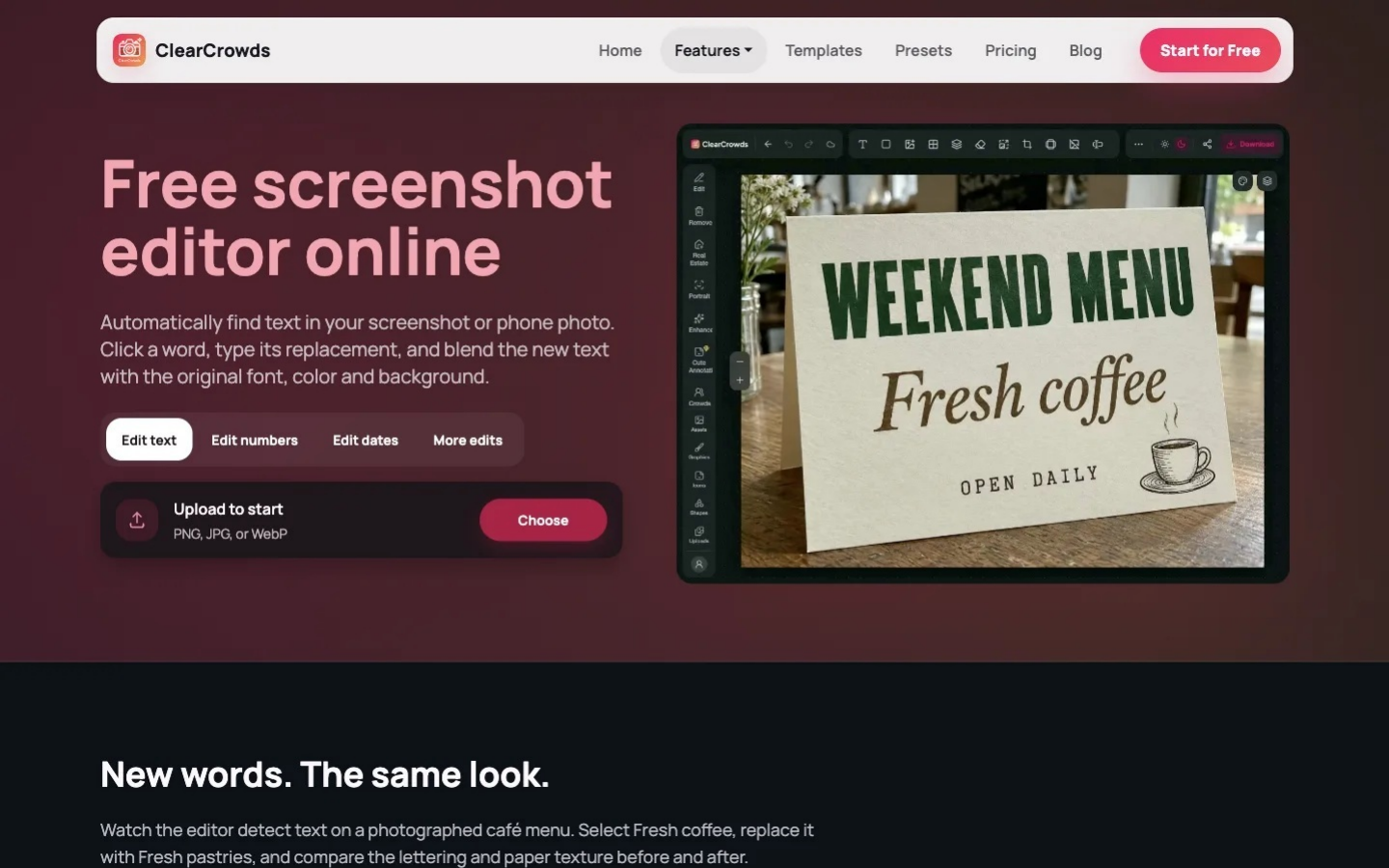
Find text in your screenshot, click a word, and type its replacement while matching the original style.
PNG, JPG, or WebP
Watch the editor detect text on a photographed café menu. Select Fresh coffee, replace it with Fresh pastries, and compare the lettering and paper texture before and after.
Start with the original PNG or JPG so small letters stay readable. Choose Text, Numbers or Dates, then replace the selected item in its original position.
Select text, numbers, or dates before uploading so the correct editor opens.
Click a detected text box and type the replacement.
Review character edges, spacing, alignment, and the surrounding interface before downloading.
A focused route for screenshots you own, instead of forcing every task through a generic photo workflow.
Update a label, onboarding line, or interface example in a mockup you control.
Correct a non-sensitive display value in an internal demo or presentation graphic.
Fix a caption, date, or visible typo before sharing a help image or post.
When information should disappear rather than change, use Privacy Blur or Remove Text.
This page edits an image you upload. It does not take screenshots, turn interfaces into code, or add an annotation workspace.
What the online screenshot editor is designed to do.
Quick edits. Professional results.
Start with text, numbers, or dates, or choose More edits to use every other editing tool.
PNG, JPG, or WebP