Edit numbers in
an image online

Replace digits on signs, posters, labels, and product photos while preserving the surrounding font, texture, angle, and lighting.

  • Match the nearby type
  • Preserve the surface
  • Choose the exact occurrence

Upload a photo to edit numbers

Supports JPG, PNG, and WebP.

Choose a photo
Original keptOCR-assisted selectionFor non-sensitive images
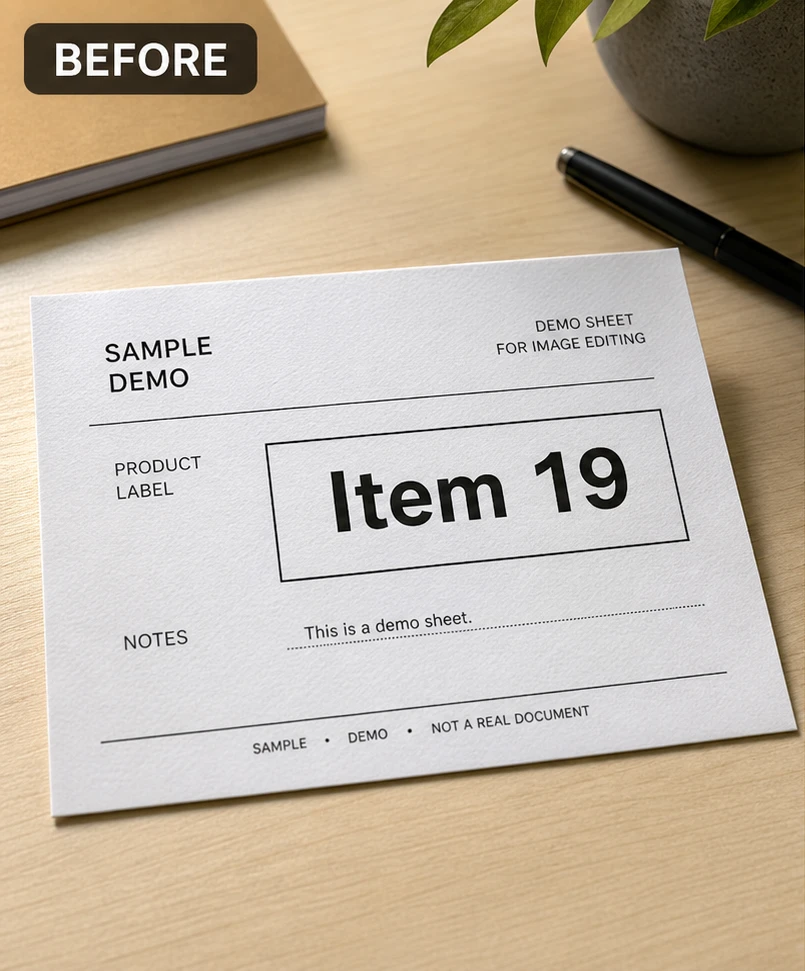
Product label before changing the visible item number from 19
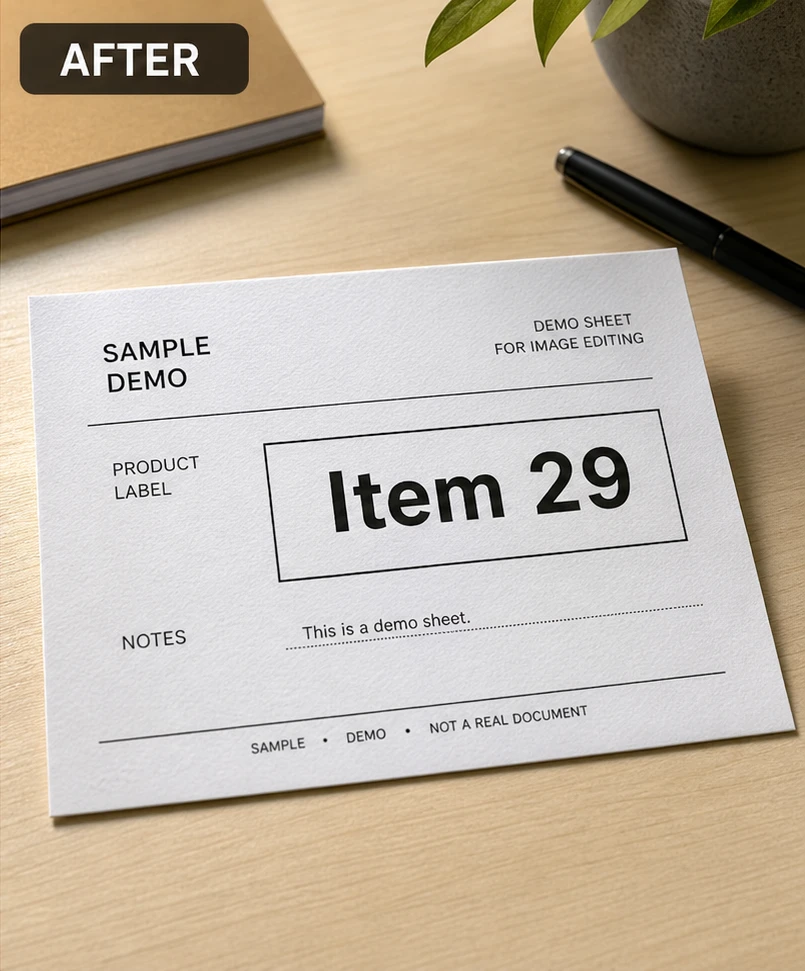
Product label after changing the visible item number to 29

Replace one number without rebuilding the photo

ClearCrowds detects visible number regions, lets you choose the exact target, and sends a focused replacement instruction to the editor.

Match the nearby type
The edit uses nearby digits and letters as references for character shape, weight, spacing, color, and edge softness.
Preserve the surface
Paper grain, sign texture, reflections, shadows, perspective, and local lighting stay part of the replacement target.
Choose the exact occurrence
When the same number appears more than once, select the detected box that should change and leave the others untouched.
Review before download
Compare the result with the original and check alignment, surrounding text, and small background details before exporting.

Edit a number in three actions

The existing number preset opens with OCR selection ready, so the task stays focused on one visible number.

  1. 1

    Upload the image

    Choose a clear image where the target digits are readable and large enough to inspect.

  2. 2

    Select the detected number

    Click the OCR box around the exact number you want to change, especially when similar digits appear elsewhere.

  3. 3

    Enter the replacement

    Type the new value, generate the edit, then compare character edges, spacing, perspective, and surface texture.

Useful number edits

Use the tool for ordinary visual material that you own or have permission to update.

Product labels

Correct a non-regulated item number or display value on product photography and packaging mockups.

Event posters

Update a date, time, room number, or ticket quantity on a poster you designed.

Signs and displays

Replace a visible number on a store sign, menu board, prop, or temporary display.

Social graphics

Fix a score, countdown, statistic, or short numeric callout in a graphic you control.

Keep sensitive records unchanged

Number replacement is for ordinary visual content. It must not be used to falsify records, identity, ownership, payment, compliance, or evidence.

  • Do not edit IDs, passports, licenses, certificates, grades, medical files, legal documents, or evidence-like images.
  • Do not alter receipts, invoices, account balances, financial records, regulated labels, or compliance information.
  • Use only images you own or are authorized to edit, and keep the original available for review.

Edit numbers in image FAQ

Answers about number detection, replacements, supported images, and safe use.

Yes. Upload the photo, select the detected number box, enter the replacement, and review the generated result beside the original.

Upload the image and select the exact number

The editor opens with the number replacement preset and OCR-assisted selection ready.

Upload a photo to edit numbers

Supports JPG, PNG, and WebP.

Choose a photo
Original keptOCR-assisted selectionFor non-sensitive images