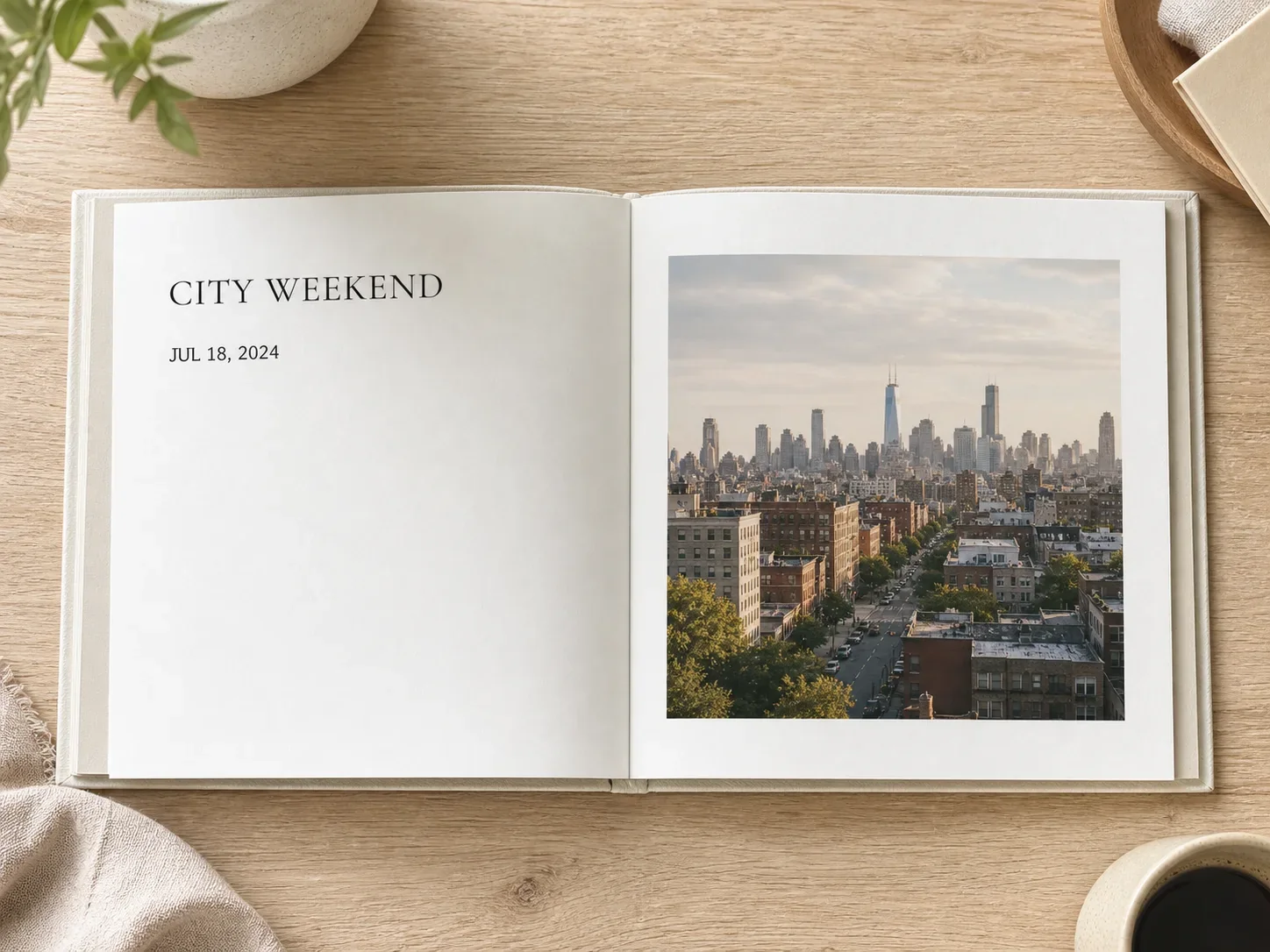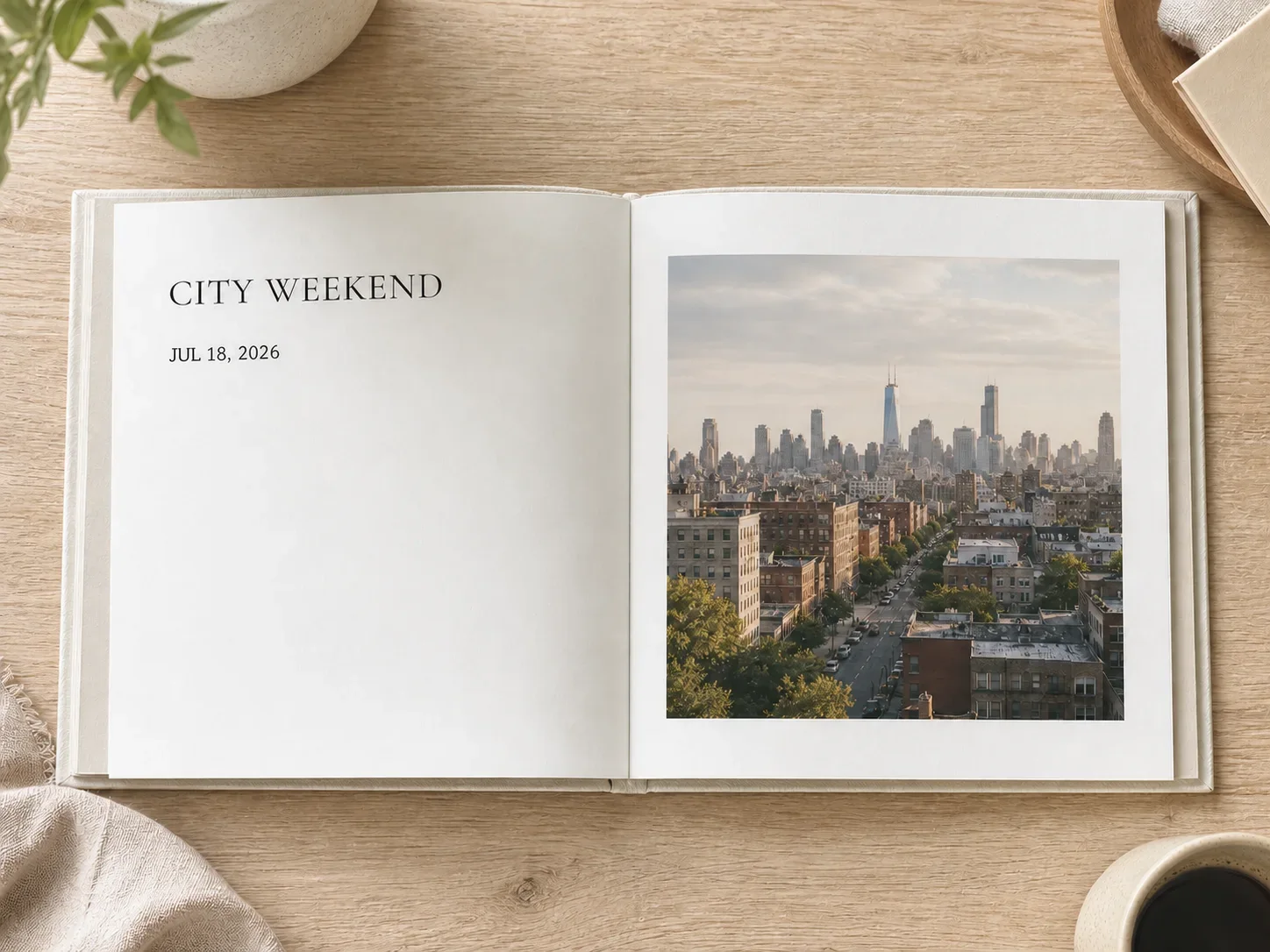

Add date and time
to your photo

Choose date only or date and time, add an optional address, and create a clean watermark-camera overlay without sending the image through an AI model.

  • Date or date and time
  • Address is optional
  • Fits every photo

Upload a photo to add a date and time stamp

JPG, PNG, or WebP · No AI generation

Choose a photo
Original keptBrowser-rendered0 AI credits
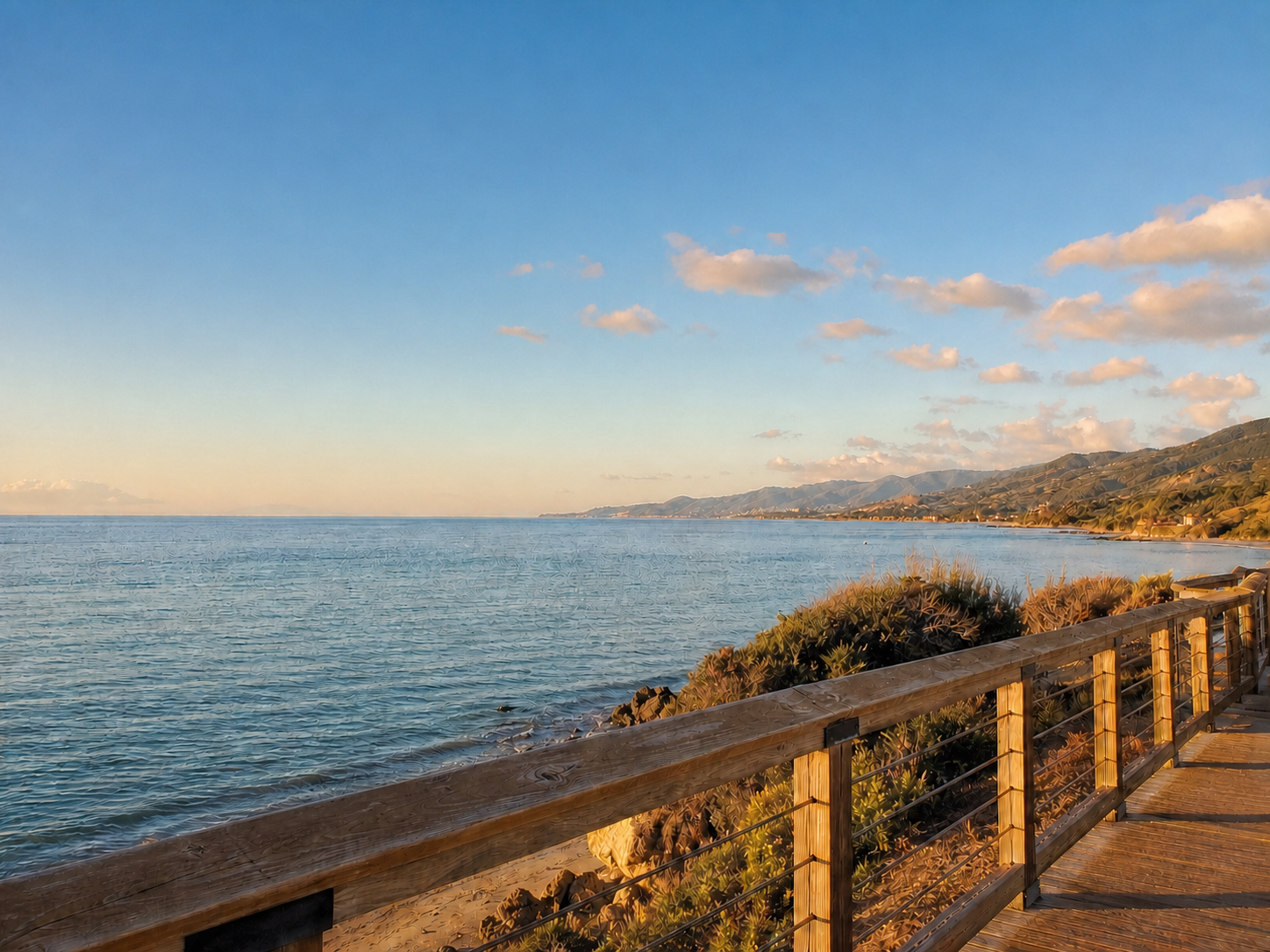
Waterfront travel photo before adding a date, time, and address stamp
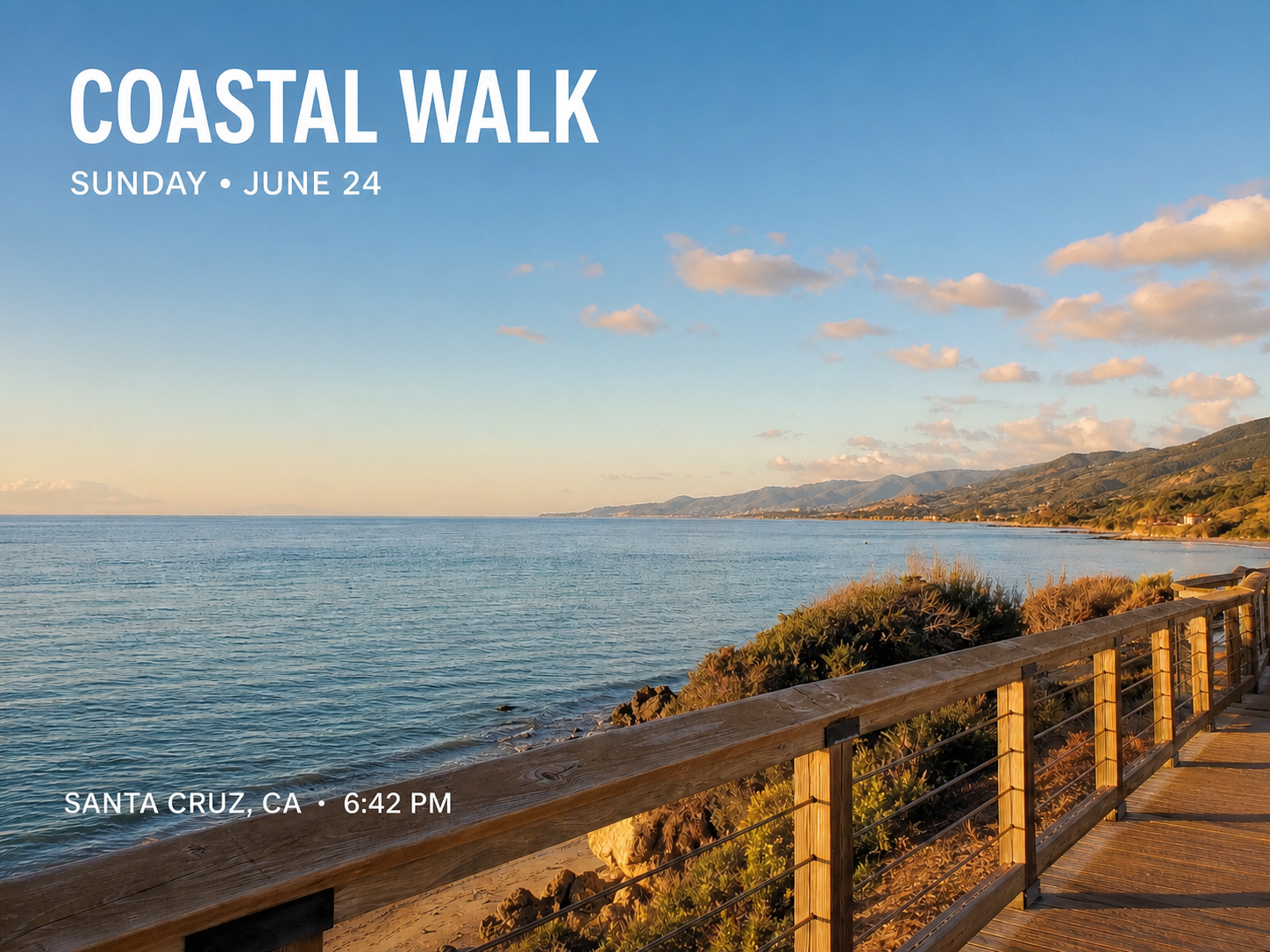
The same waterfront photo with a polished date, time, and Harbour Walk stamp

A watermark-camera look, rendered with JavaScript

The date or date-and-time stamp is drawn directly onto the image with Canvas. It uses a compact dark glass panel, a brand-color accent, crisp type, and responsive spacing.

Date or date and time
Use a simple date or add a clear 24-hour time beneath it.
Address is optional
Add a city, venue, or street, or leave the second line empty.
Fits every photo
Font size, padding, corner radius, and placement scale with the image dimensions.

Create a date-and-time-stamped photo in three steps

No prompt writing and no AI generation queue.

  1. 1

    Upload your photo

    Choose the original image you want to mark.

  2. 2

    Choose date or date and time

    Select the stamp format, enter its value, and optionally add a short location.

  3. 3

    Review and download

    Check the rendered preview, confirm it, and export the stamped image.

Useful date-stamp moments

Add context to ordinary personal and work photos without changing the scene itself.

Travel memories

Record the date, time, and city on photos from a trip.

Property visits

Label inspection or site photos with a date, time, and optional address.

Project progress

Mark visual milestones for renovations, events, or field work.

A visible overlay, not proof of capture time

The stamp is text added to the photo. It does not verify when or where the image was taken and it does not change EXIF.

  • Use the stamp as a visual note, not as official evidence or a verified camera record.
  • The address is optional and appears exactly as entered.
  • To replace a date already printed in the image, use Edit Date in Photo.

Date stamper for photos FAQ

Answers about fields, rendering, AI use, and metadata.

Yes. Upload the photo, choose date only or date and time, optionally add an address, and review the new overlay.

Add the date, time, and place you need

Upload a photo, choose date only or date and time, and add an address only when it helps tell the story.

Upload a photo to add a date and time stamp

JPG, PNG, or WebP · No AI generation

Choose a photo
Original keptBrowser-rendered0 AI credits