



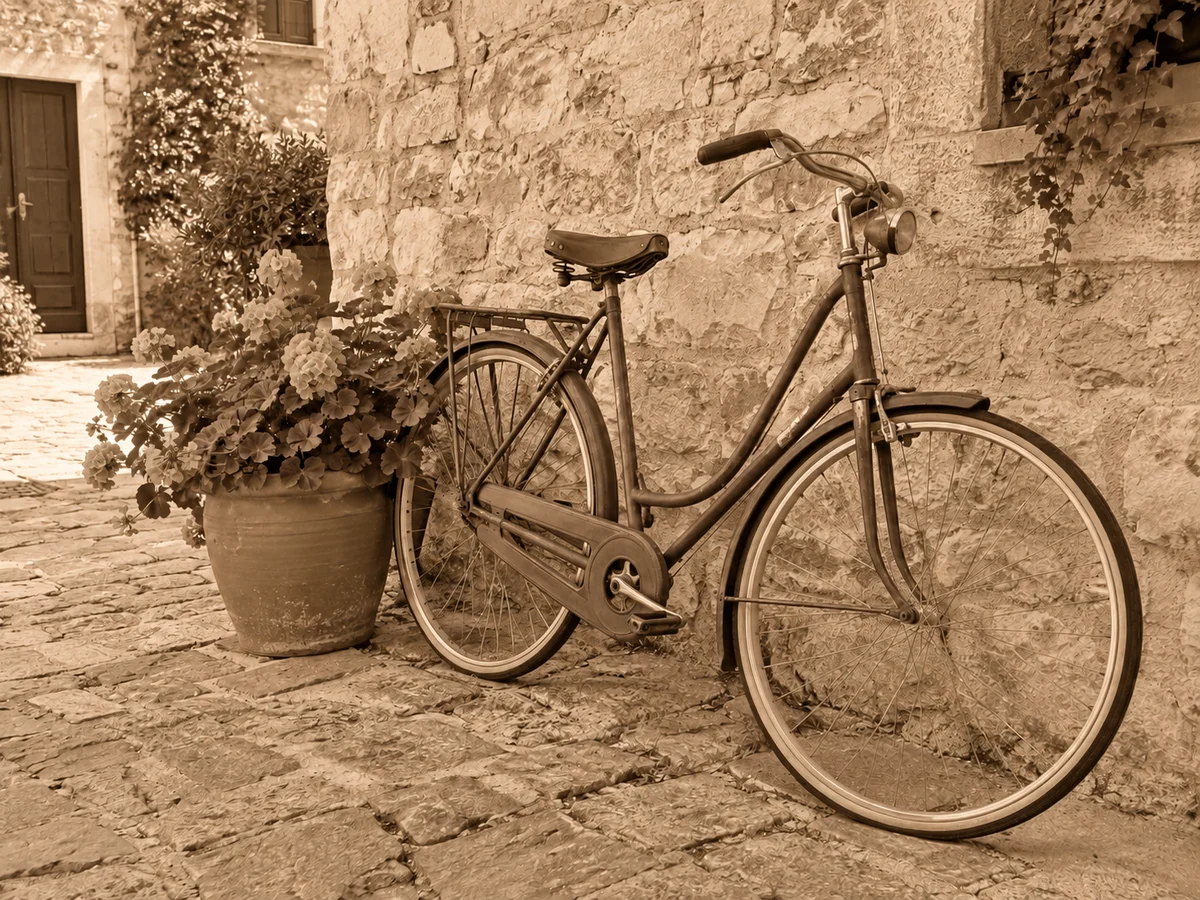
Add a sepia filter to your photoGive your photo warm brown tones. Adjust sepia from 0 to 100% with a live preview in the main editor.
Turn a photo into halftone dots
Create a black-and-white dotted print effect from your photo. Choose fine, medium or coarse dots and review the result in the editor.
Choose a photo
Choose dot size in the editor, then generate the halftone image.
OriginalResult
Let dots describe light and shadow
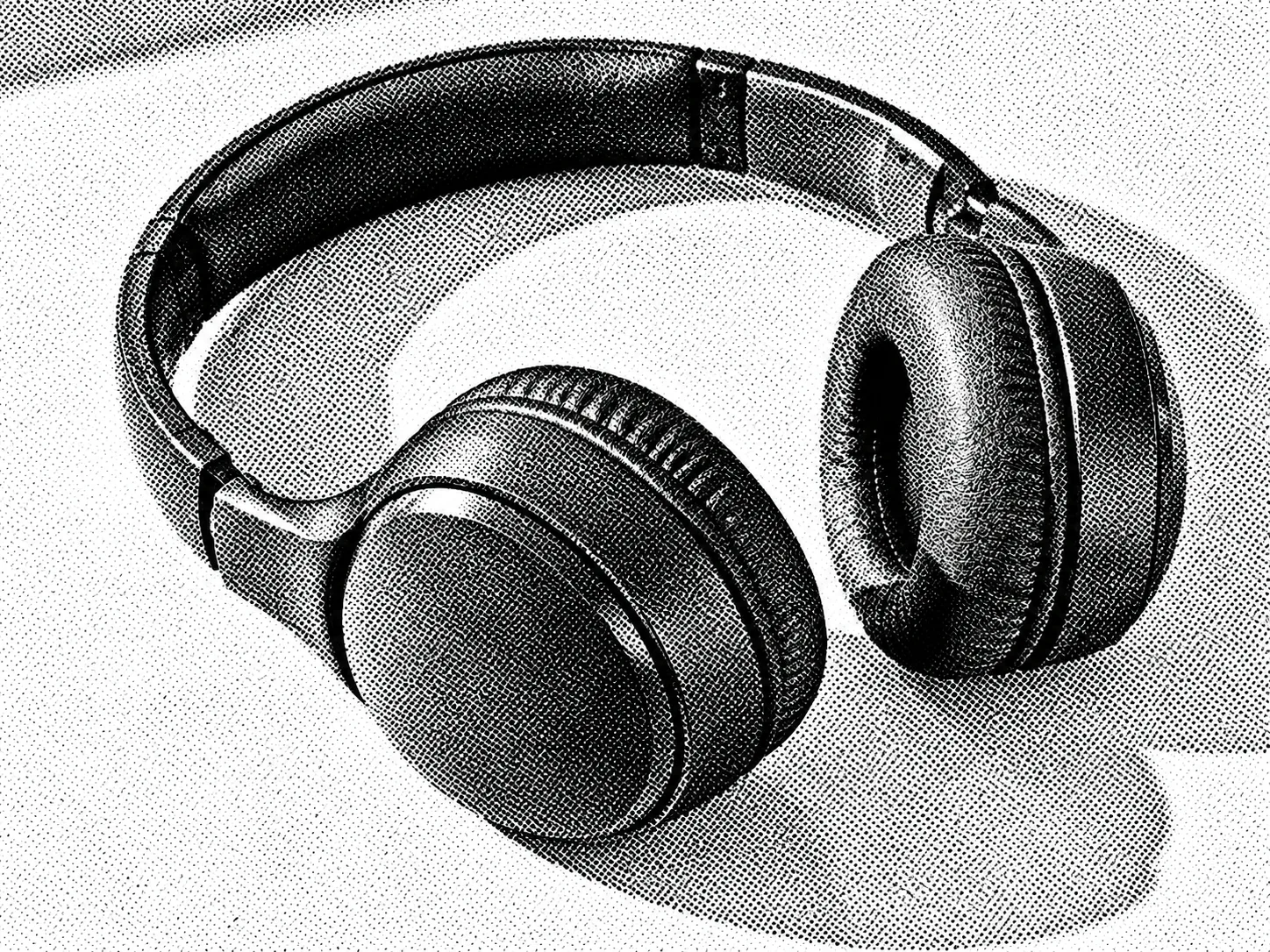
Halftone replaces continuous tones with visible ink-like dots. Dark areas become denser, while lighter areas leave more white space.
- Fine dots
- Smaller dots retain more facial and surface detail.
- Medium dots
- A visible print texture with recognizable shapes.
- Coarse dots
- Larger graphic marks emphasize silhouettes.
How to use this tool
- 1
Choose a photo
Choose a clear source photo to open it in the main editor.
- 2
Turn a photo into halftone dots
Choose dot size in the editor, then generate the halftone image.
- 3
Compare and confirm
Inspect the result against the original. Confirm the version you want to keep, then continue editing or download.
Portrait print textures
- Requested change
- Translate face shading into black-and-white dots.
- Keep unchanged
- Keep the expression, pose and recognizable silhouette.
OriginalResult
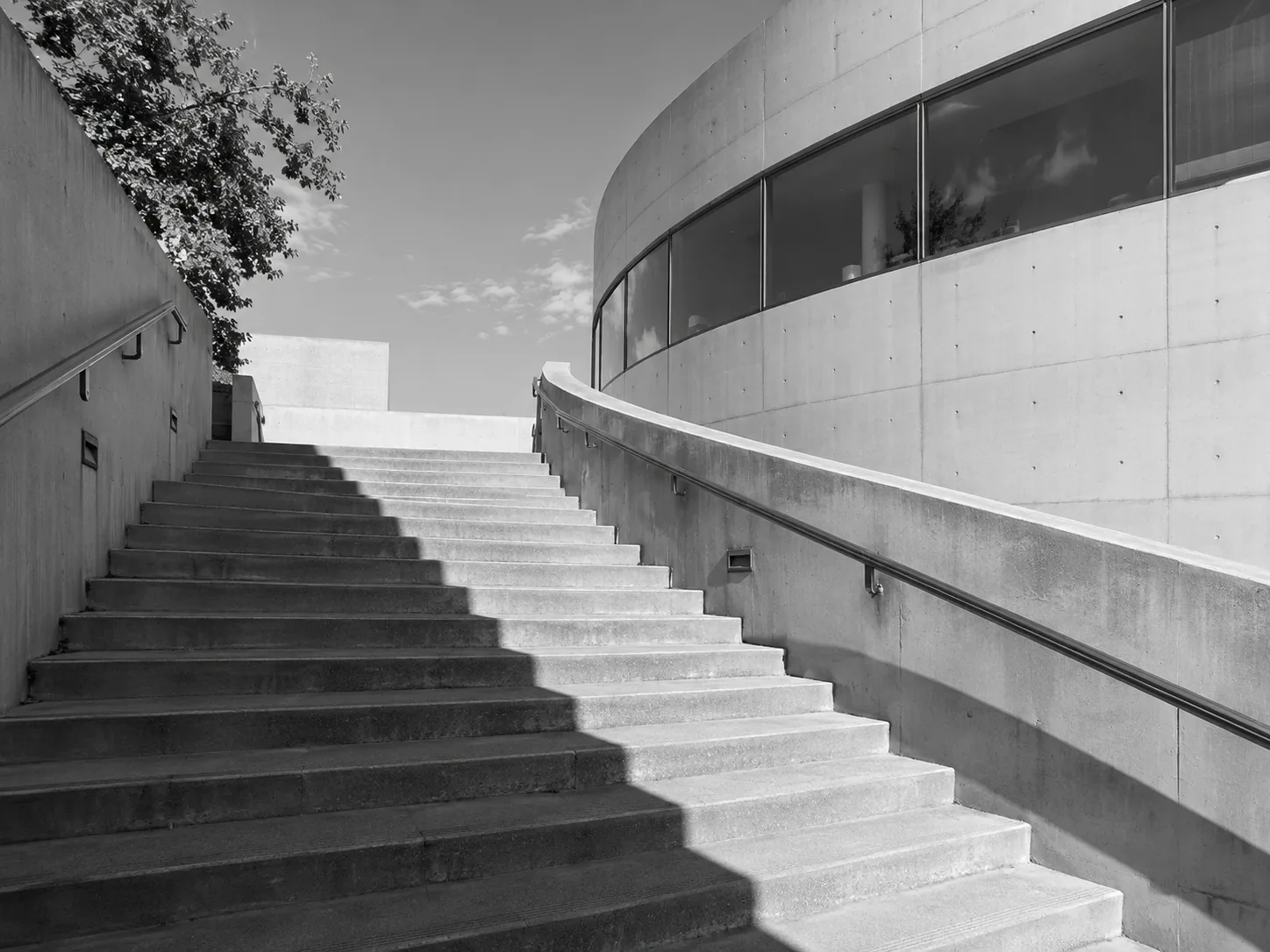
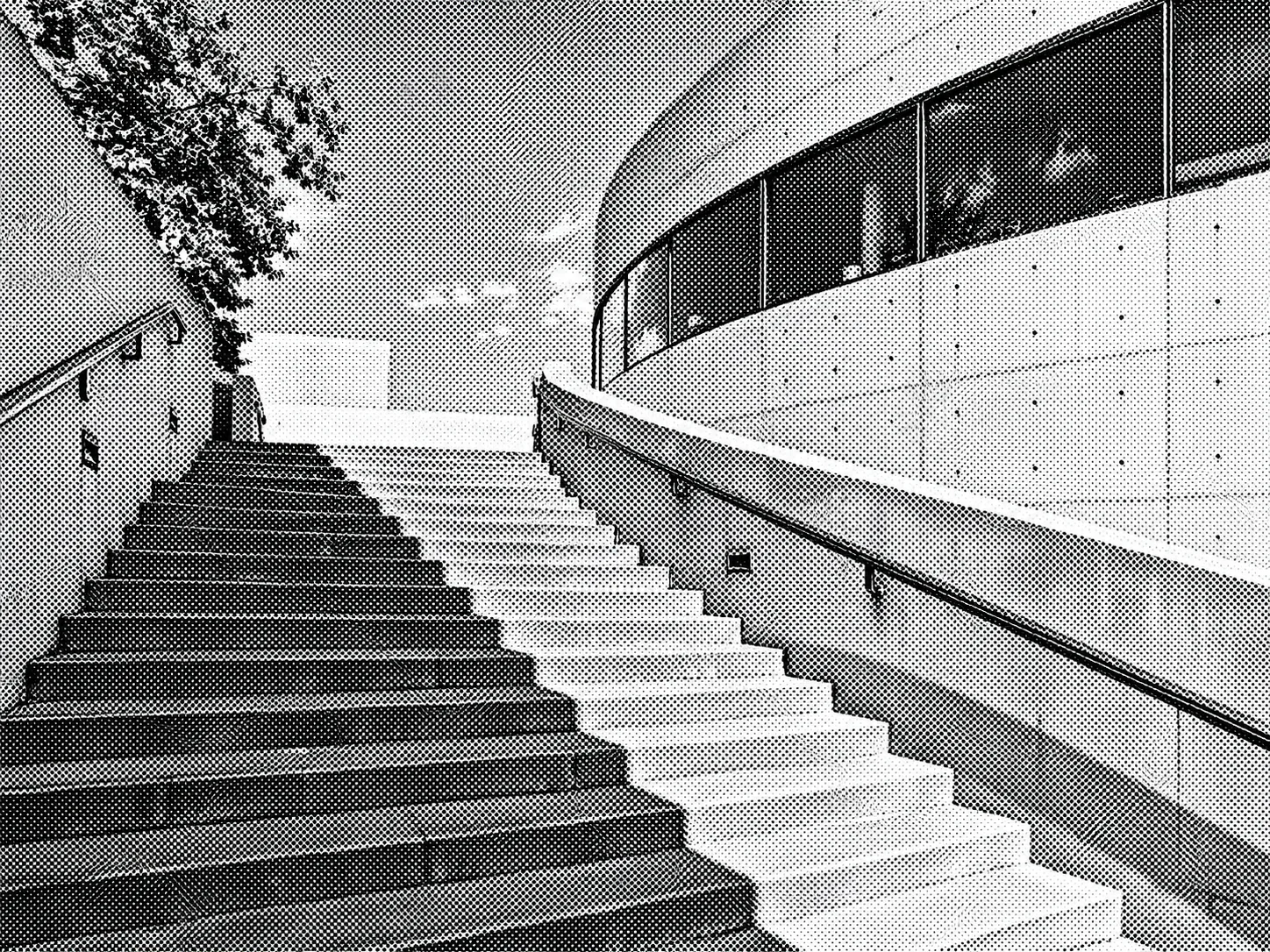
Architectural light studies
- Requested change
- Render concrete and diagonal shadows as dotted tones.
- Keep unchanged
- Keep stairs, building edges and their composition.
OriginalResult
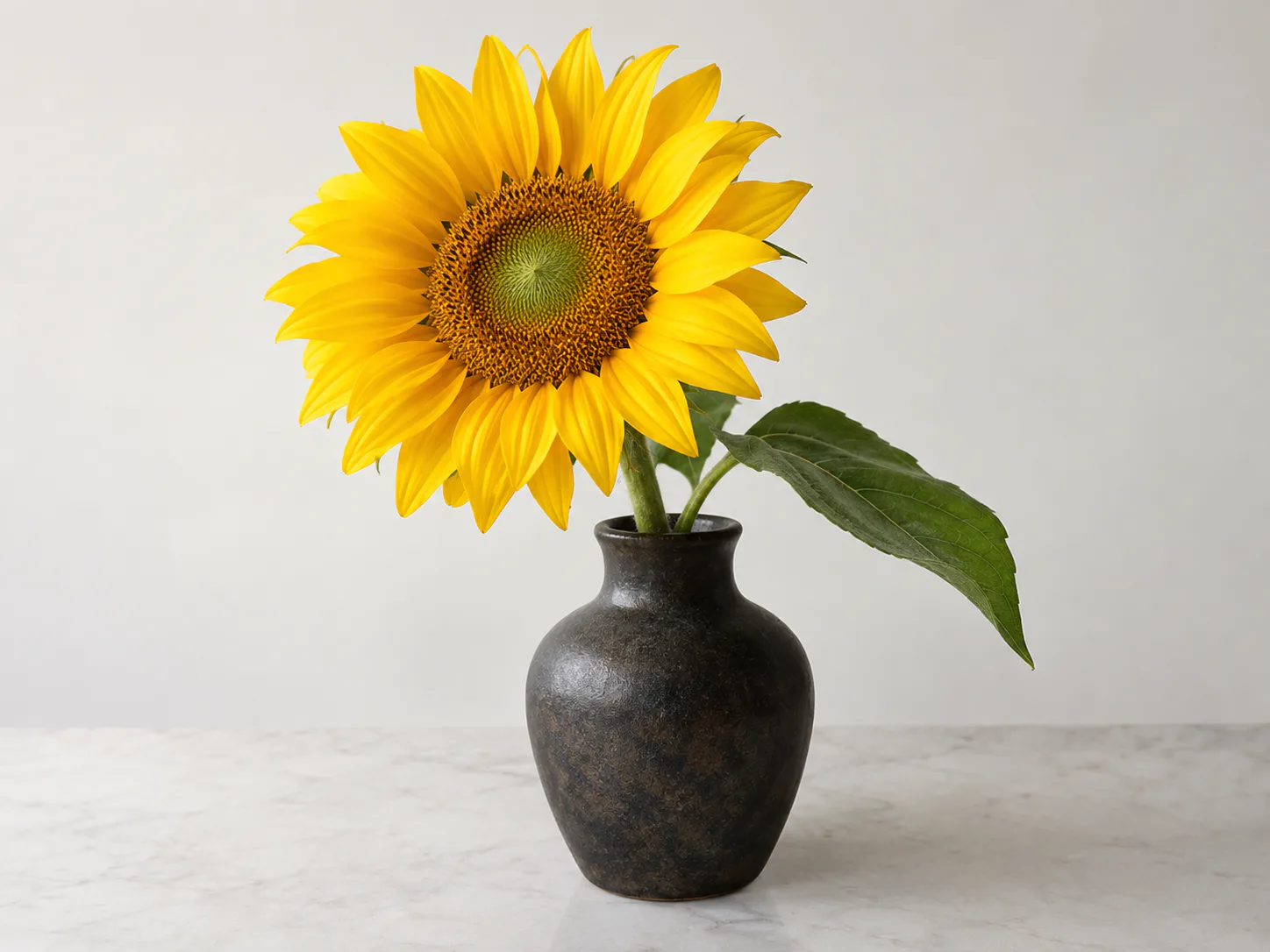
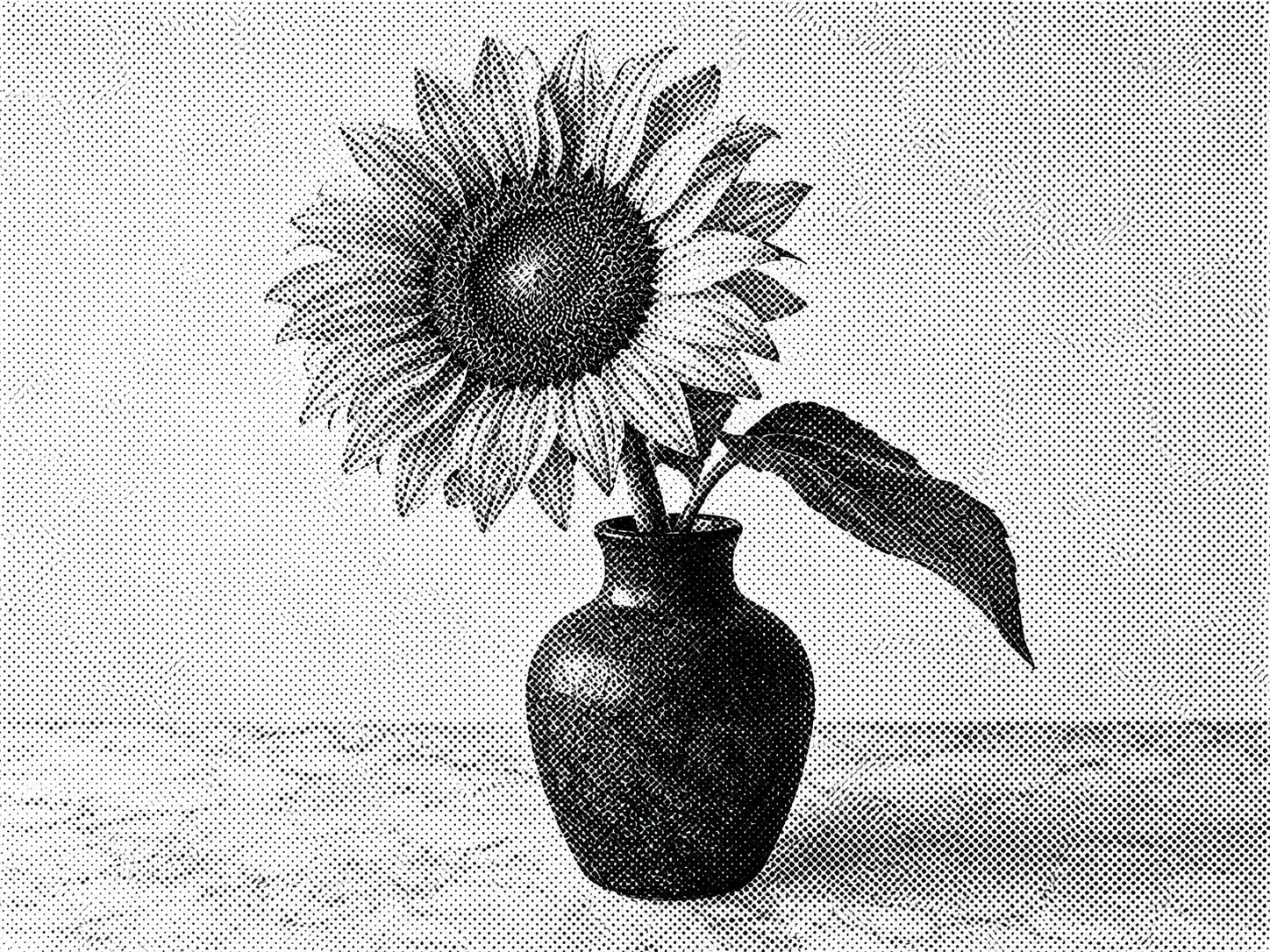
Botanical graphics
- Requested change
- Give a sunflower a graphic ink-dot treatment.
- Keep unchanged
- Retain the petals, vase and placement in the frame.
OriginalResult
Before you save
The output is a raster photo effect. It is not a vector trace, CMYK separation or calibrated screen-print file. Small lettering and delicate detail may lose clarity.
Questions and answers
Can I use this as a press-ready separation?
No. For print production, prepare resolution, ink separations and screen settings separately with your printer.
How do I keep more detail?
Start with a clear, well-lit source and choose fine dots. Inspect faces and small writing at the intended display size.
More ways to perfect your photo
Quick edits. Professional results.
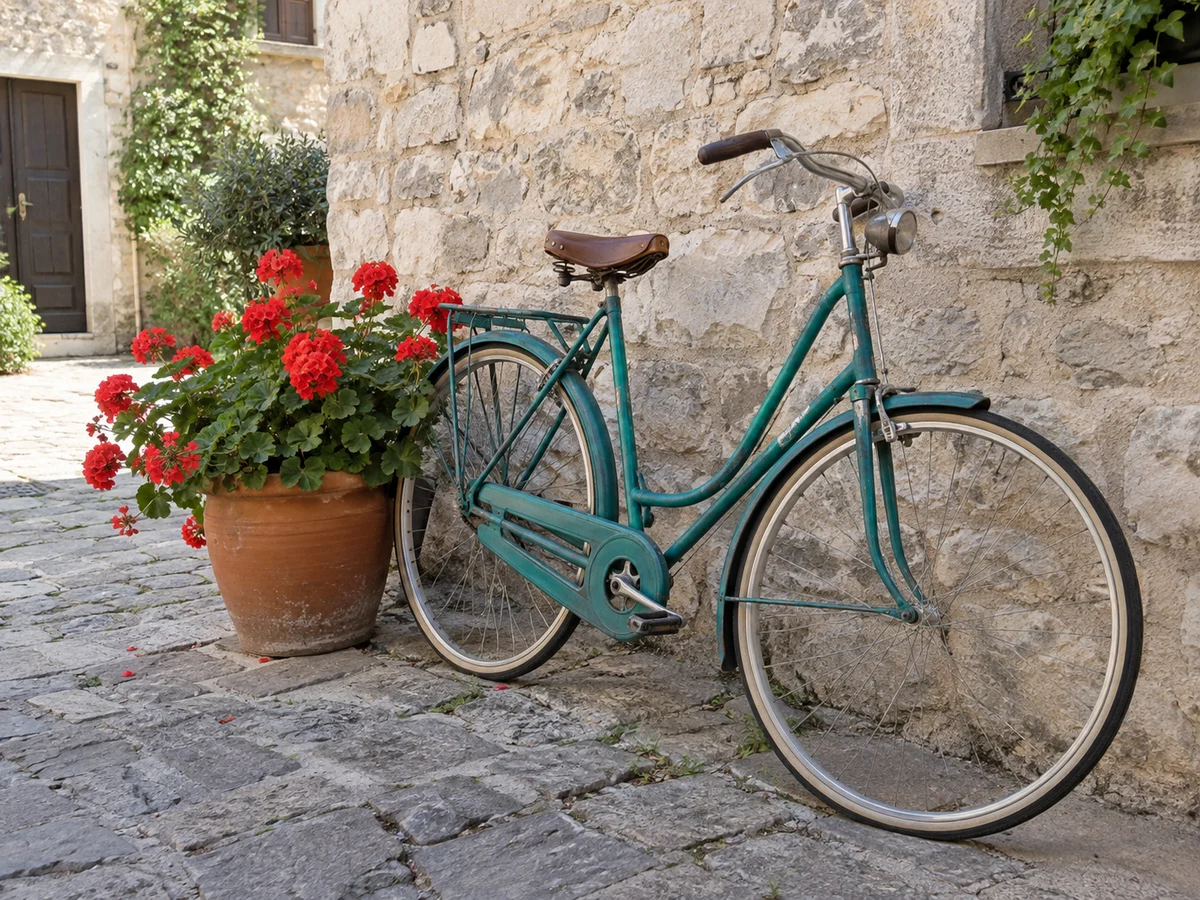
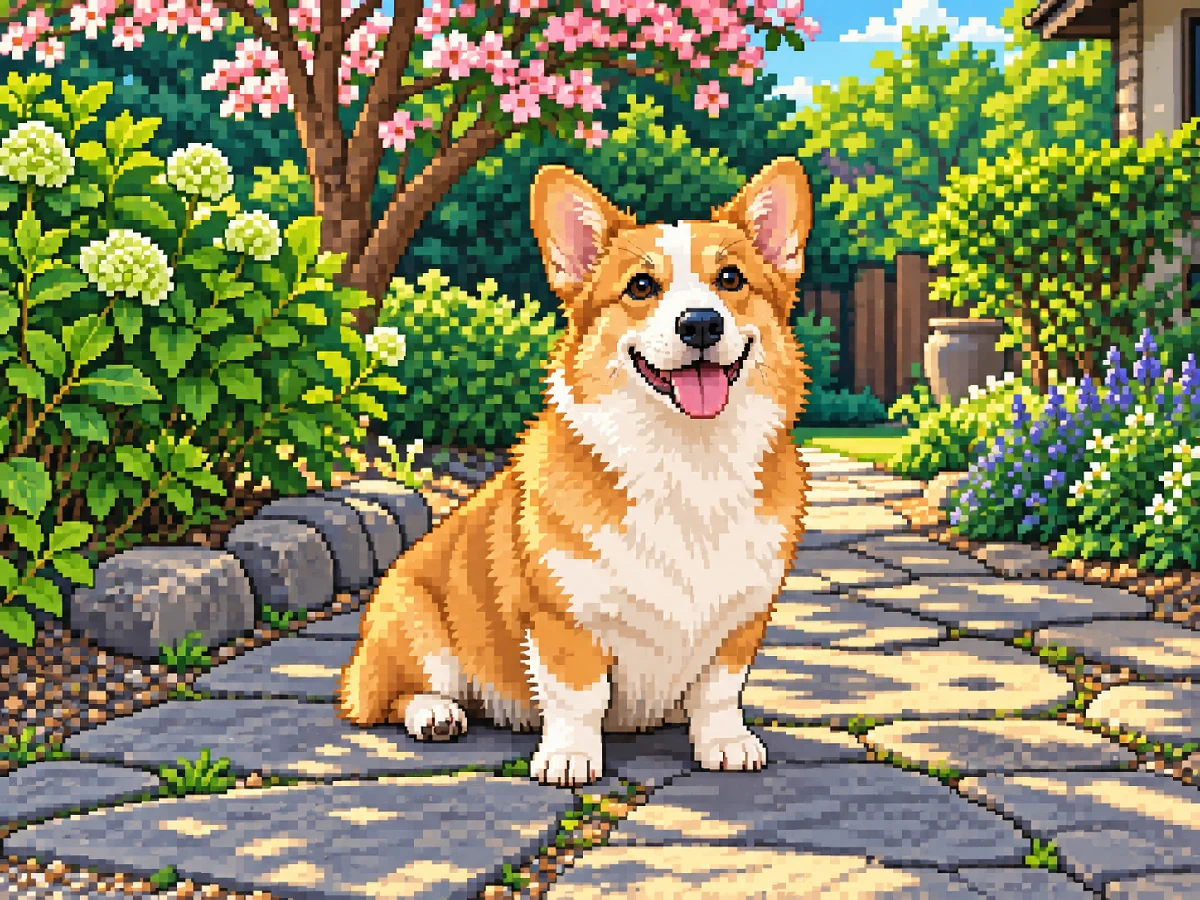
Pixel artTurn your photo into retro pixel artwork with crisp silhouettes, coordinated colors and expressive shading.
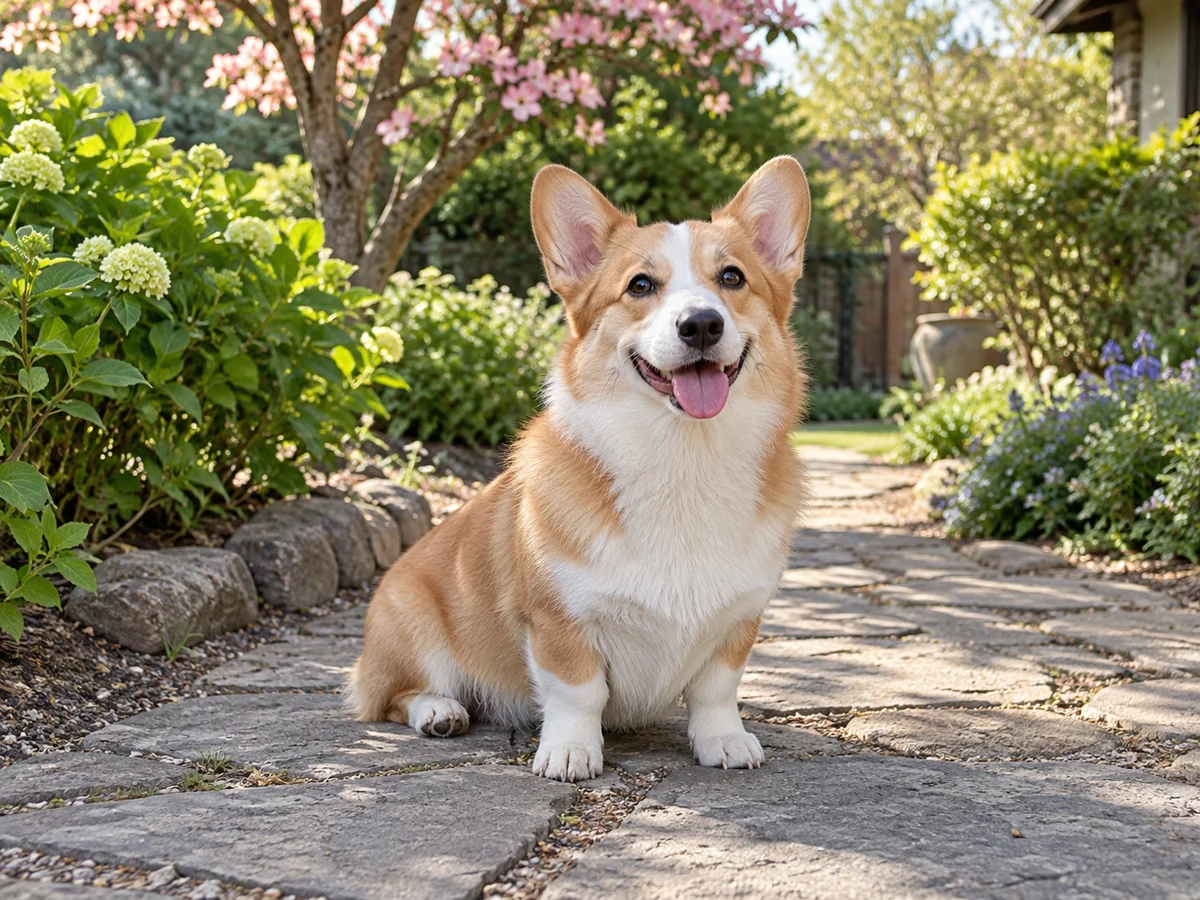
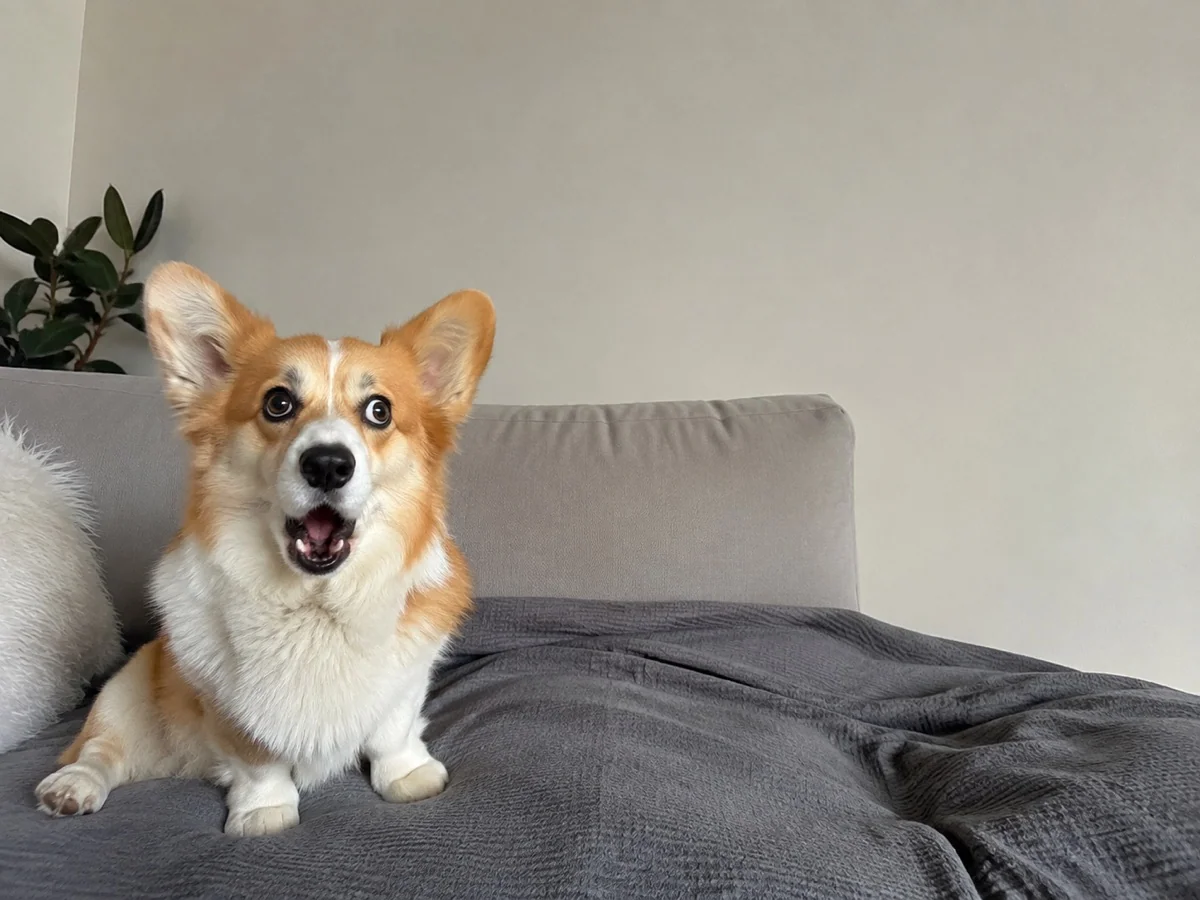
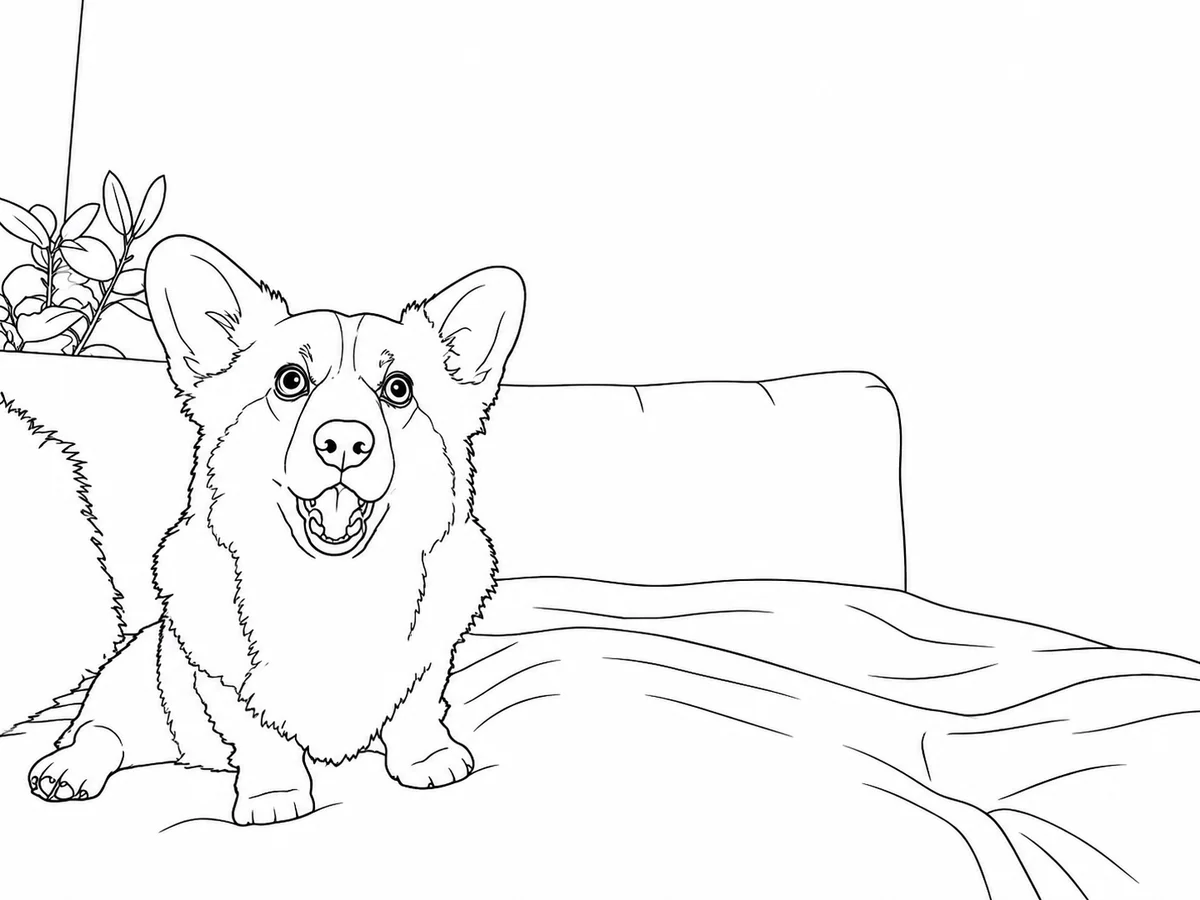
Turn a photo into a coloring pageMake a printable coloring page from a pet, flower or familiar scene. Convert your photo into black outlines on white, then review the shapes before printing.
Try it on your photo
Explore all photo toolsChoose a photo
Choose dot size in the editor, then generate the halftone image.