01غالبا ما يتحسن عندما يكون خفيفا
التركيز المفقود
يكون الهدف ناعمًا باستمرار بينما يظل الإطار ثابتًا وخاليًا من الخطوط الاتجاهية.
قم بإزالة التشويش من الصور الثابتة وشحذها
تحسين التركيز المفقود الخفيف، واهتزاز الكاميرا، ونعومة الضغط، وتعريف الحافة الضعيف في الصورة الثابتة. قم بالتحميل مرة واحدة وتابع مع الأداة الجاهزة الحالي المحدد بالفعل.
للصور الثابتة فقط. تستخدم مهام استعادة النص والفيديو مسارات عمل مختلفة.
تابع مباشرةً في إعداد التحسين المسبق
شحذ الحافة، وليس القصة بأكملها
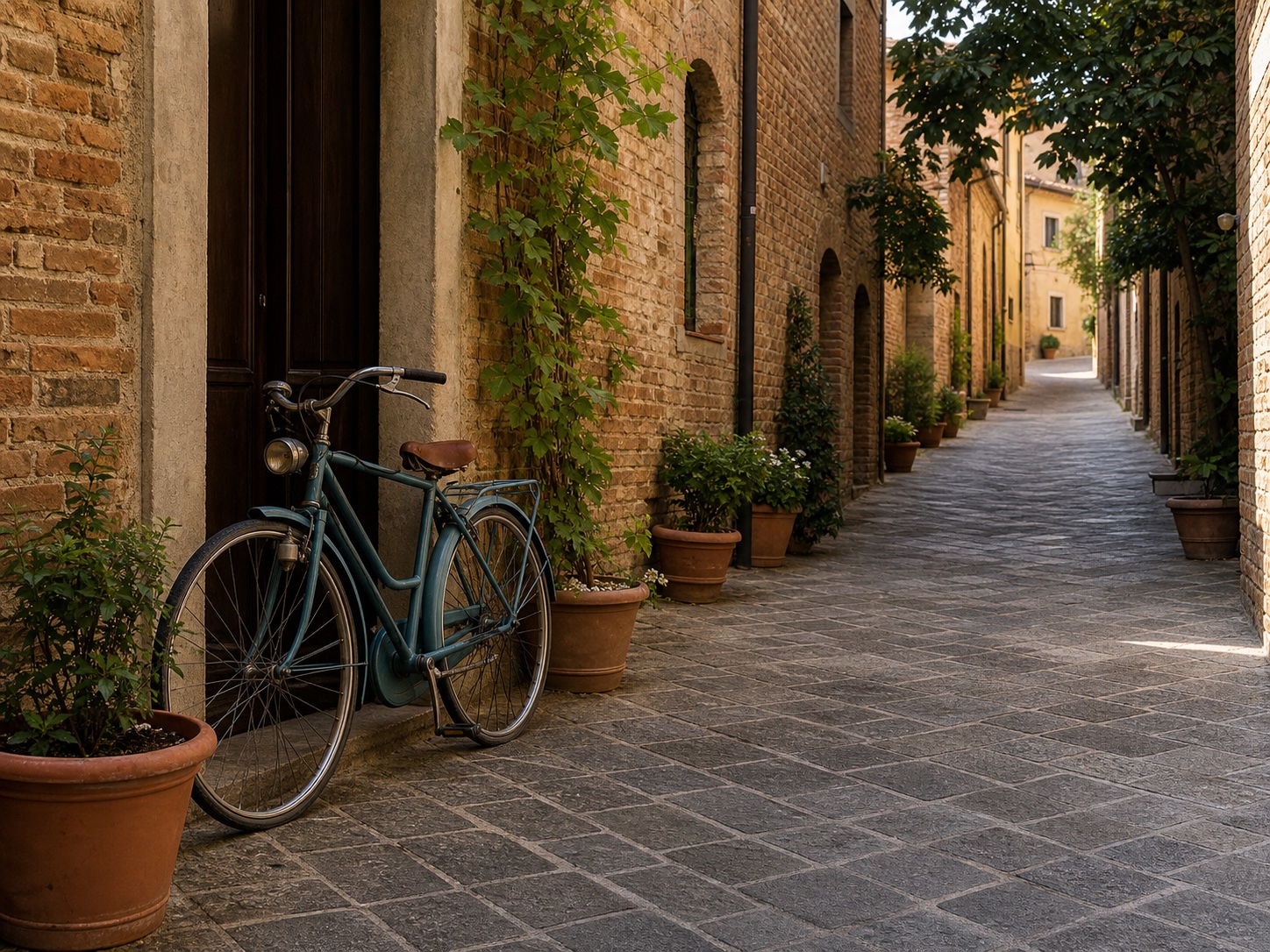
مقارنة توضيحية من دليل وضوح الصور ClearCrowds. تعتمد إمكانية الاسترداد على المصدر.
قم بتسمية الضبابية
قد تحتوي الصورة الواحدة على أكثر من مشكلة. استخدم المعاينة للحكم على ما إذا كانت النتيجة التي تم إنشاؤها تعمل على تحسين الموضوع دون اختراع تفاصيل مشتتة للانتباه.
يكون الهدف ناعمًا باستمرار بينما يظل الإطار ثابتًا وخاليًا من الخطوط الاتجاهية.
تتحرك الحواف عالية التباين في اتجاه واحد لأن الكاميرا تحركت أثناء التعرض.
تفقد الصورة التي تم تغيير حجمها أو المشاركة تباين حوافها الواضح وتبدأ في الظهور بشكل مسطح أو شمعي.
مسار تعديل واحد مركّز
يتم فتح التحميل ClearCrowds مع تحديد الأداة الجاهزة "تحسين" لتمرير وضوح الصورة الثابتة.
اختر ملف الكاميرا الأصلي أو أكبر نسخة متاحة بدلاً من لقطة شاشة للمعاينة.
دع النموذج يعمل على تحسين الوضوح وتعريف الحافة وتوازن الضوضاء والجودة المرئية الشاملة.
قم بمراجعة العيون والشعر والأصابع والحروف والأنسجة والحواف عالية التباين قبل التصدير.
يكون مسار التعديل مفيدًا للغاية عندما يظل موضوع يمكن التعرف عليه ولكن الالتقاط يفتقر إلى الوضوح.
قم بتحسين الوجه الناعم قليلاً أثناء التحقق من الهوية والشعر والجلد وتفاصيل العين.
يوازن بين الضوضاء الخفيفة والنعومة في الصور الداخلية أو المسائية دون زيادة الحدة.
قم بتوضيح الحواف والمواد والتغليف في صورة ثابتة للمنتج قبل النشر.
استعد موضوعًا أكثر قابلية للقراءة من إطار قابل للاستخدام متأثر باهتزاز الضوء أو الضغط.
نطاق الصورة الثابتة
يمكن أن يؤدي التحسين إلى تعزيز التفاصيل التي لا تزال موجودة. لا يمكنها ضمان تفاصيل دقيقة للوجه أو الكلمة أو الرقم أو المشهد عندما يقوم المصدر بتلطيخها.
ما الذي يمكن لمسار تعديل الصورة الثابتة تحسينه، وما لا يمكن استعادته، وكيفية مراجعة المخرجات.
تعديلات سريعة. نتائج احترافية.
رؤية كتل مربعة بدلا من ذلك؟
إذا كان العيب الرئيسي هو وحدات البكسل الممتلئة أو حواف درجات السلم بعد التكبير، فانتقل إلى مسار التعديل فائق الدقة.
فتح صورة غير بكسلتابع مباشرةً في إعداد التحسين المسبق