
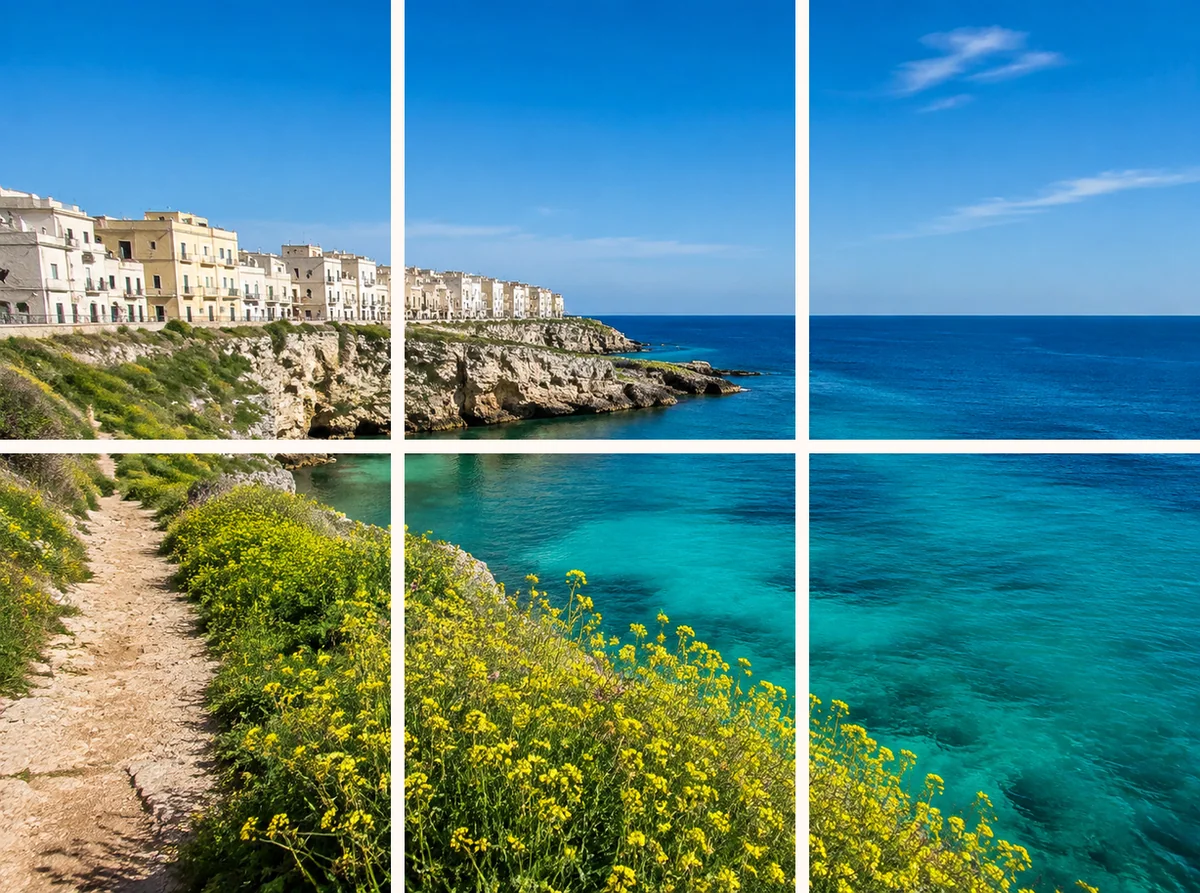
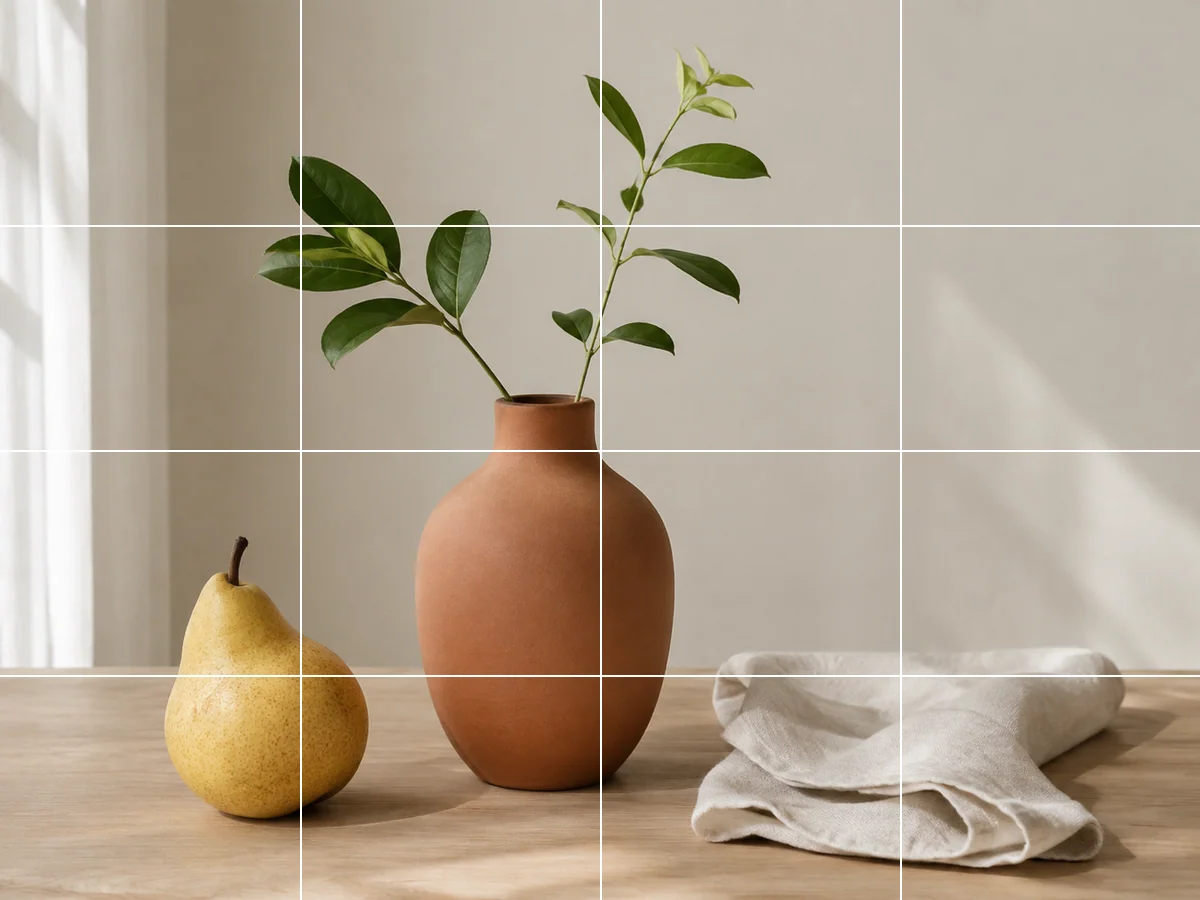
Split an image into separate piecesCut a photo into rows and columns, then edit each piece on the canvas. Download individual tiles for layouts, presentations or image sequences.
Stretch an image to a custom size
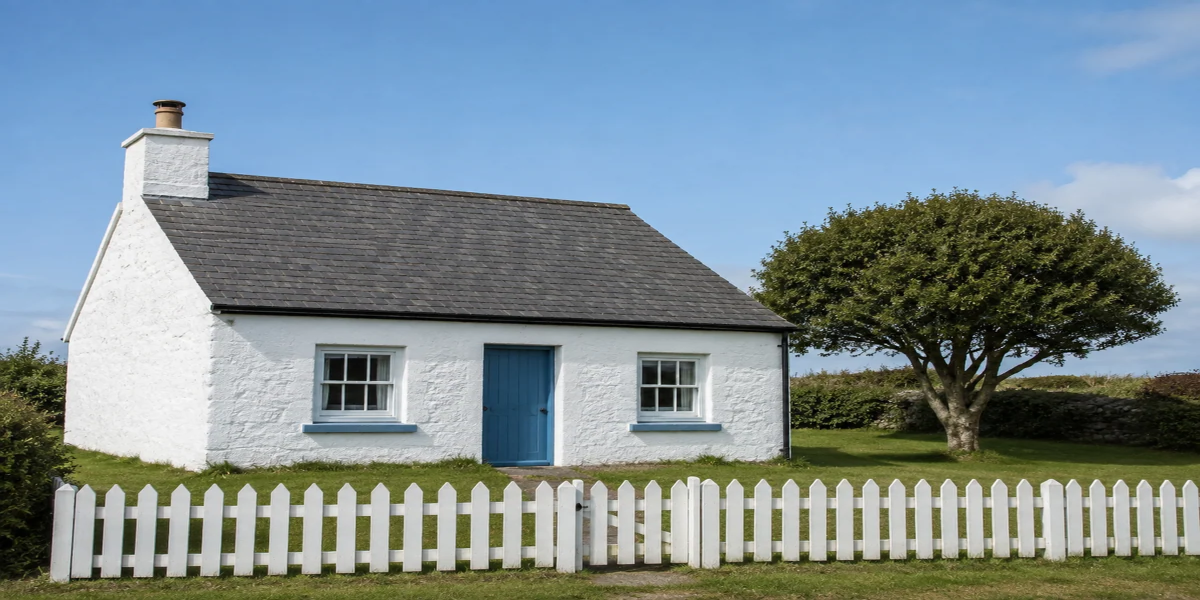
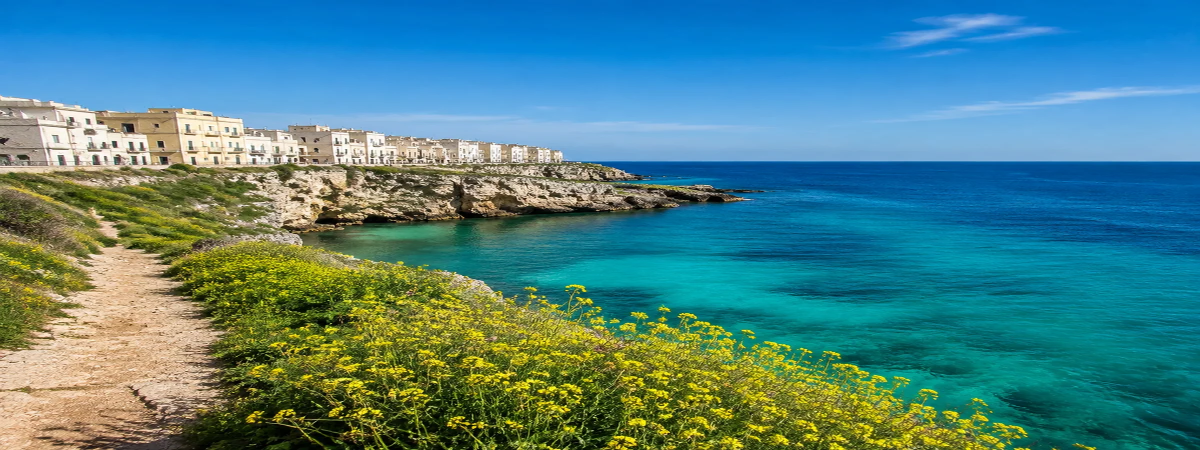
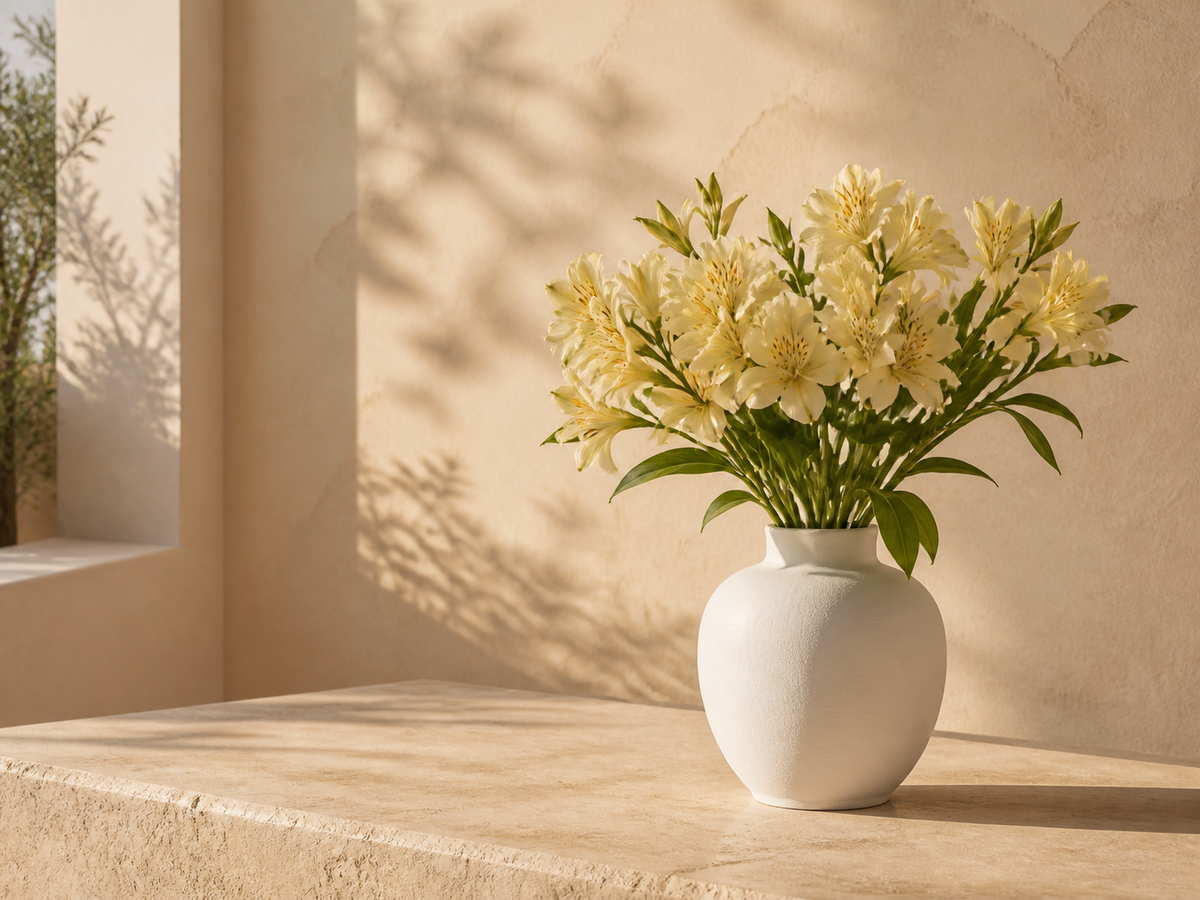
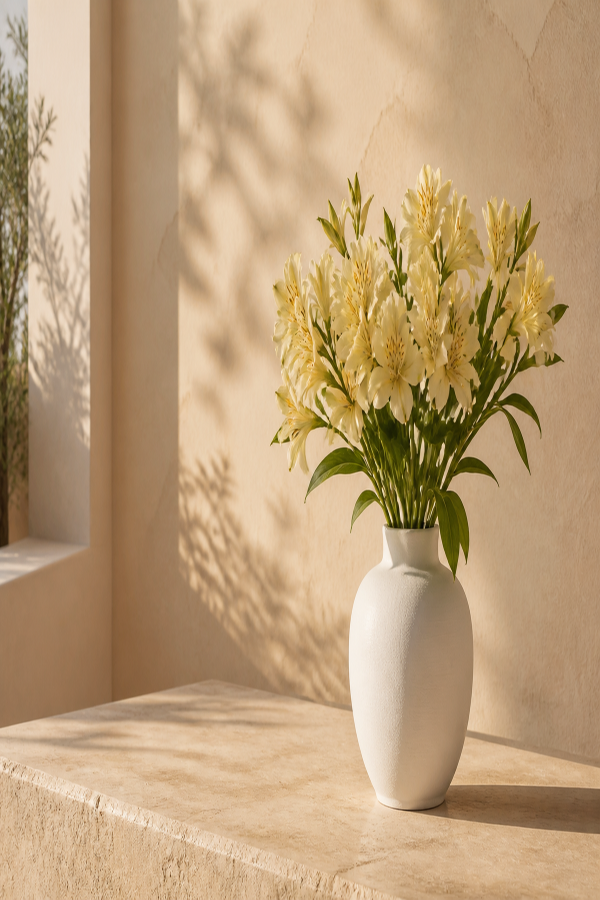
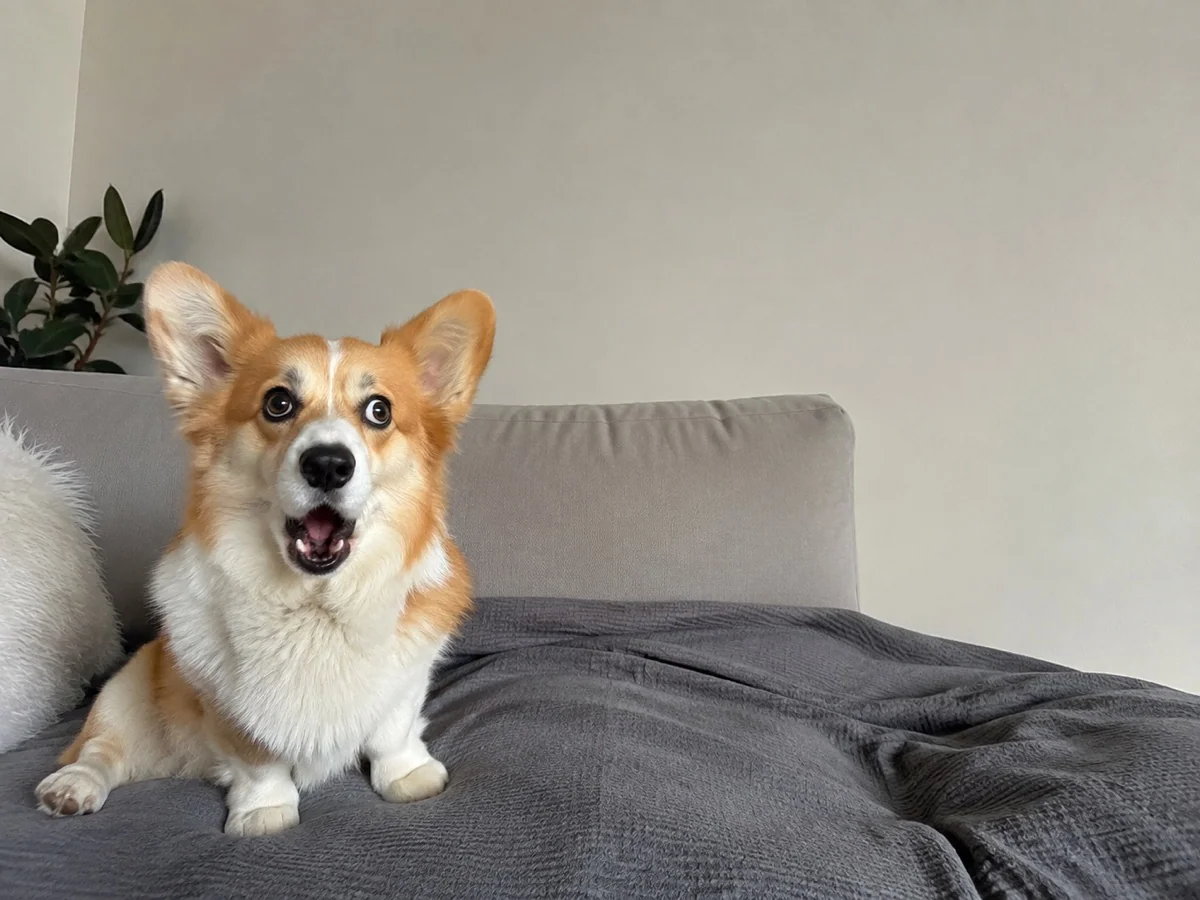
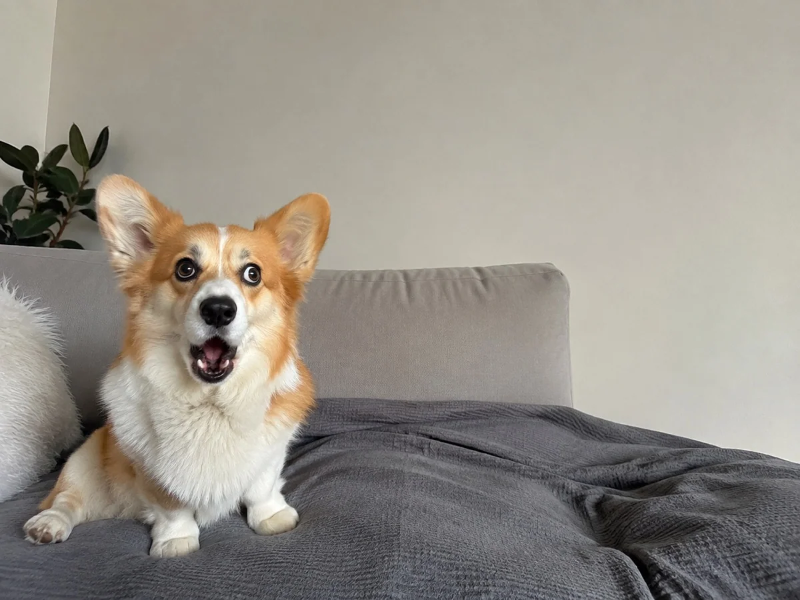
Set the width and height independently to make an image wider or taller. Keep proportions enabled when you only want a proportional resize.
Choose a photo
Start with the image you want to change.
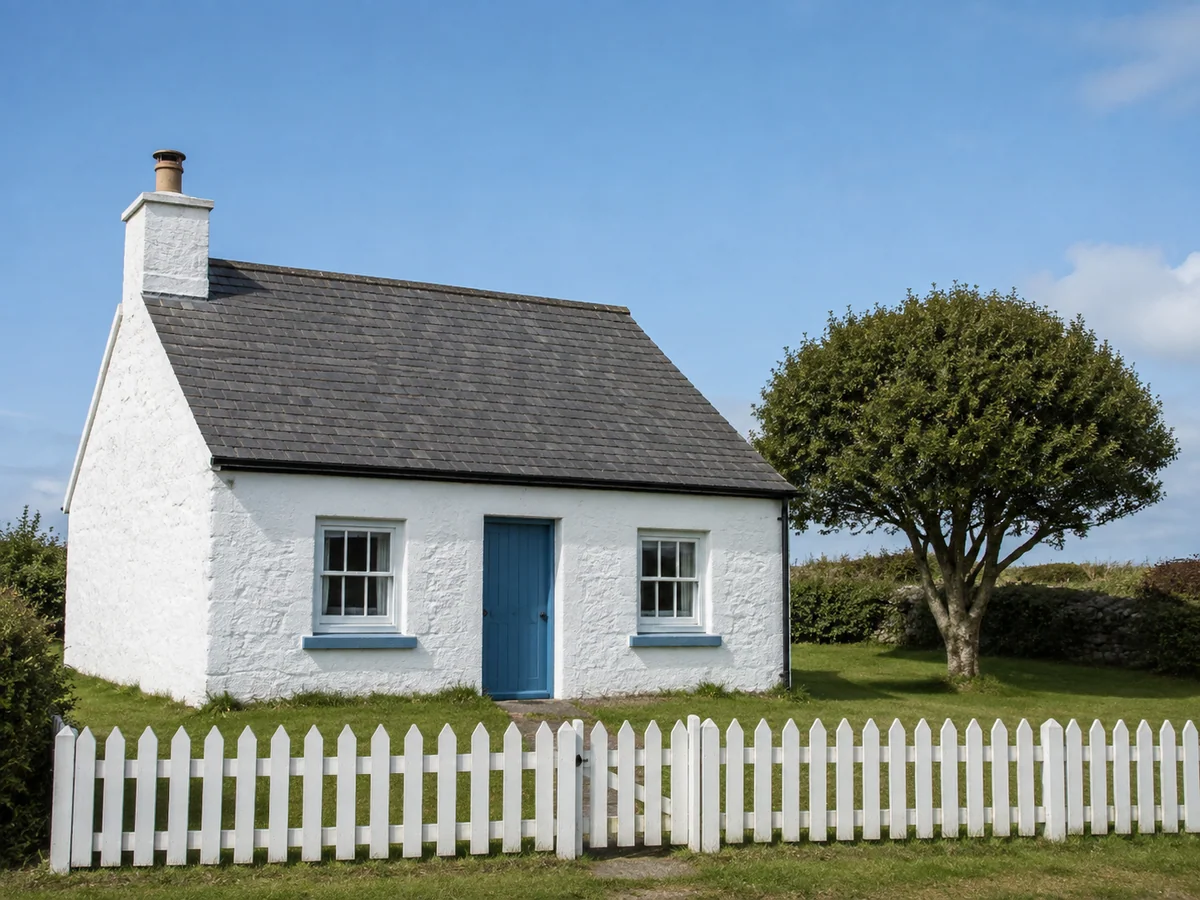
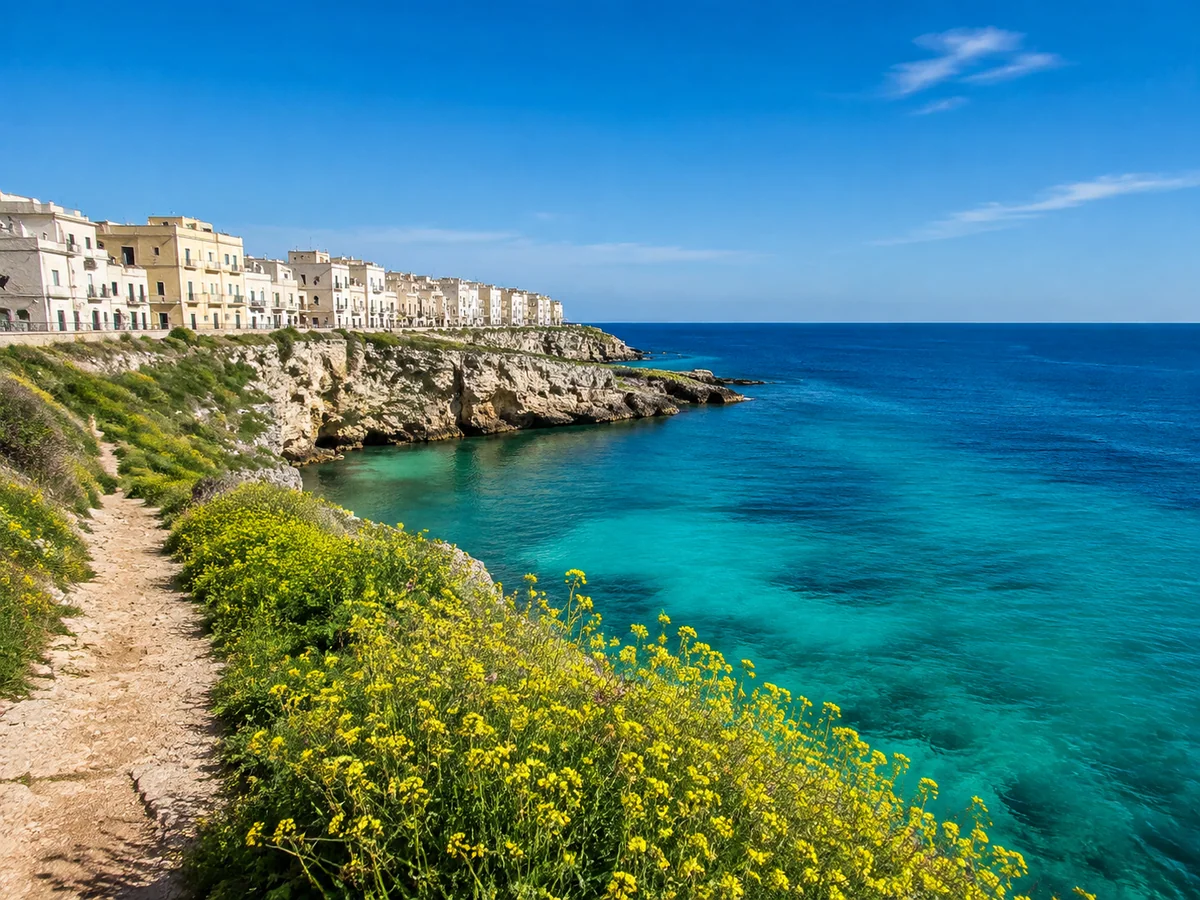
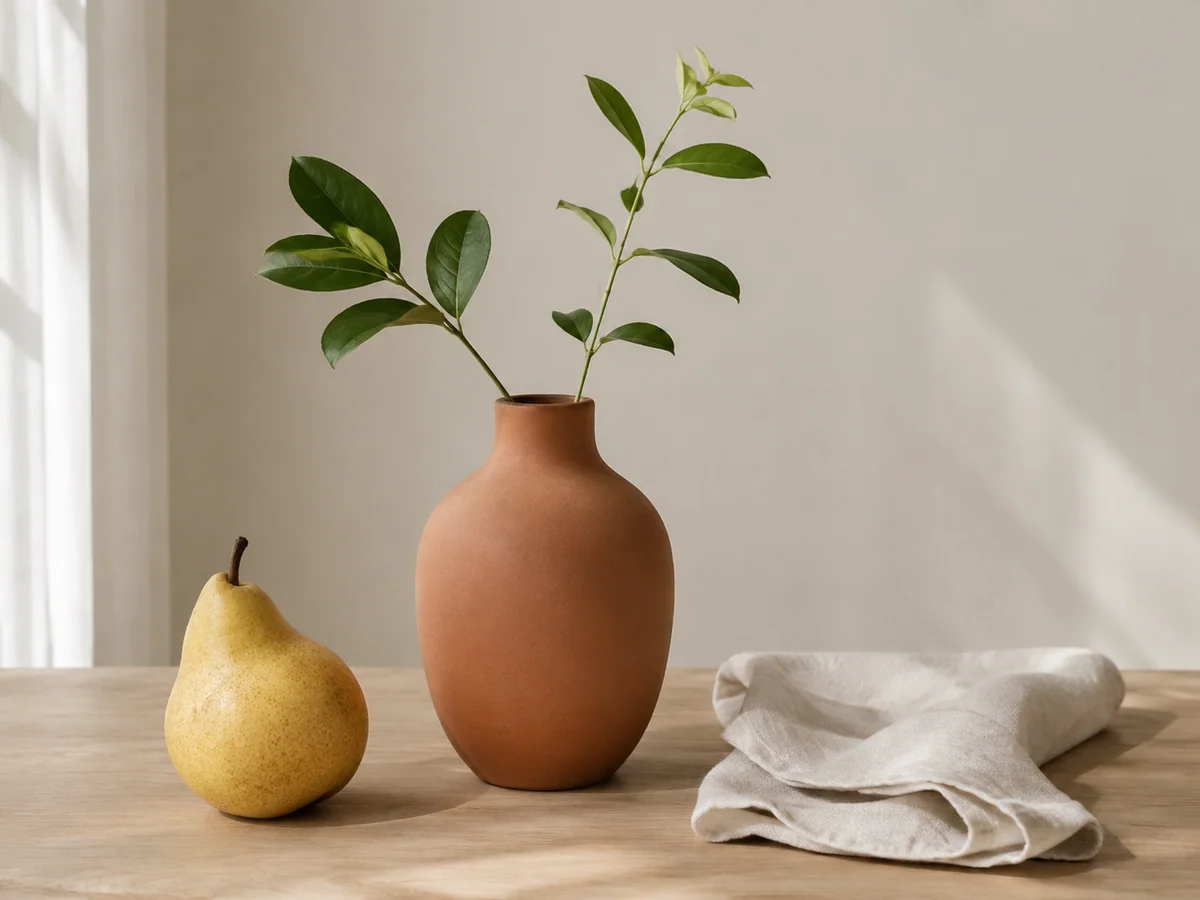
OriginalResult
Preview the exact change
Enter output dimensions in pixels. Turn off Keep proportions to stretch, or turn it on to derive height from width.
How to use this tool
- 1
Choose a photo
Start with the image you want to change.
- 2
Review the result
Compare the preview with the original before confirming.
- 3
Keep editing
Confirm the result, continue editing or use the existing download controls.
Make a wide image
- Requested change
- Enter output dimensions in pixels. Turn off Keep proportions to stretch, or turn it on to derive height from width.
- Keep unchanged
- The entire image is retained without cropping or generating new content.
OriginalResult
Create a taller composition
- Requested change
- Enter output dimensions in pixels. Turn off Keep proportions to stretch, or turn it on to derive height from width.
- Keep unchanged
- The entire image is retained without cropping or generating new content.
OriginalResult
Resize proportionally
- Requested change
- Enter output dimensions in pixels. Turn off Keep proportions to stretch, or turn it on to derive height from width.
- Keep unchanged
- The entire image is retained without cropping or generating new content.
OriginalResult
Choose the right method
Stretching distorts proportions; it does not extend the scene or add detail. Outputs are limited to 16 megapixels and 8192 pixels per edge.
Questions and answers
What stays unchanged?
The entire image is retained without cropping or generating new content.
When should I choose another method?
Stretching distorts proportions; it does not extend the scene or add detail. Outputs are limited to 16 megapixels and 8192 pixels per edge.
More ways to perfect your photo
Quick edits. Professional results.
Stretch an image to a custom size
Choose a photo
Start with the image you want to change.