
Turn your photo black and white
Remove color while keeping the light, texture and composition of your photo. Adjust the strength and save a PNG.
JPG, PNG, WebP or JFIF · One photo, up to 20 MB and 24 megapixels


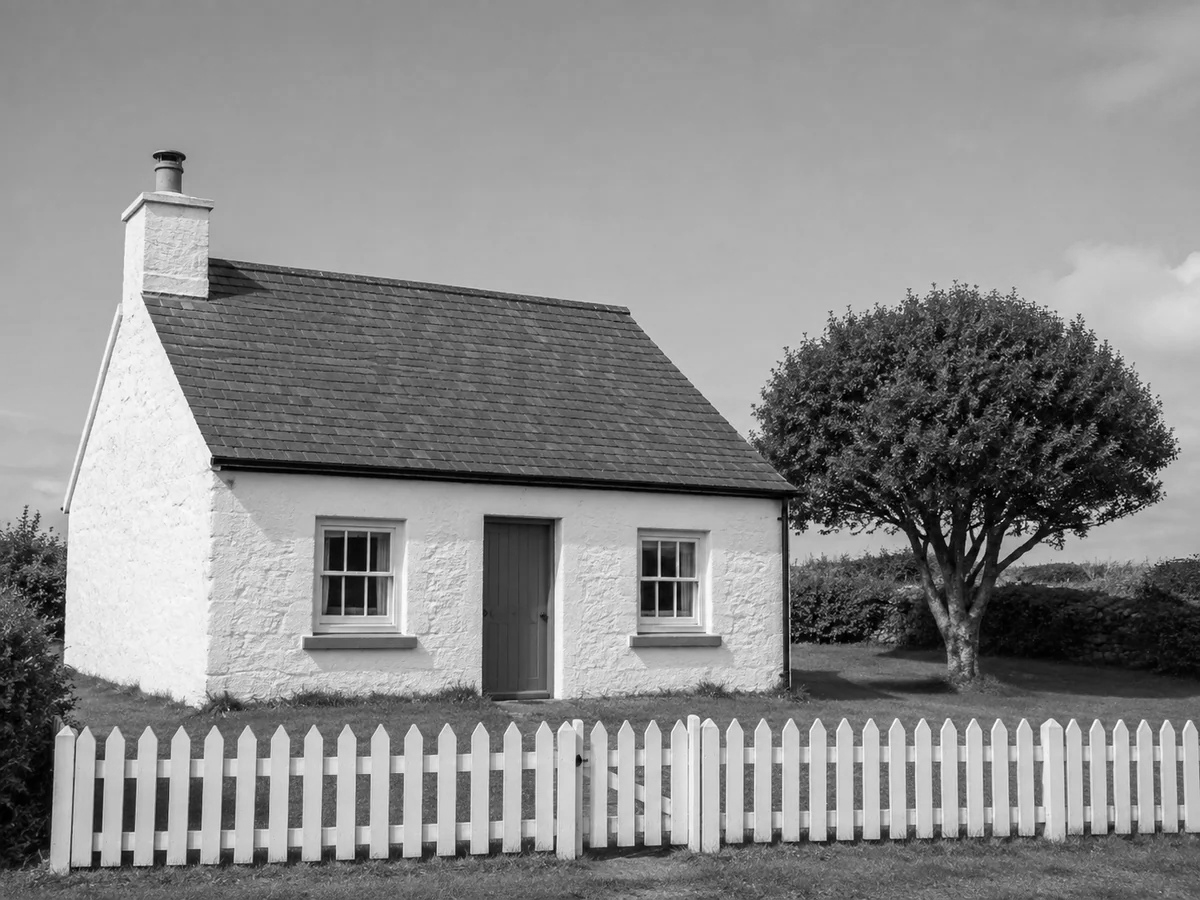
Monochrome architecture
Without the green foliage and warm brick colors, the cottage reads through roof lines, masonry and window shapes. Use full grayscale for a monochrome architectural study, or leave a trace of color for a quieter travel photograph.
Choose your black and white strength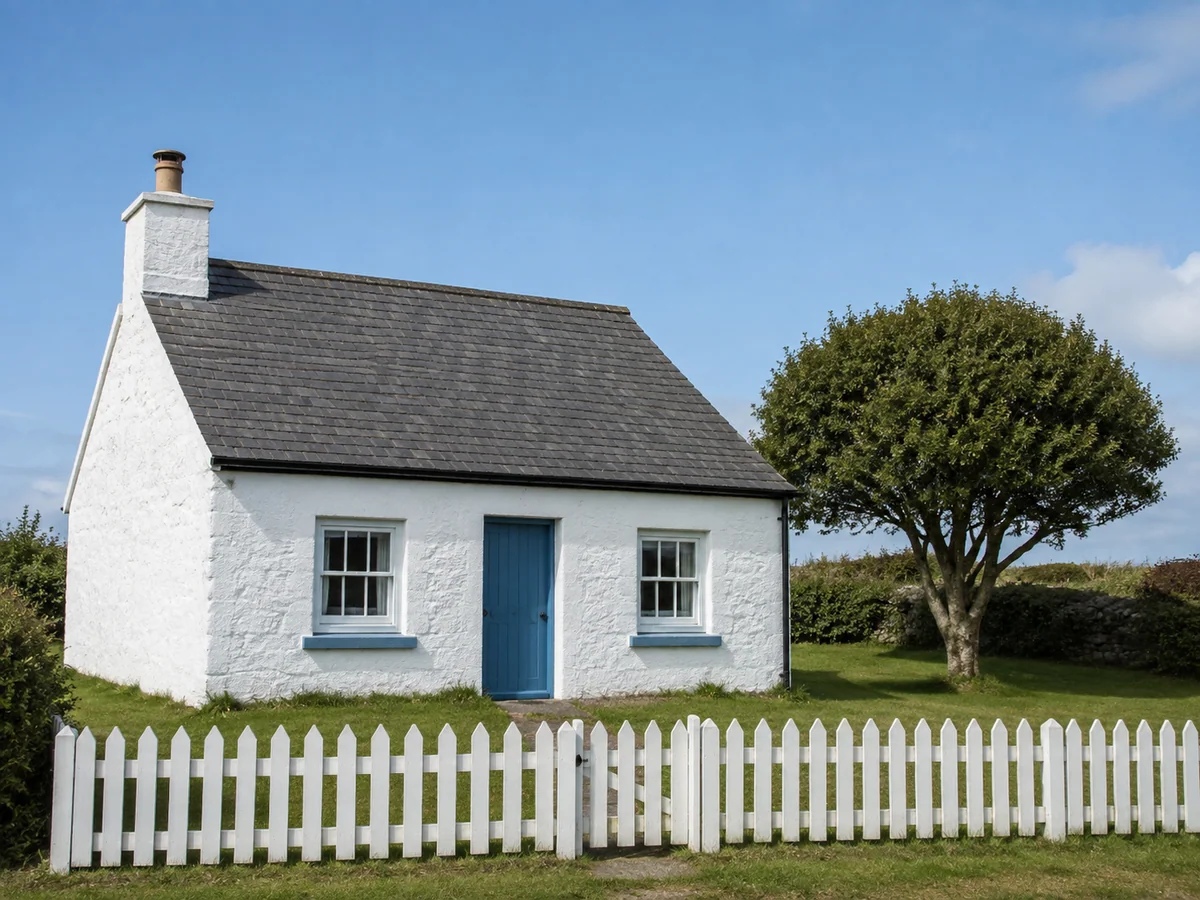
A street portrait with fewer color distractions
A bright outfit can compete with an expression. Desaturating this street portrait brings attention to the person, while retaining clothing folds, hair and the surrounding street. Dial the strength back if you want some of the original atmosphere.
Choose your black and white strength

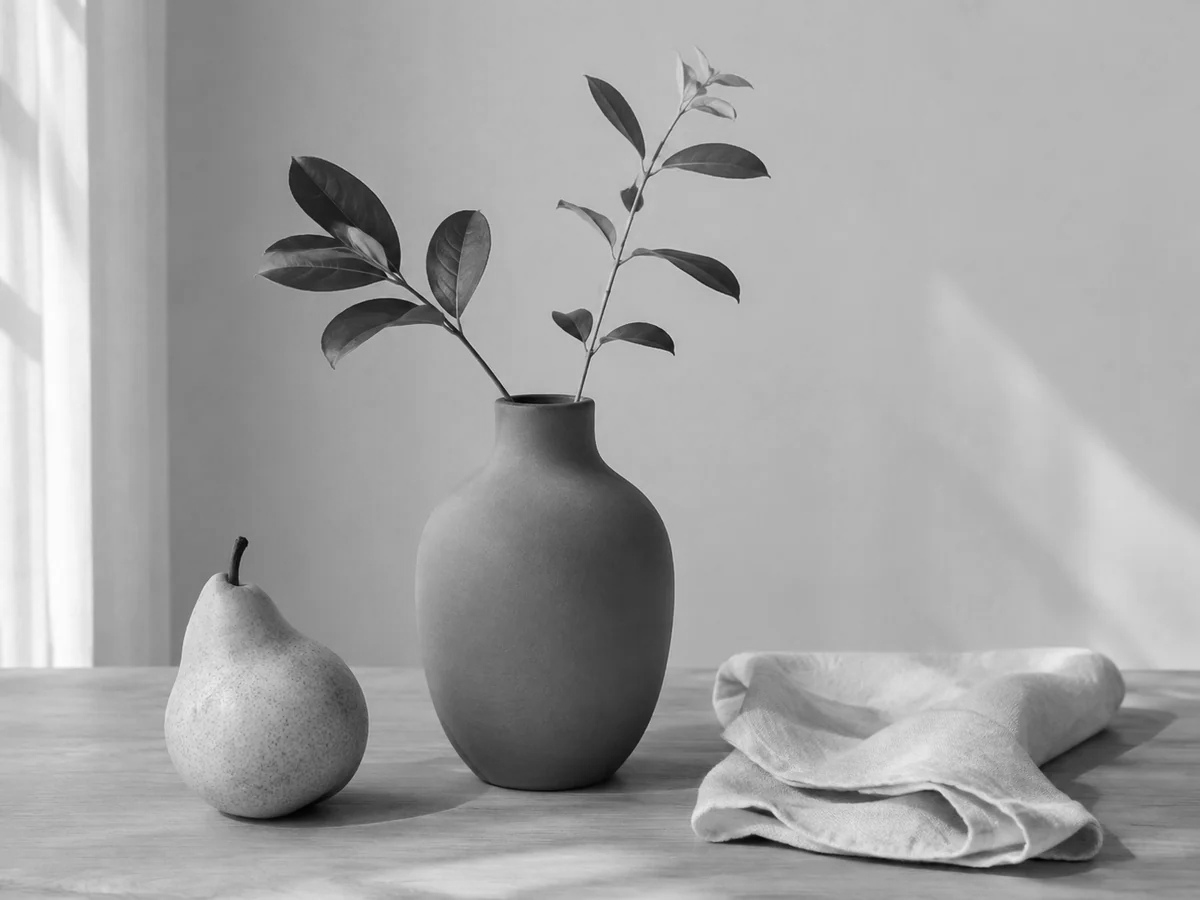
Texture in a still life
Ceramic glaze, wood grain and the pear’s skin take on different gray values. Look for separation between neighboring surfaces before exporting; similar colors can become similar tones. This filter does not create a pure black outline or a white paper background.
Choose your black and white strength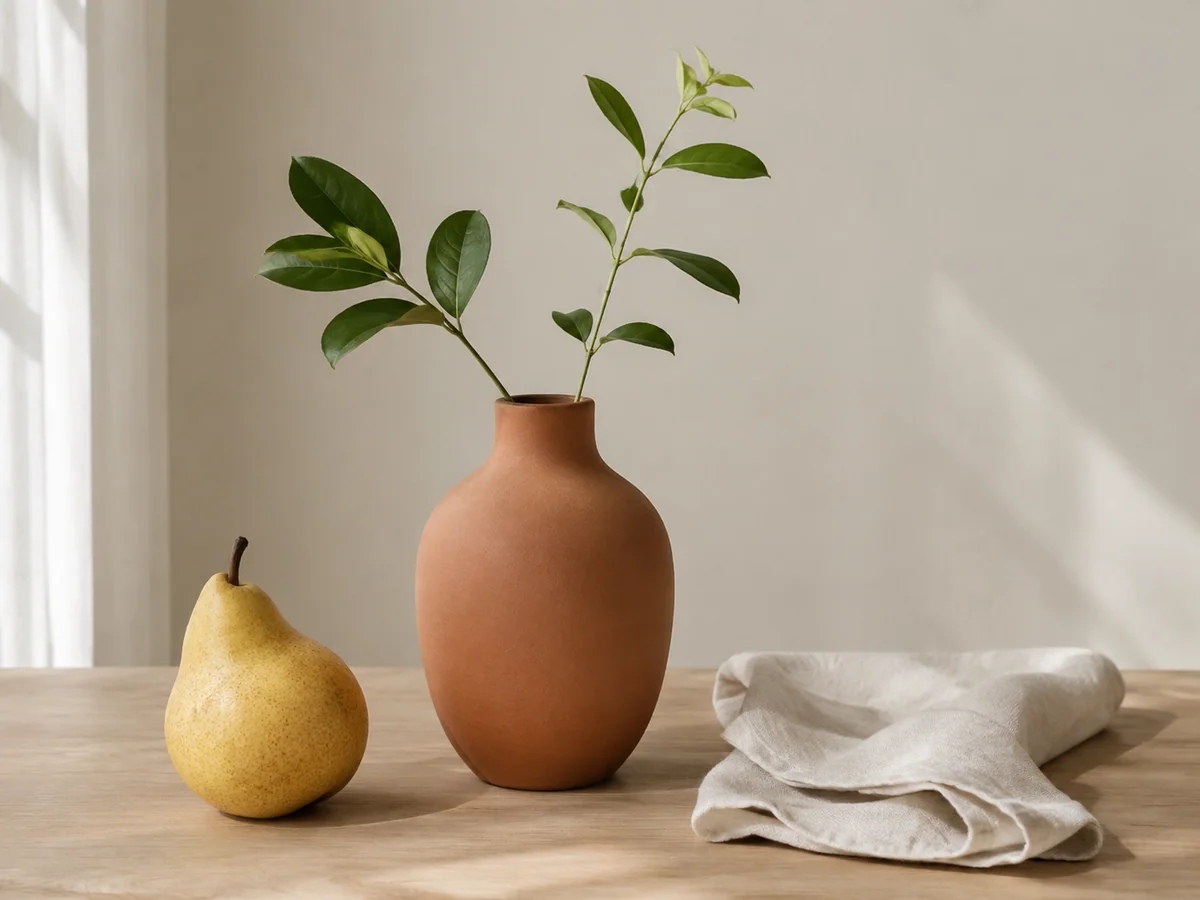
How to use this tool
Choose a photo
Choose a photo or try the sample. Check the preview before saving.
Choose your black and white strength
Full strength turns every color into a shade of gray. Lower the strength to keep a little color. Faces, objects and image dimensions stay in place.
Download
Check the result, then download the new file. Your original stays unchanged.
Your questions, answered
Is this a two-color stencil?
No. This creates a grayscale photograph with intermediate tones. It does not trace outlines, make a coloring page or restore detail missing from the original.
Does this upload my photo?
These edits run in your browser. The tool does not upload your photo for processing.