
Frame a photo for your profile
Crop your photo for a profile in the editor. Position the subject and choose a square or custom size.
Choose a photo
Choose a photo. It will upload and open the matching controls in the editor.
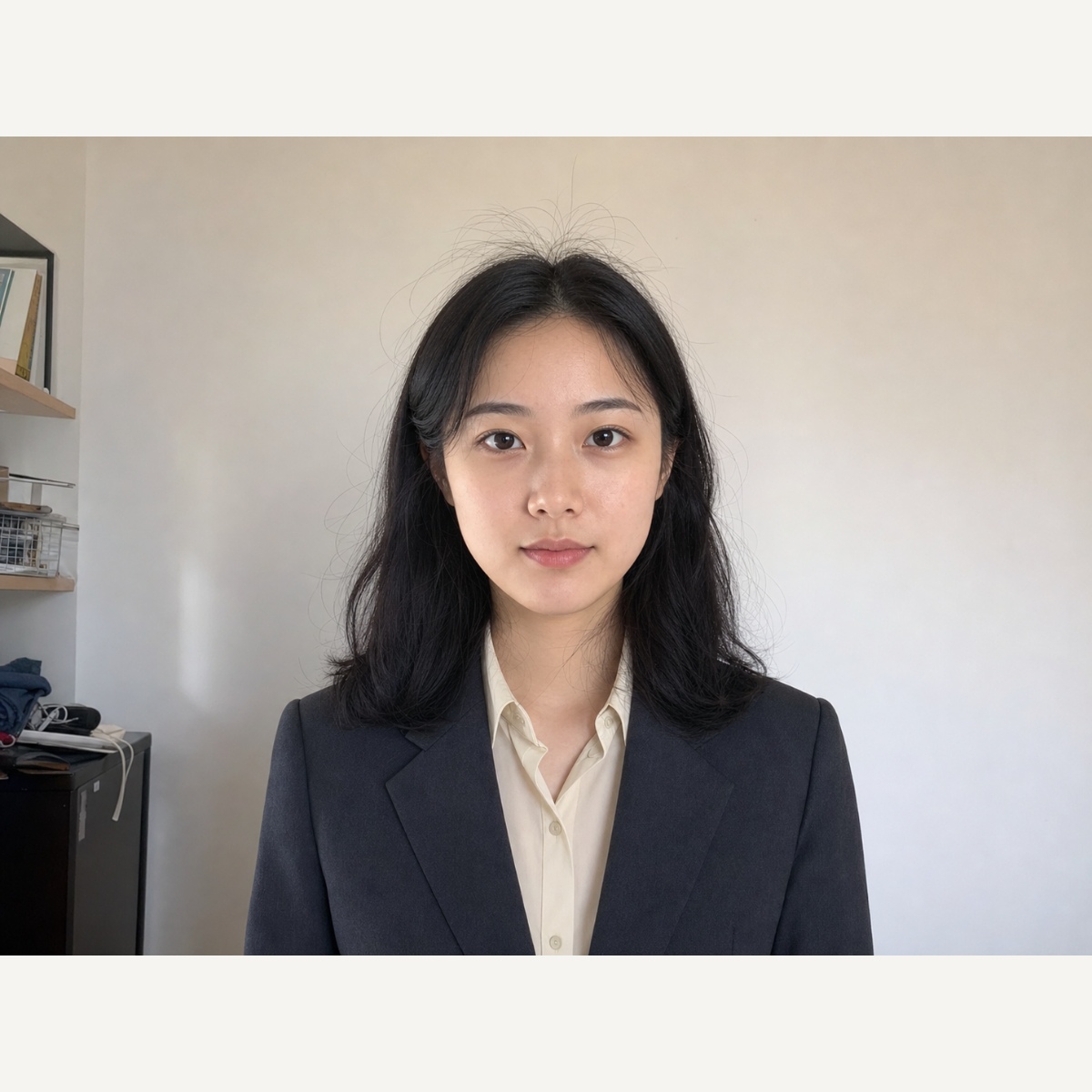
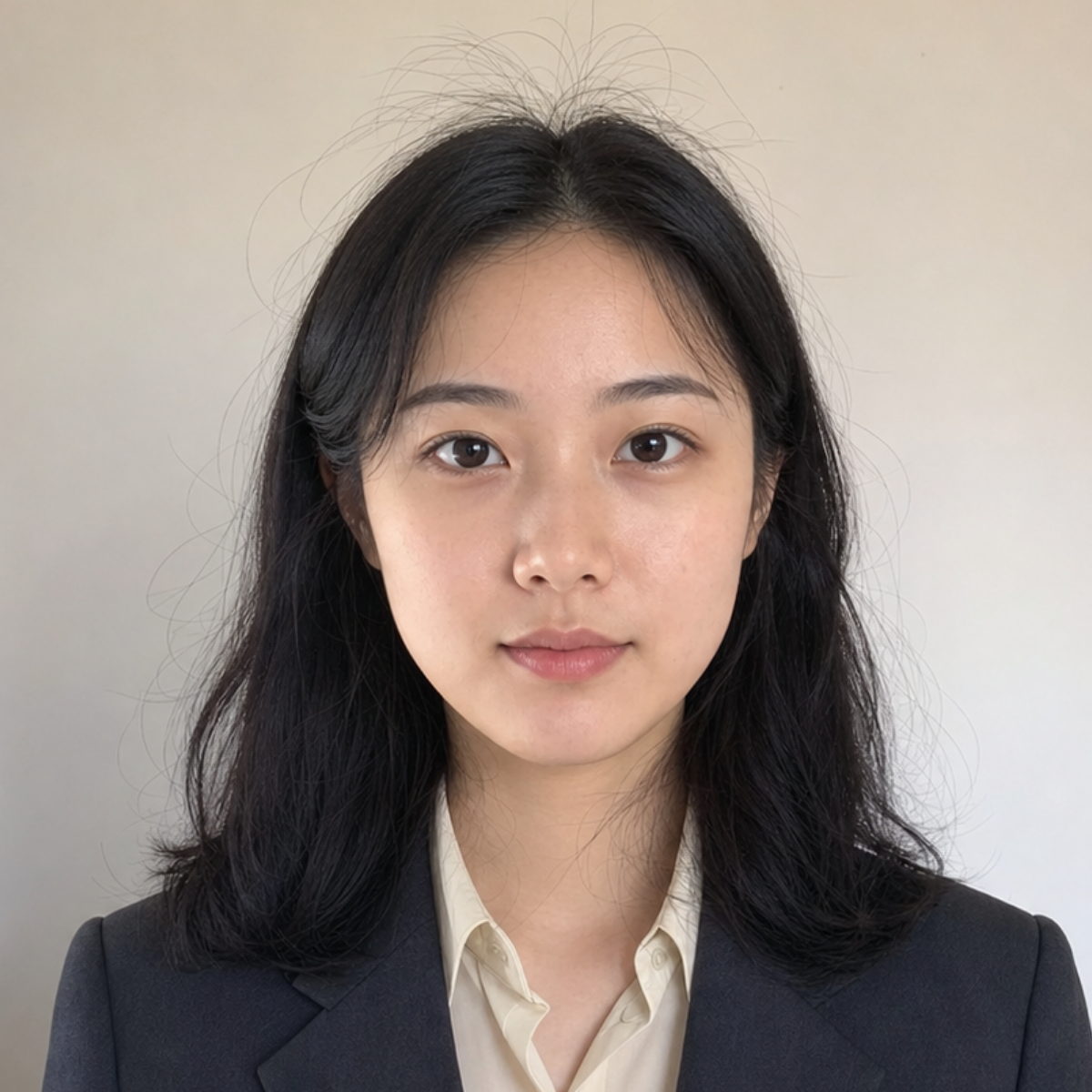
Position your subject inside the crop
The editor opens the crop form. Keep width and height equal for a square avatar, then position the crop and apply it.
A pet avatar with room around the ears
Keep both ears inside the frame when making a pet avatar. Adjust the crop position before making it tighter.
Position your subject inside the crop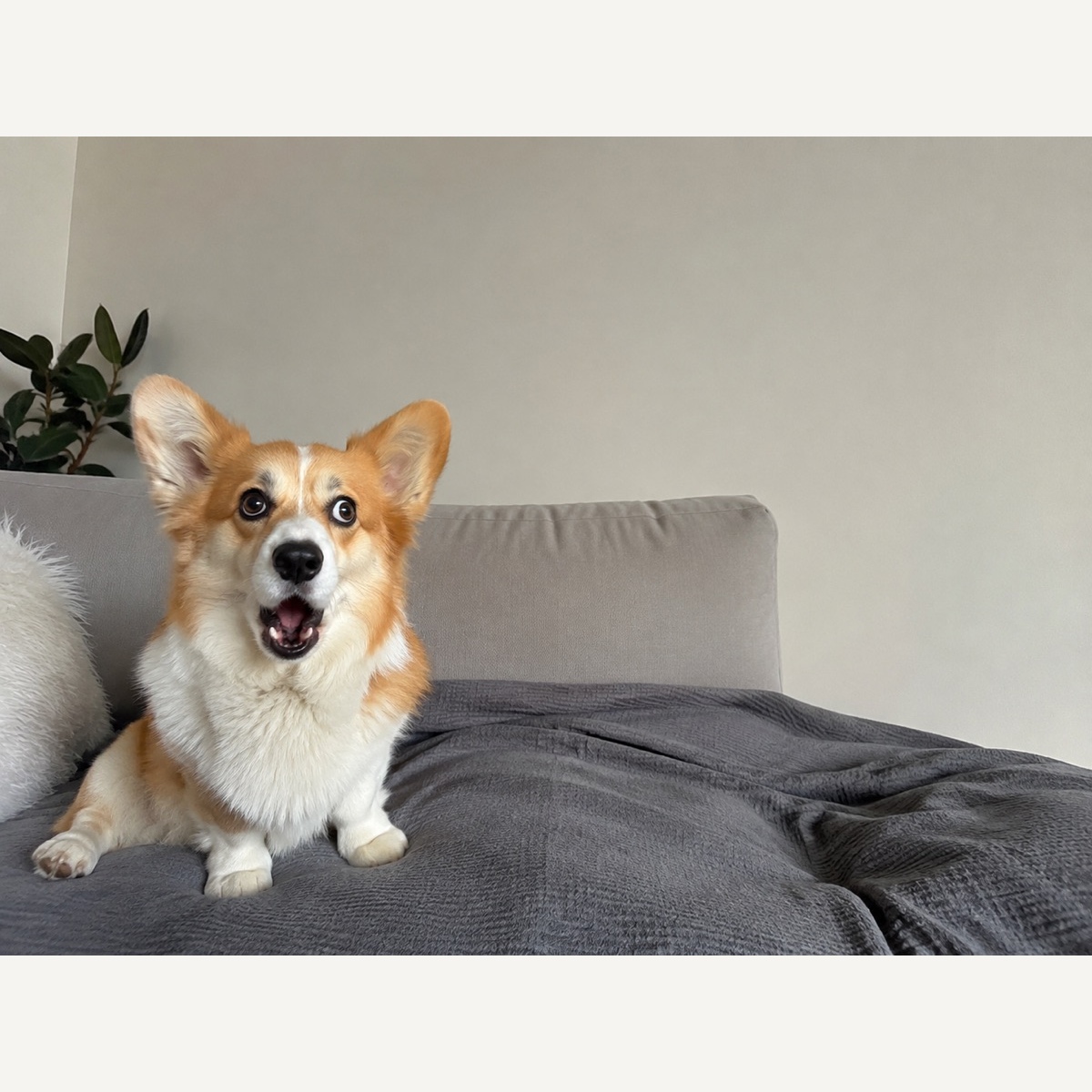
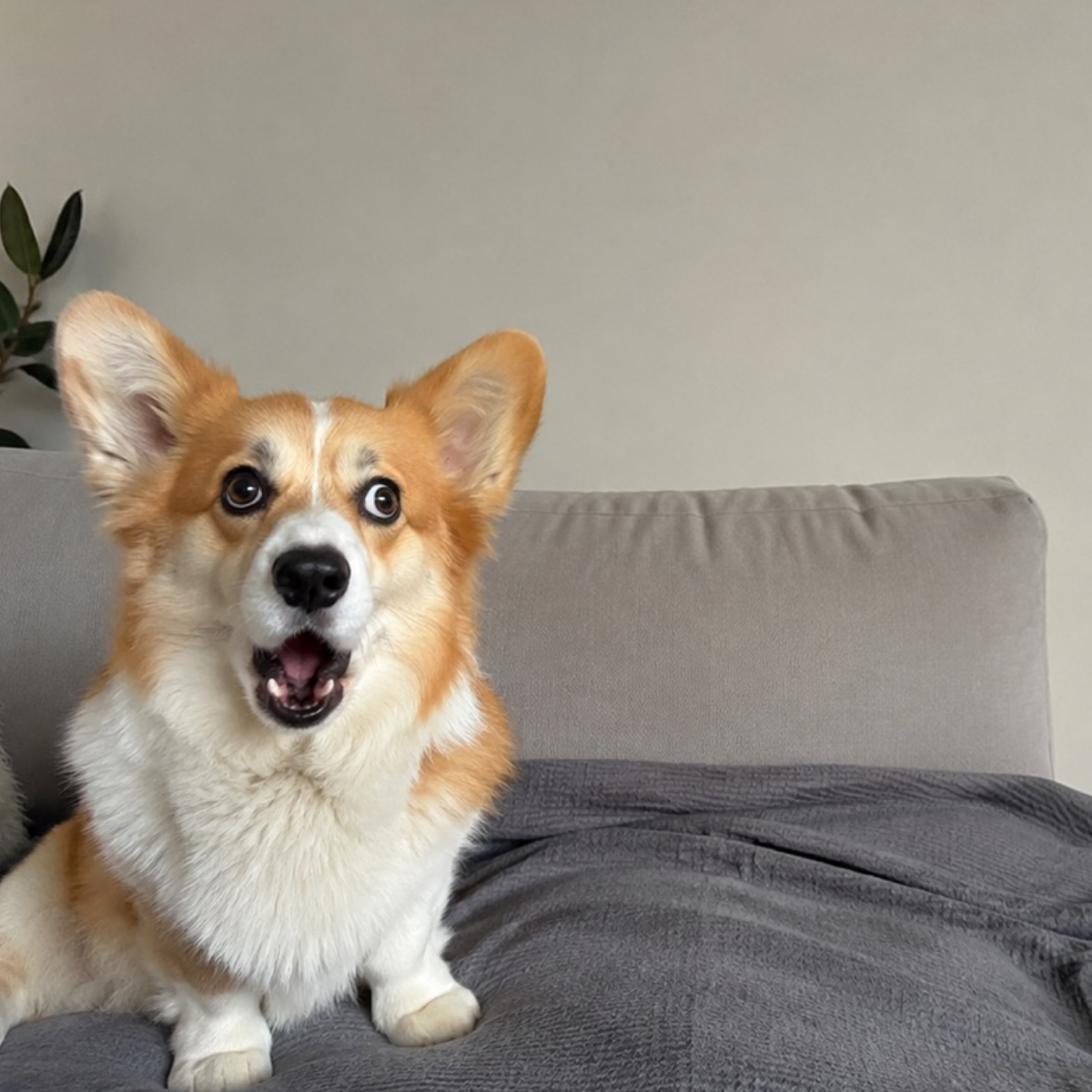
A casual portrait without clipped headwear
Leave space above a hat and around the shoulders. Enlarging a small source cannot restore missing detail.
Position your subject inside the crop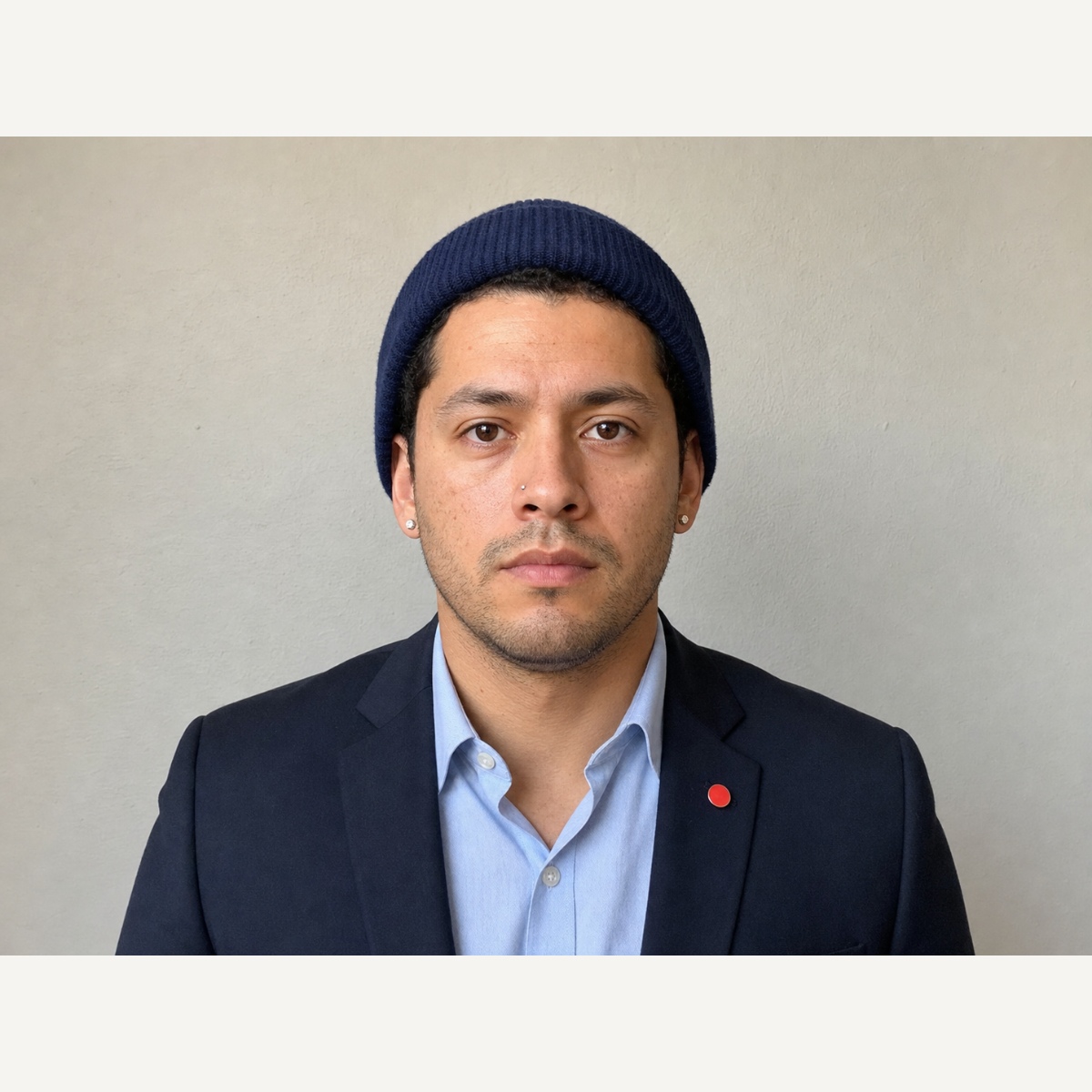
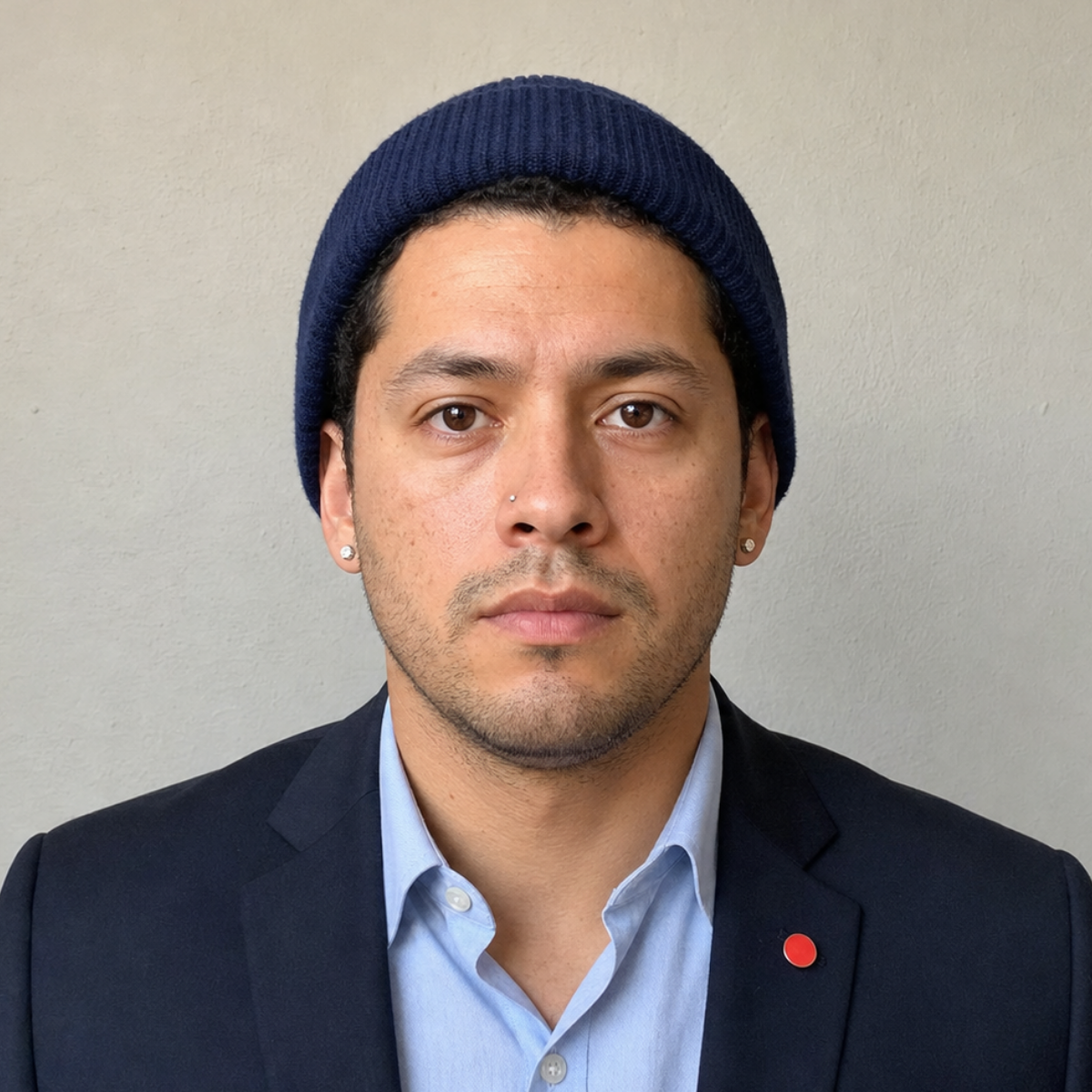
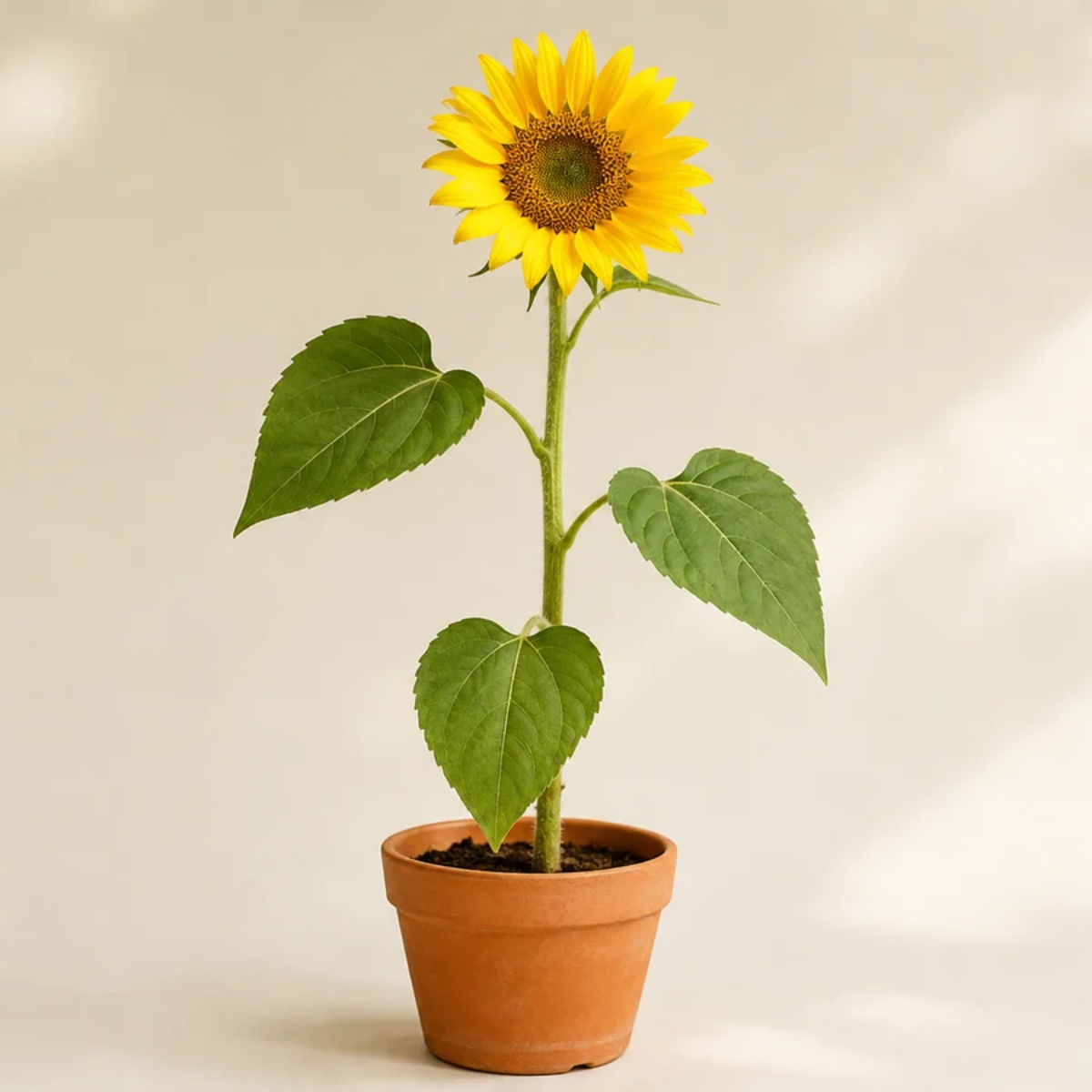
A flower for a personal profile
Center the flower and keep its petals inside the crop. The destination platform may apply a circular mask.
Position your subject inside the crop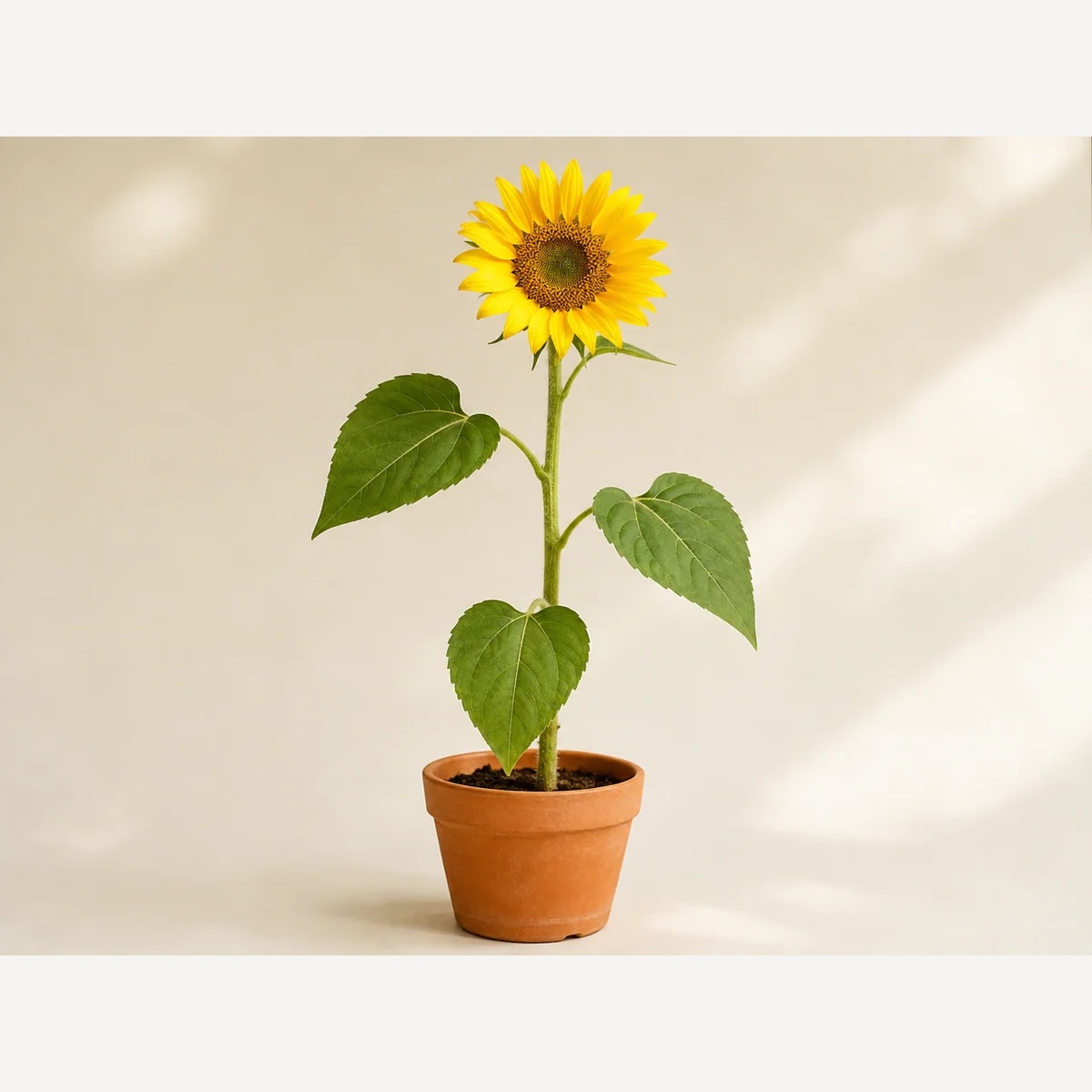
How to use this tool
Choose a photo
Choose a photo. It will upload and open the matching controls in the editor.
Position your subject inside the crop
The editor opens the crop form. Keep width and height equal for a square avatar, then position the crop and apply it.
Download
Preview the edit, apply it, then download from the editor.
Your questions, answered
Does this change my face or generate a headshot?
No. It crops and resizes your photo without generating new features. Keep enough room around your head; enlarging a small crop cannot add original detail.