
Add a sepia filter to your photoGive your photo warm brown tones. Adjust sepia from 0 to 100% with a live preview in the main editor.
Give your photo a fisheye effect
Bend straight lines into a curved, wide-angle look. Choose gentle or pronounced fisheye distortion while keeping your subject recognizable.
Choose a photo
Select fisheye intensity in the editor and generate the curved view.
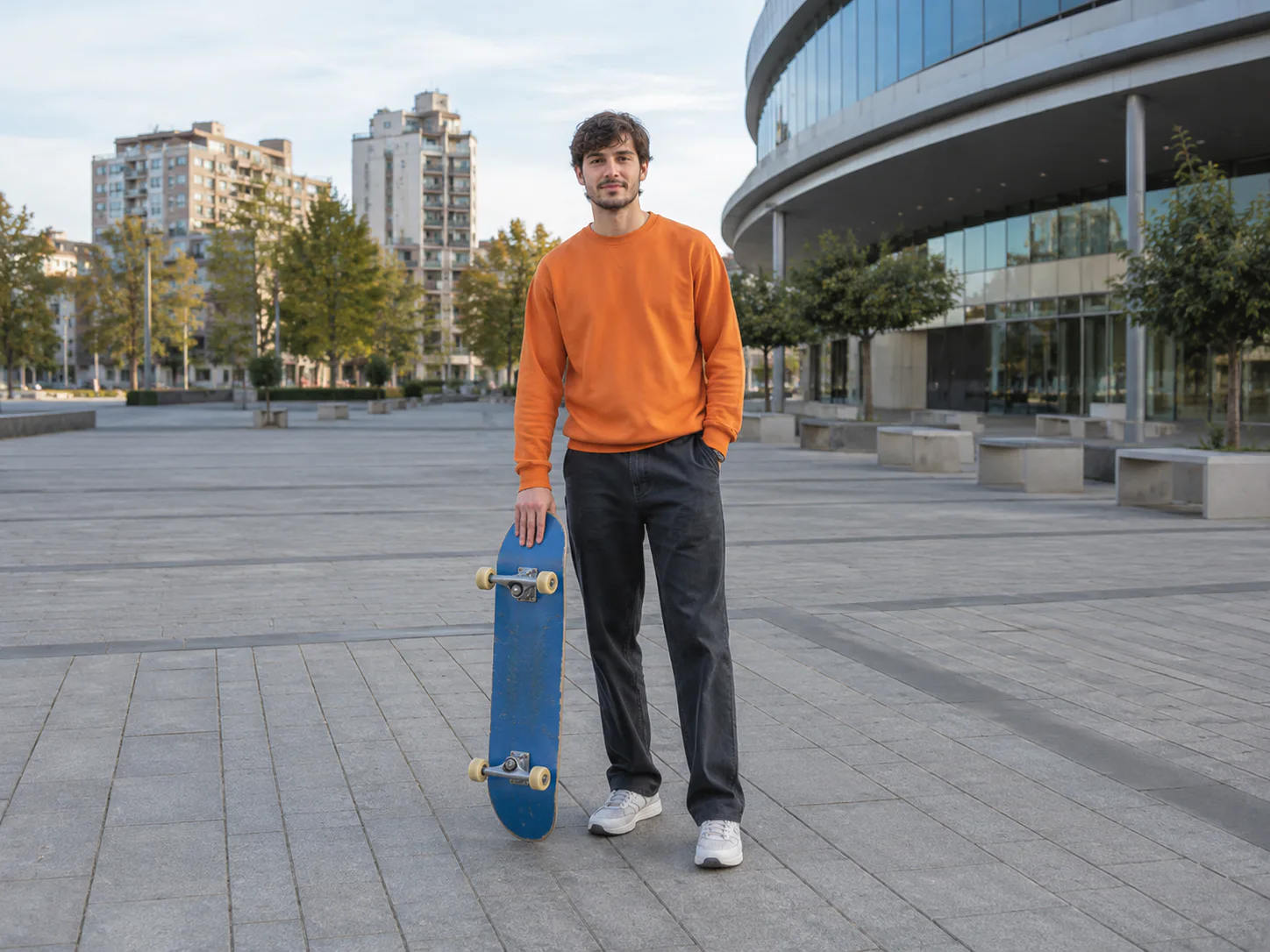
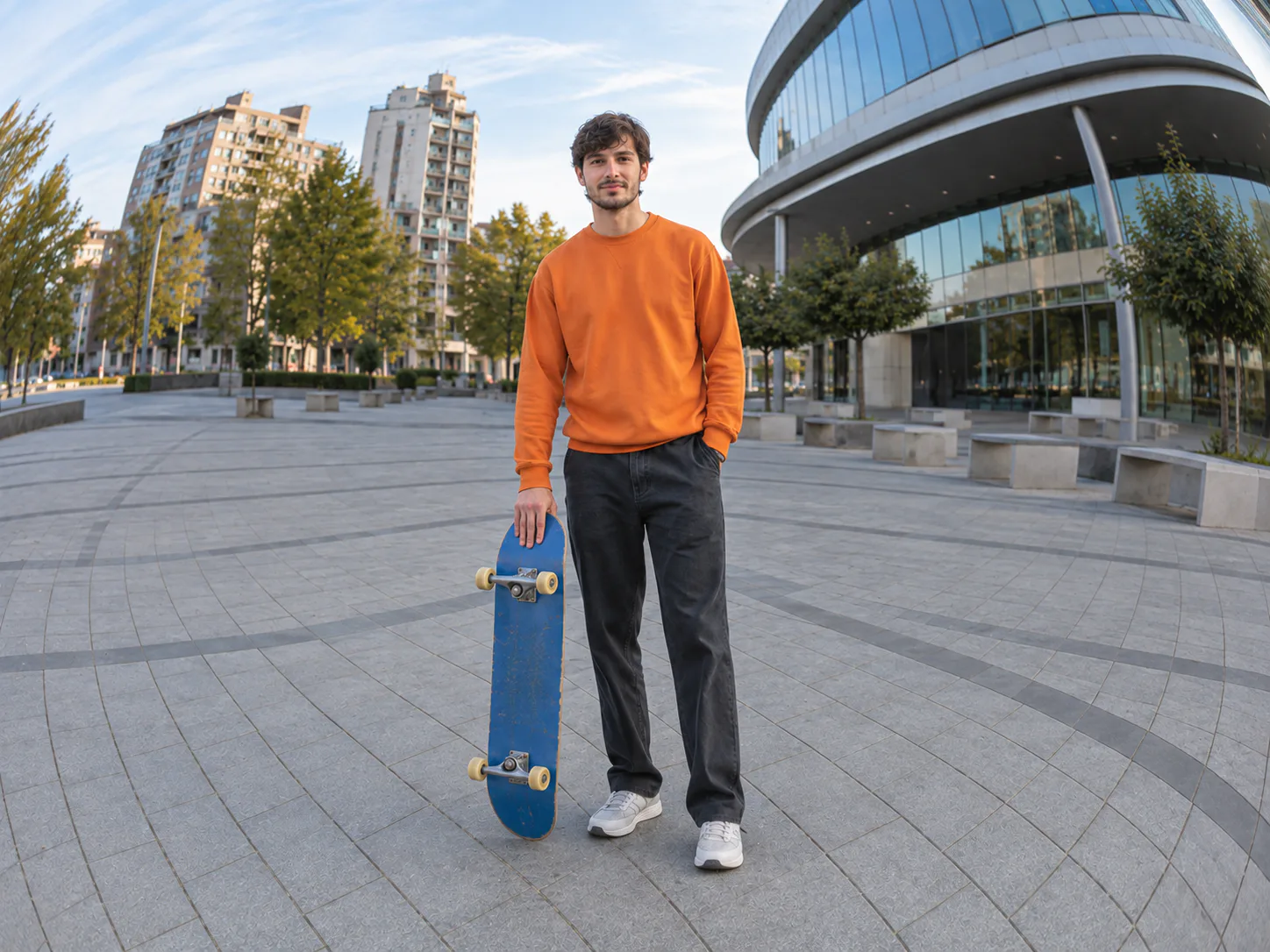
OriginalResult
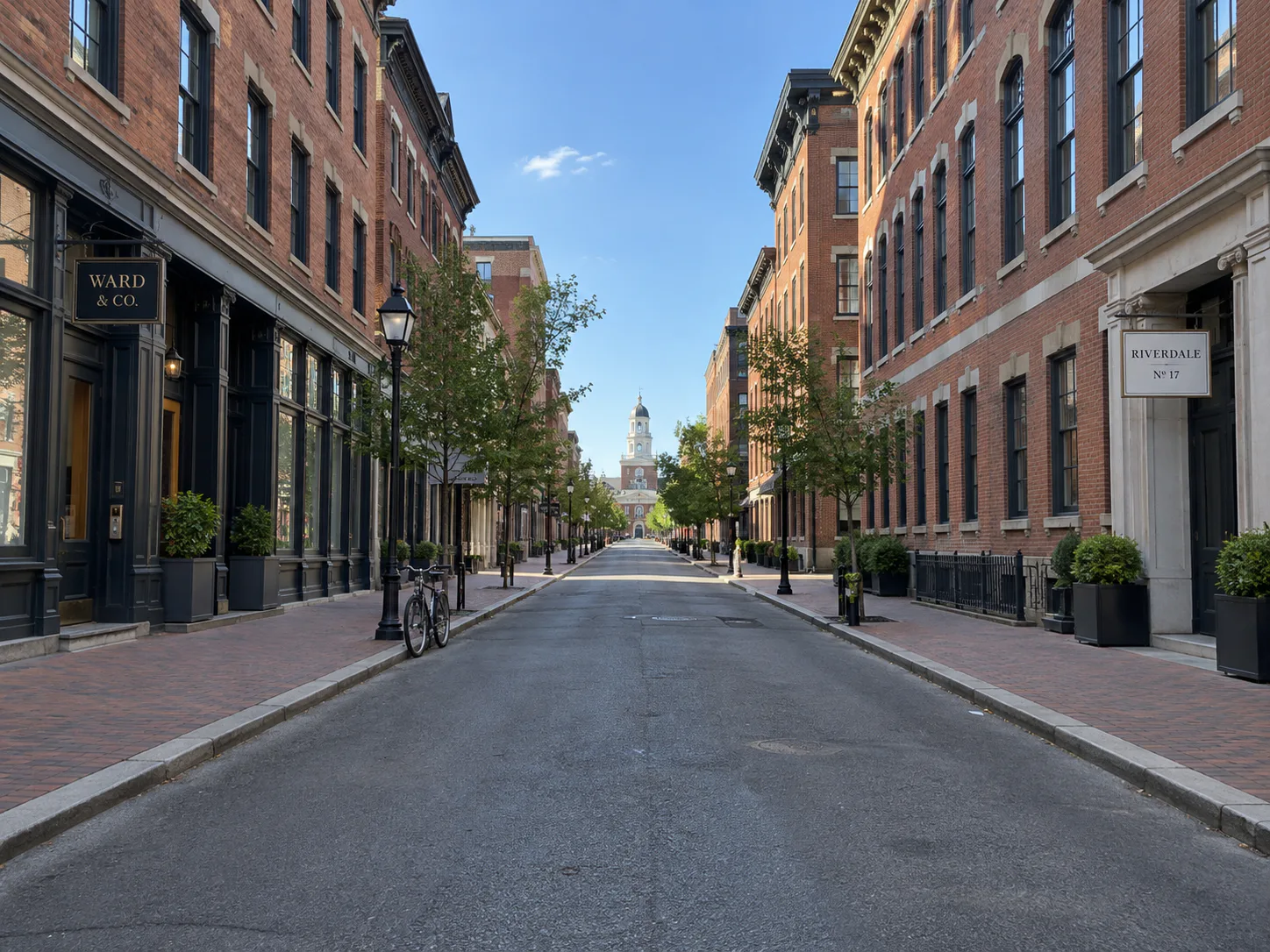
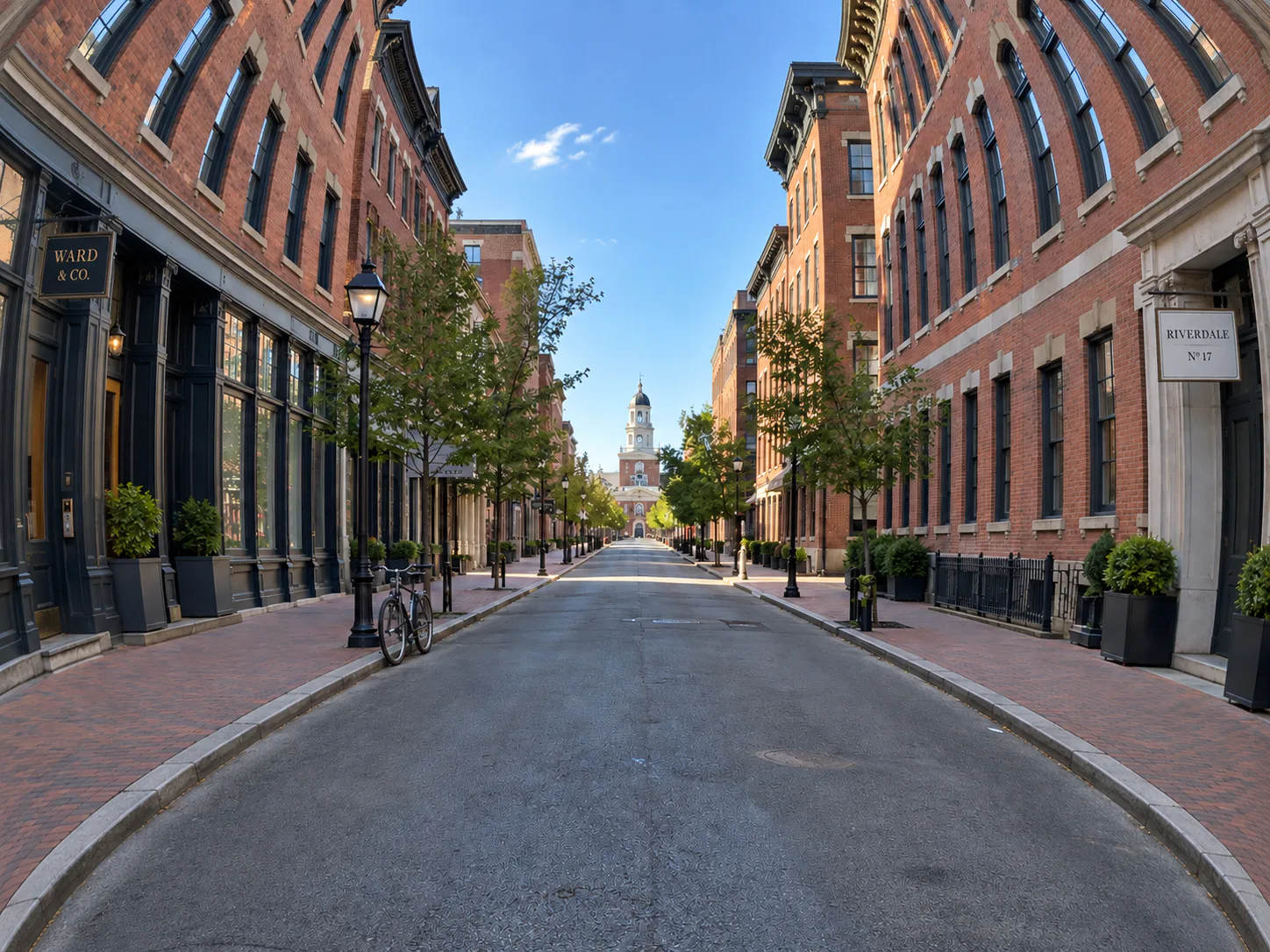
Street perspectives
- Requested change
- Curve building edges and pavement around the center.
- Keep unchanged
- Keep the street’s objects, colors and lighting.
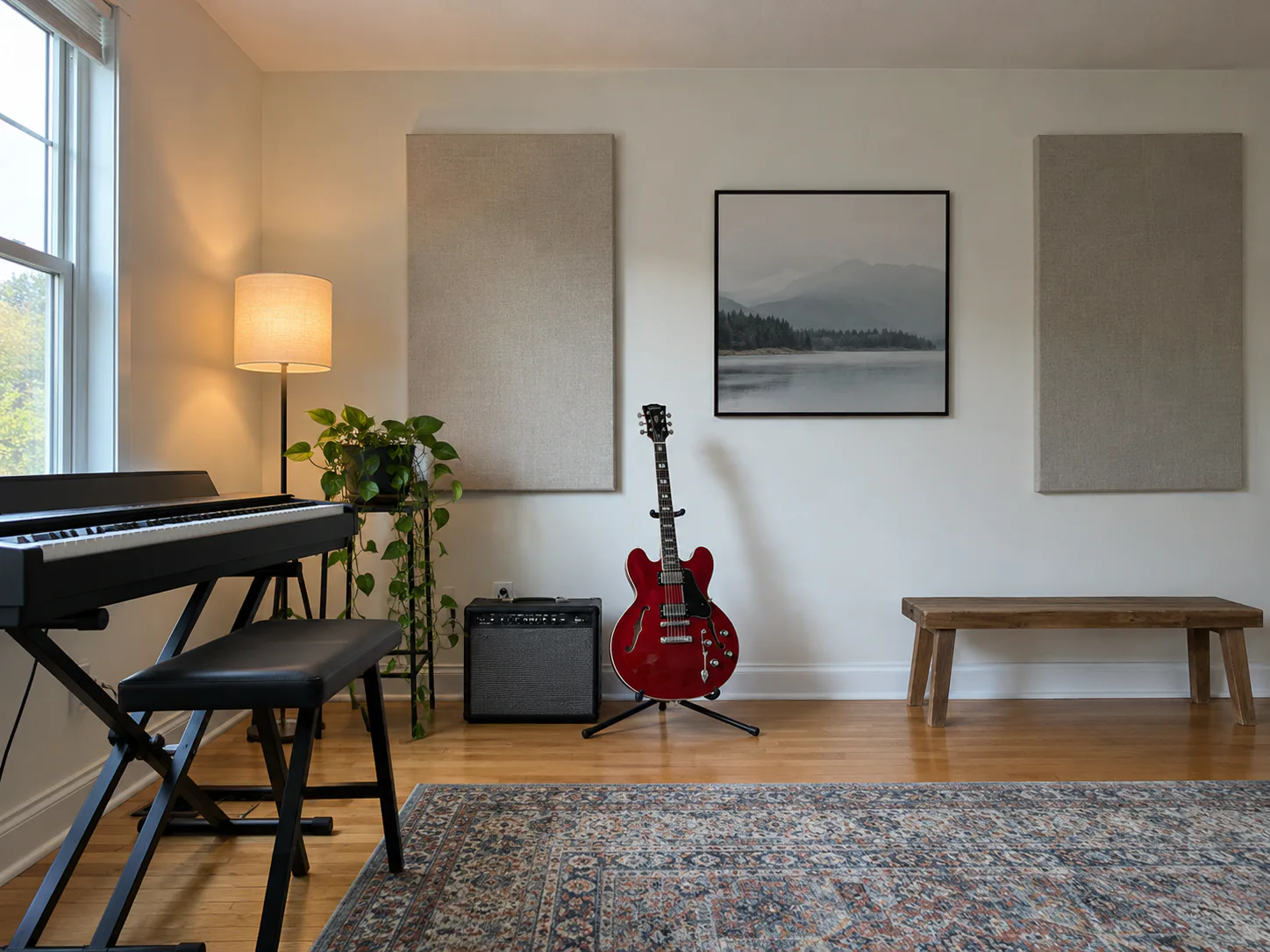
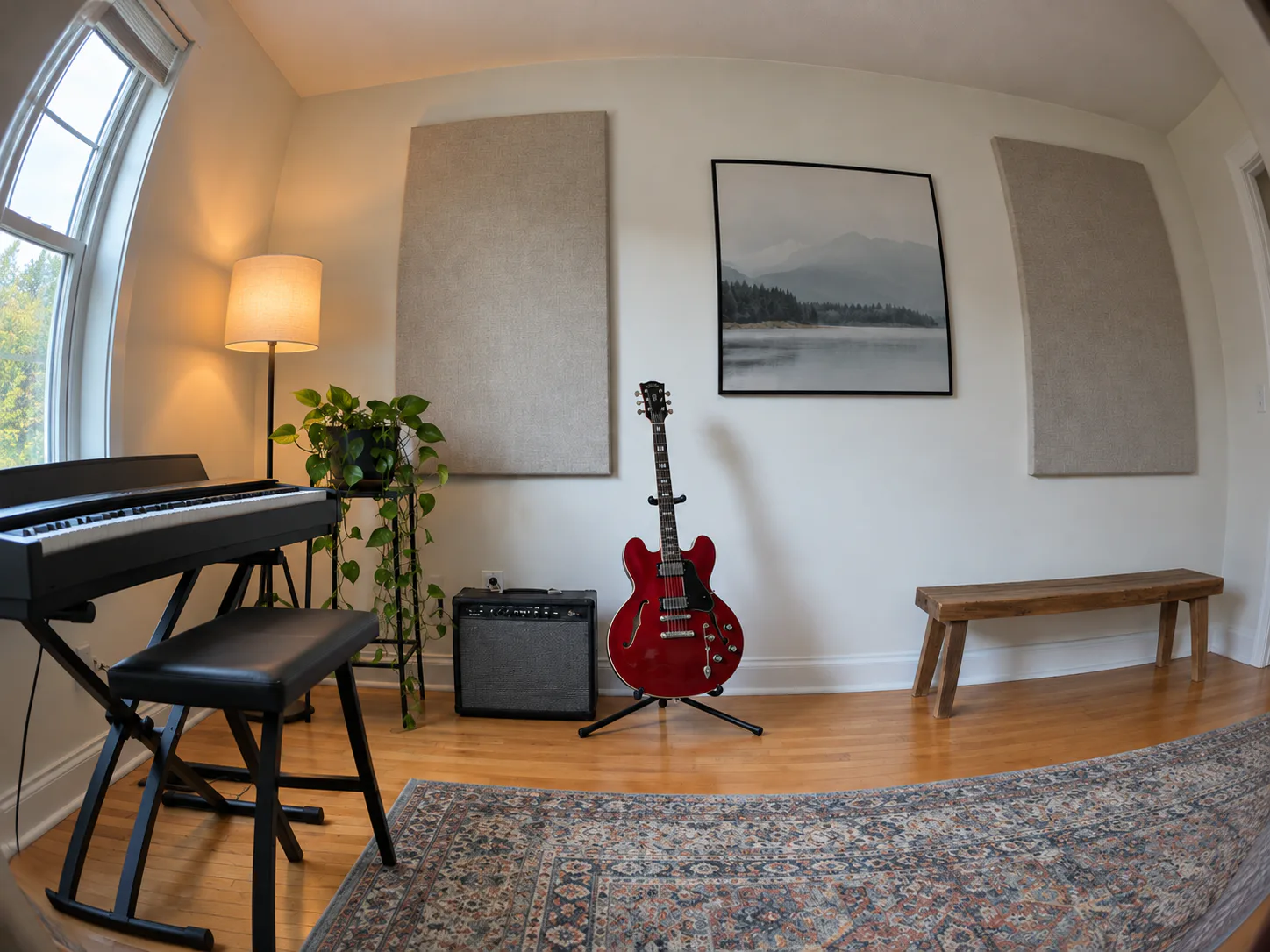
OriginalResult
Music-room scenes
- Requested change
- Bend the room’s straight lines into a wide-angle look.
- Keep unchanged
- Retain instruments and their positions in the scene.
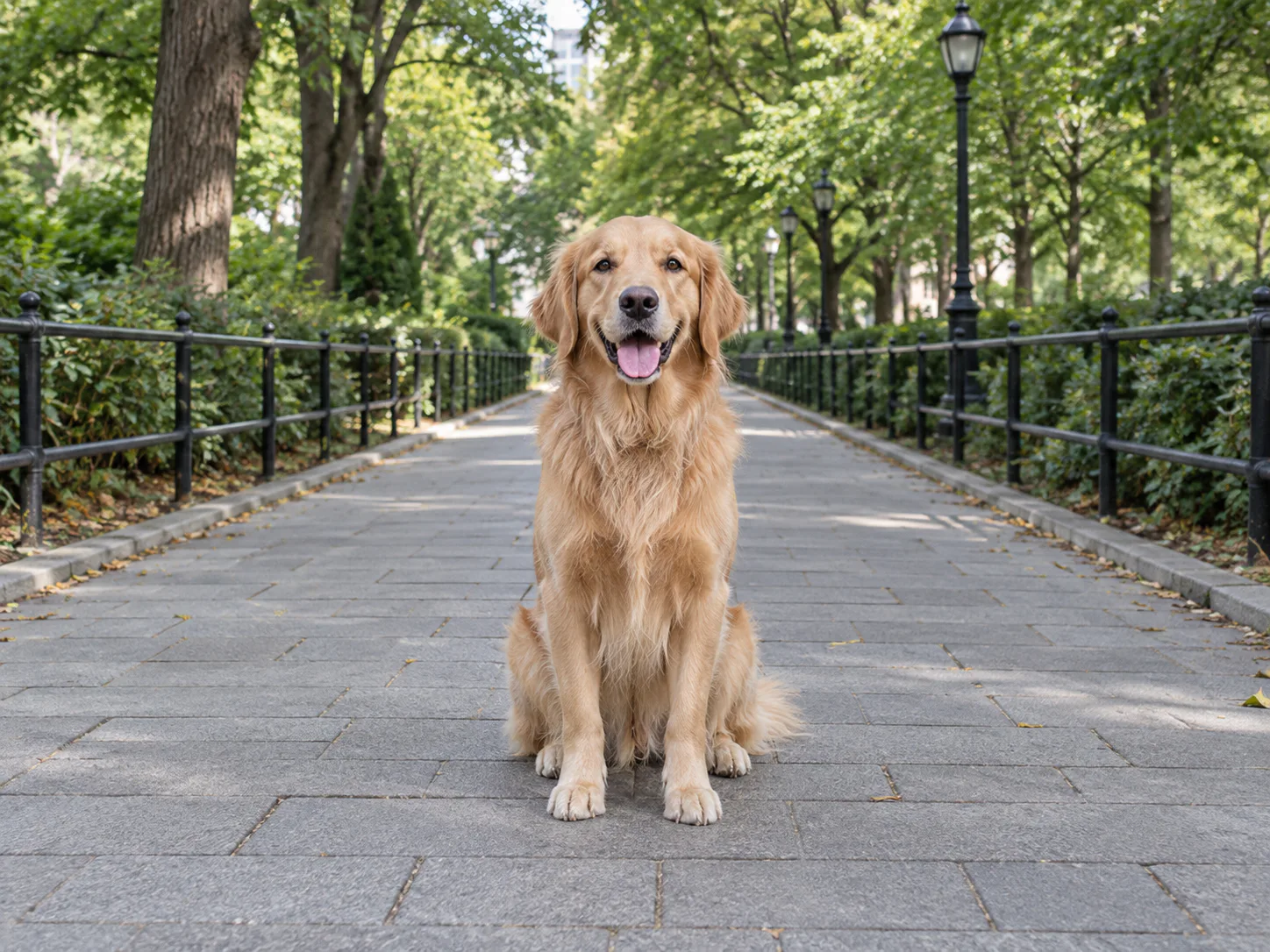
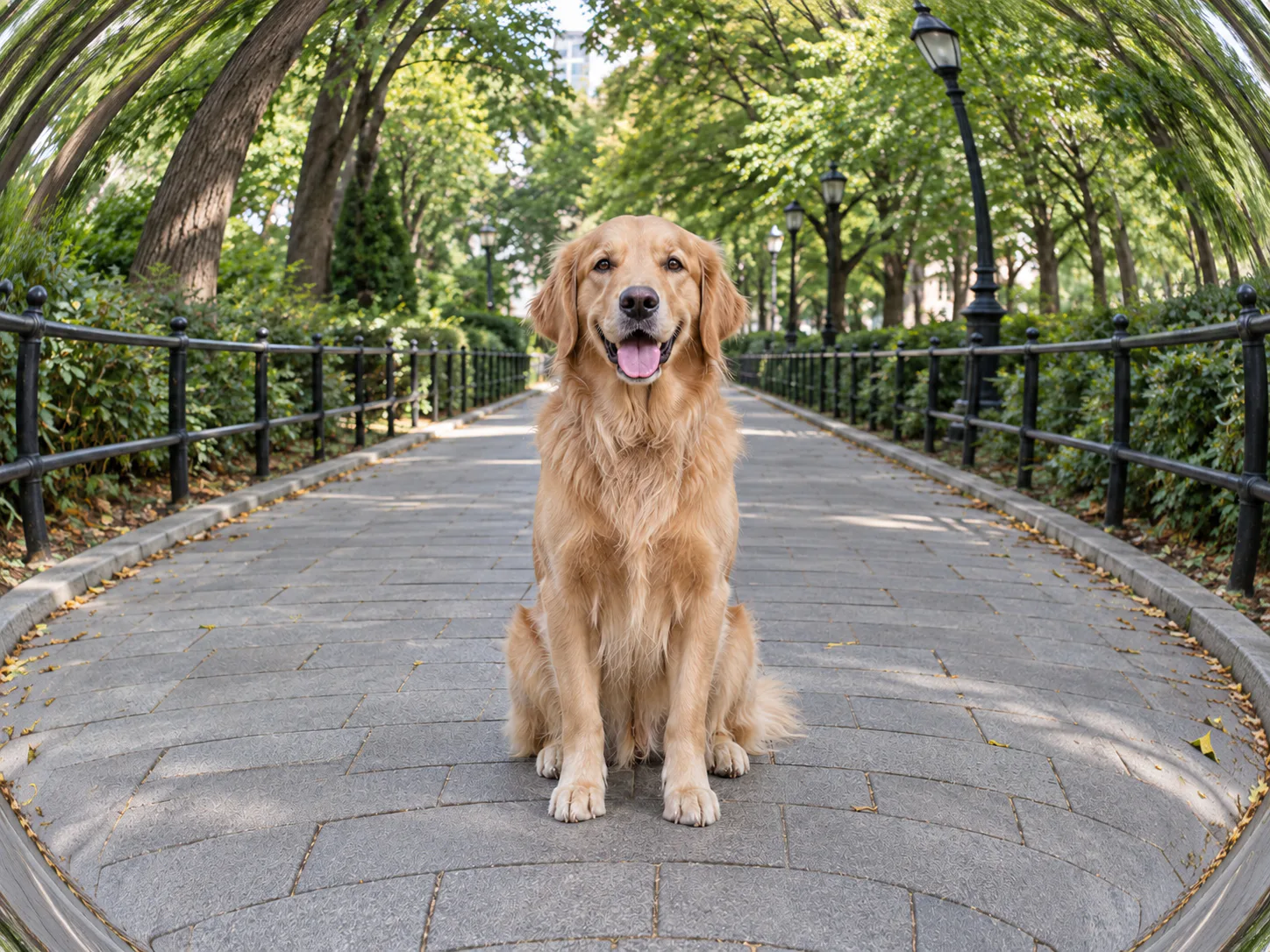
OriginalResult
Playful pet portraits
- Requested change
- Curve the surroundings around a centered dog.
- Keep unchanged
- Keep the pet recognizable and its coat colors intact.
OriginalResult
Curvature changes the perspective
A fisheye effect bends the geometry of the existing scene. Put the main subject near the center and use background lines to make the curve visible.
- Subtle curve
- Gentle barrel distortion for restrained depth.
- Balanced curve
- Visible wide-angle geometry around the subject.
- Strong curve
- Pronounced bending for a playful perspective.
How to use this tool
- 1
Choose a photo
Choose a clear source photo to open it in the main editor.
- 2
Give your photo a fisheye effect
Select fisheye intensity in the editor and generate the curved view.
- 3
Compare and confirm
Inspect the result against the original. Confirm the version you want to keep, then continue editing or download.
Before you save
Faces near the edges can stretch. This stylized effect does not calibrate lenses, straighten a fisheye photograph or produce a measured 360-degree panorama.
Questions and answers
Does this correct lens distortion?
No. It adds a curved visual effect to an existing photograph. It is not a lens correction tool.
Which photos show the effect best?
Streets, interiors and centered subjects with visible background lines make the curvature easiest to judge.
More ways to perfect your photo
Quick edits. Professional results.

Try it on your photo
Explore all photo toolsChoose a photo
Select fisheye intensity in the editor and generate the curved view.