Extract Japanese text from an image
Select Japanese words in a photo and copy the recognized text. Move a menu, sign or screenshot into your notes without retyping every character.
Choose a photo
Upload an image to open text recognition and selection.

Keep the words, leave the photo intact
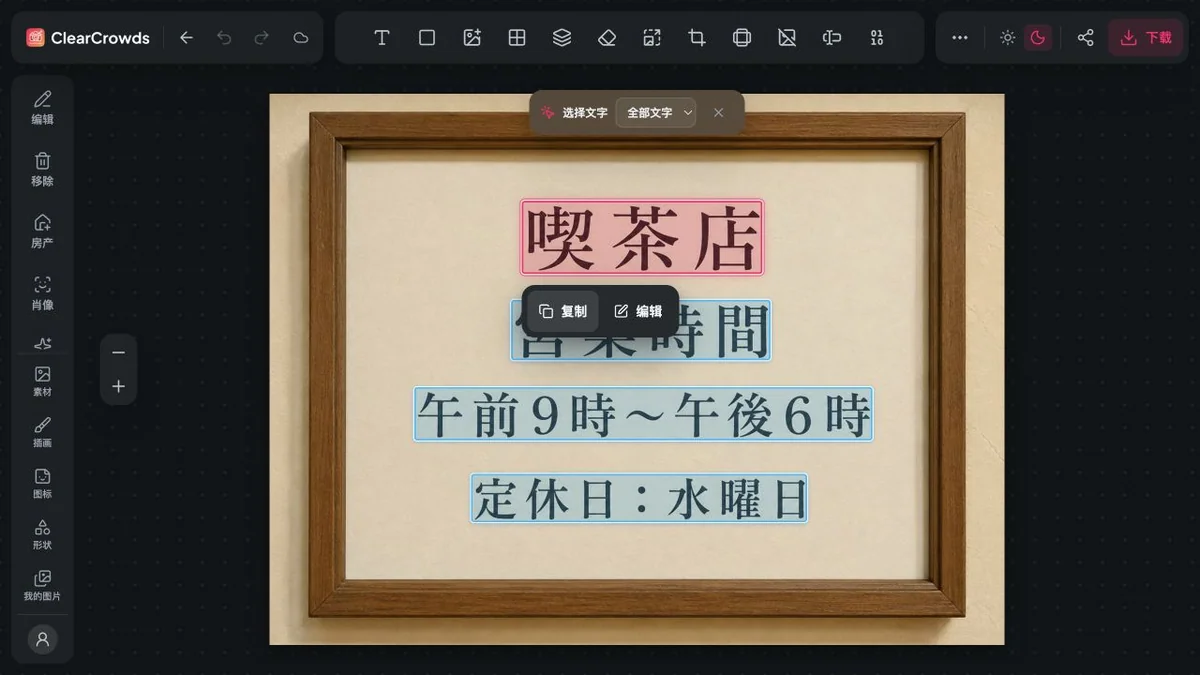
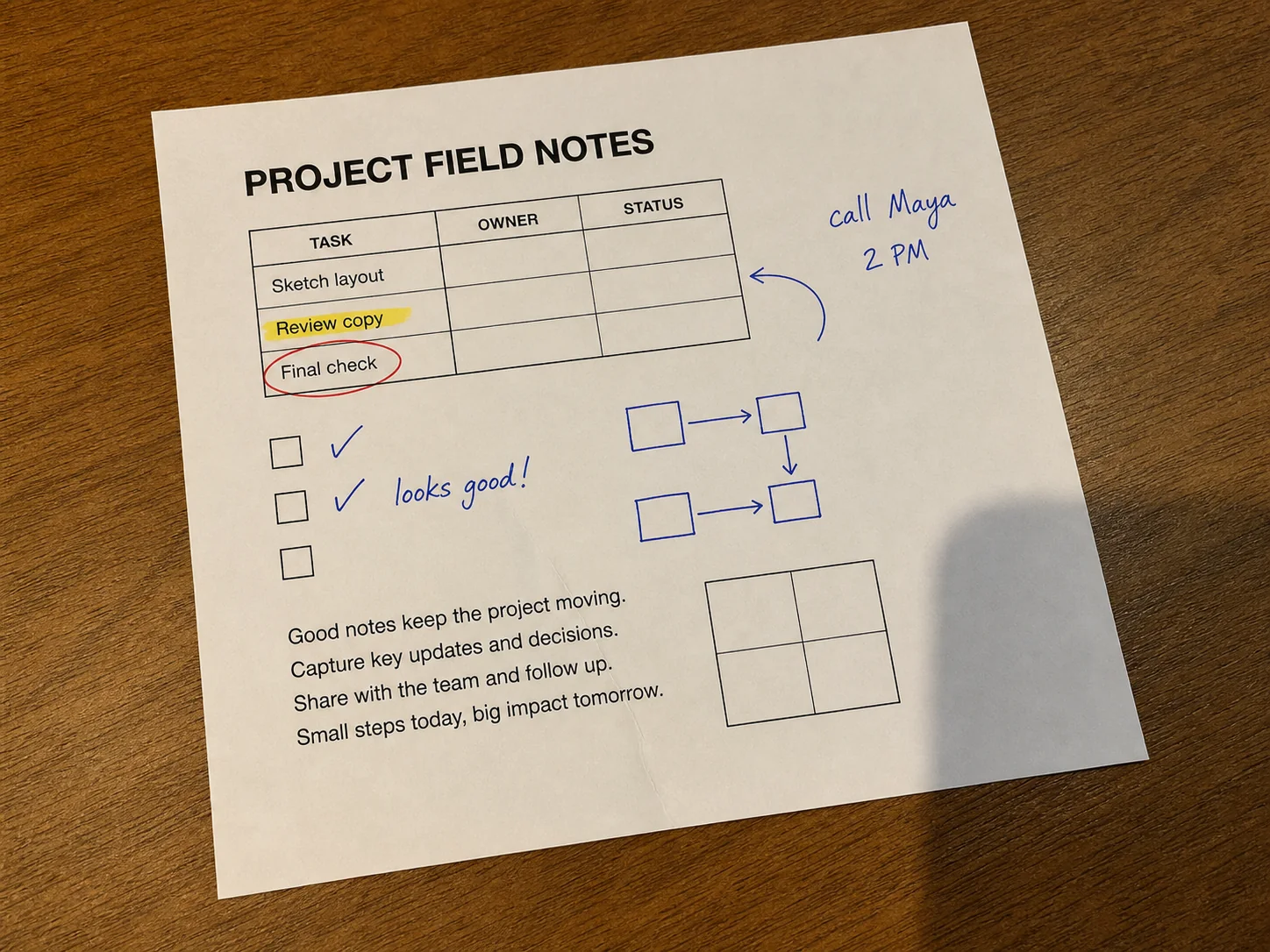
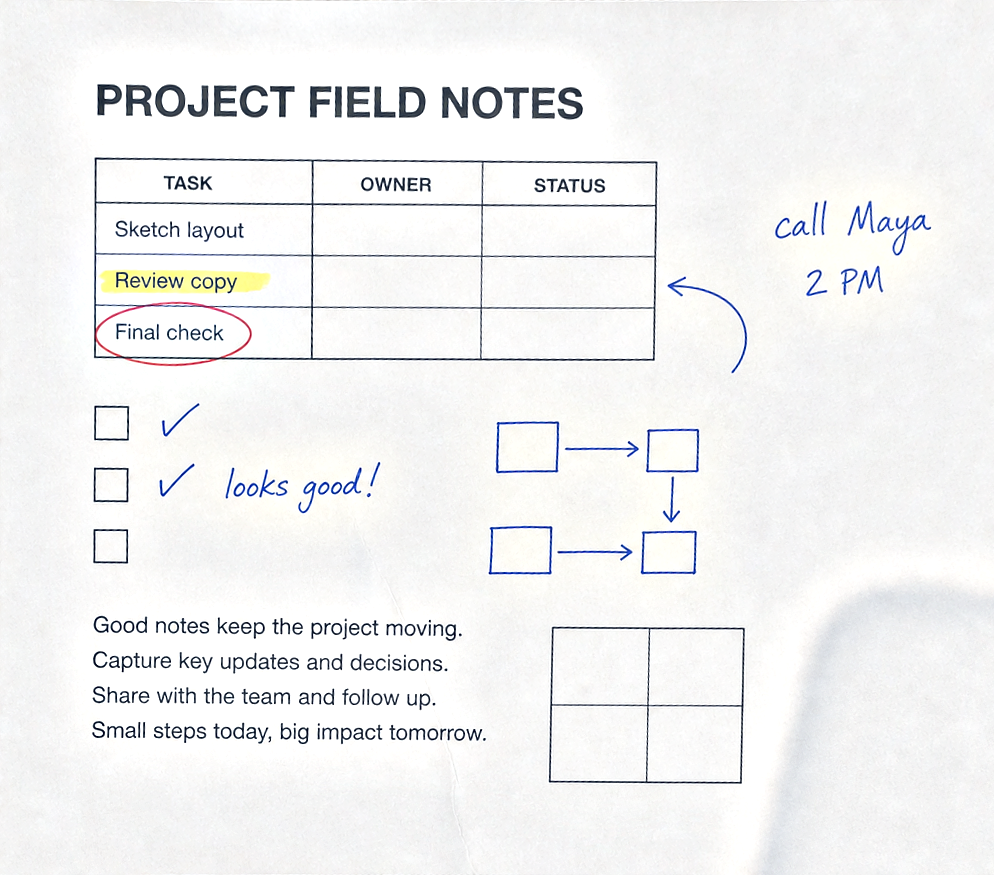
Text recognition finds readable characters in the image. Select the region you need and copy its text; the photo itself stays unchanged.
Copy a selected passage
Pick the words you need from a menu or screenshot instead of copying every detected line.
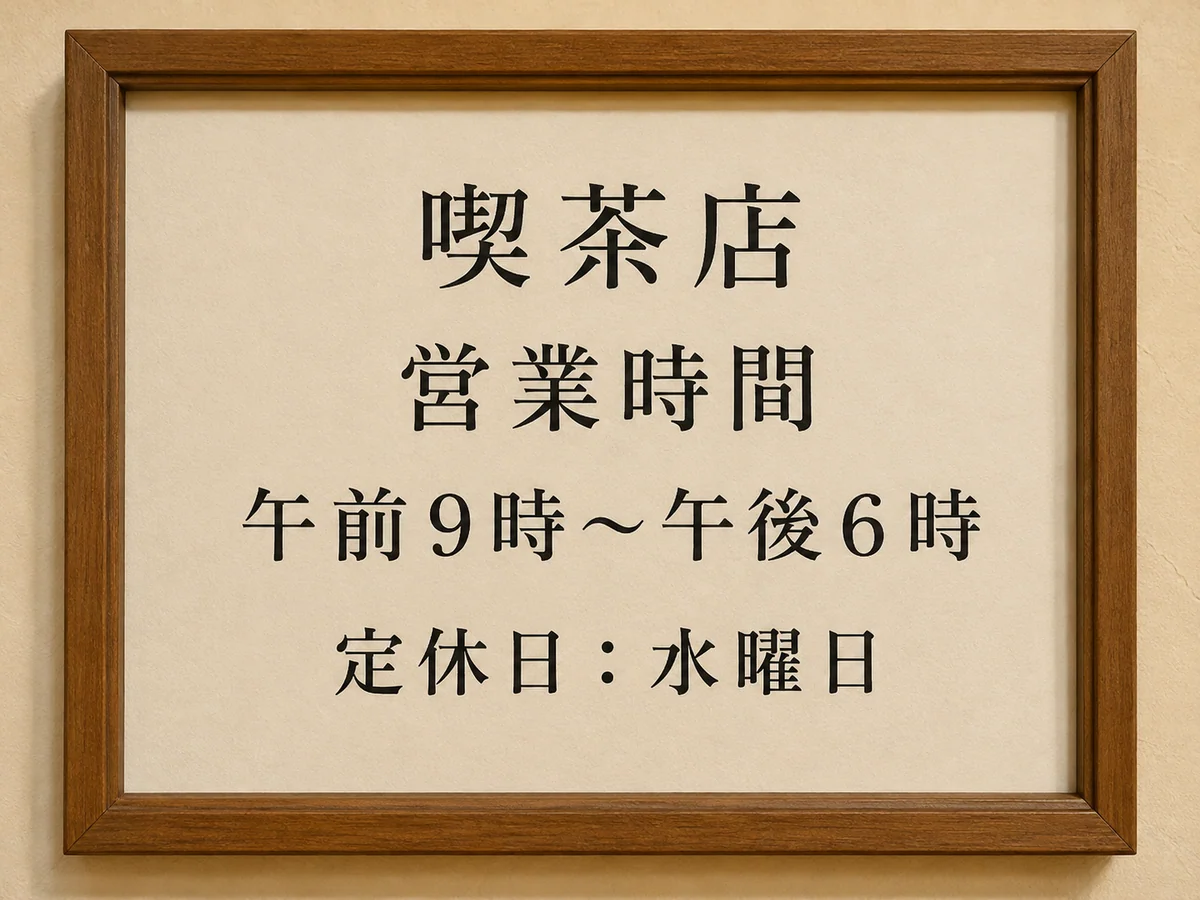
Text shown in the example
喫茶店
営業時間
午前9時〜午後6時
定休日:水曜日
How to use this tool
- 1
Upload a readable image
Choose a clear photo or screenshot with Japanese text.
- 2
Select the text
Wait for recognition, then select the words or region you need.
- 3
Copy and check
Copy the selection and compare characters, numbers and line breaks with the source.
Use the image as your reference
Compare kanji, kana, dates and prices before pasting the text into your notes.
Read the result before using it
Small print, stylized lettering and vertical columns can be misread. Copying is not translation; check names, prices and reading order.
Questions and answers
Does it translate Japanese to English?
No. This workflow copies recognized Japanese text. Paste it into a translator separately if needed.
Can it read vertical Japanese text?
Recognition depends on the image. Check vertical columns, punctuation and reading order rather than assuming they are correct.
More ways to perfect your photo
Quick edits. Professional results.
Copy the Japanese words you need
Choose a photo
Upload an image to open text recognition and selection.