Event posters
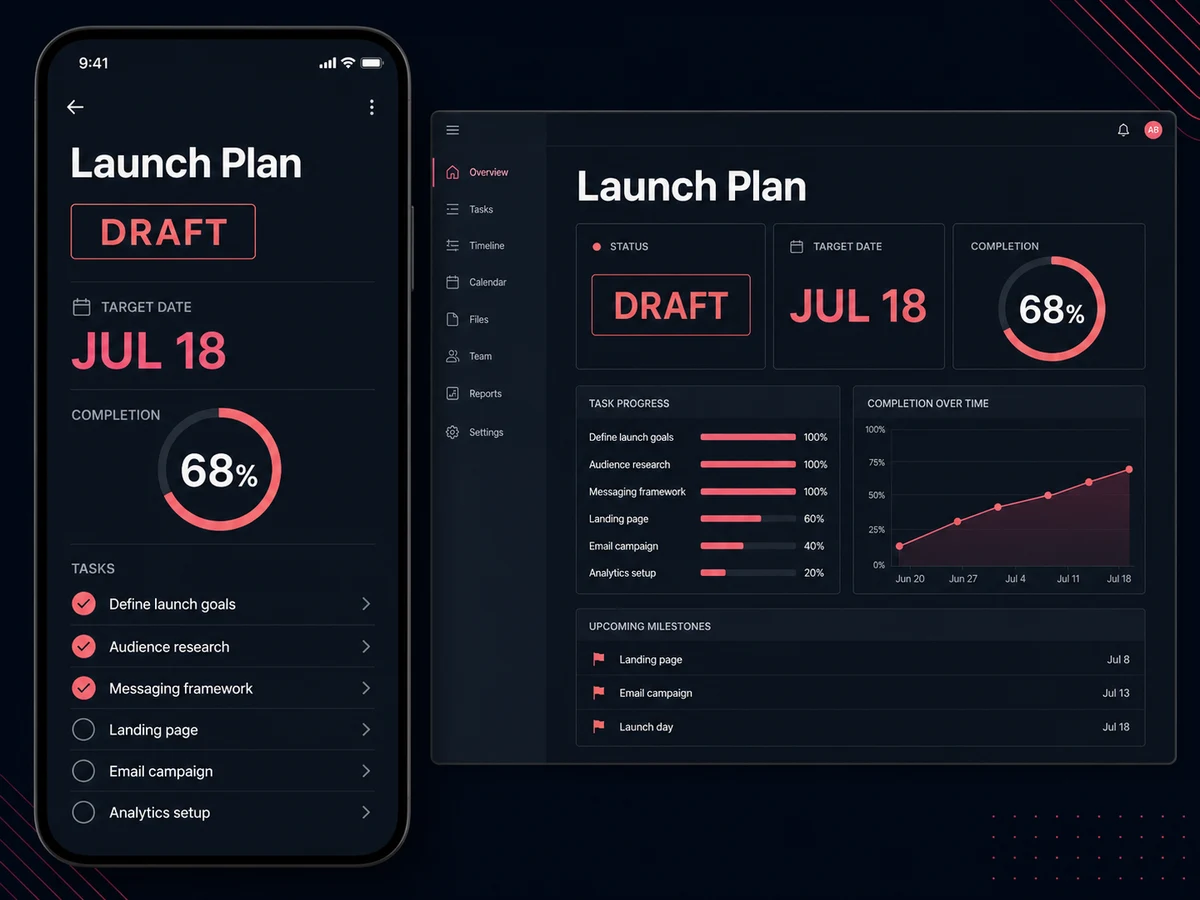
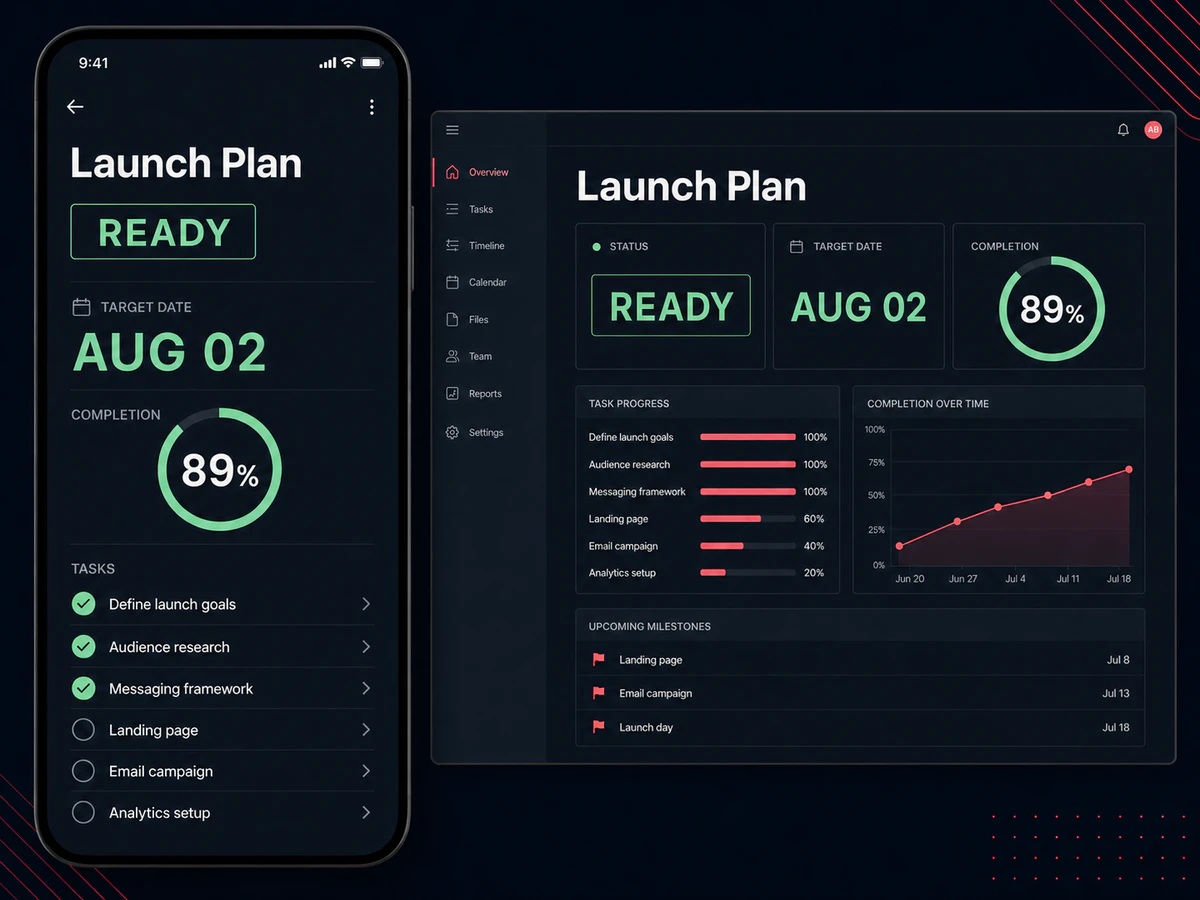
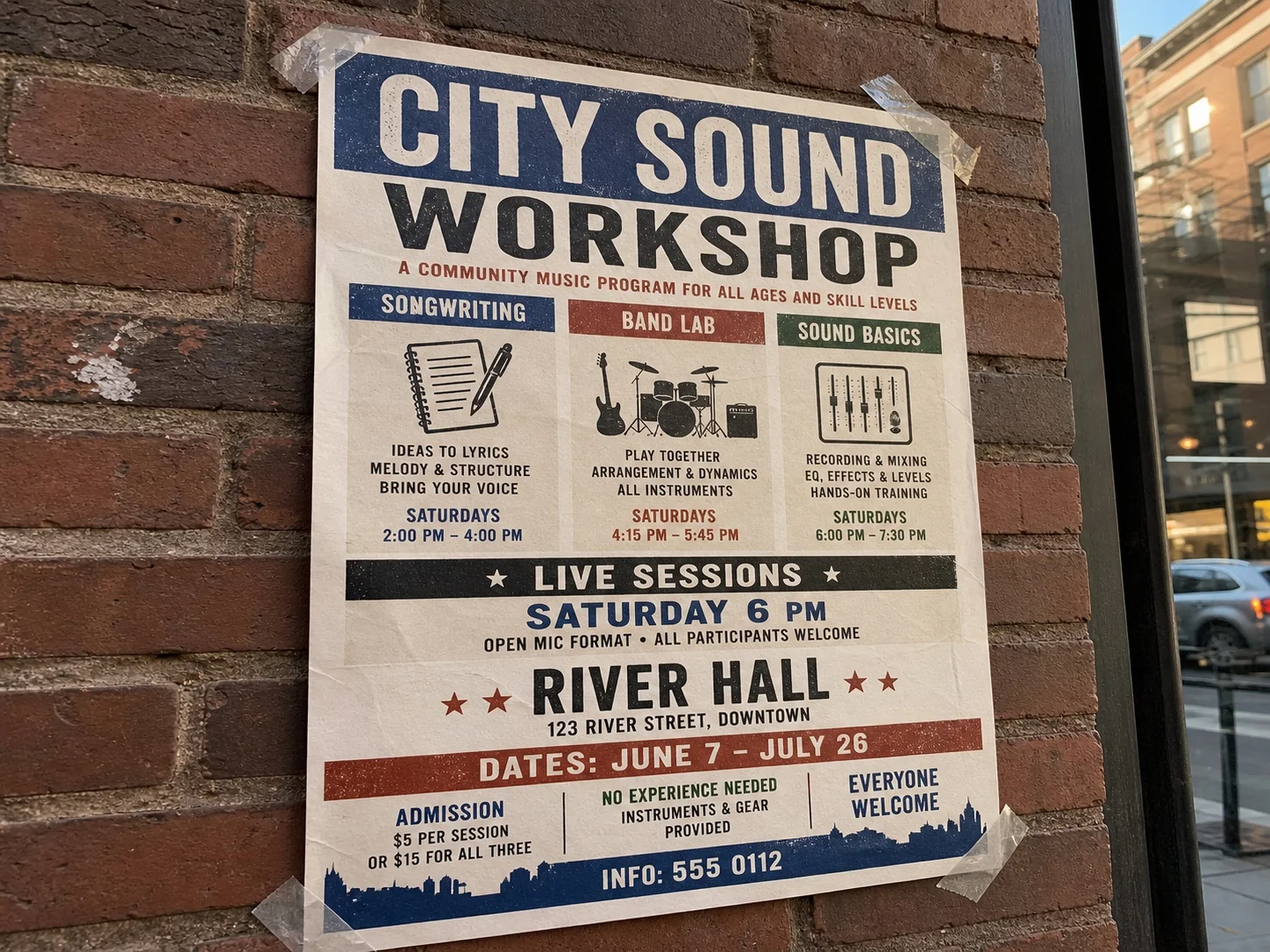
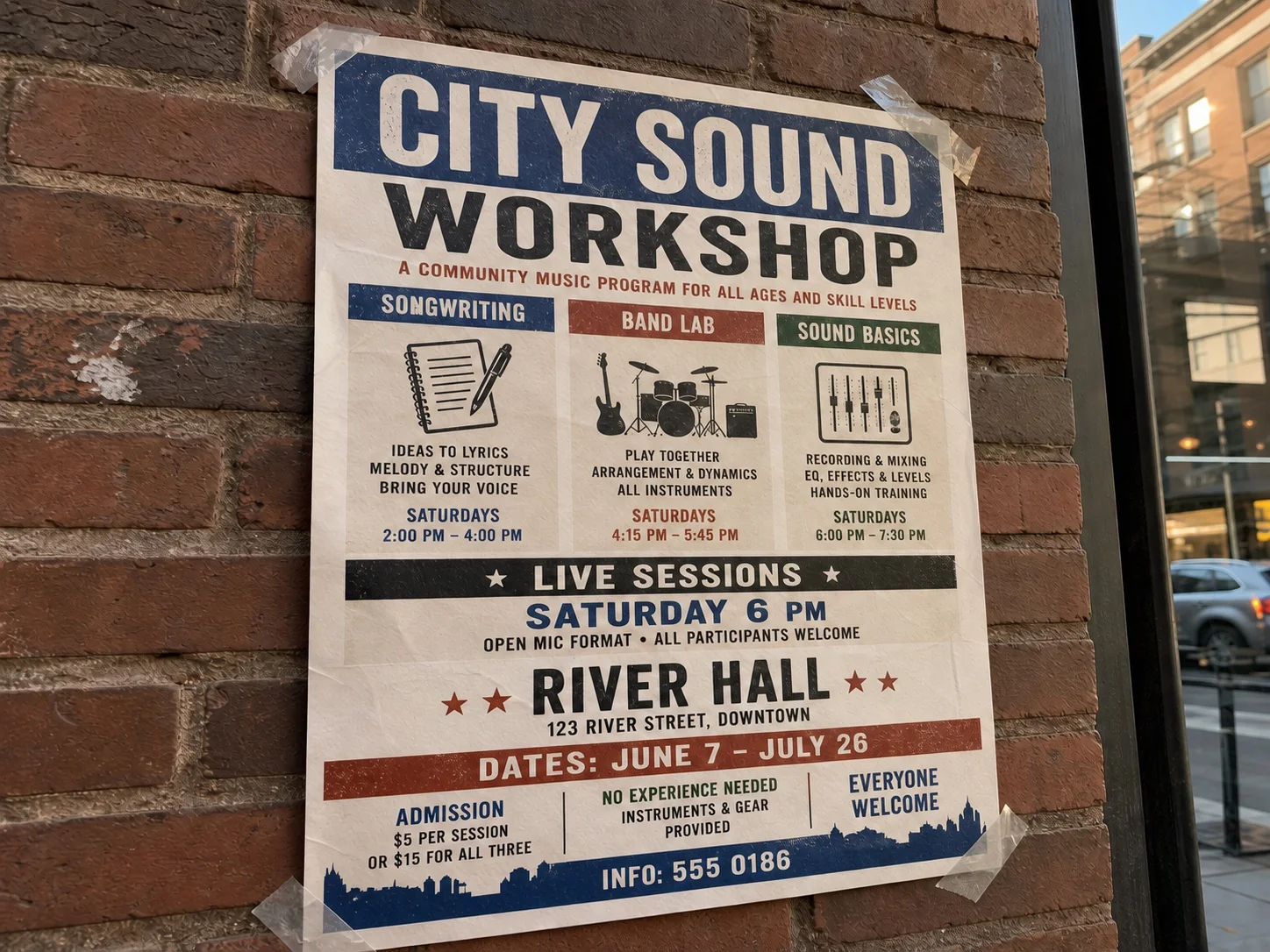
Correct a date on a poster or social graphic you designed.
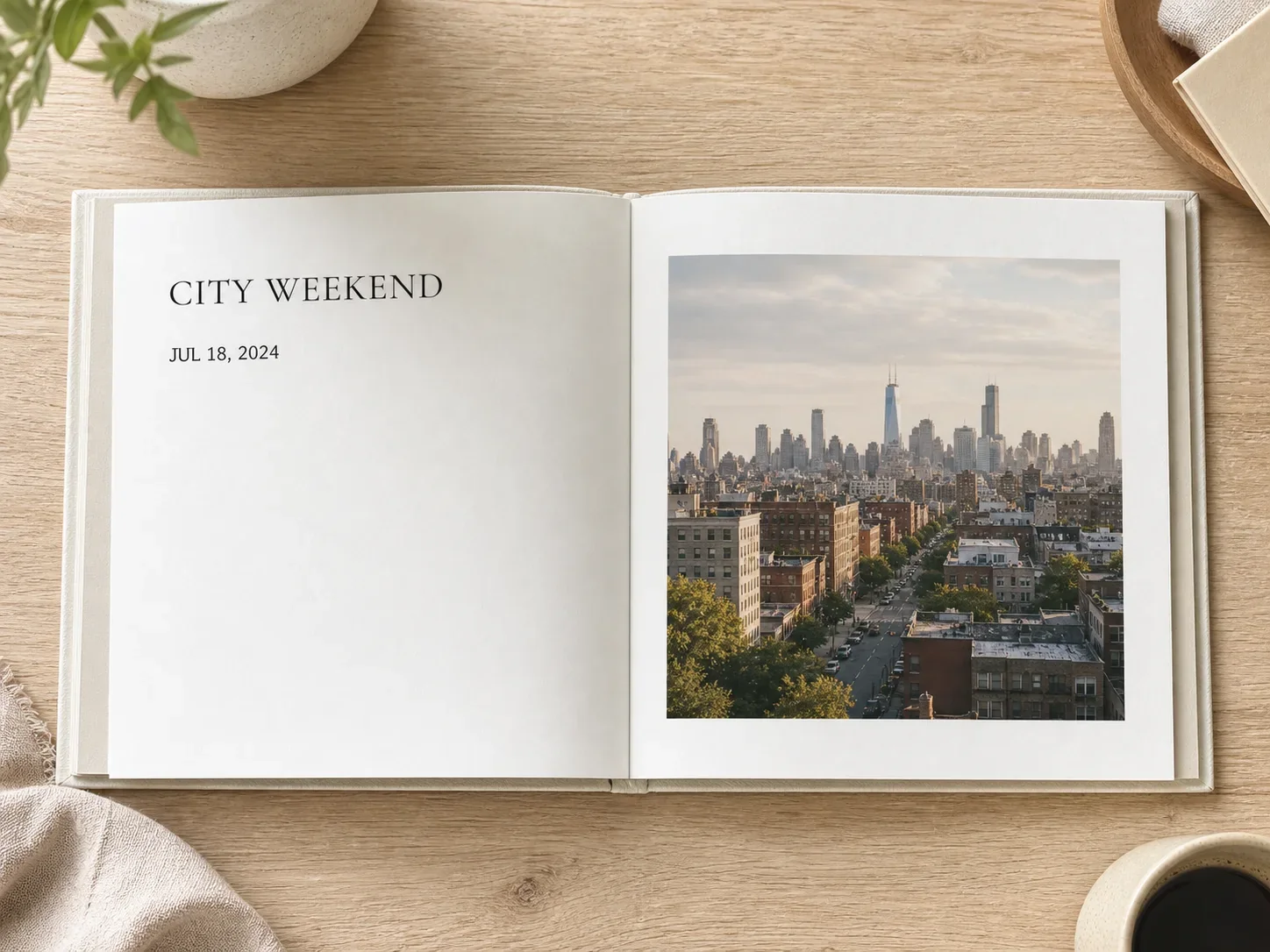
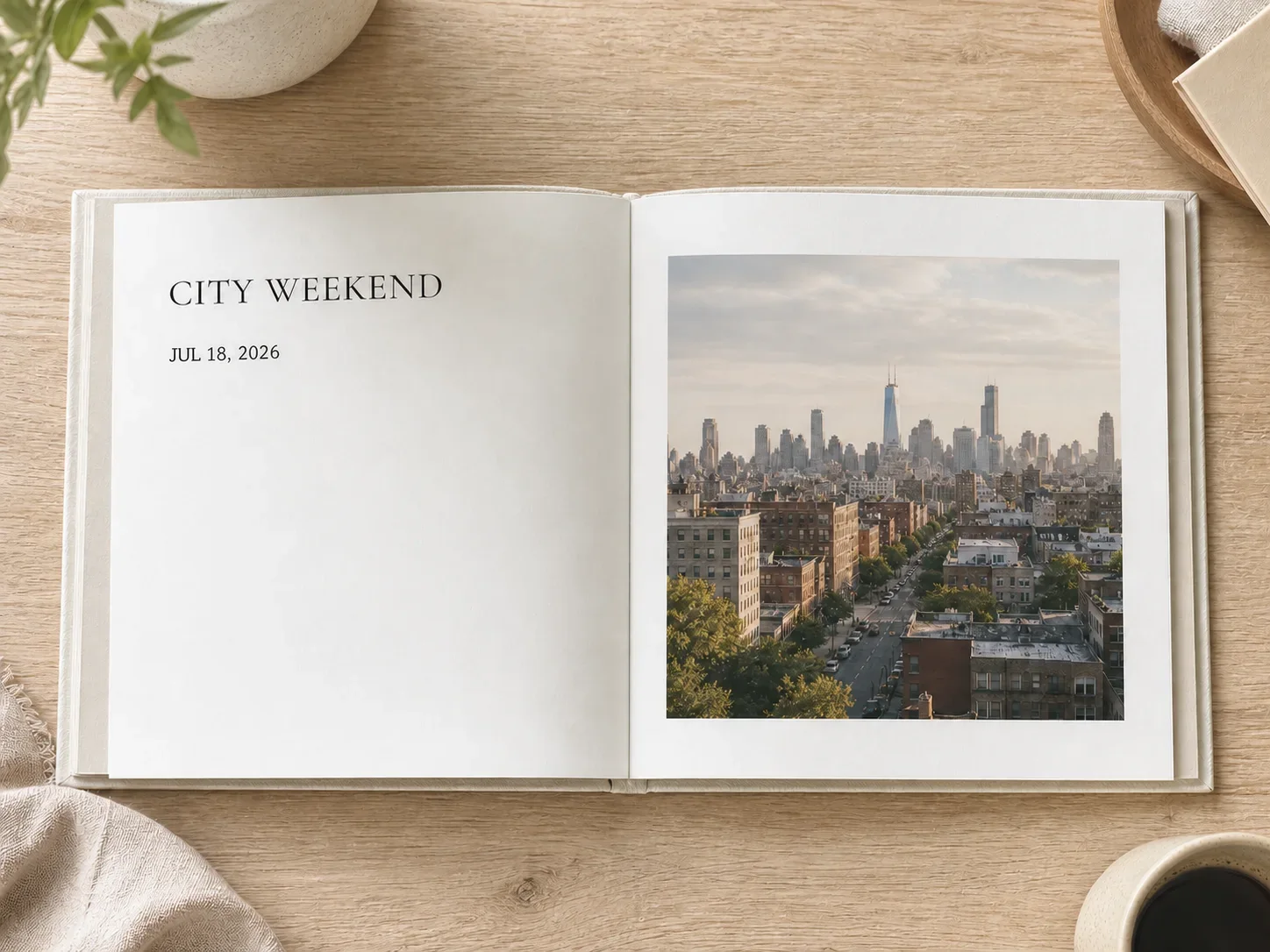
Select the printed date, enter the replacement, and keep the rest of the poster, sign, label, or photo unchanged.
JPG, PNG, or WebP · OCR-assisted selection
Edit Date uses the same OCR selection, replacement API, and review flow as Edit Text and Edit Numbers.
Use a clear image and keep the replacement short enough to fit the original space.
Choose a photo where the printed date is readable.
Click the OCR box around the exact date you want to replace.
Type the new date, generate the focused edit, and compare it with the original.
For ordinary visual material you own or are authorized to update.
Correct a date on a poster or social graphic you designed.
Update a visible date on non-regulated packaging or label mockups.
Fix a date on temporary signage, menus, or promotional displays.
This tool changes text shown inside the image. It does not edit EXIF, file creation time, or camera records.
What this focused visible-date editor does and does not change.
Quick edits. Professional results.
Upload your photo and the editor will open with Edit Date and OCR selection ready.
JPG, PNG, or WebP · OCR-assisted selection