
Can AI Remove Handwritten Answers From a Worksheet Without Erasing the Printed Lines?
Clean handwriting from a worksheet scan
Upload a worksheet photo and start with a tool built for pencil marks, pen answers, date stamps, labels, and small text distractions.
View tool details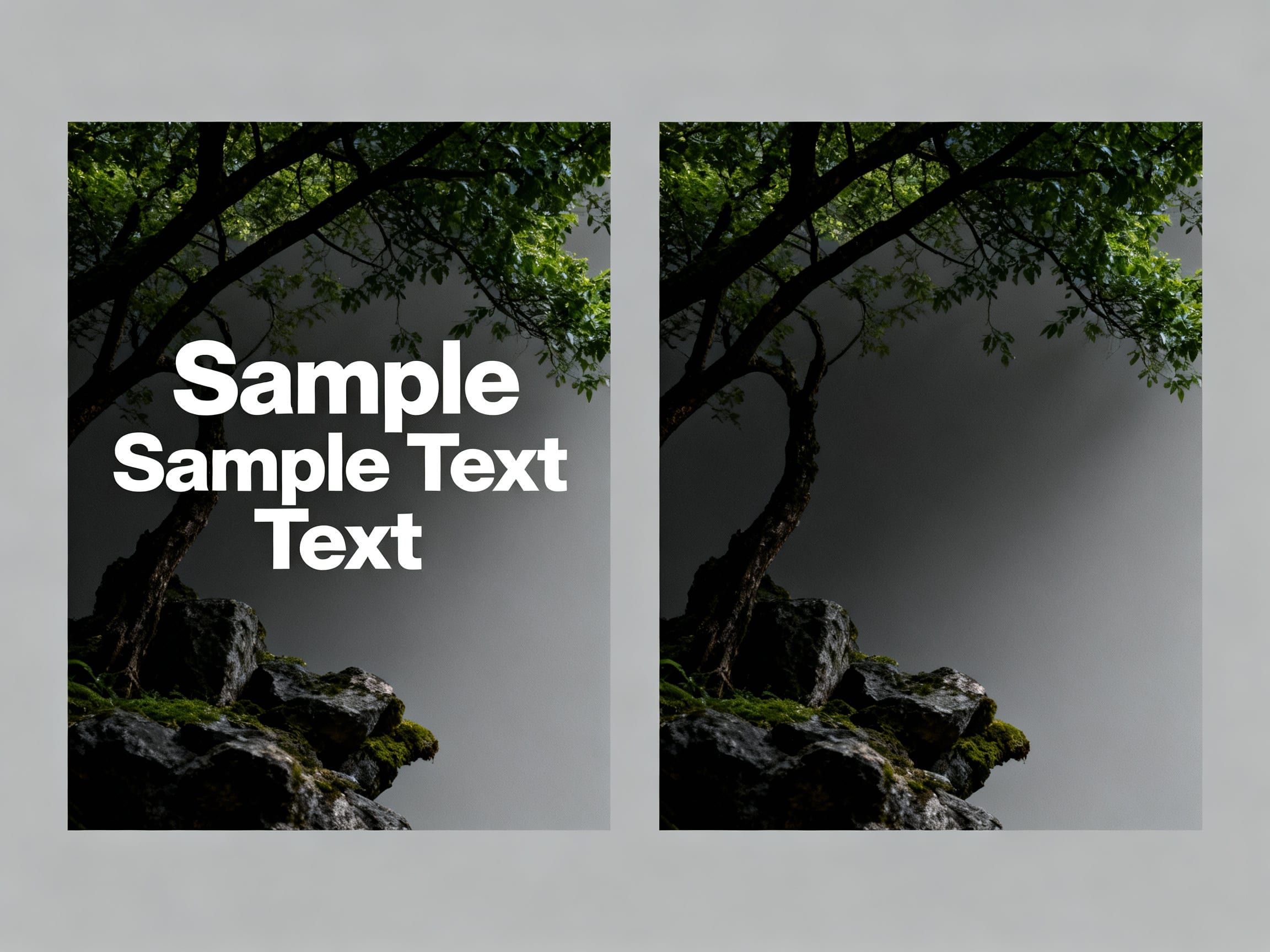
Direct answer
Yes, AI can remove handwritten answers from a worksheet without erasing the printed lines when the writing sits on plain paper, wide ruled lines, blank margins, or simple answer boxes. The edit should be small: remove the pencil or pen marks, rebuild the paper texture, and leave the printed worksheet alone.
It is harder when handwriting crosses printed text, answer bubbles, graphs, diagrams, stamps, teacher comments, or thin table lines. In those cases, the edit may blur the original worksheet, break the printed layout, or leave visible smudges.
Use the Remove Text preset when you want handwritten pencil or pen marks cleaned from a worksheet image. Use Privacy Blur when the goal is only to hide a student's name, score, ID, or private note while keeping the paper visibly unchanged.
Clean handwriting from a worksheet scan
- Paper texture rebuild
- Tight handwriting sel…
- JPG and PNG


Upload a worksheet photo and start with a tool built for pencil marks, pen answers, date stamps, labels, and small text distractions.
Key takeaways
- AI text removal is strongest when the handwriting is visually separate from printed worksheet content.
- A tight selection protects ruled lines, boxes, diagrams, and question text.
- A flat scan usually cleans better than a phone photo with shadows or folded paper.
- Do not use cleanup to misrepresent grades, teacher comments, signatures, official forms, or completed assessments.
- Keep
/presets/remove-textas the tool entry, and treat this guide as a review checklist before you edit.
Table of contents
- What text removal means for worksheet photos
- When worksheet cleanup works best
- A safe way to clean a filled worksheet
- AI vs Photoshop for worksheet scans
- What should not be erased?
- Prompt for removing handwriting from paper
- How to review the result
- Sources and related guidance
- Frequently asked questions
What text removal means for worksheet photos
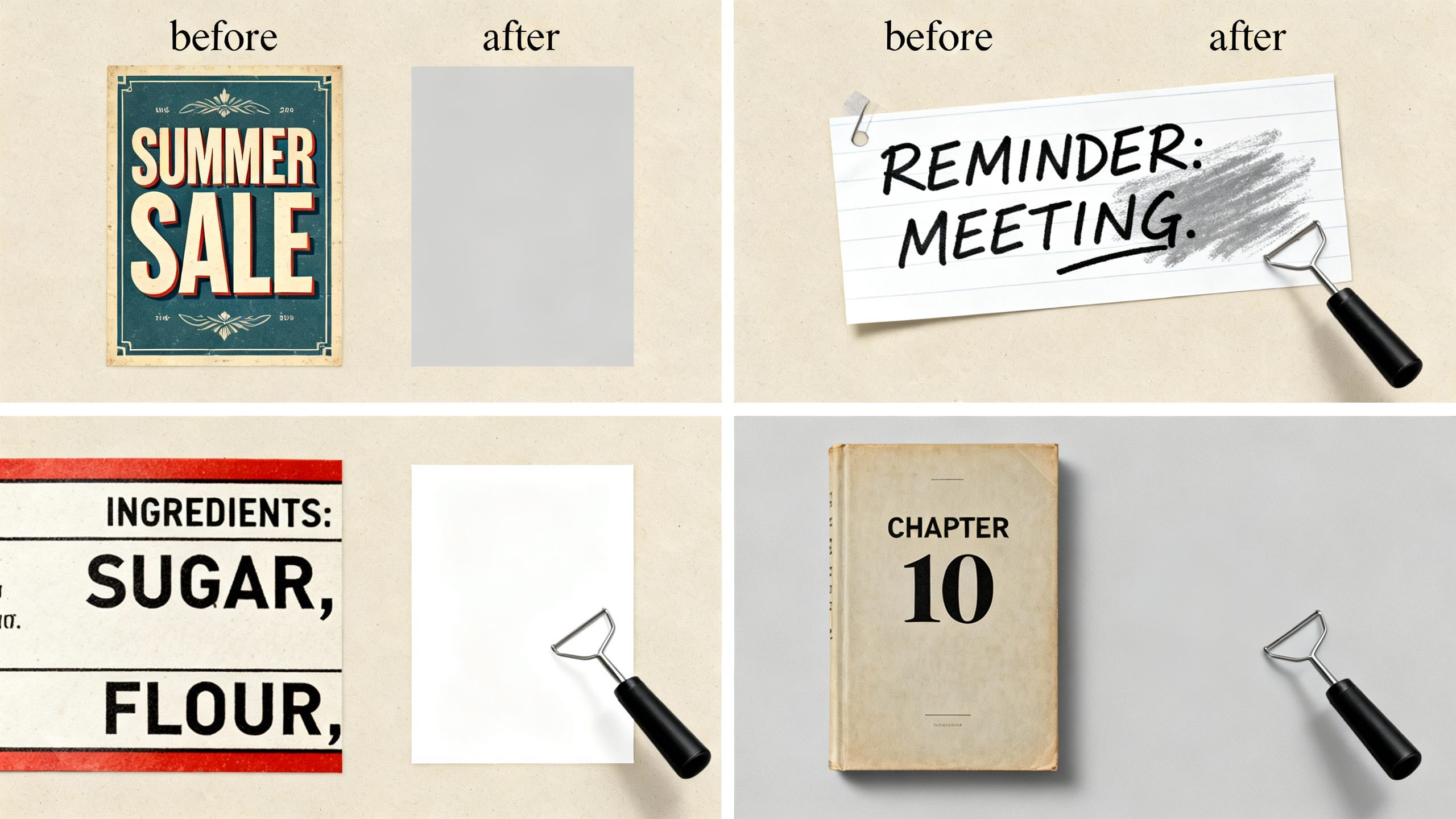
Text removal does not mean recovering the exact clean paper hidden under every stroke. It means selecting visible handwriting, captions, date stamps, or small printed marks and asking the editor to rebuild the surrounding background from nearby visual context.
For a worksheet, that background is usually paper grain, ruled lines, answer boxes, margins, and light shadows. The job is not to make a new document. The job is to remove the selected handwriting while preserving the original printed page structure.
When worksheet cleanup works best
The common user scene is simple: you have a worksheet, practice sheet, old quiz, or printed exercise page that was already filled in. You want a clean-looking version to reuse for another practice round, make a study copy, remove old pencil notes before sharing, or archive the original page without messy markings.
AI text removal is strongest when the marks are visually separate from the printed content. A pencil answer in an empty blank, a written number in a large box, or a note in a margin gives the model enough nearby paper texture to rebuild the area.
Good candidates:
- Pencil answers in blank answer spaces.
- Pen marks in wide margins.
- Light handwriting over plain paper.
- Date stamps or temporary notes at the top of a worksheet.
- Small check marks, circles, or annotations that do not cover printed text.
Harder candidates:
- Handwriting directly on top of printed questions.
- Notes crossing graphs, diagrams, tables, maps, or music staff lines.
- Multiple-choice bubbles, answer keys, grades, signatures, or teacher comments.
- Low-resolution photos with shadows, folds, glare, or heavy compression.
- Official forms, transcripts, ID documents, receipts, certificates, or records.
If the page was captured with a phone, try to get a flatter scan first. Google's Drive scanning flow is a useful baseline for this kind of capture because it starts with a document-specific camera scan rather than a casual photo. Better capture quality gives any cleanup tool more real paper and line detail to preserve.
A safe way to clean a filled worksheet
Use a narrow, honest workflow:
- Start with the clearest scan or photo you have.
- Straighten the page before editing if it is tilted.
- Decide whether the mark should be erased, blurred, cropped, or left alone.
- Select only the handwriting, not the whole answer box or printed line.
- Generate one small cleanup pass.
- Zoom in and check whether printed lines, boxes, and question text still look intact.
- Run a second pass only on obvious smudges.
- Save a copy and keep the original file unchanged.
The biggest mistake is selecting too much. If you mark the whole answer area, the editor may rebuild printed lines or boxes incorrectly. A tight selection gives the AI a smaller, more realistic repair job.
AI vs Photoshop for worksheet scans
Photoshop is better when the writing overlaps detailed printed content and you need exact control over lines, grids, and typography. Clone Stamp, Healing Brush, and Content-Aware Fill can work well, but they take patience.
AI is faster when the handwriting is on simple paper. For a parent reusing a practice sheet, a tutor cleaning a scanned worksheet, or a student making a private study copy, a focused text remover is usually the first pass worth trying.
| Worksheet situation | Better first choice | Why |
|---|---|---|
| Pencil answers in blank spaces | AI text remover | Paper texture is easy to rebuild |
| Notes in a margin | AI text remover | The selected area is separate from the printed layout |
| Writing over printed questions | Manual edit or recreate the page | The AI may damage letters and spacing |
| Graphs, tables, or diagrams | Photoshop or recreate | Thin lines are easy to break |
| Name, score, or student ID | Blur, crop, or redact | Privacy matters more than making the page look untouched |
If the printed layout matters, use a manual editor or recreate the page instead of asking AI to guess. Adobe's Clone Stamp guidance is still relevant for exact paper repairs because it lets you sample and paint from known nearby pixels rather than generating a whole patch at once.
What should not be erased?
Do not use worksheet cleanup to misrepresent schoolwork, grades, signatures, teacher comments, official forms, or records. If the page is evidence of completed work, an assessment, or an official document, do not make it look like something else.
For private sharing, privacy is usually the right goal. Blur or crop student names, IDs, grades, addresses, or teacher notes instead of trying to make the page look untouched.
Related ClearCrowds workflows:
- Remove Text when handwriting, labels, or notes should be cleaned from an owned image.
- Privacy Blur when private details should be hidden but the paper should remain visibly authentic.
- Edit Number in Photo when the issue is a date, score, label, or number that needs careful review.
- Remove Object From Photo when the mark is on a sticker, label, or physical object in the photo.
Prompt for removing handwriting from paper
If your editor accepts a prompt, keep it specific:
Remove only the selected handwritten pencil or pen marks. Rebuild the plain paper texture and keep all printed worksheet text, boxes, lines, diagrams, and page edges unchanged.
For lined or boxed worksheets, add:
Preserve the printed lines and answer boxes. Do not invent new text or change the worksheet layout.
For private student materials, add:
Hide private names, IDs, scores, or notes only when selected. Do not alter grades, official comments, signatures, or records.
How to review the result
Look at the cleaned area at full size before sharing or printing. Worksheet cleanup failures usually show up as wavy printed lines, soft gray patches, broken answer boxes, repeated paper texture, or letters that look partly erased.
Use this checklist:
- Are the printed questions still readable?
- Do ruled lines and boxes continue naturally?
- Is the paper texture consistent around the cleaned area?
- Did the edit accidentally change a number, symbol, diagram, or label?
- Would a printed copy still look useful for practice?
- Is there any ethical or privacy reason to blur instead of erase?
Sources and related guidance
- Google Drive Help: scan documents with Google Drive
- Adobe Help: retouch images with the Clone Stamp tool
- ClearCrowds Remove Text preset
- Remove a phone shadow from a document photo
Frequently Asked Questions
Can AI remove handwritten answers from a worksheet?
Yes, especially when the marks sit on blank paper, wide ruled lines, margins, or simple answer boxes. Heavy graphite, smudges, or writing over printed text may need a second pass or a manual edit.
Can AI remove pen answers from a test paper?
Sometimes. Pen is darker and usually harder than pencil, but it can still work when the answer sits in a blank area. Do not use it to misrepresent grades, official records, or completed assessments.
Will AI keep the printed worksheet lines?
It can when the handwriting is separate from the lines. If handwriting crosses boxes, grids, or diagrams, inspect carefully because the AI may bend or blur those printed details.
Is it better to scan the worksheet first?
Yes. A flat scan is usually easier to clean than a phone photo with shadows, folds, perspective, or glare. If you only have a phone photo, crop and straighten it before editing.
Should I erase names or grades?
For names, IDs, grades, or comments, blur or crop is usually safer and more honest. Erasing those details can make the document look altered.
Summary
AI can remove handwritten answers from a worksheet scan when the marks are narrow and the page has enough clean paper around them. Use it for reusable practice sheets, tutoring copies, study archives, and owned-photo cleanup. Use blur, crop, or a fresh blank template when the text is private, official, or important to the meaning of the page.