
What's the Best Photo Editing Software for Beginners?
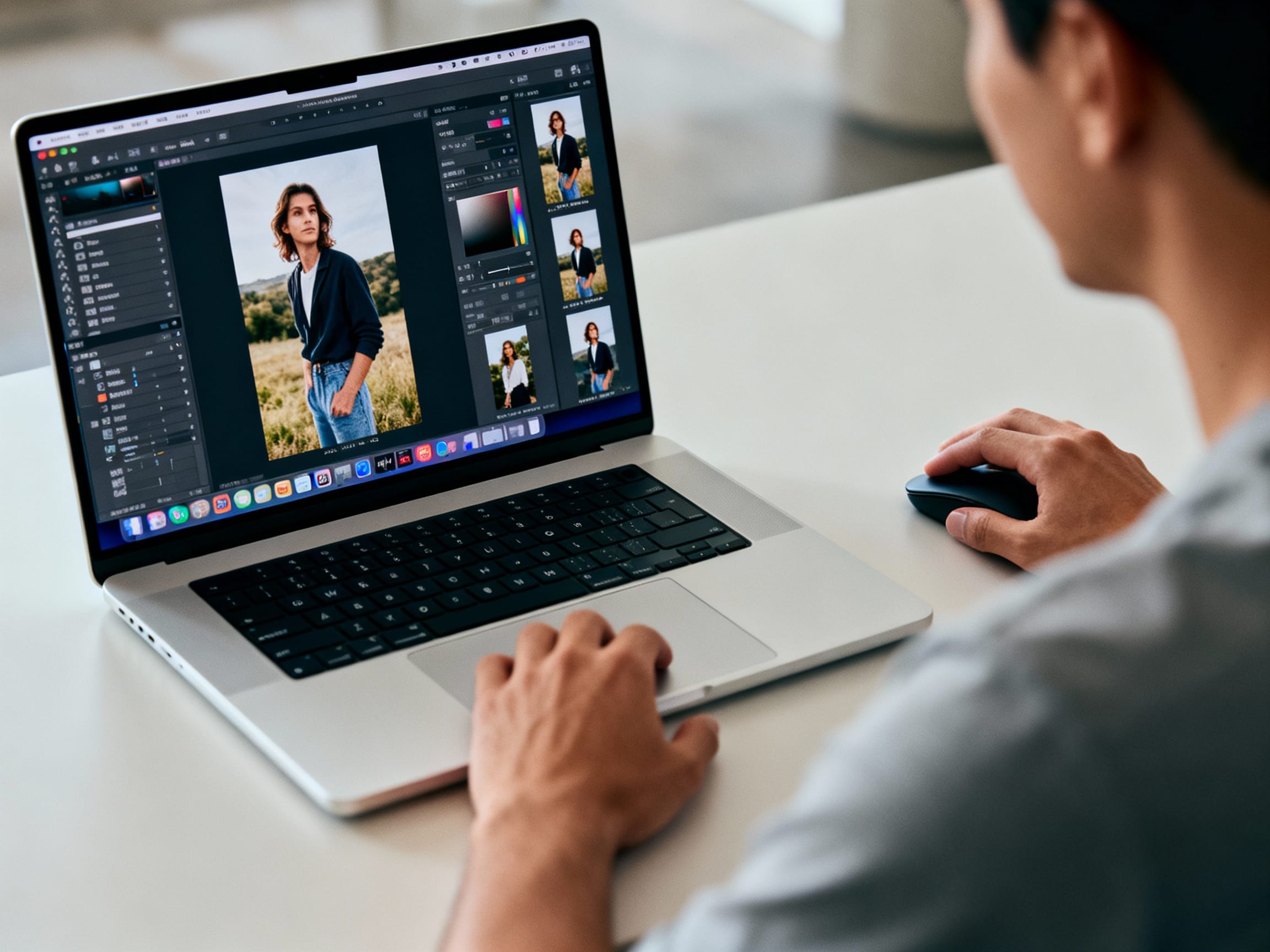
Ever snapped a fantastic photo, only to feel it needed a little something extra to truly shine? You're not alone! Many aspiring photographers and casual snappers want to tweak their images without getting lost in complicated software. The good news is, you don't need a degree in graphic design to make your photos pop.
What Makes Photo Editing Software "Good" for Beginners?
When you're just starting out, the sheer number of options can be overwhelming. What defines "good" software for a newbie really boils down to a few key things: ease of use, intuitive interface, essential features, and often, affordability. You want a program that lets you learn as you go, without feeling like you need a manual for every click. Look for clear labeling, drag-and-drop functionality, and helpful presets.
Many beginners prioritize tools that can quickly fix common issues like lighting, cropping, or color balance. The best programs offer a gentle learning curve, allowing you to achieve impressive results without feeling intimidated by complex layers or advanced masking techniques.
Which Photo Editing Programs Are Best for Beginners?
For those stepping into the world of photo editing, several programs stand out because of their user-friendly design and powerful capabilities. The "best" choice often depends on your specific needs and budget, but some popular options consistently rank high.
One excellent choice, especially if you want to clean up your photos quickly and effortlessly, is ClearCrowds. It's designed for instant results, letting you remove unwanted objects, crowds, or distractions with just one tap. Imagine getting rid of a photobomber or cluttered background in seconds – ClearCrowds excels at this, rebuilding the background naturally so your photo looks professionally edited, no Photoshop skills required. It also includes one-tap beauty tools, watermark removal, and the ability to turn low-quality images into HD, making it incredibly versatile for anyone who wants polished photos instantly.
Other popular choices include consumer-friendly options like Adobe Photoshop Elements, which offers a simplified version of Photoshop, or Canva, known for its easy-to-use templates and design features that include basic photo editing. GIMP is a free, open-source alternative that offers many advanced features but can have a steeper learning curve than dedicated beginner software. Pixlr and Fotor are also great online tools that provide a range of editing capabilities without needing a download.
Can I Get Professional Results Without a Steep Learning Curve?
Absolutely! The rise of AI-powered tools has revolutionized photo editing for beginners. Programs like ClearCrowds are prime examples, giving you studio-grade results without needing to master intricate techniques. With ClearCrowds, you can achieve clean, polished photos that look like they were taken by a pro.
Features like one-tap crowd and object removal, along with smart fill technology that rebuilds backgrounds, mean your images look naturally enhanced. This bypasses the need for complex selections, layers, and brushes that typically require hours of practice in more traditional software. Whether you're optimizing travel memories, preparing product listings, or just enhancing everyday moments, easy-to-use tools ensure your photos are ready to share without the hassle.