
Claude image generation, connected.
Create new images and edit photos in Claude Code with ClearCrowds.
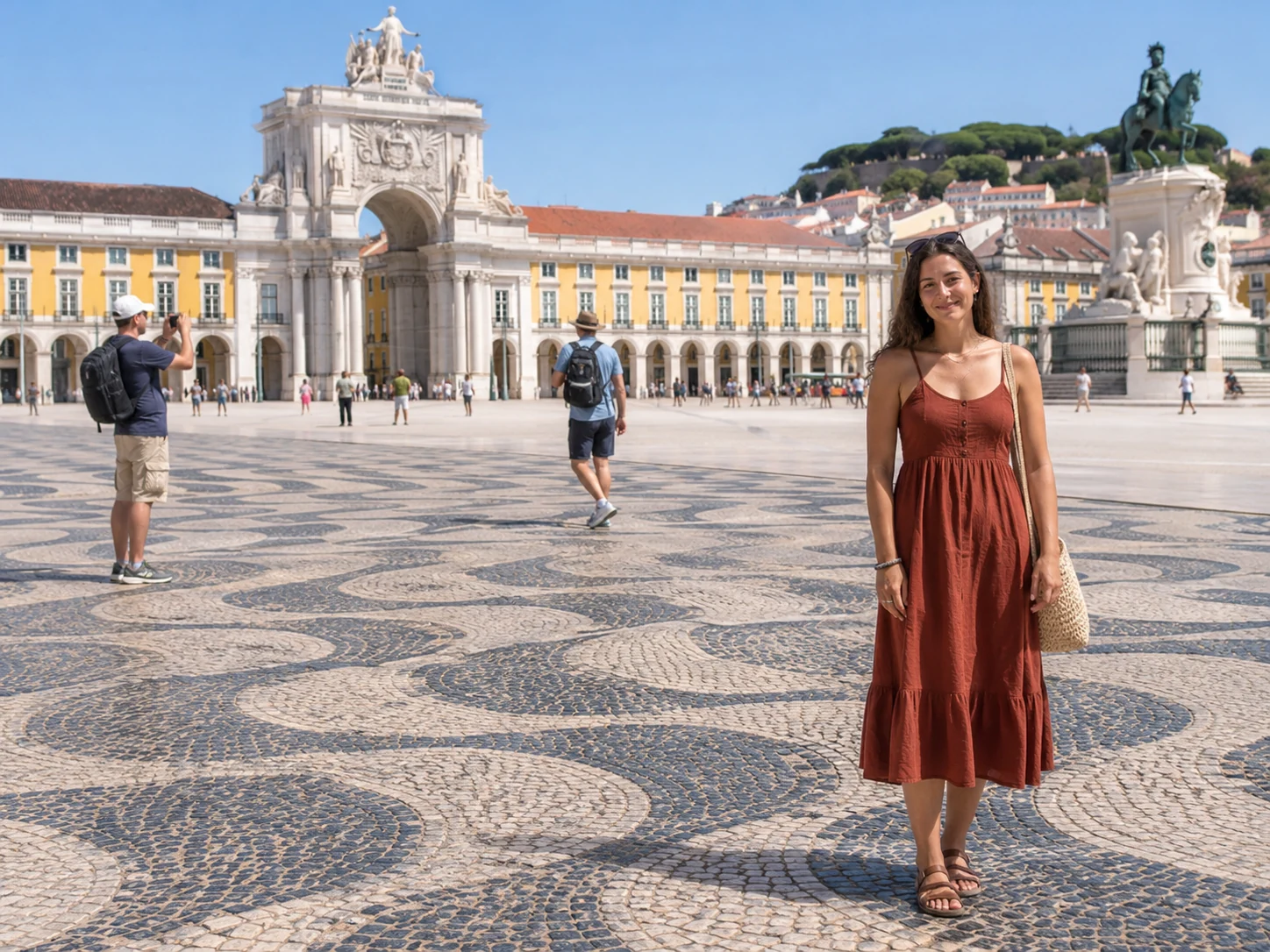
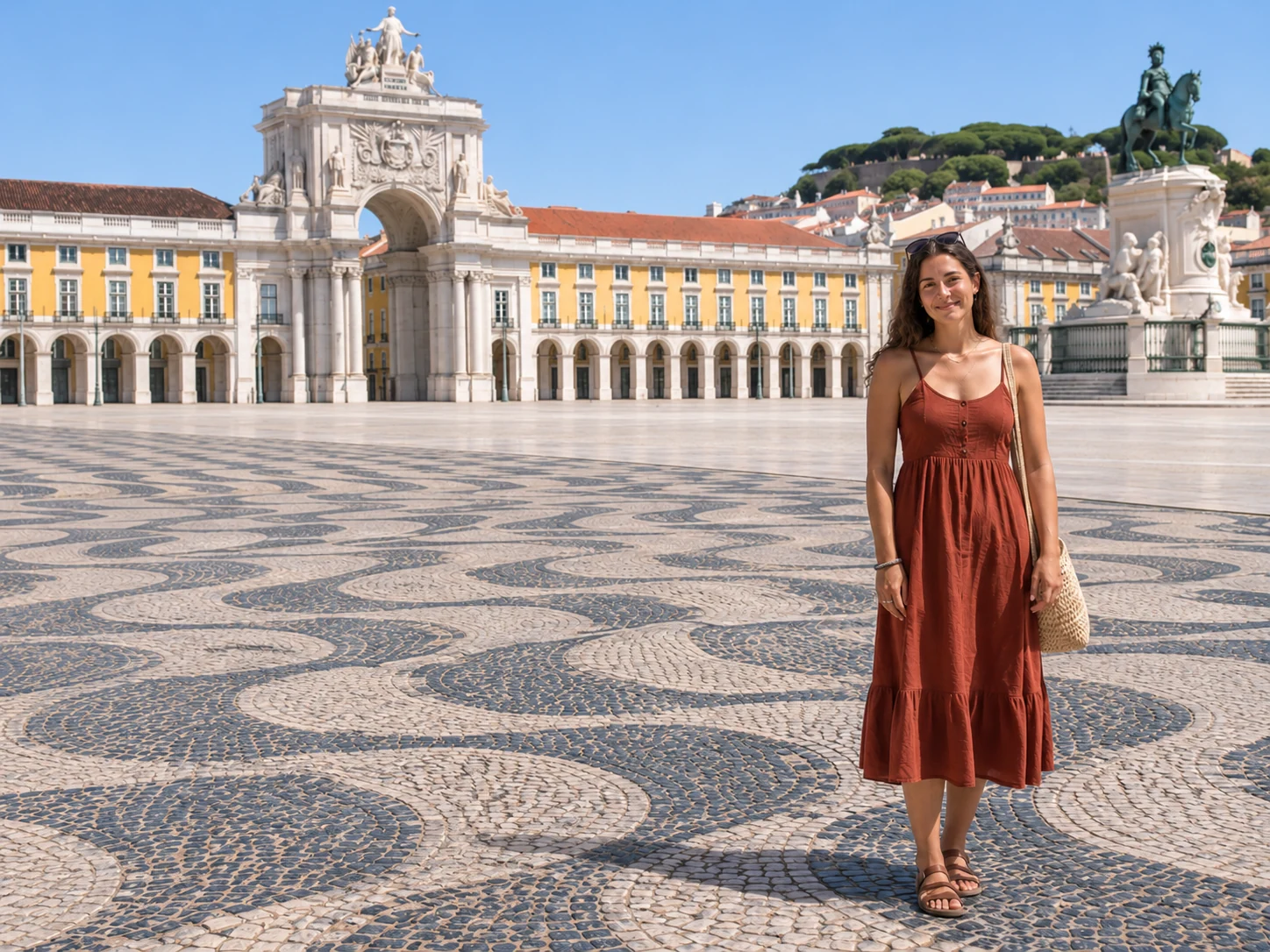
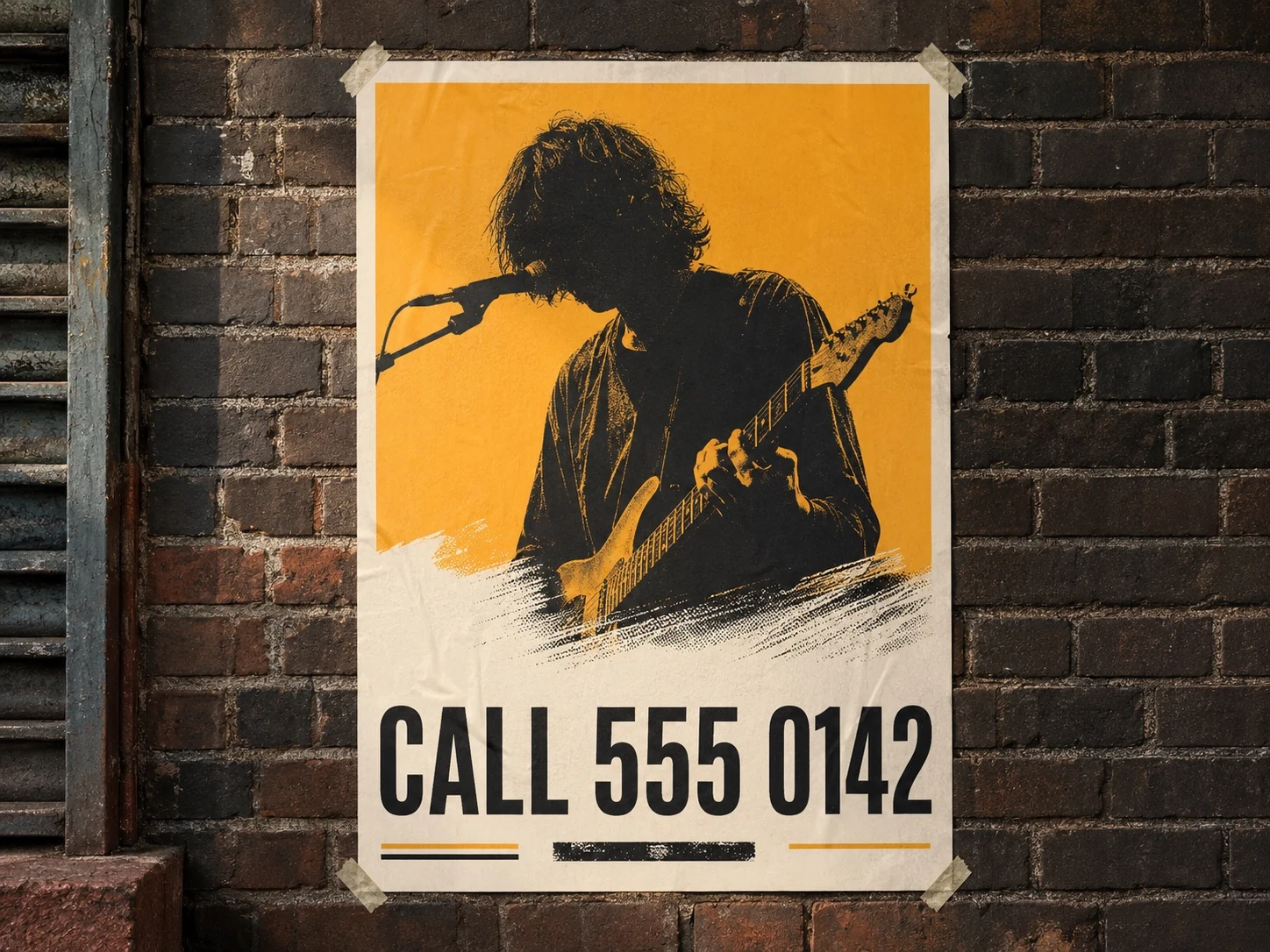
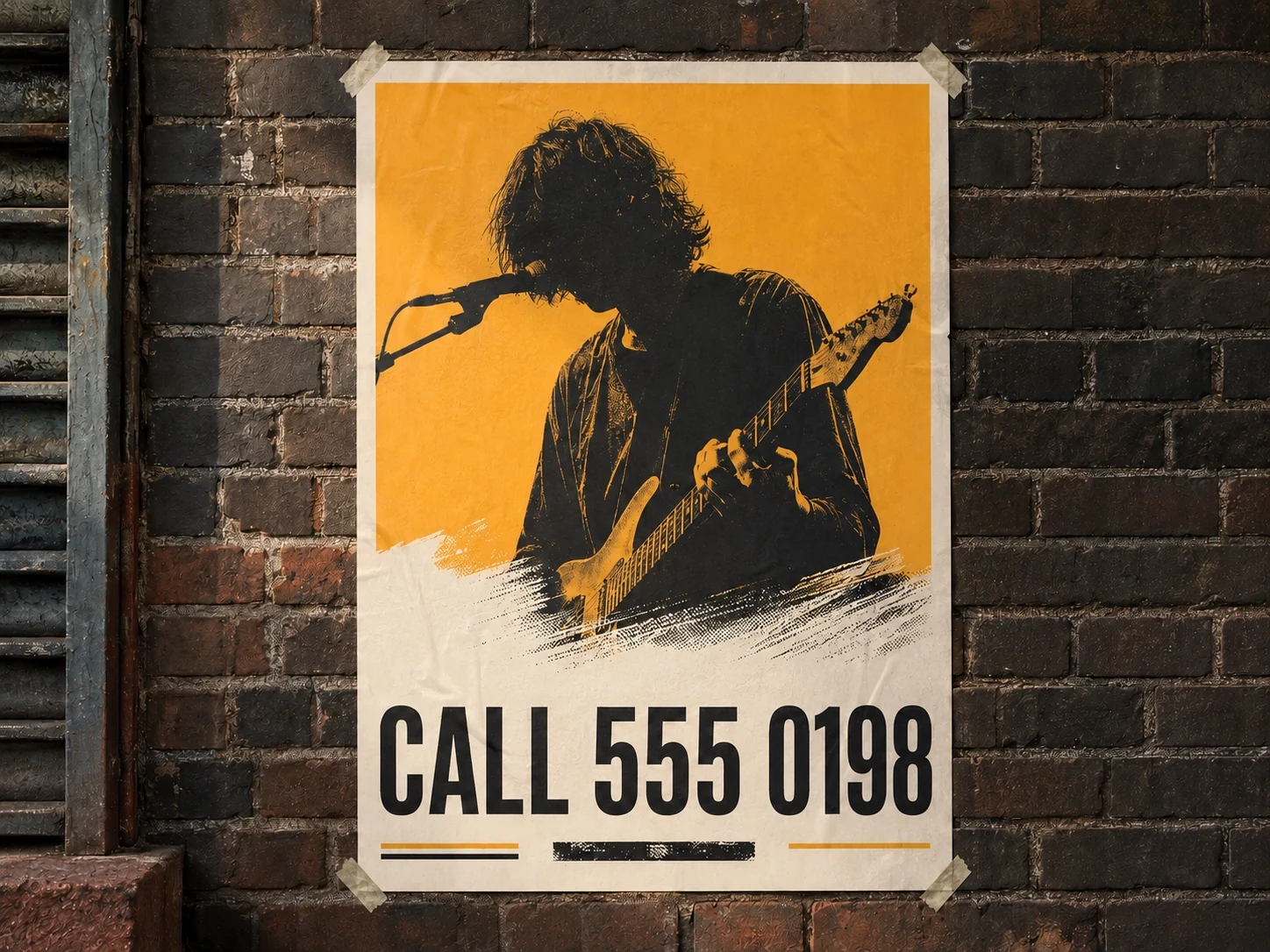
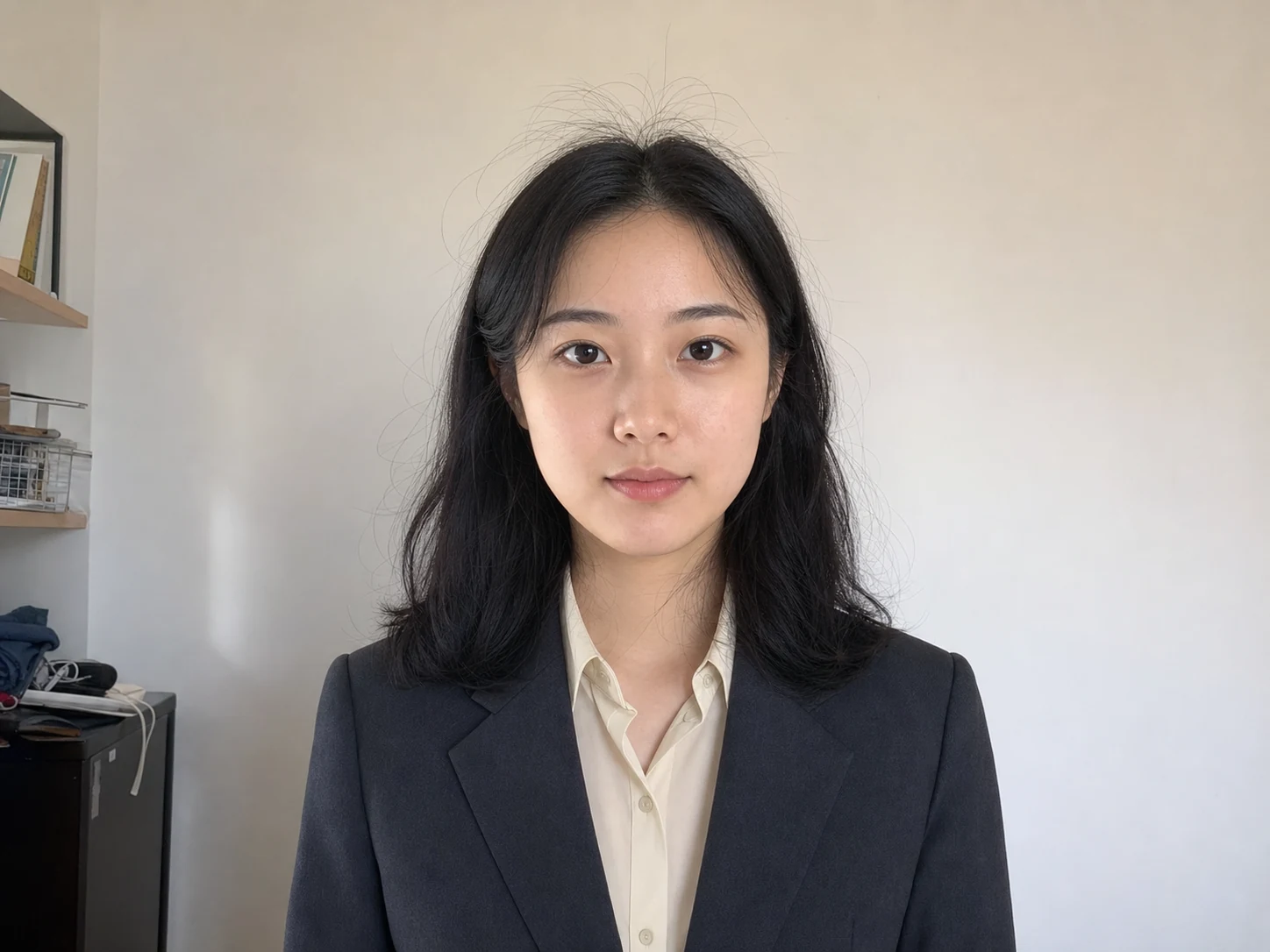
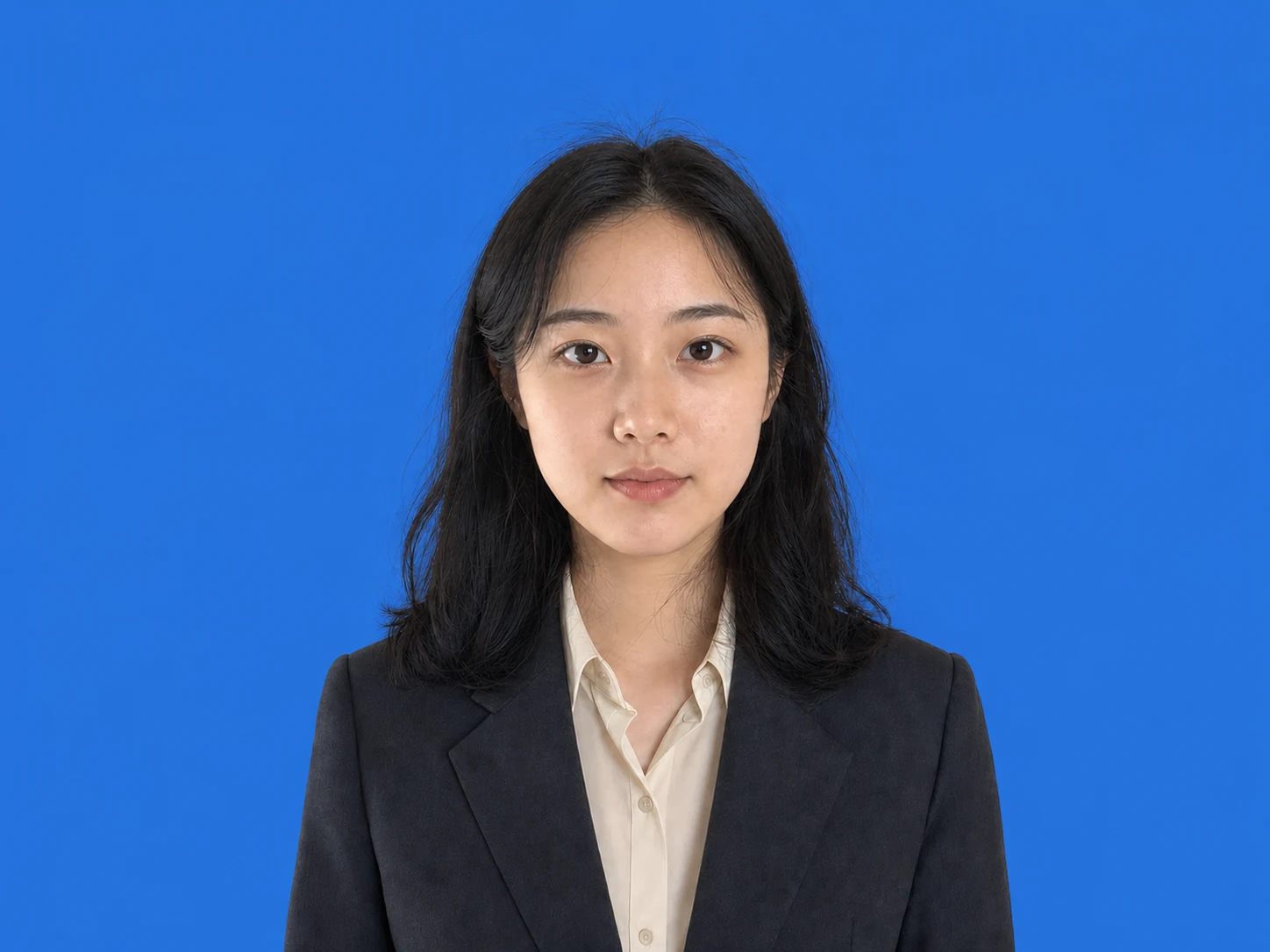


Photo edits you can ask Claude for
BeforeAfter
Remove people
Remove the people behind me. Keep me and the plaza as they are.
The subject, outfit and architecture stay in place.
Explore this editBeforeAfter
Replace background
Replace the room behind me with a solid blue background.
Keep the face, hair, clothes and pose.
Explore this editBeforeAfter
Edit text
Change CALL 555 0142 to CALL 555 0198. Keep the rest of the poster.
Preserve the artwork, paper and brick wall.
Explore this editA request. A photo, fixed.
Restore a family memory
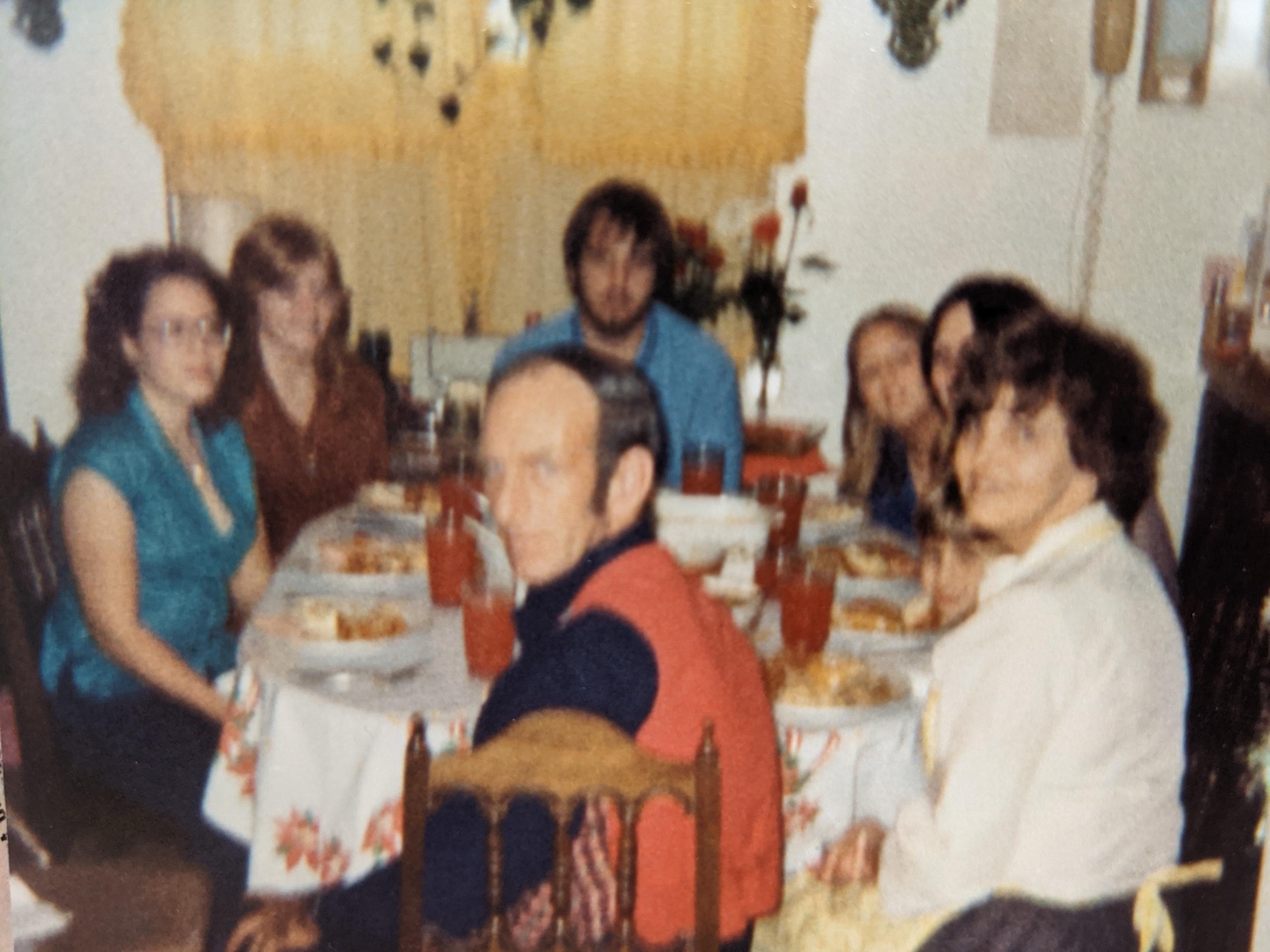
Restore this old family photo. Make the faces clearer and keep the original colors.
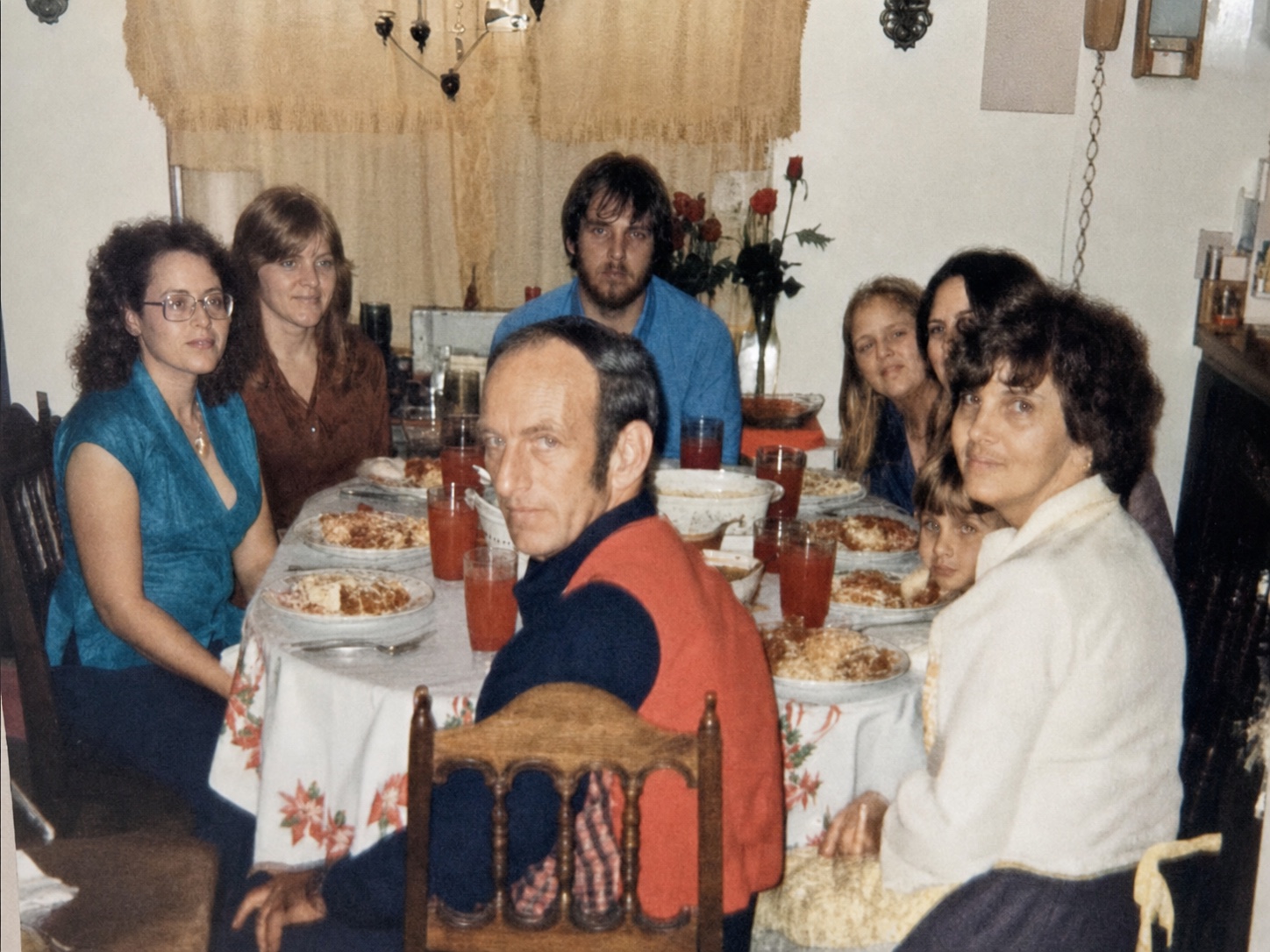
BeforeAfter
Take off the glasses
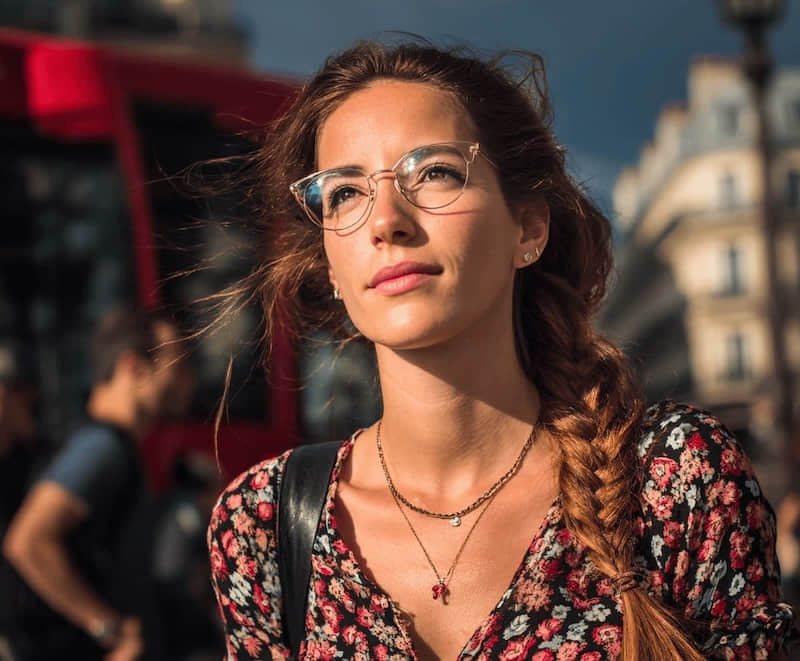
Remove her glasses. Keep her expression, hair and the street background.
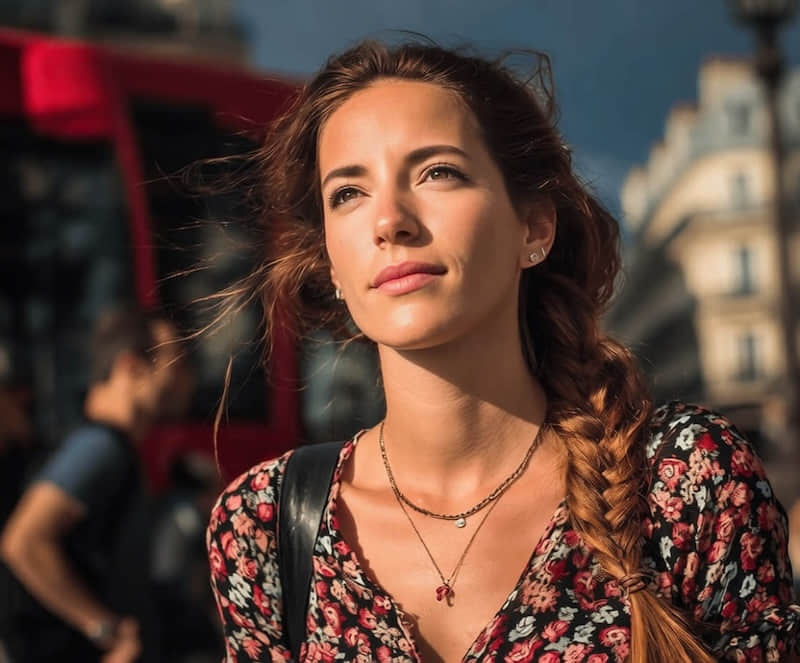
BeforeAfter
Bring the room to life
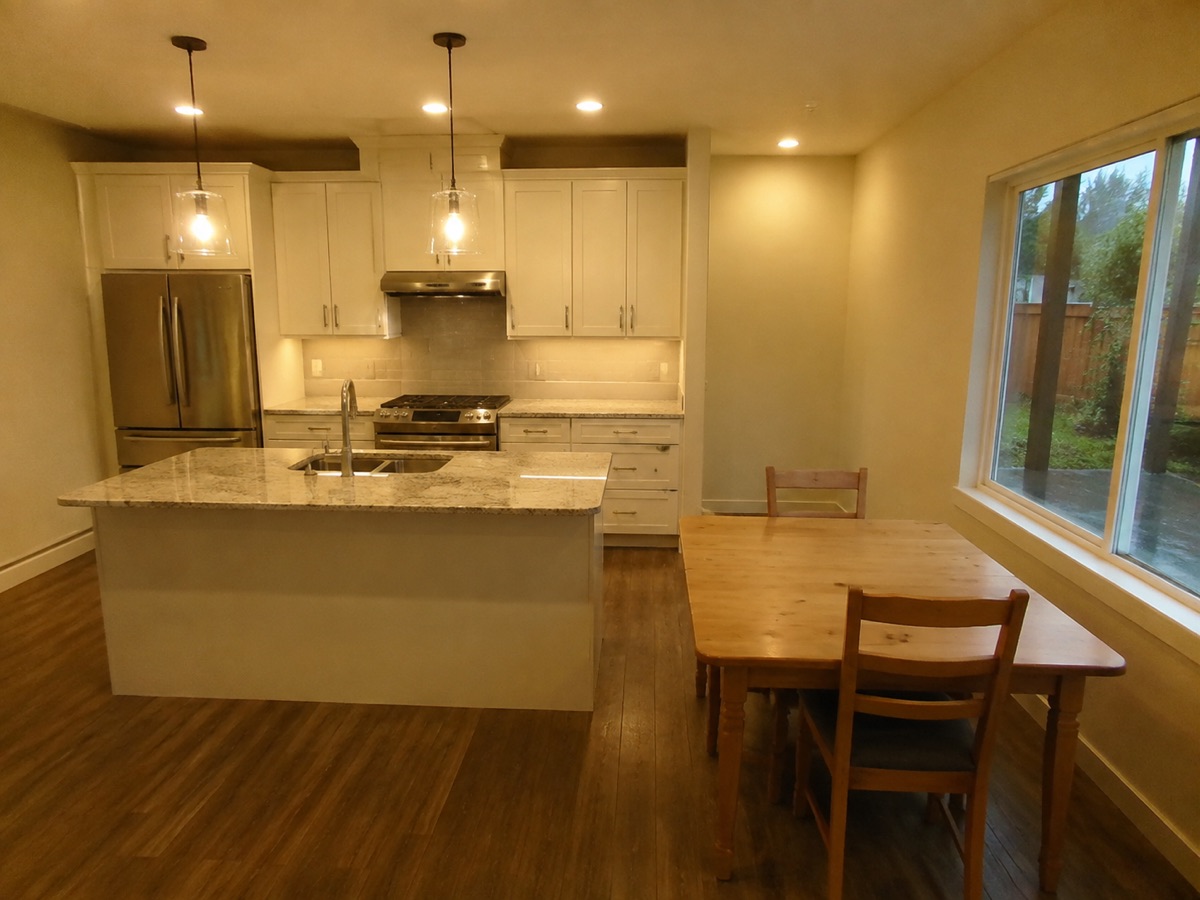
Brighten this kitchen and remove the yellow cast. Keep the furniture and layout.
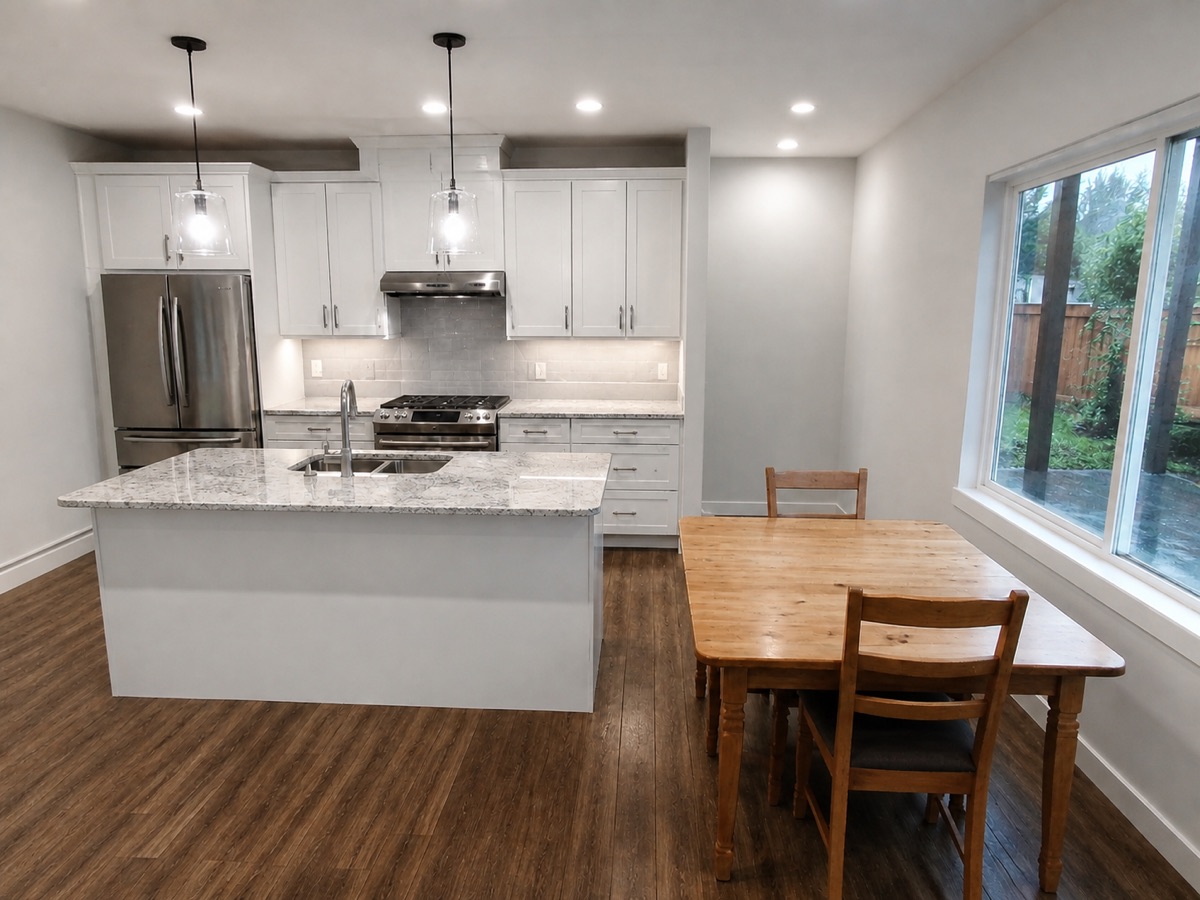
BeforeAfter
Illustrative edit example
From Claude Code to your editor
Connect your agent
Choose your assistant in the editor and complete the connection.
Share a photo. Say what to change.
Choose a photo or provide a local image, then send your request.
Pick up in the editor
Open the returned result in ClearCrowds to review and continue editing.
Use the assistant you already know
Install the ClearCrowds Skill on supported clients to call it by name. Browser assistants use the connected tools.
Connection guide- Codex
$clearcrowds- Claude Code · Cursor
/clearcrowds- pi agent
/skill:clearcrowds- Grok · Other
- Ask in natural language
Claude image generation: your questions
Can I generate images through this connection?
Yes. Describe the image you want. ClearCrowds generates it using your personal subscription credits and returns a preview and editor link.
How do I edit a photo in Claude Code?
Copy the setup instructions, connect ClearCrowds and install the Skill. Share a photo and tell Claude Code what to change.
Where can I review the result?
Use the editor link returned to Claude Code. Your edited photo is also saved in your ClearCrowds history.