
Blur Part of an Image
Draw boxes over the details you want to blur. Adjust each area and save a PNG at its original size.
Choose an image
PNG, JPG or WebP · Up to 20 MB
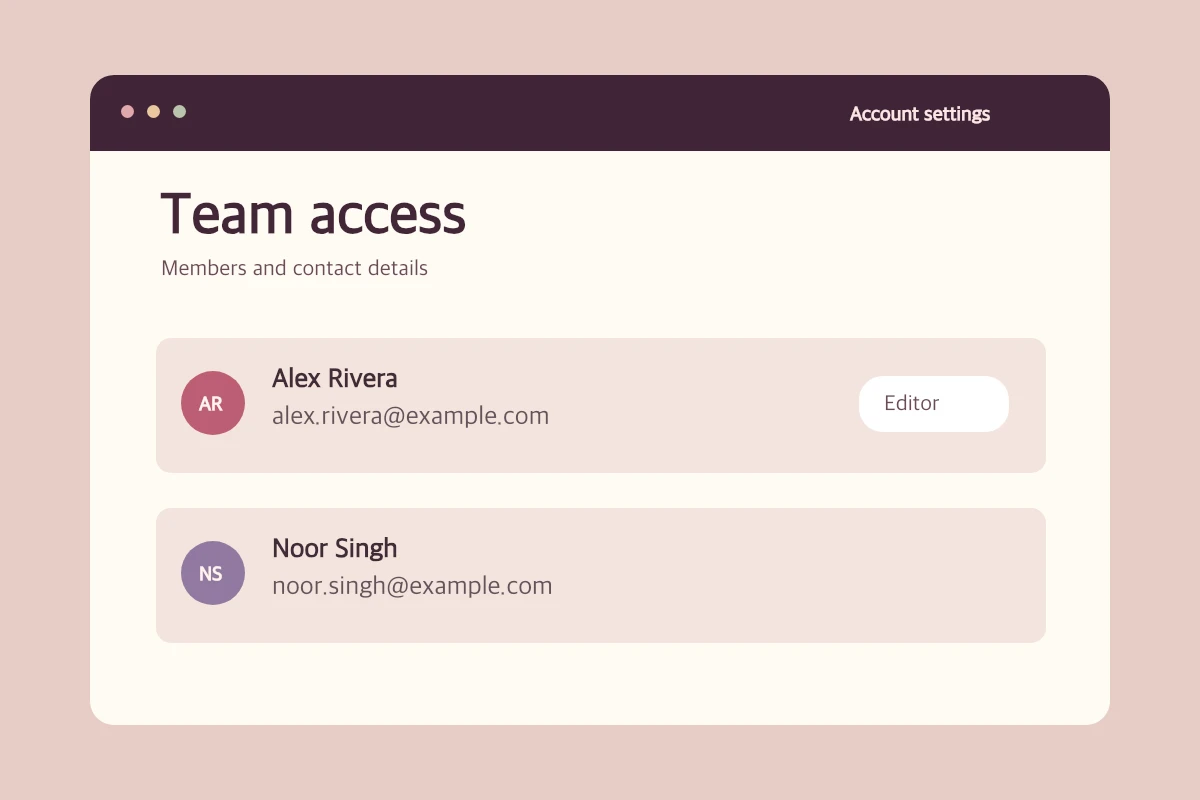
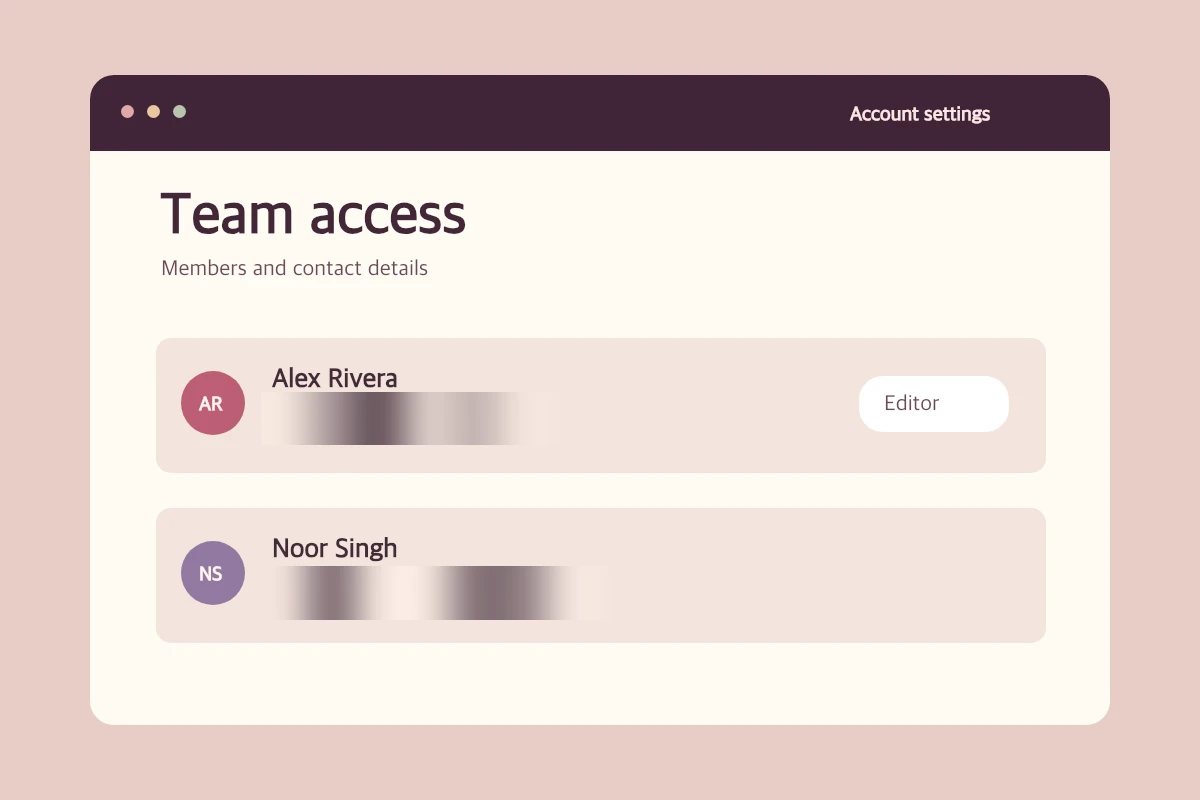
Shipping label
Cover the address and barcode. Keep the label heading visible.
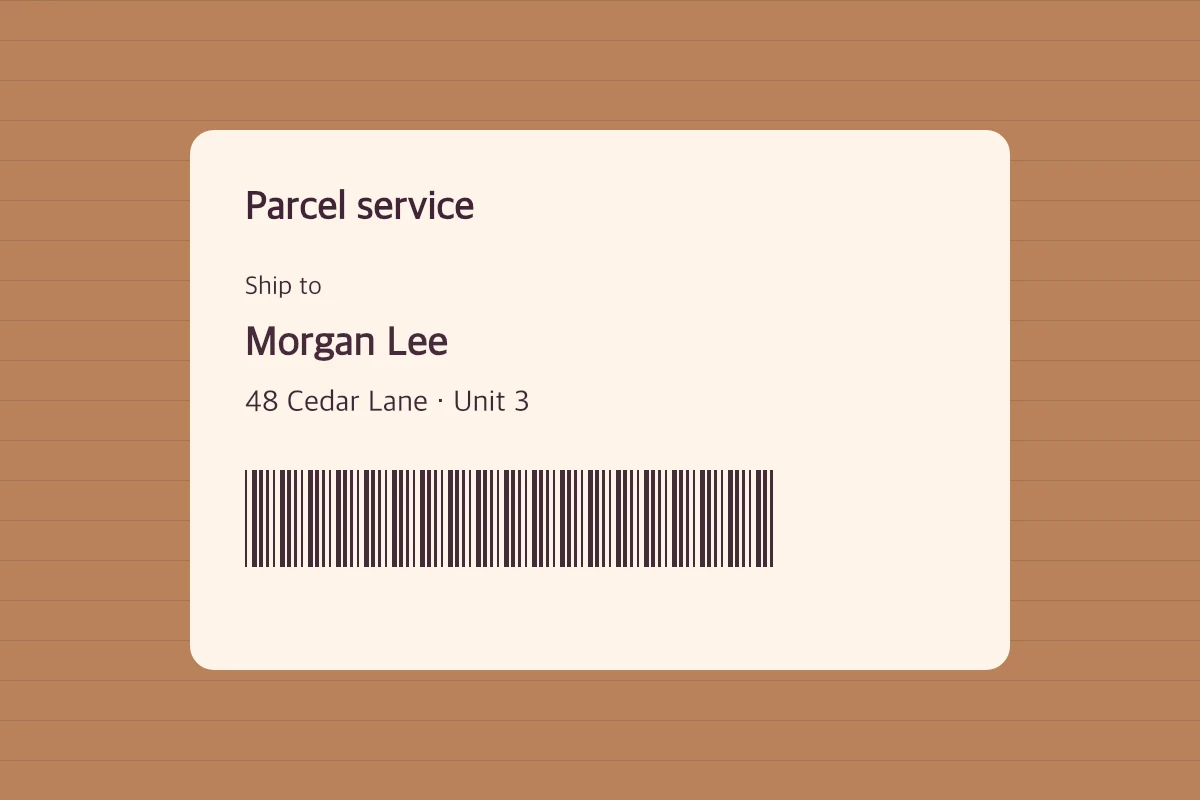
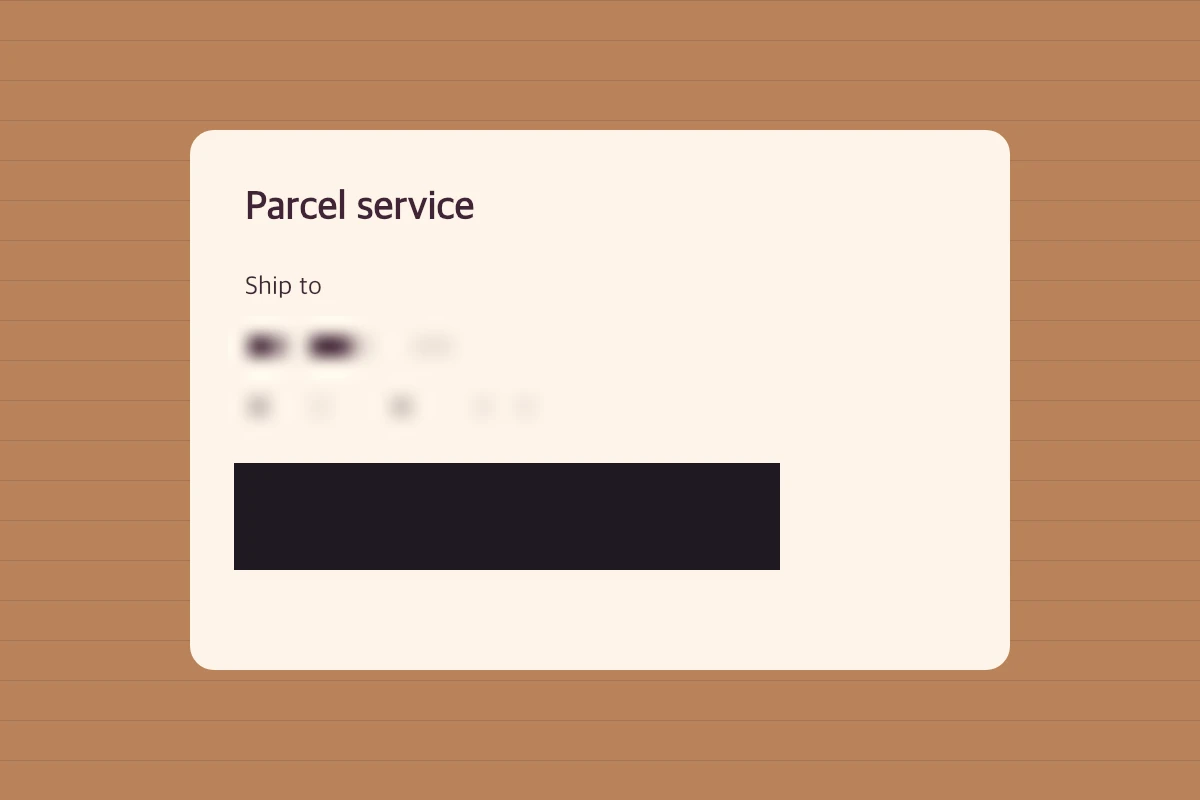
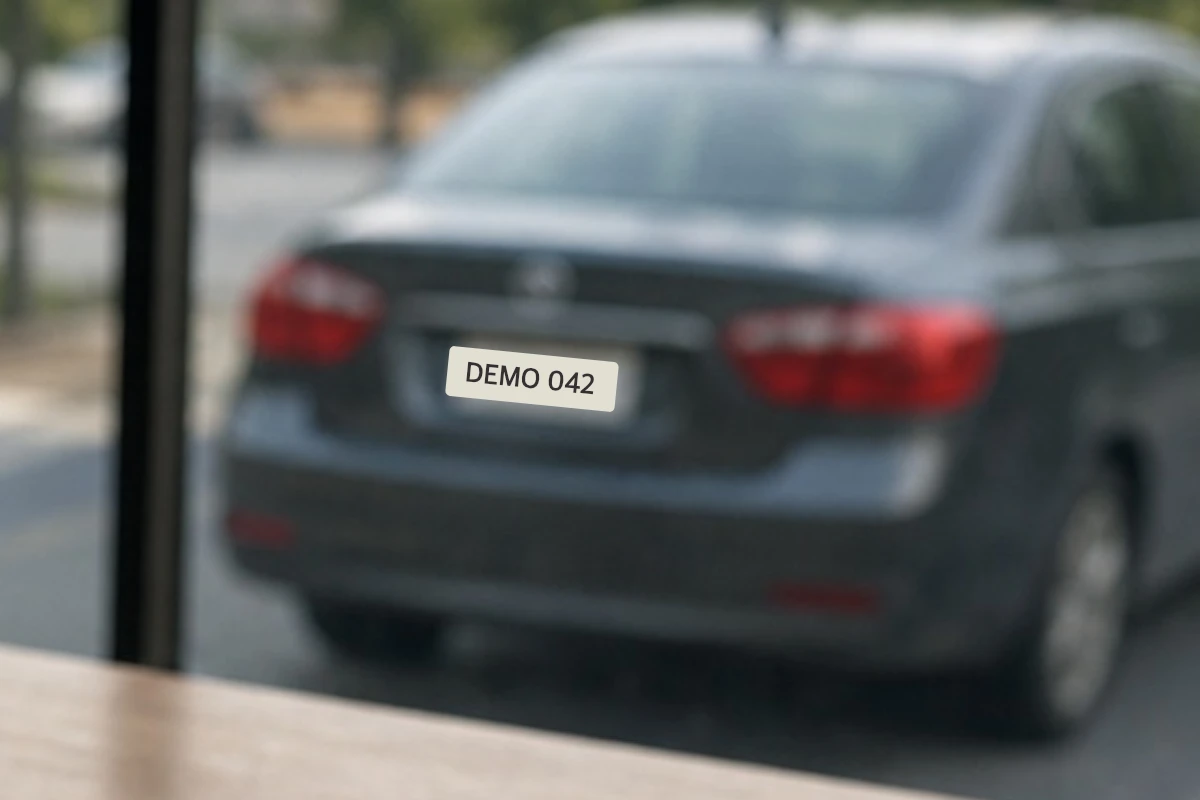
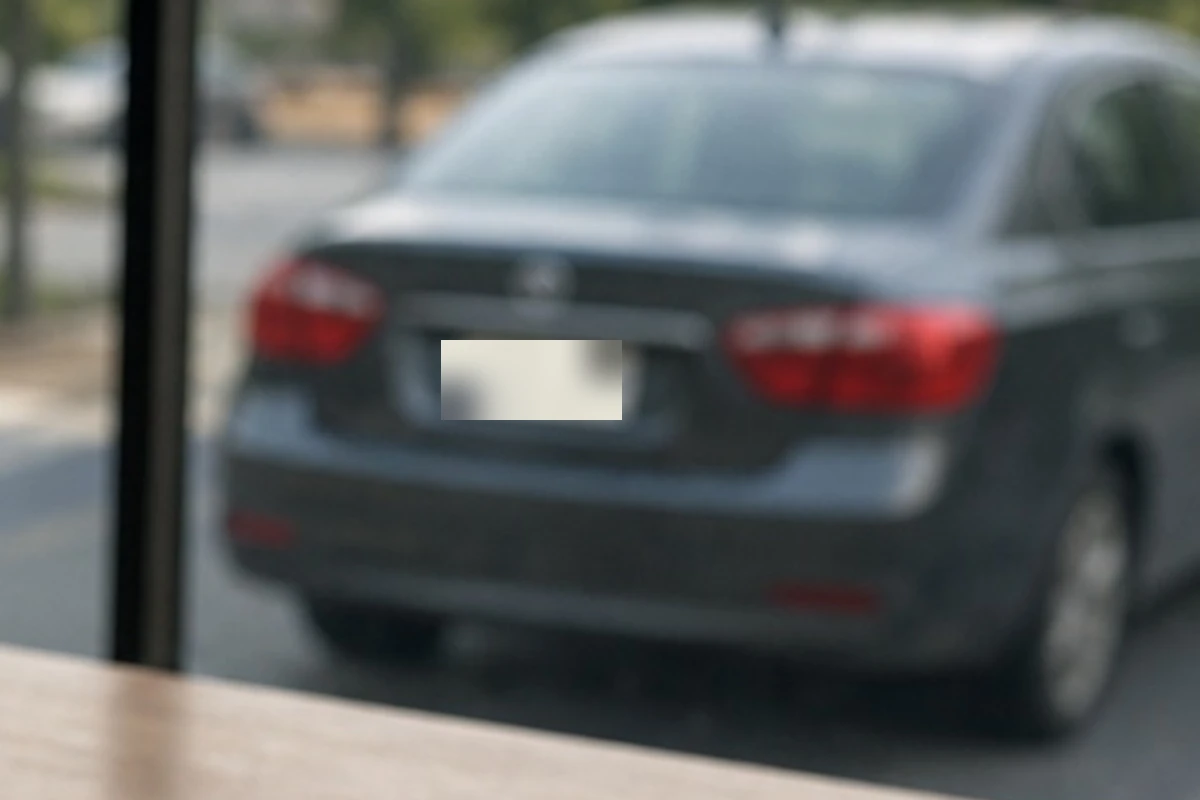
Number plate
Blur the plate while keeping the car and surroundings intact.
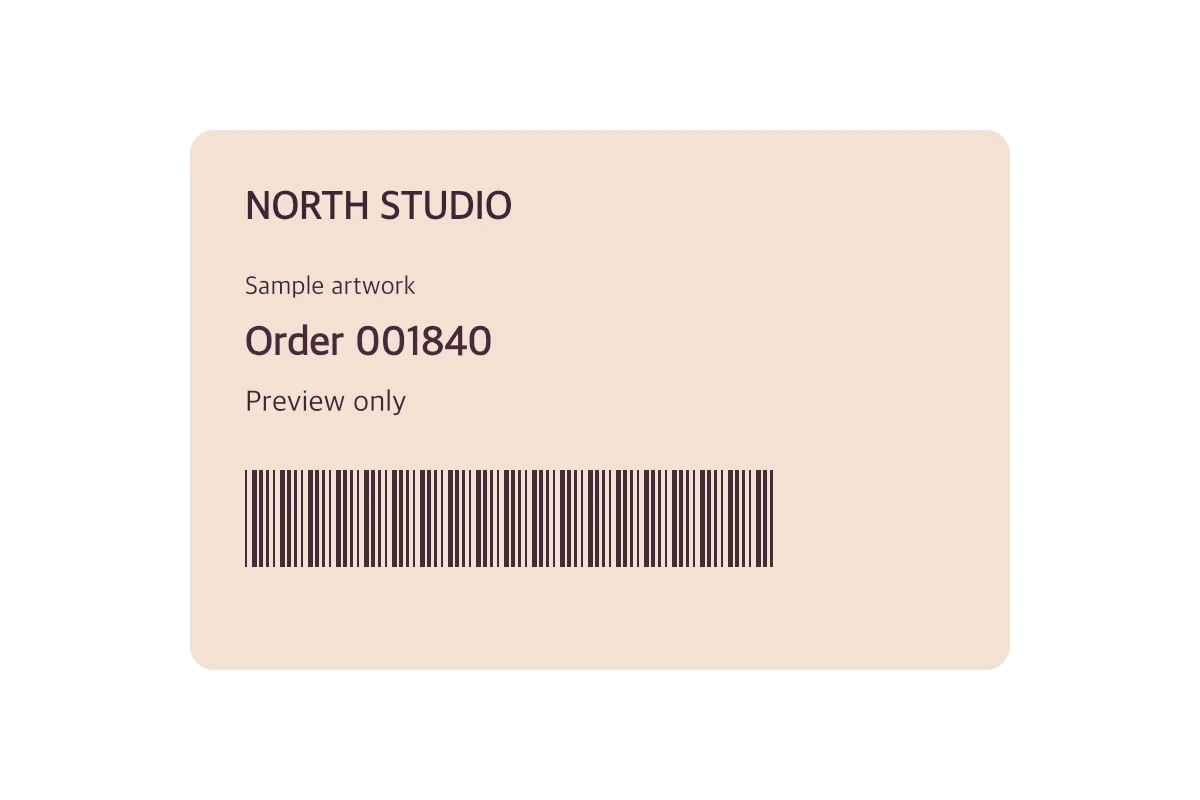
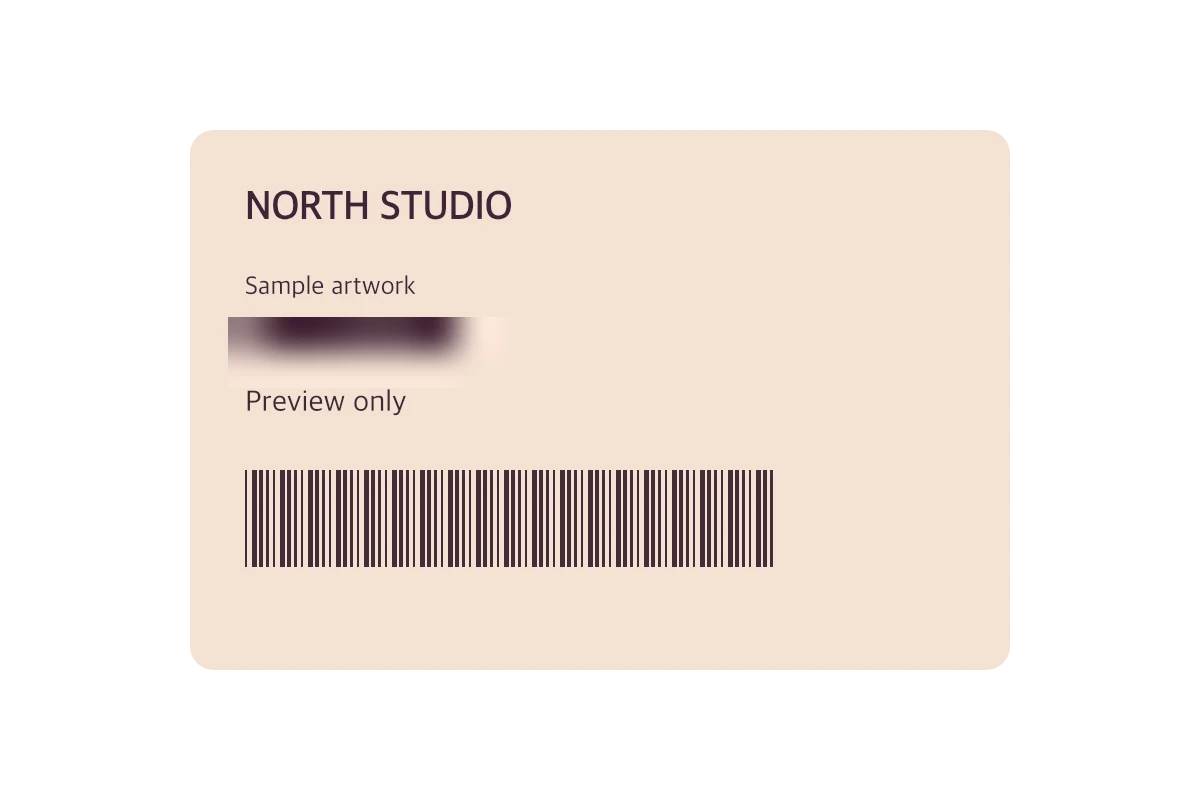
Transparent image
Soften the order number and retain the transparent border in the PNG.
How it works
- Choose an image
- Draw a box, adjust the effect, then save the image. The rest of the picture stays untouched.
- Download PNG
Common questions
How do I fully hide readable details?
Choose Solid cover for that area. Use blur where you only want to soften details.