
AI Product Image Generator
Turn one product photo into a set of listing images for Amazon, Shopify, or eBay. Create a white-background main image, a lifestyle scene, and a feature or detail image.
Original photo
AI product photography from one photo
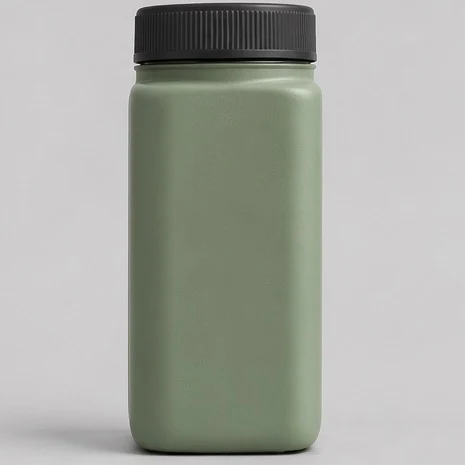
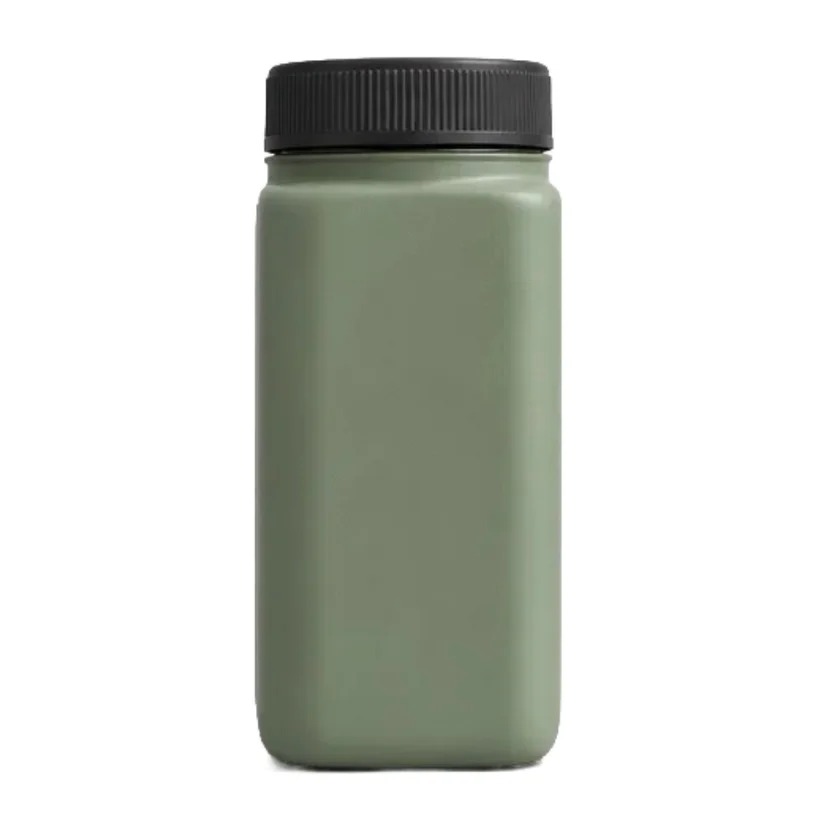
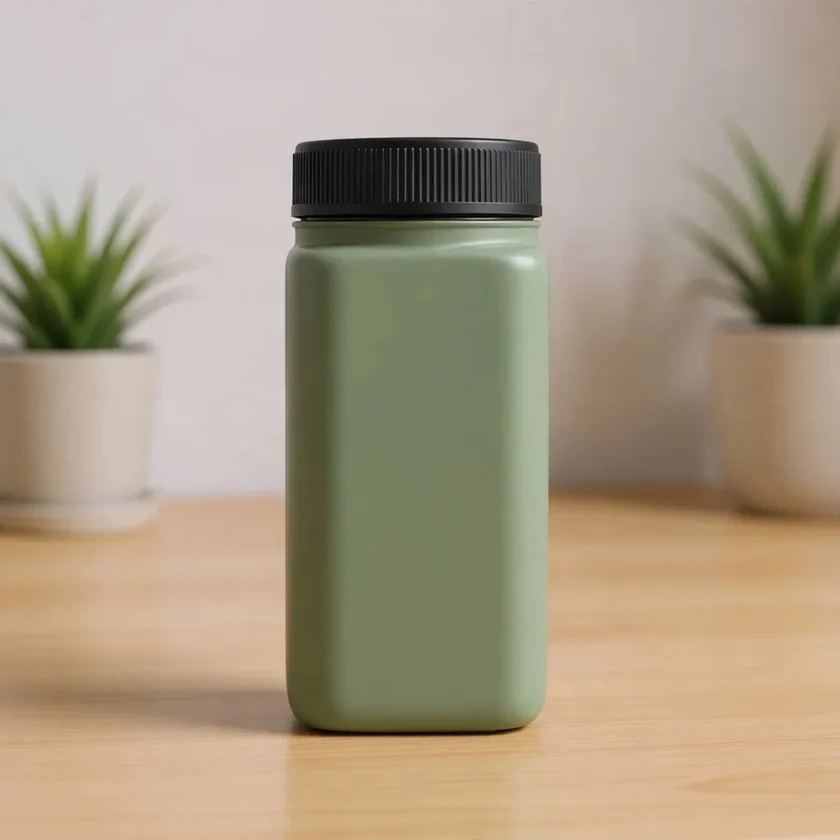
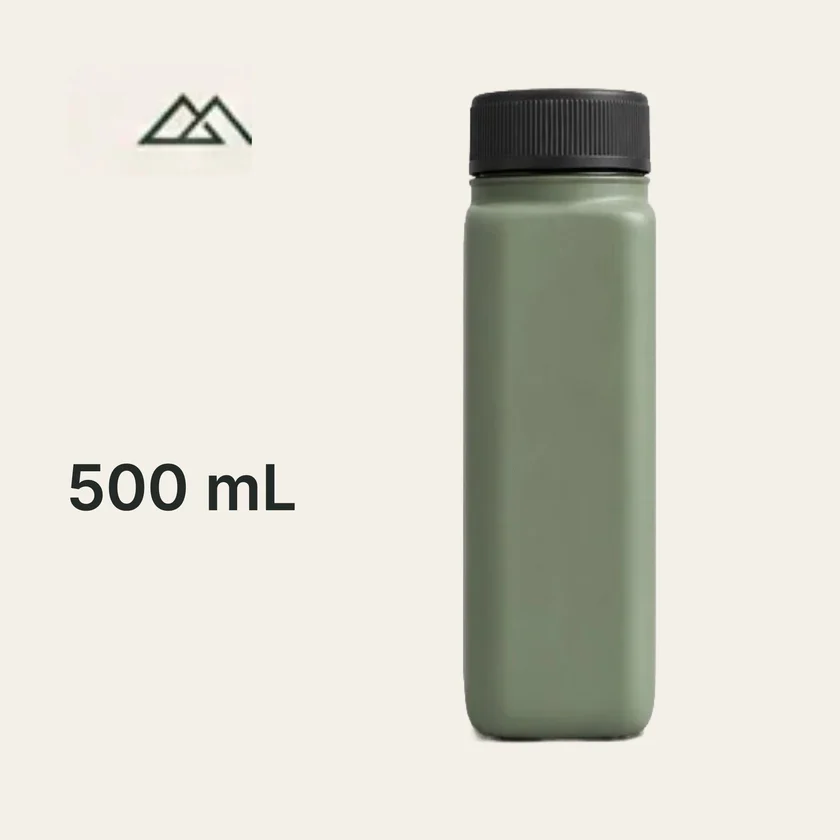
These AI product photos show the same bottle as a white-background main image, a lifestyle scene, and a feature image.
Product photo examples
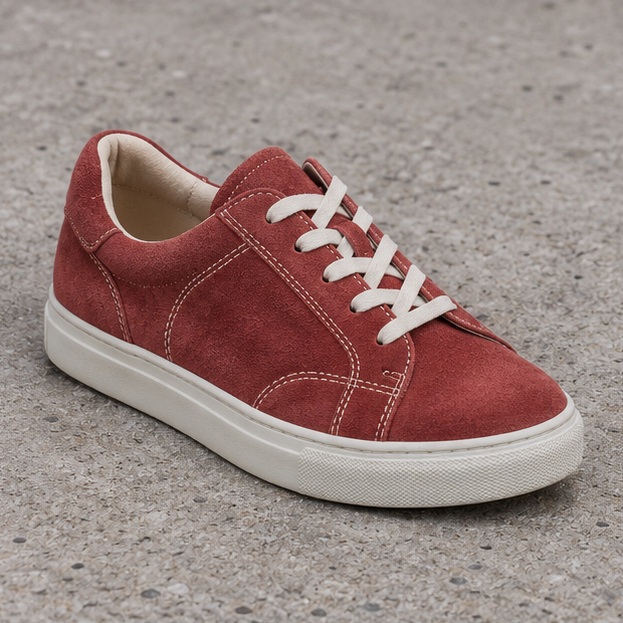
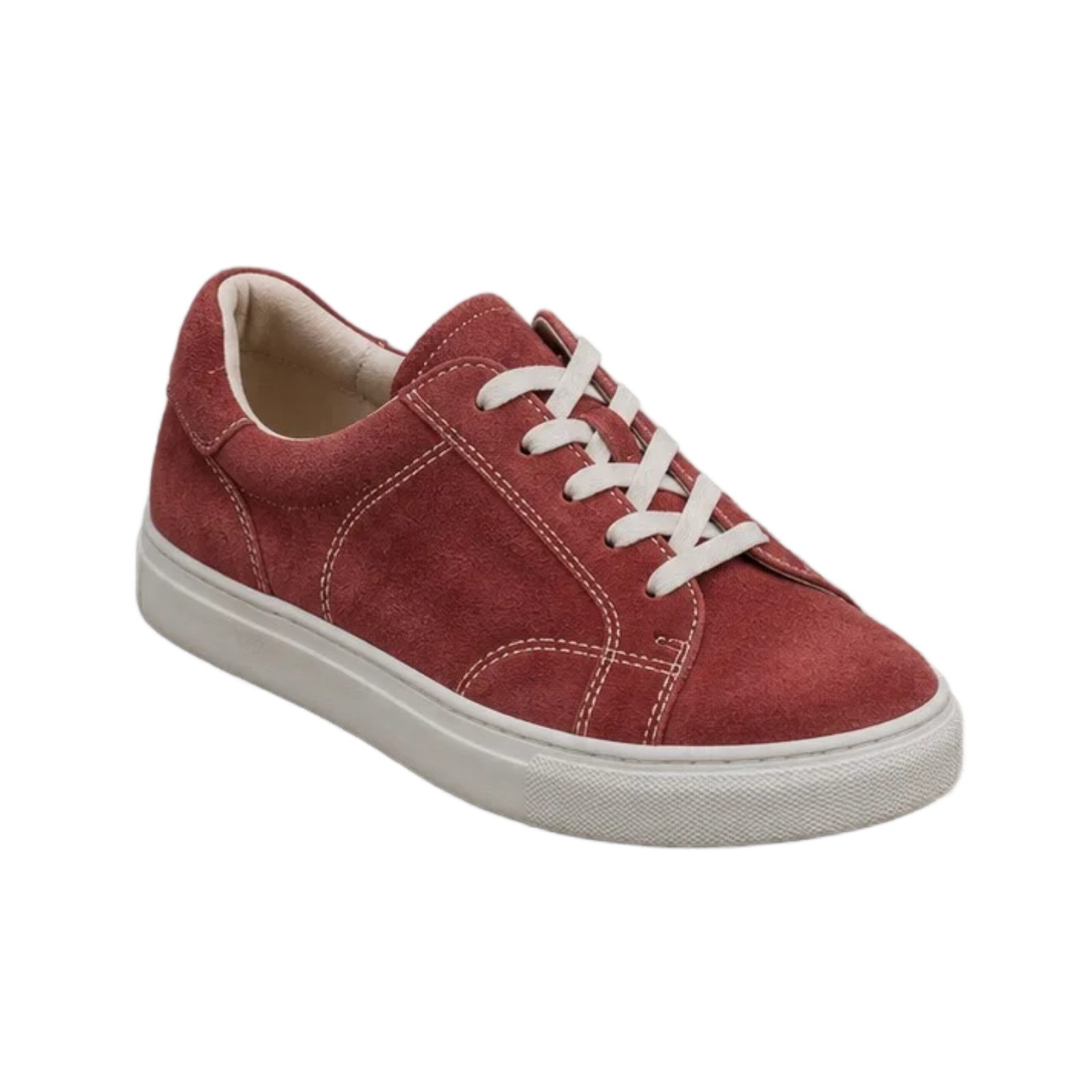
Footwear on a white background
Replace the concrete background with white to make the outline of the sneaker easier to see.
Check the red suede, cream stitching, and white sole against the original.
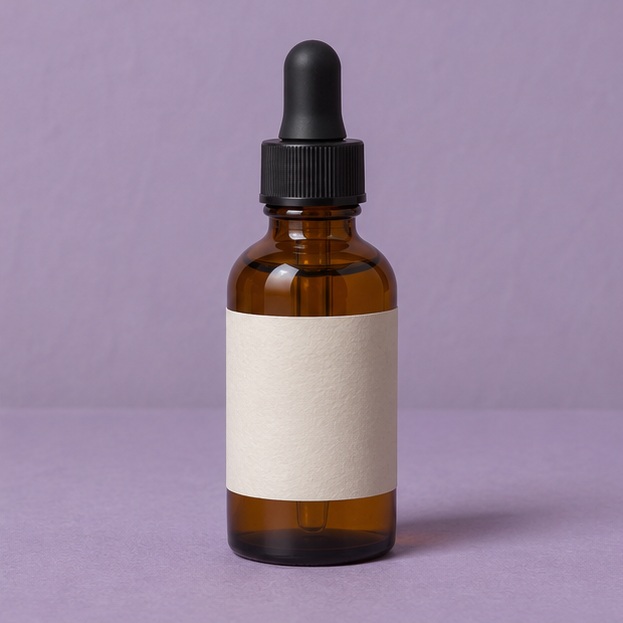
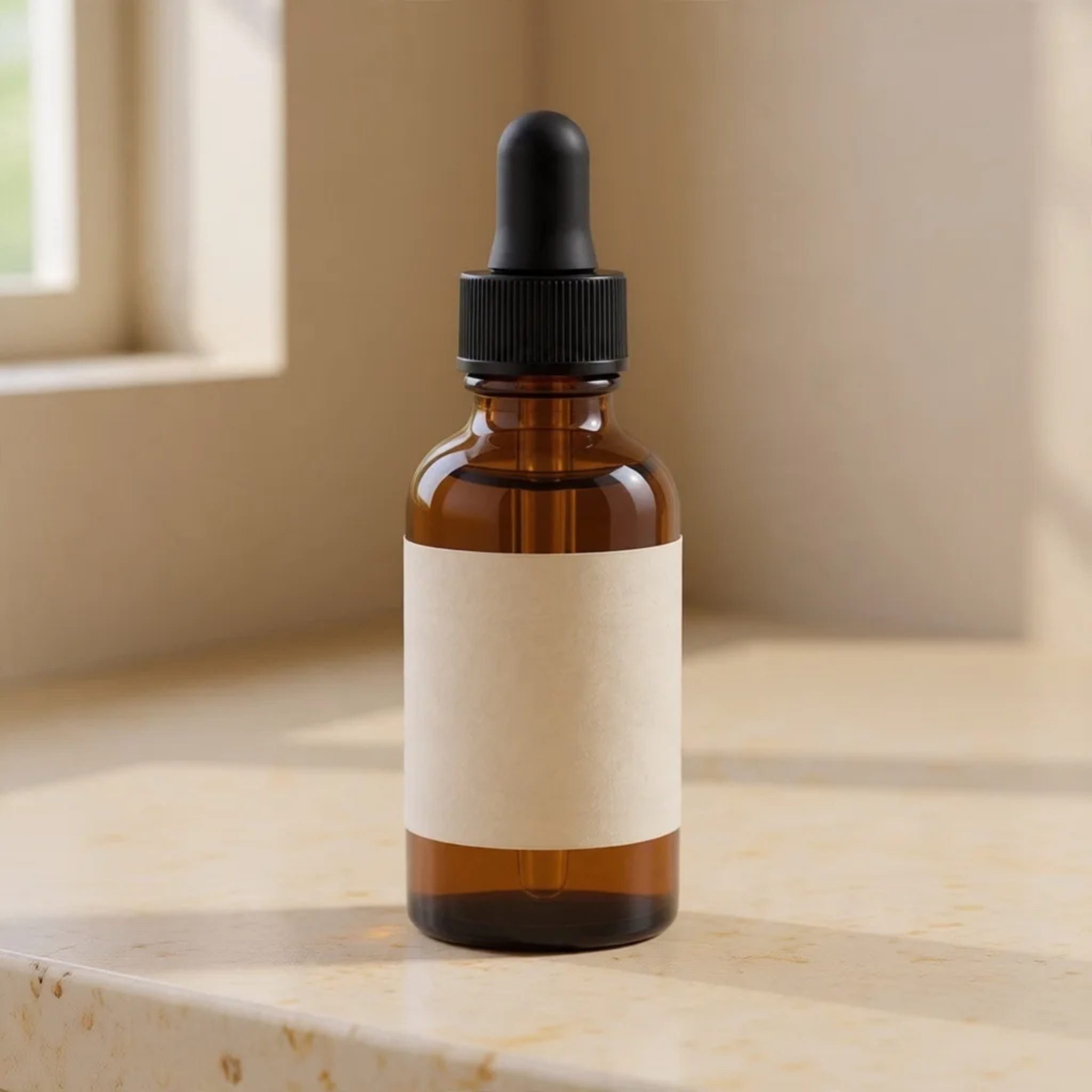
A skincare photo in a studio setting
Place the amber dropper bottle on a warm, softly lit surface for a lifestyle image.
Check the color of the glass, the black dropper, and the shape of the label.
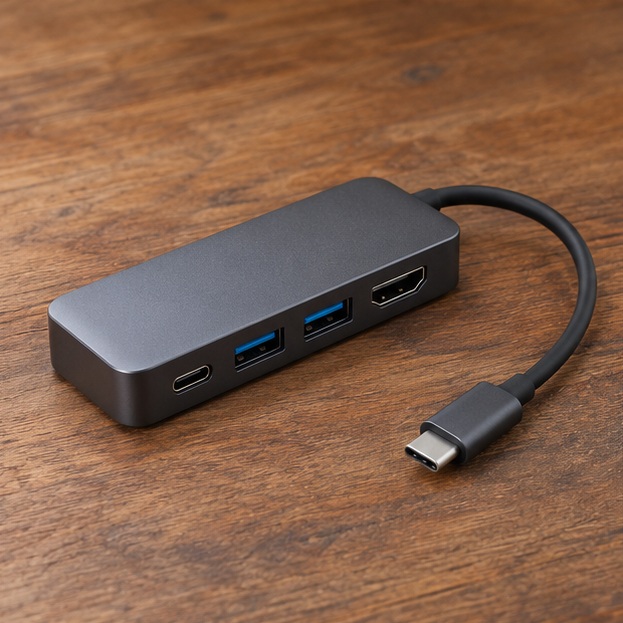
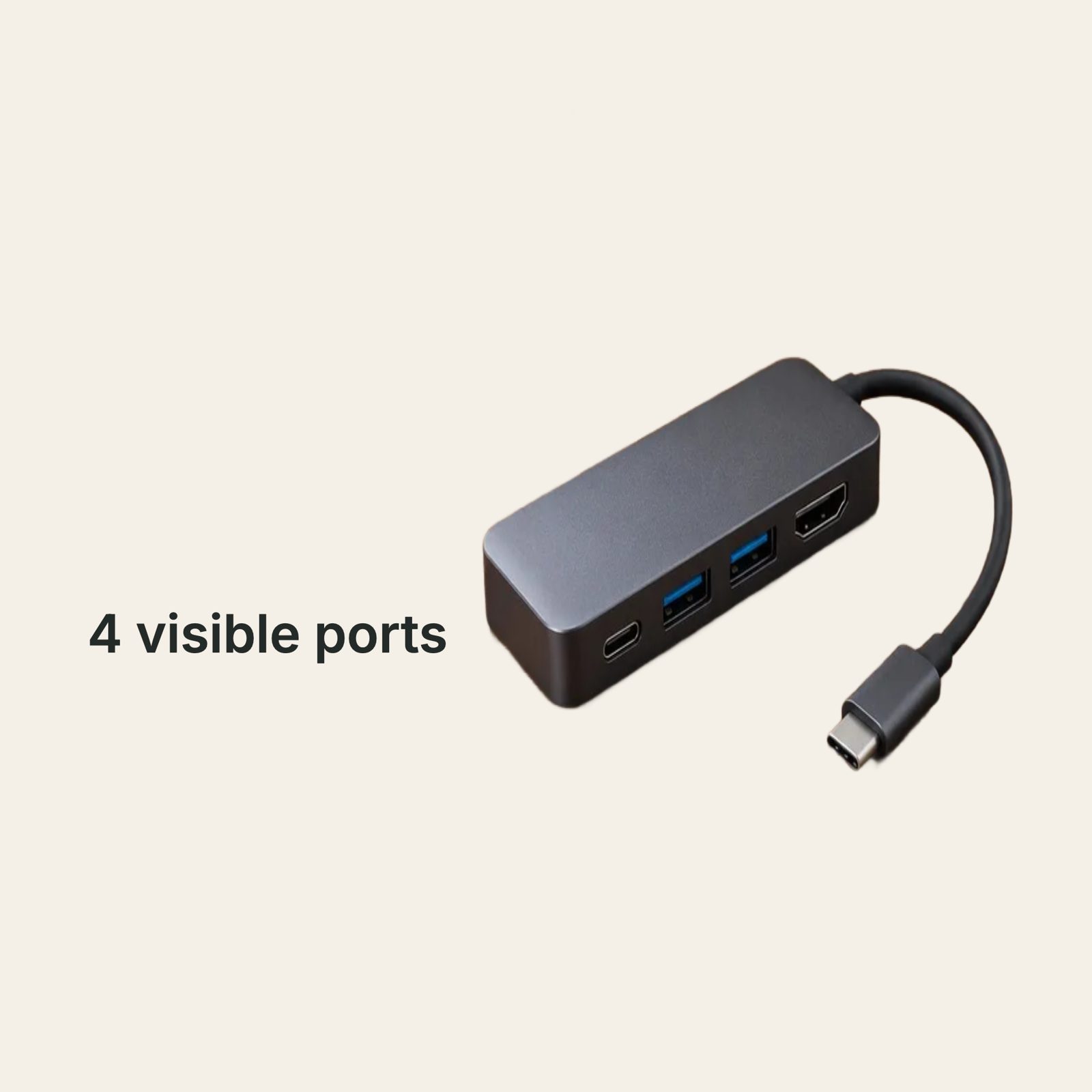
An electronics image with an editable callout
Add the supplied “4 visible ports” callout to a feature image of the USB-C hub.
Count the visible ports and check the cable against the original. Enter only specifications you can verify.
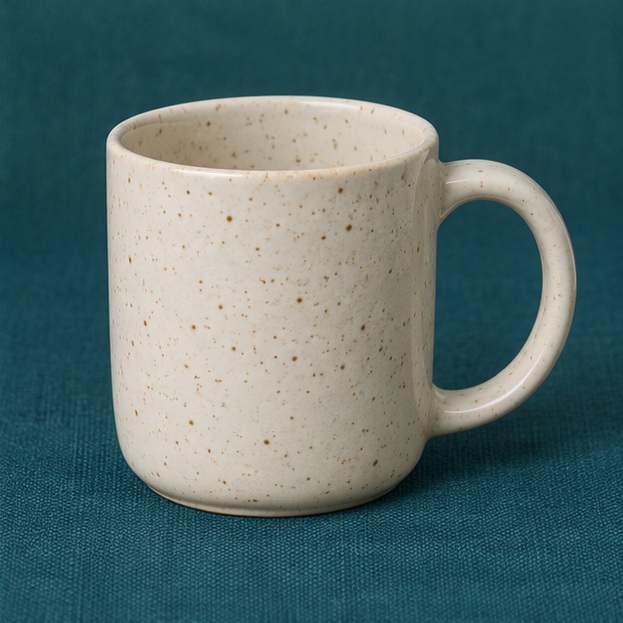
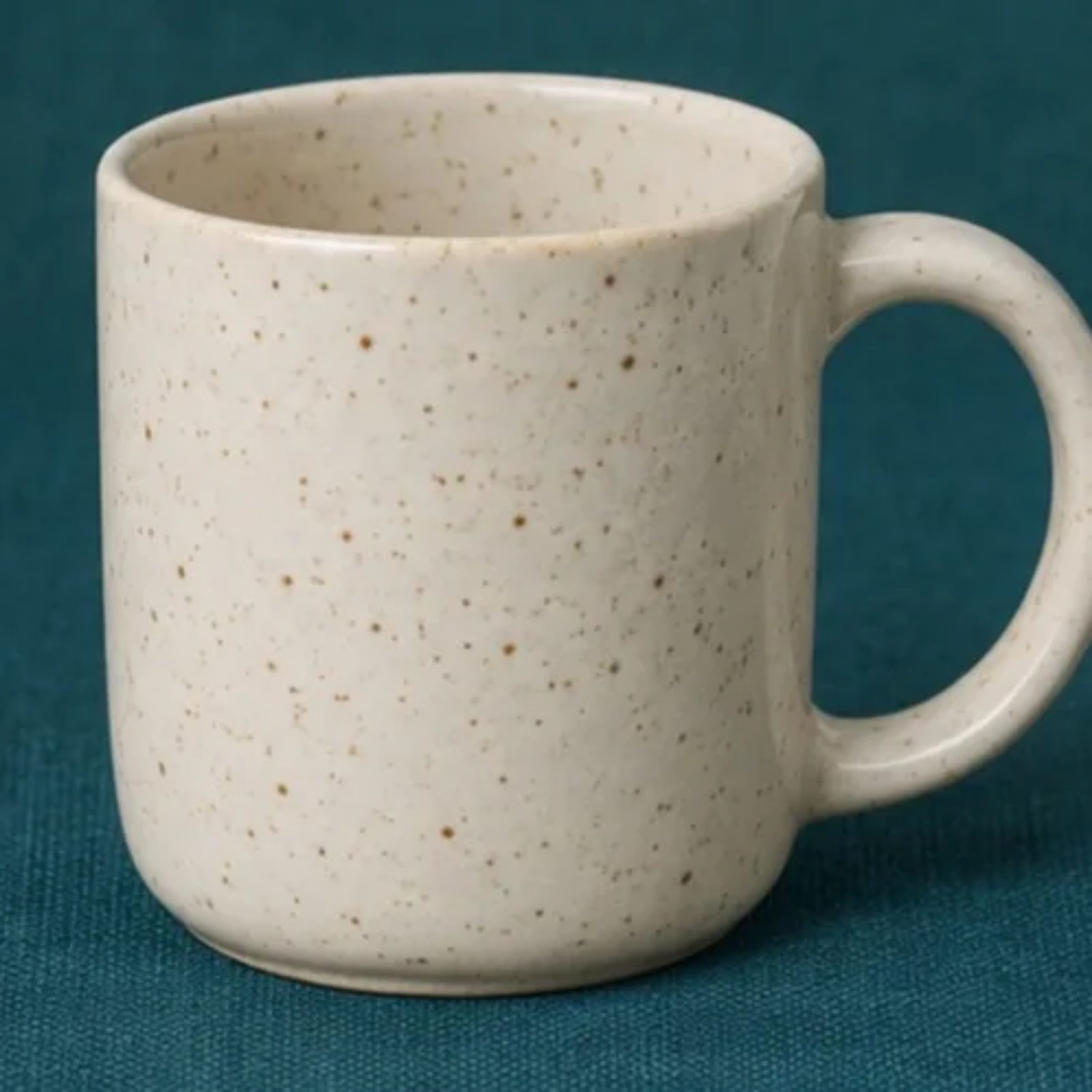
A ceramic detail from the original photo
Crop the actual mug photo to show the speckled glaze closer up.
Compare the glaze and its color with the original. The detail uses pixels from the uploaded photo.
Choose what goes into your listing
- Amazon
- A white-background main image, a lifestyle scene, and a feature image or a crop of the original.
- Shopify
- A main image, a lifestyle scene, and an editable feature image or a detail crop.
- eBay
- A main image and a crop from your original photo.
- Mercado Libre
- A white-background main image and a detail from your photo, both 1200 × 1200, with no added text or logo.
Create your listing images
- Upload one photo where the whole product is visible.
- Choose a platform. You can describe a scene or add feature text and a logo for the feature image.
- Generate the set, review each image on the canvas, then download the images separately or together as a ZIP.