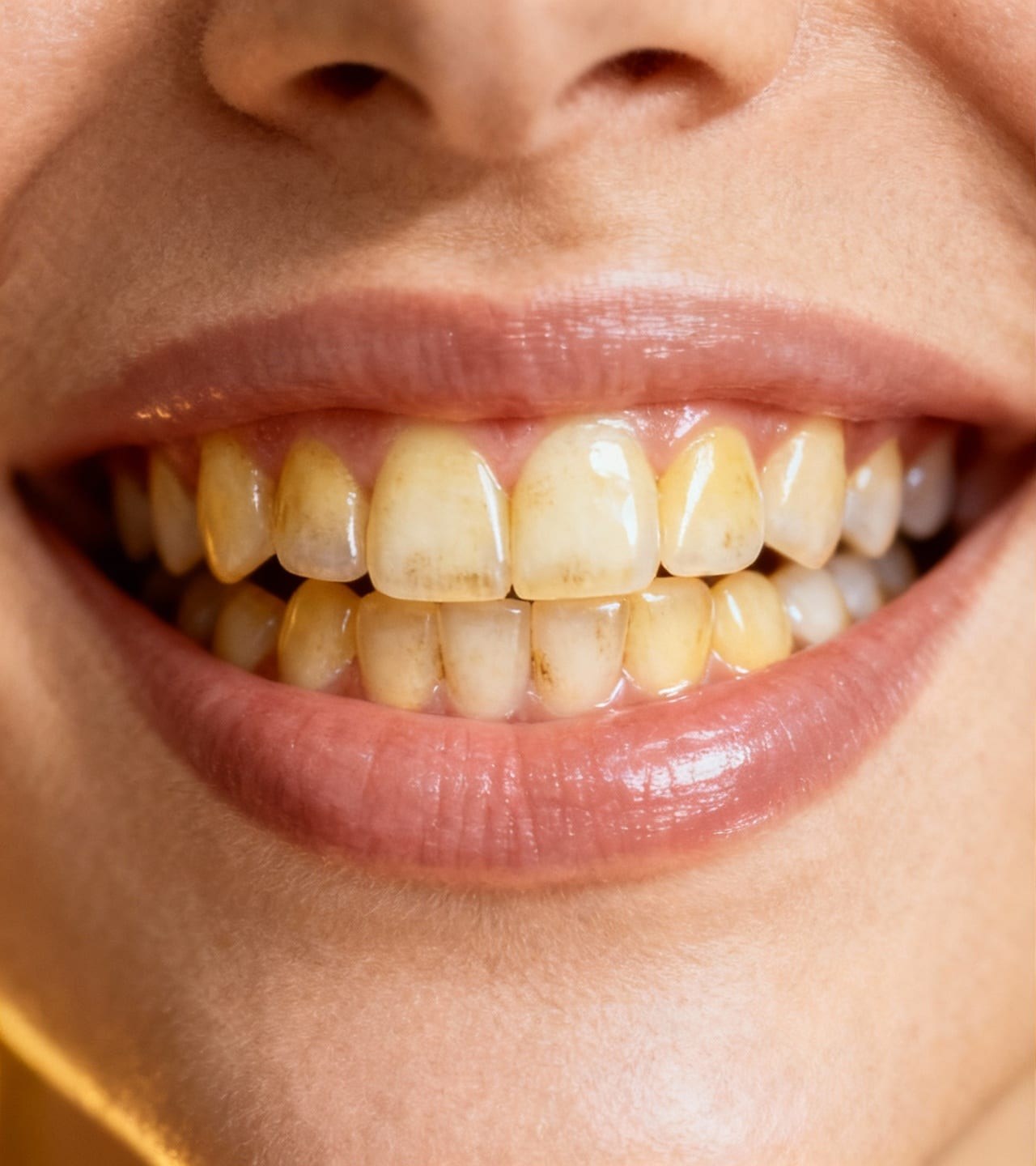
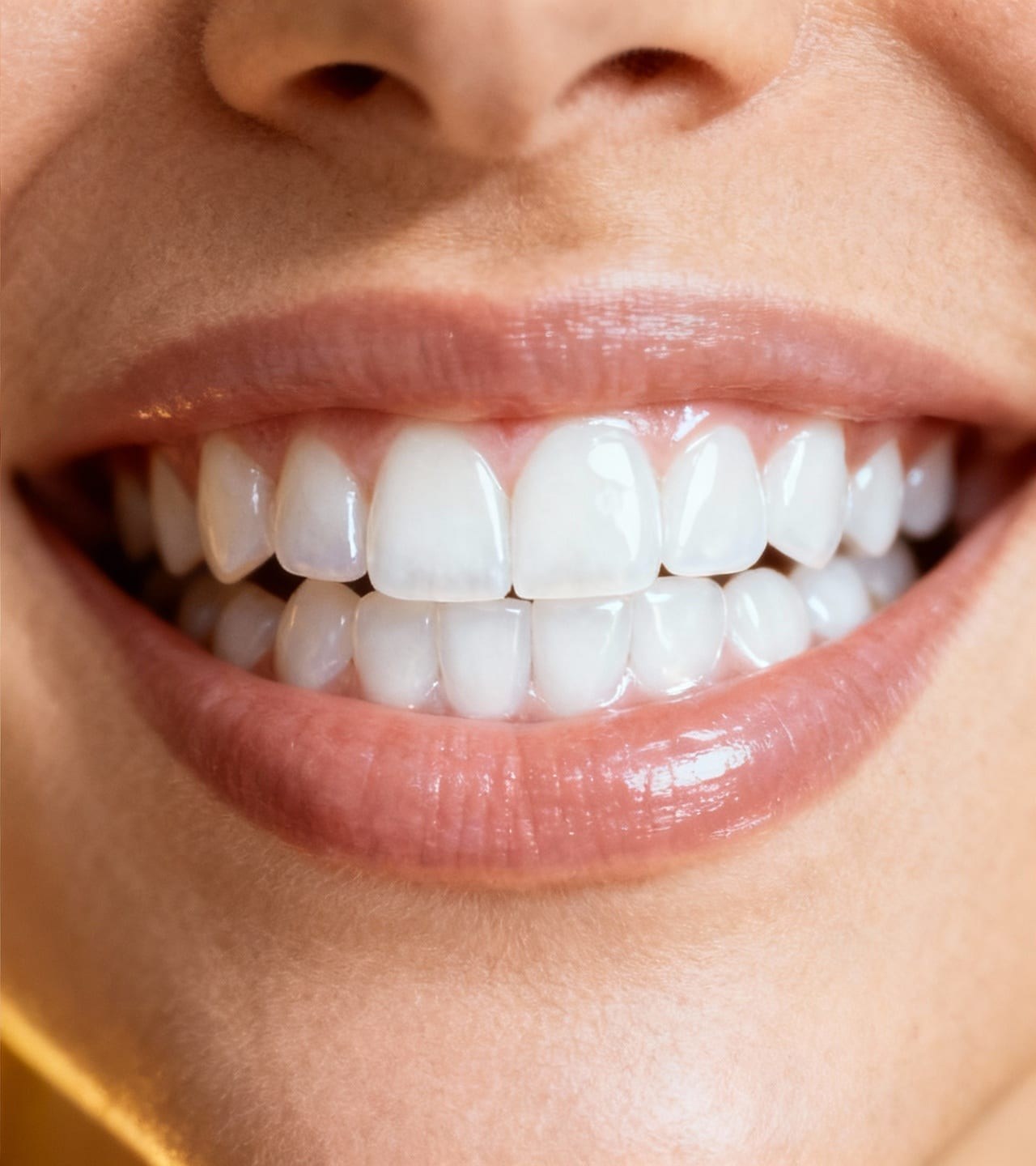
Teeth Whitening is a ClearCrowds preset for making yellow-looking teeth in a photo slightly brighter while keeping the smile natural. It is designed for selfies, headshots, profile photos, and creator portraits where the face, lips, tooth shape, gum line, and lighting should stay unchanged.
Common
Teeth Whitening Photo Editor
Use Teeth Whitening when warm lighting, camera white balance, or shadows make teeth look dull or yellow, but you need the same smile, face, and lighting preserved.
Upload a photo
This preset is already selected.
Teeth Whitening
Use cases
Where Teeth Whitening works best
Clean up a warm-light selfie
Improve a dating profile smile
Prepare a headshot
Fix dull teeth in a family photo
Try it
Upload a photo with Teeth Whitening selected
ClearCrowds passes the preset into the editor so the workflow is ready when your photo opens.
Upload a photo
This preset is already selected.
Frequently asked questions
Frequently asked questions
Can AI whiten teeth in a photo without making them look fake?
Yes. The preset asks ClearCrowds to brighten only the visible teeth slightly while keeping tooth edges, gum line, lip color, small shadows, and natural enamel texture.
Will it change the person's face or smile shape?
No. The prompt is written to preserve identity, face shape, smile shape, tooth shape, tooth spacing, lips, skin texture, pose, and lighting.
What photos work best?
Use a clear portrait where the teeth are visible and not heavily blurred or hidden by deep shadow. Subtle color casts work better than rebuilding missing detail.