概要
旅コラージュとは?
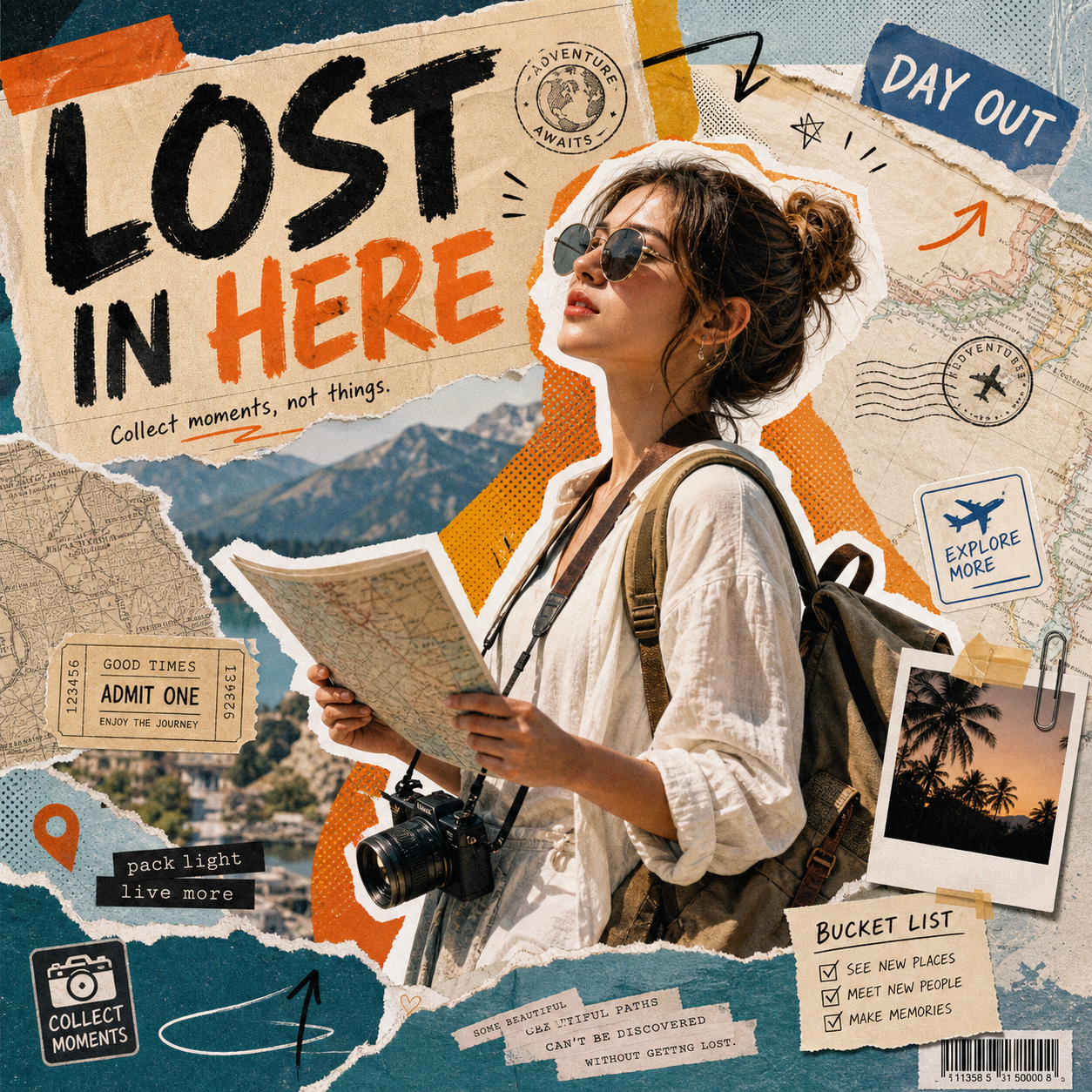
旅コラージュは、選択した「スクラップブック」プリセットを使って、アップロードした写真を仕上がりの良い一枚に編集します。
スクラップブック
手作業でワークフローを組まずにスクラップブック系の編集をすばやく済ませたいときは、旅コラージュを使ってください。
このプリセットは選択済みです。
概要
旅コラージュは、選択した「スクラップブック」プリセットを使って、アップロードした写真を仕上がりの良い一枚に編集します。
使い方
主な被写体、顔、輪郭、重要な細部が十分な大きさで見える、鮮明な写真から始めます。
旅コラージュは選んだ見た目を適用しながら、被写体、構図、本人らしさの主要な特徴を保ちます。
保存や共有の前に、顔、手、髪の生え際、被写体の境界、服、背景に意図しない変化がないか確認します。
おすすめ用途
試してみる
ClearCrowds がプリセットをエディターに引き継ぐため、写真を開いたらすぐに編集できます。
このプリセットは選択済みです。
よくある質問
旅コラージュは ClearCrowds の「スクラップブック」カテゴリのプリセットです。
はい。写真をアップロードすると、このプリセットが選択された状態でエディタが開きます。