What is Room Declutter?
Room Declutter is a ClearCrowds preset for cleaning visual mess from interior photos without changing the room into a different space. It targets scattered objects, boxes, bags, cords, laundry, toys, small personal items, and other distractions that make a bedroom, living room, kitchen, office, rental, or listing photo feel unready.
The goal is a cleaner version of the same room. ClearCrowds should keep the main furniture, layout, windows, floor, wall lines, lighting, and architecture intact.
Room Declutter vs Empty Room
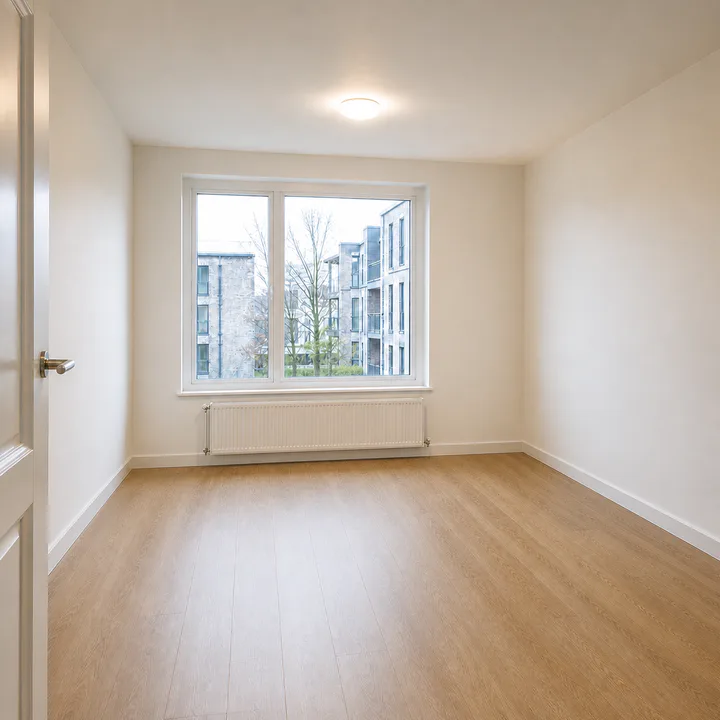
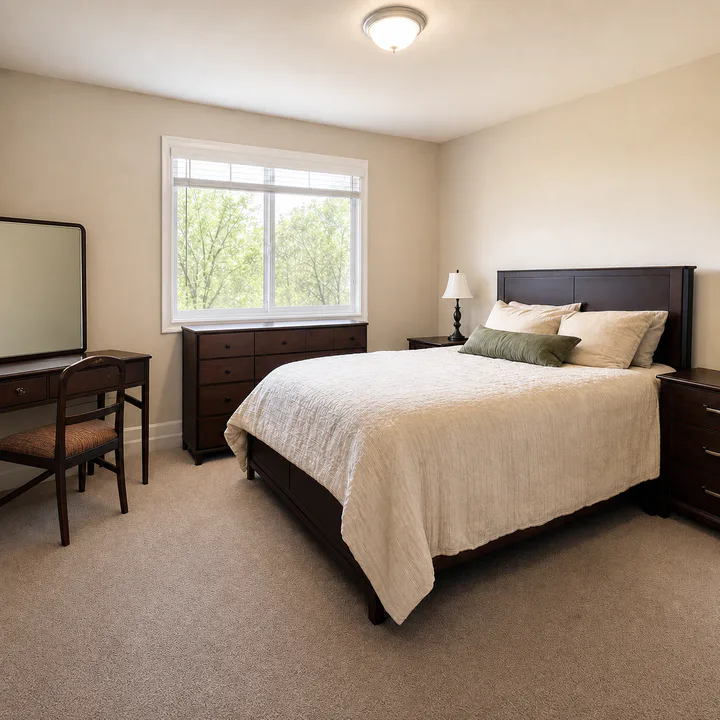
Use Room Declutter when the room should still look furnished but tidier. Use Empty Room when furniture should be removed and the space should look vacant.
This difference matters for real estate and rental workflows. A decluttered photo can help viewers focus on the room. An empty-room photo can help show floor area and layout.
For real estate-specific guidance, use the Real Estate Declutter feature. For cost and service comparisons, read Real Estate Digital Decluttering Services. For broader listing-safe clutter cleanup, read How to Remove Clutter From Real Estate Photos.
Tips for real estate and rental photos
Upload a wide, clear room image with straight framing when possible. The preset works best when clutter is visible but not covering the whole room. If objects are stacked against detailed furniture, inspect the output closely. For large cleanouts, run one pass for general clutter and a second pass for any remaining object clusters.