
What to Wear for Professional Headshots: A Role-Fit Outfit Guide
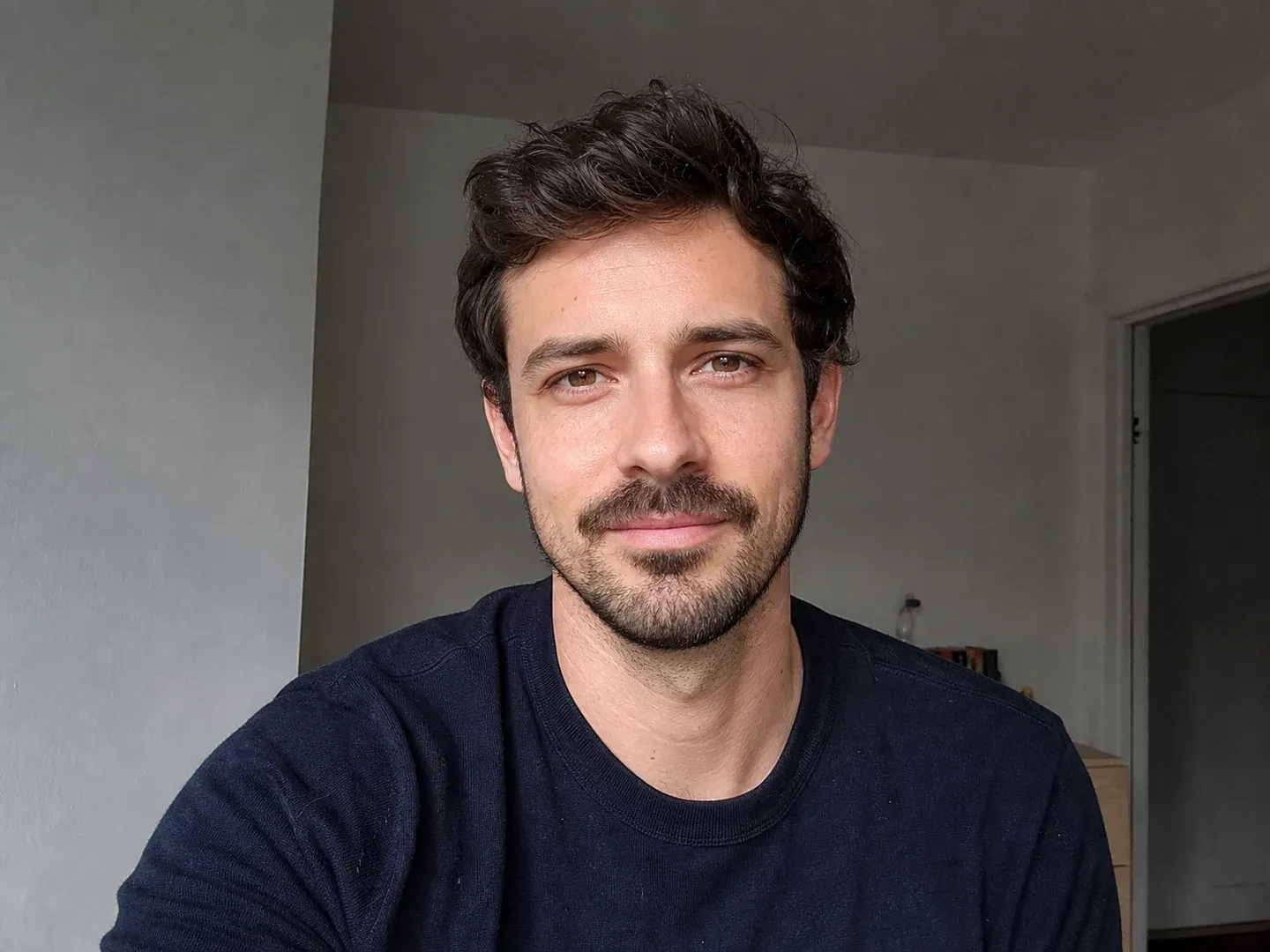
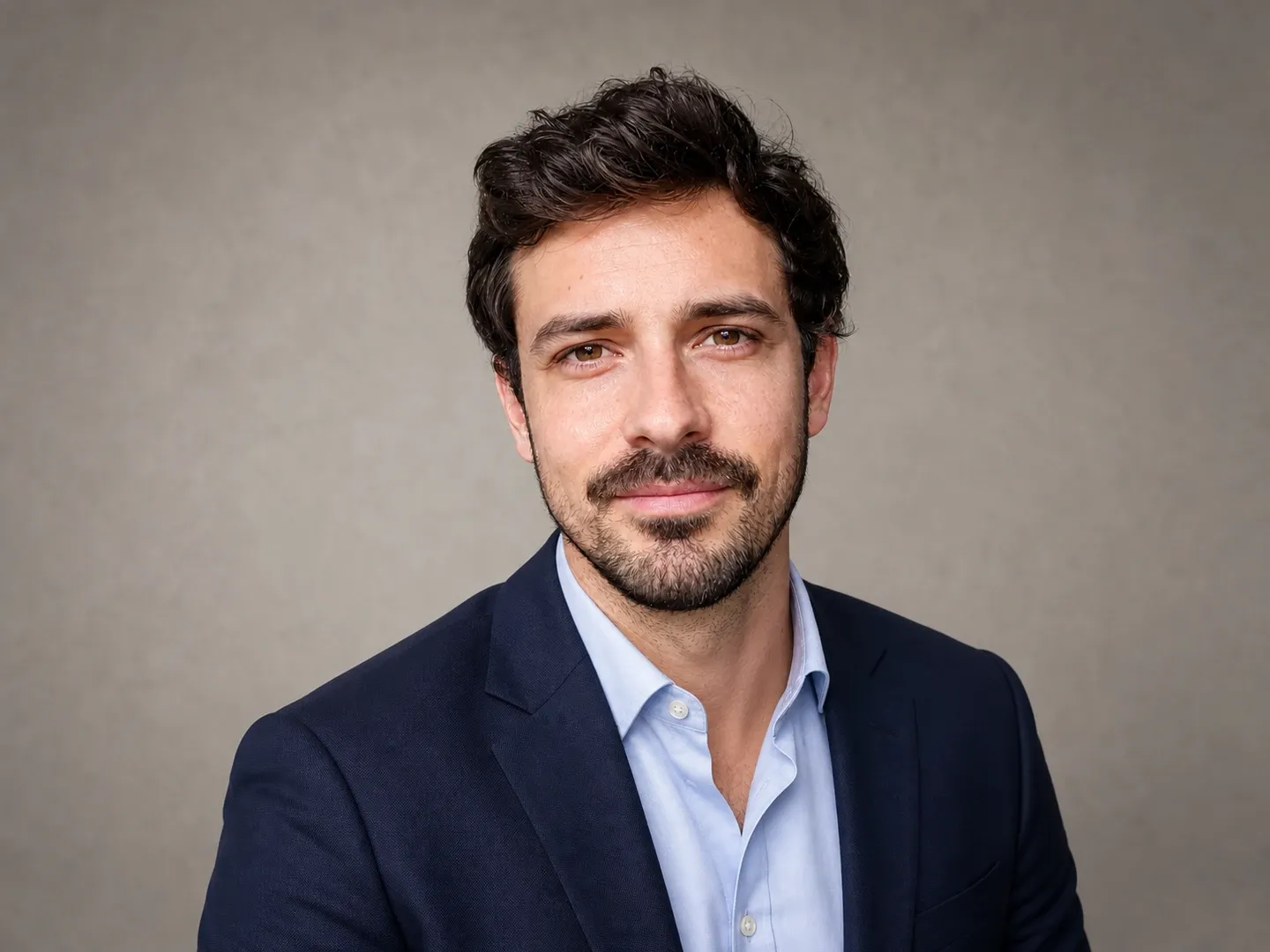
Preview a work-ready portrait
Upload a clear photo after choosing your outfit direction. Try a professional style, choose the final crop, and compare the result with your original before using it.
Open the outfit checklist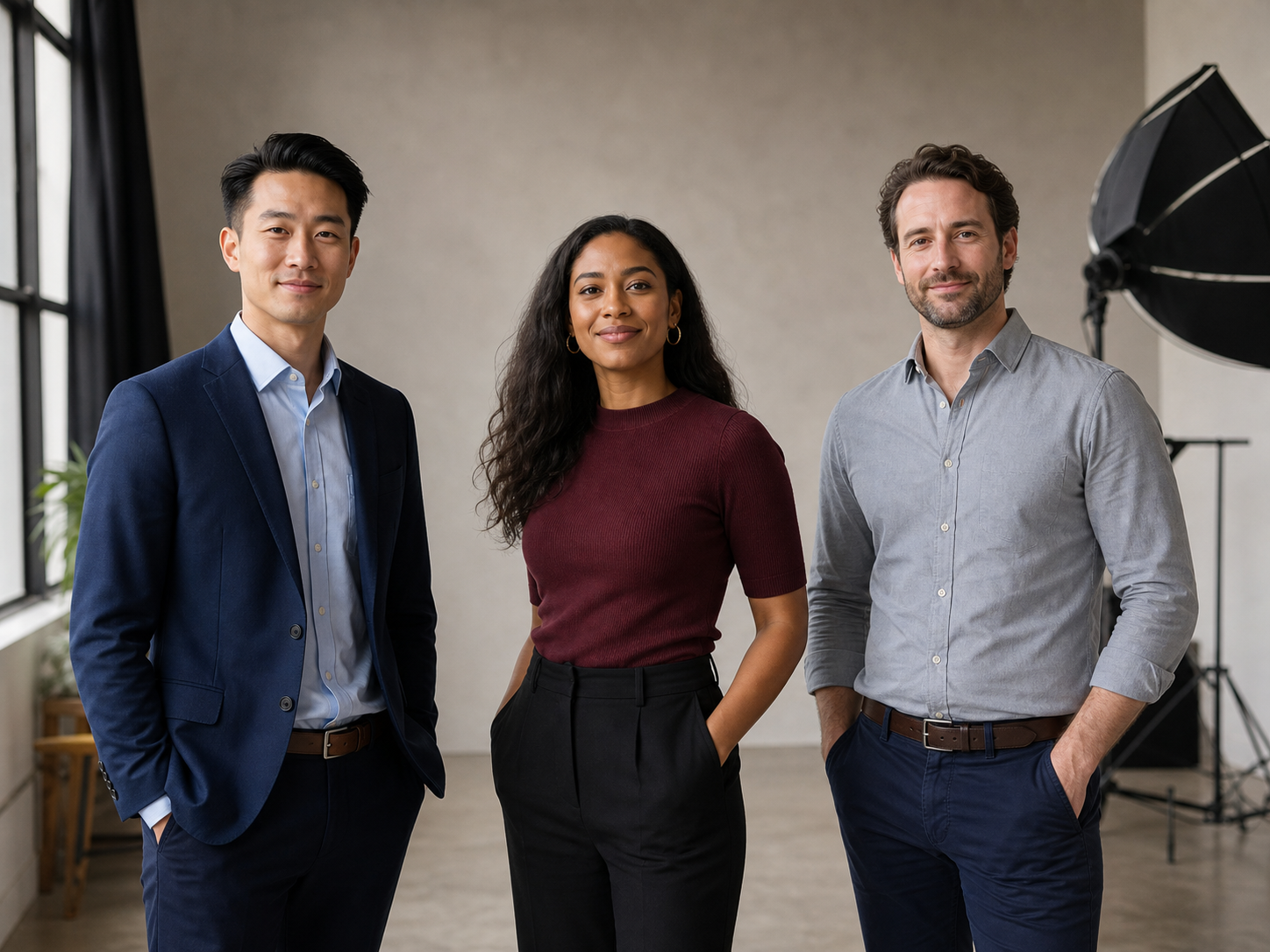
Direct answer
Wear what you would choose for an important meeting in the role you want the headshot to represent. Start with a well-fitting solid or quiet-pattern top that separates from the background and keeps attention on your face. Add a jacket if that level of formality matches your workplace or audience. It is useful, not mandatory.
Take a chest-up test photo before the session. Check the collar, shoulder fit, wrinkles, lint, jewelry, glasses glare, and the contrast between your clothes and the background. If you would never wear the outfit around the people who will see the photo, it will probably read as a costume. A credible outfit that feels familiar is a better choice than a generic "professional" uniform.
Key takeaways
- Match the outfit to the real role and destination, not a universal suit rule.
- Choose clothes that fit cleanly through the shoulders, collar, and neckline.
- Solid or quiet colors are the safest starting point. Background contrast matters more than a fixed list of approved colors.
- Use accessories you already wear professionally, then check them in the actual camera frame.
- A test photo catches glare, wrinkles, lint, awkward layers, and crop problems before the session.
- If AI changes the clothing or background, compare the result with the original at full size.
Table of contents
- Professional headshot outfit checklist
- Match the outfit to the role
- Colors, patterns, and background contrast
- Fit, collars, accessories, and glasses
- Test the outfit before the session
- Where ClearCrowds fits
- Limitations
- FAQ
Professional headshot outfit checklist
Before choosing colors or adding a jacket, decide what the photo needs to communicate and where people will see it. The outfit should feel credible for that setting and sit cleanly in a chest-up crop.
Use this checklist the day before the session:
- Decide where the headshot will appear first: LinkedIn, a company page, a staff directory, a speaking profile, or another place.
- Look at the real level of formality in that setting. Use your workplace, target company, or client context as evidence.
- Choose one well-fitting top with a tidy neckline and shoulders.
- Add a jacket, cardigan, or other layer only if it makes sense for that setting.
- Check that the outfit separates from the planned background.
- Steam or press visible fabric. Remove lint, pet hair, loose threads, and temporary tags.
- Keep large logos, high-contrast graphics, and distracting accessories out of the frame unless they are relevant and permitted.
- Clean glasses and check whether the light hides your eyes.
- Take a chest-up phone photo in the planned light.
- Review that photo at full size and at a small profile-photo size.
UC Davis Career Center recommends considering workplace context, comfort, clean fit, wrinkles, visible damage, large logos, and distracting jewelry when choosing professional attire. Those checks translate well to a headshot because the camera makes small problems around the neckline unusually visible. UC Davis professional attire guidance
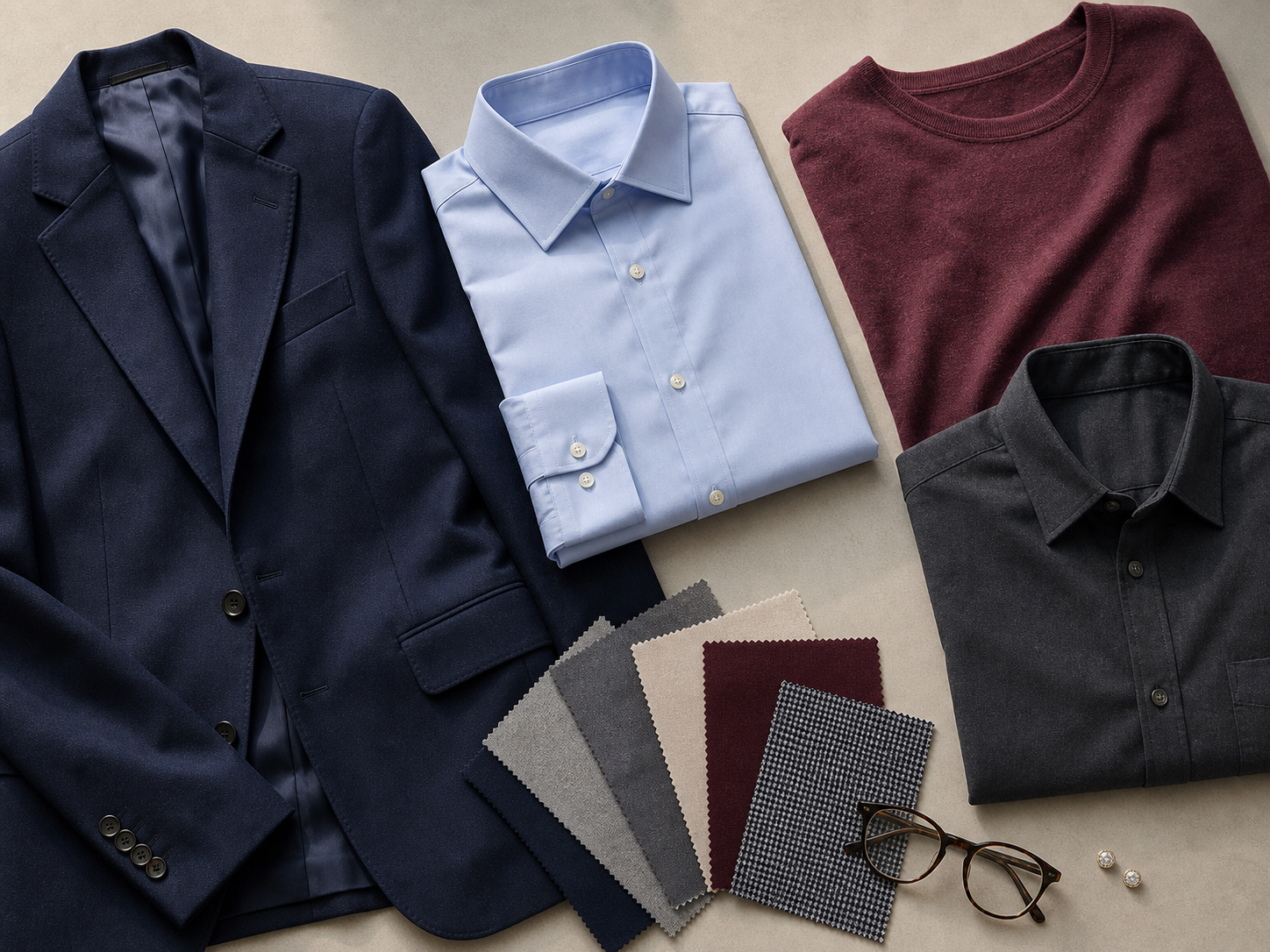
Match the outfit to the role
"Professional" describes a relationship between the person, the role, and the audience. It is not one outfit. A founder speaking at an informal product event and an attorney appearing on a firm page may both need credible headshots, but their clothing can be different.
UC Davis advises using a high-quality headshot with clothing appropriate for your industry when building a LinkedIn profile. That is a more useful starting point than dressing for an imaginary office. UC Davis LinkedIn profile guidance
| Context the photo represents | Safe starting outfit | Optional change | What to check in the photo |
|---|---|---|---|
| Formal client-facing or leadership role | Solid collared shirt, blouse, dress, or comparable top with a structured jacket | Add a tie or more formal layer if it is normal in that setting | Lapels, collar gaps, tie position, and shoulder fit |
| Everyday business or team directory | Polished shirt, blouse, knit top, dress, or jacket combination you would wear to a real meeting | Take one frame with a jacket and one without | Whether the outfit looks current and familiar rather than staged |
| Creative or technical role | Clean solid top, overshirt, knit, or relaxed jacket that fits the workplace | Use one restrained color or texture that feels personal | Whether the outfit still leaves the face as the first point of attention |
| Healthcare, education, or public service | Clothing you actually wear in that role, following employer rules | Use a plain professional layer when a uniform is not appropriate | Do not add badges, logos, credentials, or role-specific clothing you do not use |
| Founder, consultant, or speaker profile | Outfit you would wear while meeting the audience represented by the page | Make one more formal and one more approachable option if both are genuinely useful | Which image still feels credible at a small profile size |
When a company is arranging a team session, ask for its wardrobe notes before choosing. Consistency may matter more than individual preference on a staff grid. For a personal profile, your normal work context has more weight.
Colors, patterns, and background contrast
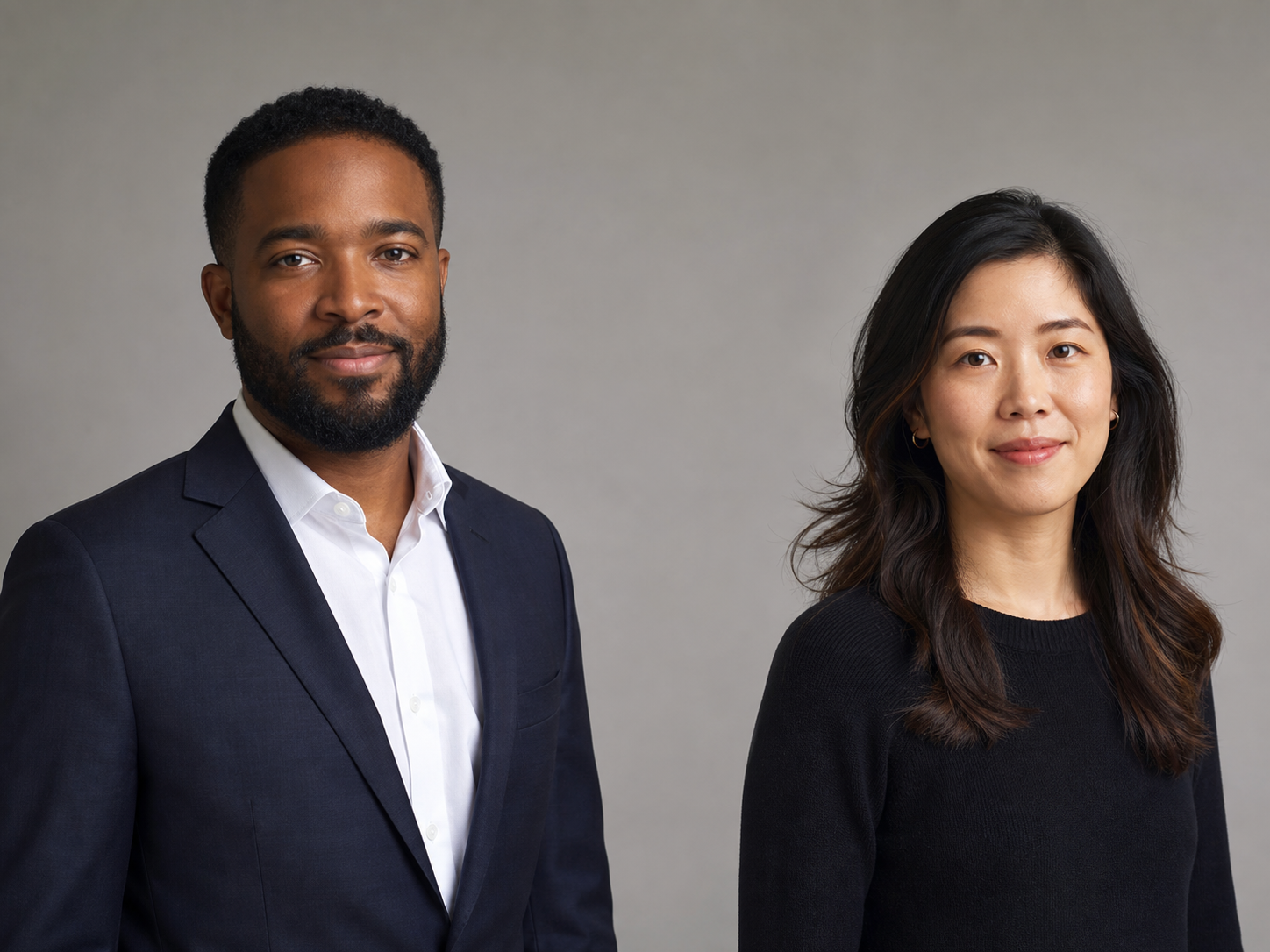
A Muse article republished by Penn Career Services quotes career coach Melody Godfred recommending a solid-colored shirt and a neutral background. That is a useful starting point, not a rule for every person or workplace. Republished professional headshot guidance
That does not mean every person should wear navy, charcoal, or white. Choose color by checking three things:
- Does it separate from the background?
- Does it keep the face visually dominant?
- Does it look accurate under the planned light?
A dark jacket may blend into a dark wall. A white shirt may lose definition against a bright background. Strong colors can also look different under the light used for the session. A quick photo in the planned setup settles these questions better than a fixed color list.
Patterns are not automatically wrong. A large, quiet, low-contrast pattern can work. Very tight stripes, tiny checks, and high-contrast prints may look busier or wavy in a phone photo. If the pattern draws more attention in the photo than it does in the mirror, choose the quieter option.
Fit, collars, accessories, and glasses
A headshot crop concentrates attention on the shoulders, collar, neckline, face, and hair. Trousers and shoes may be outside the frame, but the upper half of the outfit needs to sit properly.
Fit and layers
Check whether shoulder seams sit where the garment is meant to sit. Look for a collar that twists, a jacket that bunches at the neck, a blouse that gaps, or a knit that pulls into strong folds under the arms. Sit and stand in the outfit if the session may include both positions.
More layers do not always look more professional. A poorly fitting jacket over a good shirt can create bulk around the neck and hide the clean lines you already had. Take a frame with and without the layer.
Jewelry and personal items
Wear pieces that belong to your normal professional appearance. Small does not automatically mean better, and expressive pieces are not automatically unprofessional. The practical question is whether the accessory steals attention, moves between frames, or throws a bright reflection onto the face.
Check necklaces against the final neckline. Make sure earrings are visible in a balanced way if hair is tucked back on one side. If a religious, cultural, or identity-related item is part of how you present yourself, generic style rules should not erase it.
Glasses
Wear glasses if people usually see you wearing them. Clean both sides of the lenses and take a test frame. If the light covers your eyes, move the light higher, turn slightly, change the camera angle, or ask the photographer to adjust the setup.
Use the Remove Glasses feature only when the final photo genuinely needs a no-glasses version. Removing glasses with AI can change the eye area, eyebrows, temples, or face shape, so compare the result with the original.
Test the outfit before the session
A mirror shows the outfit at full length and in motion. A headshot shows a much smaller area around your face and shoulders, so review the outfit through the camera too.
- Put the camera at eye level in the planned light and frame from roughly mid-chest up.
- Take one neutral photo and one with the expression you expect to use.
- Check the full-size image for wrinkles, lint, collar shape, fabric texture, jewelry, and glare, then shrink it to profile-photo size and see what gets attention first.
- Try a second outfit only if it solves a specific issue, such as formality, contrast, or fit. Keep the better option ready on a hanger.
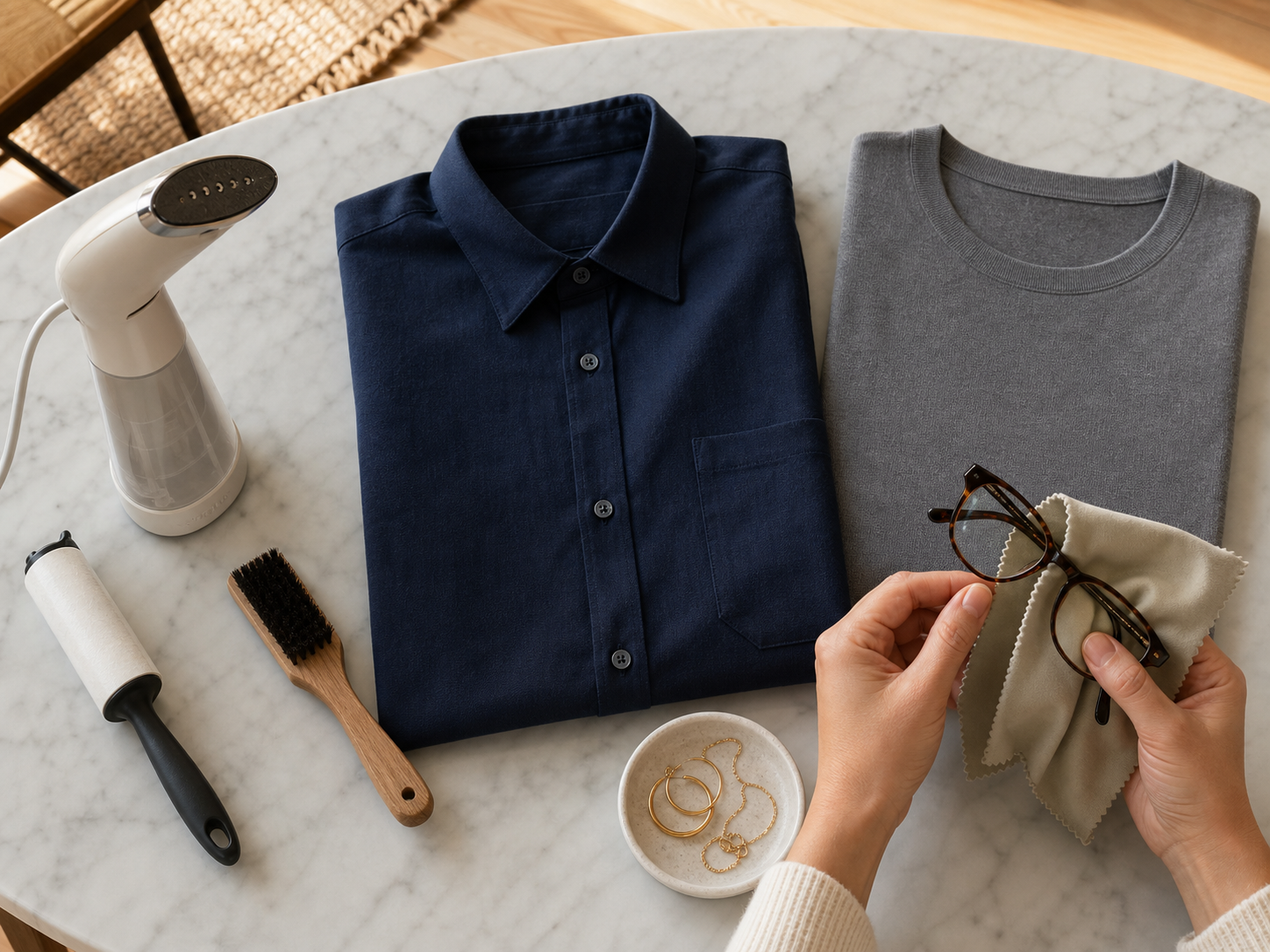
If you are also taking the photo yourself, use the home professional headshot setup guide for camera height, window light, background distance, framing, and crop choices.
Where ClearCrowds fits
ClearCrowds publishes this guide and offers the AI Professional Headshot feature.
Preview a work-ready portrait
Upload a clear photo after choosing your outfit direction. Try a professional style, choose the final crop, and compare the result with your original before using it.
Choose the outfit direction before you open the editor. Start with a sharp source photo where the face, hair, shoulders, and current clothing are visible. The feature can apply a work-ready portrait style and prepare a square, badge, team-page, or custom crop. It is most useful when you know whether you want a natural, corporate, executive, creative, healthcare, academic, or client-facing direction.
Generated edits can change details. Compare the output with the original around the eyes, face shape, age cues, expression, hairline, skin, glasses, neckline, jewelry, shoulders, and clothing. Reject any result that changes identity, adds a logo or credential, or creates clothing that would misrepresent your role.
Limitations
Workplace, regional, cultural, and industry expectations vary. If an employer, conference, licensing body, school, or team gives wardrobe instructions, use those instructions instead of a general article.
This guide is for professional profiles and similar portraits. It does not set rules for acting headshots, modeling portfolios, religious or cultural dress, uniforms, or official identity photos. Those uses may require different clothing, framing, or verification.
An AI portrait is not the right choice when the image must document current appearance under an official process, when a full team needs controlled lighting and consistent direction, or when a high-stakes portrait needs active coaching from a photographer.
LinkedIn says a profile photo should reflect your likeness. If an AI edit changes recognizable facial details, use the original or create a new result that still looks like you. Profile-photo guidance from LinkedIn Help
FAQ
Do I need to wear a suit for a professional headshot?
No. Wear a suit when it matches the role, workplace, or audience. A well-fitting collared shirt, blouse, knit top, dress, or jacket can also work. The outfit should look credible for the context where the photo will appear.
What color should I wear for a professional headshot?
Start with a solid or quiet color that separates from the background and does not overpower your face. Navy, charcoal, muted blue, burgundy, green, and cream are common options, but the best choice depends on your coloring and the backdrop. Confirm it in a sample photo.
Can I wear a pattern in a professional headshot?
Yes, if the pattern is low contrast and still looks quiet in a chest-up sample photo. Very small checks, tight stripes, and high-contrast prints can become distracting or produce visual artifacts on camera.
What jewelry should I wear for a headshot?
Wear jewelry that you normally use in a professional setting. Check a sample photo to make sure reflective, oversized, or moving pieces do not pull attention from your eyes or catch the light.
Should I wear glasses in my professional headshot?
Wear them if they are part of your everyday appearance. Clean the lenses and adjust the light or camera angle if glare hides your eyes.
What should women or men wear for a professional headshot?
Use the same decision for any gender: match the target role, choose a clean fit, keep the neckline and shoulders tidy, and test the outfit against the background. Gendered outfit rules are less useful than the actual workplace context.
Should I bring more than one outfit?
Bring a second option when the headshot must work across settings with different levels of formality. Choose options that change the message clearly, such as a jacket version and a no-jacket version, rather than several nearly identical tops.
Can AI change the outfit in a headshot?
AI can attempt a clothing or background change, but generated details can drift. Compare the result with the original around the face, hairline, glasses, neckline, shoulders, jewelry, logos, and role-specific clothing before using it.