
Edit Text

Edit Text in Image

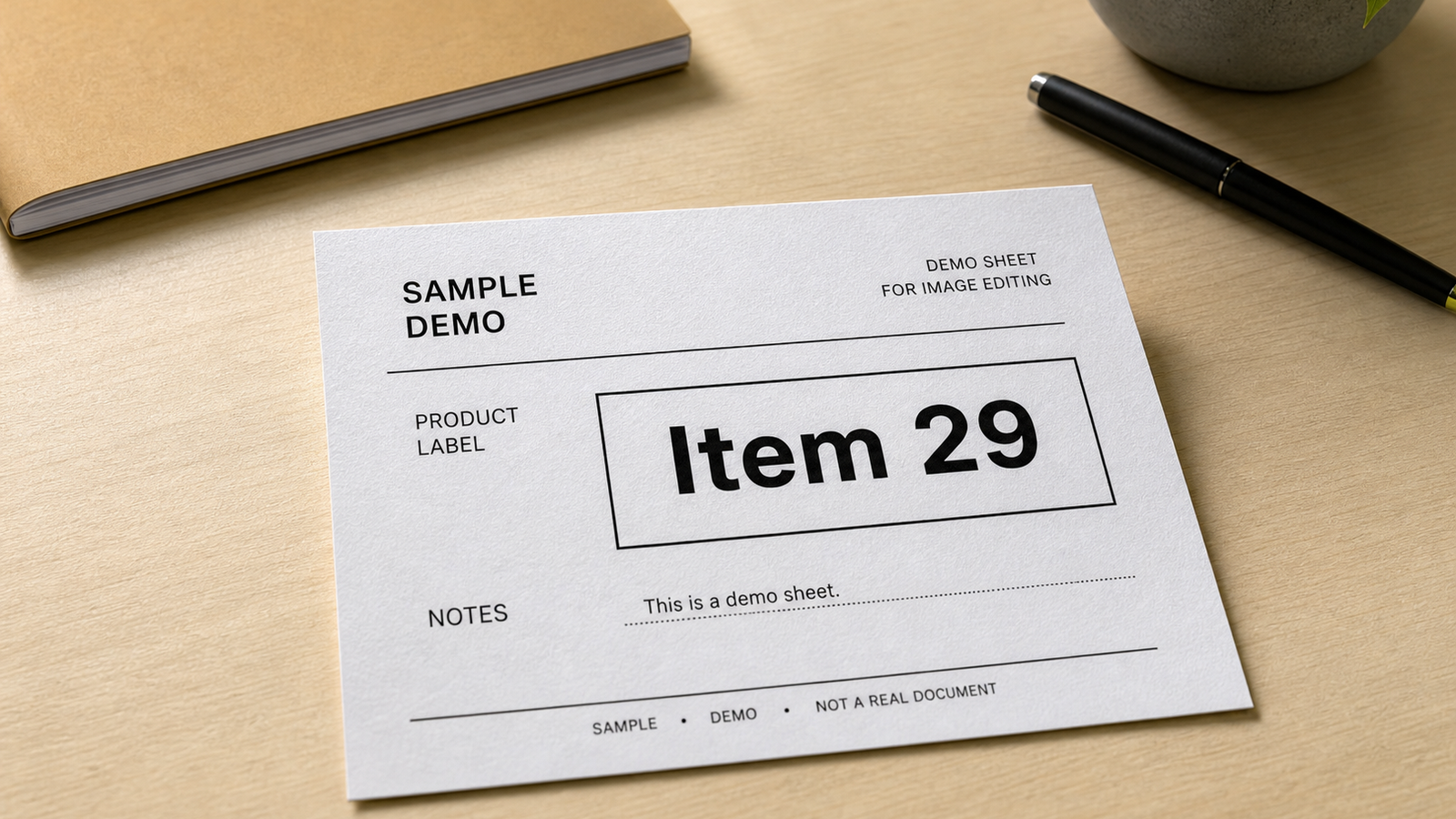
Use Edit Text when a non-sensitive poster, sign, label, packaging mockup, or social image needs one short visible phrase updated without rebuilding the rest of the photo.

Upload a photo

This preset is already selected.

Upload
Edit Text preset preview

What is Edit Text?

Edit Text is a ClearCrowds AI preset for replacing a short visible word or phrase in an image you own. It focuses on the smallest practical area, then tries to match the nearby lettering, surface texture, angle, lighting, and shadows so the rest of the photo stays intact.

When to use it

Use Edit Text for ordinary, non-sensitive visual updates: a poster you designed, a social image you own, a temporary shop sign you control, a product mockup, or a packaging label that needs a short correction. Start with the clearest original and use a replacement that fits the same visual space.

How to edit text in an image

  1. Upload the original image.
  2. Enter the old text when you know it, then enter the short replacement.
  3. Add context such as "top-left poster headline" or "label on the blue package."
  4. Generate one pass and inspect the letter edges, alignment, texture, and nearby words.
  5. Keep the original and export only after the edited image still reads as the same scene.

Edit Text vs Remove Text

Use Edit Text when a new short phrase should appear. Use Remove Text when the old words should disappear and the background should be rebuilt with no replacement text.

Important limits

Do not use Edit Text to alter legal, financial, medical, educational, identity, reimbursement, or evidence-like records. It is not for receipts, invoices, certificates, grades, IDs, official forms, copyright notices, watermarks, creator credit, or ownership marks.
Use cases

Where Edit Text works best

Update a temporary message on a poster you designed

Correct a short label on a product mockup

Change a headline in a social image you own

Refresh a small sign in a shop or event photo you control

Try it

Upload a photo with Edit Text selected

ClearCrowds passes the preset into the editor so the workflow is ready when your photo opens.

Upload a photo

This preset is already selected.

Upload

Frequently asked questions

Frequently asked questions

Can I edit text in an image online?

Yes. Upload an image you own, name the old and new short text, and use Edit Text to match the local lettering, surface, perspective, lighting, and shadows.

What kind of text works best?

Short, readable text with enough visible area around it works best. A flat sign, label, poster, or packaging mockup is usually easier than tiny, curved, blurred, or heavily textured text.

Will it preserve other words in the photo?

That is the goal. The preset is written to change only the named text area, so review the result closely before export, especially when several similar words appear.

Can I use Edit Text on a document or receipt?

No. Edit Text is for non-sensitive images you own or are authorized to edit. Do not use it on records, IDs, receipts, invoices, certificates, medical or financial files, official forms, evidence, watermarks, or creator attribution.