
Best Photo Scanning Services in 2026: Prices and Options
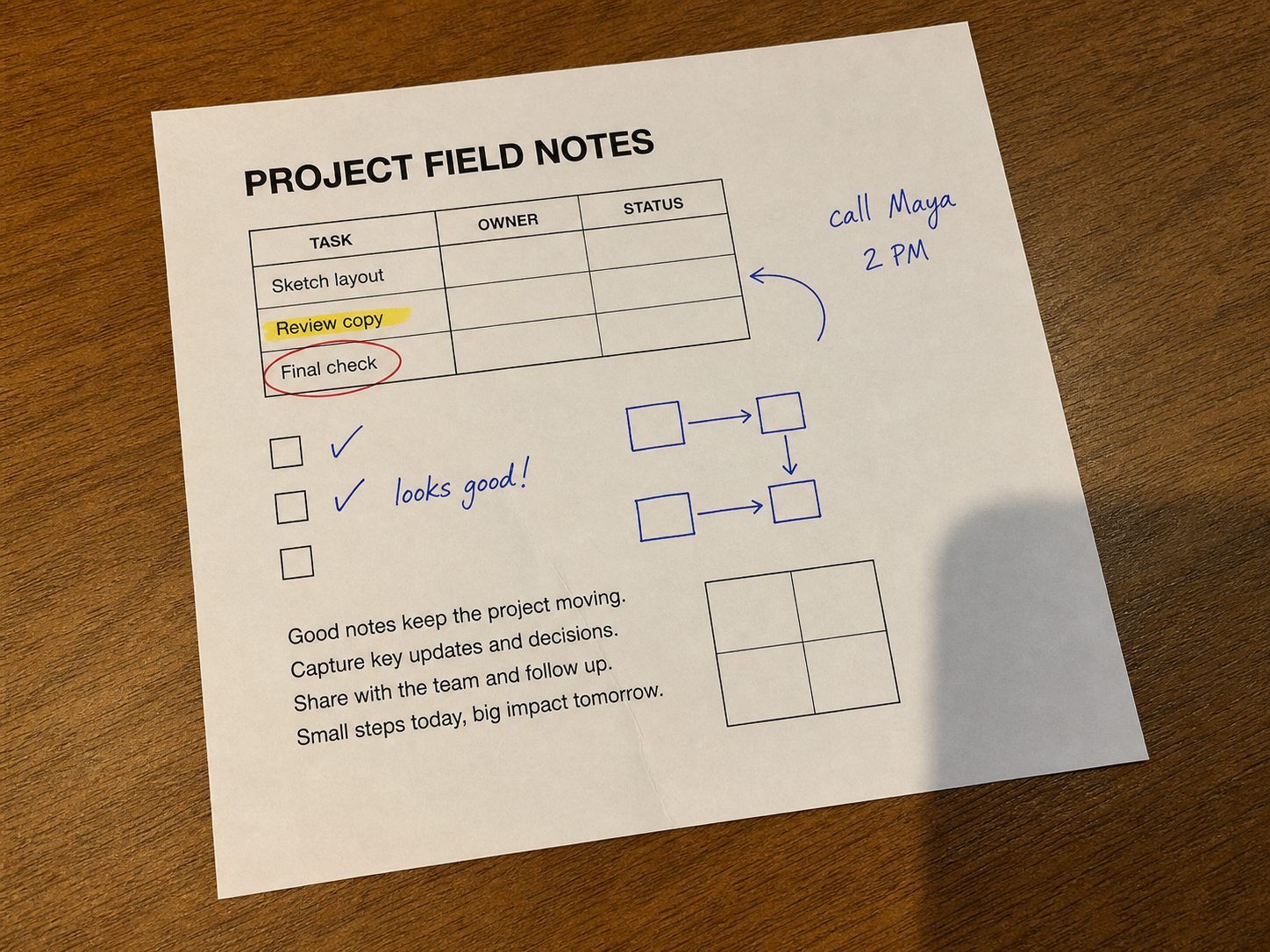
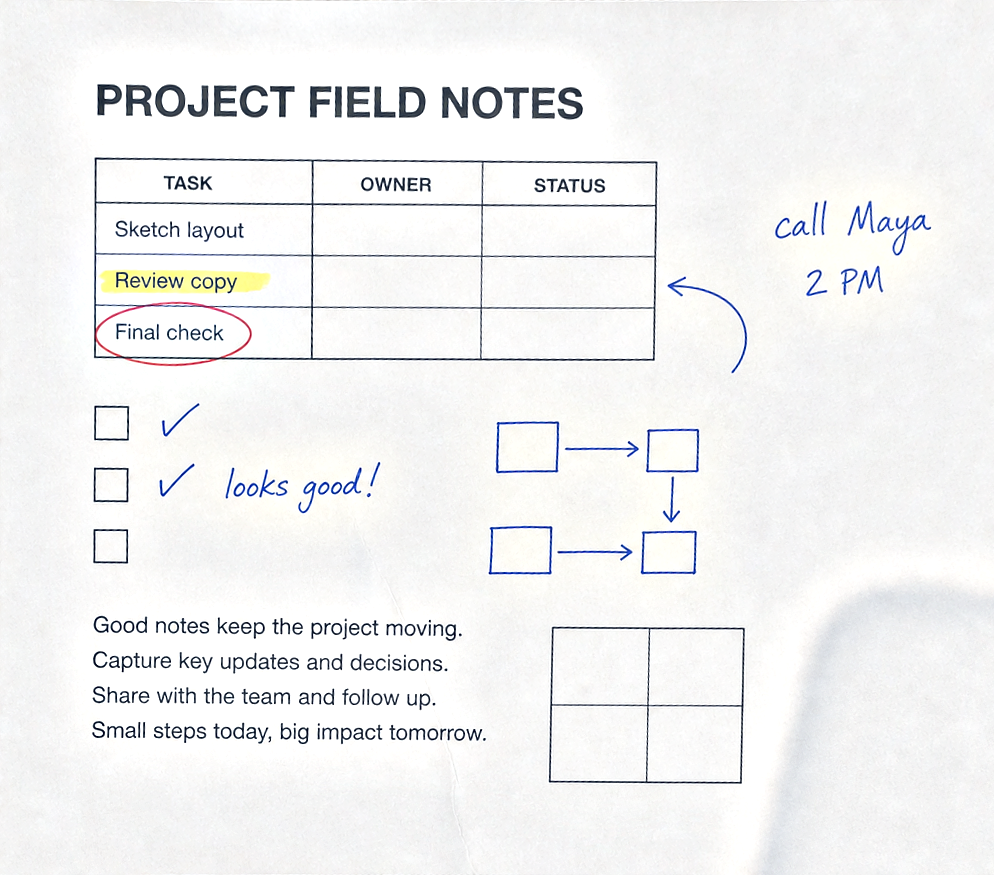
Have a document photo instead of old prints?
For an already-digital document photo, use AI cleanup, cropping, and perspective correction. Check text and marks against the original before downloading.
Compare scanning options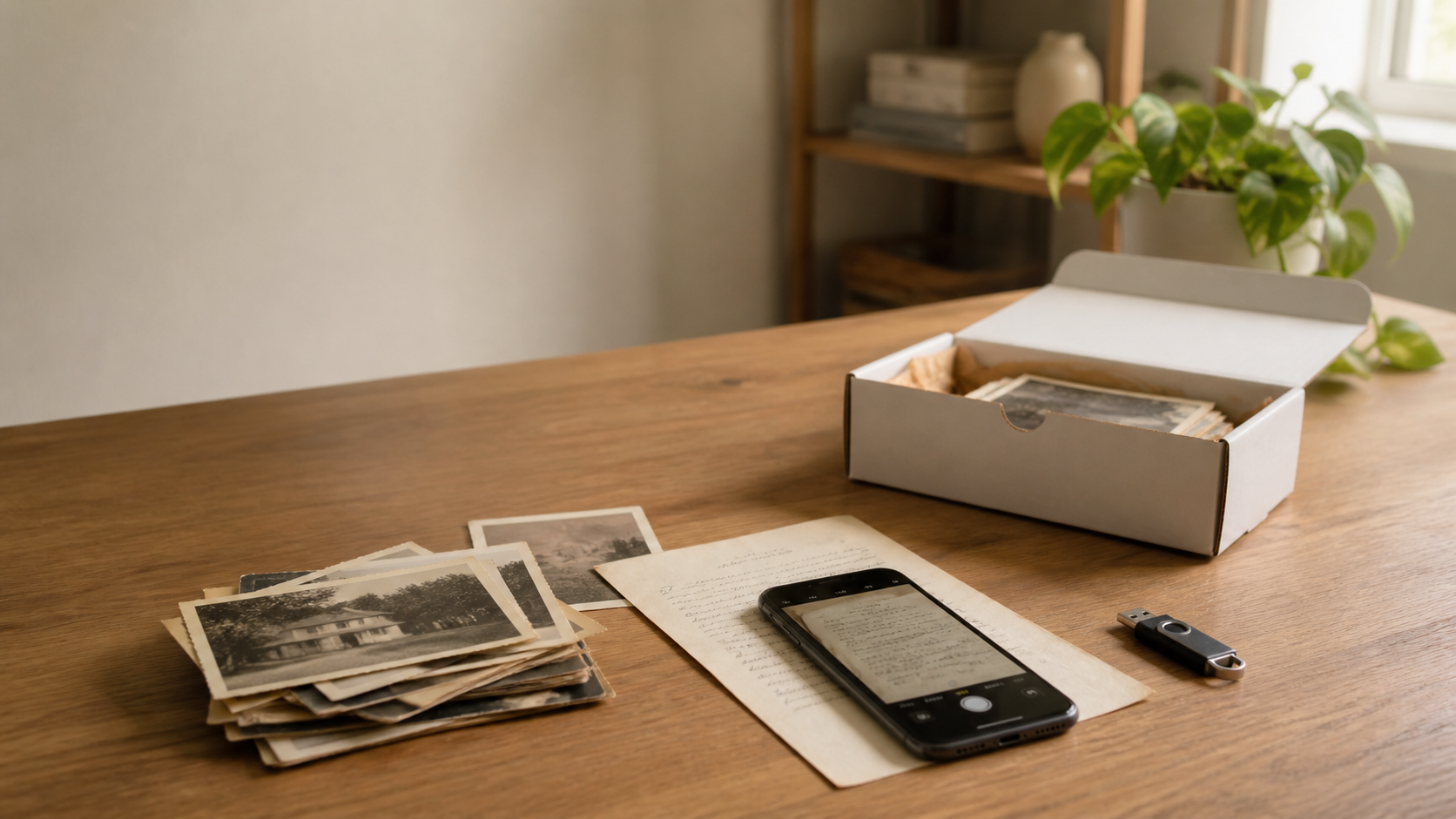
The best photo scanning services for your collection depend on what you need digitized. Compare ScanCafe for prints, slides, and negatives; ScanMyPhotos for loose prints priced by resolution; and Legacybox for prepaid kits or bulk boxes of standard prints. Check the total cost, file specifications, and handling terms before mailing originals.
This guide compares three US mail-in services and explains when to use a local specialist or scan at home. Start with the service comparison, cost of scanning 1,000 photos, or local-service checklist.
How we compared them: ClearCrowds publishes this guide. We reviewed official pricing and service pages on October 4, 2026; we have not tested these services' scan quality, handling, or delivery. Our shortlist compares ordering models, accepted originals, resolution options, and extra costs. It is not a ranking based on hands-on tests. Prices and promotions can change.
Quick answer
- Choose ScanCafe when you want a pay-per-image service that accepts prints, slides, and negatives and offers an online review step.
- Choose ScanMyPhotos individual scanning when you have loose prints and want a simple 300 dpi or 600 dpi per-photo price.
- Choose Legacybox when you prefer a prepaid kit, mixed-media handling, or a bulk box for standard loose 3x5 and 4x6 prints.
- Choose a local archival specialist when the originals are fragile, valuable, mounted, unusually sized, or require documented color and handling controls.
Photo scanning services at a glance
| Option | Practical fit | Listed price checked October 4, 2026 | Important check |
|---|---|---|---|
| ScanCafe | Prints, slides, negatives, and review before final payment | $0.48 per image for its a la carte photo path | Confirm turnaround, shipping, resolution upgrades, and file format |
| ScanMyPhotos | Loose prints with a clear per-photo order | $0.20 per 300 dpi scan or $0.50 per 600 dpi scan, with a $25 minimum | Return shipping and add-ons are separate choices |
| Legacybox | Prepaid kits, mixed media, or large batches of standard loose prints | Bulk 3x5 and 4x6 print boxes were listed from $19.99 for 200 photos | Check current promotion, cloud renewal, accepted sizes, and output details |
All three services handle physical originals. If you already have a phone photo of a paper document, see the separate document-photo workflow below.
ScanCafe: for prints, slides, negatives, and online review
ScanCafe's pricing page lists standard paper photos up to 8x10, 35mm color slides, and 35mm or APS negatives at $0.48 per image. Its current ordering overview offers both pay-per-piece orders with online photo review before payment and flat-rate kits for mixed media.
Ask for the resolution, file format, turnaround, and shipping cost for your specific order. Album handling, unusual formats, higher-resolution output, and expedited processing can affect the quote. Confirm the current review allowance and minimum order before paying.
ScanMyPhotos: for straightforward loose-print pricing
ScanMyPhotos is easier to understand when the job is a small or medium stack of loose prints. Its official individual photo scanning page lists 300 dpi scans at $0.20 each and 600 dpi scans at $0.50 each, with a $25 minimum. The same page says return shipping is selected separately and describes optional TIFF, two-sided scanning, scan-in-order, restoration, rotation, USB, and expedited services.
The page says most standard orders finish within a few weeks, with faster processing available as an add-on. That makes it a practical quote to check when you do not want to buy a large box package.
Do not compare only the headline per-photo amount. Decide whether you need 600 dpi, original order preserved, back-side notes captured, TIFF files, or a physical drive, then price the complete order.
Legacybox: for kit-based orders and standard bulk prints
Legacybox uses a kit model for mixed analog media. Its official pricing page says a kit item can be a tape, film reel, or set of 25 photos, and that the kit includes a box, instructions, barcodes, a prepaid shipping label, hand digitization, original-media return, and 30 days of cloud access.
Legacybox also has a narrower bulk photo scanning product for loose 3x5 and 4x6 prints. At the time checked, the page listed 200 photos for $19.99, 1,000 for $79.99, 2,000 for $149.99, and 5,000 for $339.99. It also listed standard, expedited, and rush time options, plus cloud access that renews after the free period unless canceled.
The bulk product is attractive when the photos fit its size and loose-leaf requirements. For albums, mounted prints, unusual sizes, film, or mixed media, start from the main kit information and confirm exactly how each item is counted.
How to choose without guessing
Start with the media, not the brand.
- Count and separate the originals. Note loose prints, album pages, slides, negatives, tapes, and ordinary paper documents separately.
- Mark fragile or irreplaceable items. These may need local specialist handling instead of a bulk conveyor workflow.
- Choose the output. Decide between JPEG and TIFF, 300 dpi and 600 dpi, digital download and physical drive, front-only and two-sided capture.
- Price the complete order. Include minimums, shipping, order preservation, rotation, TIFF, cloud renewal, drives, and rush processing.
- Run a small test first. Send or process a representative sample before committing the full collection.
- Inspect the files before reorganizing originals. Keep the physical order intact until filenames, folders, dates, and scan quality are confirmed.
A practical quality checklist
| Check | What to inspect |
|---|---|
| Crop | All four print or page edges are included without excessive border |
| Focus | Faces, handwriting, fine lines, and small type are captured sharply |
| Color | Skin tones, paper whites, faded dyes, and neutral grays look believable |
| Dust and scratches | Cleaning or correction has not removed real image detail |
| Order | Albums, envelopes, dates, and back-side notes remain connected to the right file |
| Delivery | File type, resolution, download window, cloud renewal, and drive options match the order |
| Originals | Return shipping, tracking, packing, and handling terms are understood |
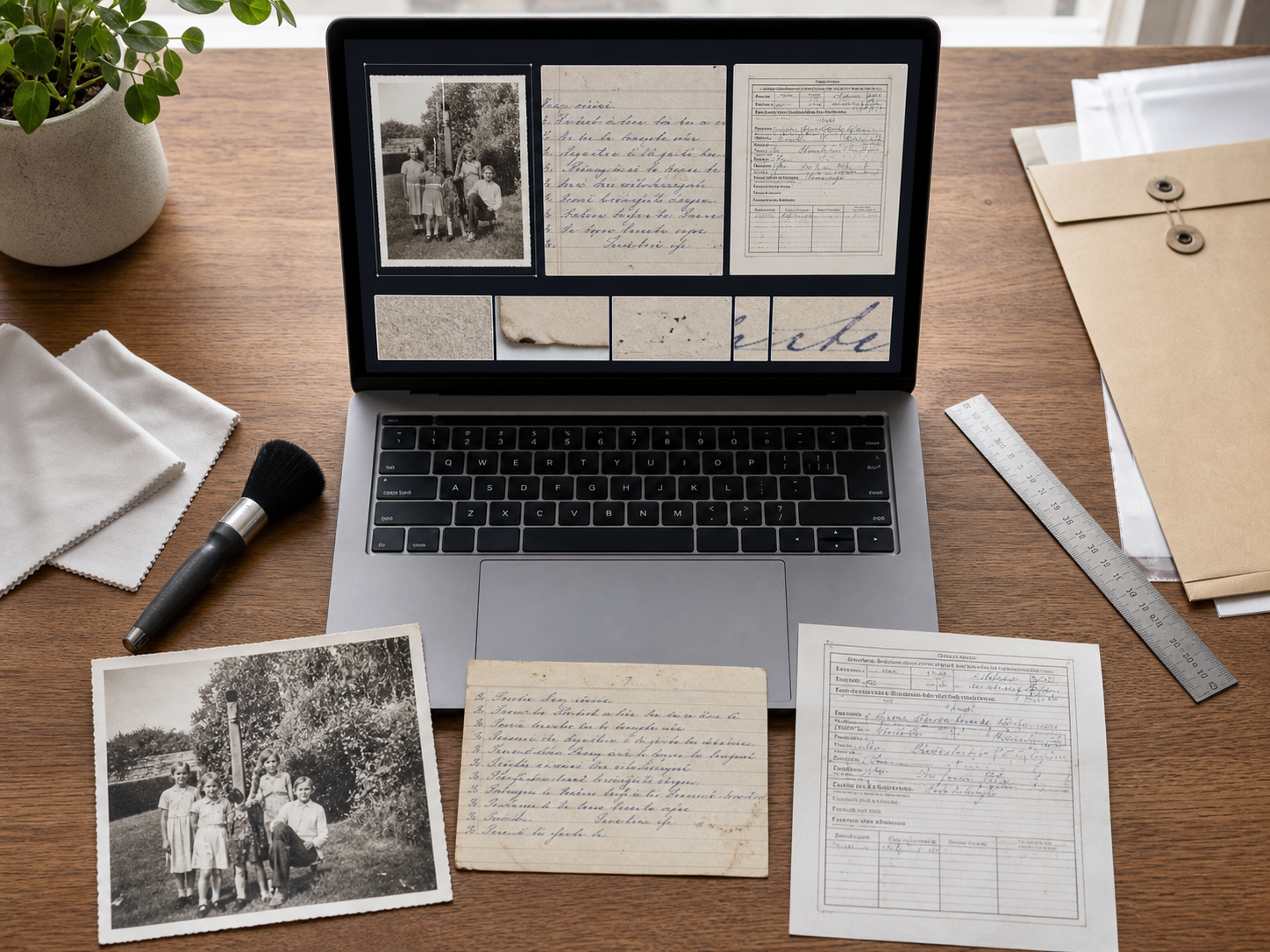
Resolution matters, but it is not the whole result. A high-resolution file can still be soft, dusty, poorly cropped, heavily compressed, or separated from its context. Use one difficult sample with handwriting, dark detail, faded color, and edge damage to test the complete workflow.
When a local specialist is the safer choice
A local archival or conservation-oriented service can be worth the extra coordination when the collection includes glass plates, curled or brittle prints, bound albums, oversized photographs, handwritten notes on the back, valuable originals, or a required chain of custody.
Ask how the service handles originals, whether it removes items from albums, what equipment and color workflow it uses, how files are named, what happens after a failed scan, and whether it carries insurance for the real value of the collection. No general consumer comparison can answer those questions for a unique archive.
How much does it cost to digitize 1,000 photos?
For 1,000 eligible loose prints, the listed scanning prices below range from a $79.99 bulk offer to $500 for per-photo 600 dpi scanning. These are different service specifications, not equivalent quotes. Shipping, tax, file options, and ongoing storage may change your total.
| Service and order | Calculation for 1,000 prints | Scanning subtotal | Check before ordering |
|---|---|---|---|
| ScanCafe standard a la carte | 1,000 × $0.48 | $480 | Confirm resolution, file format, shipping, and any applicable promotion |
| ScanMyPhotos, 300 dpi | 1,000 × $0.20 | $200 | Return shipping and optional services are separate |
| ScanMyPhotos, 600 dpi | 1,000 × $0.50 | $500 | Compare like-for-like output and add-ons |
| Legacybox bulk 1,000-photo offer | Listed package price | $79.99 | Eligible loose 3x5/4x6 prints; confirm output dimensions and membership renewal |
USD prices checked October 4, 2026. Per-photo subtotals are our arithmetic, not checkout quotes.
Legacybox's bulk page describes JPEG output with a 72 dpi label. Ask for actual pixel dimensions and a sample before comparing it with a 600 dpi capture service; a file's dpi label alone does not establish how much detail was scanned. The same page lists a free 30-day membership followed by $7.99 every 30 days unless canceled. Download and back up your files, and check the current renewal terms.
How to find a photo scanning service near you
If you want to hand over originals in person, look for a local photo lab or specialist that handles your exact format. Contact the provider before visiting: some locations accept drop-offs but send the work elsewhere.
Ask where scanning happens, whether you can approve a sample, how fragile prints or albums are handled, what files you receive, and how originals are tracked and returned. Get a written quote for the collection you have. A nearby address alone does not establish scan quality or archival handling.
Already have a photo of a document?
Sometimes “photo scanning” describes a different task: you have one page on a desk, take a phone photo, and need a cleaner digital copy immediately. You are not mailing family prints or creating an archival master.
Photo to Scanned Document is designed for that narrow case. It detects the page, corrects perspective, crops away the surroundings, and reduces uneven light and shadows. The example includes printed text, a table, blue handwriting, checkmarks, a yellow highlight, and a red circle so the review is not limited to a blank typed page.
The workflow uses AI to reduce uneven lighting before cropping and perspective correction. AI may alter words, numbers, handwriting, or other details. Compare every important mark with the original before downloading or sharing the result.
Use this path for a worksheet, form, handout, checklist, recipe, or handwritten note that is already in front of your phone. Do not use it as a replacement for:
- scanning hundreds of family photographs;
- slides, negatives, film, or mounted media;
- fragile, valuable, or one-of-a-kind originals;
- legal, certified, evidentiary, or archival scans;
- searchable OCR text or a multi-page PDF (single-page image-only PDF is supported).
FAQ
How do I choose a photo scanning service near me?
Ask whether scanning happens on-site or elsewhere, request a sample, and confirm handling, resolution, file delivery, total cost, and return arrangements. Check that the provider accepts your exact print size, album, slide, or negative format.
How much does it cost to digitize 1,000 photos?
At the prices checked October 4, 2026, ScanCafe lists $480 for 1,000 standard scans; ScanMyPhotos totals $200 at 300 dpi or $500 at 600 dpi; and Legacybox lists a $79.99 bulk offer for eligible loose prints. Output specifications differ. Check shipping, tax, add-ons, and storage renewal before comparing totals.
What is the best photo scanning service?
The right service depends on the originals and the size of the job. ScanCafe offers pay-per-image scanning and film support, ScanMyPhotos has a clear individual-photo option, and Legacybox offers prepaid kits and a bulk path for standard loose prints. Use a specialist when fragile, archival, or unusual media need controlled handling.
Can I turn a photo of a document into a scan online?
Yes. ClearCrowds can straighten a photographed page, crop the surroundings, and reduce uneven light with AI. AI may change details, so check text and marks against the original. Export an image or a single-page image-only PDF; searchable OCR and multi-page PDFs are not supported by this workflow.
Is 300 dpi or 600 dpi better for scanning photos?
A 600 dpi scan records more samples from a print and can be useful for cropping or larger reproductions, but resolution is only one quality factor. Focus, color, dust, compression, handling, and the size of the original also matter.
Should I scan old photos myself or mail them to a service?
DIY makes sense for a small collection when you have time and a suitable scanner. A mail-in service can reduce repetitive work for hundreds of prints, slides, or negatives. Before mailing irreplaceable originals, check tracking, handling, return shipping, file delivery, and current terms.
Can a document photo replace a professional photo scanning service?
No. A document-photo cleanup tool is useful for one ordinary page that you need to read or share now. It does not replace careful digitization of family photos, film, negatives, fragile originals, or archival collections.
Choose a service for the originals you have
For physical photo collections, choose by media type, handling needs, total order cost, and output requirements. For one everyday page that is already in front of your phone, an online photo-to-scan workflow can remove the desk and camera angle without a trip to a store. Those are different problems, and the safest choice starts by naming which one you have.
Already have a document photo?
Digitizing printed family photos and cleaning a photographed document are different jobs. If you already have a digital picture of a page, follow how to turn a photo into a scanned document. The guide explains page cropping, perspective correction, scan color modes and PDF downloads, with a review of text and marks before saving.