
Direct answer
What is Date Stamp?
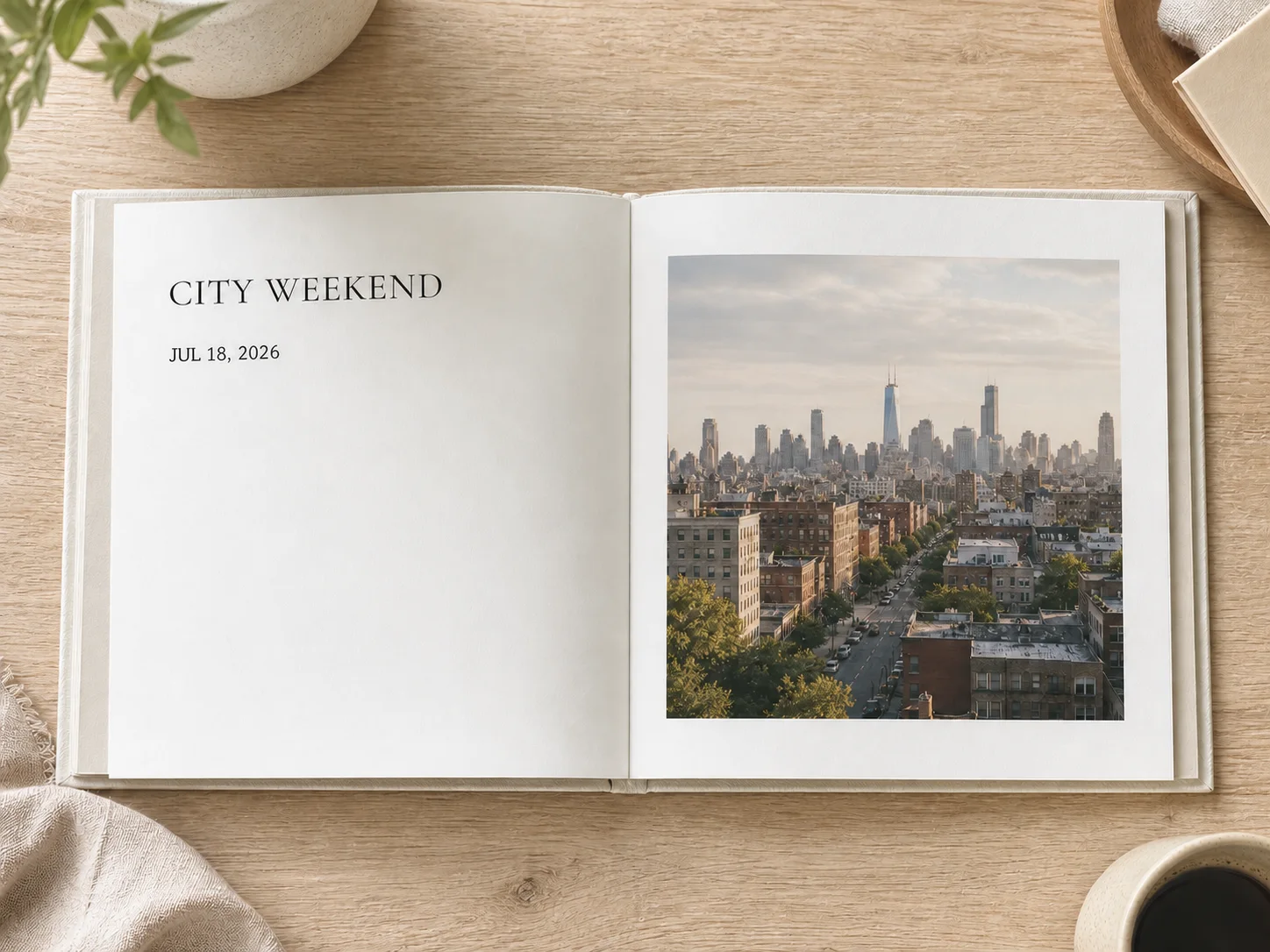
Date Stamp adds either a polished date-only or date-and-time overlay with an optional address directly in your browser without sending the photo to an AI image model.
Edit Text
Use Date Stamp when a travel, inspection, field-work, delivery, or everyday photo needs a clear camera-style date, time, and optional location label.
This preset is already selected.
Date Stamp
Direct answer
Date Stamp adds either a polished date-only or date-and-time overlay with an optional address directly in your browser without sending the photo to an AI image model.
Workflow
Pick a photo where the target area is visible and nearby edges, scale, lighting, and perspective provide enough context for a natural edit.
Date Stamp changes or adds the requested element while asking ClearCrowds to preserve the subject, layout, crop, and unrelated details.
Check scale, alignment, perspective, contact shadows, reflections, and edge blending. The new element should belong in the original scene.
Use cases
Try it
ClearCrowds passes the preset into the editor so the workflow is ready when your photo opens.
This preset is already selected.
Frequently asked questions
No. The date, optional time, and optional address are drawn with browser image tools, so the original scene is not repainted or invented.
Yes. Choose date only or date and time; the address remains optional.
No. It is a visual label entered by the user, not verified evidence and not a replacement for original metadata.