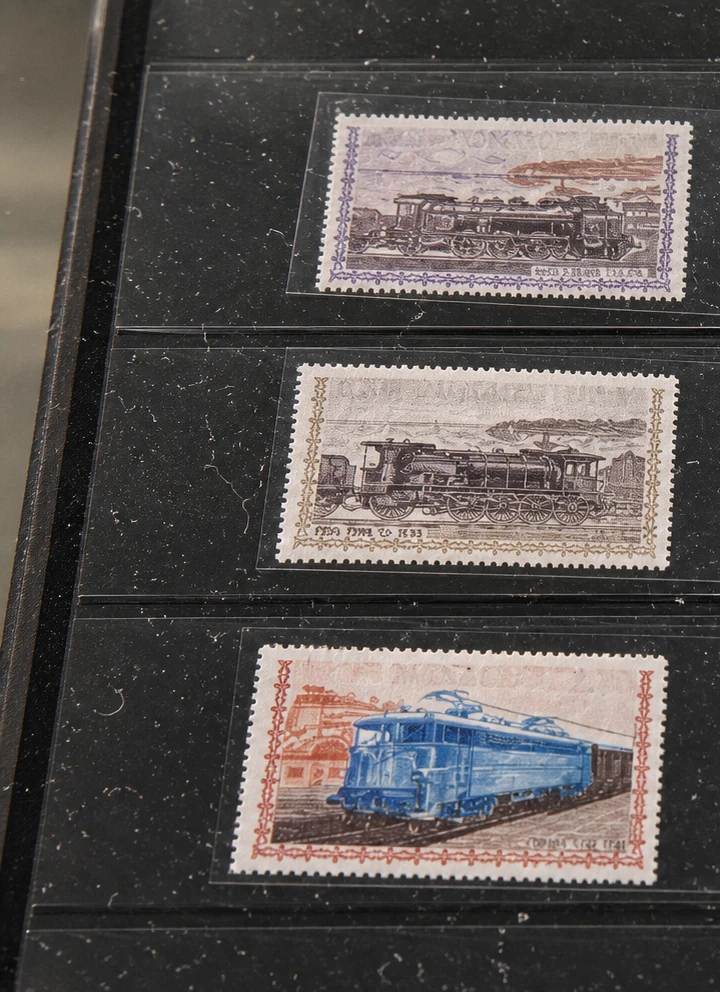
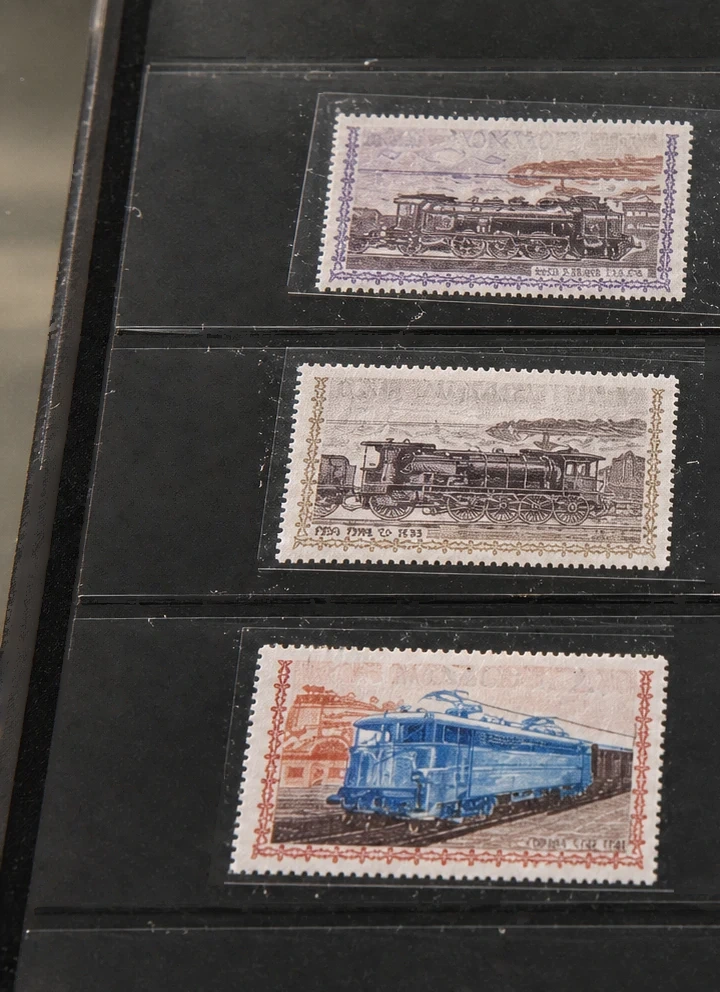
Clean small specks without replacing the subject
Use dust removal for scattered scanner specks, lint on a product photo or particles visible through a protective sleeve. Start with the sharpest source you have so small printed marks can be distinguished from dust.
How to remove dust from a photo
- Upload the original scan or photo.
- Apply dust removal and compare the same area before and after.
- Check lettering, fine patterns, edges and skin texture before saving.
For scanned family photos, inspect faces and grain at full size. For stamps, cards and product packaging, check tiny printed details: generative cleanup can mistake intentional marks for debris. Deep scratches and missing parts need a different restoration workflow.
Choose the right cleanup
Dust is made of small particles. For a bright reflection across glass or packaging, use Remove Reflections from Photos. If a large object blocks the shot, start with the photo cleanup features instead.