Direct answer
What is Children?
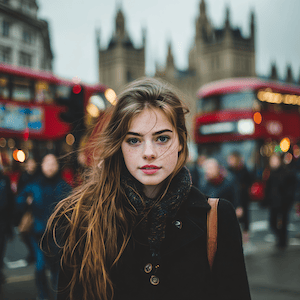
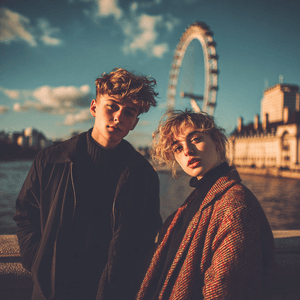
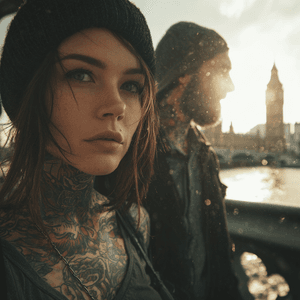
Children turns an uploaded photo into a polished ClearCrowds edit using the selected People Related preset.
People Related
Use Children when you want a quick people related edit without setting up the workflow by hand.
This preset is already selected.
Direct answer
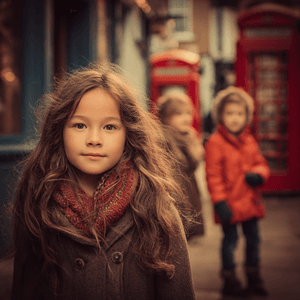
Children turns an uploaded photo into a polished ClearCrowds edit using the selected People Related preset.
Workflow
Choose a sharp photo where the detail you want to remove and the surrounding surface are both visible.
Children targets the selected distraction and rebuilds the smallest affected area instead of redesigning the whole photo.
Zoom in around repaired edges, repeated patterns, faces, text, and reflections. Everything outside the target should still match the source.
Use cases
Try it
ClearCrowds passes the preset into the editor so the workflow is ready when your photo opens.
This preset is already selected.
Frequently asked questions
Children is a ClearCrowds preset in the People Related category.
Yes. Upload a photo and ClearCrowds opens the editor with this preset selected.