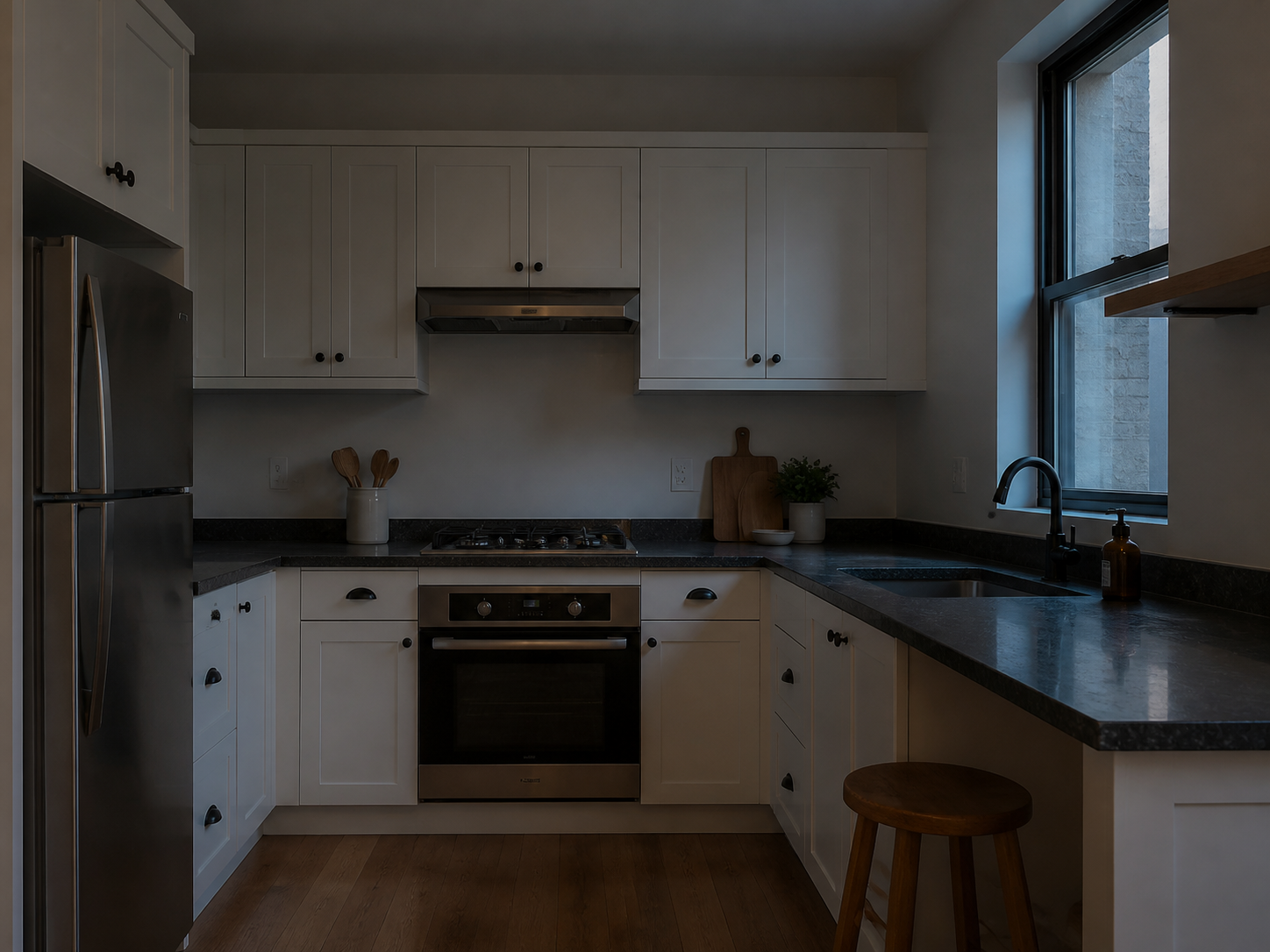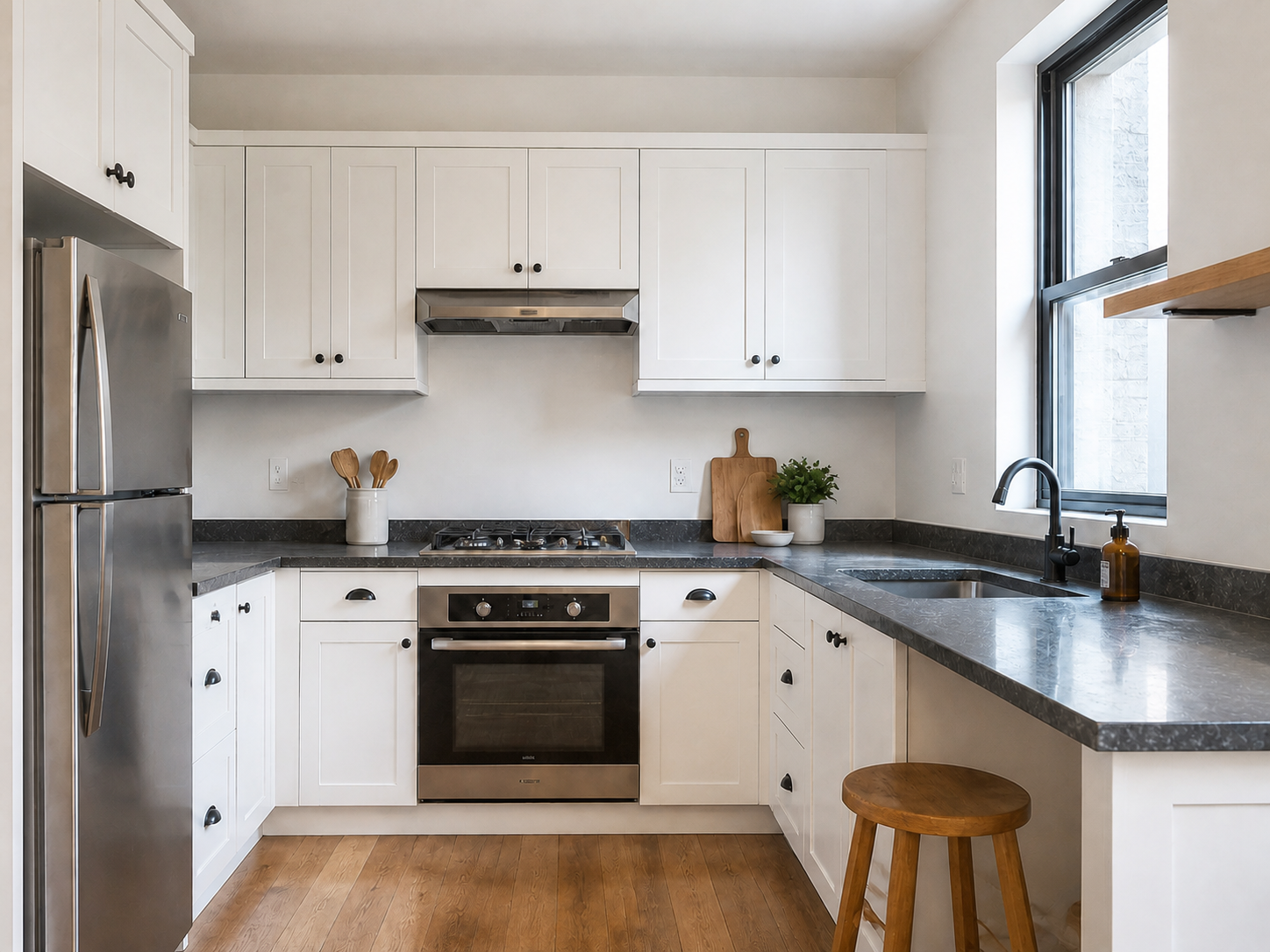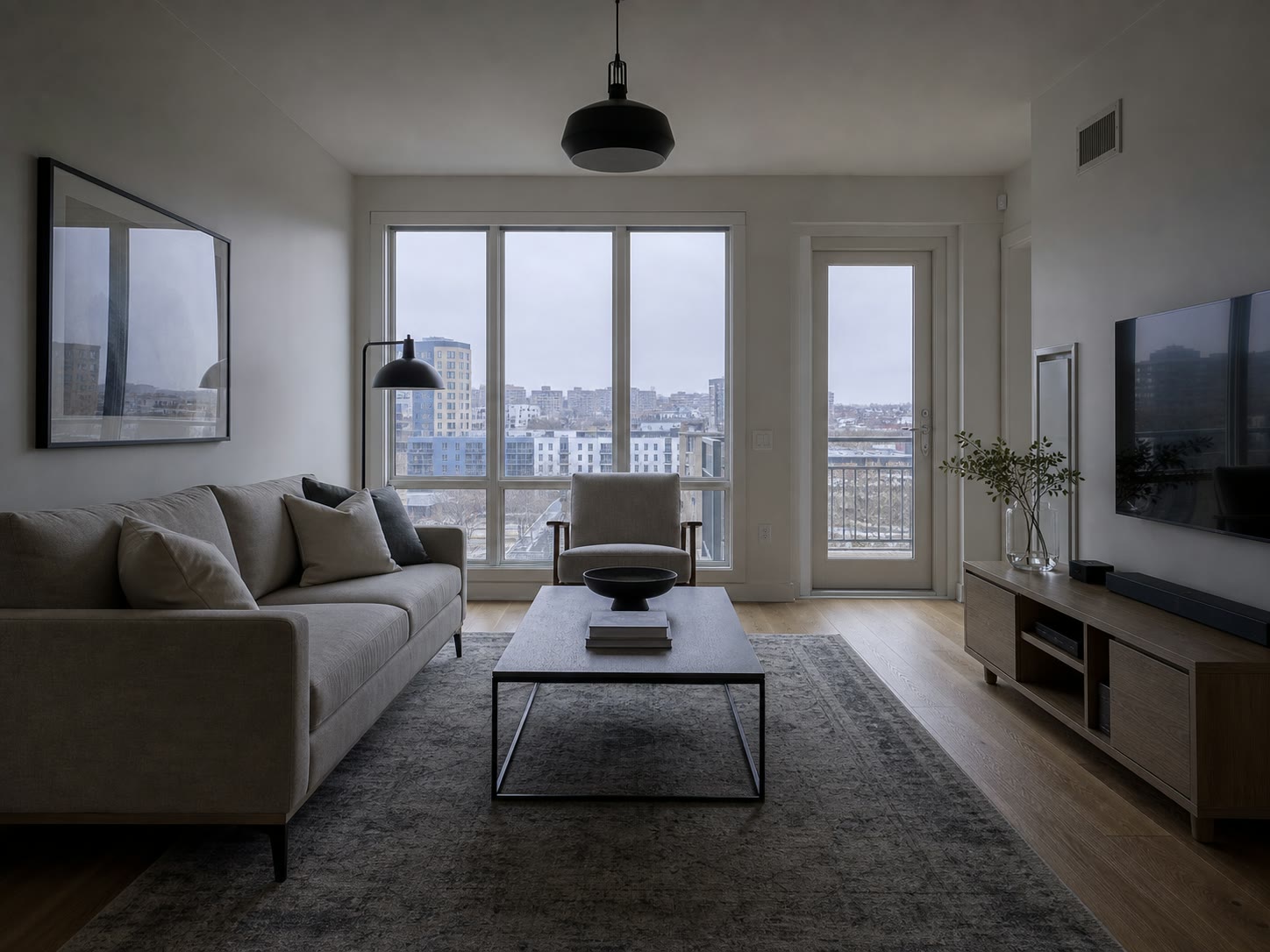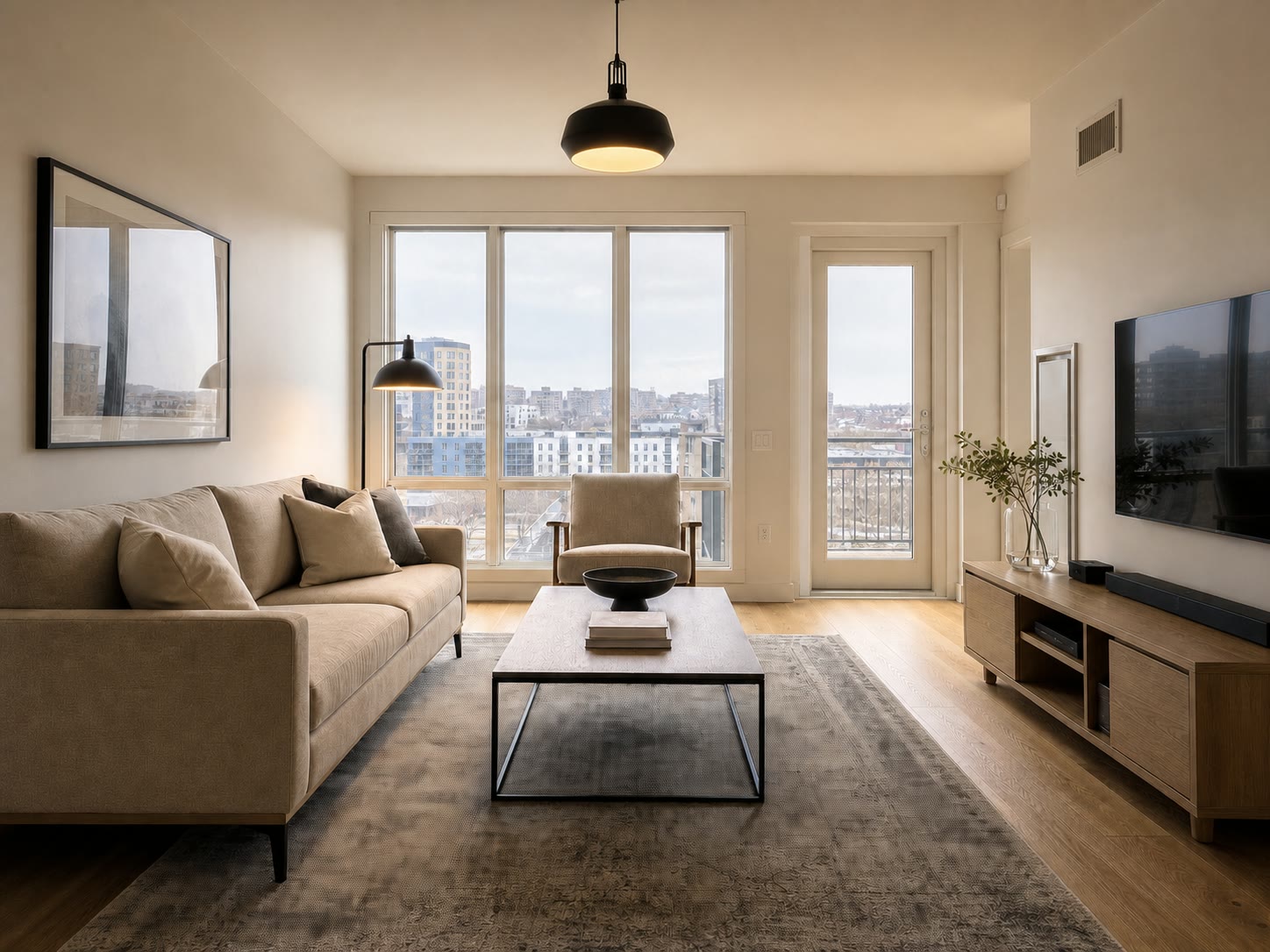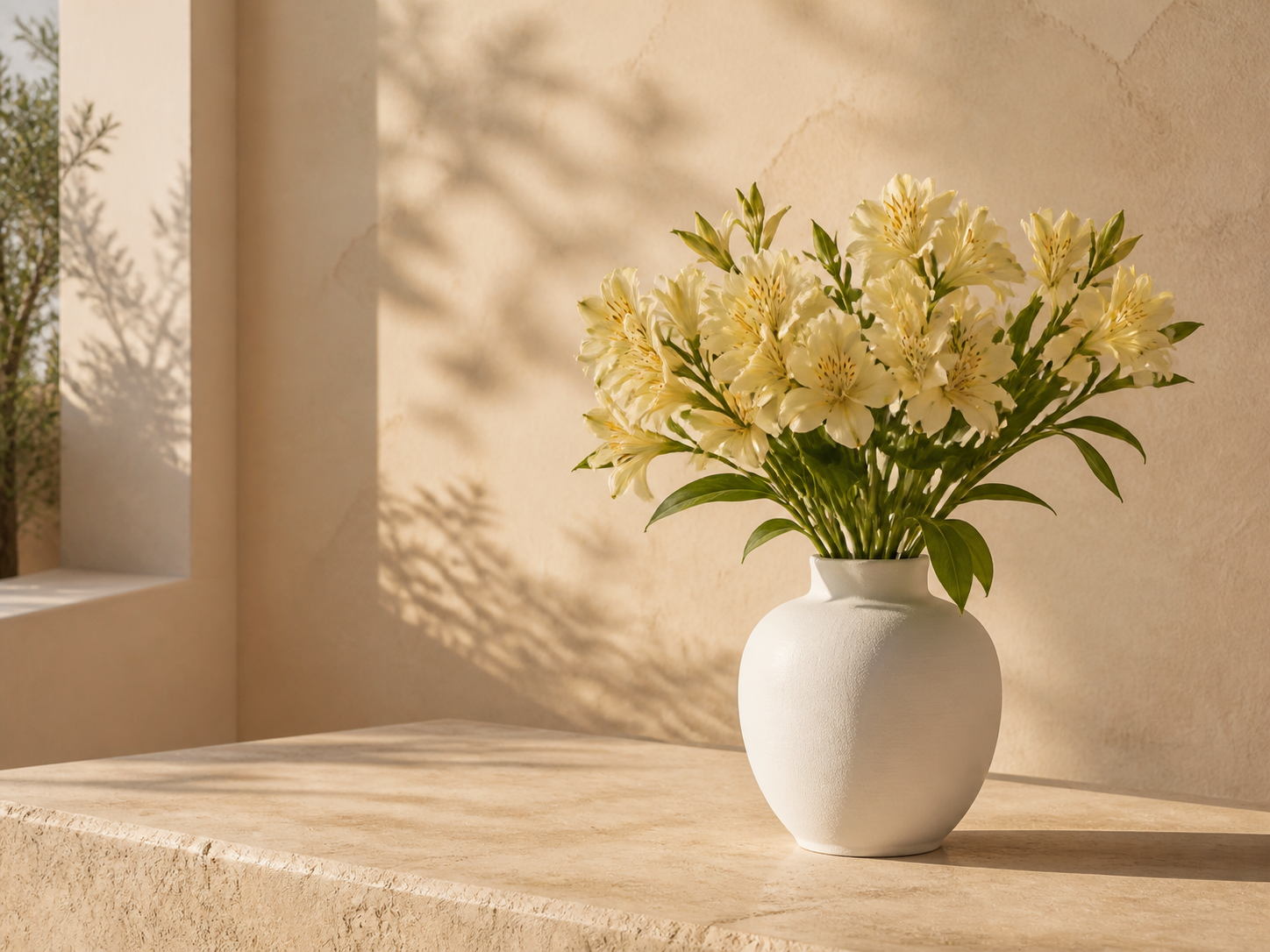
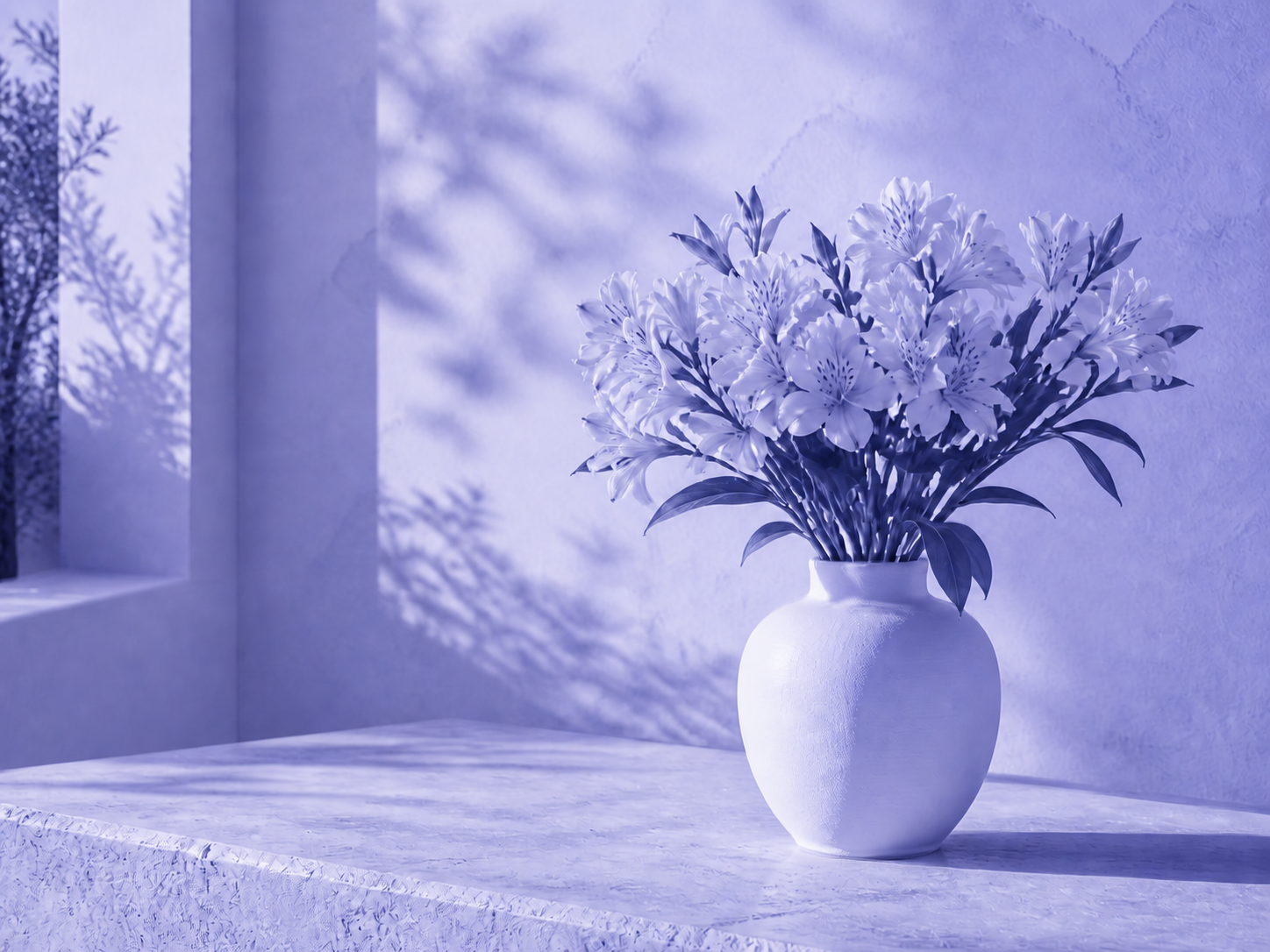
Campaign treatments
Give a set of visuals the same seasonal or launch color direction.
統一整張圖片的色彩氛圍,同時保留原有紋理、明暗與透明度。
JPG, PNG, or WebP. Tint and hue controls open automatically.
Tinted
Tinting blends a selected color through the full image while retaining luminance. Hue shift rotates existing colors without touching transparency.
Use a subtle strength first, then increase it while watching skin, whites, and brand colors.
Choose the photo, artwork, or transparent graphic that needs one consistent color treatment.
Pick a tint color, adjust its strength, and rotate hue only if the existing palette also needs to move.
Check the full image at normal size, apply the edit, and download the PNG result.
Use Image Tinter when an asset needs a cohesive mood rather than a precise one-color replacement.
Give a set of visuals the same seasonal or launch color direction.
Create a strong editorial cast while retaining facial form and lighting.
Shift an illustration or texture toward the palette of the page where it will appear.
Recolor translucent decorative graphics without destroying their alpha channel.
This is a global color operation. It does not select a logo, garment, or object independently from the rest of the frame.
Practical answers about tint strength, hue rotation, and transparency.
快速處理,也能獲得專業效果。
上傳圖片並即時調整色調與色相。
JPG, PNG, or WebP. Tint and hue controls open automatically.