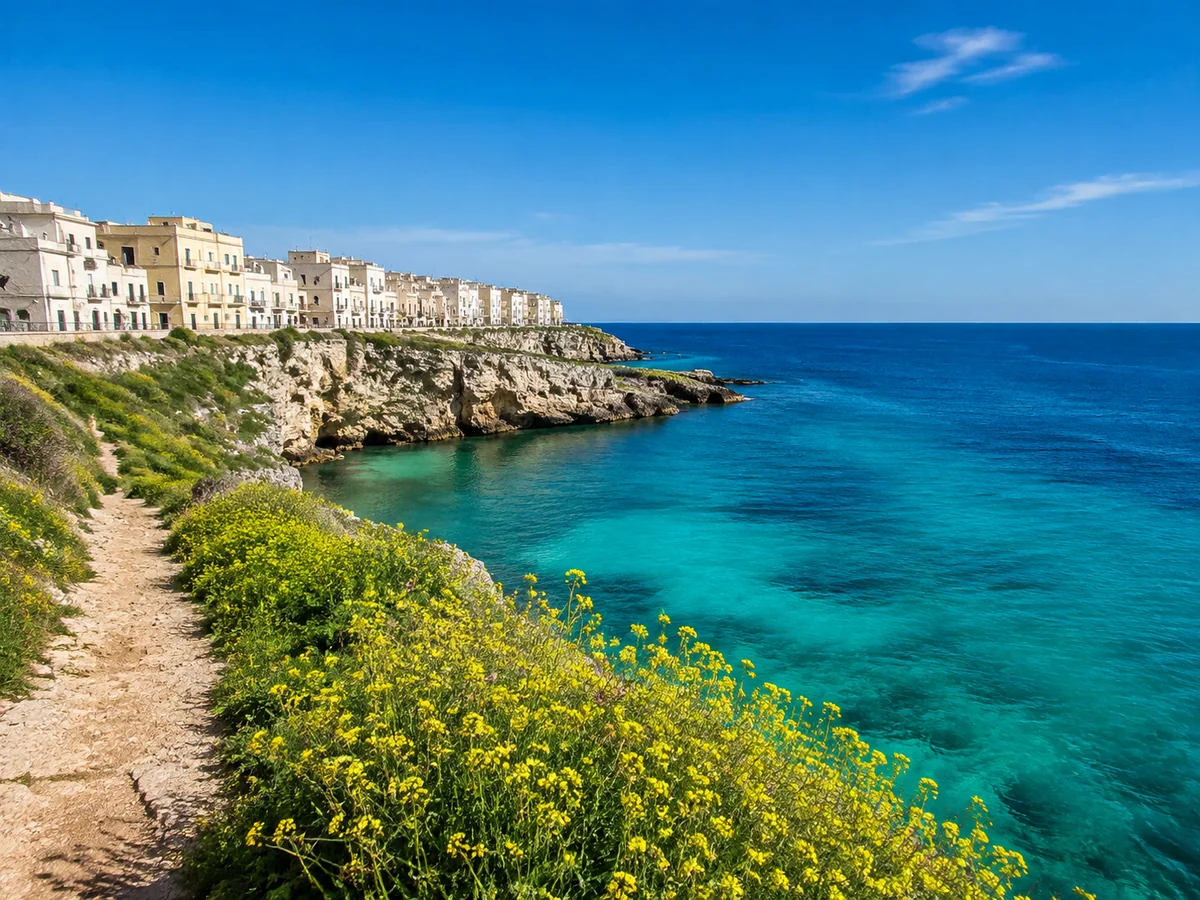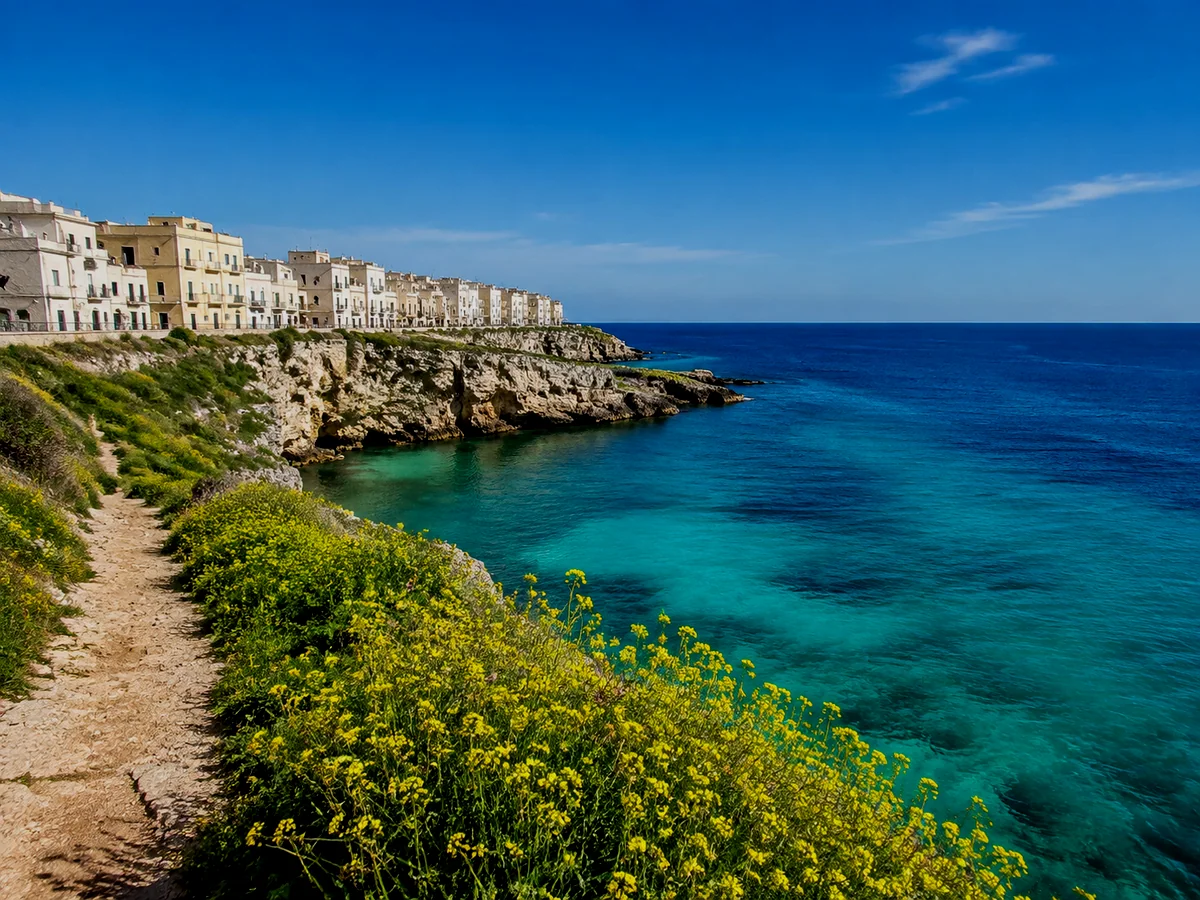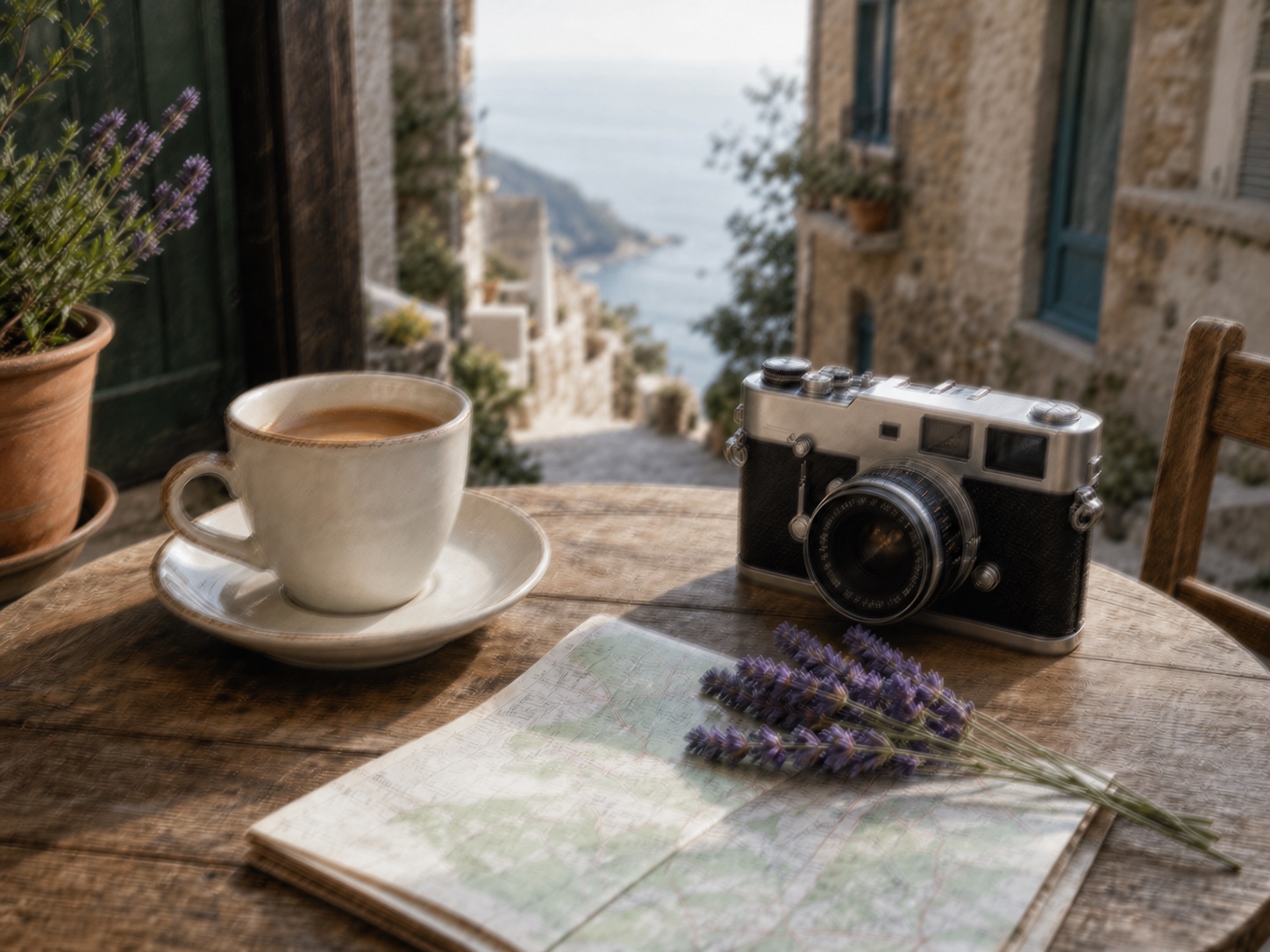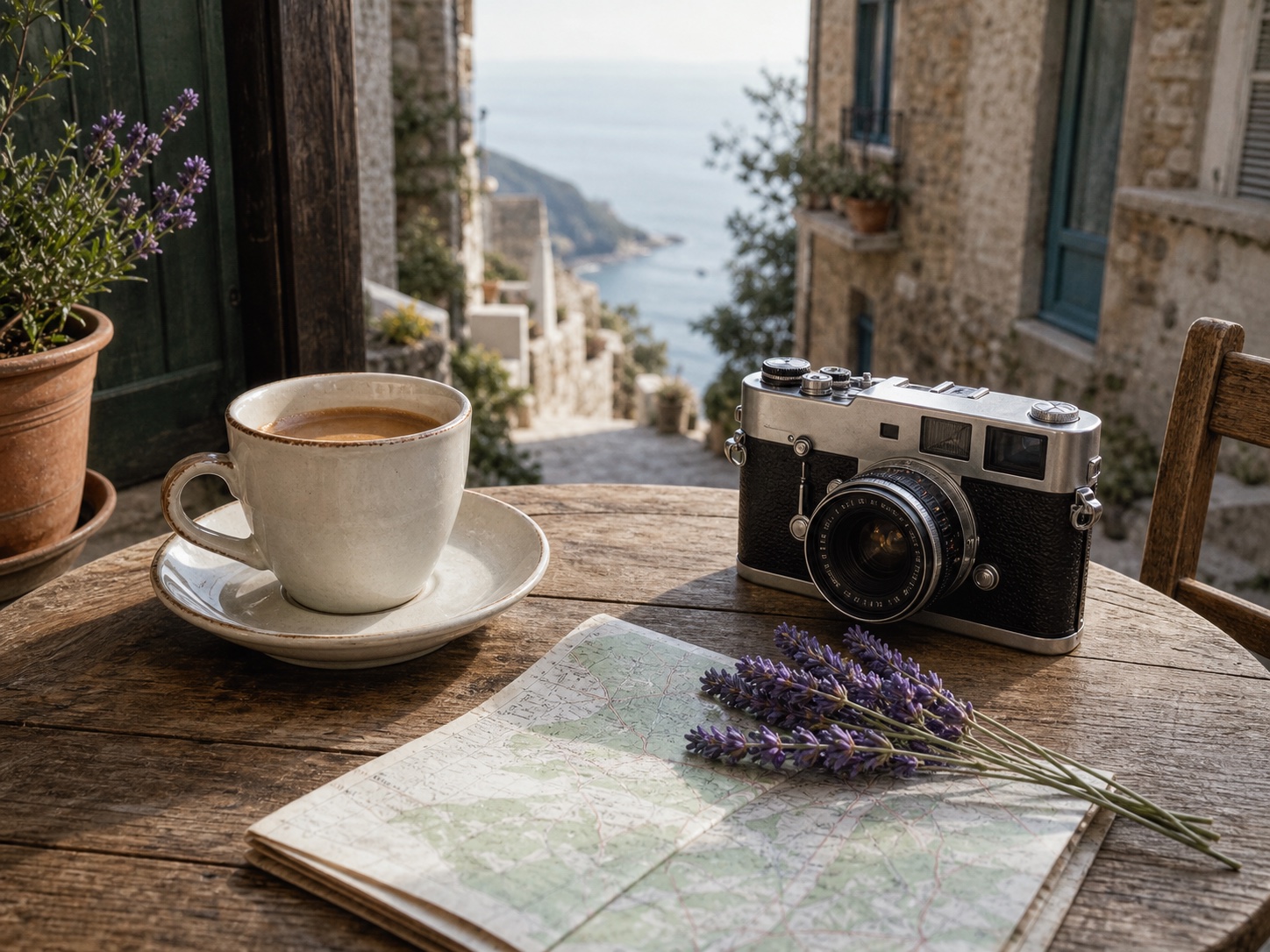
Property listings
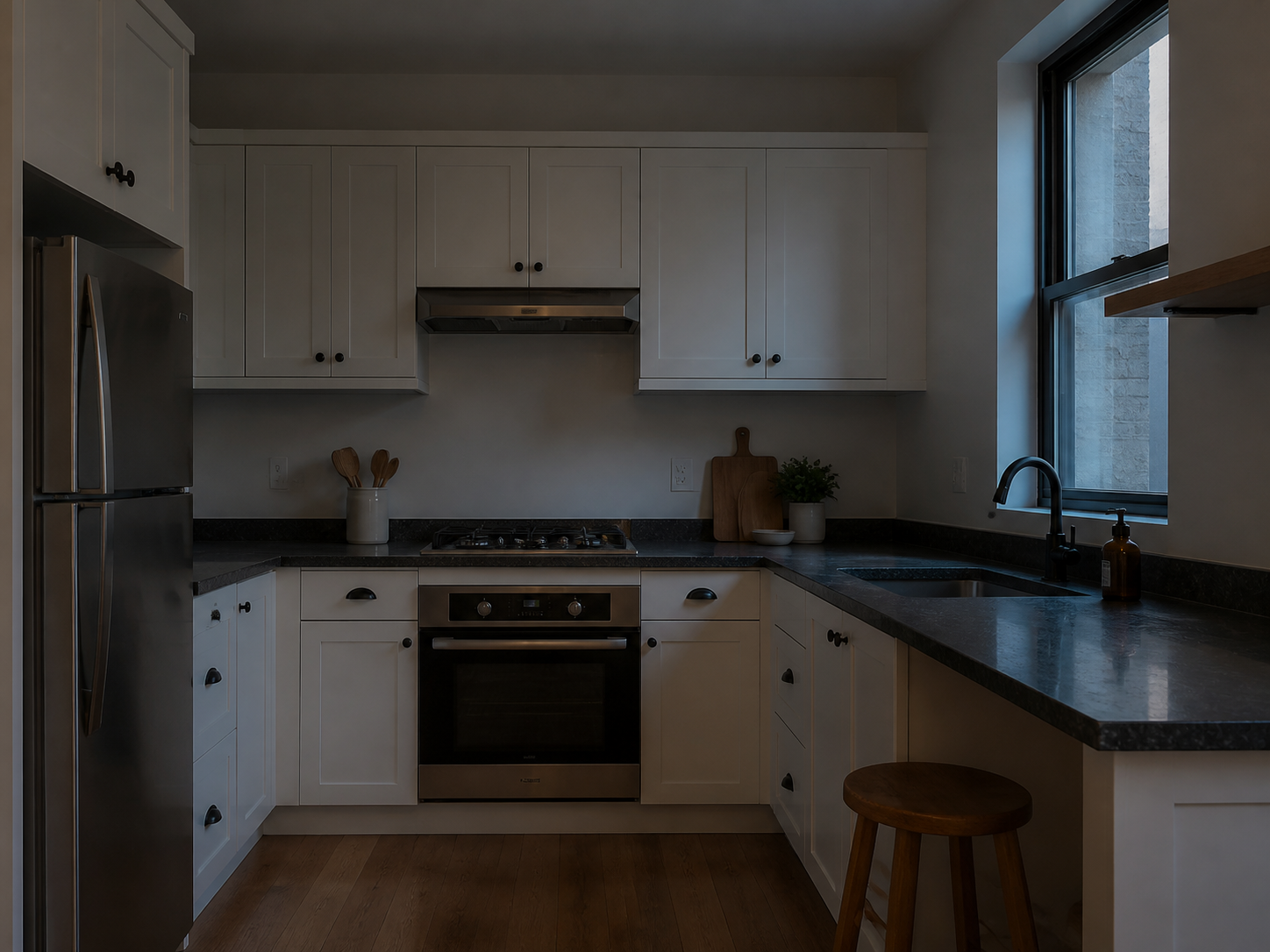
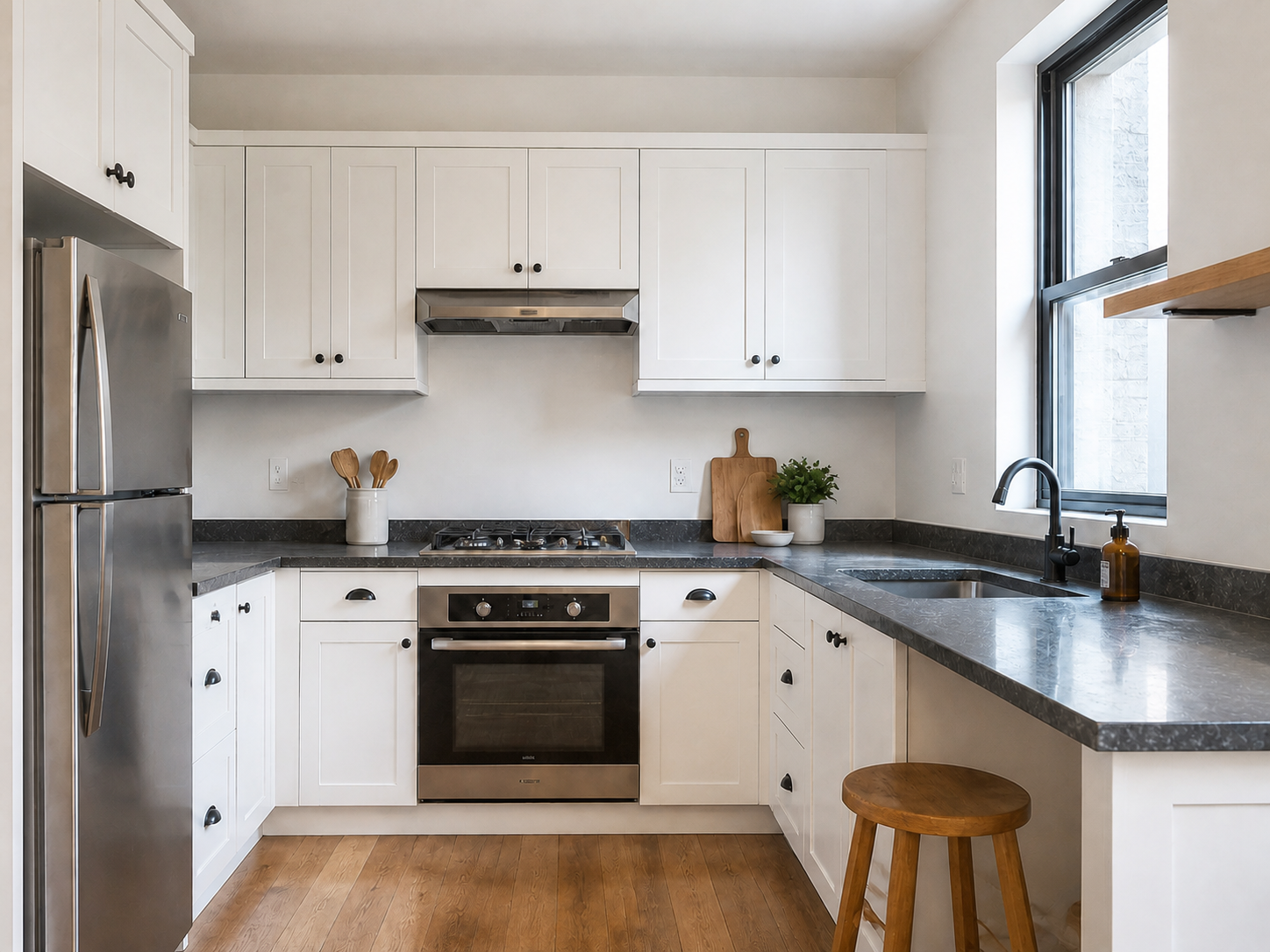
Make a dim room easier to evaluate while retaining the actual layout and materials.
提升曝光並打開暗部細節,同時保持相同主體、色彩、裁剪和自然光線方向。
支援 JPG、PNG 或 WebP,將自動開啟圖片提亮。
Image Brightener is a focused exposure correction. It raises dark areas without turning the scene into a new style or adding objects that were not photographed.
Start with the clearest original file so the editor can work with the existing detail.
Choose a photo that is too dim but still contains visible texture and color.
The selected Image Brightener gently raises exposure and underexposed shadow areas.
Check faces, windows, surfaces, colors, and shadow detail before exporting the result.
Use a focused brightness correction when an otherwise useful photo is too dark to share, list, or review.
Make a dim room easier to evaluate while retaining the actual layout and materials.
Lift a shadowy face or background without changing identity, expression, or skin texture.
Reveal detail on a dark tabletop or package while keeping its shape, colors, and labels intact.
Recover visibility in a restaurant, room, or evening scene before you continue editing.
The preset adjusts visible pixels. It cannot reliably reconstruct highlights that were clipped or detail that was never captured.
Practical answers about underexposed photos, color, and what the tool preserves.
上傳暗相片,直接開始圖片提亮流程。
支援 JPG、PNG 或 WebP,將自動開啟圖片提亮。