Document photos
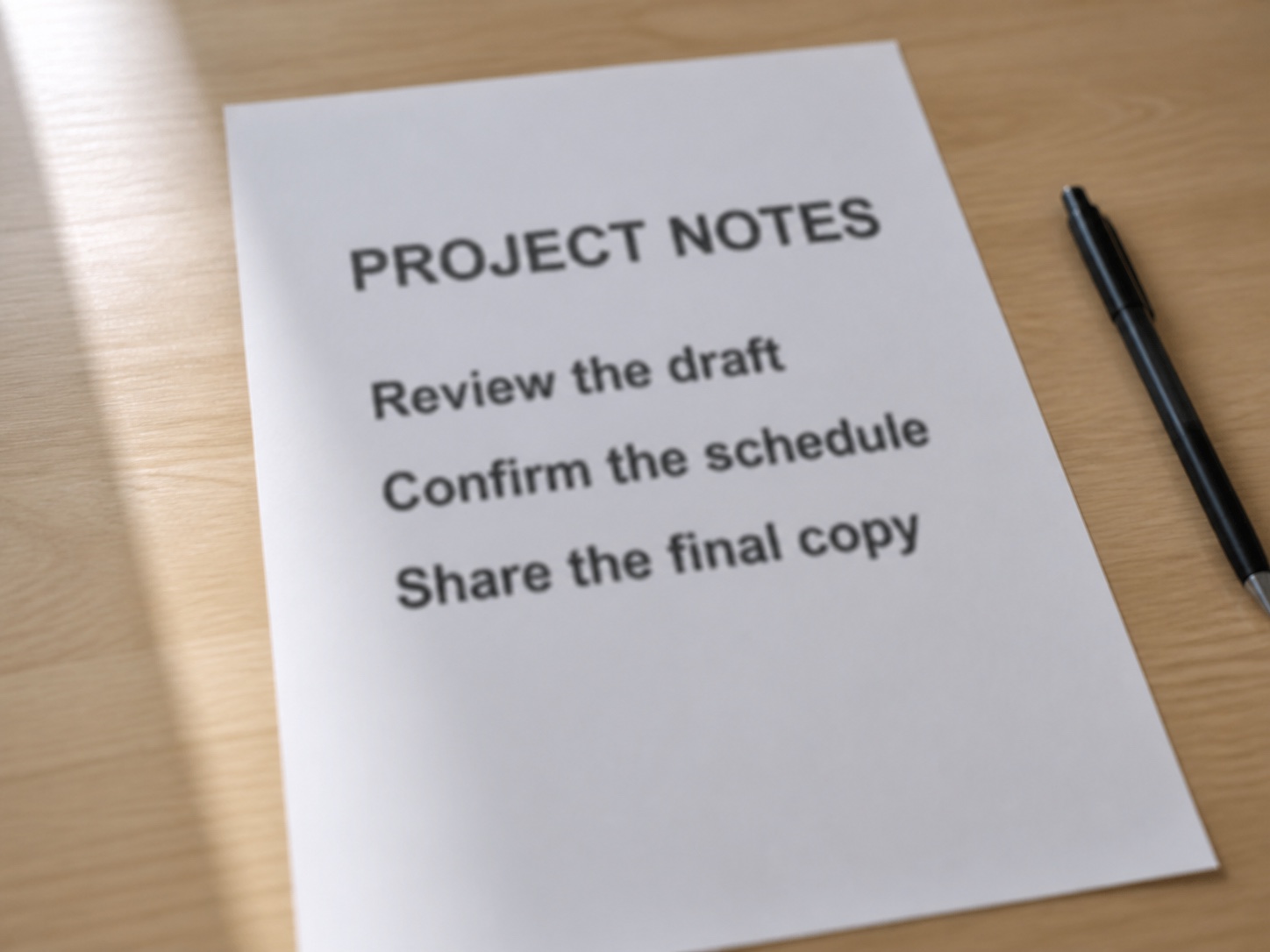
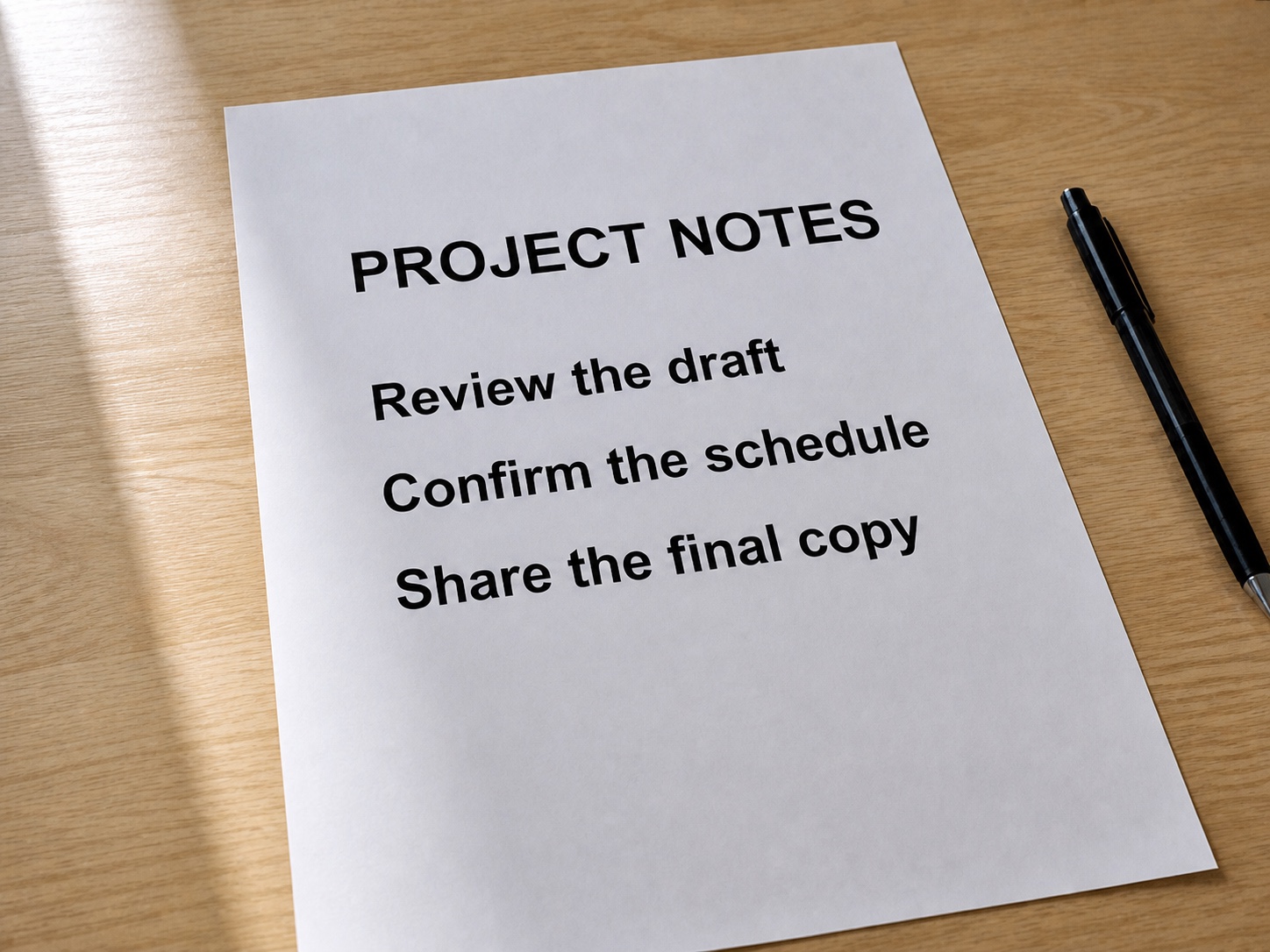
Improve a mildly soft page captured by a phone camera.
Mejora los bordes de las letras existentes y conserva las mismas palabras y el mismo diseño.
JPG, PNG, or WebP. Text clarity opens automatically.
This tool uses a non-generative image enhancer. It improves mild softness without asking a language model to invent or replace characters.
To unblur text, upload the clearest original image, run text enhancement, and compare the result with the original. Mild blur may improve; missing letters cannot be reliably recovered.
Choose the highest-resolution photo, screenshot, or scan you have.
The enhancer sharpens existing edges and reduces mild blur across the image.
Compare names, dates, prices, codes, and small print with the original before relying on them.
Use it when the words are present but softened by focus, motion, compression, or resolution.
Improve a mildly soft page captured by a phone camera.
Reduce compression softness around interface labels and small text.
Make existing lettering easier to inspect without rebuilding the scene.
Improve edge clarity before manually checking product or purchase details.
Enhancement can make text easier to inspect, but it cannot guarantee that every character is correct.
Answers about preserved wording, suitable images, and realistic limits.
Retoques rápidos. Resultados profesionales.
Sube la mejor fuente disponible y abre Text Clarity.
JPG, PNG, or WebP. Text clarity opens automatically.