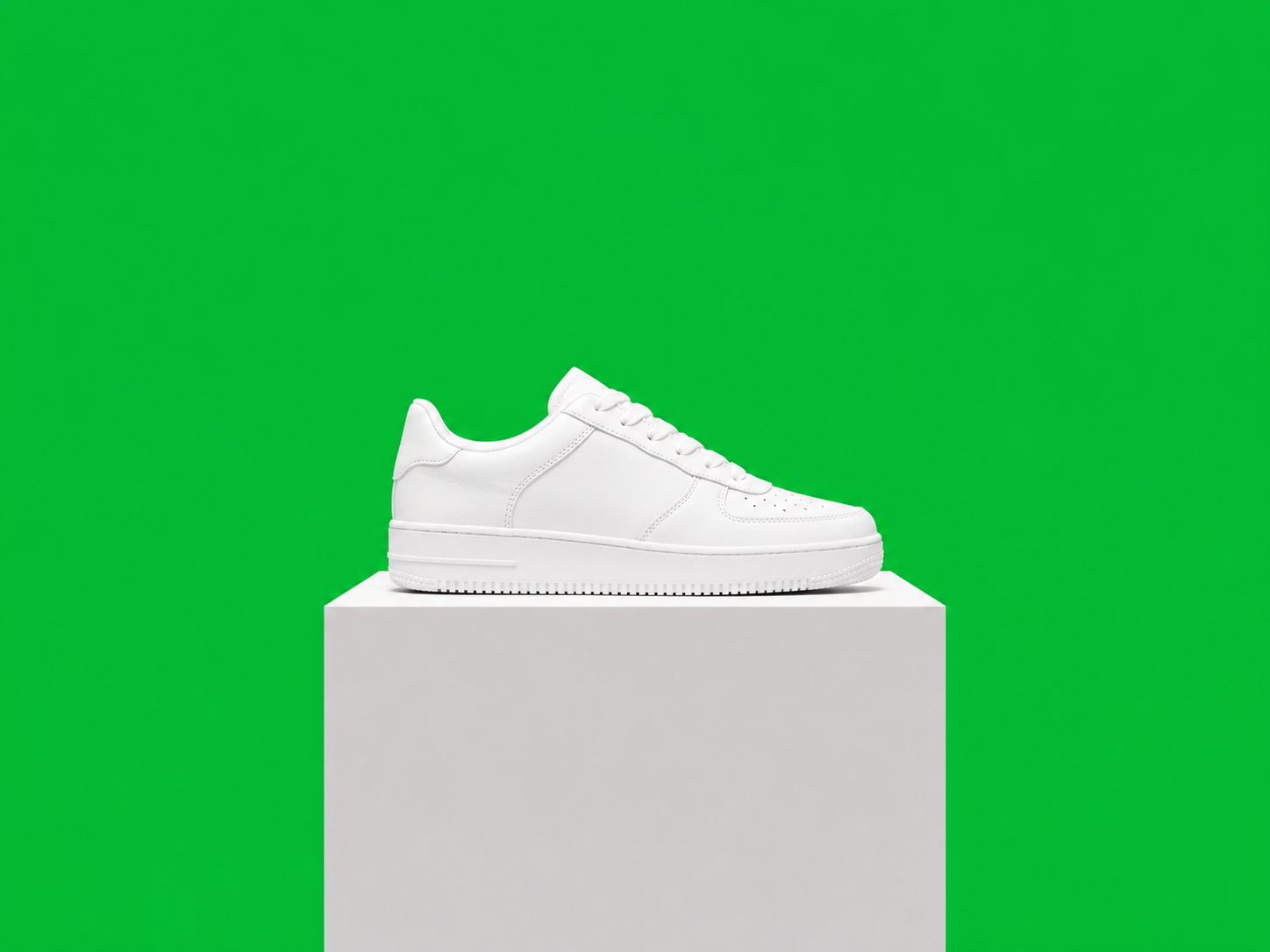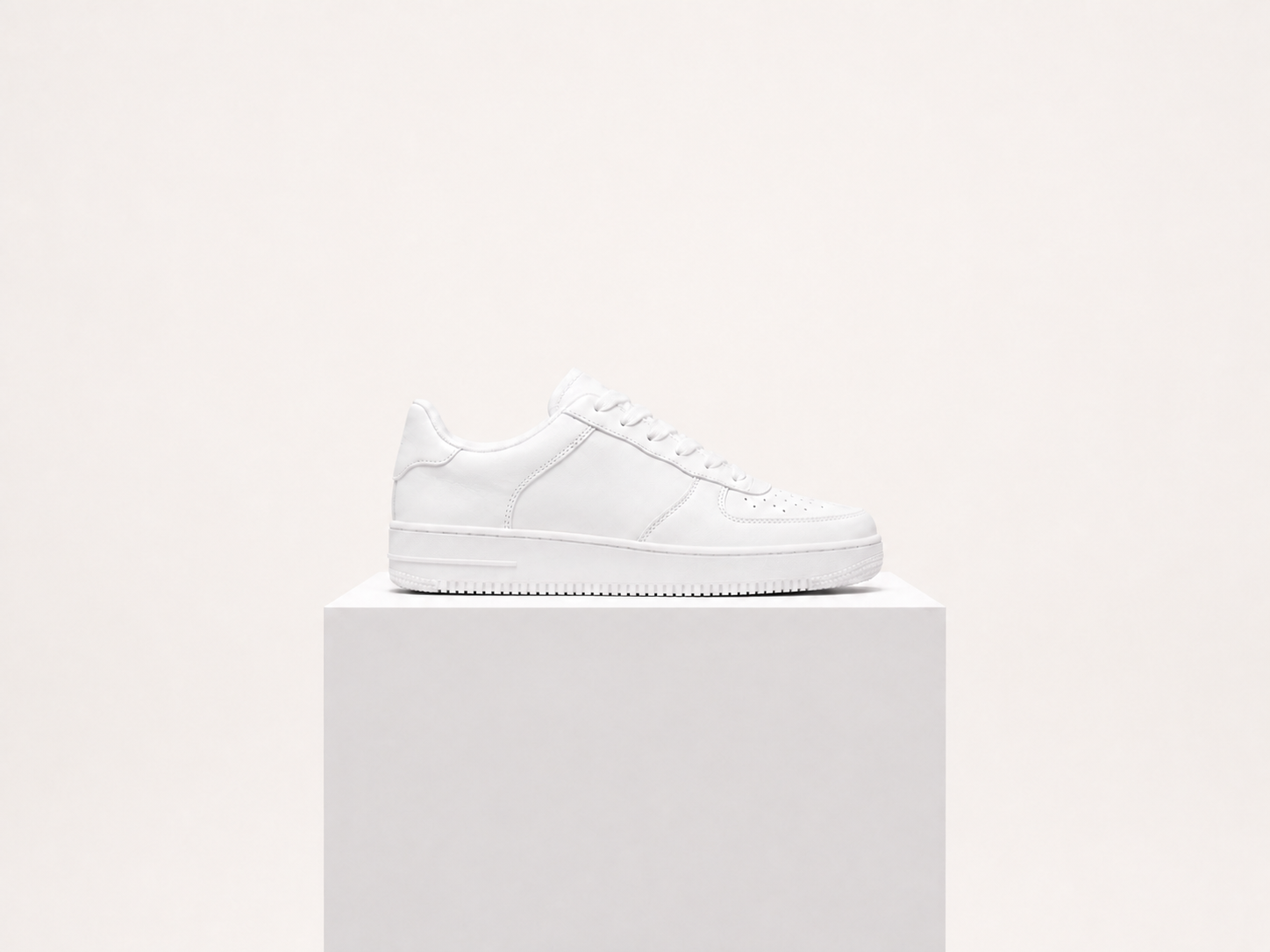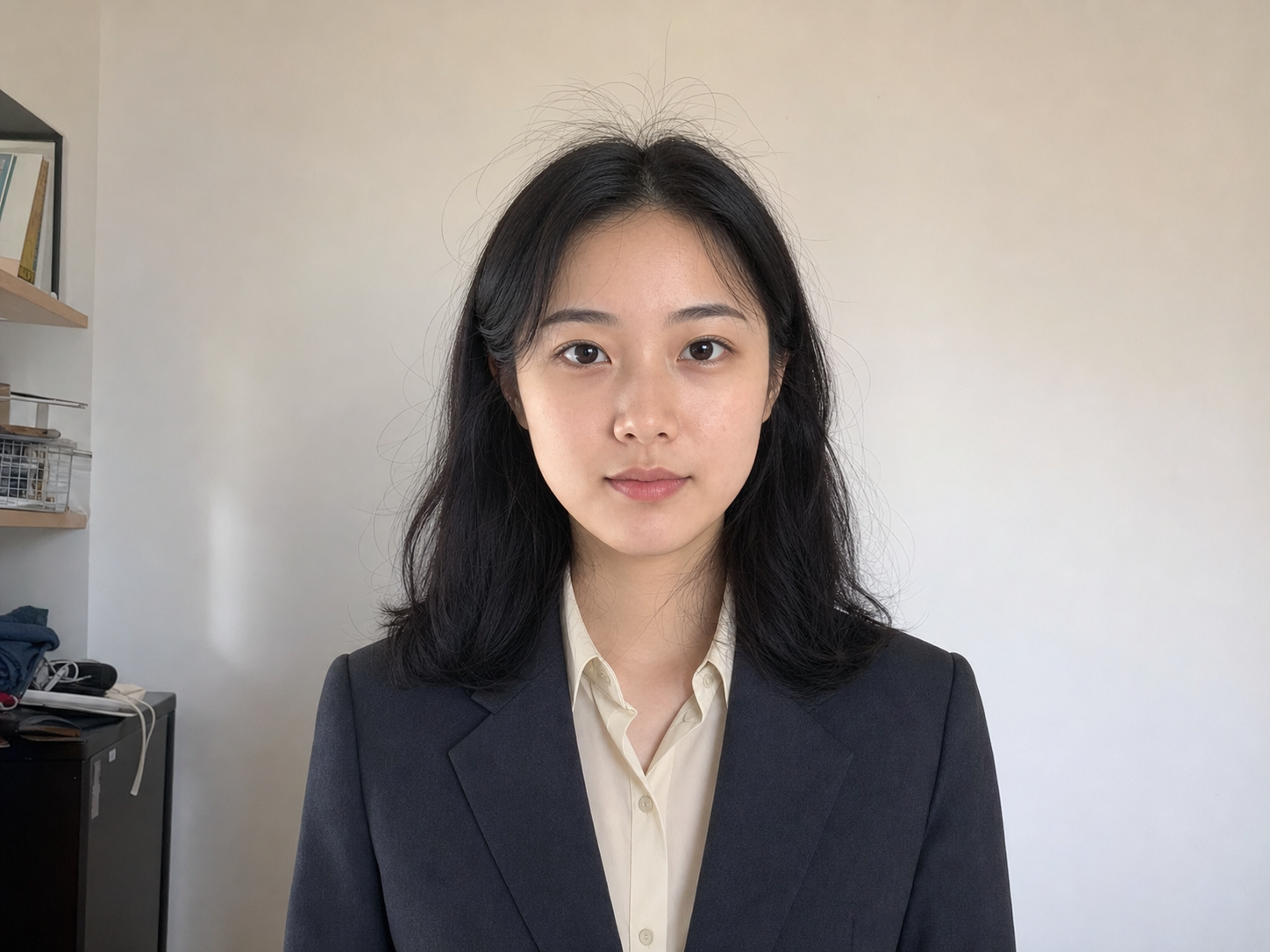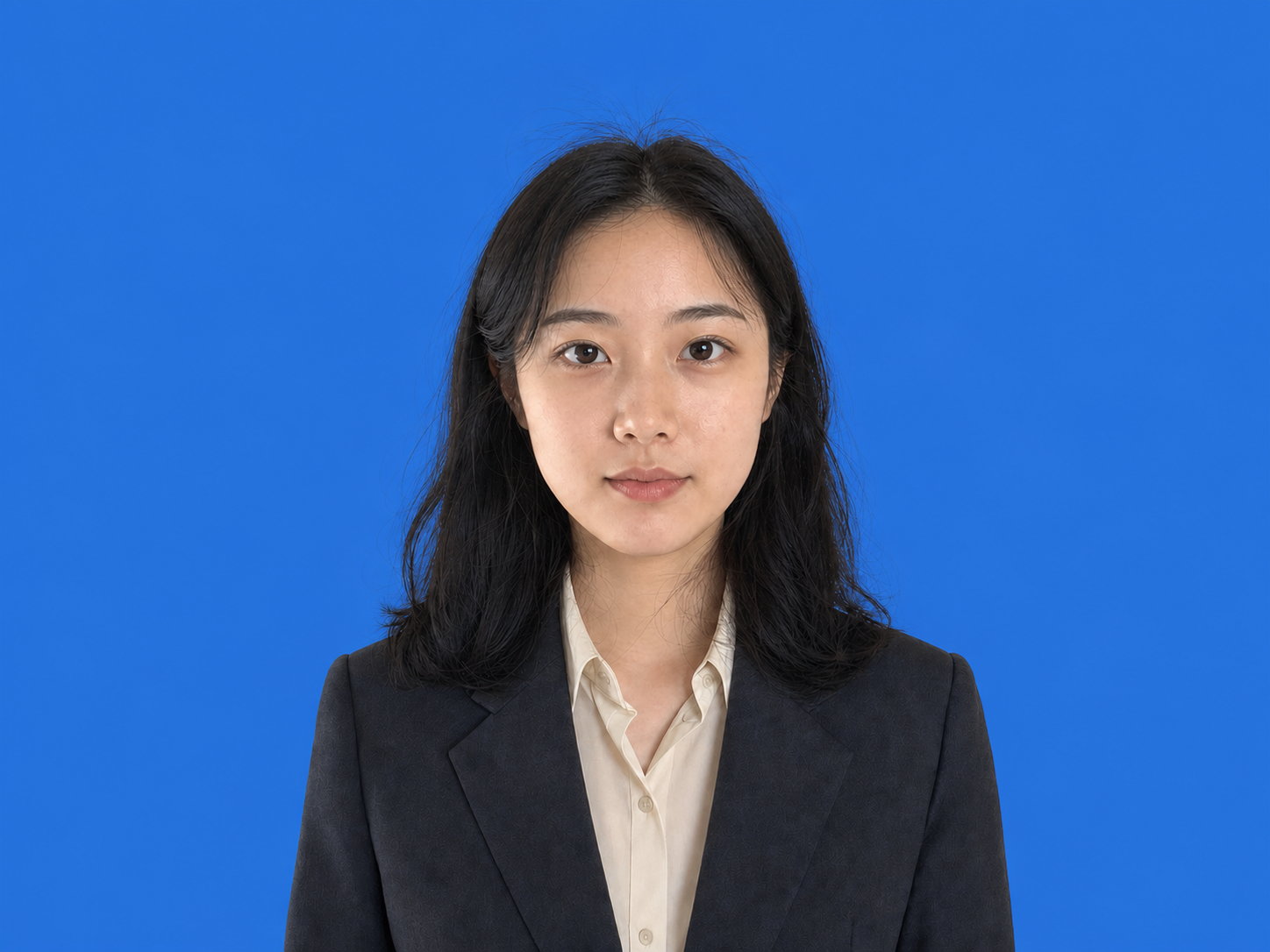
Profile portraits
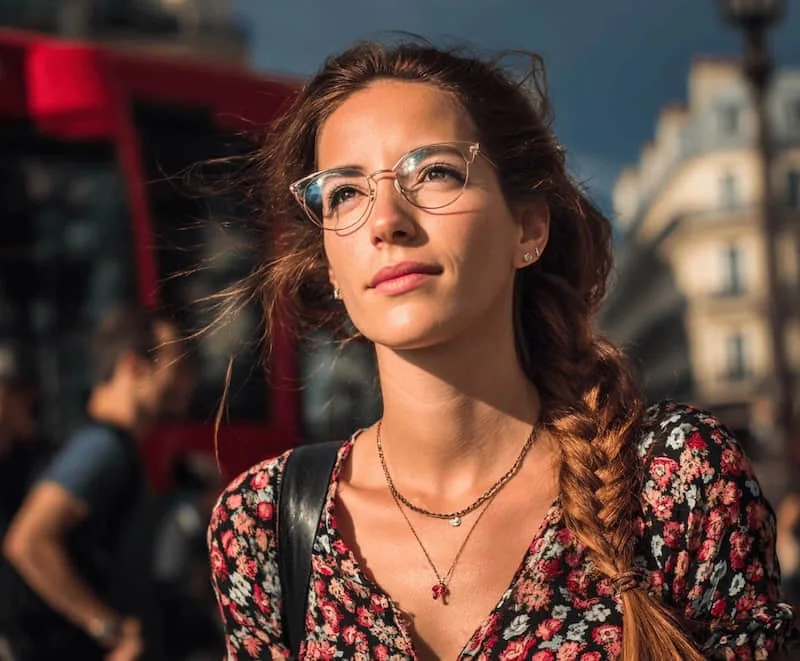
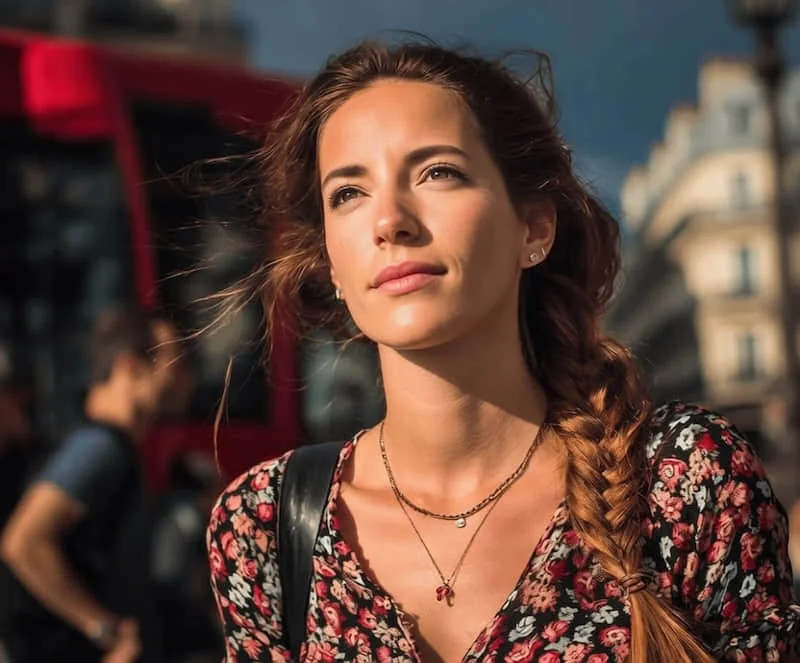
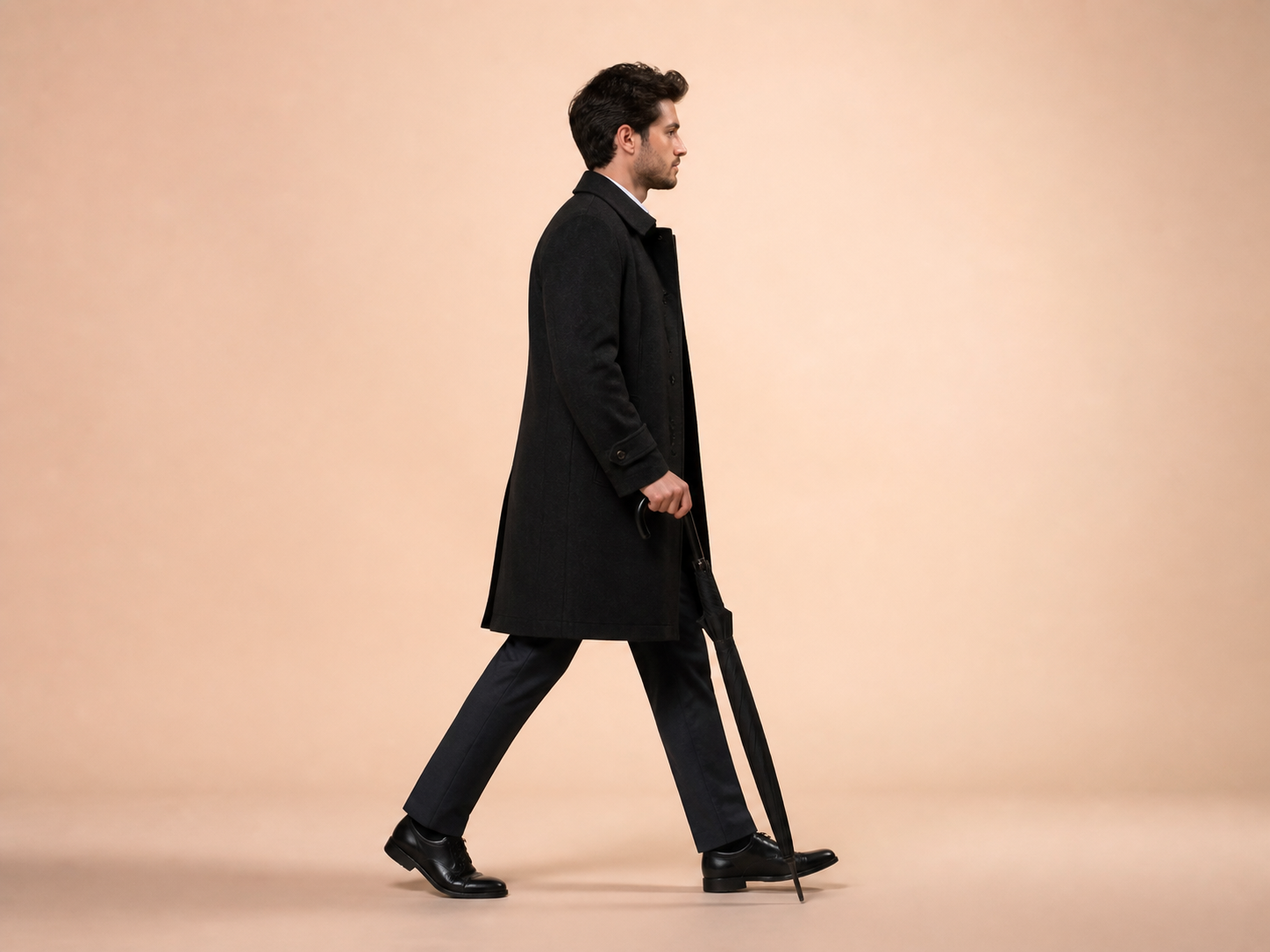
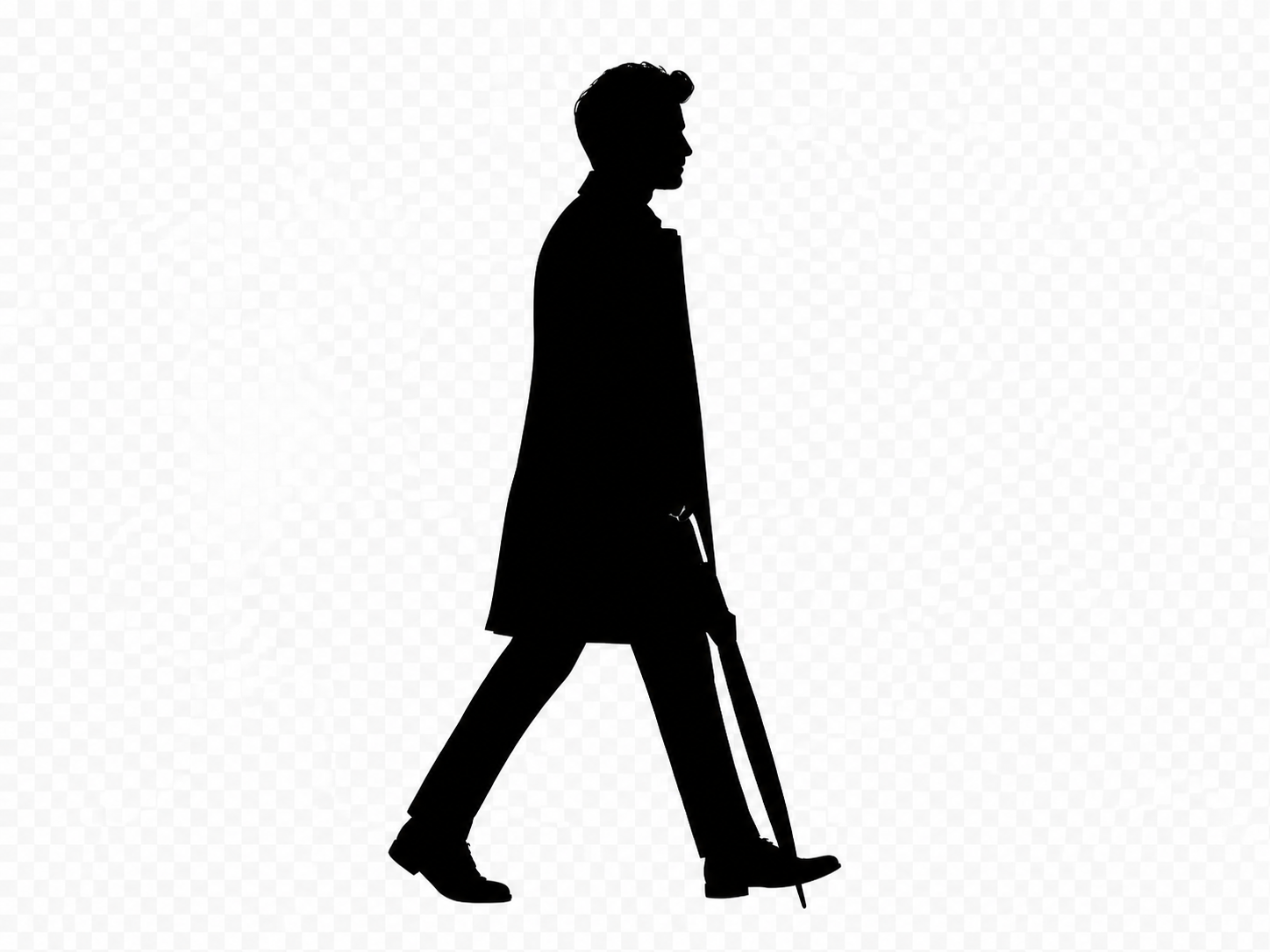
Create a classic side-profile silhouette for an avatar, invitation, or keepsake.
選擇剪影顏色與透明或純色背景;一般相片會先分離主體。
JPG, PNG, or WebP. Clear subjects with visible edges work best.
Silhouette
Silhouette Maker uses the existing subject alpha as a mask. If the photo has no transparency, it first runs the proven background-removal workflow instead of guessing with a brittle color threshold.
A clear subject with complete edges produces the most recognizable silhouette.
Choose a person, pet, or object with a visible outline and as little edge obstruction as possible.
Choose the silhouette color plus a transparent, white, or custom background.
Check hair, paws, gaps, and cropped edges before applying and downloading the PNG.
Silhouettes work when the outline carries the meaning and photographic texture should disappear.
Create a classic side-profile silhouette for an avatar, invitation, or keepsake.
Reduce a clear pet photo to the ears, tail, body, and pose that make it recognizable.
Turn a distinct product or object into a simple filled shape for a graphic layout.
Place a custom silhouette on invitations, posters, signage, or commemorative artwork.
The tool fills the isolated subject. It cannot reconstruct a cropped limb, separate overlapping subjects, or invent a hidden contour.
Answers about subject isolation, free processing, transparency, and output.
快速處理,也能獲得專業效果。
上傳清晰主體並選擇剪影與背景顏色。
JPG, PNG, or WebP. Clear subjects with visible edges work best.