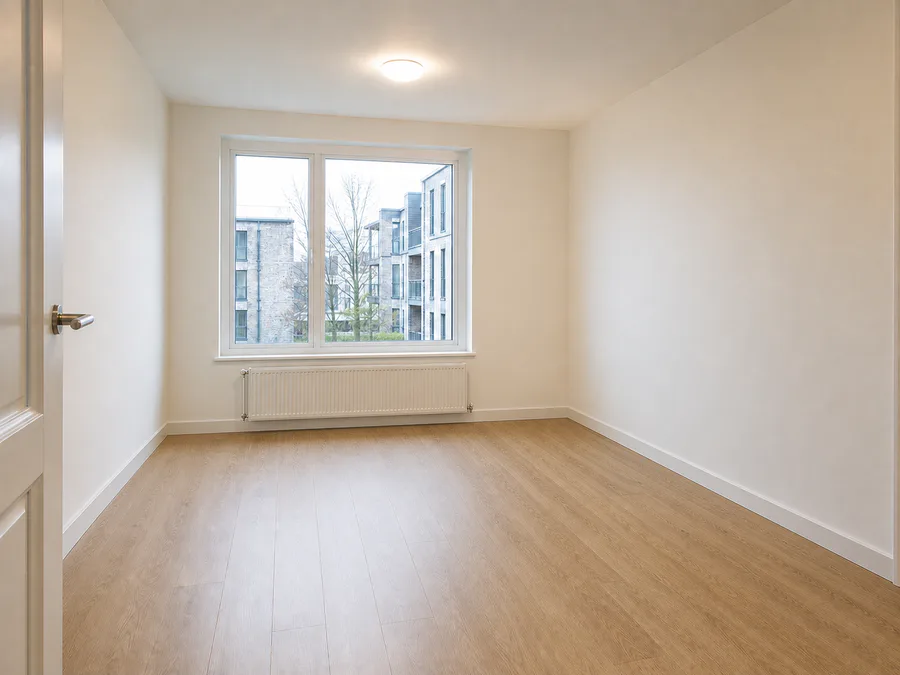
What is Empty Room?
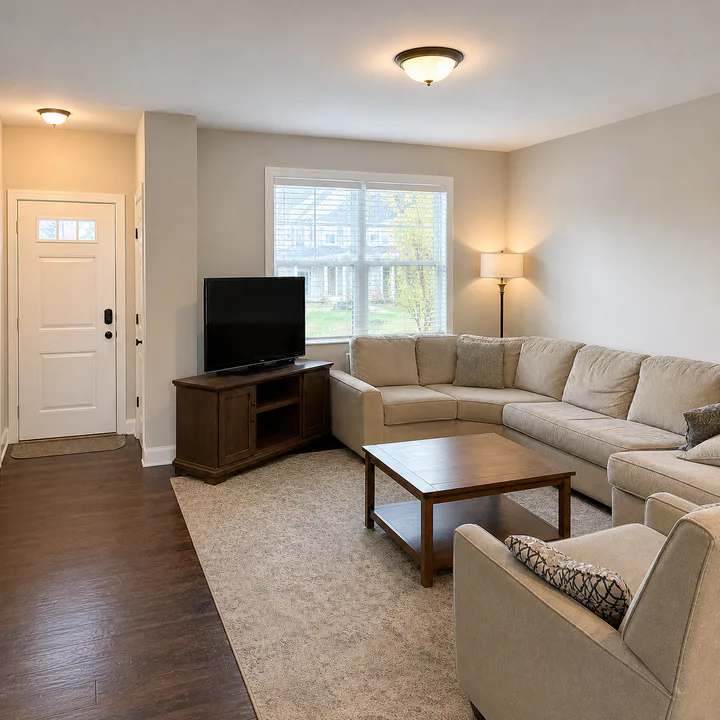
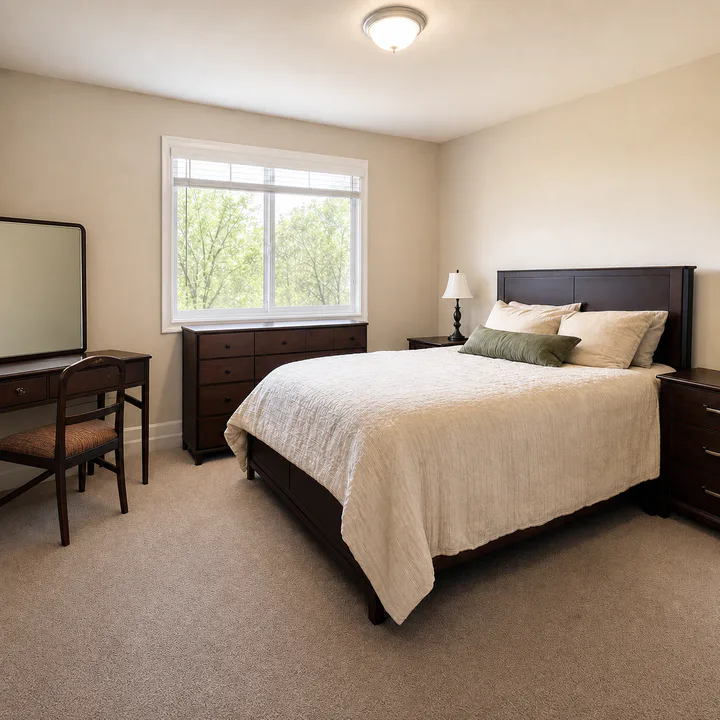
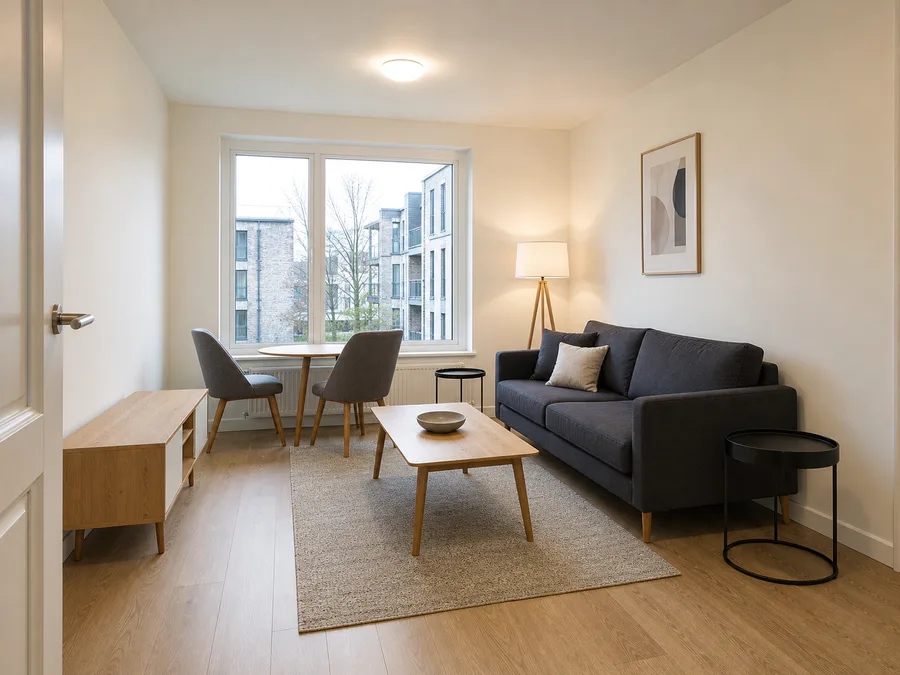
Empty Room is a ClearCrowds preset for removing furniture and bulky contents from interior photos. It is built for property, rental, renovation, moving, and listing workflows where the space itself matters more than the current furniture.
The preset asks the AI to remove beds, sofas, tables, chairs, boxes, rugs, and staging pieces while preserving architecture. Walls, floors, windows, doors, ceiling lines, baseboards, lighting direction, and room perspective should stay consistent.
When to use it
Use Empty Room when you want to show the room as a clearer blank space. It can help a listing photo show floor area, make a renovation preview easier to understand, or clean moving-day furniture from an otherwise useful property image.
Use Room Declutter instead when the furniture should remain and only small mess should be cleaned.
Tips for better room edits
Use a wide room photo with as much visible wall and floor context as possible. The AI can rebuild the space more naturally when it sees uninterrupted surfaces around the furniture. Very large furniture that covers most of the room may need a second pass or a better source angle.
For real estate use, review the result carefully before publishing. The edit should clarify the photo, not misrepresent permanent features of the property.