
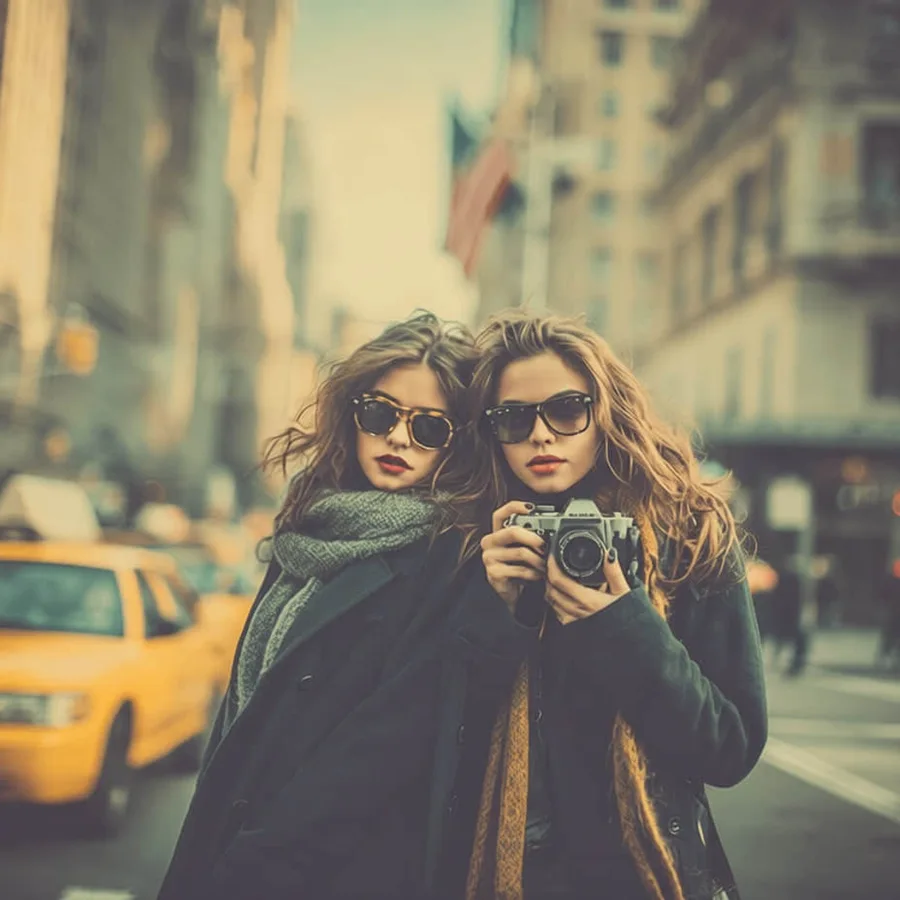
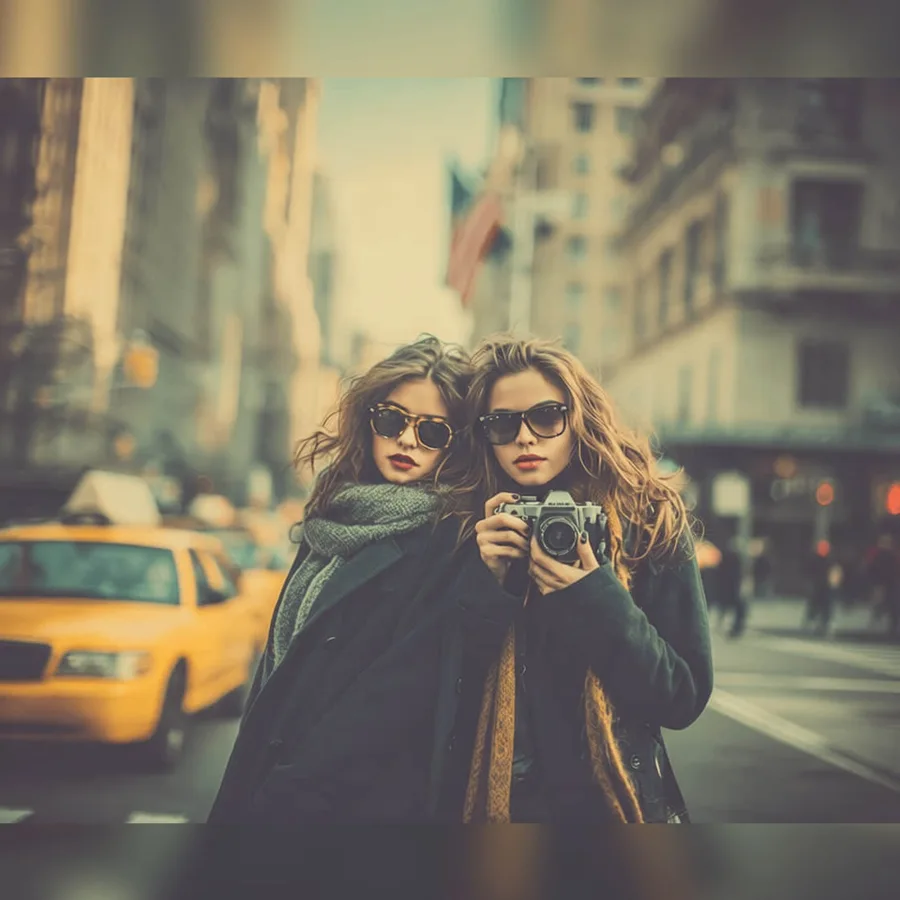
Social Media Resize converts a photo to the exact pixel size a platform expects: Instagram feed posts (1:1, 4:5, 1.91:1), Stories and Reels (9:16), YouTube thumbnails (16:9), Facebook, X, LinkedIn, Pinterest, and TikTok formats. Choose Fit to keep the whole photo visible and pad the empty space with a solid color or a blurred copy of the photo, Fill to smart-crop toward the most important region, or Stretch to force the exact shape. The edit runs with deterministic image processing instead of an AI model, so nothing in the photo is repainted or invented and the result is ready in seconds.
尺寸調整
社群尺寸裁剪
想快速完成尺寸調整類編輯、又不想手動搭建流程時,直接使用社群尺寸裁剪。
上傳照片
目前預設已選取。
社群尺寸裁剪
適用場景
社群尺寸裁剪適合哪些照片
快速修圖
商品圖流程
創作者素材
前後對比測試
立即試用
上傳照片並使用社群尺寸裁剪
ClearCrowds 會把這個預設帶入編輯器,照片開啟後即可直接開始處理。
上傳照片
目前預設已選取。
常見問題
常見問題
社群尺寸裁剪是什麼?
社群尺寸裁剪是 ClearCrowds「尺寸調整」分類下的一個預設。
可以用自己的照片試試嗎?
可以。上傳照片後,ClearCrowds 會開啟編輯器並自動選取該預設。